


 Ecommerce App Templates and Source Code
Explore ecommerce app templates with product catalogs, carts, checkout, customer accounts, order tracking, notifications and payment integrations for mobile retail projects.


Ecommerce app templates help businesses create a mobile shopping experience without building every screen and integration from the beginning. This page focuses on source-code products for catalogs, carts, checkout and order tracking rather than general web-store scripts. Packages can range from a customer-facing interface connected to an existing API to a complete solution with backend, database and administration panel.
Choose the architecture that matches the store already in use or the platform you plan to launch. A beautiful mobile catalog is only useful when inventory, pricing, customers and orders synchronize reliably. For web-first solutions, see PHP ecommerce and shopping cart scripts. Developers comparing mobile frameworks can also explore Flutter templates.


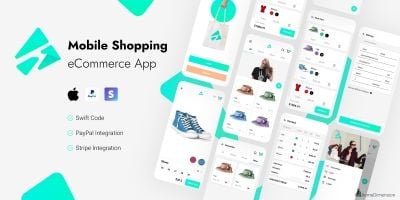

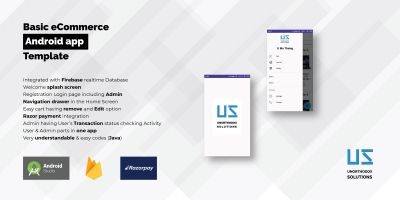
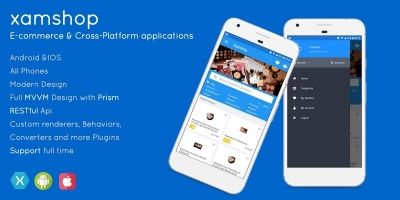
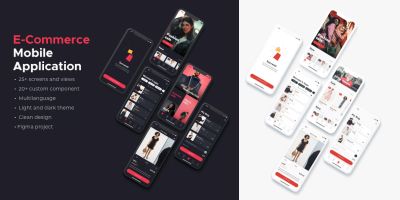
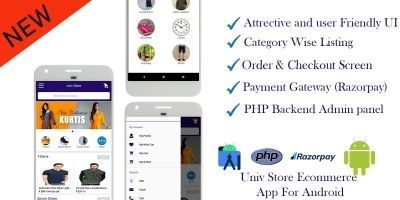
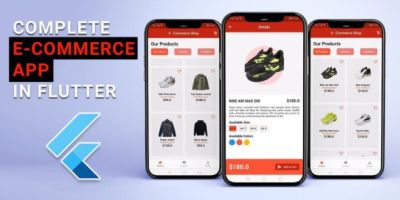
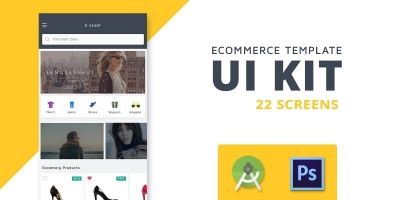
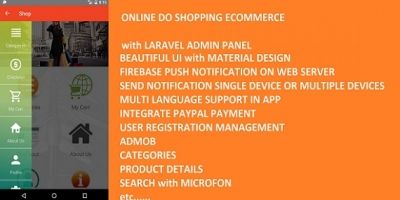
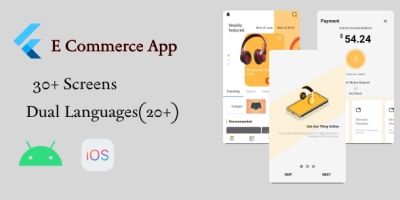
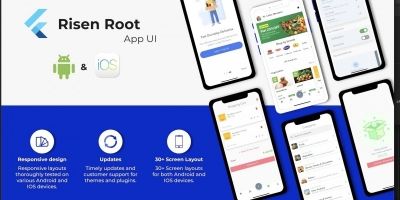
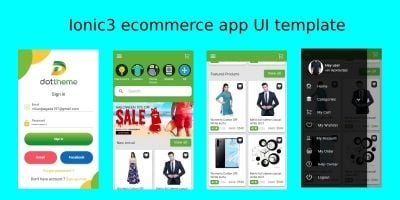
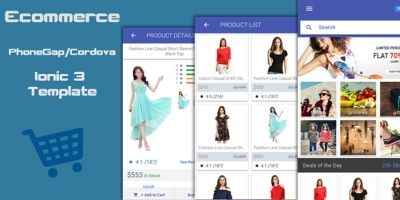
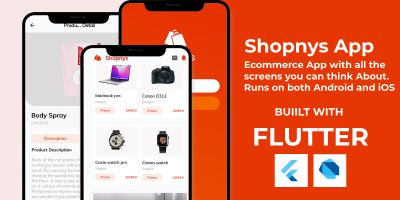
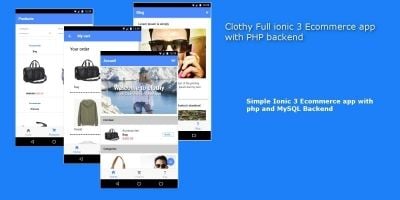
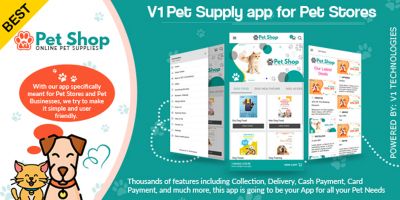

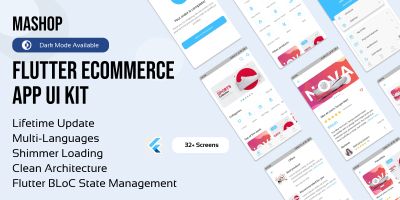
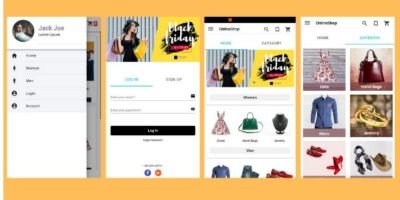

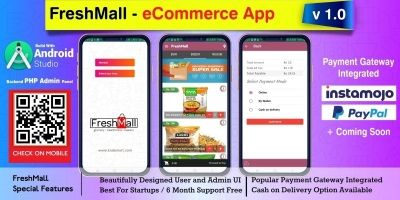
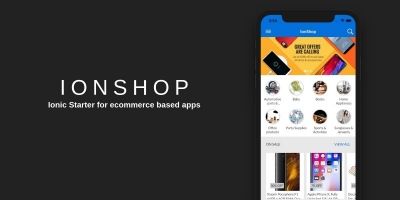
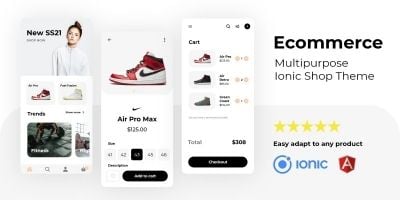
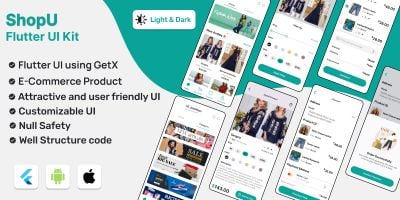

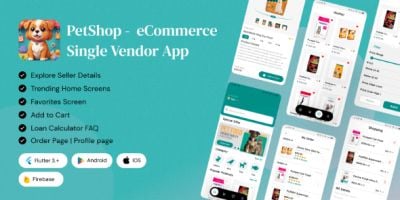
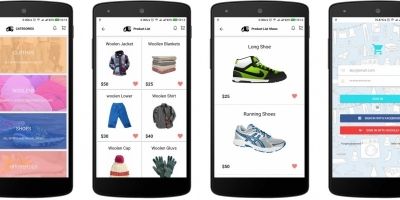
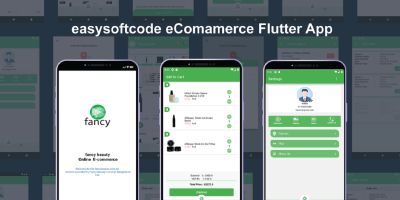
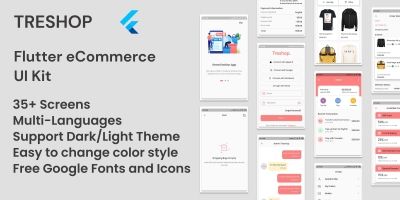


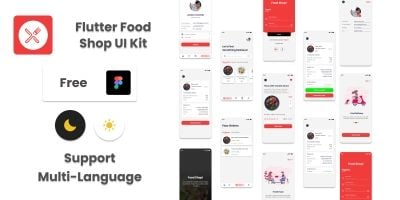

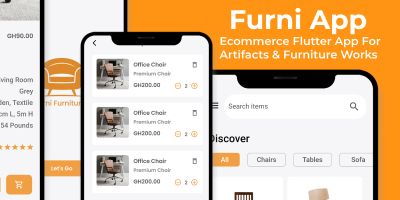
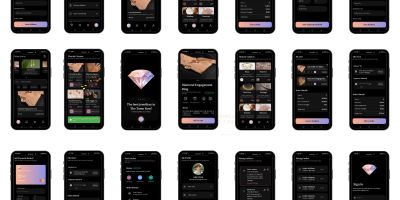

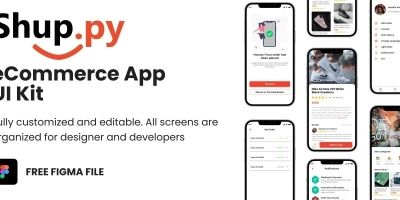
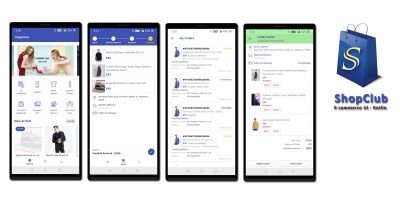
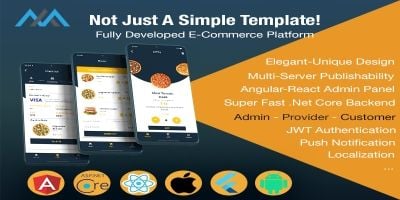


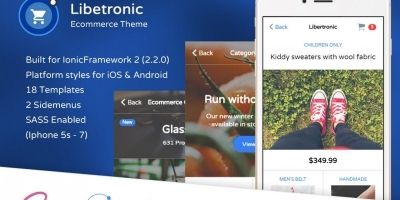
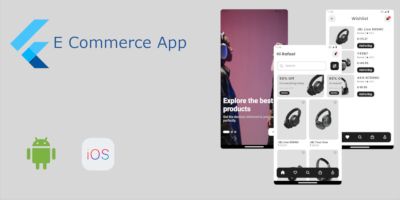
Single-store applications usually present one merchant's products, branding and fulfillment policies. Multi-vendor apps add seller onboarding, commissions, product approval, separate order responsibilities and payout reporting. Some templates are designed for physical retail, while others focus on digital downloads, services, subscriptions or local delivery.
Inspect the catalog model before concentrating on visual design. Stores may require variants, size and color combinations, bundles, configurable products, minimum quantities, regional pricing or tax-inclusive prices. Search, filtering and navigation should remain responsive when the catalog grows.
- Product categories, variants, media and stock status
- Search, filters, wish lists and recently viewed items
- Cart rules, coupons, shipping and tax calculations
- Guest checkout and registered customer accounts
- Payment gateways and order confirmation
- Delivery tracking, returns and customer notifications
- Ratings, reviews and support contact options
Backend compatibility is often the deciding factor. Some apps connect to WooCommerce, Shopify or another existing platform; others use a custom API included by the author. Check which platform and API versions are supported, how authentication works and whether webhooks or background synchronization are used. An outdated connector can prevent products, stock or orders from updating correctly.
Checkout must handle real-world exceptions. Test unavailable stock, expired coupons, changed shipping rates, declined payments, duplicate taps and interrupted sessions. Verify that totals are calculated on the server rather than trusted from the device. Customer addresses, payment tokens and account data require secure transmission and storage.
Mobile performance influences conversion. Large product images, long lists and slow API responses should not block basic navigation. Review caching, pagination, image optimization, deep links and push notifications. Accessibility, localization and right-to-left layouts may matter for international stores.
Decide whether you need a standalone commerce platform or a mobile client for an existing store. Confirm the backend, API and administrator tools included in the purchase. Compare the product and order models with the actual requirements of your catalog.
Review supported payment providers, shipping methods, currencies, taxes and languages. Test a complete purchase in the demo, including an unsuccessful payment and order cancellation. Check the source-code framework, update history and required third-party services.
- Verify synchronization with the intended ecommerce backend.
- Check variants, stock, coupons, taxes and delivery rules.
- Confirm server-side validation of prices and payments.
- Review app-store requirements for the products being sold.
- Estimate maintenance when platform APIs change.
Does an ecommerce app template include a backend?
Some packages include a complete backend and administration panel, while others connect to an existing ecommerce platform or API. Check the item contents and supported versions carefully.
Can an ecommerce template support my payment gateway?
Only gateways implemented by the product are available without development work. Confirm support for your country, currency, business type and mobile platform, and expect to create your own merchant account.
What is the difference between single-store and multi-vendor ecommerce apps?
A single-store app represents one merchant. A multi-vendor platform adds sellers, commissions, product approval, separate fulfillment responsibilities and payout management.
Can I publish an ecommerce source-code app under my own brand?
Licensing may permit customization, but you must review the specific product license, replace all demonstration content and ensure the resulting app complies with store, payment and privacy rules.
Plan the full customer journey from app installation through delivery and support. Product information, stock and prices should remain consistent with the website and administration system. Define how cancellations, refunds, partial shipments and returns are communicated in the app.
Before submitting to an app store, replace demo products, keys, analytics IDs and notification credentials. Review privacy disclosures for account data, tracking and marketing messages. Confirm that digital goods follow platform billing rules where applicable.
Keep the mobile-app collection distinct from the existing web ecommerce scripts. Products should appear here only when a substantial mobile application is part of the package, reducing duplicate inventory and keyword cannibalization.