


 Game Graphic Assets
Browse 721 game graphic assets to help you create your next game. These assets include game assets, game art, and 2D game assets ready to download. Ideal for Unity and Unreal Engine, with files in PNG and PSD. Customize fast, keep your visuals consistent, and ship sooner.






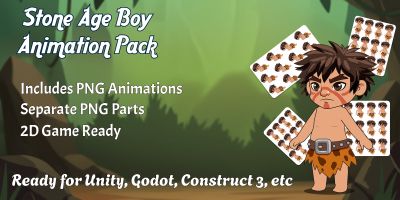
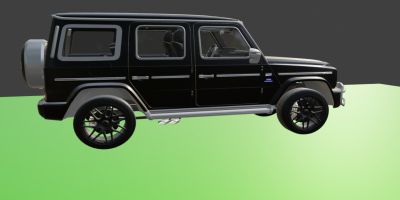
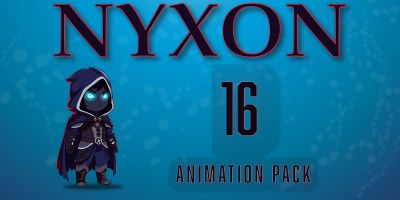
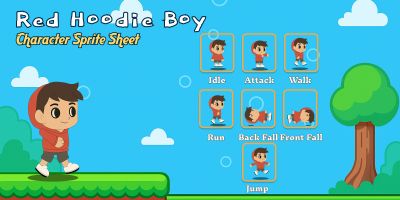





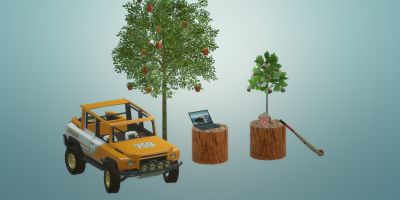


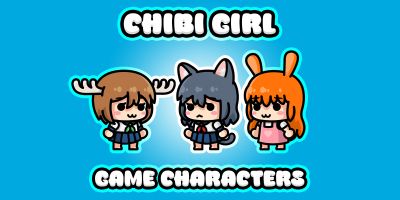


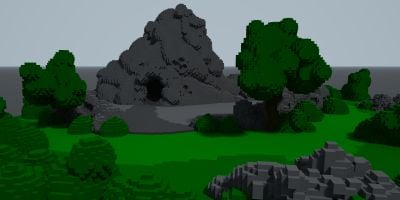
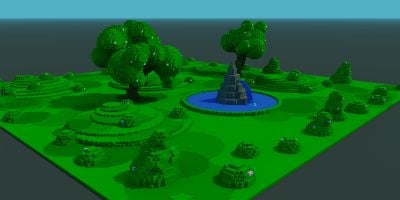
More about Game Assets
If you’re putting together Unity or polishing a Unreal Engine, the right game graphic assets makes the whole project feel more intentional. This collection brings together game assets, game art, and 2D game assets that you can drop into your workflow and customize without drama. Expect practical files in PNG and PSD, plus previews that make it easy to compare styles. Whether you’re building for clients or shipping your own product, you’ll find options that look modern, stay consistent, and save you time.
Building a full game kit? Combine this category with Game Assets, Textures & Patterns, and Unity Assets & Templates to keep art and implementation aligned.
Included in this category
- game assets and game art designed to stay readable at real-world sizes.
- Files in PNG / PSD so you can tweak colors, layers, and typography.
- Styles that work for Unity and Unreal Engine — from clean and minimal to bold and playful.
- Game-ready assets that can be adapted for different resolutions and UI scales.
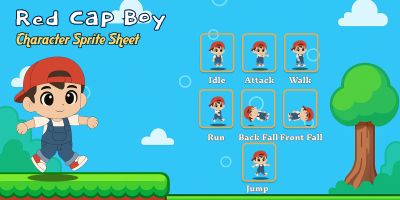
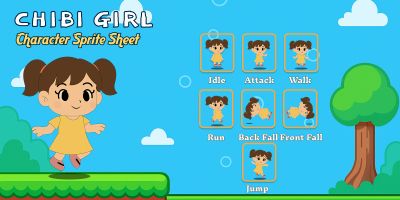
- Useful variations such as 3D game assets and sprite sheets for common project needs.
- Community-made downloads that are easy to compare using sorting and filters on the page.
Where these files shine
Creators use game graphic assets for everything from quick prototypes to polished releases. These are especially useful for:
- Unity
- Unreal Engine
- Godot
- mobile games
- indie games
- prototypes
Working with the files
Most downloads are delivered in familiar formats such as PNG, PSD, SVG and FBX. That means you can edit in your preferred tools and export exactly what your project needs. Check layer structure and naming. Well-organized files are faster to customize and easier to maintain.
Picking the best fit
A small checklist goes a long way: does it scale well, does it read at small sizes, and is it easy to tweak? For templates, pay attention to grids and typography hierarchy. For graphical assets, check if layers are named and grouped logically. And if you’re buying for a team, pick a style that can carry through future pages and screens without looking out of place.
Things to double-check
This stuff is easy to skip when you’re in a hurry, but it pays off. A two‑minute check now can save an afternoon of fixes later.
- Open the source file once before you commit — it’s the fastest way to spot messy layers or missing assets.
- Check for consistency: spacing, alignment, and style details should match across the pack.
- Make sure text is editable (or easy to replace) and key elements are grouped logically.
- Preview the assets against a busy scene to confirm readability during gameplay.
- Keep an eye on file sizes; downscale exports where appropriate for mobile performance.
A cleaner workflow
Most projects get messy when assets live in ten different places. Centralize your downloads, keep source files separate from exports, and write down a couple of rules for sizing and spacing. It’s not glamorous, but it’s the difference between a quick update and a half-day cleanup later.
Practical tip: Import one asset pack into a small test scene first. Check scale, pivot points, and readability before you commit to it for the whole project.
A few common questions
- How do I choose quickly? Pick a style that matches your project, then test it in-context before committing.
- Are source files included? Many downloads include editable sources. Check the format list on each item page.
- What’s the fastest way to customize? Update colors and typography first; then adjust details like spacing and icons.
More categories to check
- 2D character sprites
- 3D game objects
- Game backgrounds
- Game interface graphics
- Textures & patterns
- Unity assets & templates
Helpful resources
Want to dig deeper or align with common conventions? These references are handy while you customize:
Take a look at what’s available, choose a style that fits, and download what you need. When you keep your graphics consistent across UI, branding, and marketing materials, everything feels more polished — even before you add custom touches. Use the related category links below to build a complete set for your next release.