


 CSS Templates And Code
Download CSS templates and code snippets, including responsive HTML CSS templates, menus, buttons, animations, sliders and layouts. Get pure CSS components and effects to speed up front-end design, customize Bootstrap or Tailwind CSS themes and build fast, mobile-friendly websites for modern UI UX projects in minutes, without writing complex CSS.


















Download CSS Templates & Code Snippets for Modern Web Design
The CSS Templates And Code section on Codester brings together practical CSS templates, CSS code snippets and small front-end utilities you can drop straight into real projects. Here you will find responsive HTML CSS templates, pure CSS components and reusable styles for menus, buttons, animations, sliders, forms and page layouts – everything you need to speed up modern UI design without touching heavy JavaScript.
If you want a quick overview of what other developers are using, take a look at the Top 20 CSS Templates And Code list. This page highlights some of the most trusted items in the category, such as animation libraries, responsive sliders, toggle switches, timers and icon sets. Starting from a battle-tested snippet instead of reinventing the same CSS from scratch is often the fastest way to improve a design.
Within the main CSS category, you’ll see a mix of lightweight effects and more complete HTML CSS templates. Typical examples include:
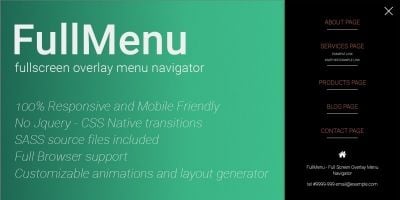
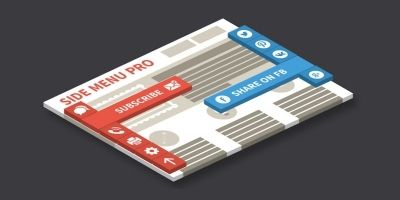
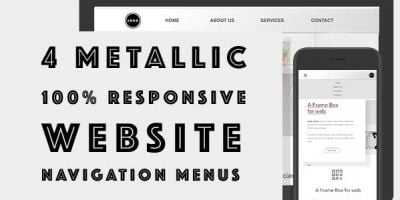
- Navigation menus, sticky headers and responsive dropdowns.
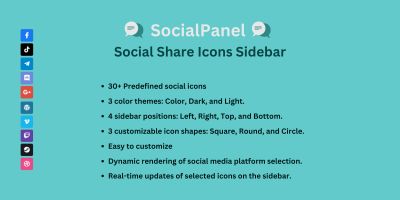
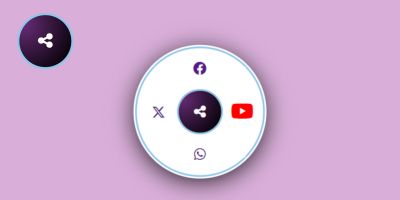
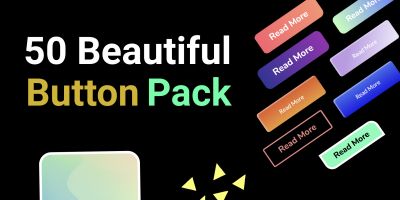
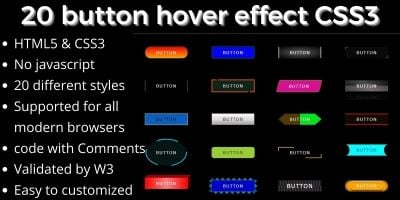
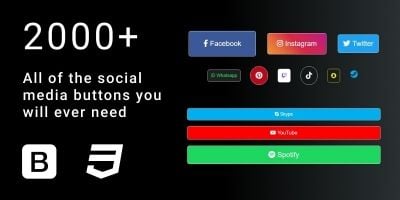
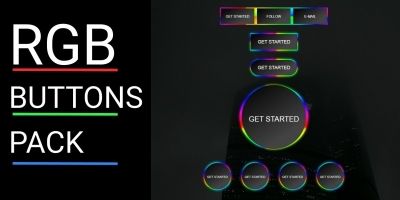
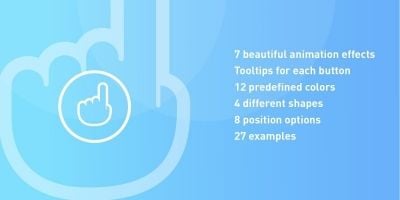
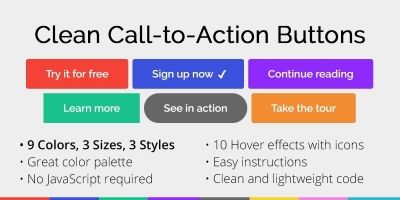
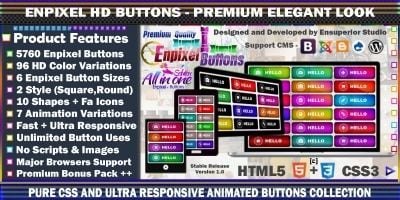
- Button packs, icon sets and social media hover effects.
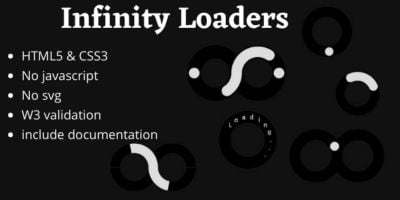
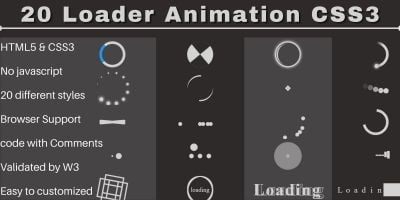
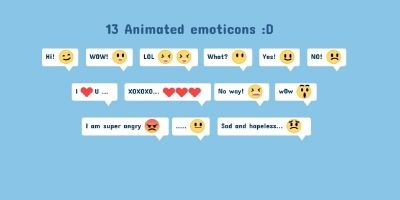
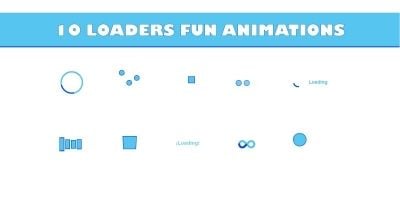
- CSS animation libraries for attention-grabbing transitions and loaders.
- Responsive sliders, galleries and hero sections built with pure HTML and CSS.
- Utility frameworks and mini CSS toolkits for grids, cards and layouts.
For richer motion and micro-interactions, there are dedicated animation packs like Animotion – Leading CSS Animation Library and Modern 3D CSS Animations – 60 Plus Effects. When you need a visual focus area or hero section, components such as the Responsive CSS Full Slider give you clean, responsive HTML5/CSS3 markup with ready-made transitions, columns and navigation. You can plug these into any landing page, portfolio or product site in minutes.
A common workflow is to grab one or two CSS code snippets from this category and combine them with a larger HTML or CMS template from elsewhere on Codester. For example, you can pair a CSS slider or animation library with a theme from the HTML Themes section or with a design from WordPress Themes. This way your layout comes from a full template, while the fine-grained visual polish is handled by specialised CSS assets.
If you work mostly on application backends or full-stack development, the CSS category fits naturally alongside the main Scripts & Code overview. You might build functionality with PHP Scripts or NodeJS, then layer on modern presentation using CSS templates, loaders, forms and button packs from this page. For front-end-heavy projects, you can also mix in assets from AngularJS Projects With Source Code or other JavaScript-focused categories and then refine the styling with these CSS snippets.
To explore beyond this specific category, the CSS tag shows a wider selection of items across Codester that use CSS, including themes, UI kits and complete website templates. It’s a handy way to find more HTML CSS templates, landing pages or Bootstrap-based designs that still rely heavily on clean stylesheet work.
When you’re browsing, you can sort the list by newest releases, most popular, best rating or price to match your priorities. Open a few
items in new tabs, check the screenshots and live demos, and skim the feature list to see what each CSS snippet actually does. Pay
attention to the files included – most assets in this category ship as pure .css and .html – and to any notes
about frameworks such as Bootstrap or Tailwind CSS so you know exactly how they will fit into your stack.
These CSS templates and code snippets are useful for almost any front-end task. You can:
- Drop a ready-made responsive menu or header into an existing site.
- Add subtle hover states, cards and shadows to improve UX without a redesign.
- Use animation libraries to highlight key CTAs, hero sections or onboarding steps.
- Prototype new ideas quickly by combining sliders, buttons and sections into a simple HTML CSS template.
- Study how other authors structure their CSS to refine your own style or design system.
For designers and beginners, this category also works as a gallery of real-world CSS snippets. Instead of reading only abstract documentation, you can open a complete demo, inspect the styles, then tweak colours, spacing and breakpoints to see how the layout responds. Because each purchase includes the full source, you are free to experiment, refactor class names or integrate snippets into your own component library.
Whether you are building a new landing page, refreshing an existing site or assembling your own design system, the CSS Templates And Code category and the Top 20 CSS Templates And Code page give you a curated starting point. Pick a few components that match your brand, plug them into your HTML, and you’ll have a more polished, responsive interface in a fraction of the time it would take to handcraft every line of CSS yourself.