


 Tumblr Themes


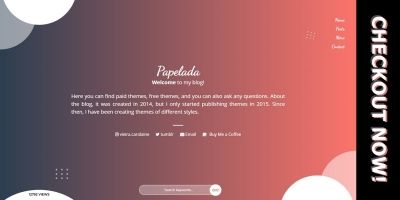
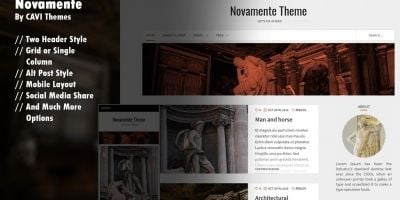
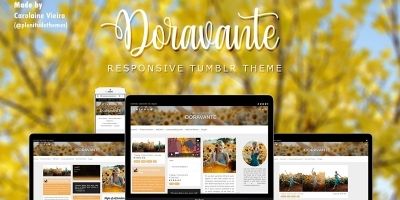
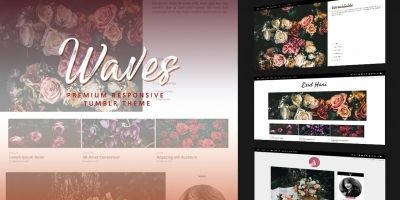
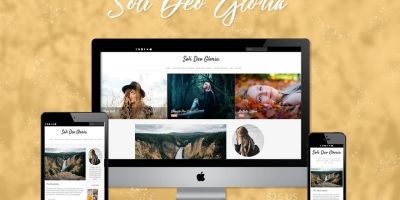

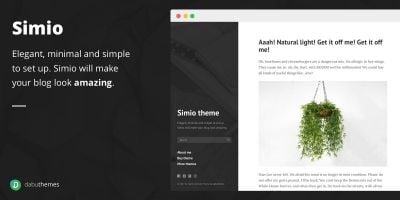

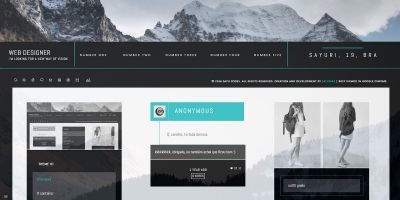
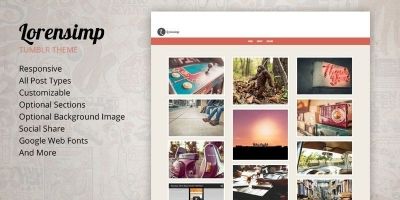

Tumblr themes
Tumblr Themes on Codester are aimed at creators who care more about readable content and community feel than heavy marketing sliders. For microblogs, inspiration feeds and fandom blogs, picking the right theme is mostly about typography, contrast, spacing and how quickly visitors can jump between posts or threads.
Spend a bit of time inside the demos. On a blog-oriented theme, scroll through long posts, scan heading levels and check how code blocks, quotes and image captions look. On a forum or community skin, focus on thread lists, profile pages and private messaging – those are the screens regular members will stare at every day.
Healthy communities also depend on performance. Light pages make your archive and topic pages easier to crawl and help search traffic grow naturally over time. Look for themes that avoid unnecessary sliders, autoplay videos or huge hero images on every single page. Simple layouts tend to age better and are easier to rebrand later.
Many site owners combine a discussion area styled with MyBB themes or Osclass themes and a main site using WordPress themes or Ghost themes, all discovered through the Website Templates & Themes category.
Whichever design you choose, make sure you also set basic on-page SEO: descriptive titles, meaningful meta descriptions and internal links between cornerstone posts or key categories. Theme tinkerers often keep Tumblr themes help open in a tab while editing colours, typography and theme variables to match their brand or aesthetic.