OctoKing - Responsive One Page Website BuilderOctoKing - Responsive One Page Website Builder
Create Responsive One-Page Website Without Code(No coding skill required)
OctoKing - Responsive One Page Website Builder
Create Responsive One-Page Website Without Code(No coding skill required)
×
This item is temporarily not available for sale
Screenshots
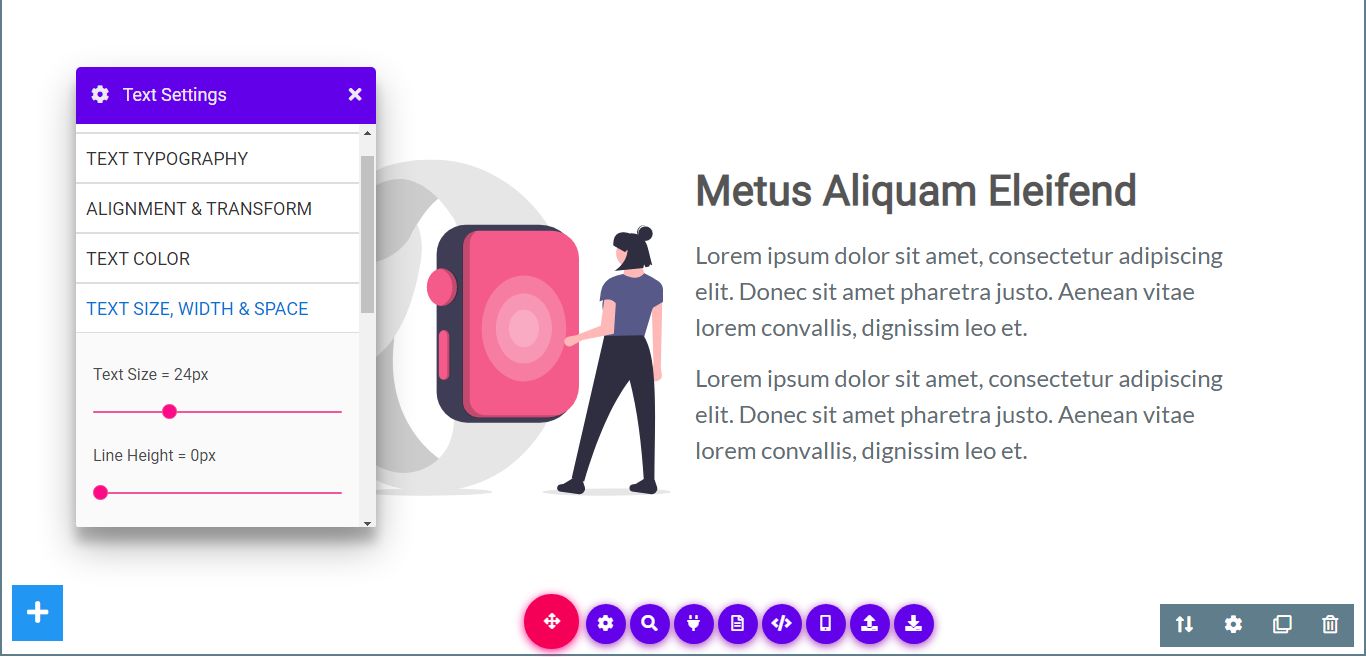
Overview
About OctoKing
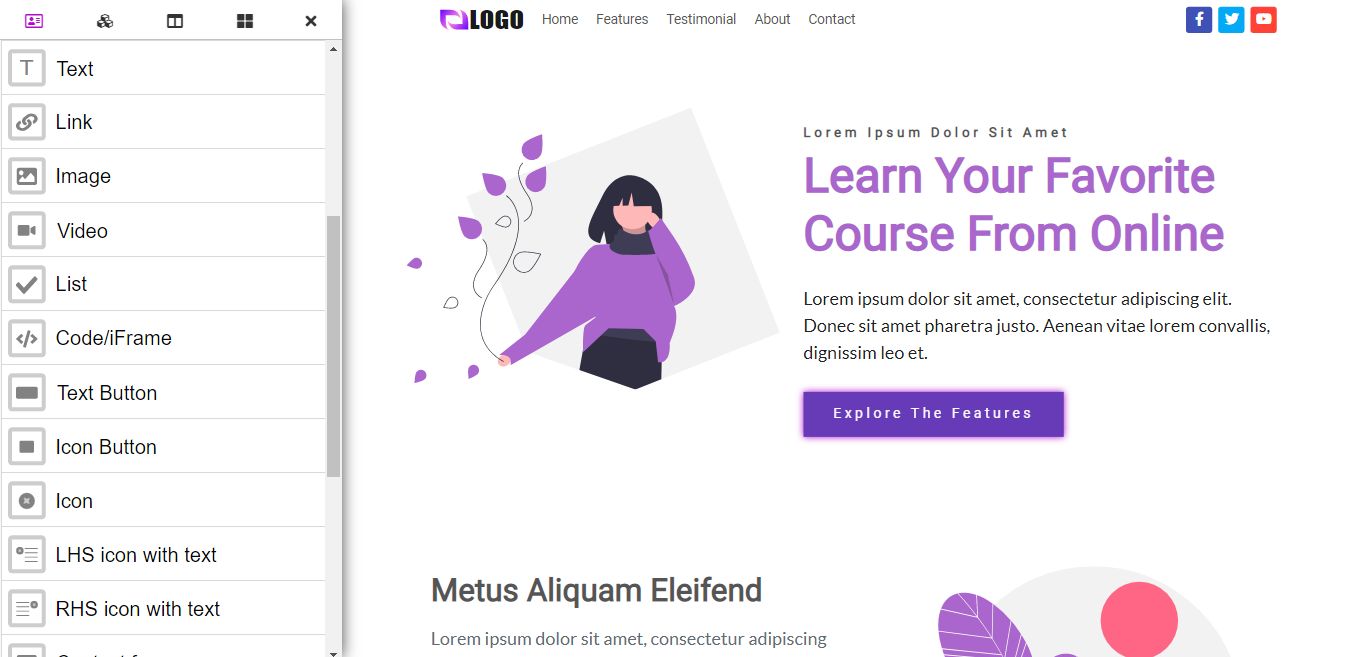
OctoKing is a no-code drag-n-drop responsive one-page website builder. You can visually create almost any kind of single-page website with it.
You can create a Coming Soon Page, Business Landing Page, Profile Page, Under Construction Page, Maintenance Page, Services Landing Page, Product Landing Page, App Landing Page, Book Launch Page, And More.
Demo: https://octoking.com/pro/index.html
Video Tutorial: How To Create Landing Page Using OctoKing Drag-and-Drop Website Builder
No coding skill is required.
Workflow
- Create/Design your webpage in the builder
- Export/Download it in your hard drive
- Unzip the file and host them on your server/hosting using FTP
Features


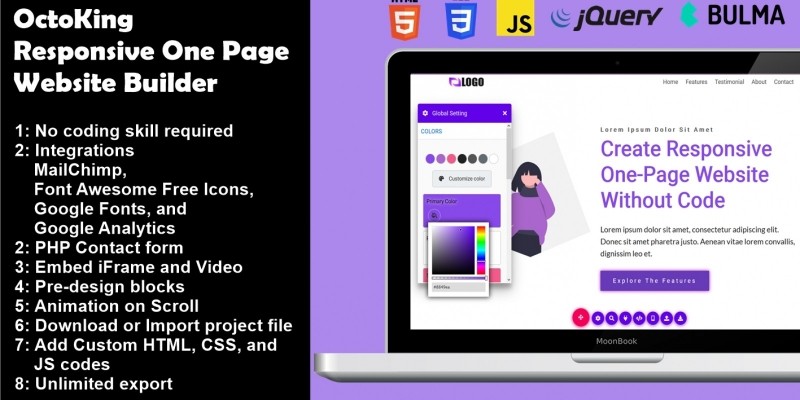
- Easy-to-use Drag-and-Drop Website Builder
- No coding skill required
- Integrations (MailChimp, Font Awesome Free Icons, Google Fonts, and Google Analytics)
- PHP Contact form
- Embed iFrame and Video (Youtube, Vimeo)
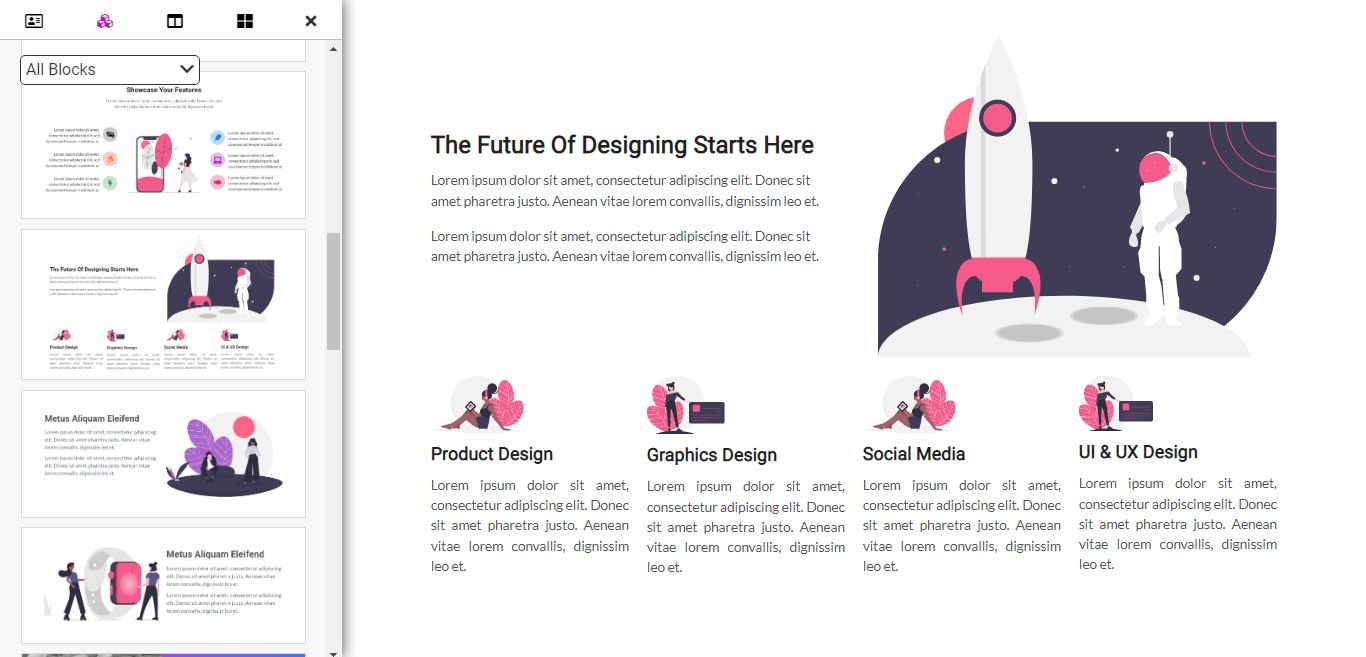
- Pre-design blocks
- Animation on Scroll
- Download or Import project file for further modification
- Add Custom HTML, CSS, and JS codes
- Unlimited export
Features
- Easy-to-use Drag-and-Drop Website Builder
- No coding skill required
- Integrations (MailChimp, Font Awesome Free Icons, Google Fonts, and Google Analytics)
- PHP Contact form
- Embed iFrame and Video (Youtube, Vimeo)
- Pre-design blocks
- Animation on Scroll
- Download or Import project file for further modification
- Add Custom HTML, CSS, and JS codes
- Unlimited export
Requirements
1: Server/Hosting needed
You need to upload the files to your server to work properly.
2: It has no login and CMS system.
Changelog
# OctoKing Changelog
## June 12, 2021
### v0.0.1

### New features
    1: Inline Text editing
    2: Nested columns
    3: Add/Remove Columns
    4: Set responsive width to Column element
    5: Shuffle Columns
    6: Add responsive height to Section/Block element
    7: On click move Section/Block Up/Down
    8: Add rel attribute nofollow/sponsored/ugc
    9: Add text background color/image
    10: Update to Bulma CSS Framework v0.9.2
    11: Switch to HTML5 Sortable (https://github.com/lukasoppermann/html5sortable)

### Removed features
    1: SortableJS (https://sortablejs.github.io/Sortable/)
    2: Multi sortable
    3: Double click for Column element

### Bug fixes
    1: Fix AOS
    2: Fix file upload issue
    3: Fix Contact form issue

### Improvements
    1: Improve Drag and Drop function
    2: Improve source codes
Other items by this author


Free support
Future product updates
Quality checked by Codester
Lowest price guarantee
Not available
Future product updates
Quality checked by Codester
Lowest price guarantee


Information
| Category | Scripts & Code / JavaScript / Miscellaneous |
| First release | 7 January 2021 |
| Last update | 3 May 2021 |
| Files included | .css, .html, Javascript .js |
| Tags | drag and drop, website builder, without coding, create website, no-code, without code, white label |