Tic Tac Toe Template - Unity Complete ProjectTic Tac Toe Template - Unity Complete Project
The Tic Tac Toe is free classic puzzle game also known as Noughts and Crosses or sometimes X and O
Tic Tac Toe Template - Unity Complete Project
The Tic Tac Toe is free classic puzzle game also known as Noughts and Crosses or sometimes X and O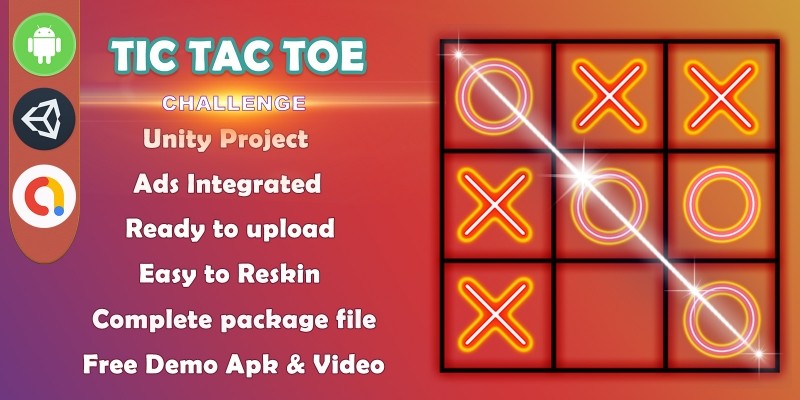
Screenshots
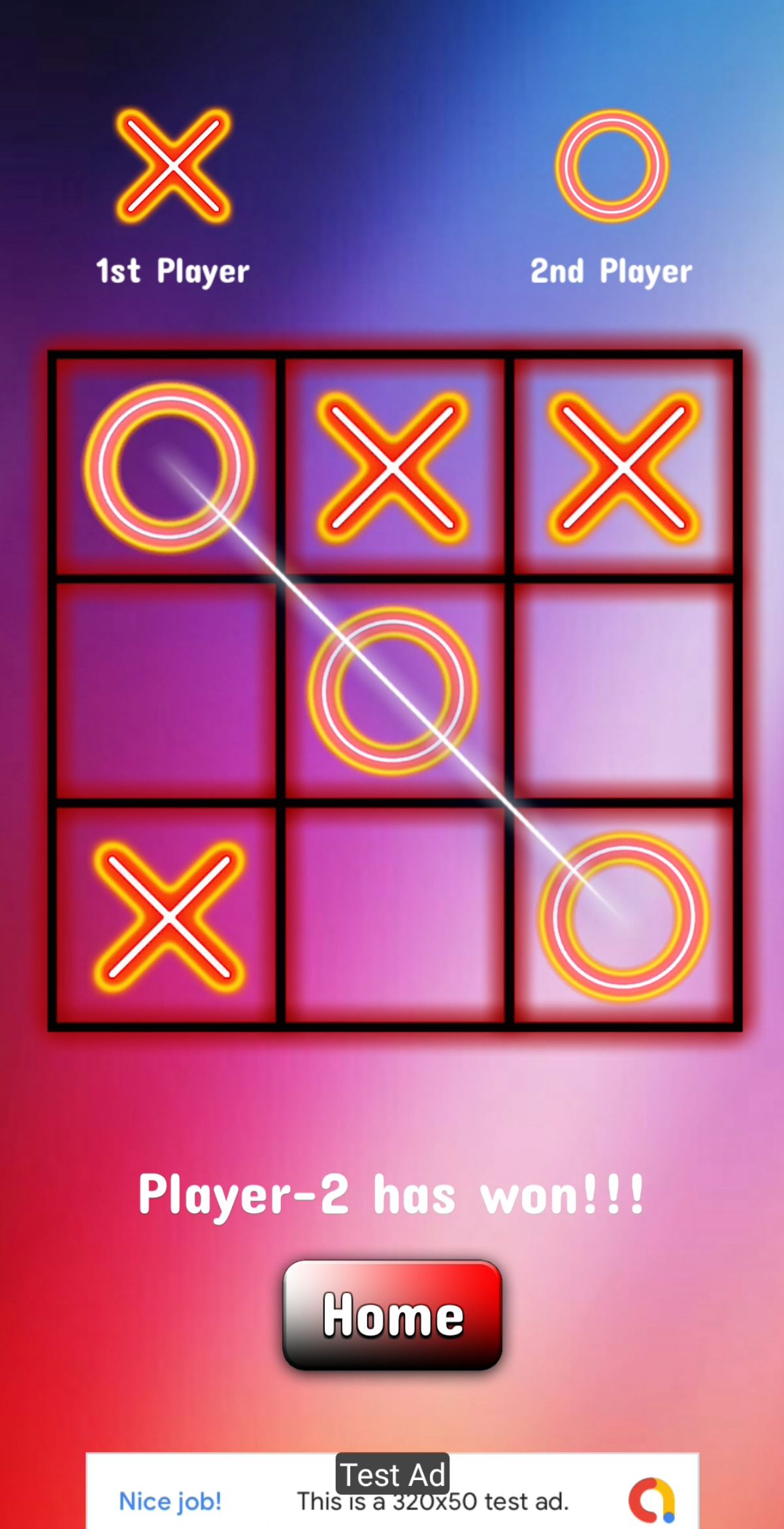


Overview
>> DOWNLOAD ANDROID DEMO APK <<<
★★★ Ready for PUBLISH !! ★★★
★★★ Don’t need the programming skills !! ★★★
★★★ The Tic Tac Toe is free classic puzzle game also known as Noughts and Crosses or sometimes X and O
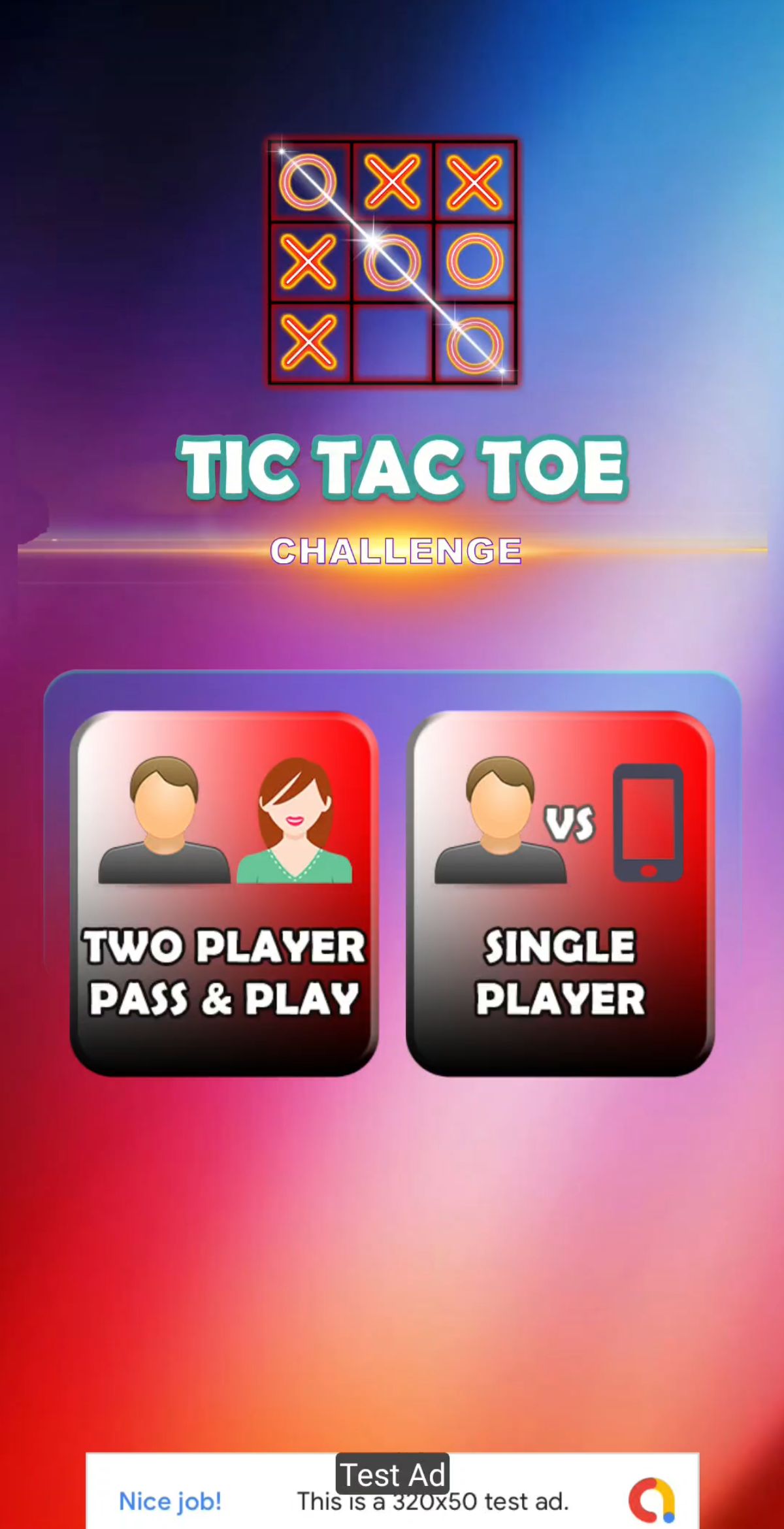
★★★ The Tic Tac Toe game is a game for two players, who take turns marking the spaces in a 3×3 grid. The player who succeeded in placing three respective marks in a horizontal, vertical, or diagonal row wins the game.
★★★ The Tic Tac Toe is a great way to pass your free time whether you're standing in a line or spending time with your kids.
★★★ Stop wasting paper and save trees. Because of the simplicity of Tic Tac Toe, it is often used as a pedagogical tool for teaching the concepts of good sportsmanship and the branch of artificial intelligence.
★★★ This brain teaser known also as noughts and crosses or xo is a great way to exercise your mind and to challenge your logic skills.
Features
★★★ This is a completed game design, sound, effects, gameplay, full resource, full animation.
★★★ Ads Monetization : Google Admob Ads integrated (Banner, Interstitial)
★★★ Sounds: sound effects are included with a settings to mute sounds in the game
★★★ Multiple screen sizing for most mobile devices
★★★ Professional and clean code, clean projects
★★★ Simple and attractive
★★★ Easy reskin for all platform.
★★★ New Developer friendly
★★★ Increasing gameplay difficulty
★★★ Responsive UI
★★★ Compatible with mobile and desktop
★★★ Support for Unity 2018.4.33(Recommended)
★★★ Support build 64Bit, API 29
★★★ Support build Android App Bundle (AAB)
Requirements
- I Recommended Unity version 2018.4.33
- Android SDK latest
- Use NDK for il2cpp 64bit build
- Install JDK and JRE and set it's PATH
Instructions
Step 1 : Unzip this folder
Step 2 : Open Unity Version 2018.4.33 and open this project
Step 3 : Go to player setting and Switch to Android version
Step 4 : Select this object "GoogleAdMobController" and set your Google Admob IDs.
-Install Unity Without errors
-Open Project Into Unity
-Change the package name, game name , icon
-Select this object "GoogleAdMobController" from hierarchi window and Uncheck _isTestAd from inspector window.
-Set your Google Admob IDs of Banner, Interstitial, Reward Video in "GoogleAdMobController.cs object".
-Finally Build APK or AAB.
Note: This project uses the Google AdMob SDK version released in 2021. If you require the latest Google AdMob SDK, you will need to integrate and configure it manually according to your project requirements.
Other items by this author








Future product updates
Quality checked by Codester
Lowest price guarantee


| Category | App Templates / Unity / Templates / Puzzle |
| First release | 20 July 2021 |
| Last update | 20 July 2021 |
| Operating Systems | Android 7.0, Android 8.0, Android 9.0, Windows 7, Windows 10, Unity 2019, Android 10.0, Android 5.0, Android 6.0 |
| Files included | .cs, .csproj, .apk, .unityproj, .prefab |
| Tags | game, admob, Puzzle, Board, tictactoe, Single Player, free puzzle game, tic tac toe 2 player, unity app, computer player, tic tac toe bot ai, classic ludo |