



NewWaves Hospital Management SystemNewWaves Hospital Management System
Complete Healthcare Solution to transform your healthcare facility
NewWaves Hospital Management System
Complete Healthcare Solution to transform your healthcare facility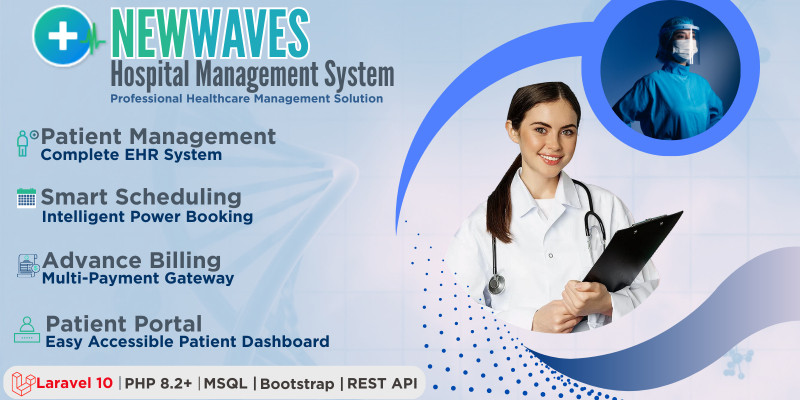
Screenshots
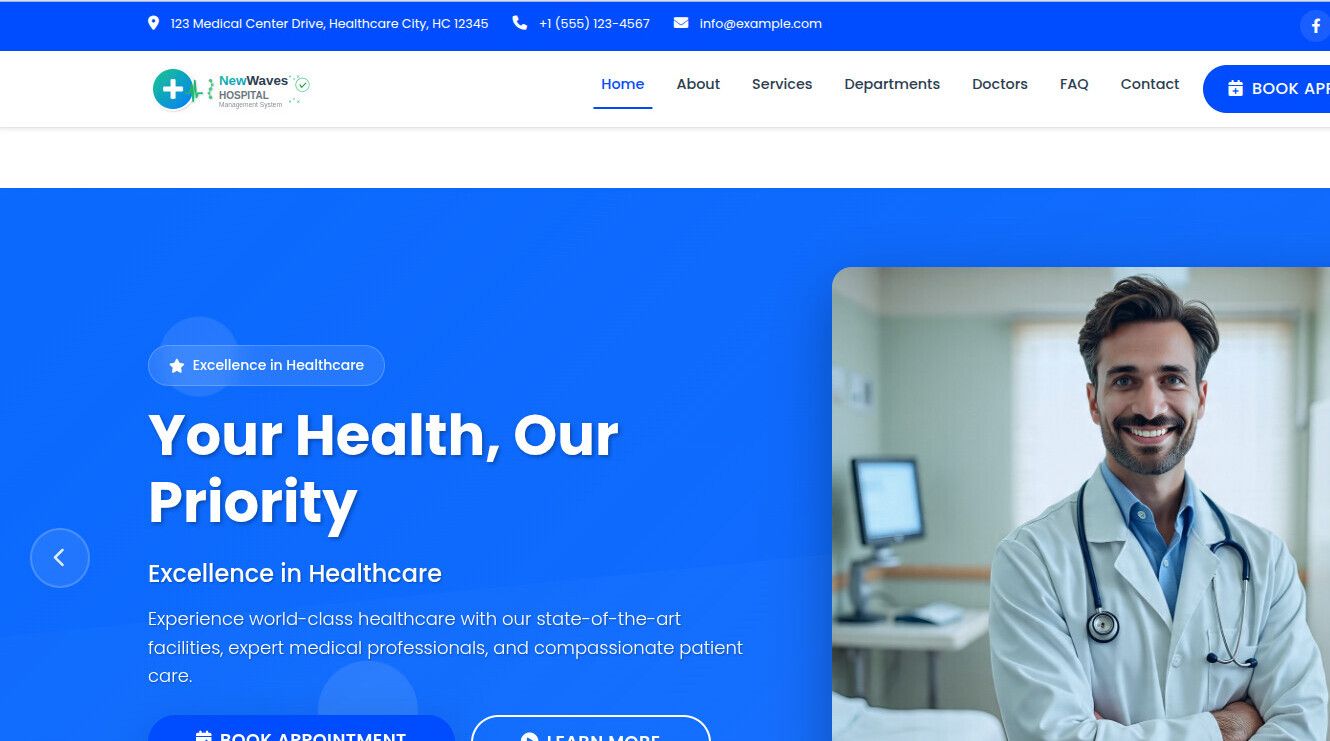
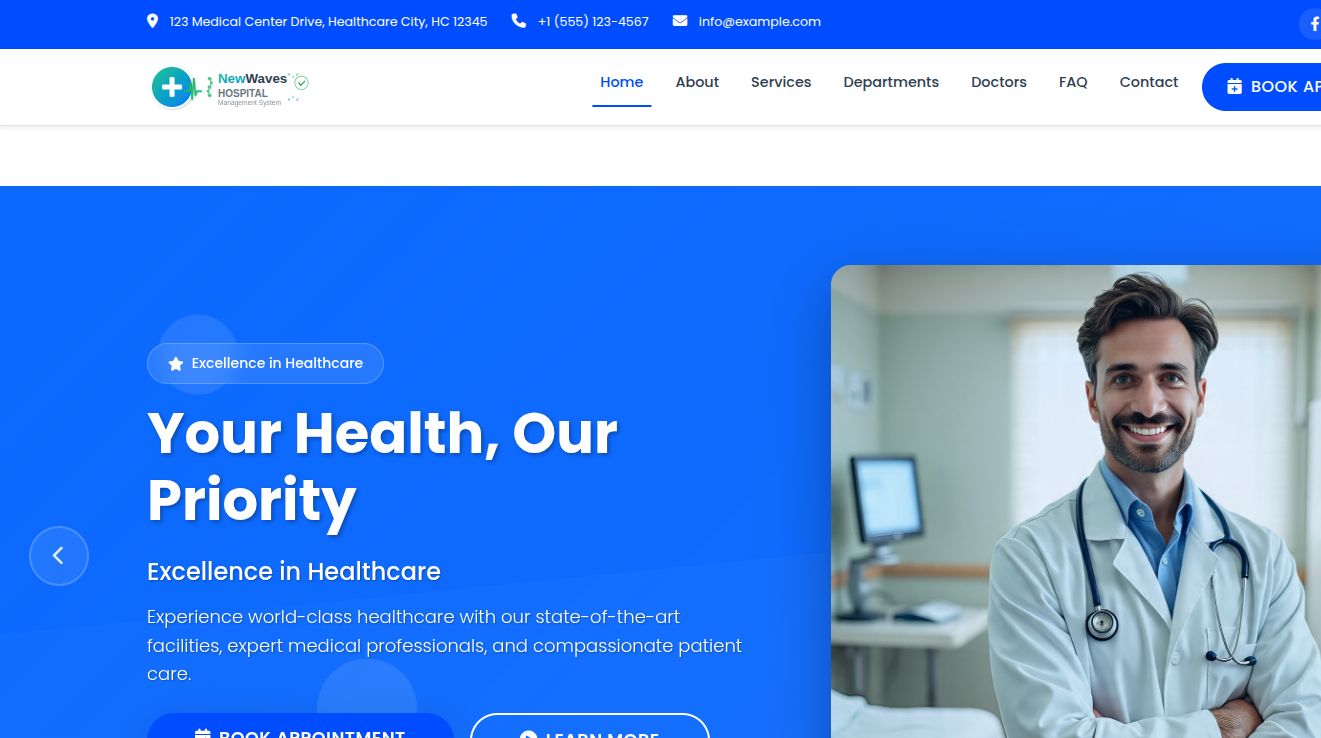
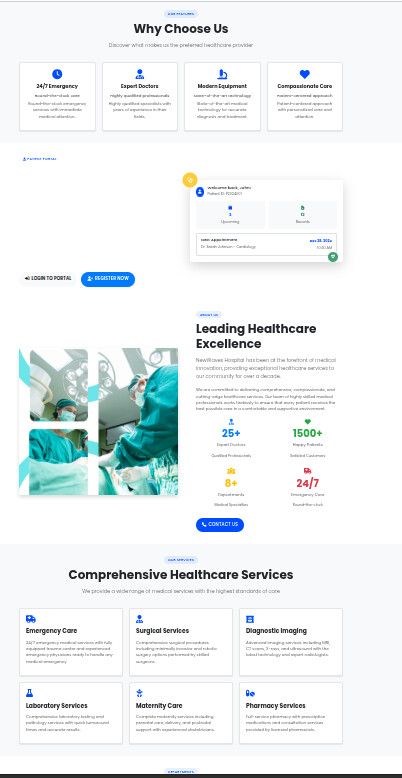
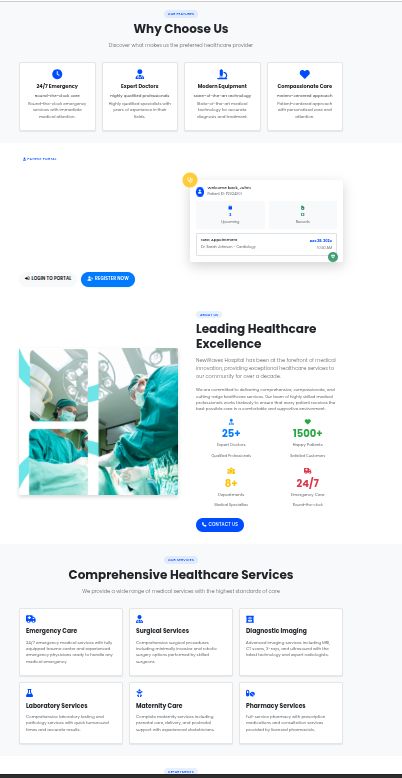


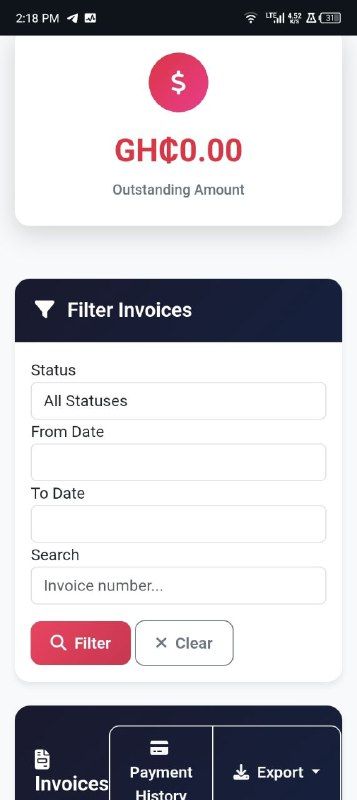
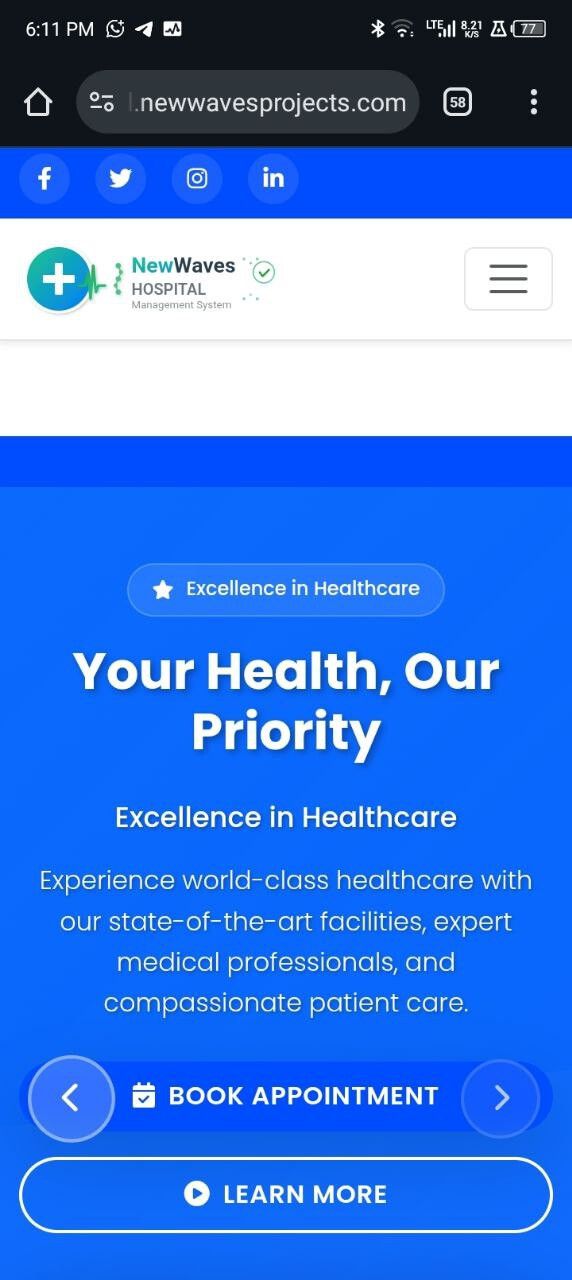
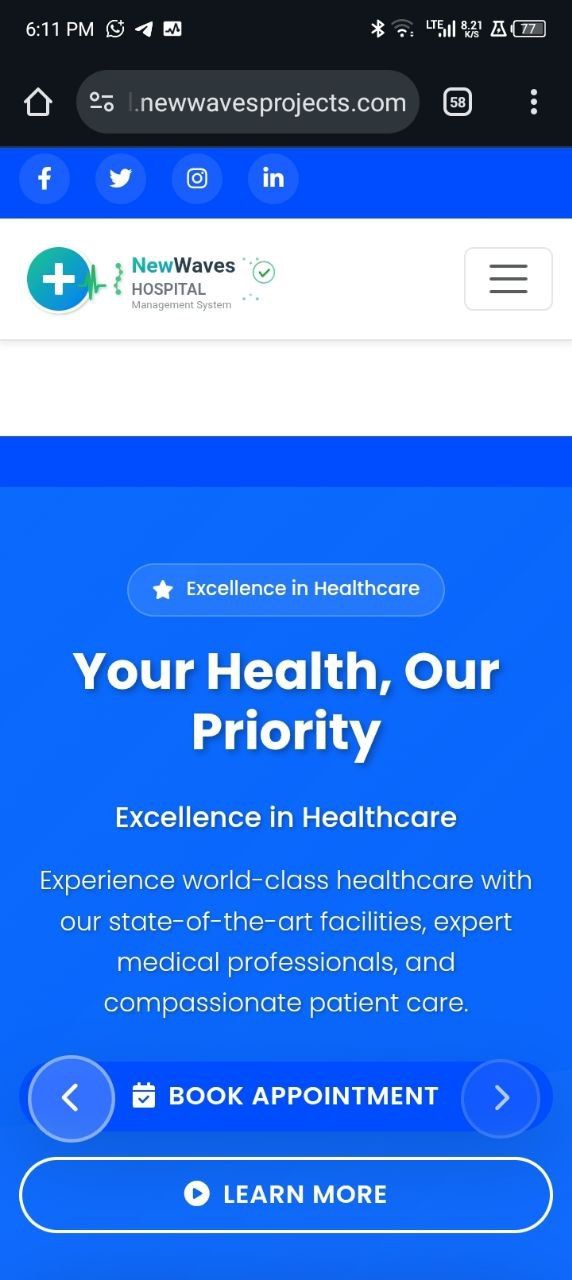
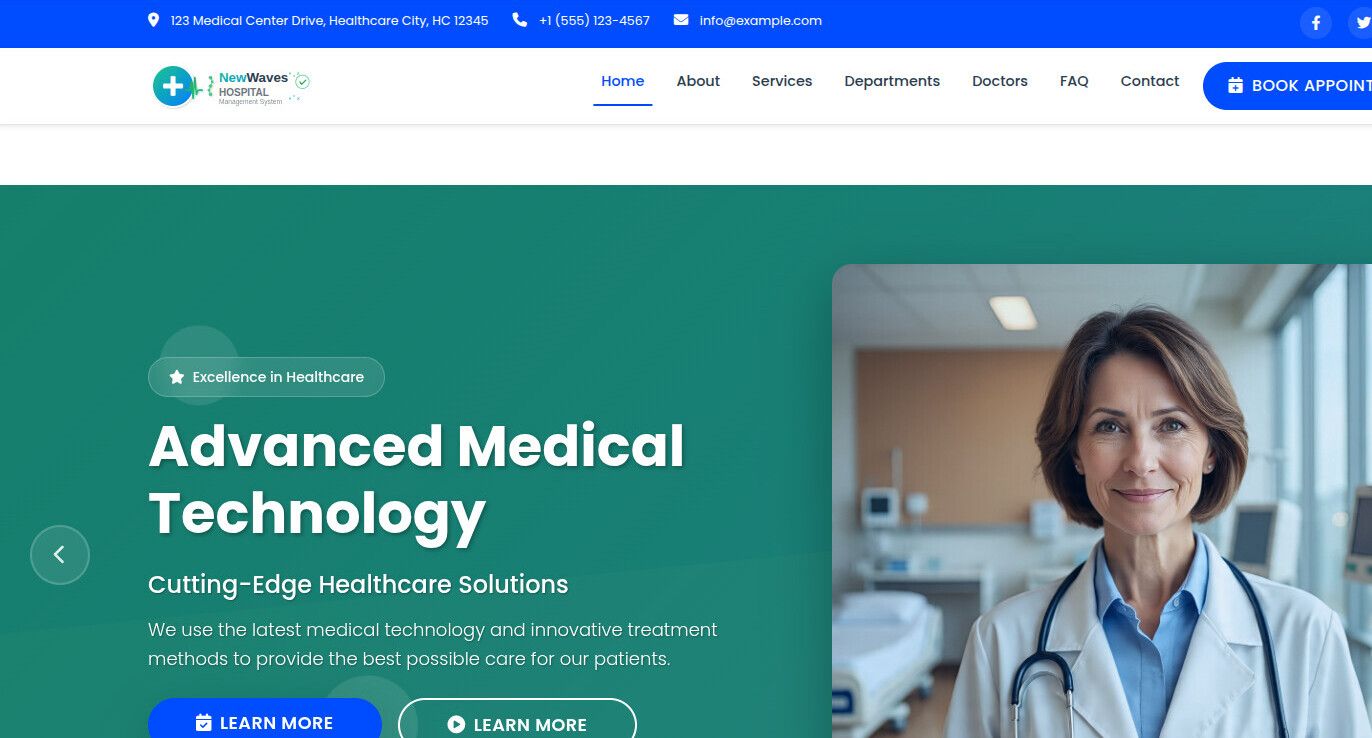
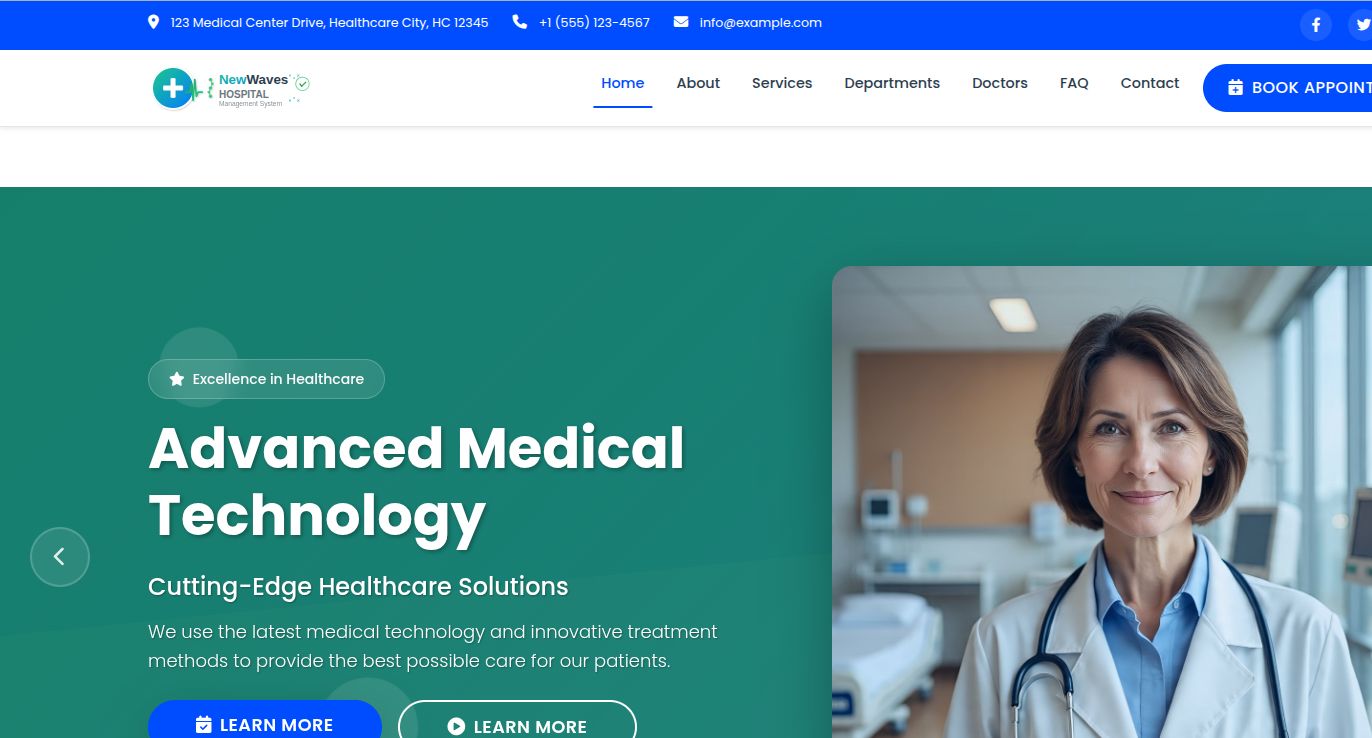


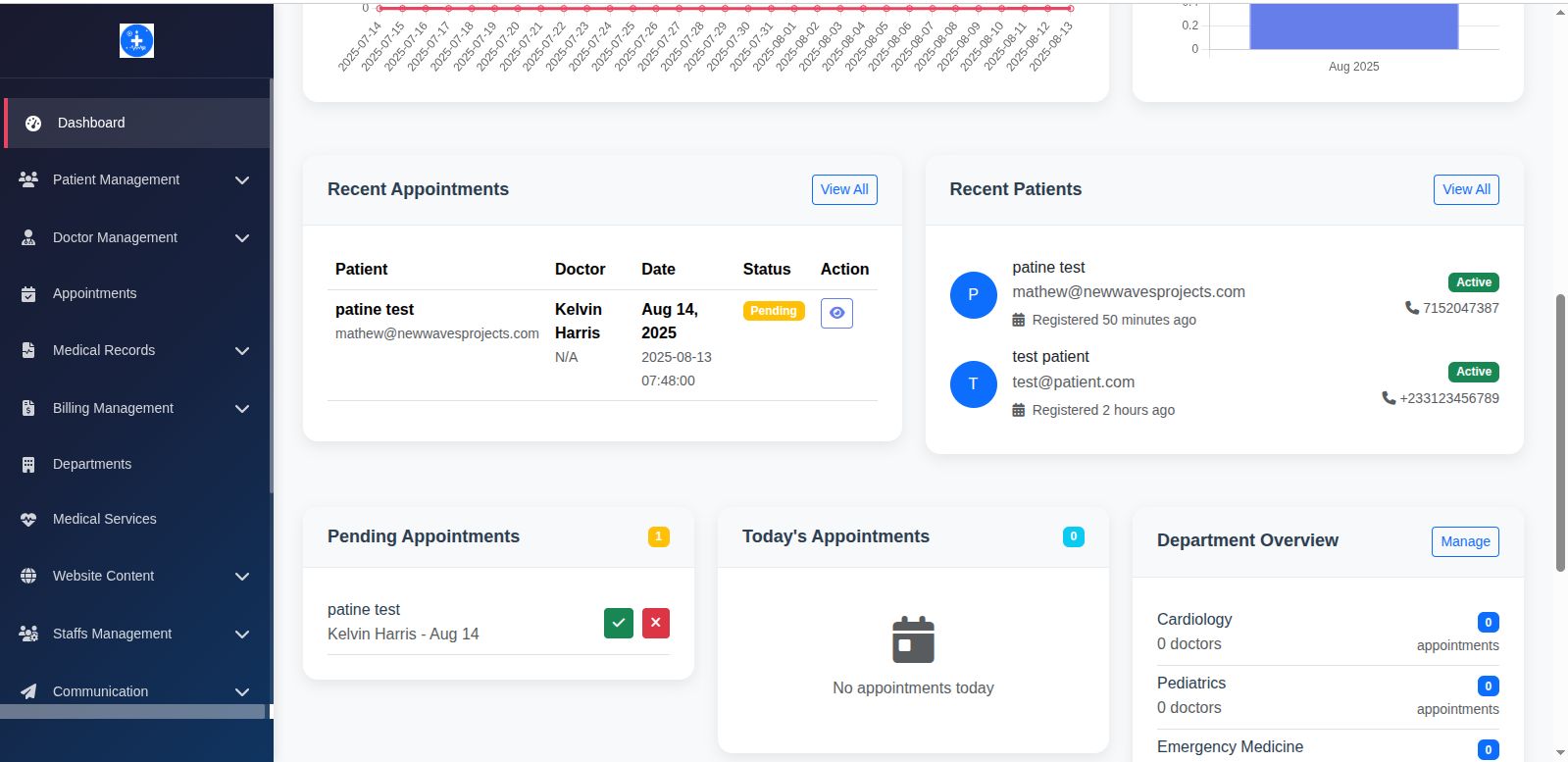
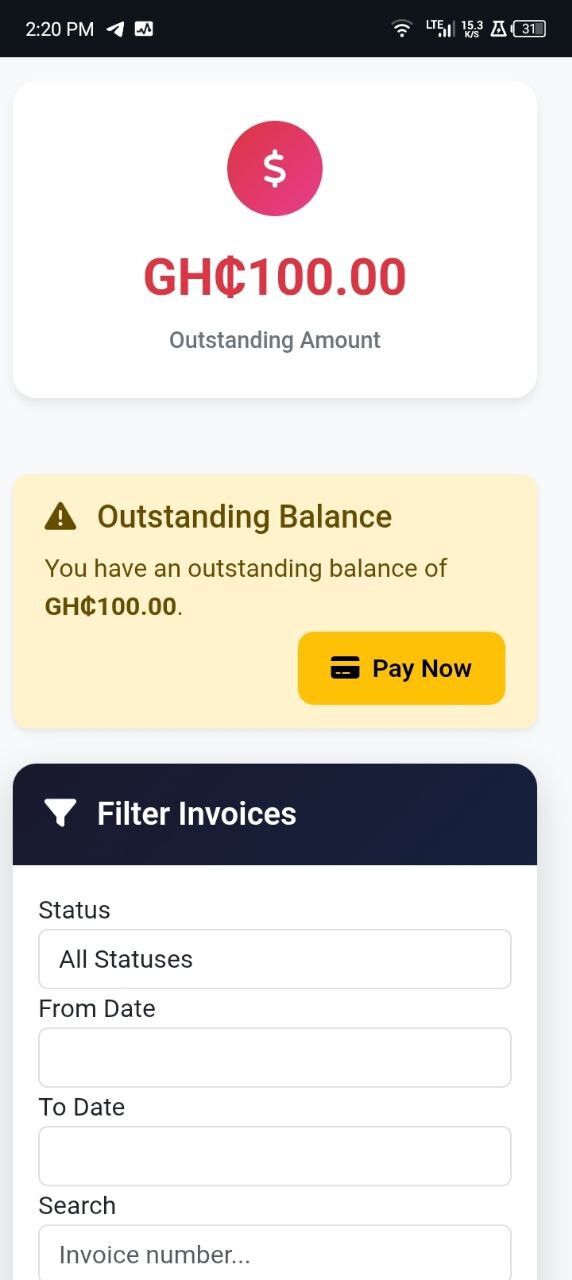
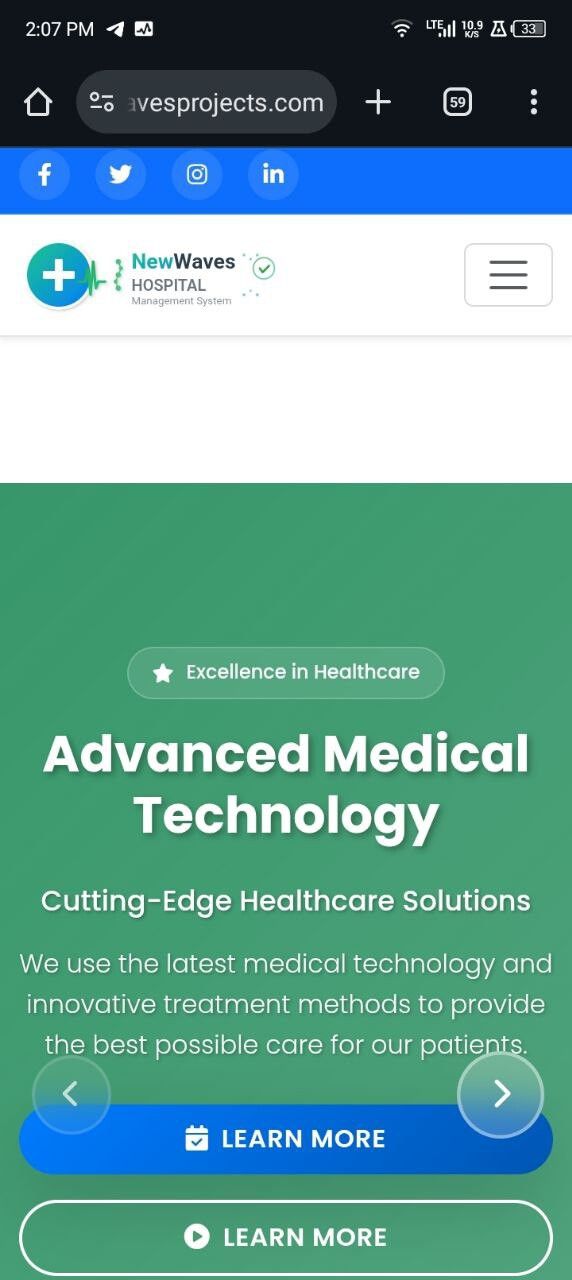
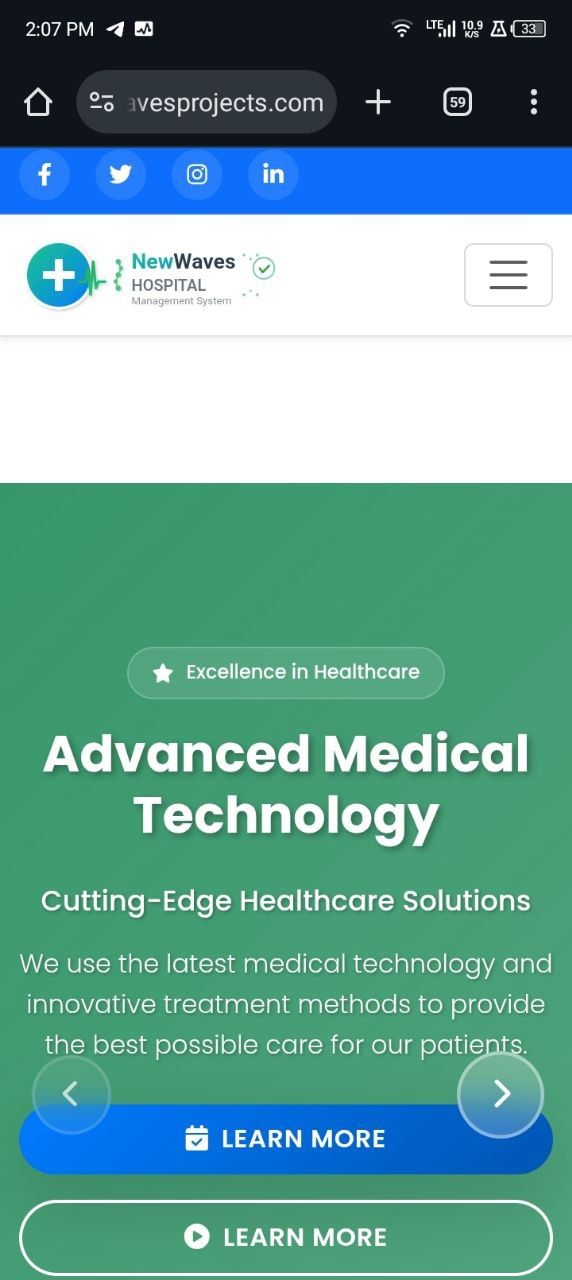
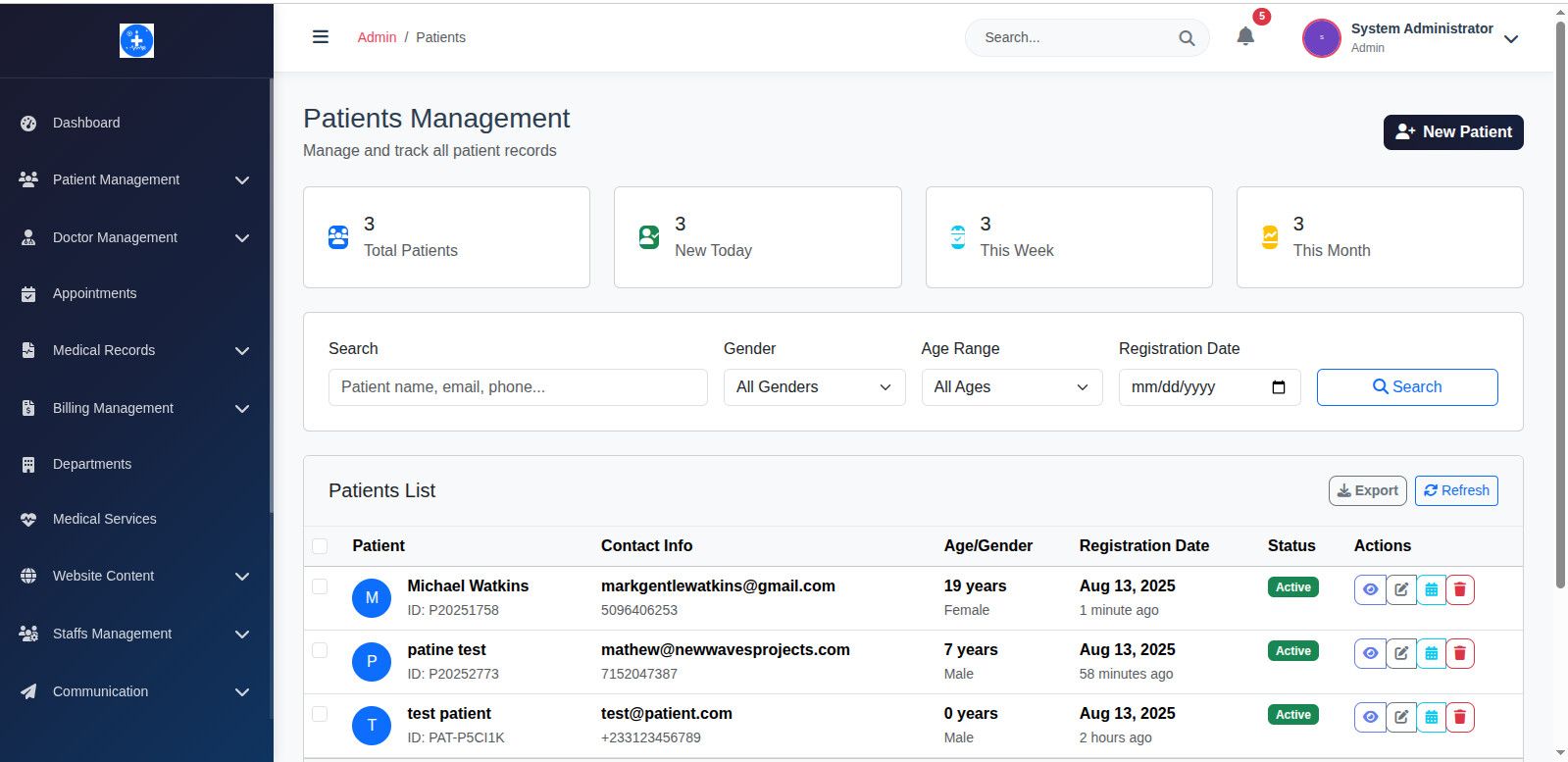
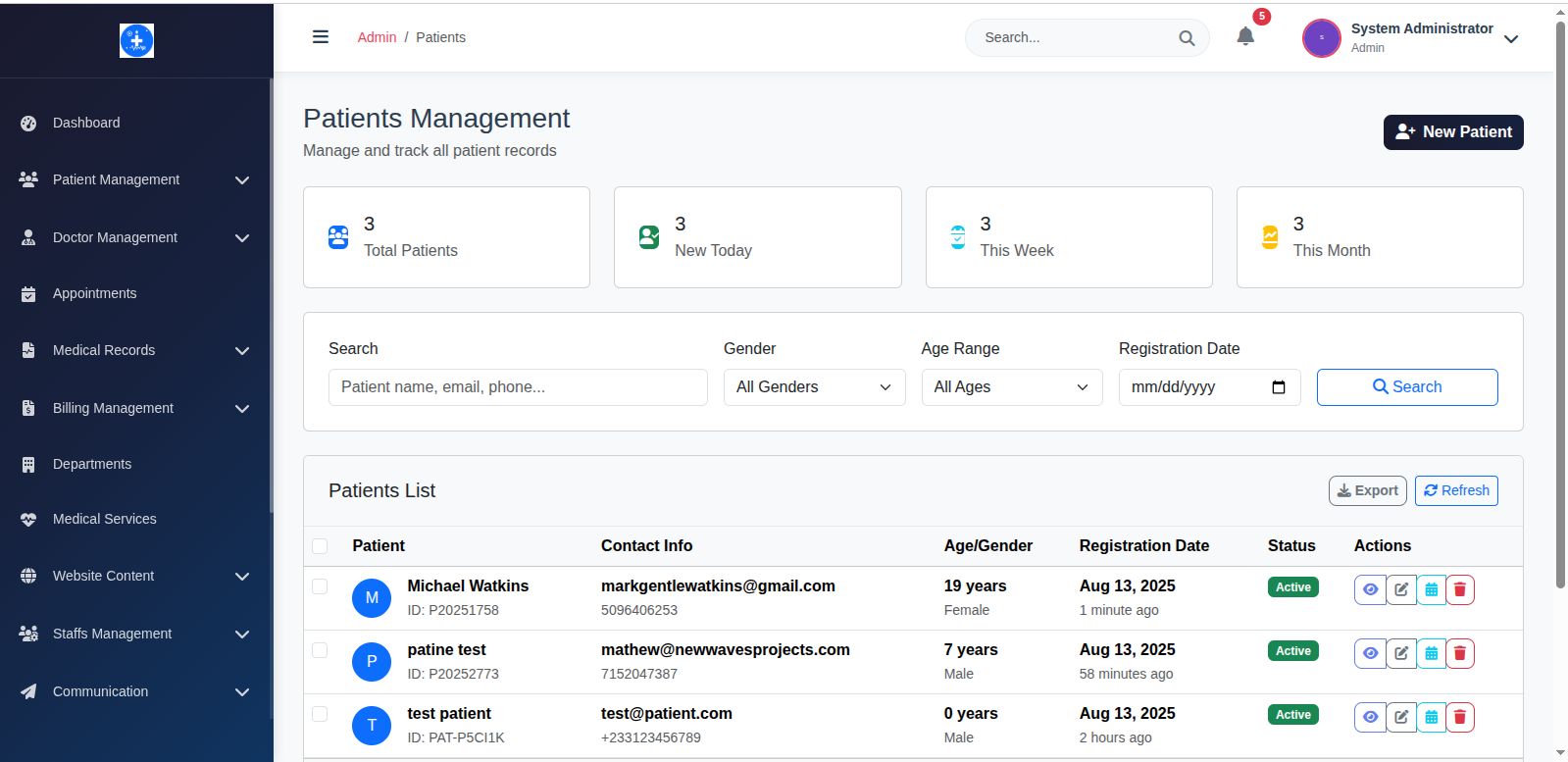
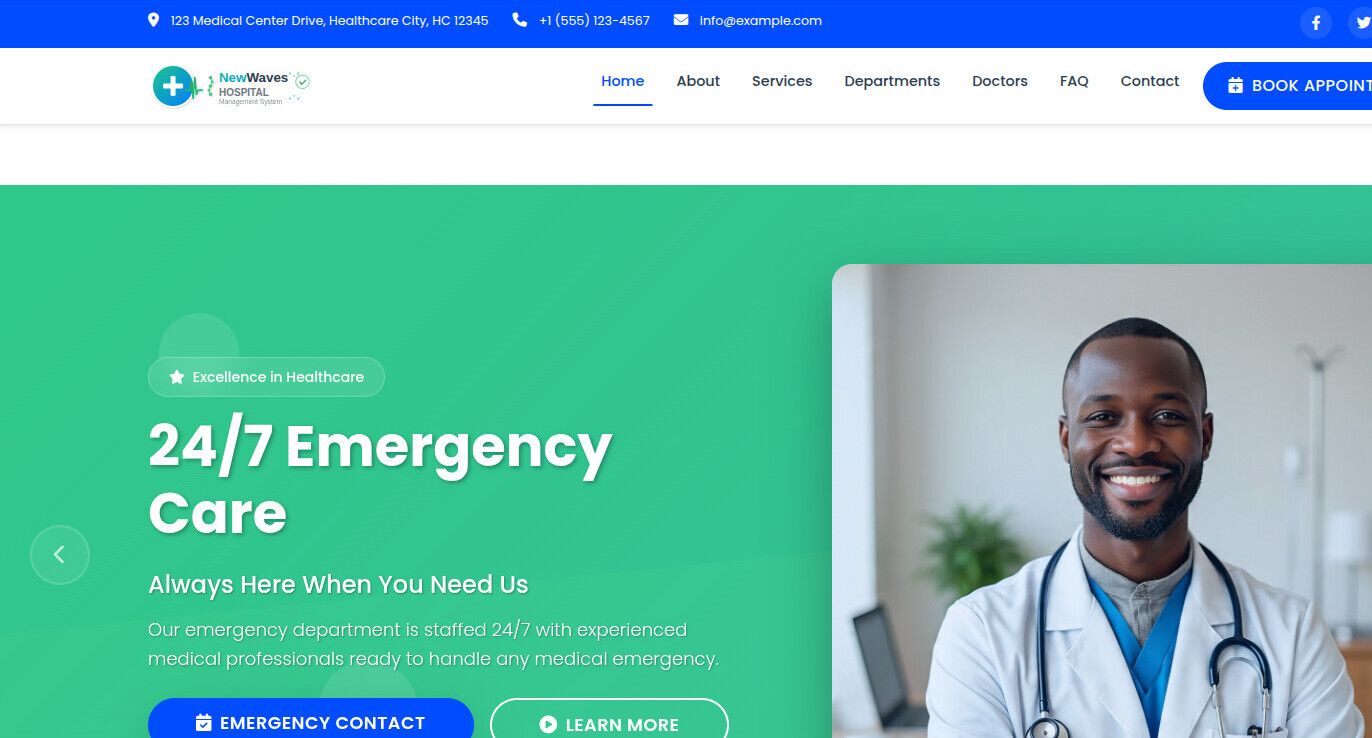

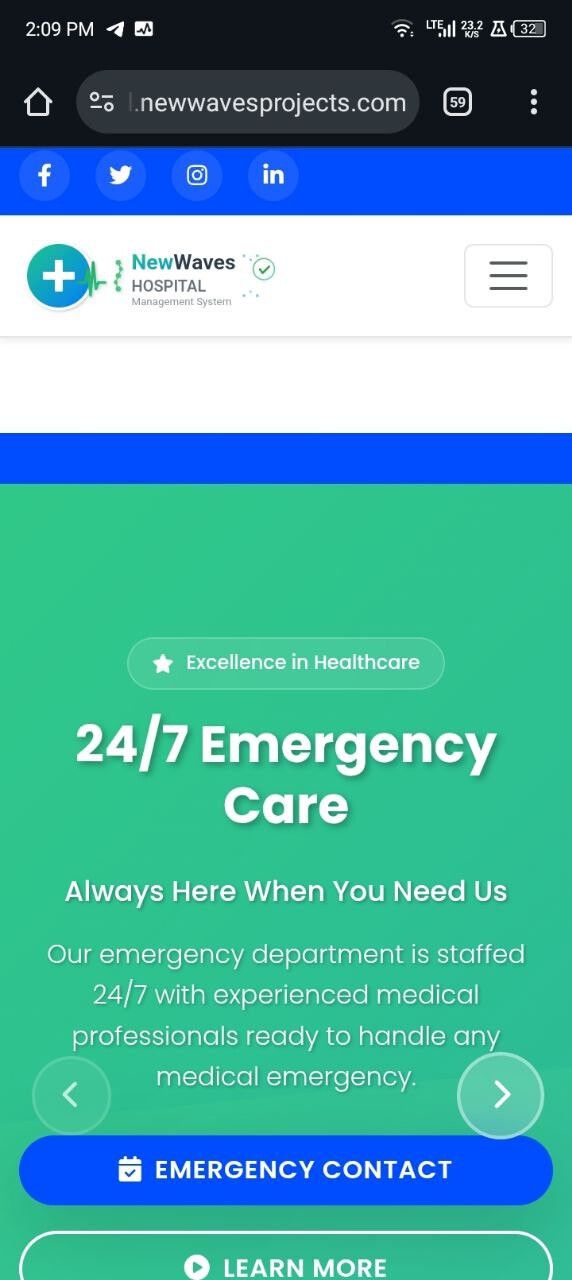





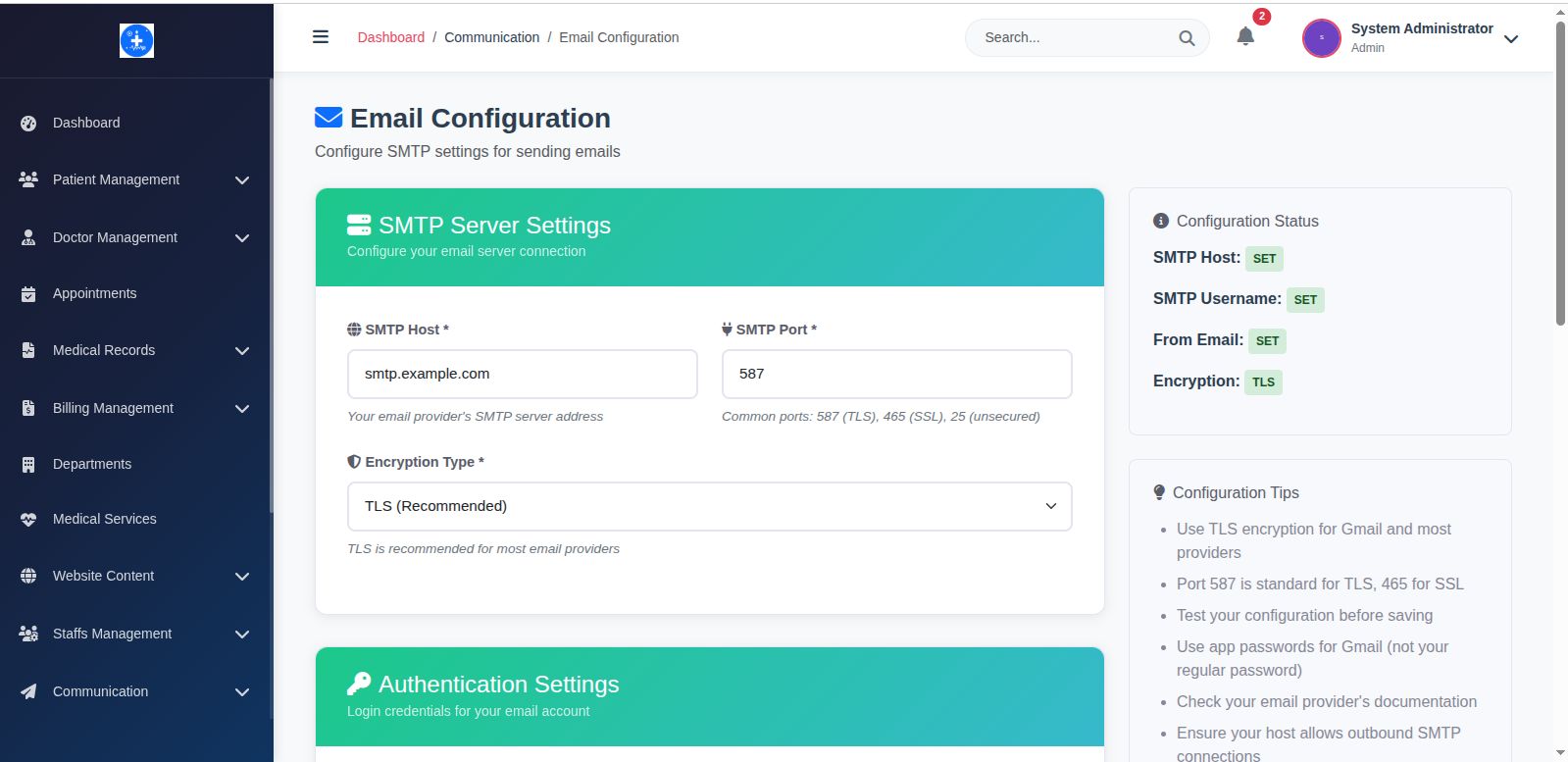
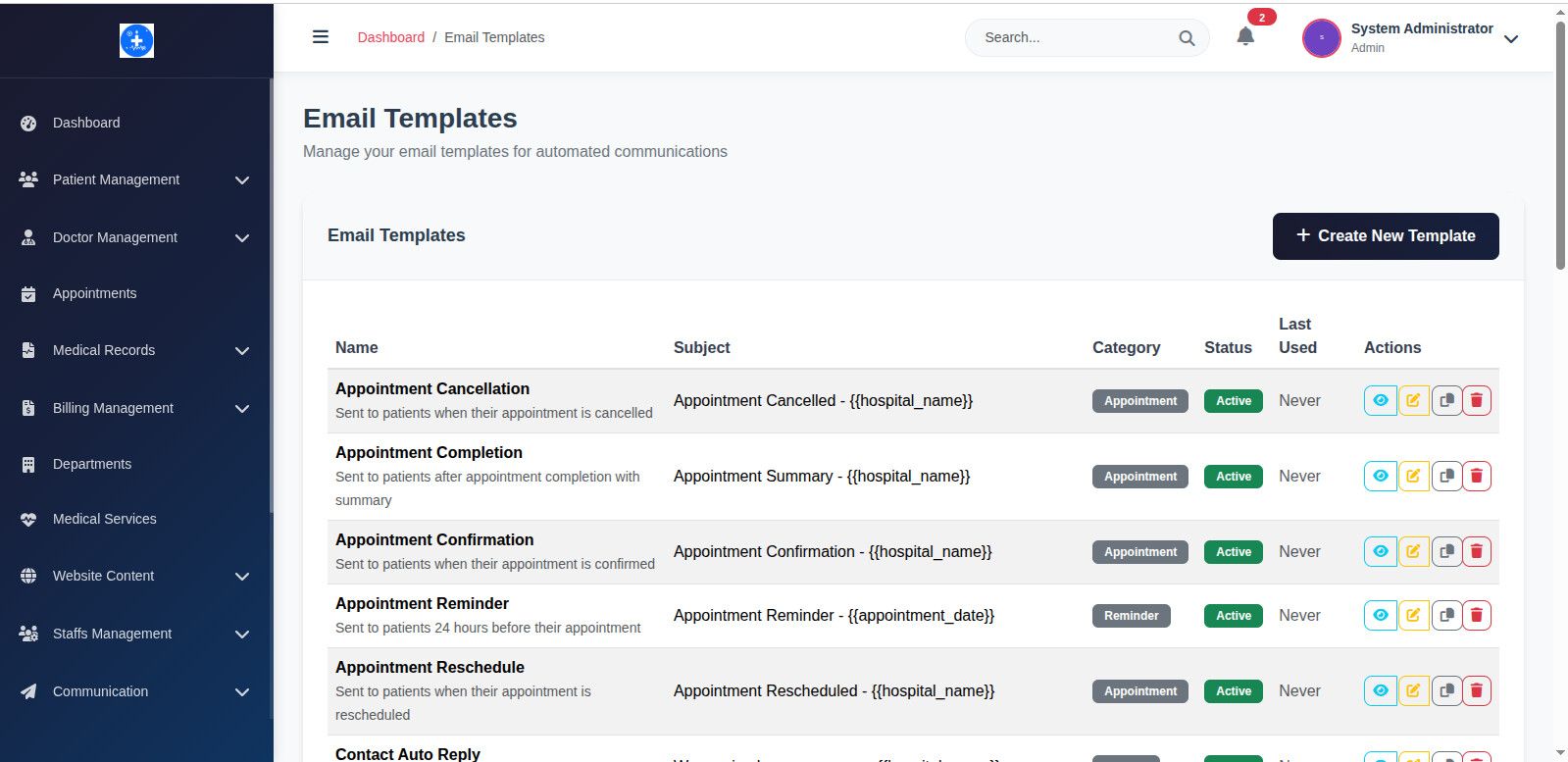
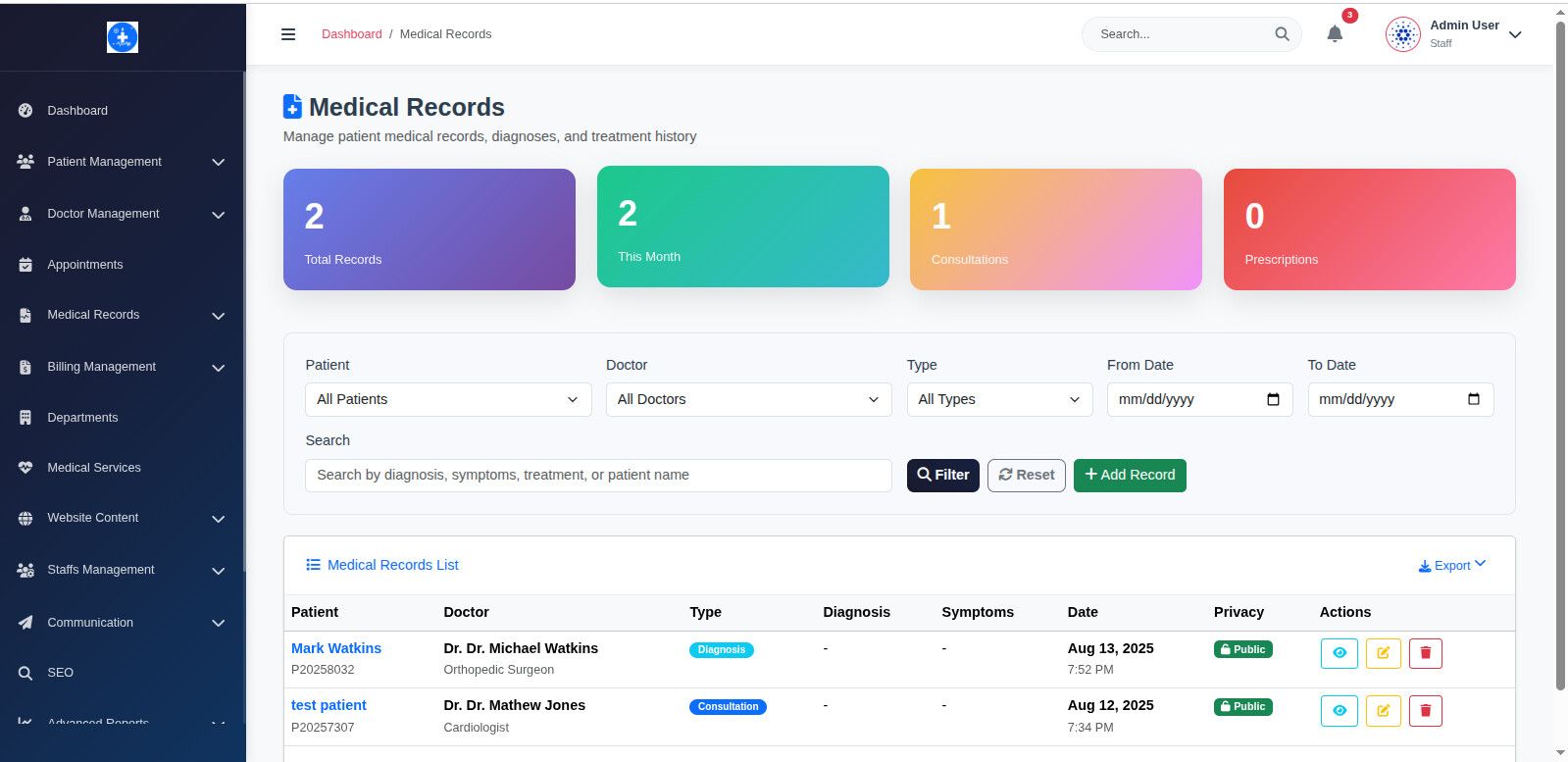
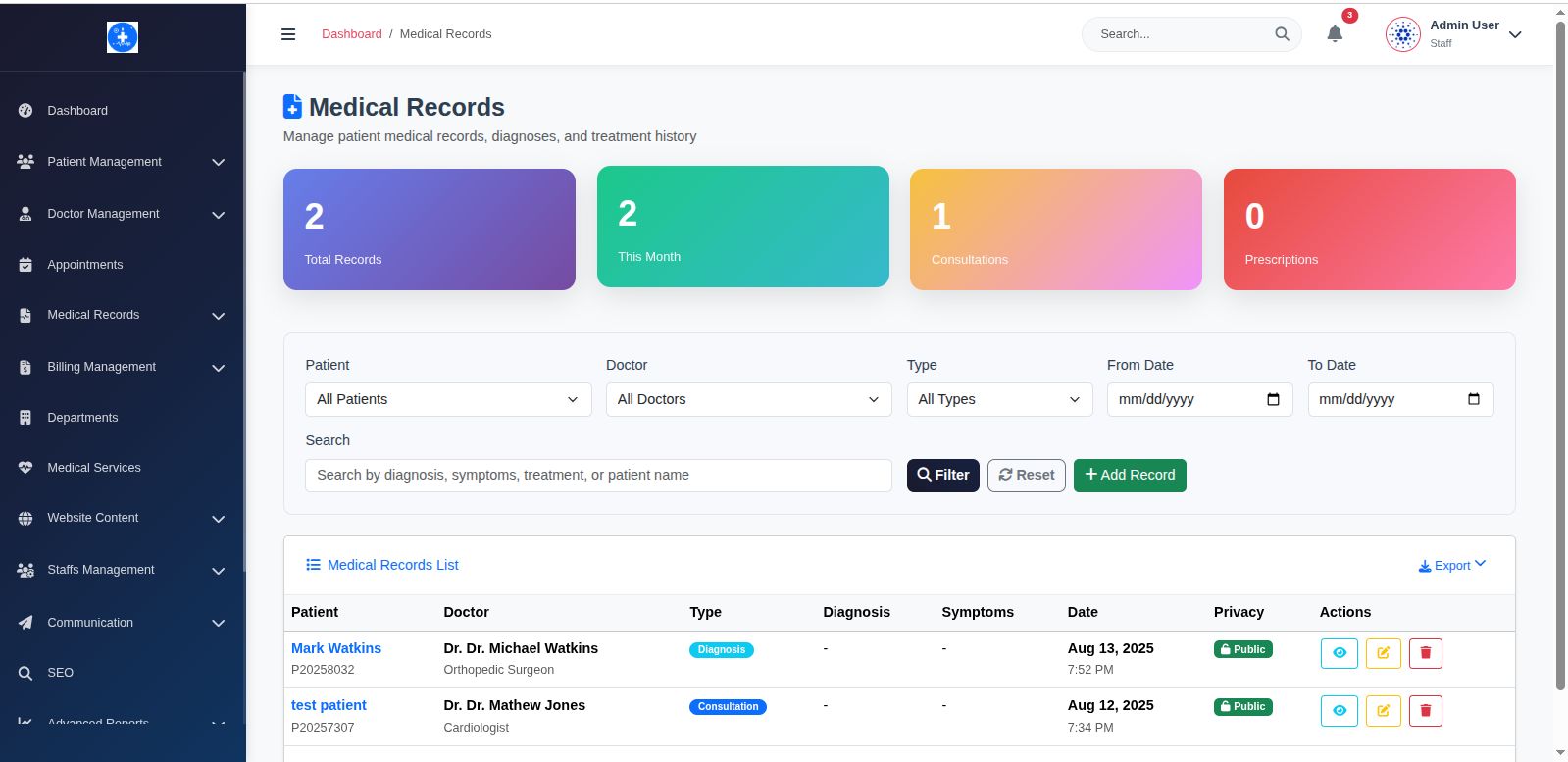

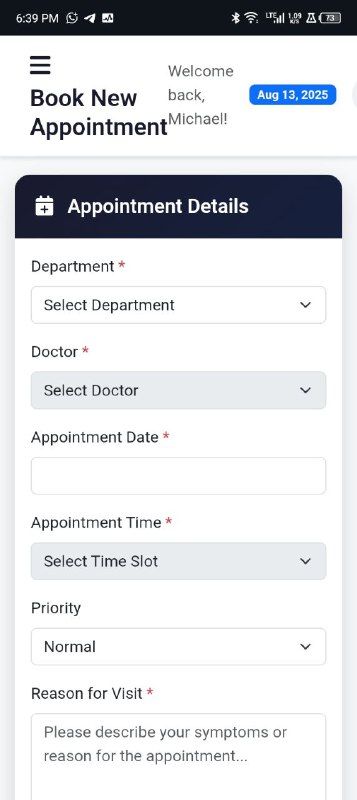
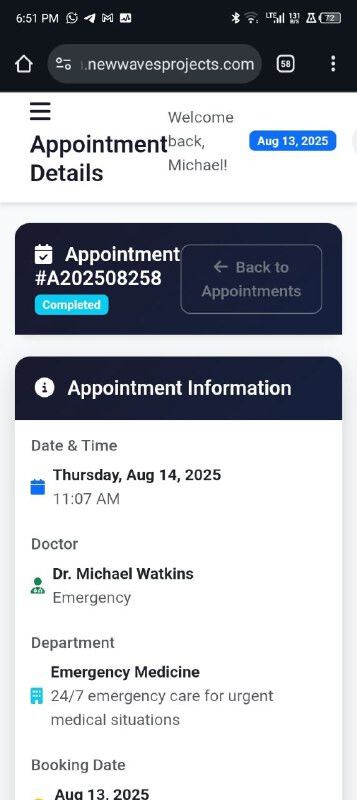



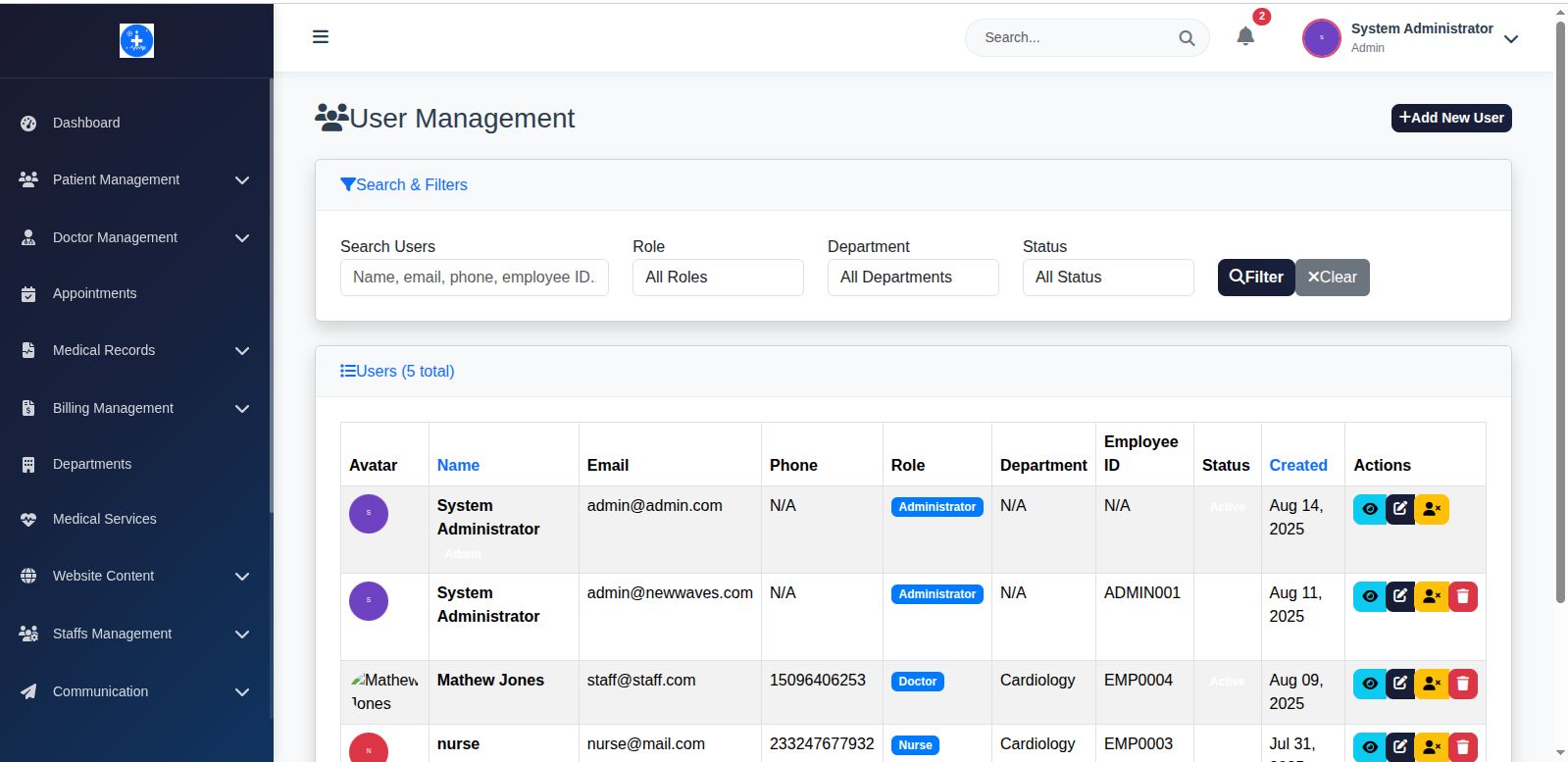
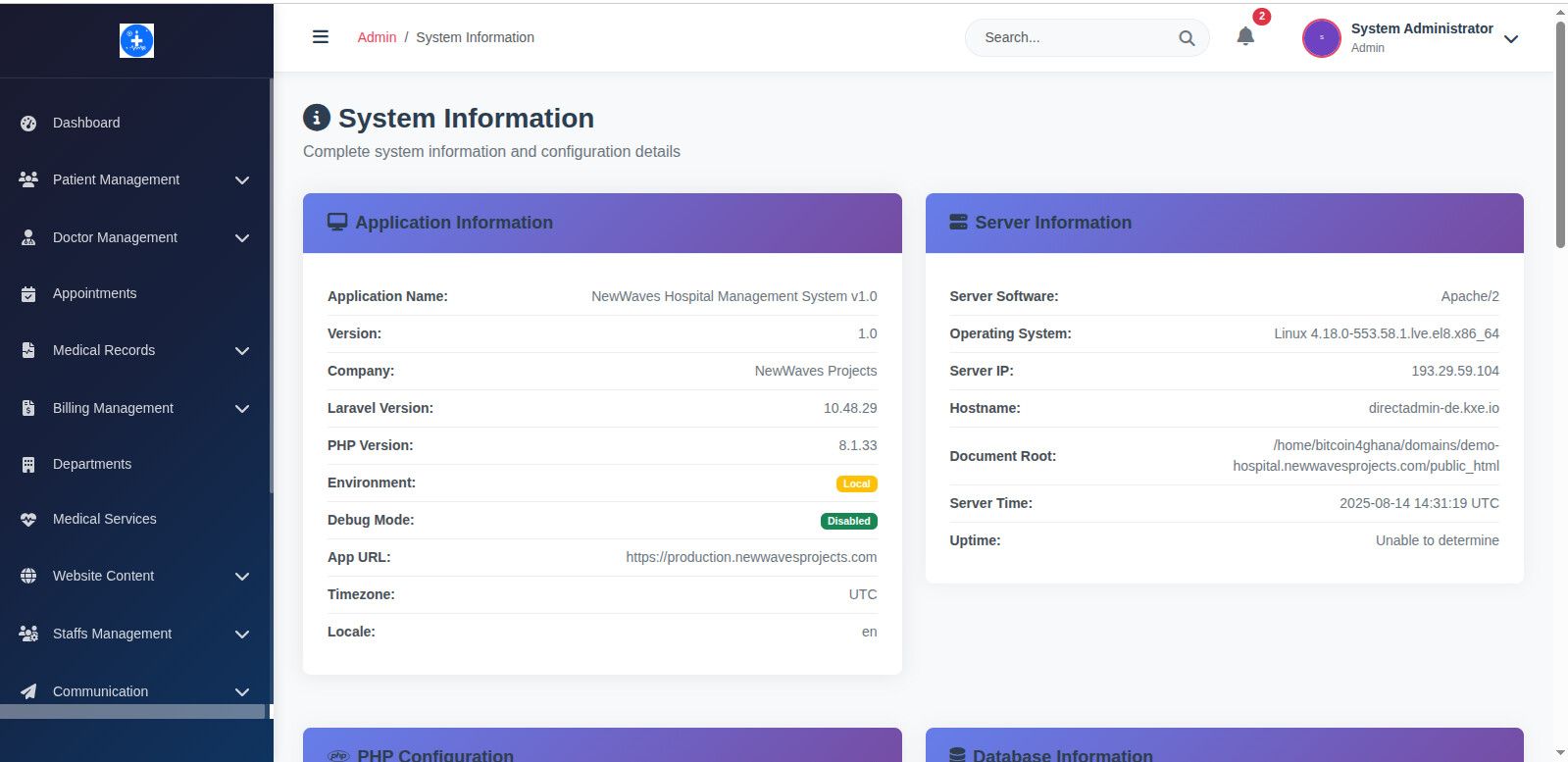
Overview
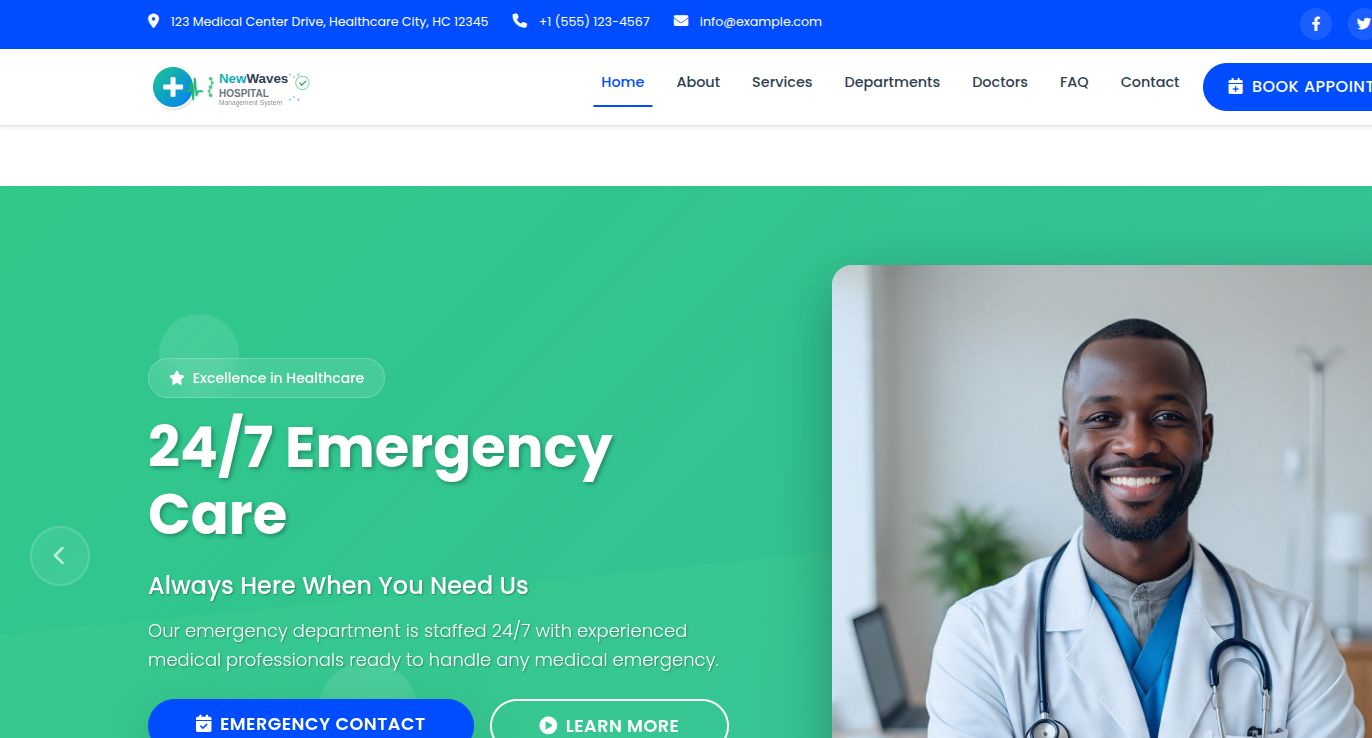
🏥 NewWaves Hospital Management System - Complete Healthcare Solution
Transform any healthcare facility with this comprehensive, modern hospital management system built on Laravel 10. Perfect for developers looking for a feature-rich, customizable healthcare platform ready for production deployment.
🌟 Live Demo & Code Preview
Experience the system in action:
Main Demo: https://demo-hospital.newwaves...
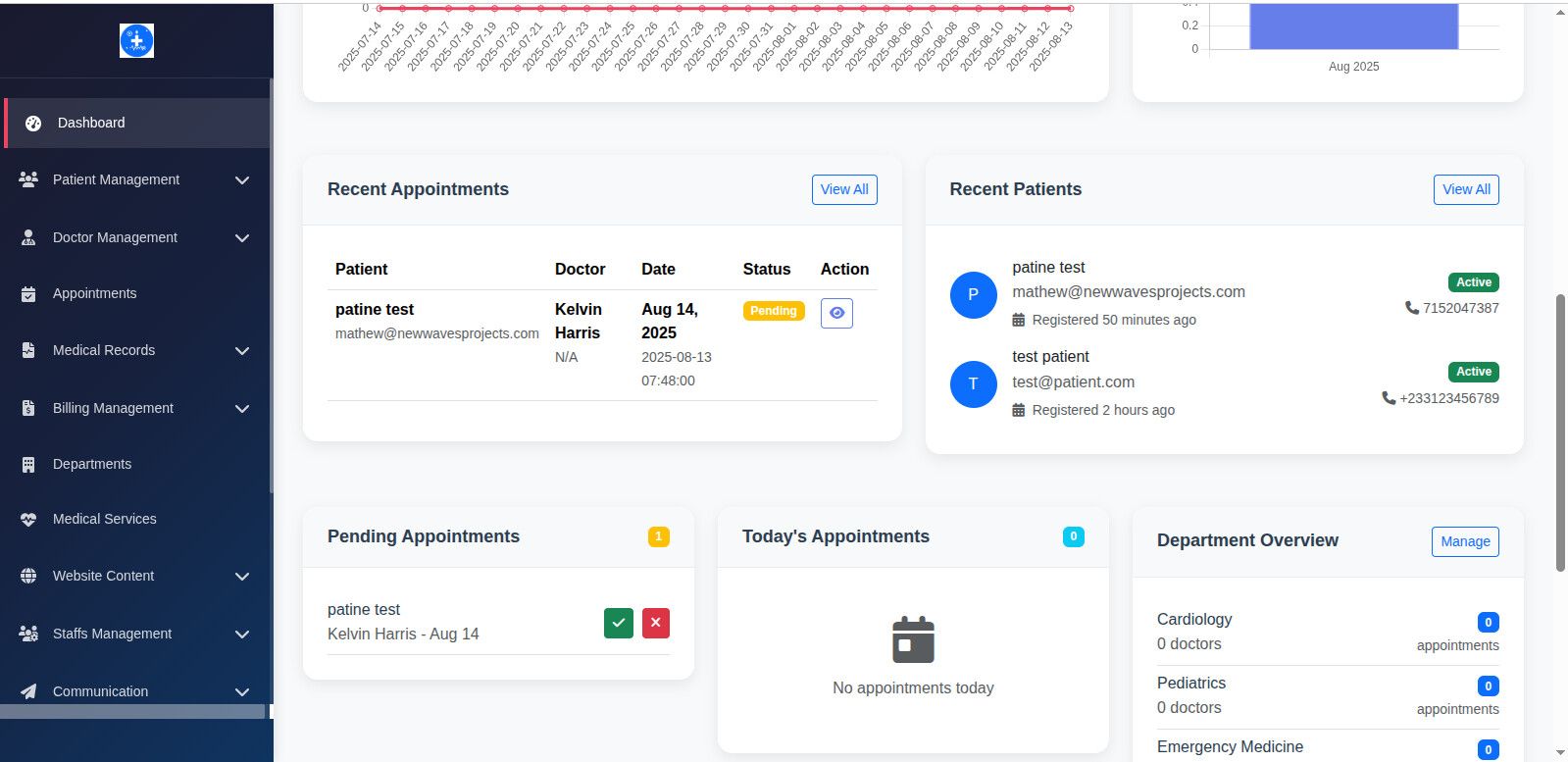
Admin Panel: Admin Dashboard
Patient Portal: Patient Login
Staff Portal: Staff Login
Easy Online Installation Guide: Online Installation Guide
Test Credentials:
- Admin: [email protected] / admin12345
- Doctor: [email protected] / staff12345
- Nurse: [email protected] / nurse12345
- Receptionist: [email protected] / rep12345
🚀 Why Developers Choose This System
💎 Premium Code Quality
- Clean Architecture: Well-structured Laravel 11 codebase following best practices
- Fully Documented: Every function, class, and module thoroughly documented
- Modular Design: Easy to customize, extend, and white-label
- PSR-12 Compliant: Follows PHP coding standards
- Git-Ready Structure: Professional project organization
Features
👥 Multi-Role Architecture
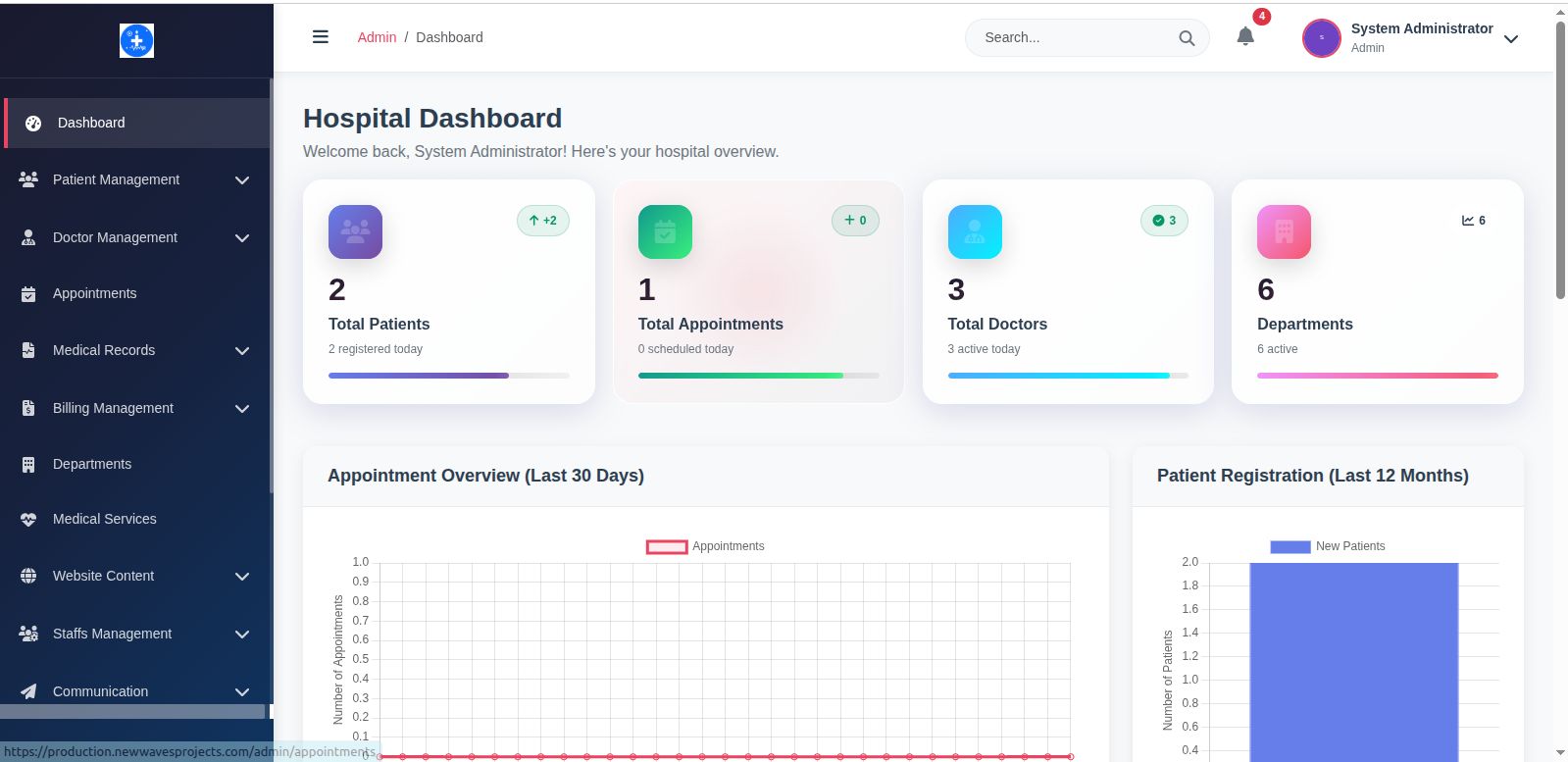
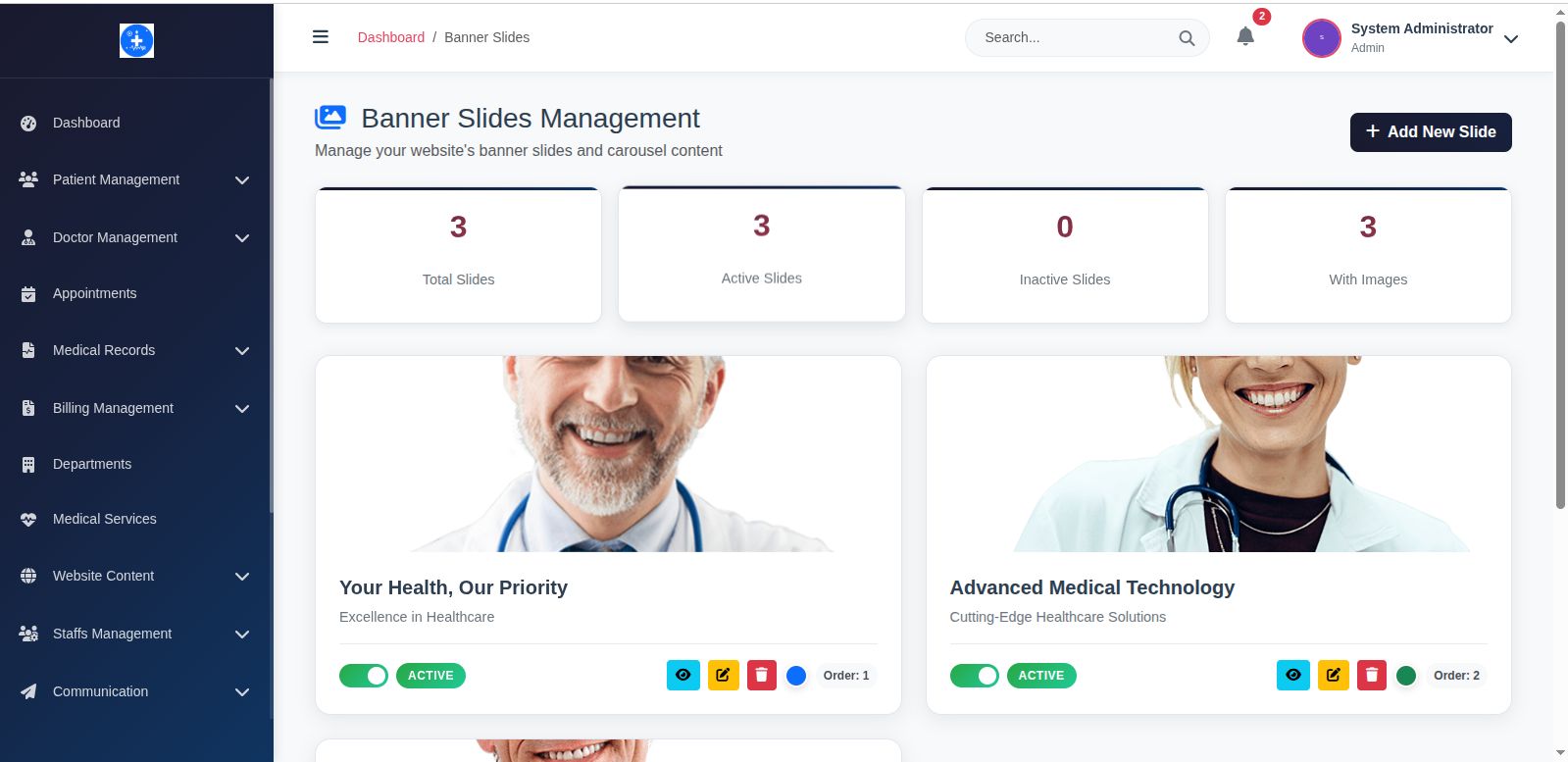
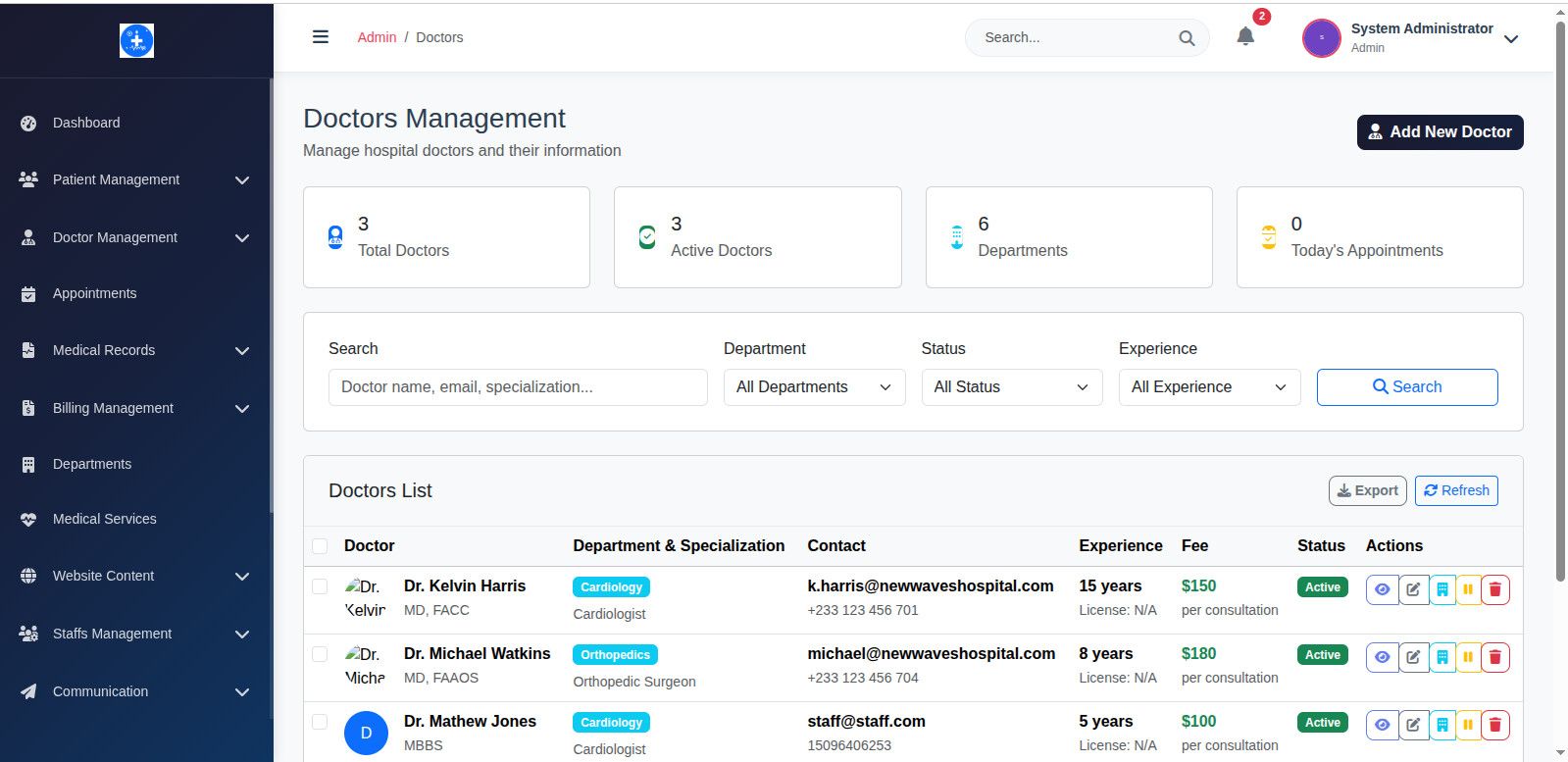
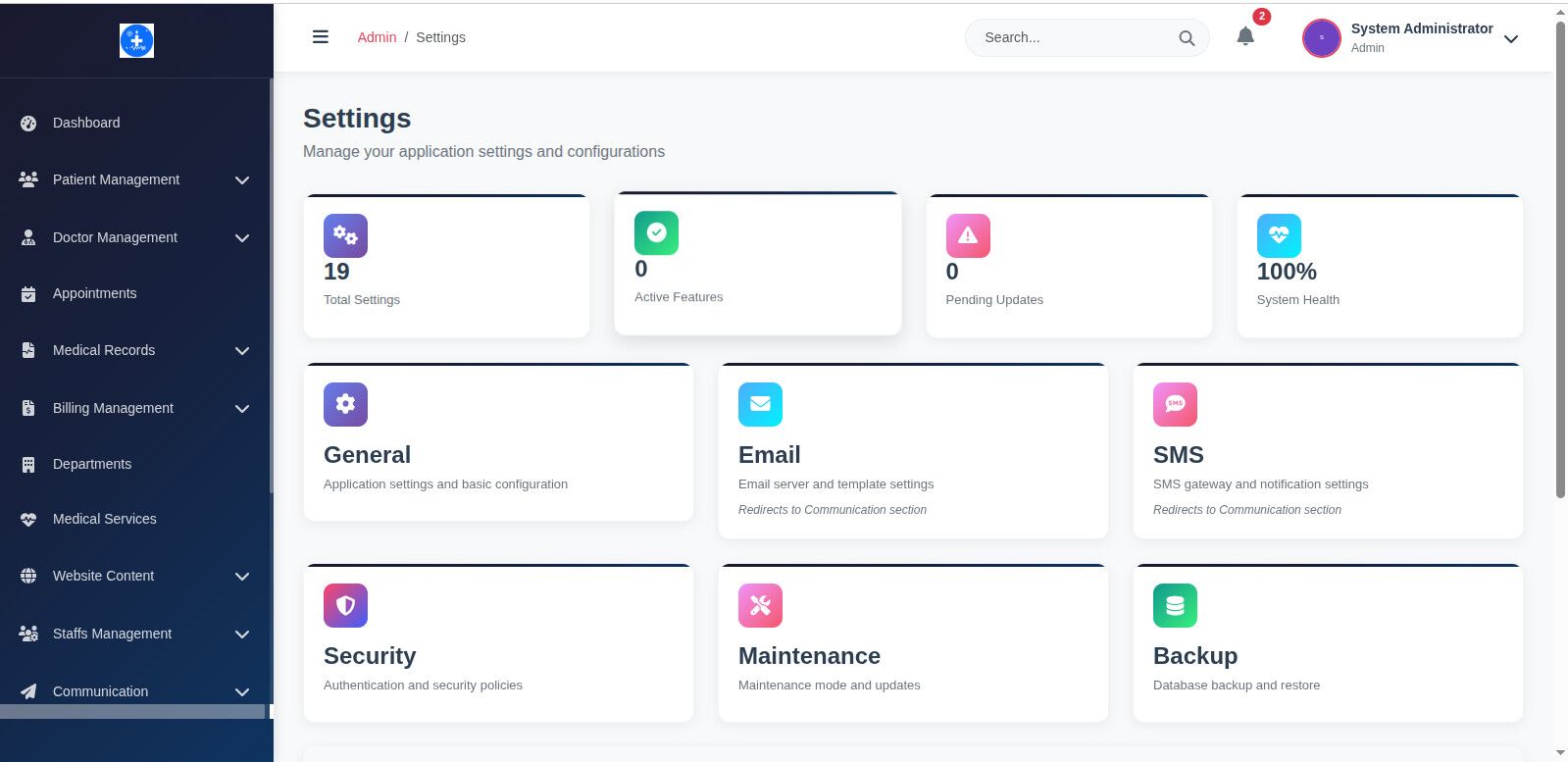
- Super Admin Dashboard: Full system control and analytics
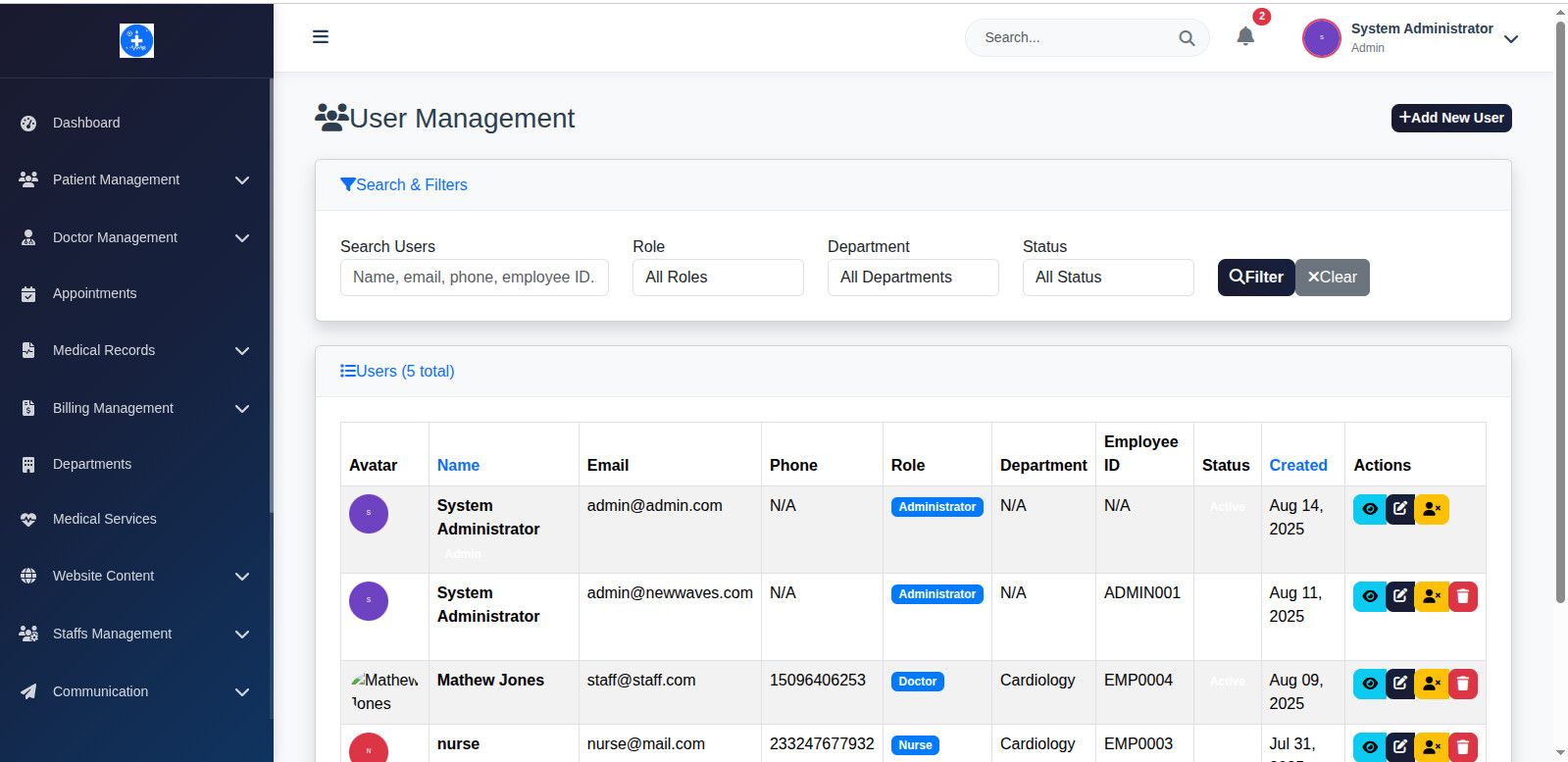
- Hospital Staff Portal: Doctors, nurses, receptionists, pharmacists
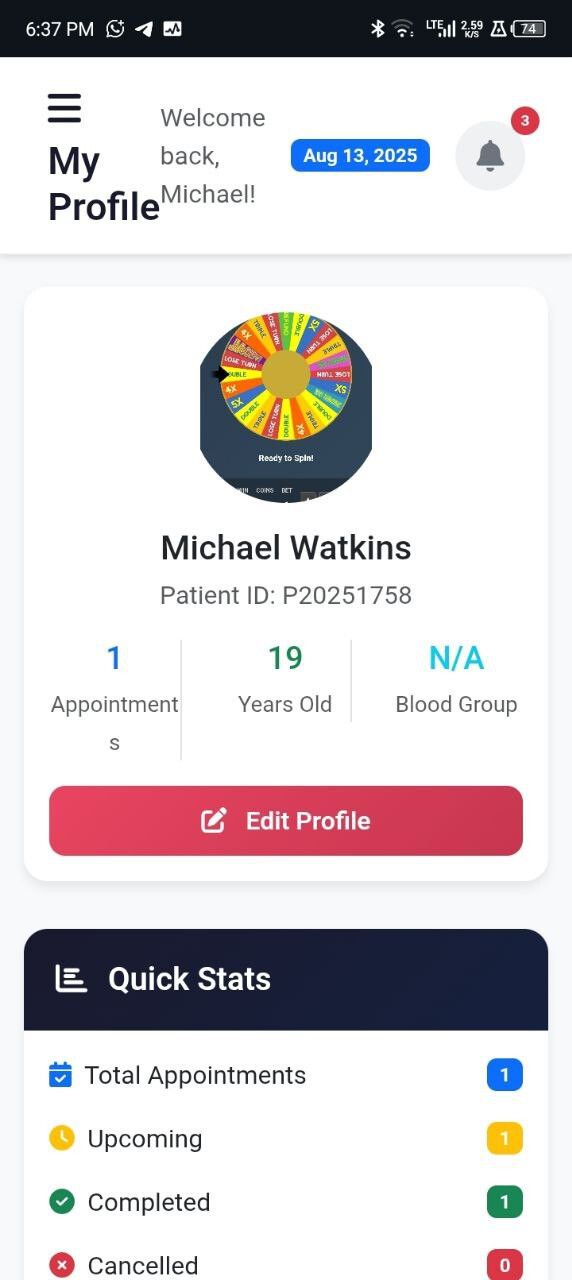
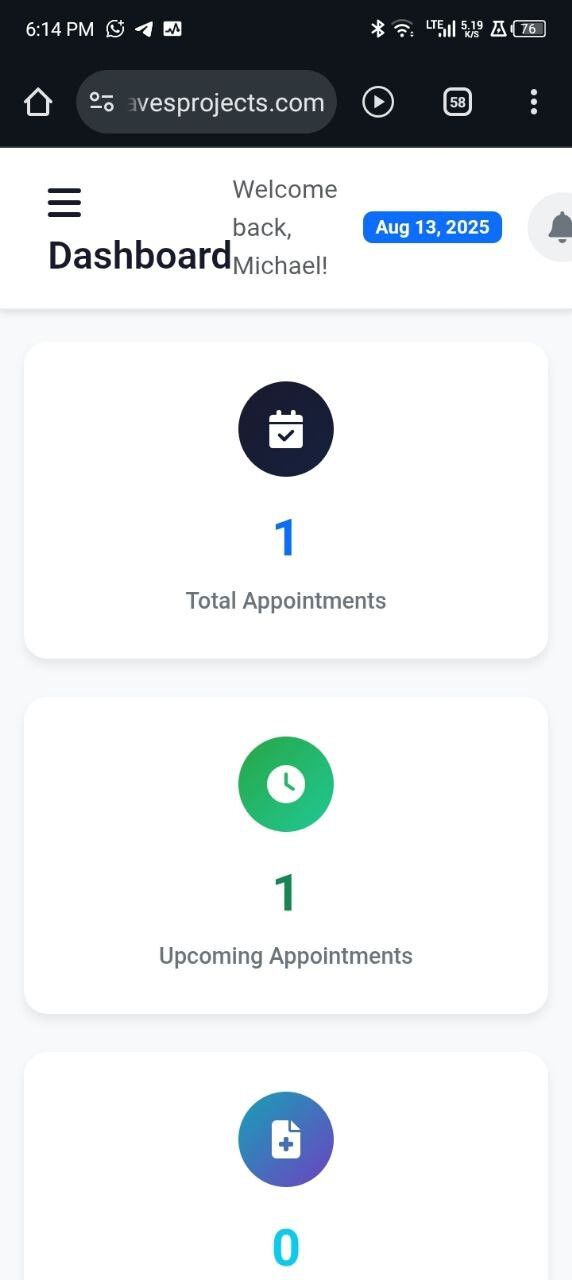
- Patient Self-Service Portal: Appointment booking, medical records
- Pharmacy Management: Inventory and prescription handling
- Lab Technician Interface: Report management and processing
📅 Advanced Appointment System
- Video online consultation:
Supports online video appointment, like ZOOM,GOOGLE CHAT ETC.(In the next update) - Real-time Availability: Dynamic doctor schedule checking
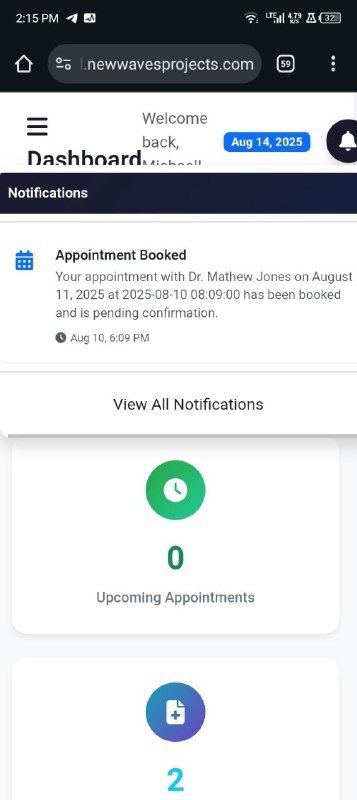
- Automated Notifications: Email/SMS confirmations and reminders
- Calendar Integration: Full calendar view with drag-drop
- Recurring Appointments: Support for regular check-ups
- Wait-list Management: Queue system for busy periods
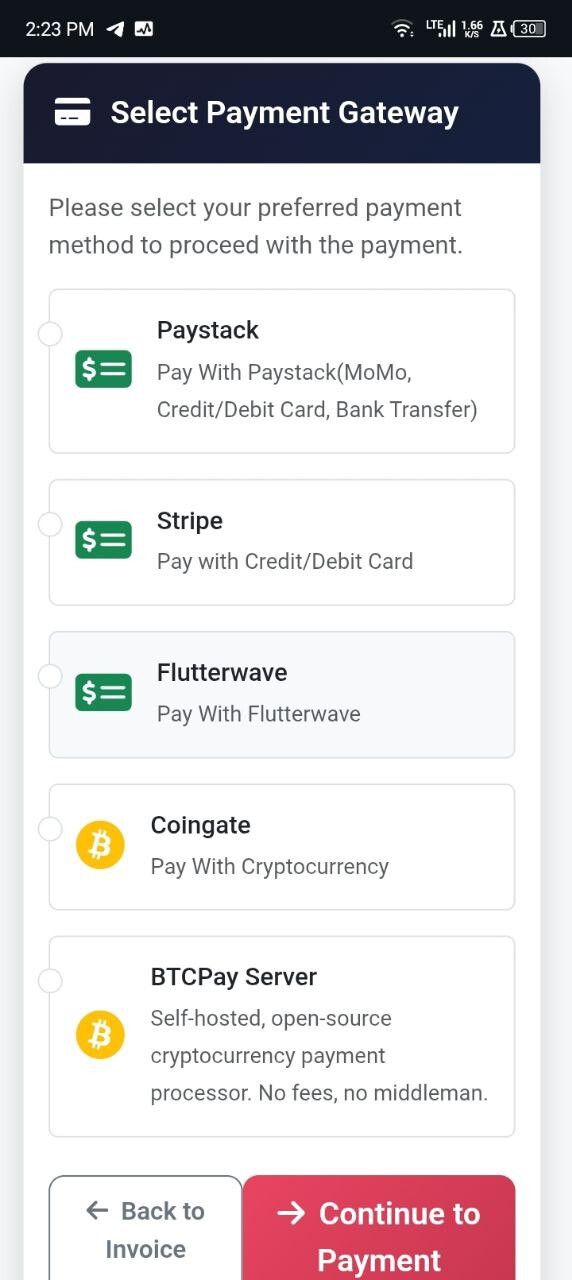
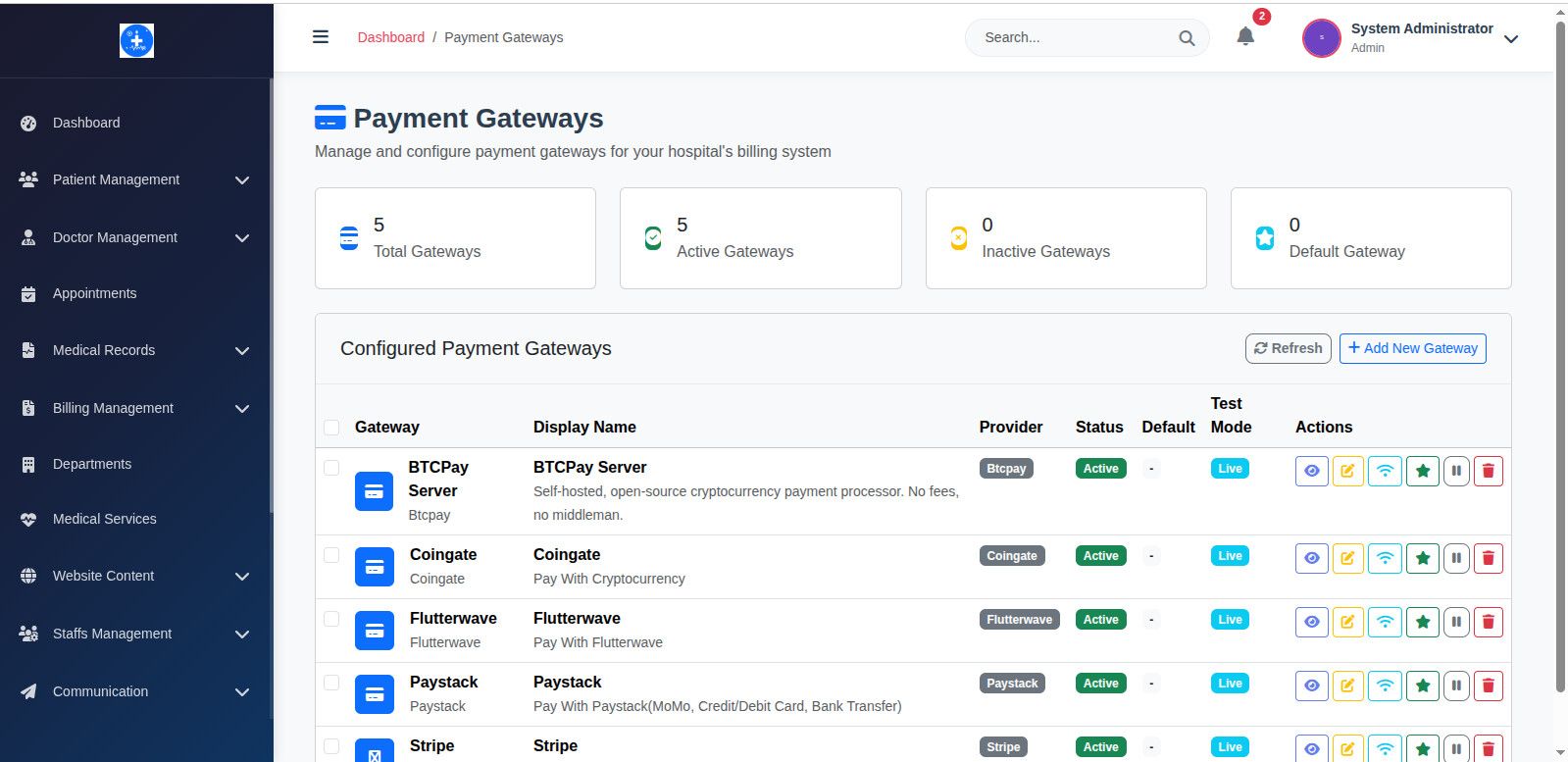
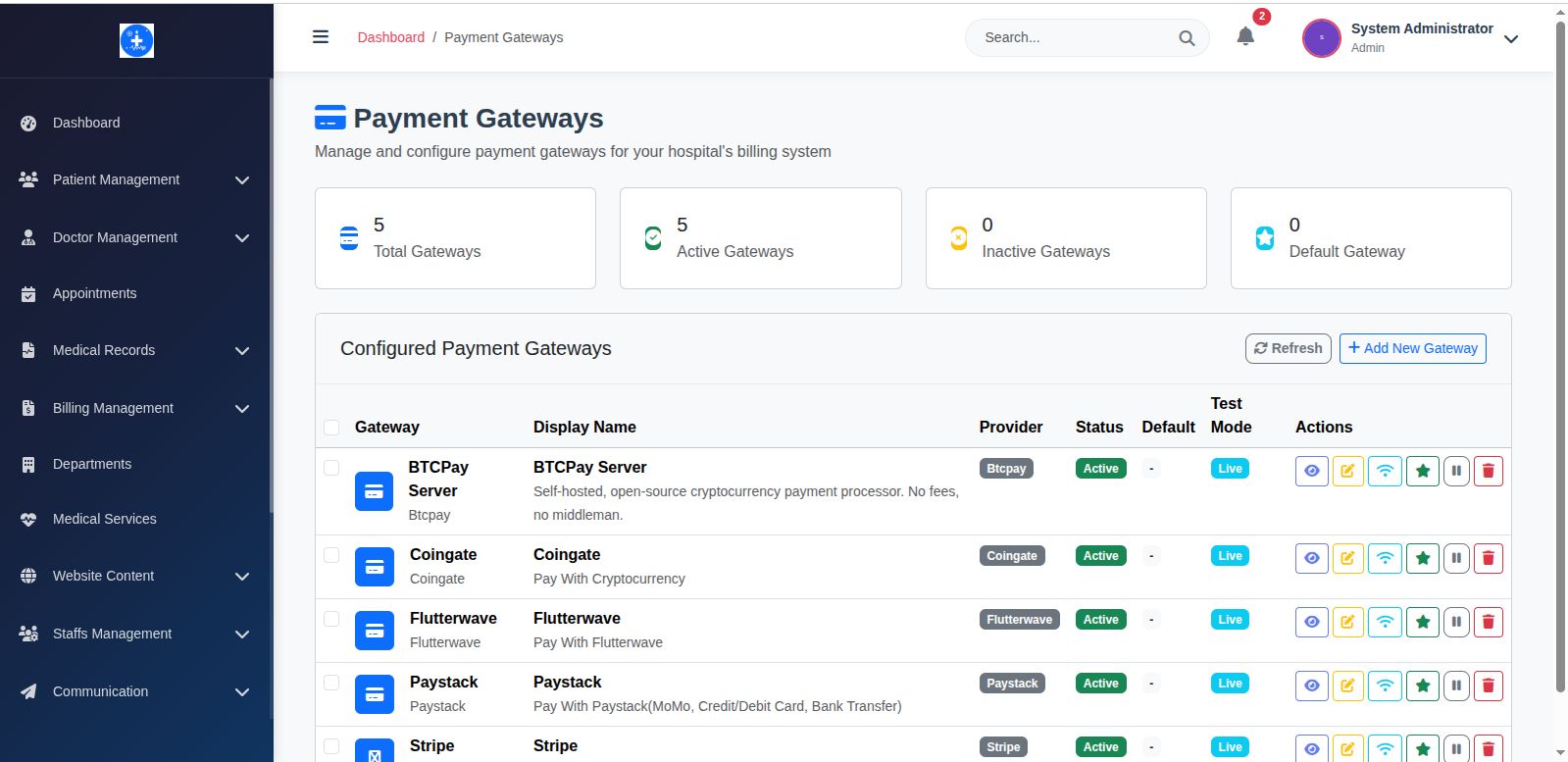
💳 Multi-Gateway Payment Integration
- Stripe Integration: Credit cards, Apple Pay, Google Pay
- PayPal Express: Quick checkout and subscriptions
- Paystack: Optimized for African markets
- Razorpay: Indian payment gateway
- Multi-Currency: USD, EUR, GBP, NGN, INR support
- Payment Plans: Installments and subscription billing
💻 Developer-Friendly Features
🎨 Frontend Excellence
- Mobile-First Design: Bootstrap 5 responsive implementation
- AJAX-Powered: Smooth, fast user interactions
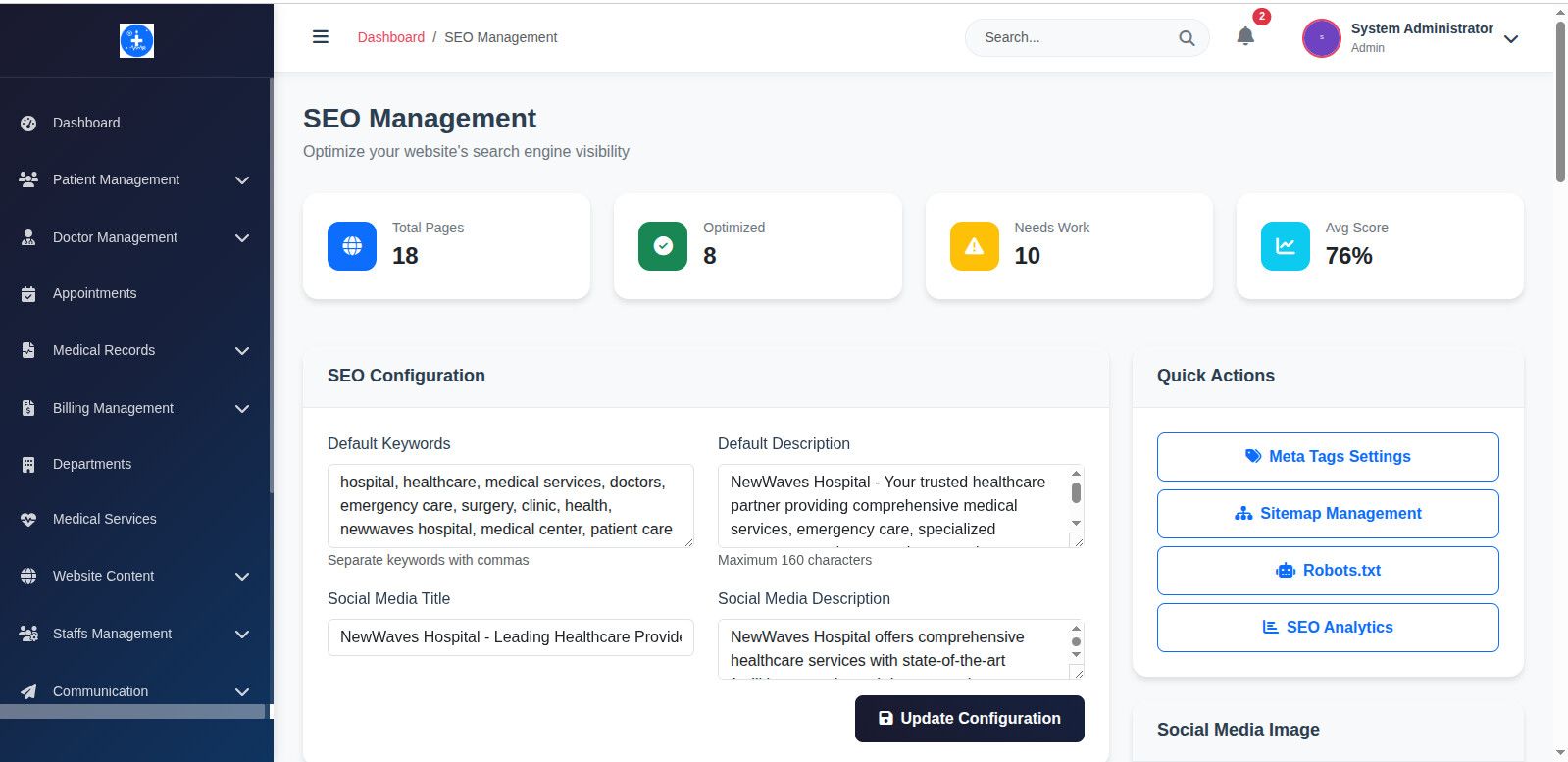
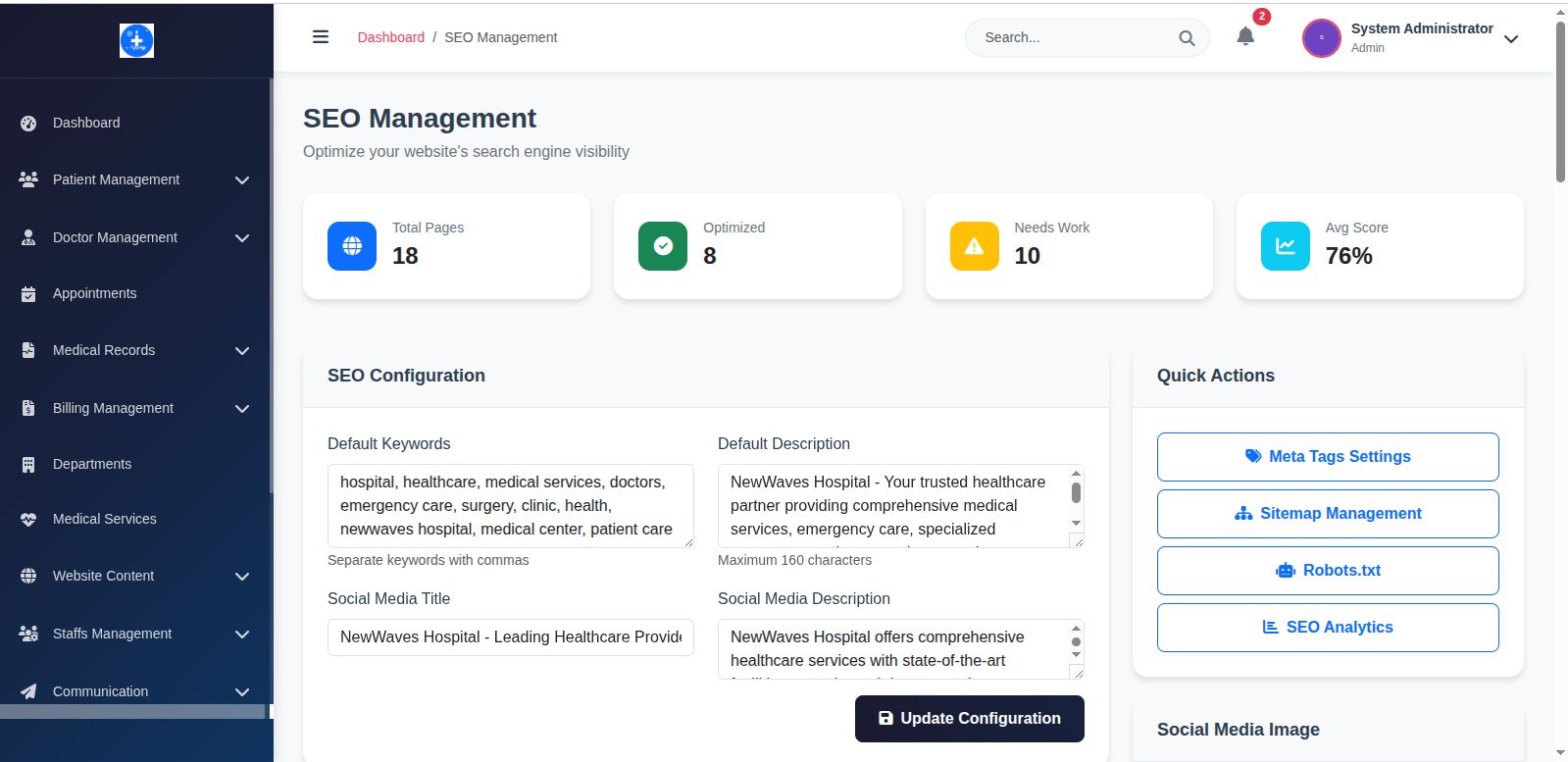
- SEO Optimized: Built-in meta management and sitemap
- Theme System: Easy color and layout customization
- Component Library: Reusable UI components
🔒 Enterprise Security
- Multi-Guard Auth: Separate authentication for each user type
- CSRF Protection: All forms protected against attacks
- Data Encryption: Sensitive information encrypted at rest
- Session Management: Secure timeout and token handling
- Input Validation: Server-side validation on all inputs
📱 API Integration Ready
- RESTful Endpoints: Complete API for mobile app integration
- JSON Responses: Structured data for third-party systems
- OAuth Support: Secure API authentication
- Rate Limiting: API abuse prevention
- Documentation: Complete API reference included
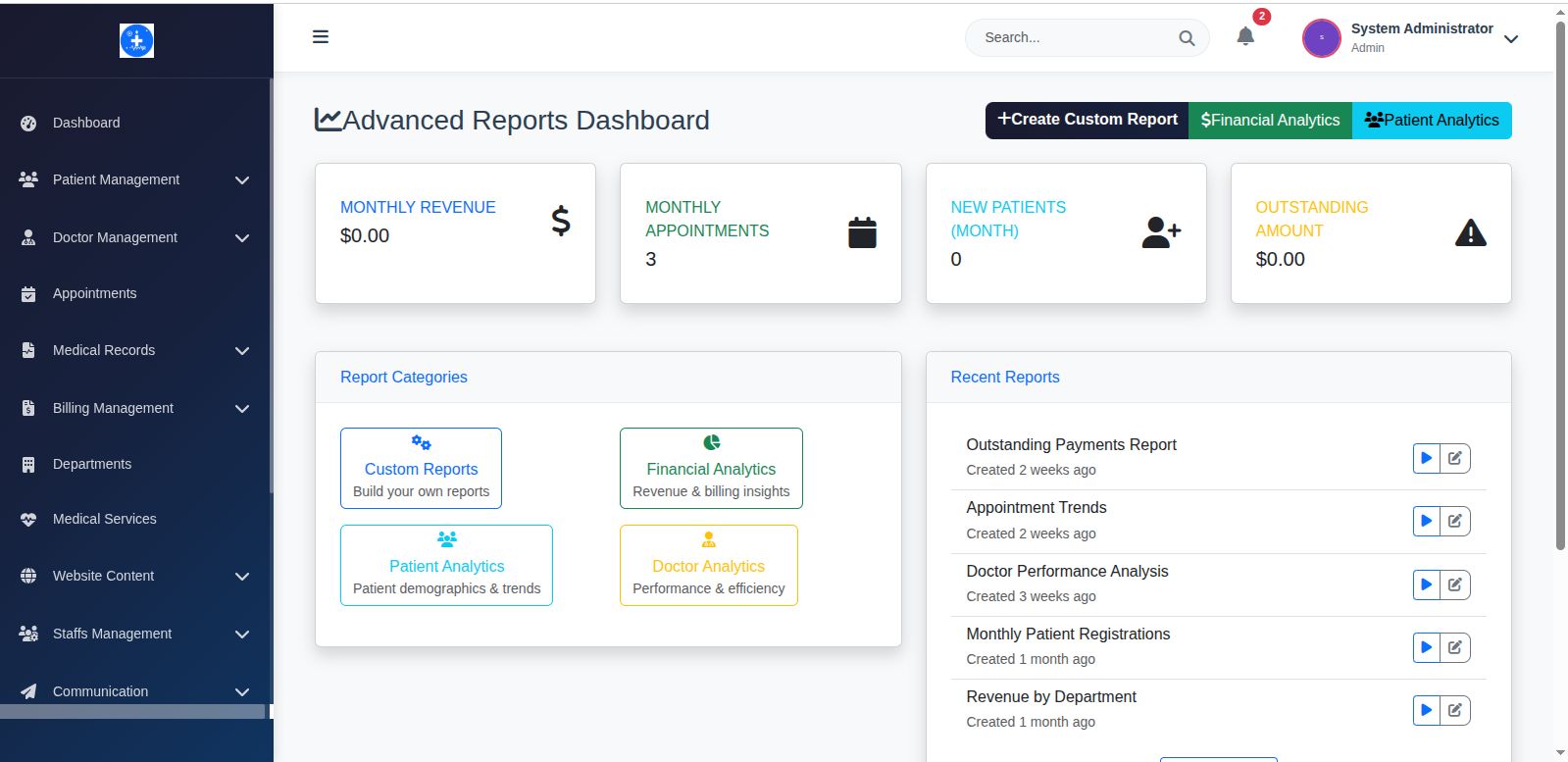
📊 Advanced Analytics & Reporting
- Financial Dashboard: Revenue, payments, outstanding balances
- Patient Analytics: Demographics, visit patterns, outcomes
- Operational Metrics: Appointment trends, staff performance
- Custom Reports: Build your own reporting queries
- Export Options: PDF, Excel, CSV formats
- Real-time Charts: Interactive data visualization
📦 Complete Developer Package
✅ Source Code & Assets
- Unencoded PHP Code: Fully readable and modifiable
- Laravel Migrations: Database structure management
- Seeders & Factories: Test data generation
- Blade Templates: Customizable view files
- SCSS/CSS Files: Styled and organized stylesheets
- JavaScript Components: Modern ES6+ code
✅ Professional Documentation
- Installation Guide: Shared hosting + VPS deployment
- Developer Manual: Code architecture and customization
- API Documentation: Complete endpoint reference
- Database Schema: ERD and relationship documentation
- Customization Guide: How to extend and modify
- Troubleshooting: Common issues and solutions
🎯 Perfect For Developers
💼 Healthcare Development Projects
- Custom Clinic Solutions: Build tailored systems for specific needs
- White-Label Products: Rebrand and resell to multiple clients
- SaaS Healthcare Platforms: Multi-tenant healthcare solutions
- Learning Laravel: Study modern Laravel 11 implementation
🏥 Target Healthcare Markets
- Small-Medium Clinics: Private medical practices
- Specialty Practices: Dental, veterinary, physiotherapy
- Healthcare Startups: Digital health initiatives
- Medical Centers: Multi-department facilities
💡 Customization & Extensibility
🔧 Easy Modifications
- Modular Architecture: Add new features without breaking existing code
- Theme System: Create custom themes and layouts
- Plugin Structure: Develop add-on modules
- Multi-Language Ready: Localization support built-in
- Database Flexibility: Easy schema modifications
🚀 Business Opportunities
- Client Projects: Sell customized versions to healthcare clients
- SaaS Business: Create subscription-based healthcare platform
- Consulting Services: Offer implementation and customization
- Add-on Development: Build and sell additional modules
🛠️ Installation & Deployment
🌐 Multiple Deployment Options
- Shared Hosting: Upload via FTP/cPanel and run installer
- VPS/Cloud: Git clone and composer install
- Docker: Containerized deployment ready
- Local Development: XAMPP/WAMP/Laravel Valet support
Online Installation Guide: https://doc.newwavesprojects.c...
🛡️ Quality Assurance
- Code Quality: PSR-12 standards, comprehensive error handling
- Security: OWASP guidelines, regular security updates
- Performance: Optimized queries, caching, CDN-ready
- Testing: Unit tests and feature tests included
- Browser Support: Chrome, Firefox, Safari, Edge
🆘 Developer Support & Updates
- 6 Months Support: Technical assistance for implementation
- Lifetime Updates: Security patches and Laravel updates
- Code Review: Help with customizations and modifications
- Community Access: Developer forums and resources
- Priority Support: Extended license includes priority assistance
Developer Support: [email protected]
🏷️ Licensing & Commercial Use
Standard License
- Single end product/client
- Basic customization rights
- 6 months support included
Extended License
- Multiple clients/projects
- Full white-label rights
- Resale permissions
- 12 months priority support
- Commercial SaaS usage allowed
🌟 Why This Solution Stands Out
- Developer-First: Built by developers, for developers
- Production-Tested: Used in real healthcare facilities
- Modern Stack: Latest Laravel 10 and PHP 8.2+ features
- Scalable Design: Handles growth from startup to enterprise
- Revenue Opportunity: Multiple monetization possibilities
Ready to build the future of healthcare technology? Download now and start creating innovative healthcare solutions!
Built with ❤️ using Laravel 10 | Professional Healthcare Development Platform
Requirements
🛠️ Requirements: Just web hosting with PHP and MySQL
📋 Pre-Installation Requirements
Hosting Requirements
- PHP: 8.1 or higher
- Database:MSQL 5.0+, MariaDB 10.3+
- Storage: At least 500MB free space
- Memory: Minimum 256MB RAM
- max_execution_time: 300
- max_input_time: 300
- max_input_vars: 3000
- post_max_size: 128
PHP Extensions (Most hosting providers include these)
- BCMath, Ctype, Fileinfo, JSON, Mbstring
- OpenSSL, PDO, Tokenizer, XML, ZIP
- GD, cURL extensions
Instructions
🚀 Installation Steps
Step 1: Upload Files to Your Hosting
Option A: Using cPanel File Manager (Recommended)
- Login to your hosting cPanel
- Open "File Manager"
- Navigate to
public_htmlfolder - Upload the NewWaves-Hospital-Management ZIP file
- Right-click and "Extract" the ZIP file
- Delete the ZIP file after extraction
- In the extracted files you will have:installable.zip and documentation folder
- Extract the installable.zip file to get installable folder and delete the zip file to keep things clean
- Move all the content inside the installable folder to your public_html root directary or where you want to install your website.
Option B: Using FTP
- Extract the ZIP file on your computer
- Upload all files to your domain's root folder via FTP
- Ensure all files uploaded completely
Step 2: Set File Permissions
Using cPanel:
- Right-click storage folder → Change Permissions → Set to 755
- Right-click bootstrap/cache folder → Change Permissions → Set to 755
- Check "Recurse into subdirectories" for both
Step 3: Start Installation Wizard
Visit your website:
🎯 Installation Wizard Walkthrough
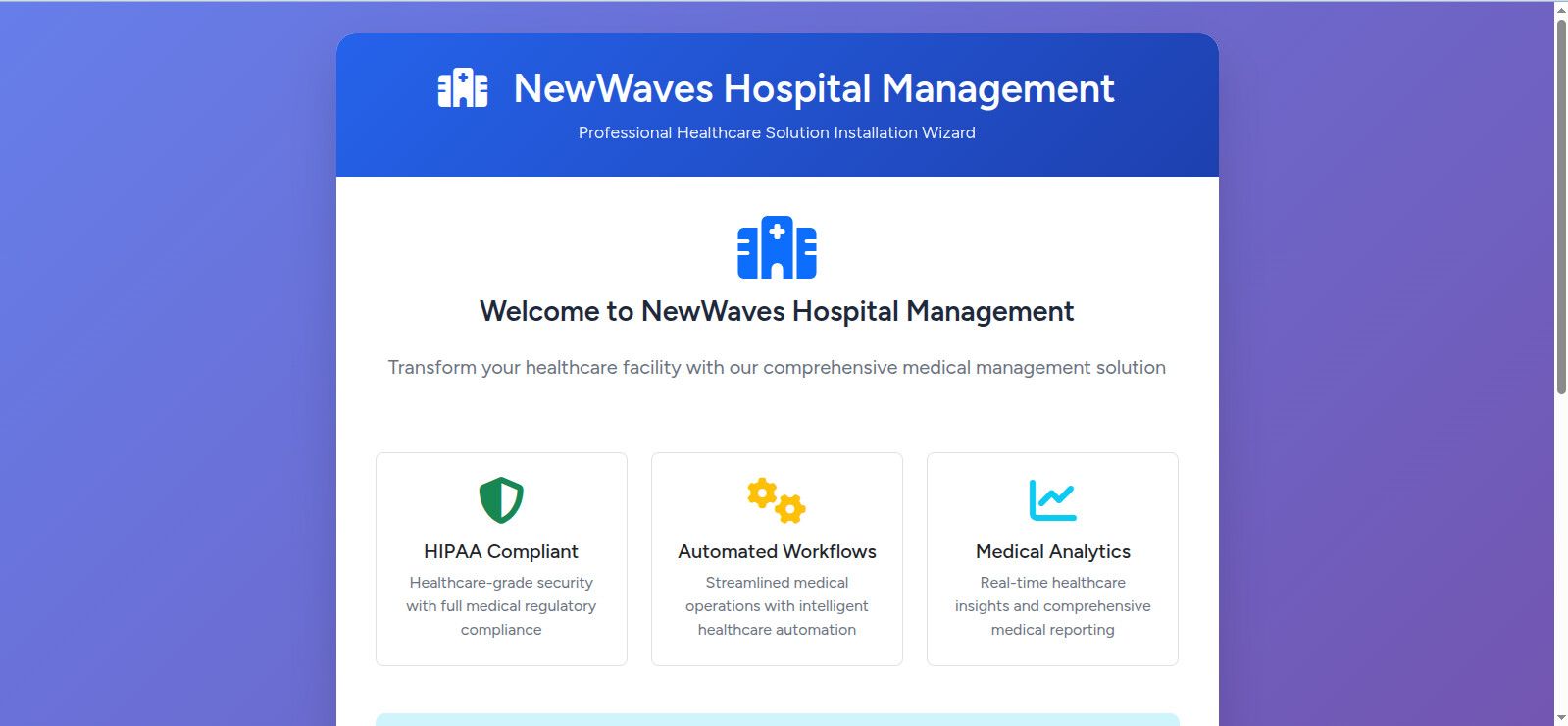
Step 1: Welcome Screen
- Review product information and features
- System overview
- Click "Start Installation"
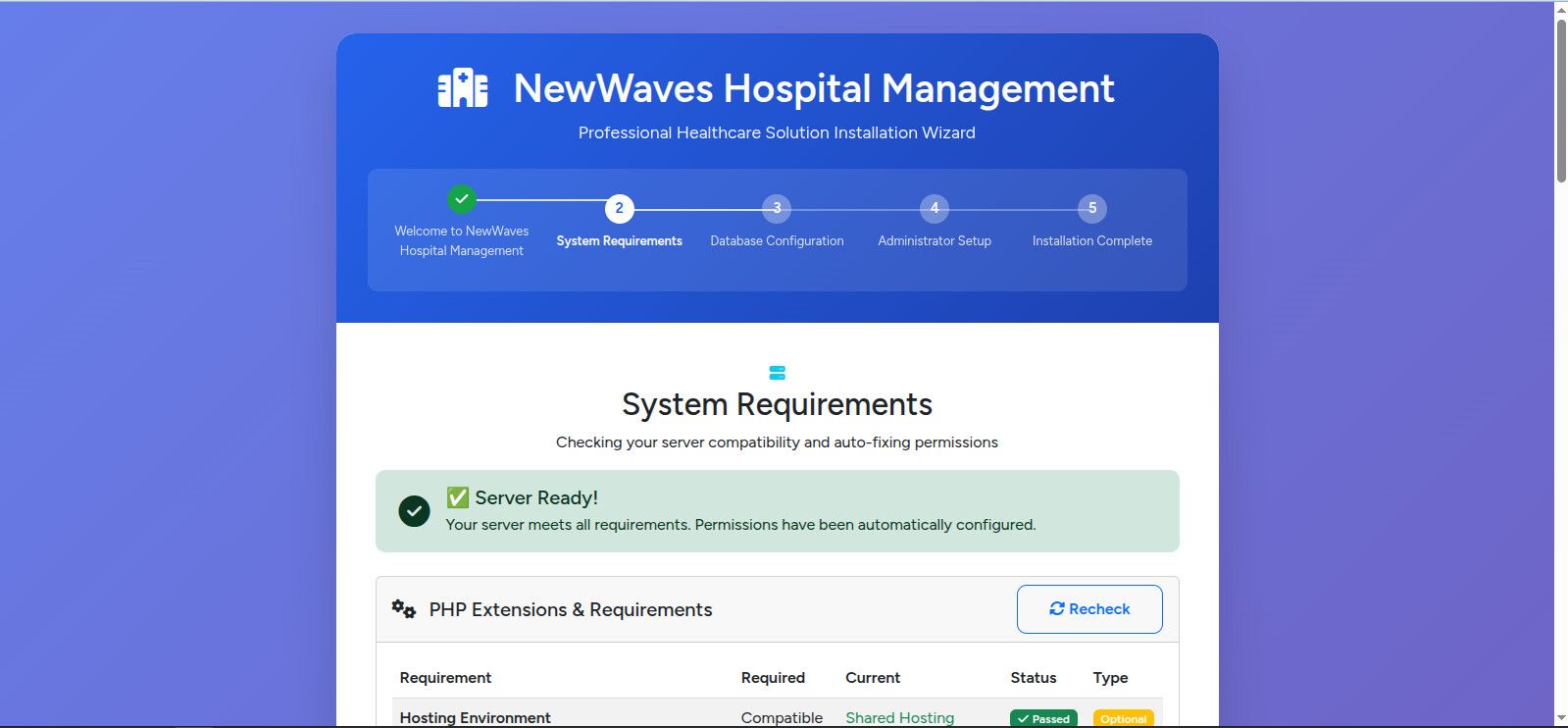
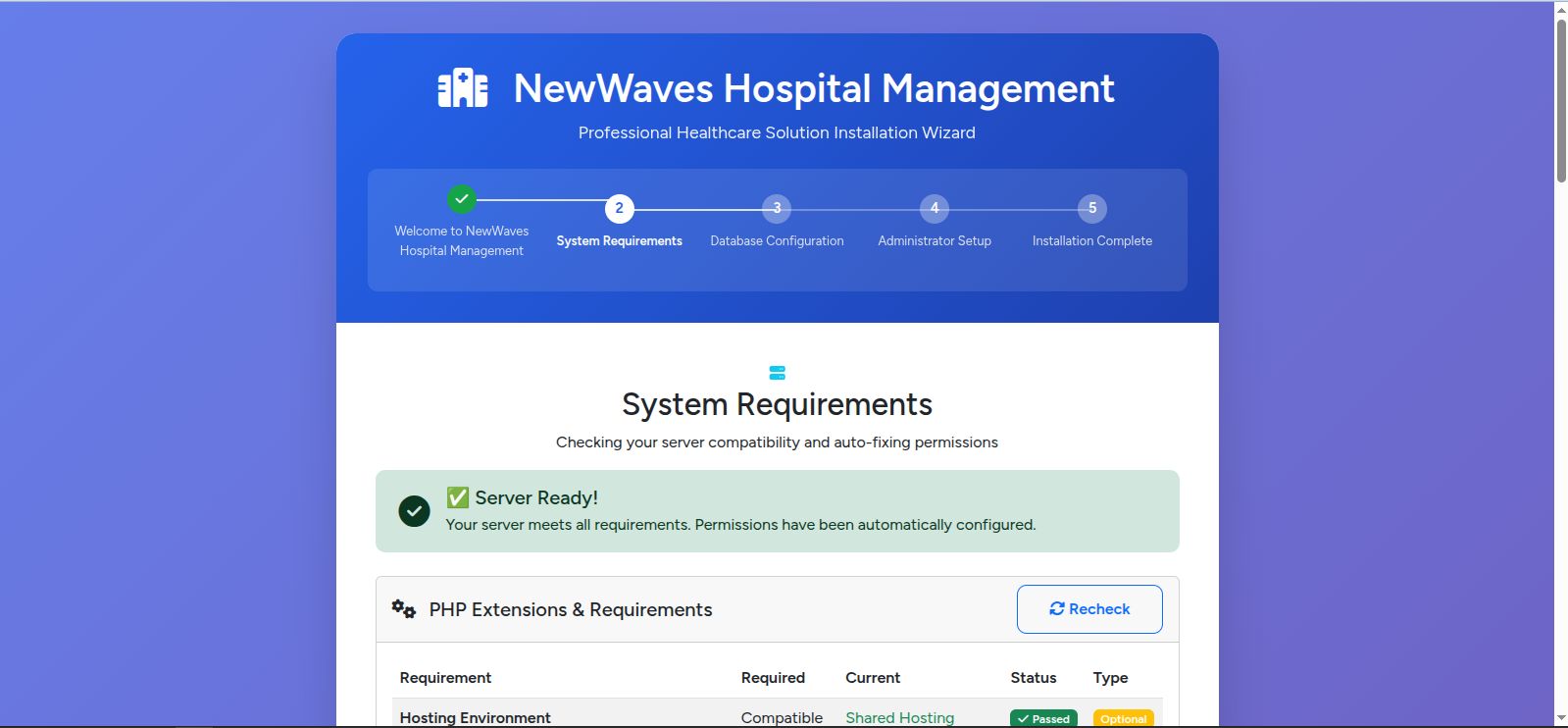
Step 2: System Requirements Check
- Automatic verification of PHP version and extensions
- Permission checks for directories
- Auto-fix functionality for common issues
- Green checkmarks = Ready to proceed ✅
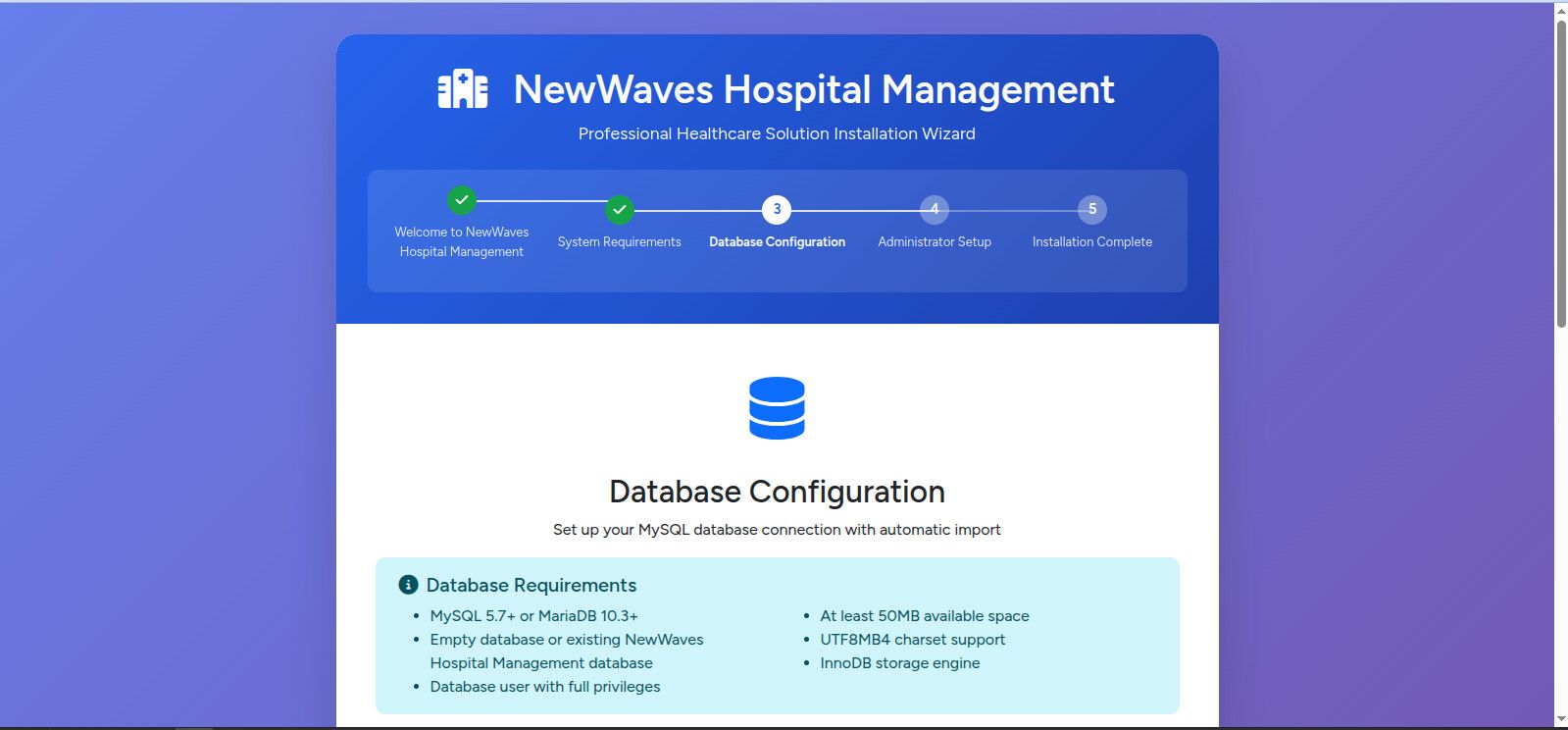
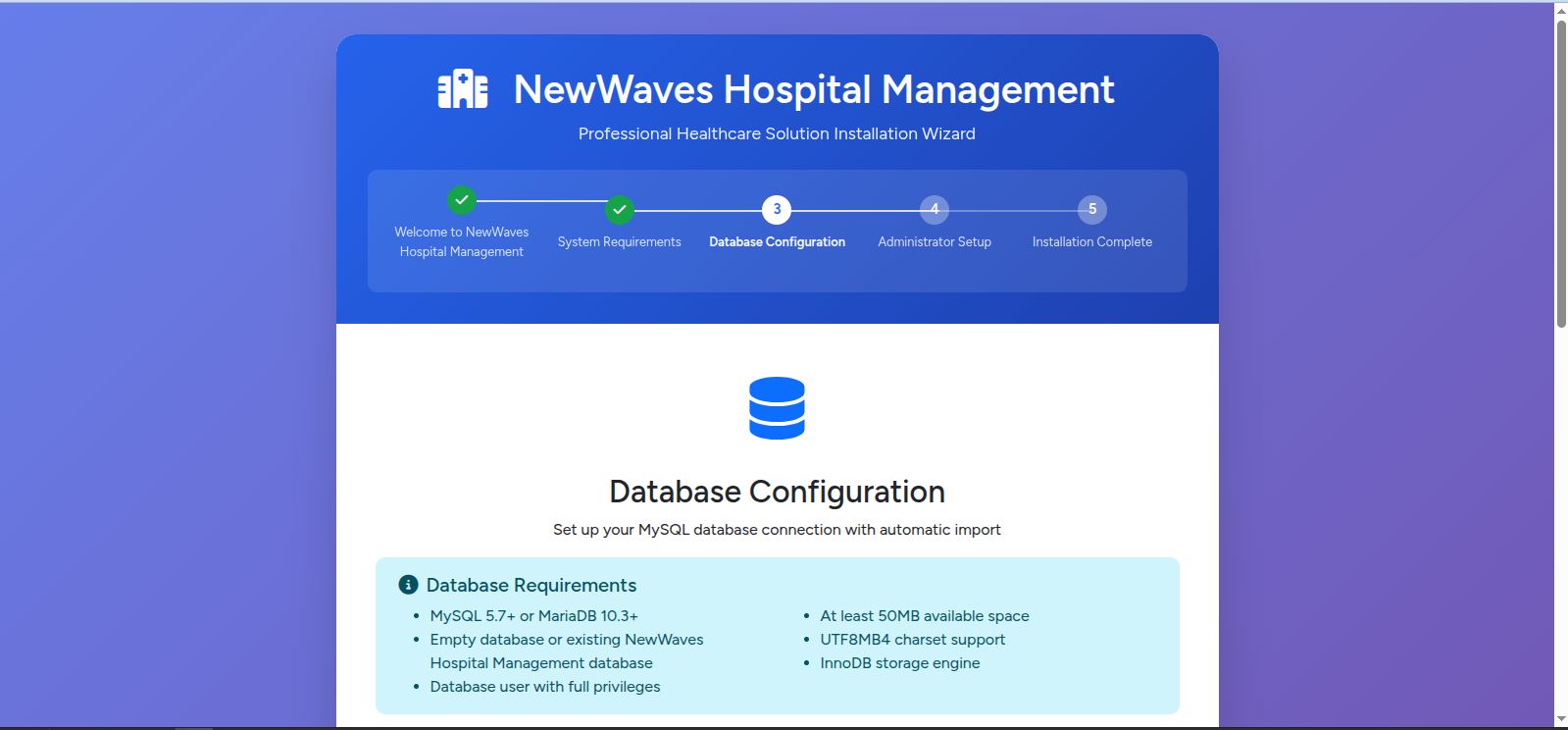
Step 3: Database Configuration
- Database Host:
localhost(usually) - Database Port:
3306(usually) - Database Name: Your database name
- Username & Password: Your database credentials
- Click "Test Connection" to verify
- Automatic database setup with progress bar
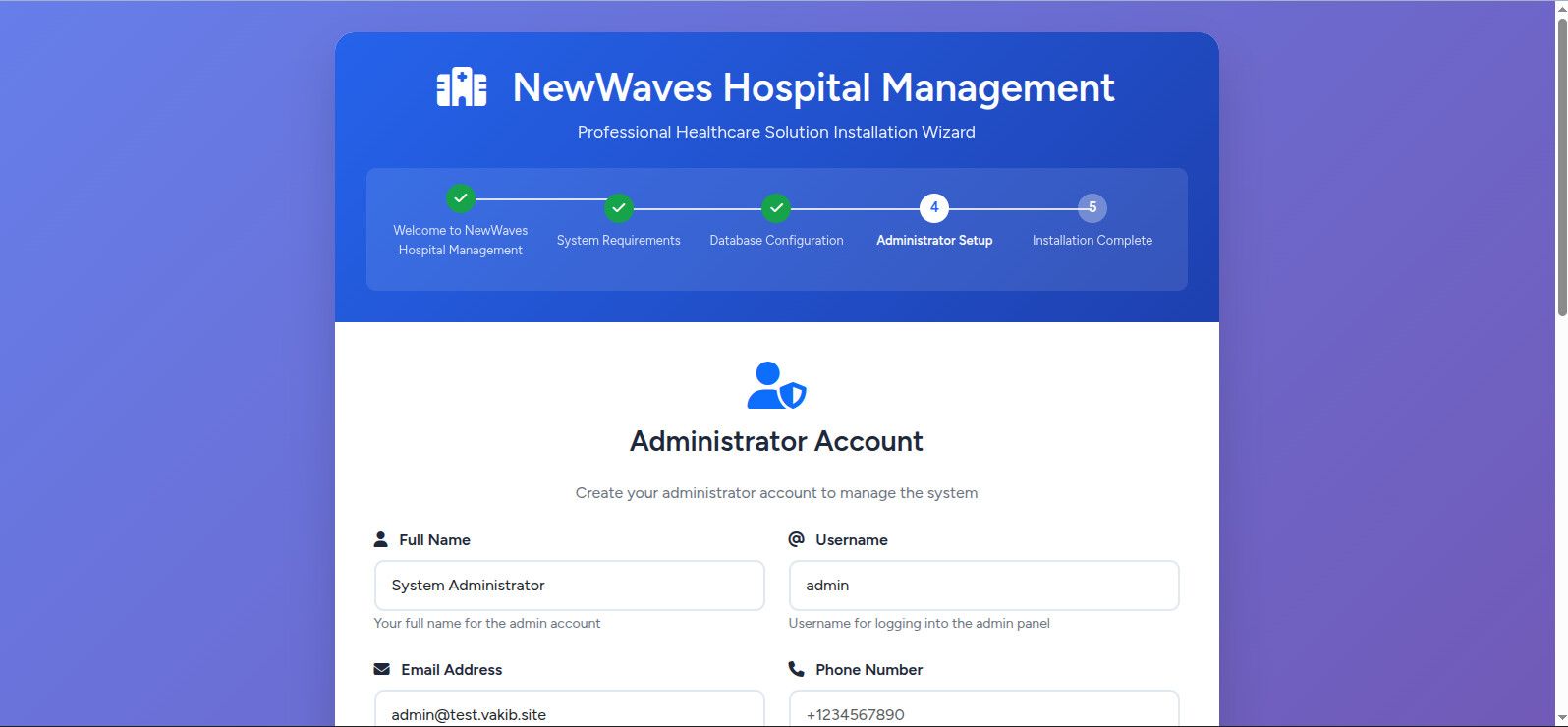
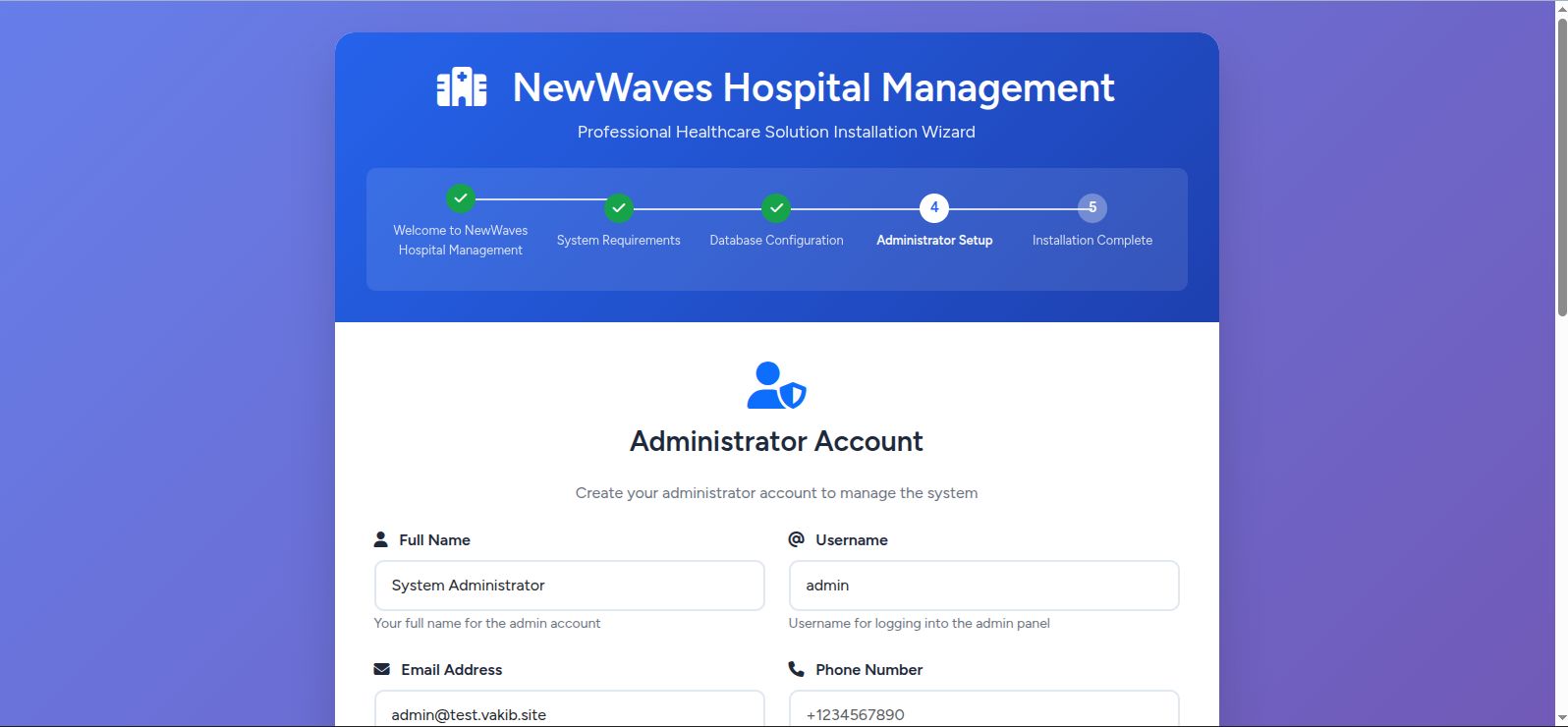
Step 4: Administrator Setup
- Admin Name: Your full name
- Email Address: Your admin email
- Password: Strong password (8+ characters)
- Phone Number: Optional
- Click "Create Admin Account"
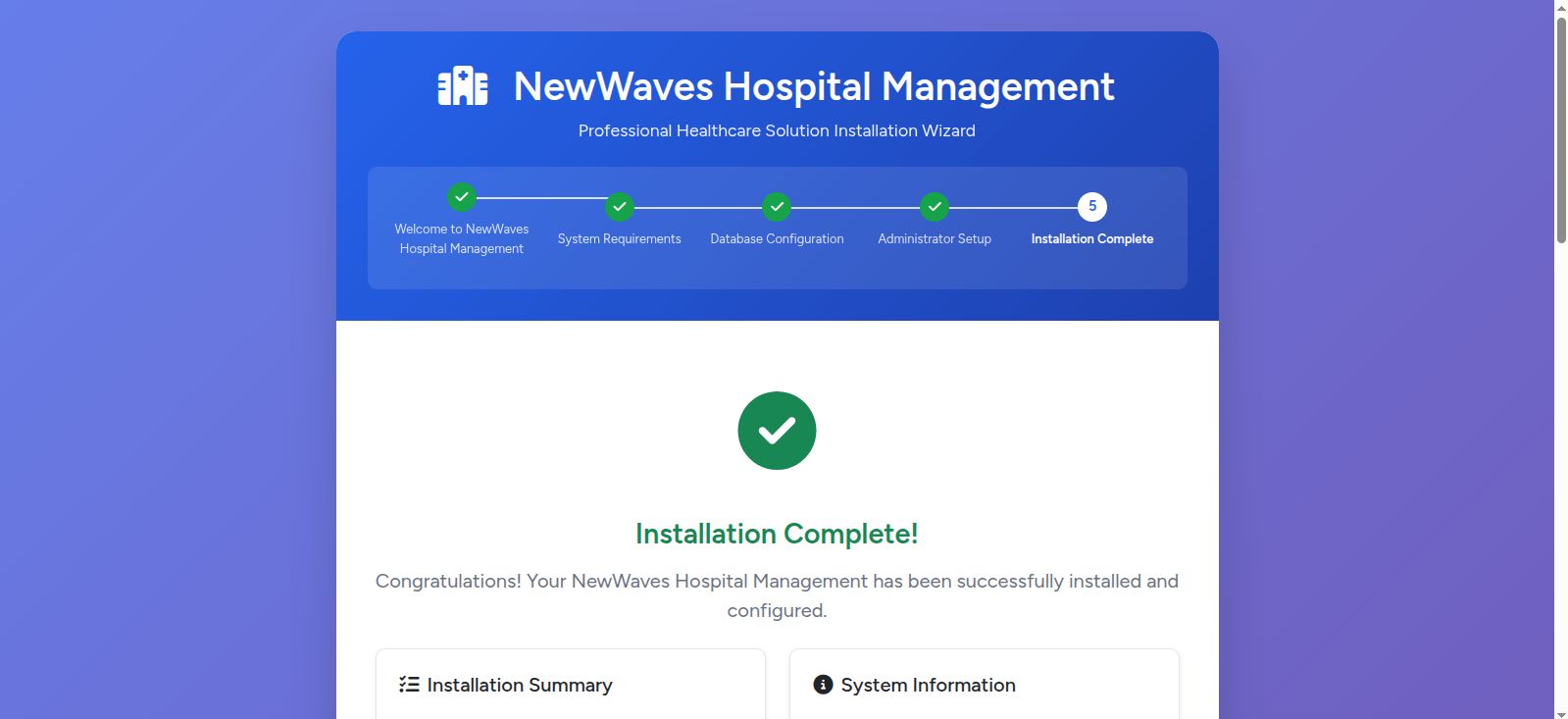
Step 5: Installation Complete! 🎉
- Final optimizations completed automatically
- Success confirmation with login details
- Access links to all system areas
🔑 Access Your System
After successful installation:
🏥 Admin Dashboard:
👨⚕️ Staff Portal: https://yourdomain.com/login
👤 Patient Portal: https://yourdomain.com/patient...
🌐 Public Website: https://yourdomain.com
⚡ Post-Installation Tips
1. Security First
- Change default admin password immediately
- Enable SSL certificate (HTTPS) if not already active
2. Basic Configuration
- Upload your hospital logo
- Configure SMTP email settings
- Set up your hospital information
- Create staff accounts
3. Optional Enhancements
- Set up automatic backups through your hosting provider
- Configure CDN if you have high traffic expectations
- Enable caching in your hosting control panel
❓ Troubleshooting
Installation wizard won't start?
- Check file permissions (storage and bootstrap/cache = 755)
- Ensure all files uploaded completely
- Try manually visiting
/install
Database connection fails?
- Double-check database credentials with your hosting provider
- Ensure database exists and user has full permissions
- Try
localhostor127.0.0.1as database host
PHP requirements not met?
- Contact your hosting provider to enable required PHP extensions
- Request PHP version upgrade if below 8.1
🆘 Need Help?
If you encounter any issues:
1. Check our detailed Online Installation Guide
2. Review the troubleshooting section
Remember: The installation wizard handles 95% of the work automatically. Most installations complete successfully in under 10 minutes!
Other items by this author


Future product updates
Quality checked by Codester
Lowest price guarantee


|
PHP Script Installation Service
Don't worry about the installation of your script! Have your PHP Script installed for you.
|
$39 | Buy now |
| Category | Scripts & Code / PHP Scripts / Management / Healthcare |
| First release | 18 August 2025 |
| Last update | 18 August 2025 |
| Software version | PHP 8.1, PHP 8.2 |
| Files included | .php, .css, .html, .sql, .xml, Javascript .js |
| Tags | php, MySQL, healthcare, laravel, admin-panel, hospital-management, medical-system, patient-management, doctor-portal, appointment-booking, hospital-website |




