Home / App Templates / Android / Applications / Bundles

Android Source Code 4 Premium BundleAndroid Source Code 4 Premium Bundle
Launch your next set of Android utility apps instantly with this 4-in-1 Premium Source Code Bundle!Home / App Templates / Android / Applications / Bundles
Android Source Code 4 Premium Bundle
Launch your next set of Android utility apps instantly with this 4-in-1 Premium Source Code Bundle!
Screenshots
Overview
This package includes fully functional, ready-to-publish apps built in Android Studio (Kotlin/Java) with dynamic UI, AdMob integration, and detailed documentation.
📦 Included Projects
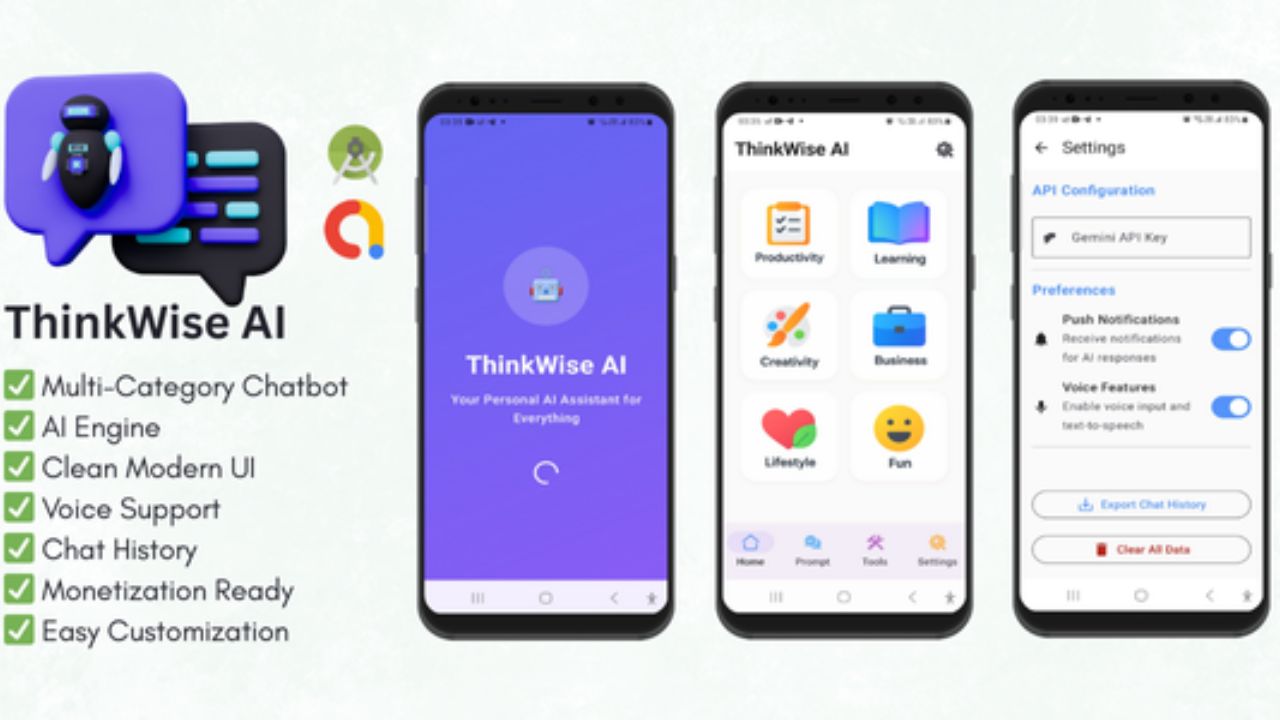
- 🤖 ThinkWise AI – Smart Multi-Category Chatbot
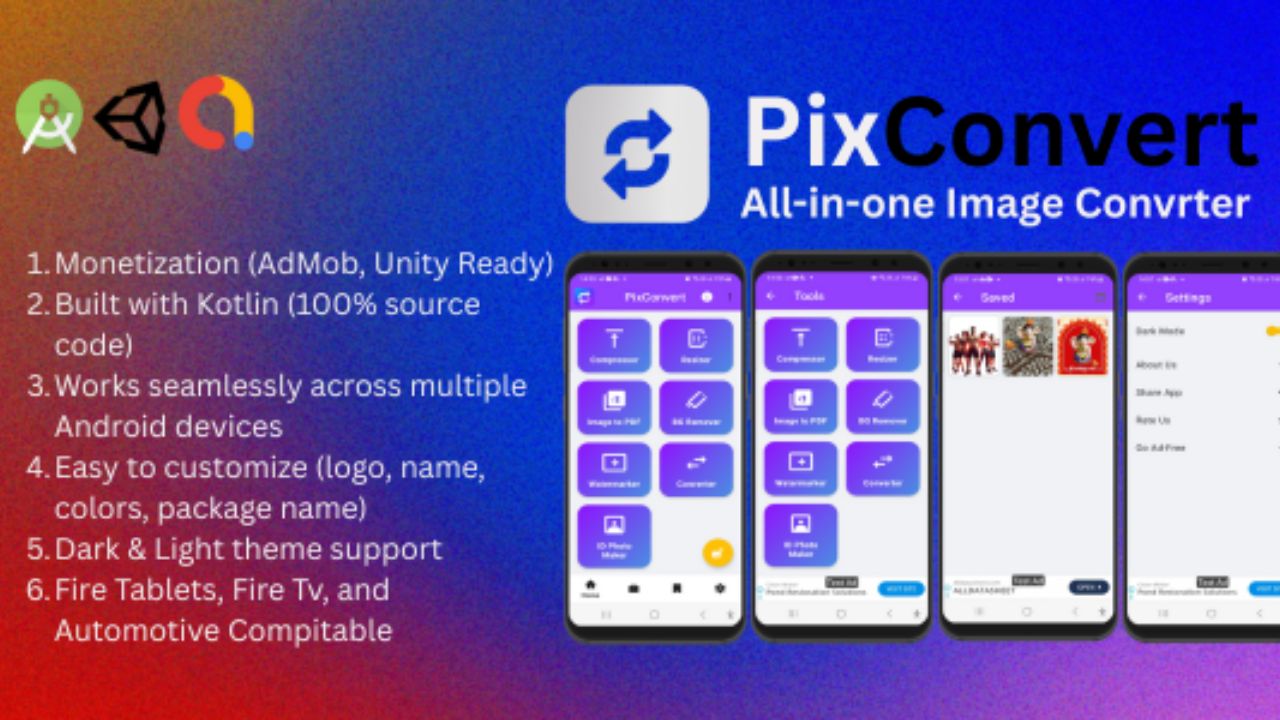
- 🖼️ PixConvert – All-in-One Image Converter App
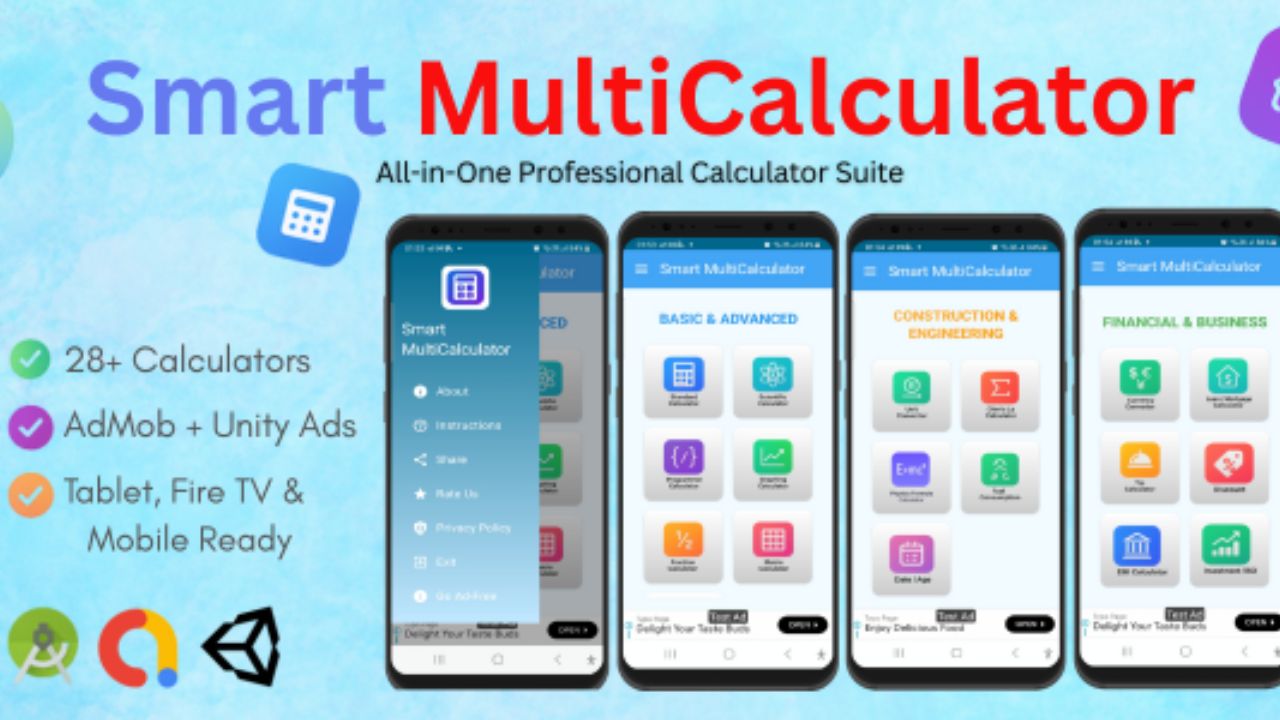
- 🧮 Smart MultiCalculator – 29+ Calculators in One App (AdMob + Unity Ads)
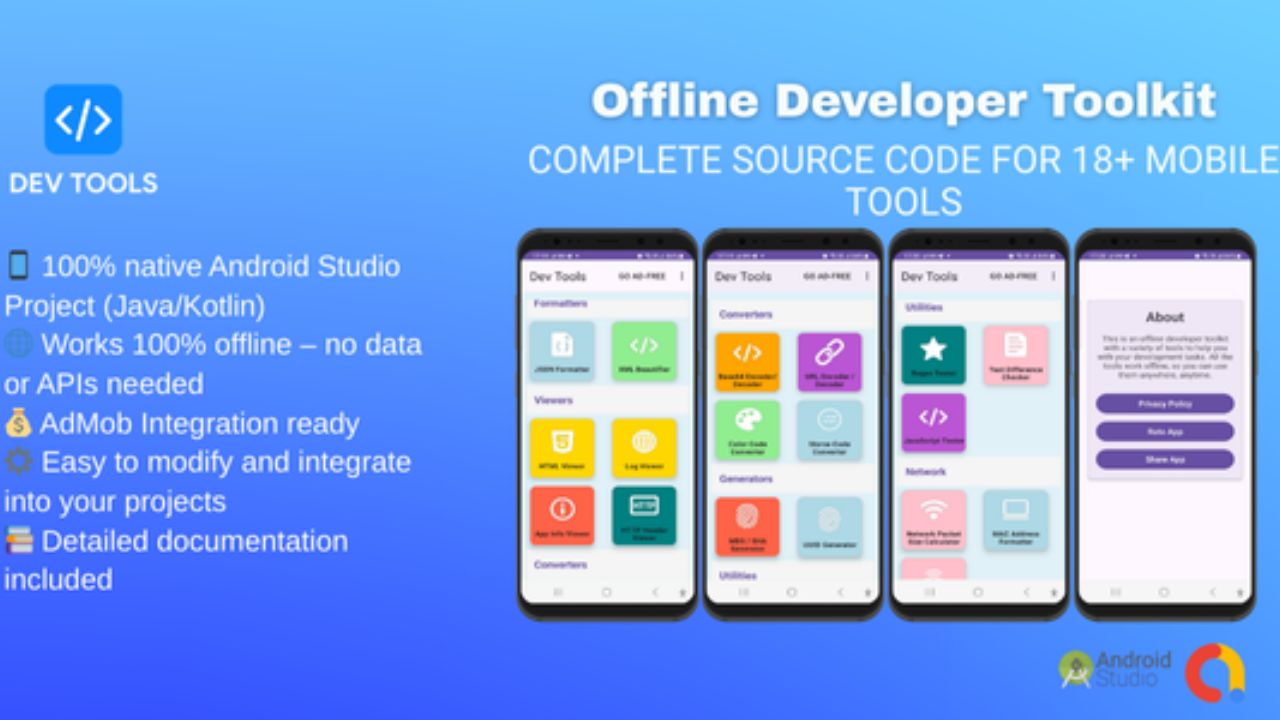
- 🧰 Developer Toolkit – 18+ Useful Mobile Utility Tools
💡 Why Choose This Bundle?
- 💰 Save over 10% compared to buying individually
- 🚀 Perfect for developers, studios, and freelancers
- 📱 Launch multiple apps quickly and earn from AdMob
- ⚡ Ideal for building your app portfolio fast
Total Value: $55+
Bundle Price: Only $49 (10% OFF—Limited-Time Offer)
📁 What You’ll Get
- 4 Complete Android Studio Source Codes (.zip)
- Gradle Files & Dependencies
- App Icons and UI Assets
- Full Setup Documentation (PDF/ReadMe)
🧠 Developer Info
Created by DevWizard24 All apps are original, tested, and published individually on CodeCanyon.
💥 Limited Time Deal!
Get this Ultimate Bundle today and start building your Android app portfolio. Once the launch sale ends, the price will increase to $49
⭐ Don’t miss this—4 ready-to-Publish Android Apps in One Pack! ⭐
Features
🚀 Key Features
- ✔️ 100% Android Studio Projects (Kotlin/Java)
- ✔️ Modern Material Design & Dynamic UI
- ✔️ Offline Functionality (No APIs required for most apps)
- ✔️ AdMob Ads Integrated (Banner, Interstitial & Rewarded)
- ✔️ Easy Reskin & Rename – ready for Play Store publishing
- ✔️ Complete Documentation Included (PDF/ReadMe)
- ✔️ Clean, Well-Commented Codebase
Requirements
- Android Studio (latest version)
- Basic Android Development Knowledge
- AdMob Account (optional for monetization)
Instructions
🛠️ Installation & Setup Instructions
Follow these simple steps to open, customize, and publish your Android apps included in this bundle.
- Download & Extract Files: After purchasing, extract the downloaded .zip file. You’ll find 4 project folders (each app is a separate Android Studio project).
- Open in Android Studio: Launch Android Studio (latest version recommended) → click Open an Existing Project → Select the app folder you want to modify.
- Gradle Sync: Wait for Gradle to finish syncing and ensure all dependencies are downloaded automatically.
- Change App Package Name: Go to File → Refactor → Rename to change your app’s package name before publishing.
- Add Your App Name & Icons: Replace existing icons in the
res/mipmapfolders and update your app name in theAndroidManifest.xml. - AdMob Integration: Open
strings.xmland add your own AdMob App ID and Ad Unit IDs (for banner, interstitial, app open and rewarded ads). - Build & Test: Run the app on an emulator or real Android device to test all features. Make sure everything functions as expected.
- Generate Signed APK/AAB: Go to Build → Generate Signed Bundle/APK, then upload it to the Play Store.
- Documentation: Check the included PDF/Readme file for screenshots, setup steps, and troubleshooting tips.
📁 Folder Structure Overview
- /ThinkWise_AI – Smart Chatbot App
- /PixConvert – Image Converter App
- /Smart_MultiCalculator – 29+ Tools in One App
- /Developer_Toolkit – 18+ Utility Tools
- /Documentation – Setup Guides (PDF + Images)
💡 Tip: Each project is fully independent. You can edit, build, and publish them separately on the Play Store.
Other items by this author







Additional options
|
Android App Reskin Service
Have your App reskinned to meet your needs.
|
$199 | Buy now |
Information
| Category | App Templates / Android / Applications / Bundles |
| First release | 4 November 2025 |
| Last update | 4 November 2025 |
| Operating Systems | Android 7.0, Android 8.0, Android 9.0, Android 10.0, Android 11.0, Android 12.0, Android 5.0, Android 6.0 |
| Files included | Layered .png, .apk, .java, .xml |
| Tags | android source code, android app template, android studio project, admob integrated, kotlin app, calculator app, developer tools, reskin ready, tools app bundle, ai chatbot app, image converter app, utility apps, all-in-one tools, mobile toolkit, code bundle |