Catalat - Online Catalog And Rental PHP ScriptCatalat - Online Catalog And Rental PHP Script
Self-hosted PHP Catalog & Rental Script v2.0 (Admin, Multi-Language, SEO, Blog, Real Estate & Vehicles)
Catalat - Online Catalog And Rental PHP Script
Self-hosted PHP Catalog & Rental Script v2.0 (Admin, Multi-Language, SEO, Blog, Real Estate &...
Screenshots






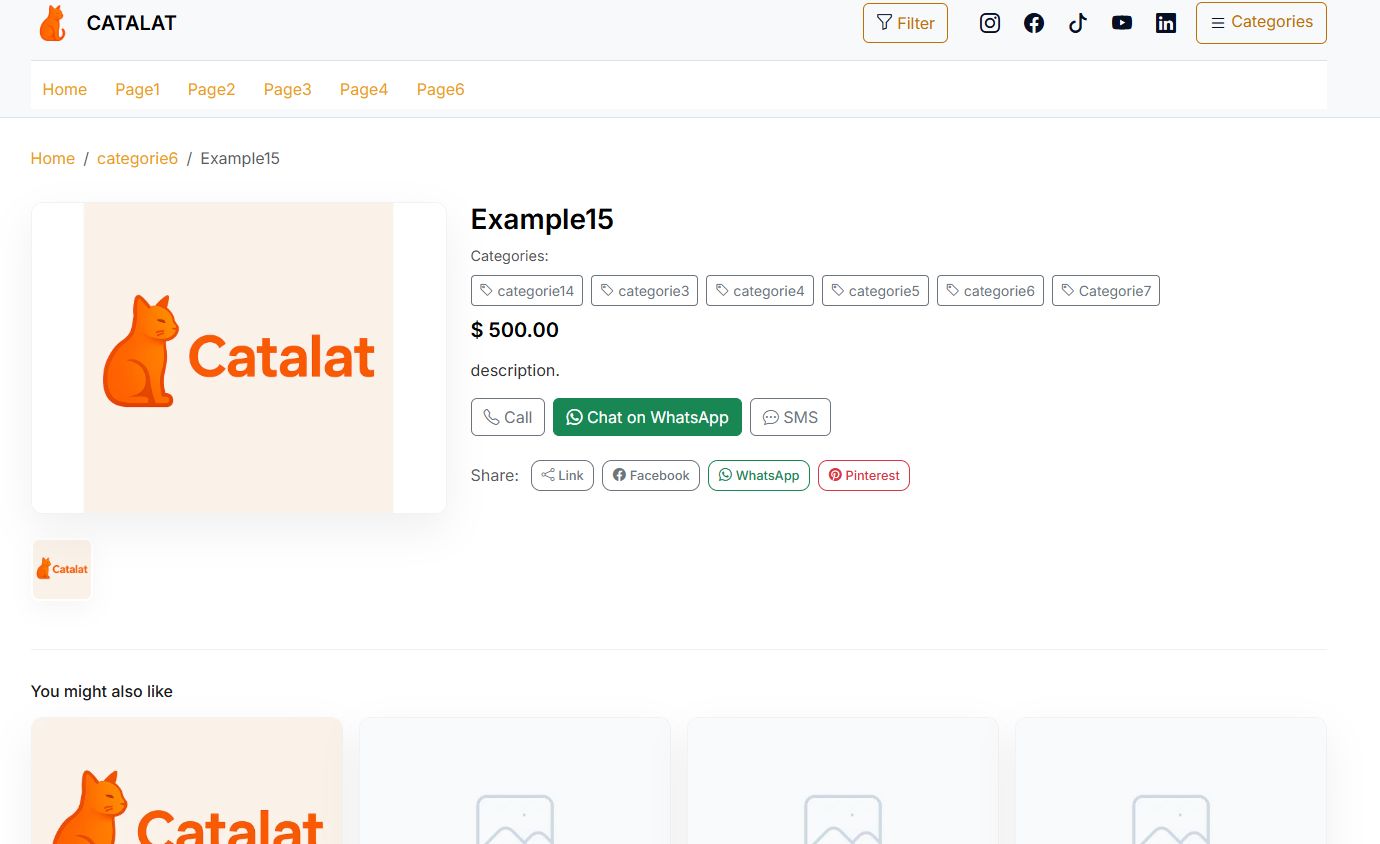
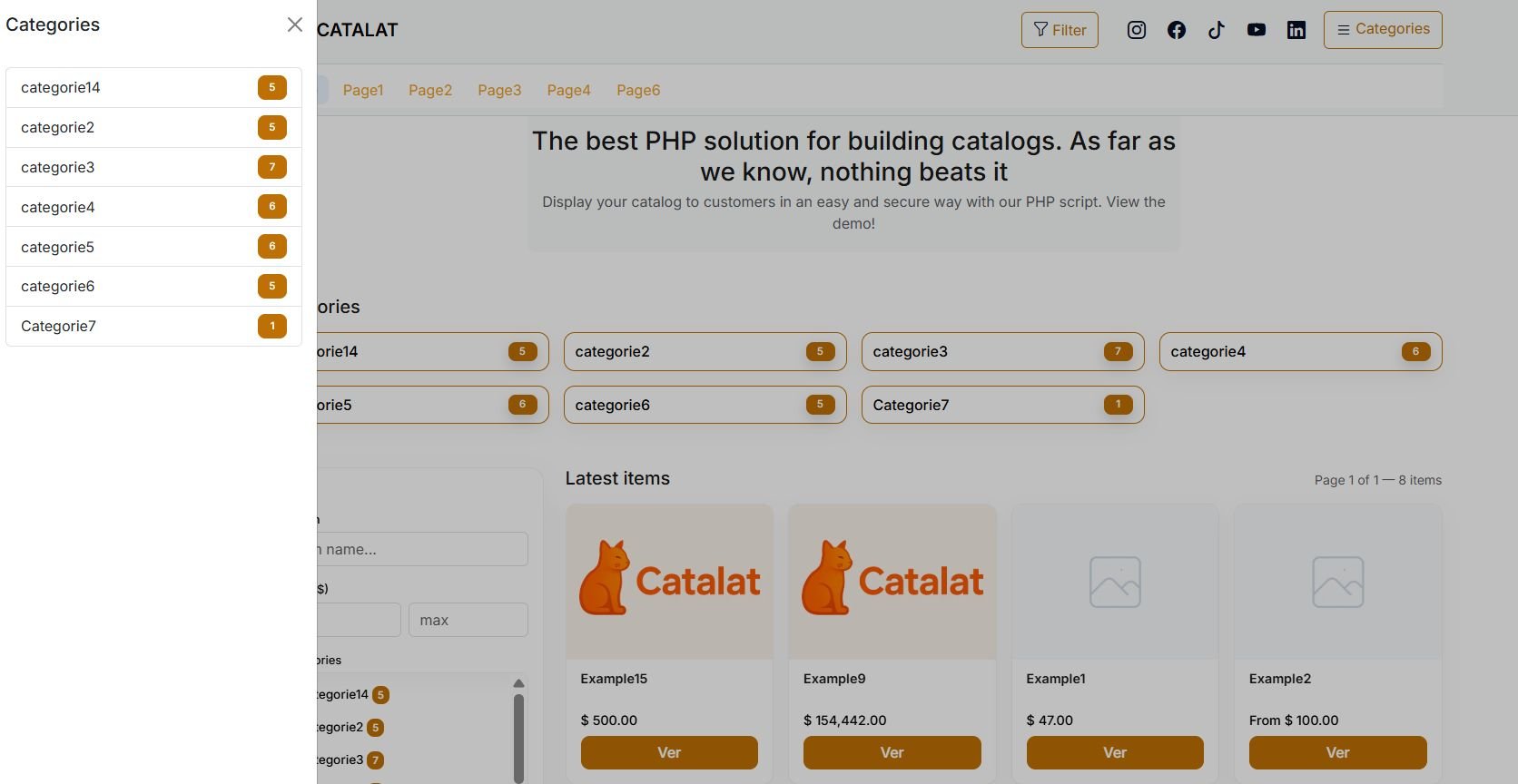
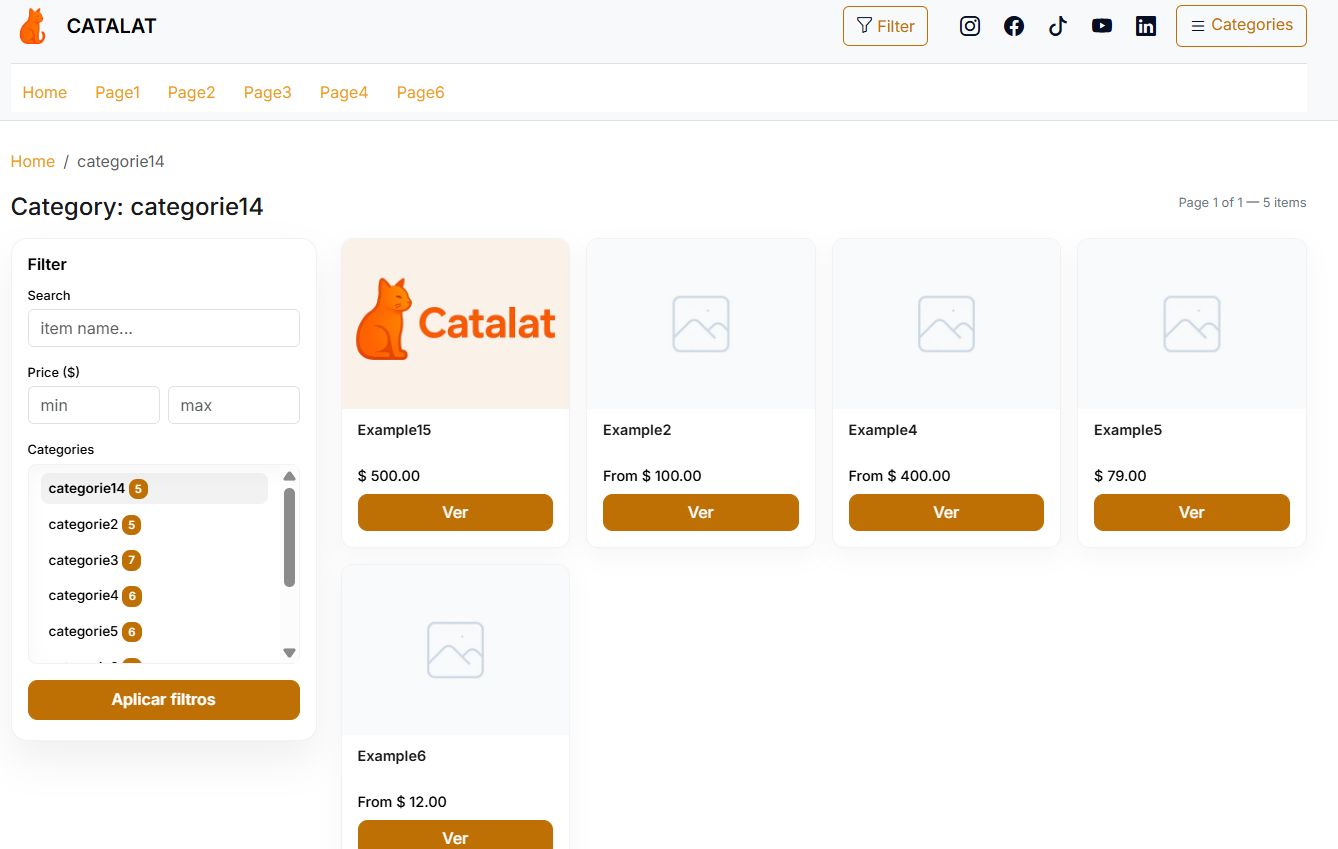
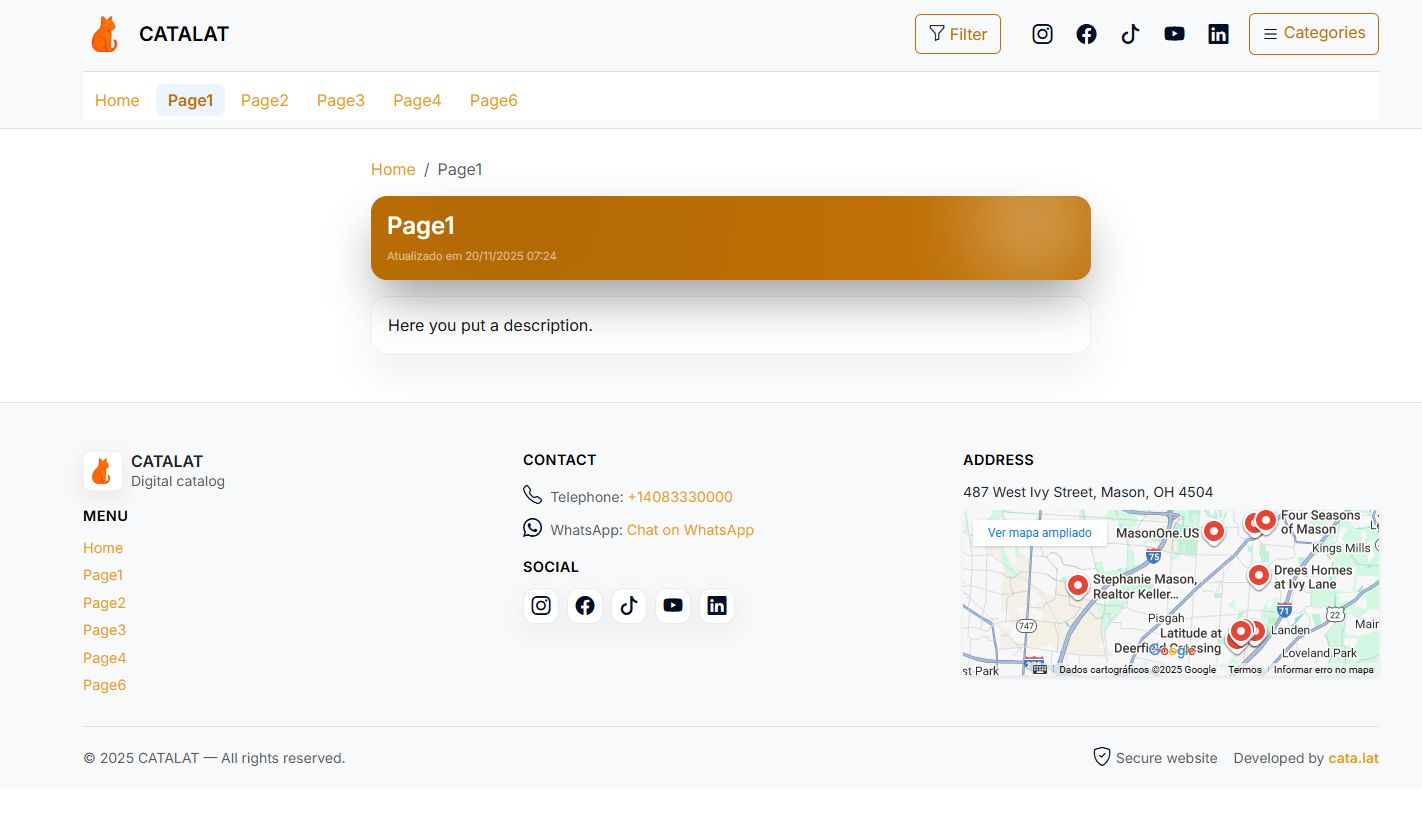


Overview
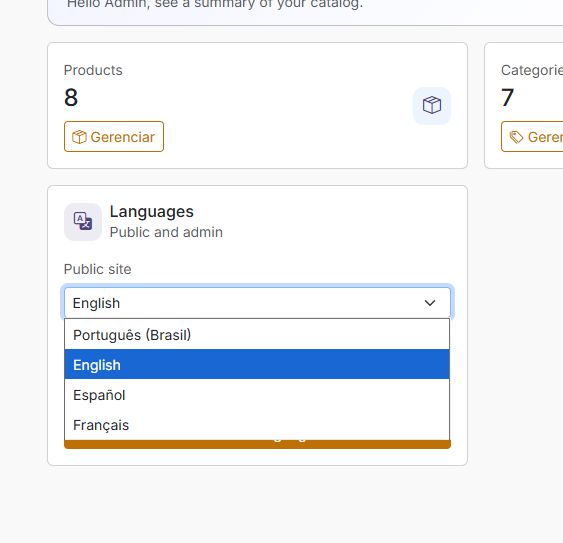
Catalat v2.0 is a self-hosted PHP + MySQL/MariaDB catalog & rental system built to help you publish items quickly with a modern Admin Panel, multi-language UI (EN/PT/ES/FR) and SEO-friendly defaults.
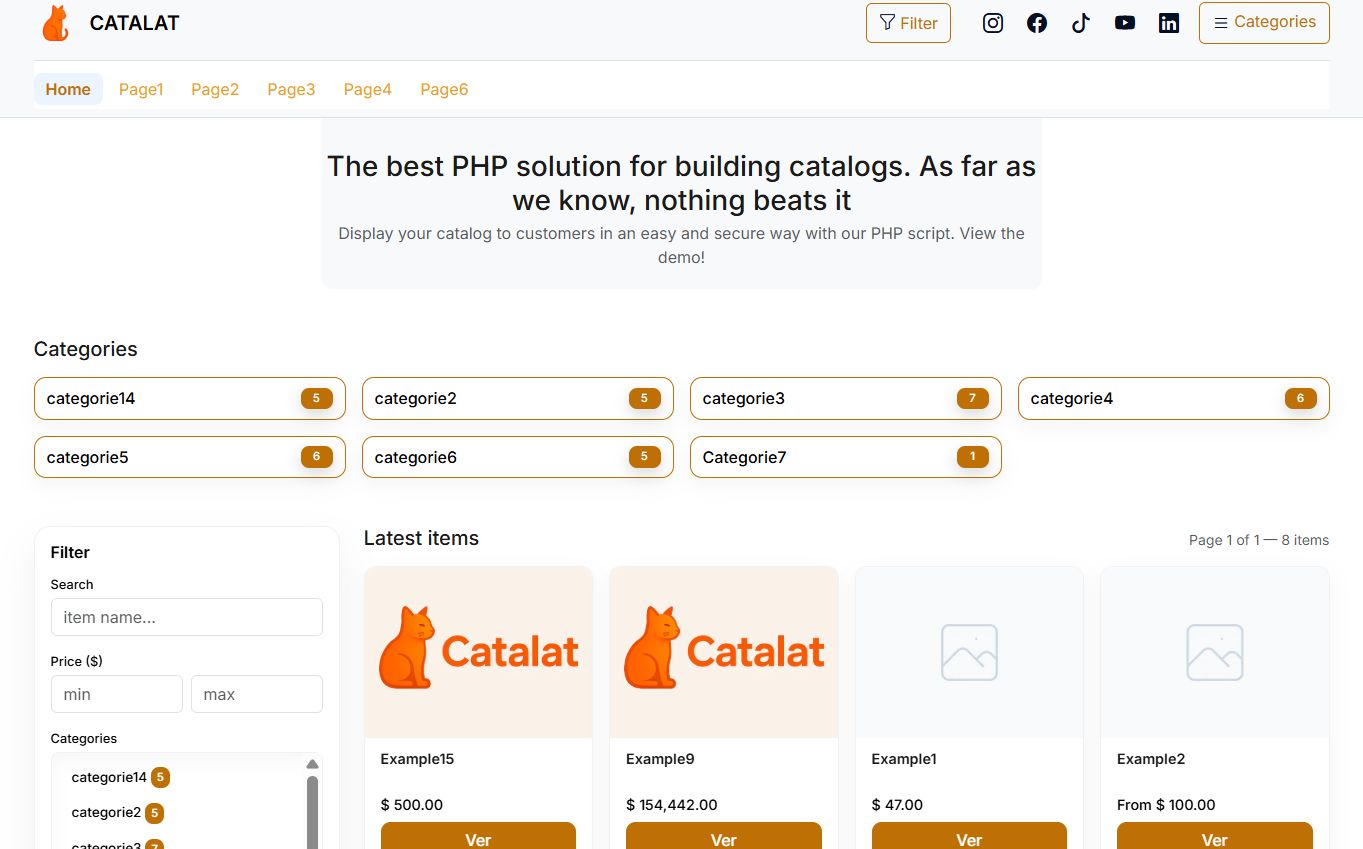
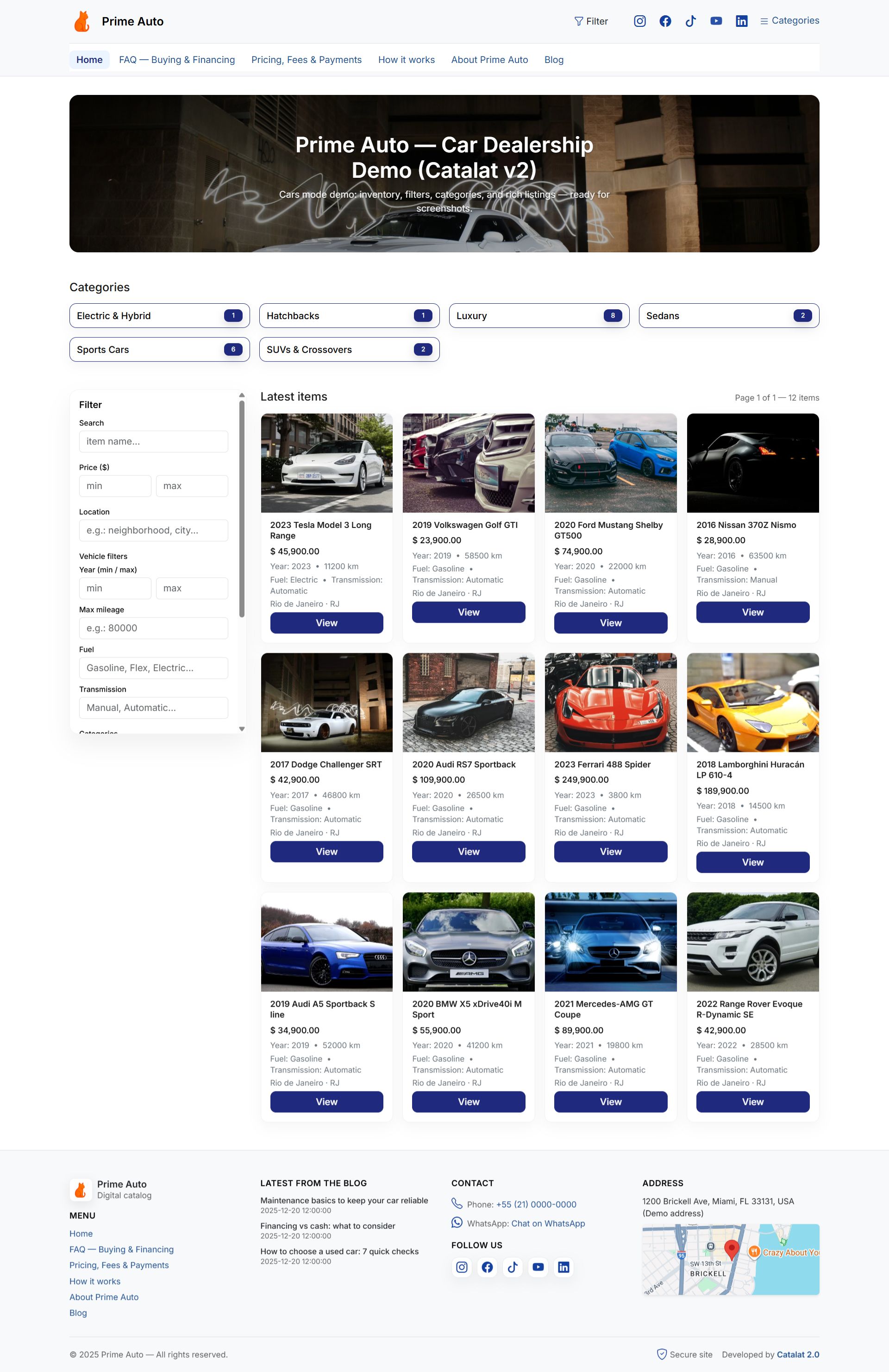
Use Catalat to showcase products, services or rental items with photos, categories, pricing and optional location fields (address/region). Visitors browse the mobile-first public catalog and contact you using your preferred workflow (WhatsApp-first, phone, email, etc.).
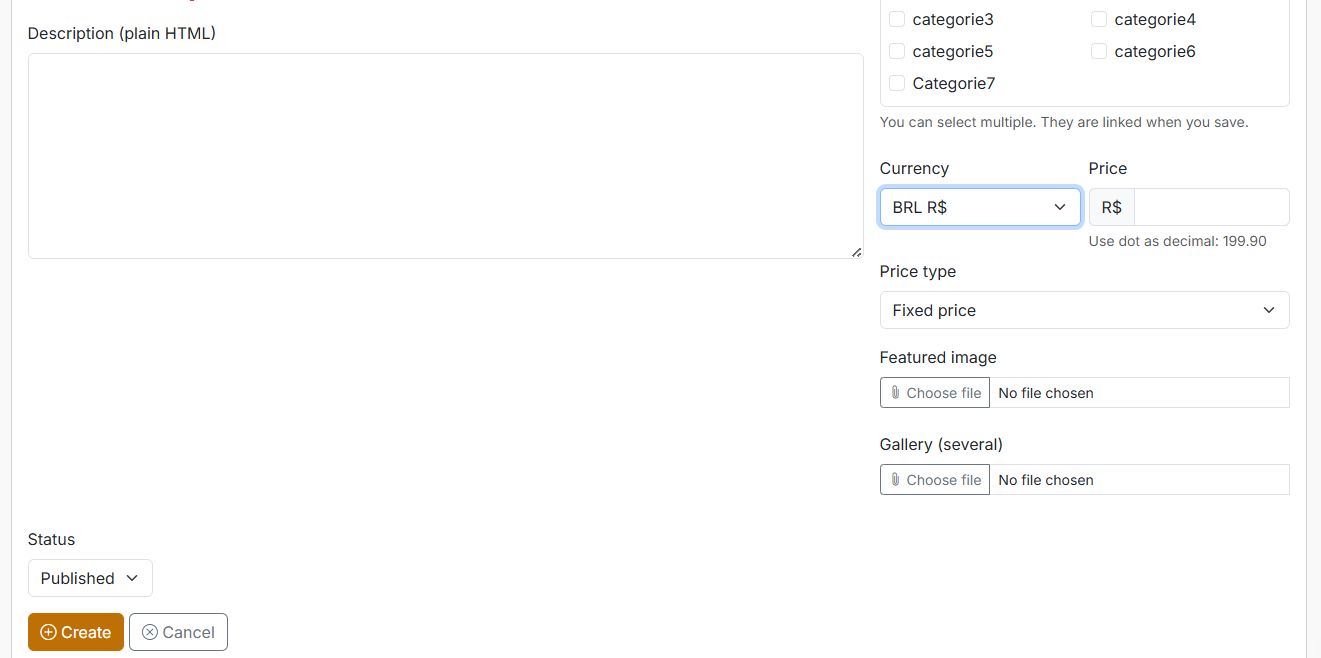
v2.0 introduces 3 catalog modes (Generic / Real Estate / Vehicles), an optional Blog module, configurable Home & Blog banners/hero blocks, a rich-text editor for content creation, and email features including sender settings and category subscriptions (email alerts) for new items.
Features
Public catalog
- Mobile-first responsive public catalog
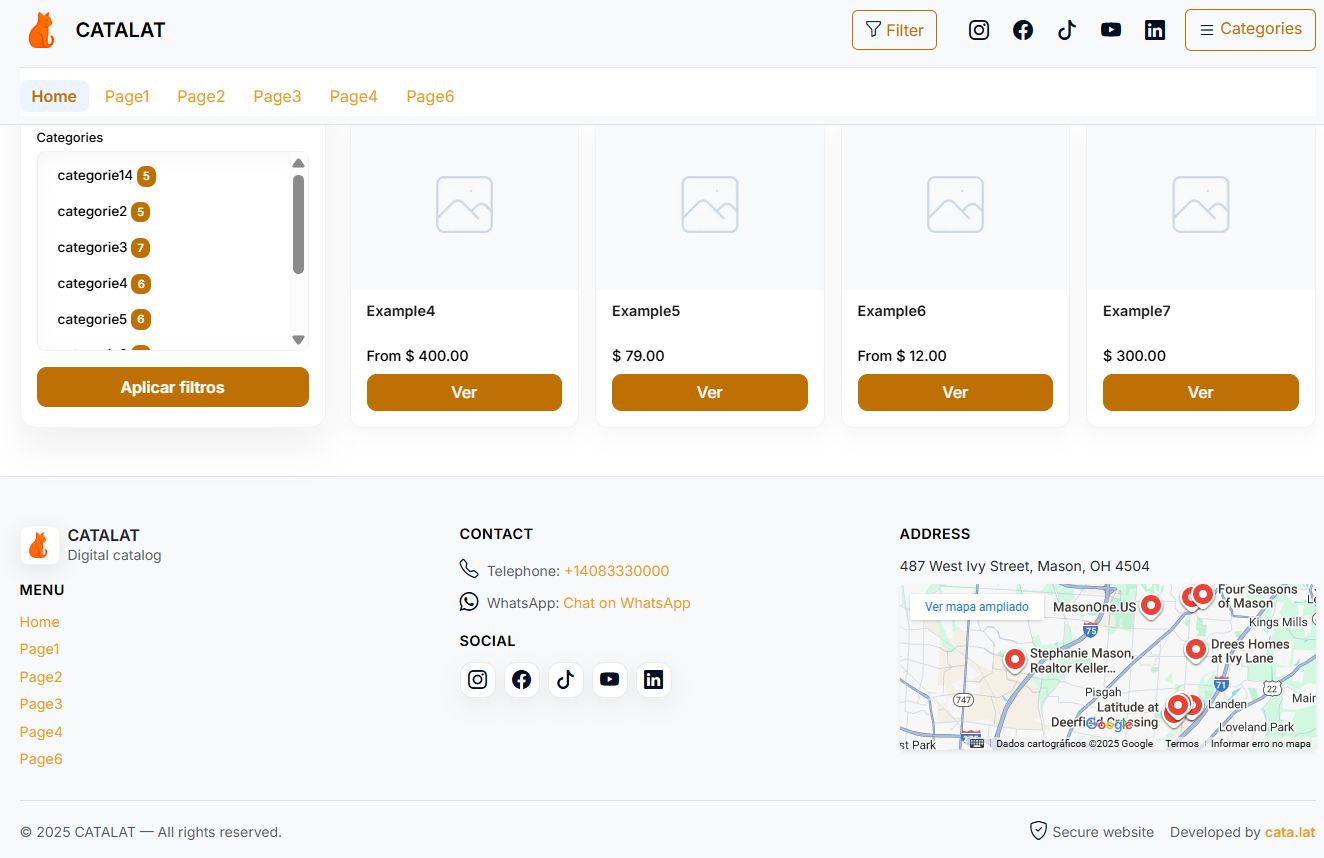
- Home listing + categories + item page
- Search and pagination
-
Remodeled item page:
- Organized contact panel (WhatsApp/phone/email workflow)
- Share links
- Optional location fields on item contact block (address/region)
Admin panel
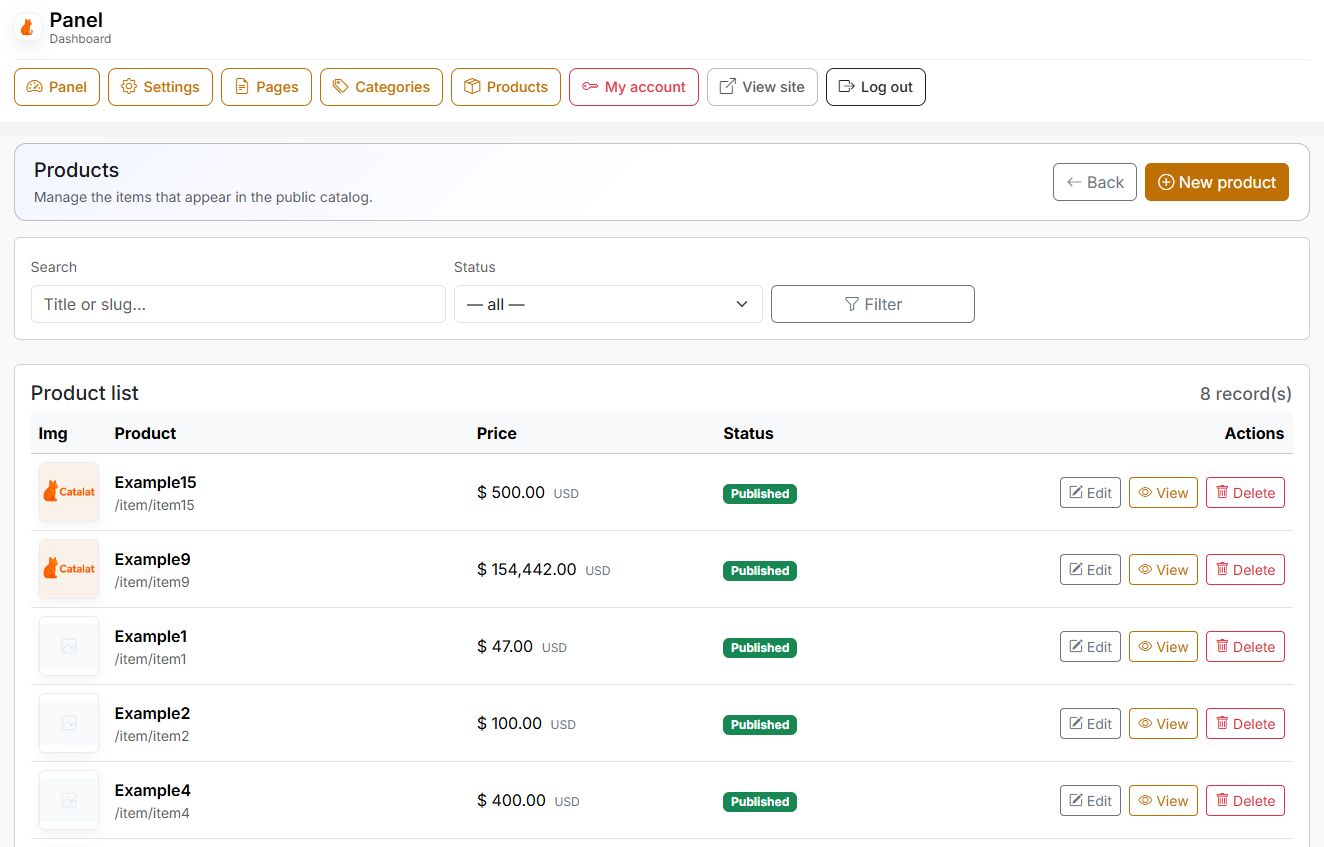
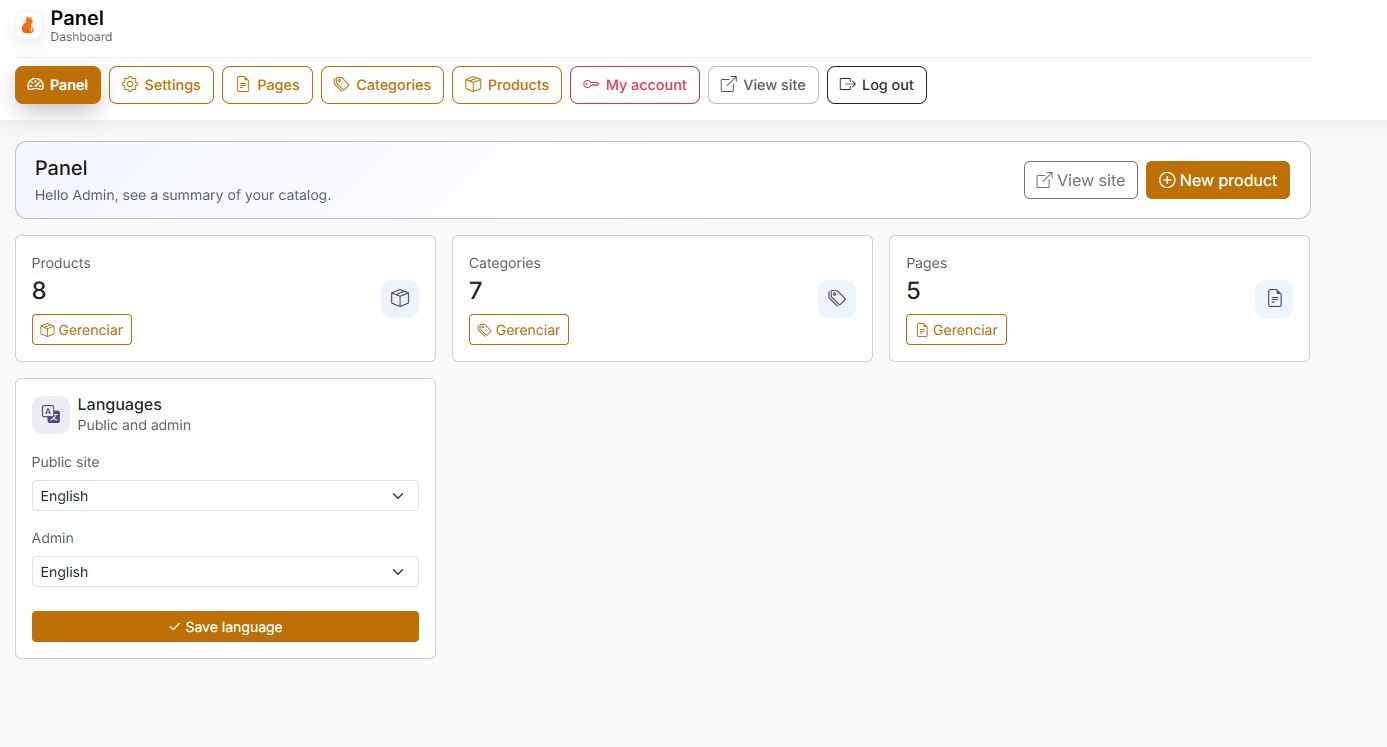
- Manage Items/Products (title, description, images, pricing, status)
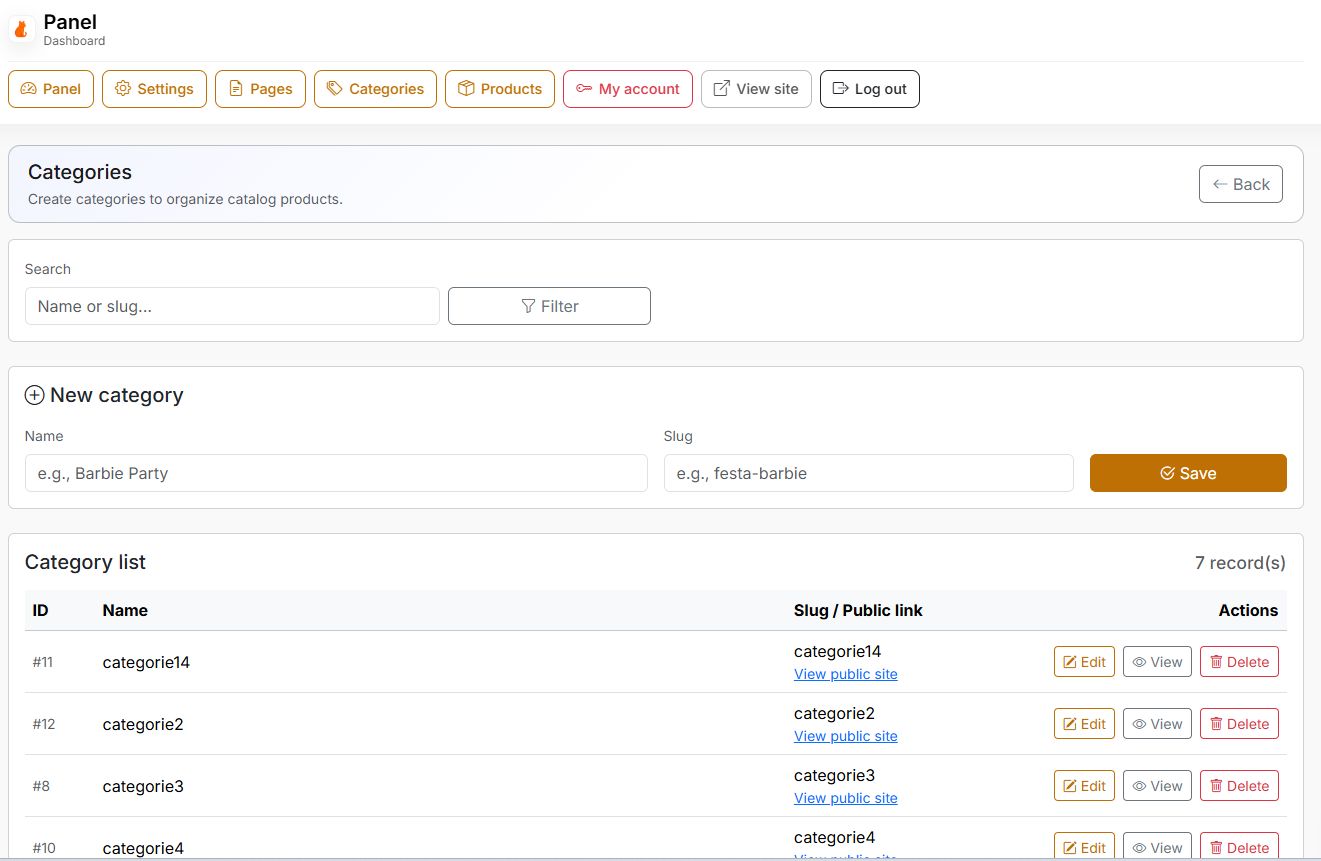
- Categories management (title, slug, description, cover image)
- Pages management (static pages)
-
Optional Blog module:
- Posts management (title, slug, cover image, status, rich-text content)
- Public blog listing + post page
- Advanced rich-text editor for Items, Pages and Posts
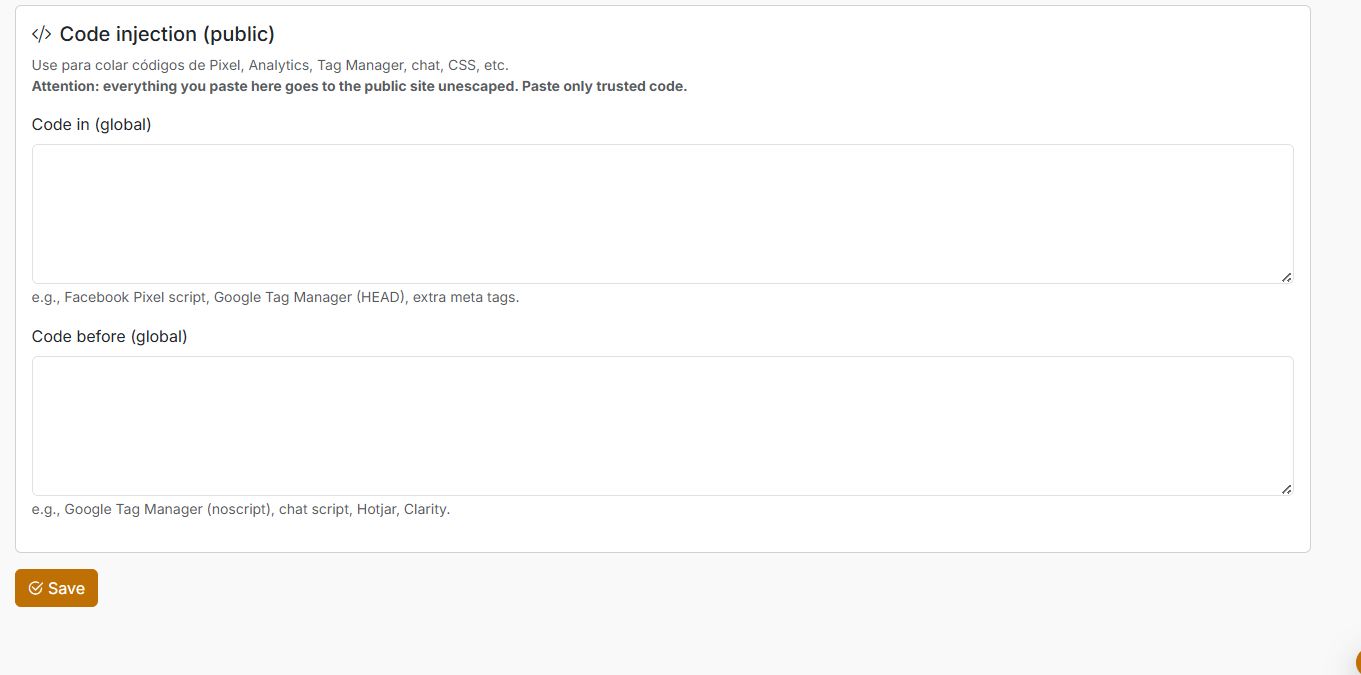
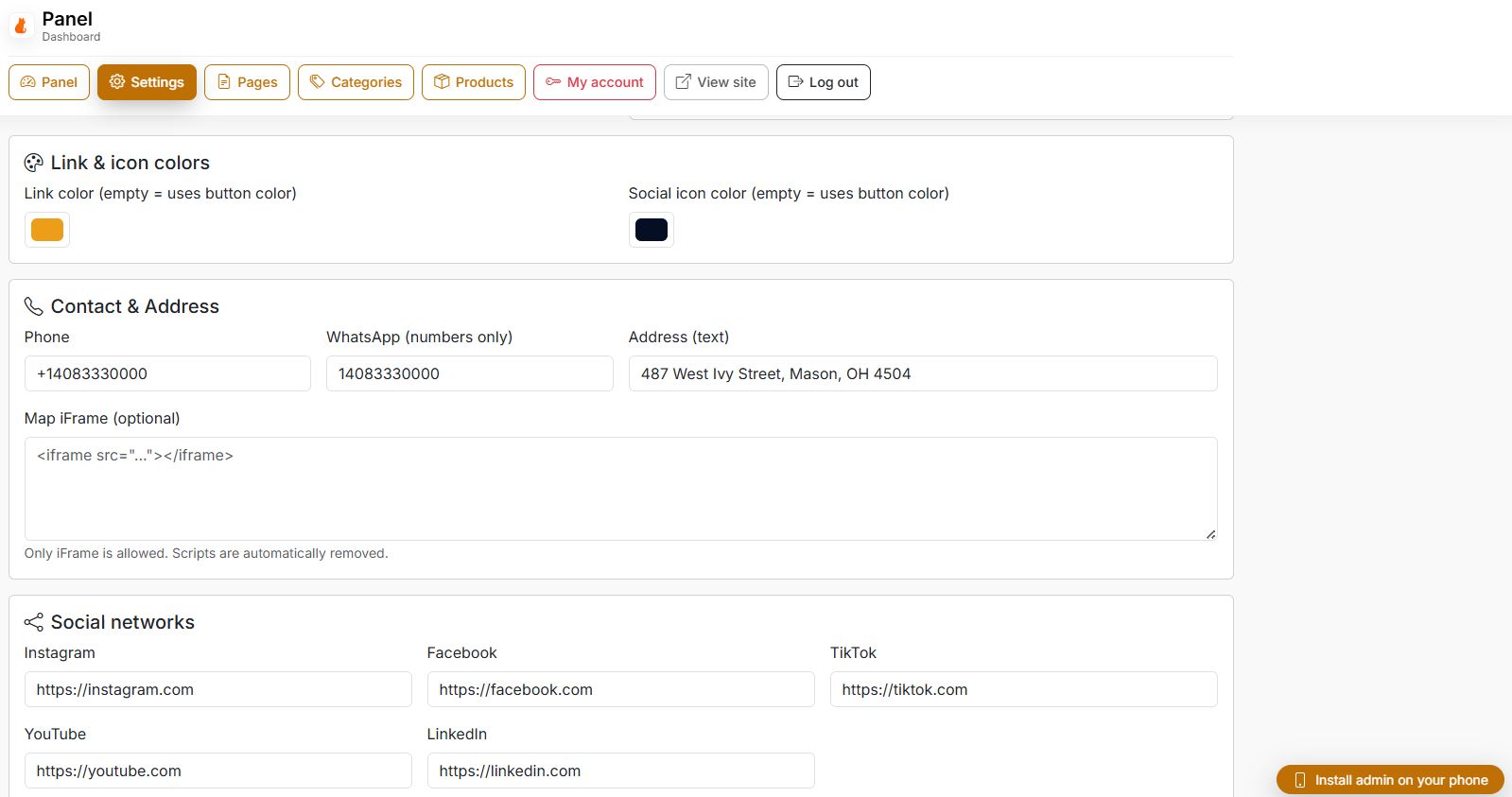
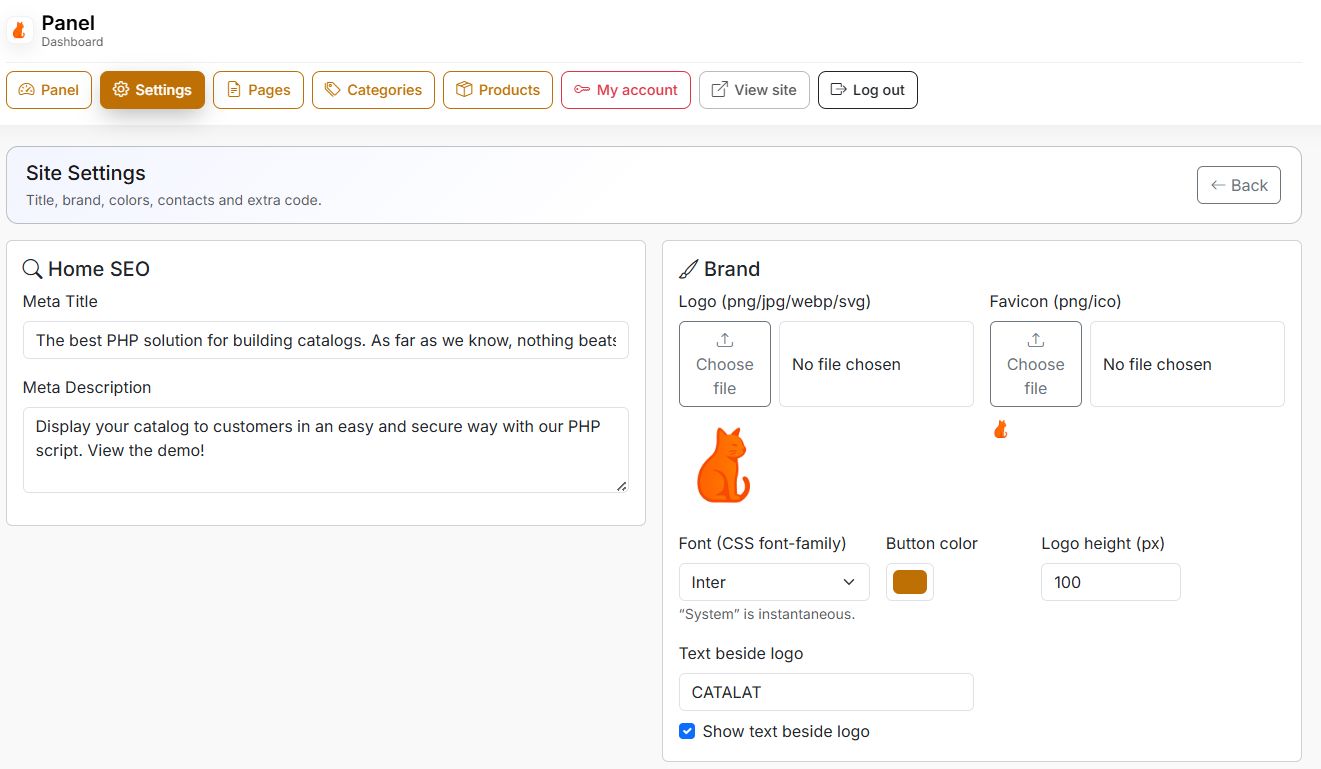
- Site settings (branding, contact, SEO fields, modules)
v2.0 highlights
-
3 Catalog Modes (switch in Admin settings)
- Generic: general products/services with common fields
- Real Estate: property-focused fields + location emphasis
- Vehicles: vehicle-focused fields (brand/model/year/mileage/fuel/transmission, etc.)
- Optional location fields (address/region) used across catalog and item page
- Home & Blog banners / hero blocks configurable in Admin (supports 1 URL per line or JSON list, depending on your configuration)
SEO defaults
SEO-friendly defaults for titles and descriptions Open Graph support (social previews) Canonical helpers + hreflang helpers (multi-language friendly) JSON-LD structured data where applicable (items/posts when enabled)
Requirements
A) Automatic install (recommended)
- Upload all files to your domain (or a subfolder).
- Create a MySQL database and user (via your hosting control panel).
- Open /install in your browser.
- Enter database credentials + create the admin account.
- Click Install and wait for completion.
- After success: delete or block the /install folder (important).
B) Manual install (fallback)
- Create the database and user.
- Import /install/database.sql using phpMyAdmin/Adminer.
- Create /config.local.php in the project root with your DSN/user/pass:
<?php
if (!defined('DB_DSN'))  define('DB_DSN', 'mysql:host=localhost;port=3306;dbname=YOUR_DB;charset=utf8mb4');
if (!defined('DB_USER')) define('DB_USER', 'YOUR_USER');
if (!defined('DB_PASS')) define('DB_PASS', 'YOUR_PASS');
if (!defined('ASSET_VERSION')) define('ASSET_VERSION', substr(md5(__FILE__),0,8));
Default credentials (manual SQL only): / demo123Change this password immediately after your first login.
First login / first setup
Open /login (or /login.php) and sign in. Go to Settings and update: Site title, logo, colors Phone/WhatsApp/email SEO fields Choose your Catalog Mode (Generic / Real Estate / Vehicles). Enable optional modules as needed: Blog module Banners/Hero blocks Location fields Category subscriptions (email alerts) Create categories and publish your items.Security checklist (recommended)
Delete or block /install Use a strong admin password Keep /uploads writable, but do not allow executable uploads Keep PHP updated (security patches) Use HTTPS
Instructions
Server
- PHP 8.1+ (recommended 8.1–8.4)
- MySQL 5.7+ or MariaDB compatible
- PDO + PDO_MySQL enabled
- GD enabled (thumbnails)
- Apache or Nginx (rewrite recommended for pretty URLs)
- HTTPS recommended (trust + SEO)
Browser
- Modern browsers (Chrome/Edge/Firefox/Safari)
- JavaScript enabled
- Responsive UI (Bootstrap 5)
Hosting tip (shared hosting)
Select PHP 8.1+ in your hosting panel and enable required extensions before running /install.


|
PHP Script Installation Service
Don't worry about the installation of your script! Have your PHP Script installed for you.
|
$39 | Buy now |
| Category | Scripts & Code / PHP Scripts / Miscellaneous |
| First release | 24 November 2025 |
| Last update | 30 December 2025 |
| Software version | PHP 8.0, PHP 8.4 |
| Files included | .php, .html, .sql, Javascript .js |
| Tags | MySQL, multi language, seo friendly, responsive layout, admin panel, product catalog, mobile first, rental script, bootstrap 5, whatsapp integration, self hosted, php catalog script, online catalog, party rental, blog module, real estate catalog |