AI Chat StudioAI Chat Studio
The ultimate multi-model PHP script for building a feature-rich AI chat platform with voice, file uploads, and a modern interface.
AI Chat Studio
The ultimate multi-model PHP script for building a feature-rich AI chat platform with voice, file...
Screenshots


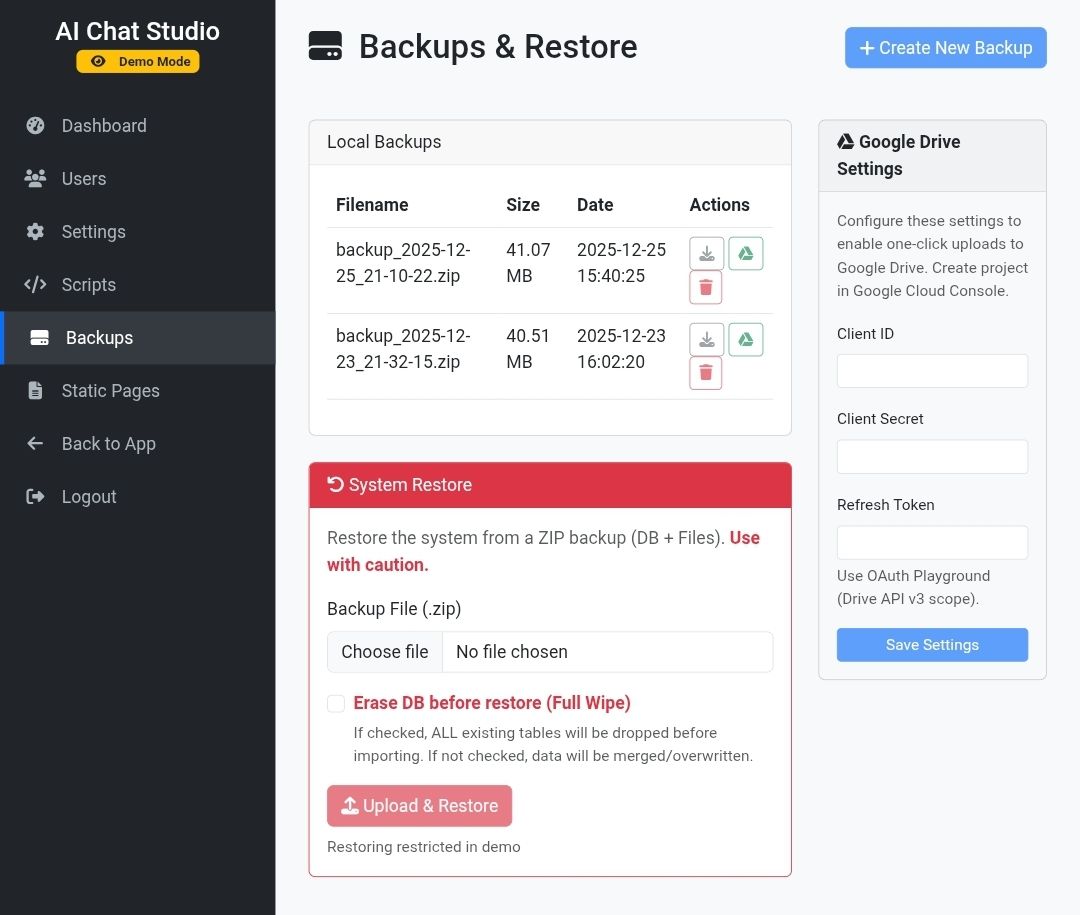
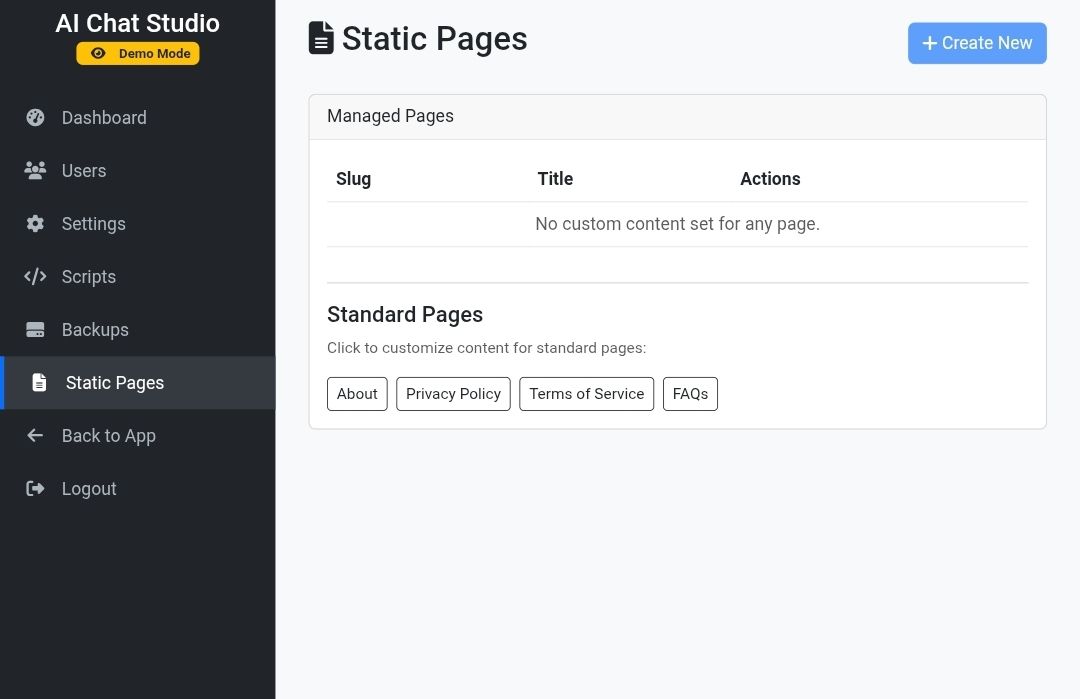
Overview
AI Chat Studio - Enhanced Multi-Model PHP Chat Script
AI Chat Studio is the definitive, robust, and feature-rich PHP script designed to let you launch your own powerful, self-hosted AI chatbot platform in minutes. Built for developers and entrepreneurs, this script offers a sleek, modern interface packed with advanced tools like multi-model support, voice input, and file analysis, making it the most comprehensive AI chat solution on the market.
Key Features That Drive Value
Differentiate your offering with these high-demand features:
- Multi-Model API Integration: Seamlessly integrate and switch between multiple leading AI models (e.g., OpenAI, Anthropic, etc.) to offer users the best performance and flexibility.
- Voice Input & Chat: Enable hands-free communication with cutting-edge voice recognition, allowing users to speak their prompts directly to the AI.
(Utilizes modern JavaScript voice APIs) - File Upload & Analysis: Users can upload documents (PDFs, text files, etc.) and ask the AI questions based on the content of the files for deep document analysis and summarization.
- SaaS Ready Architecture: Built with a clean, well-documented PHP codebase, ready for multi-user, subscription-based deployment with easy setup.
Enhanced User Experience Tools
Maximize user engagement with superior usability features:
- Conversation Templates Library: Provide a curated list of pre-set prompts and use-cases to help users instantly start productive conversations (e.g., "Write a marketing email," "Debug this PHP code").
- Advanced Conversation Management:
- Edit & Regenerate: Users can edit a past message and instantly regenerate the AI's response for refining output.
- Import/Export: Allow users to download (export) and upload (import) their entire chat history for backup or migration.
- Advanced Search: Quickly find past conversations using keywords.
- Responsive & Modern UI: A clean, intuitive, and fully responsive design that works perfectly across all devices.
Technical Specifications
The core of this powerful application:
- Built With: PHP (Server-Side), HTML, CSS, JavaScript (Client-Side).
- Database: MySQL / MariaDB.
- Dependencies: Requires an API key from one or more supported AI providers (user-supplied).
- Compatibility: Windows, Linux, and macOS servers running a modern PHP environment (PHP 8.x recommended).
Purchase Includes:
- Full, Unencrypted PHP Source Code.
- Comprehensive Installation & Setup Guide.
- Free Lifetime Updates.
- Dedicated Customer Support.
Documentation: View Documentation
Features
AI Chat Studio - Feature List
Core AI & Communication
- Multi-Model AI Support (e.g., OpenAI, Anthropic, etc.).
- Voice Input & Chat (Speech-to-Text).
- File Upload & Analysis (Query AI on document content).
- Advanced Prompt Management (Customizable system prompts).
- Conversation Templates Library.
Conversation Management & Usability
- Tab Manager for multiple concurrent conversations.
- Advanced Search through chat history.
- Message Editing and AI response regeneration.
- Export entire chat history (Download).
- Import chat history (Upload).
Design & Customization
- Fully Responsive and Modern UI Design.
- Nine built-in theme options (Dark, Light, Midnight, Forest, Sunset, Purple, Ocean, Rose, Matrix).
- Theme Customizer interface.
- VS Code-inspired settings page layout.
Technical & Development
- Built with PHP (Server-Side).
- SaaS Ready Architecture for multi-user/subscription service.
- User-configurable API Key Integration.
- Prism.js integration for code syntax highlighting.
- Clean, structured, and separate JavaScript files (app.js, voice.js, tab-manager.js, templates.js).
- SEO Meta Tags (Title, Description, Keywords, etc.).
Requirements
AI Chat Studio - Technical and Operational Requirements
Server & System Requirements
The application is designed to run on a standard web hosting environment compatible with modern PHP versions.
- Operating System: Windows, Linux, or macOS server environments are supported.
- Server-Side Language: PHP (PHP 8.x or later is generally recommended for modern SaaS PHP scripts).
- Database: A relational database such as MySQL or MariaDB is required to store user data and conversation history (a standard requirement for SaaS PHP applications).
- Web Server: Standard web server software (e.g., Apache, Nginx) capable of running PHP.
Operational Requirements
These are necessary for the application to function correctly as an AI chatbot:
- API Keys (User-Supplied): Mandatory. The user must configure and provide their own API keys from supported AI providers.
- Internet Connectivity: Required for the application to communicate with the external AI models and services.
- Supported AI Providers: The platform is configured to integrate with multiple models, including but not limited to:
- Google's Gemini 2.5 Flash
- Anthropic's Claude 3.5 Sonnet
- OpenAI's GPT-4 Turbo
- DeepSeek
- Meta's Llama 3
- Mistral AI
Client-Side Requirements
- Modern Web Browser: Required for the JavaScript functionality, including the voice input features.
Instructions
AI Chat Studio - Step-by-Step Usage Guide
The usage of the AI Chat Studio script can be divided into three main parts: Initial Setup, Core Communication, and Customization.
Part 1: Initial Setup (API Key Configuration)
The application requires you to provide your own API keys to function, as it uses external AI services.
- Access Settings: Navigate to the **Settings** page.
- Select API Tab: Click the **"API Keys"** tab in the settings menu.
- Enter Your Keys:
- Locate the card for your desired provider (e.g., Gemini, OpenAI, Anthropic, DeepSeek, Llama 3).
- Paste your respective API key into the input field for each model you wish to use.
- Verify & Save: Use the **Test** button to verify the key's validity, and ensure the configuration is saved (typically automatically or via a Save button).
Part 2: Core Communication (Chatting)
Instructions for starting and managing conversations.
- Select Model: Return to the main chat interface or the **"Model Selection"** tab in Settings to choose the active AI model.
- Start New Chat: Click the button to start a new tab or conversation.
- Send Message: Type your prompt into the main chat input field.
- Text Input: Simply type your message.
- Voice Input: Click the **Microphone icon** to enable speech-to-text input, then speak your prompt.
- File Input: Click the **File Upload icon** to attach documents (PDF, TXT, DOCX) or images (JPG, PNG) for the AI to analyze and respond to.
- Manage Thread:
- To correct a mistake, click the **Edit** icon on your past message to modify it and instantly **Save & Regenerate** the AI's response.
Part 3: Customization and Tools
How to personalize the application experience.
- Customize Theme:
- Go to the **Settings** page and find the **"Theme"** section.
- Select a built-in theme (e.g., Dark, Light, Matrix, Ocean) or use the **Theme Customizer** to set custom colors.
- Set AI Persona:
- Go to the **Settings** page and click the **"Prompt Settings"** tab.
- Edit the **System Prompt** field to define the AI's role, rules, or personality for all new conversations.
- Use Templates: Access the **Conversation Templates Library** to instantly load pre-written, complex prompts for common use-cases (e.g., coding, writing emails).
- Backup Conversations: Use the **Import/Export Modal** to download your chat history as a backup or to upload previous history.
Future product updates
Quality checked by Codester
Lowest price guarantee


|
PHP Script Installation Service
Don't worry about the installation of your script! Have your PHP Script installed for you.
|
$39 | Buy now |
| Category | Scripts & Code / PHP Scripts / AI |
| First release | 9 December 2025 |
| Last update | 2 February 2026 |
| Software version | PHP 7.4, PHP 8.0, PHP 8.1, PHP 8.2, PHP 8.3, PHP 8.4 |
| Files included | .php, .css, .html, Javascript .js |
| Tags | ai chat studio, multi-model php chat script, voice input file upload ai, saas ready php chatbot, enhanced multi-model ai chat interface, php chat script with claude 3.5 sonnet, php chat script with gemini 2.5 flash, deepseek ai chat php integration, php script with prism.js syntax highlighting, ai chat studio theme customizer, advanced conversation management php script, php edit regenerate ai response, llama 3 php chat script, chat history import export php, vs code-inspired settings page php script |