CryptoNir - Crypto Trading Financial News CryptoNir - Crypto Trading Financial News
CryptoNir – Crypto Trading Stock Market Financial Premium Free News website
CryptoNir - Crypto Trading Financial News
CryptoNir – Crypto Trading Stock Market Financial Premium Free News website
Screenshots
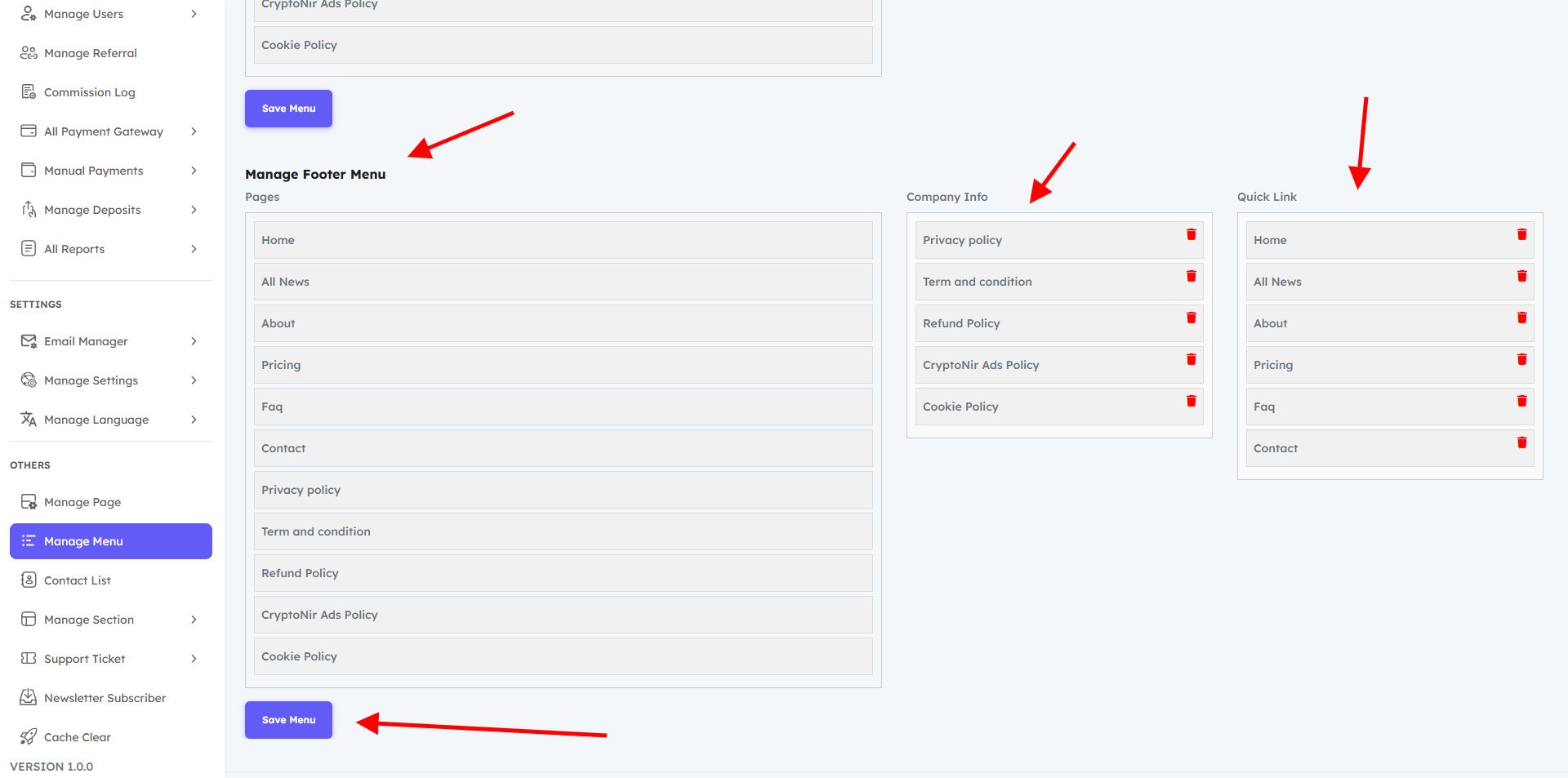
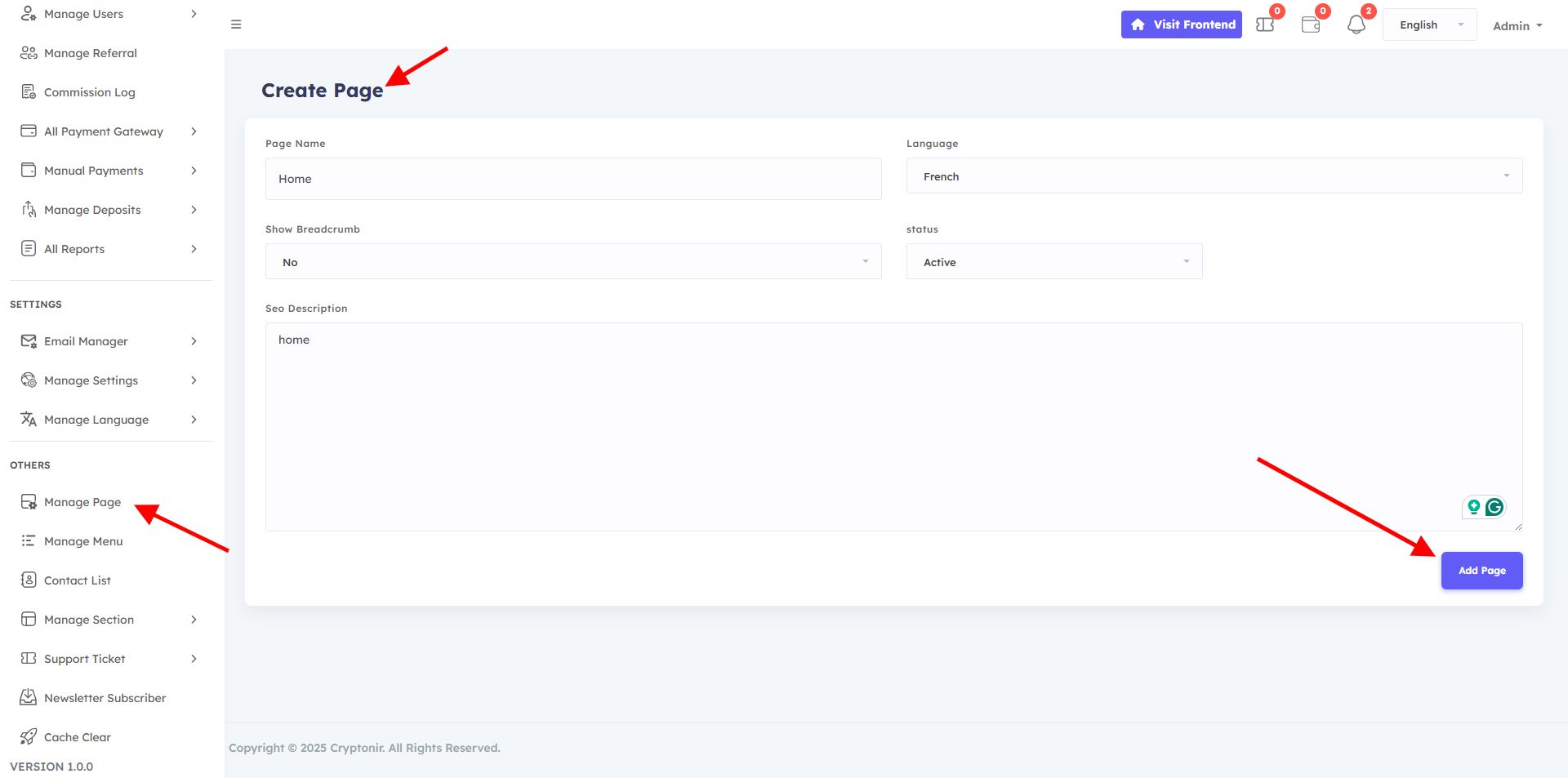
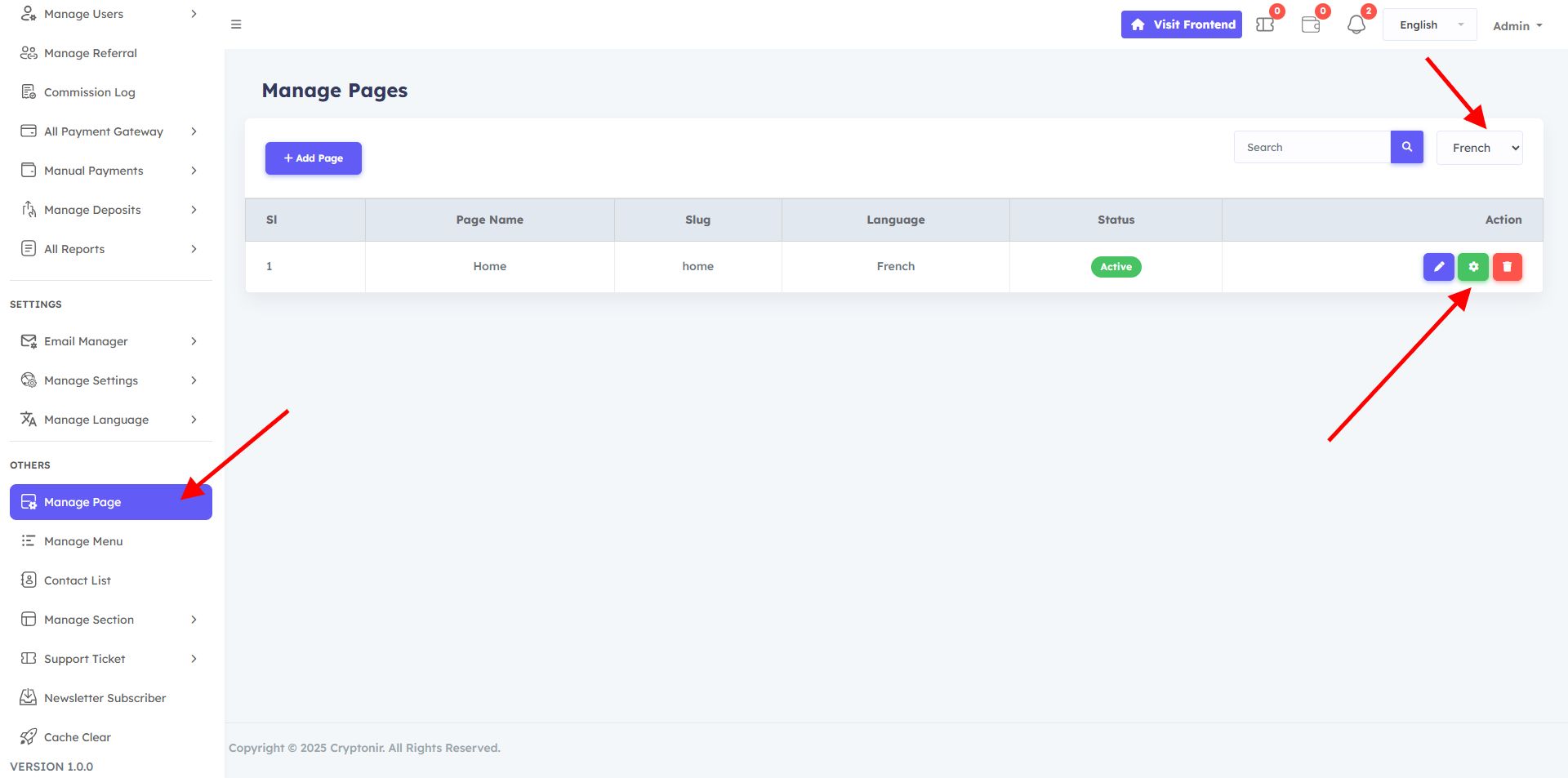
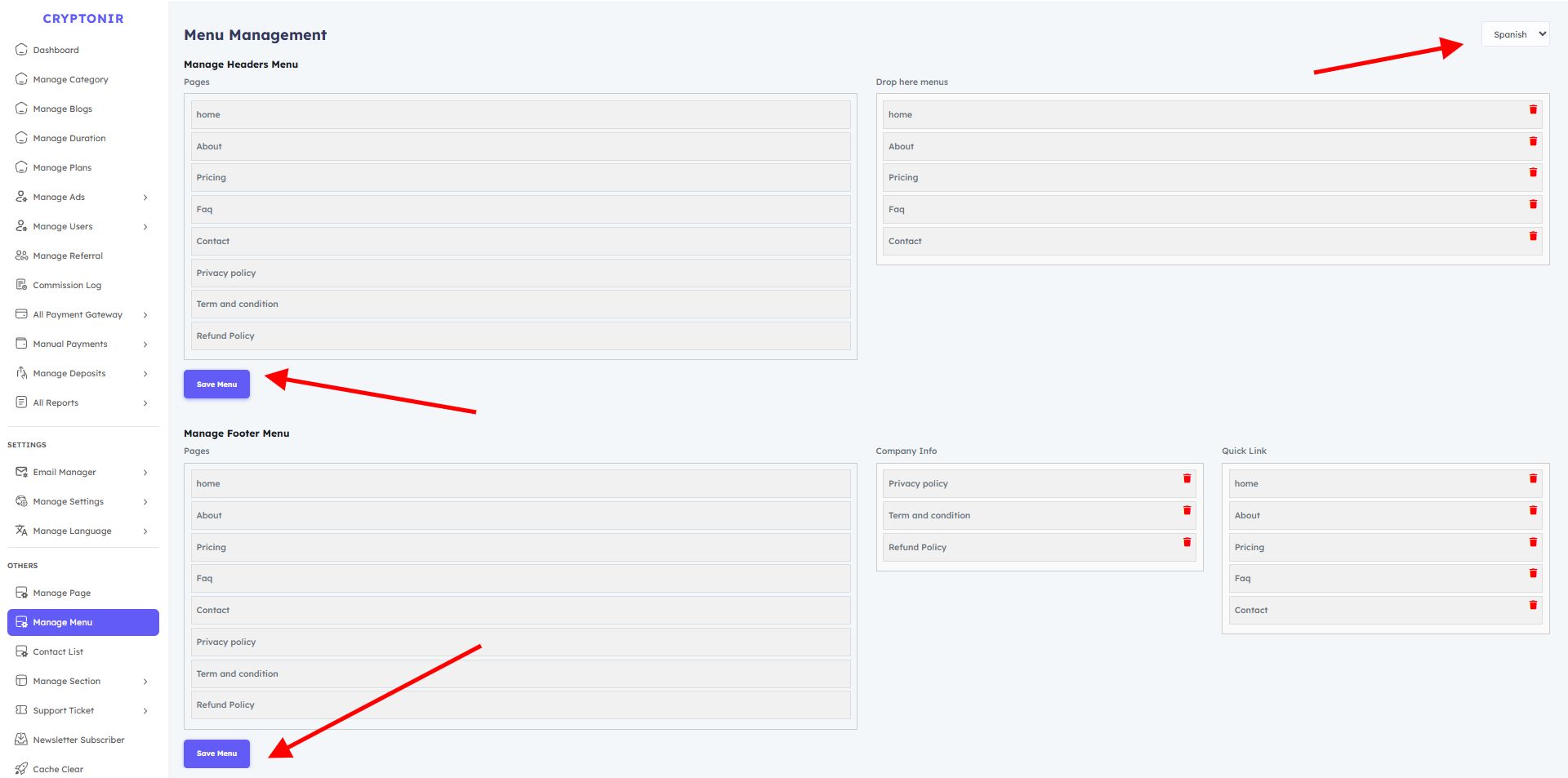


Overview
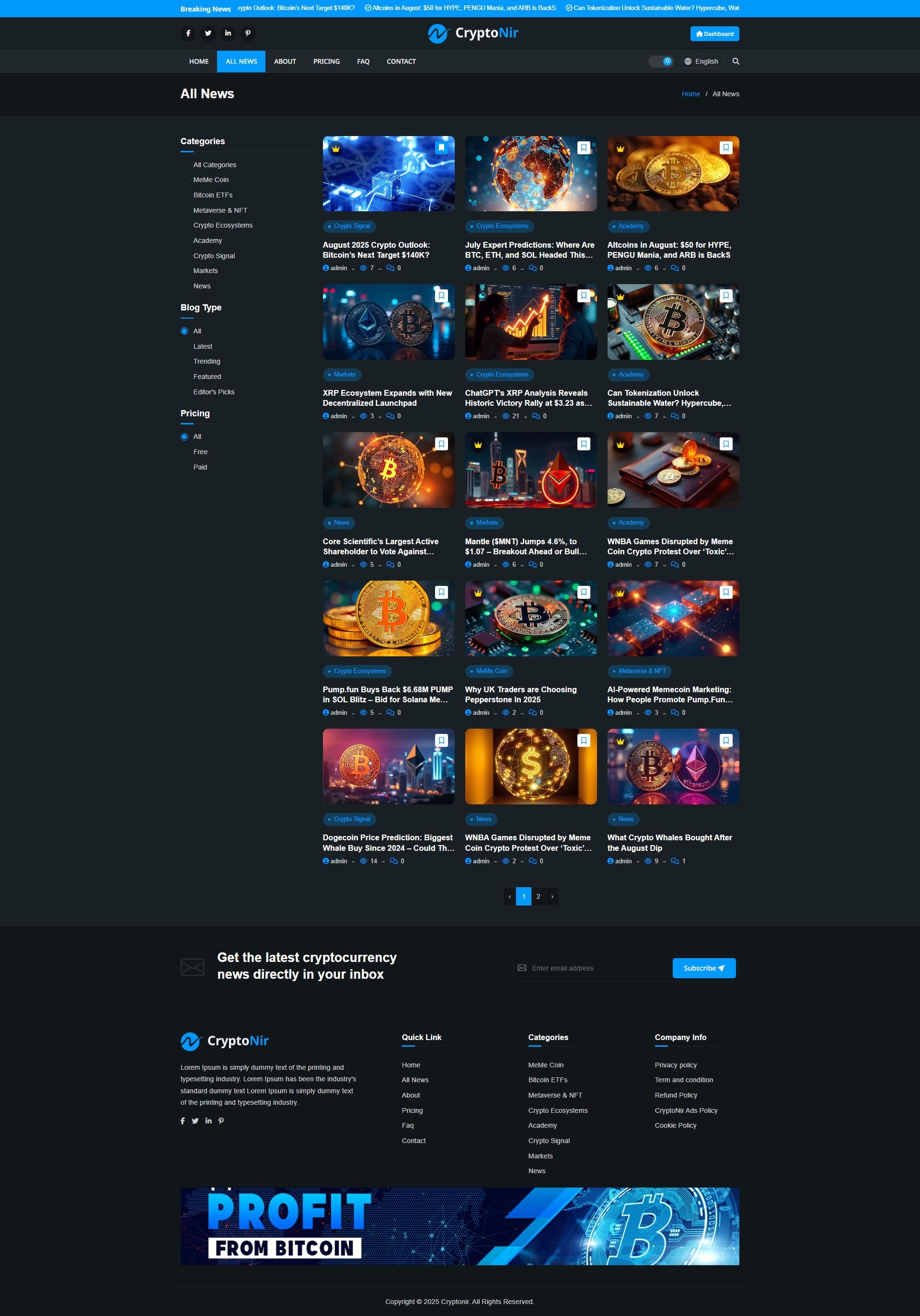
Cryptonir is a blog article website where admins can publish blog articles as they wish. Admin can keep a free blog and can keep a paid blog if they want. The website is designed to publish crypto news blogs and articles, and signal-related news. Admin can decorate their blog website with their topics and publish them. The website is completely dynamic, and the admin can change all the information on the website as per their wish and can create categories, update, and delete. Can post blogs Generally. While creating a blog, the admin will create a blog with the necessary information of the blog. If the admin wants, he can keep a free blog, and he can keep a paid blog.
Free Crypto Blog Article Writing : If the admin keeps a free blog, then the customer will be able to view the blog's details directly. The customer does not need to subscribe or login to an account; he can view the Blog Article directly.
Paid Crypto Blog Article Writing : If the admin keeps a paid blog, then the User must buy a subscription, and then the user sees the complete blog details.
CryptoNir is available with 2 features: a deposit balance user account and a direct payment user account. Deposit BalanceThe user can deposit the balance into their account. Users can purchase any plan of their choice with their account balance. Direct payment Users can purchase the Plan directly through online payments or manual payments. Users can get the signup bonus for registering on the website, and users can also earn a referral bonus. It is an SEO-friendly, architectural, and secure website. It has a very eye-catching dynamic theme for the frontend, user dashboard, and admin dashboard. If you are looking for a Crypto Blog website that will take your business to the next level, then CryptoNir will be the right choice for you. You can enjoy lots of features, along with payment gateways and publish a free blog or a paid blog. We can say that this is the CryptoNir for which you are looking to start your Blog Website. All the websites and features are managed by the admin.
CryptoNir DEMO:
Frontend :
https://cryptonir.softnir.com/
Admin Login access :
https://cryptonir.softnir.com/admin/login
Email: [email protected]
Password:: 123456789
User Login access :
https://cryptonir.softnir.com/login
Email: [email protected]">[email protected]
Password:: 12345678
CryptoNir Documentation :
https://cryptonir.softnir.com/documentation/index.html
Features
Our website is fully responsive and dynamic. You can change the image content color and everything as you wish. You can customize it.
userdashboard, user can bookmark their favorite blogs can subscribe to different plans and make deposits, and they can earn by sharing their referral link. Their income will be added directly to the balance, and they can buy subscriptions later to use the balance. And users will be able to see everything very easily, including their Deposit Log, Subscription Log, Payment Log, Transaction Log, Referral, Commission Log, Bookmarks, Support, Profile Settings
User Deshbord All Features
- Dashboard :
The user Dashboard option allows the user to check all their records, like: Current Balance, Total Payments, Total Bookmarks, Support Tickets, Recent Bookmarks.
- Plans
The user will be able to view website all Plans
- Deposit Now :
In the Deposit option, from the Deposit Now button, the user will be able to see the available payment systems and make a deposit.
- Deposit Log: The user will be able to view specific user Deposit Log records.
- Payment Log: The user will be able to view specific user Payment Log records.
- Transaction log : The user will be able to view specific user Transaction records.
- Referral :The user will be able to view specific user Referral records.
- Support :User and admin can text and user upload image files through support.
CryptoNir Admin Deshbord All Features
- Dashboard :
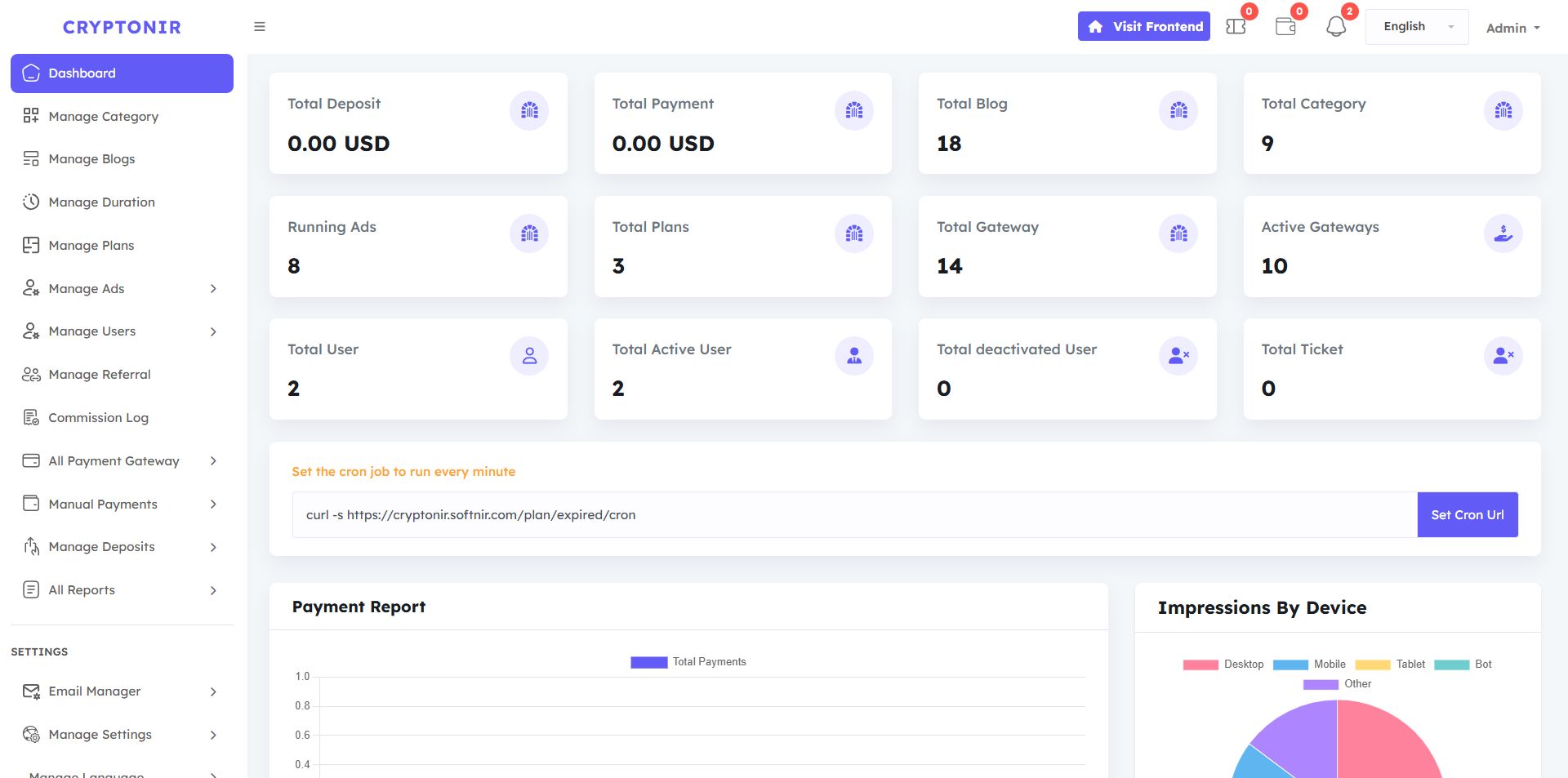
From here, you may control all of the fundamental data on the website. In the Dashboard admin can see the website overview: Total Deposit, Total Payment, Total Blog, Total Category, Running Ads, Total Plans, Total Gateway, Active Gateways, Total User, Total Active User, Total deactivated User, Total Ticket, Payment Report, Daily Trends (Last 30 Days), Top 10 Most Viewed Blogs, Impressions by Device,
There is a Manage Category option, the admin can create, update, edit, and delete categories as per his/her requirement, and can keep the status as inactive and Active. Admin can manage everything according to their needs without any coding.
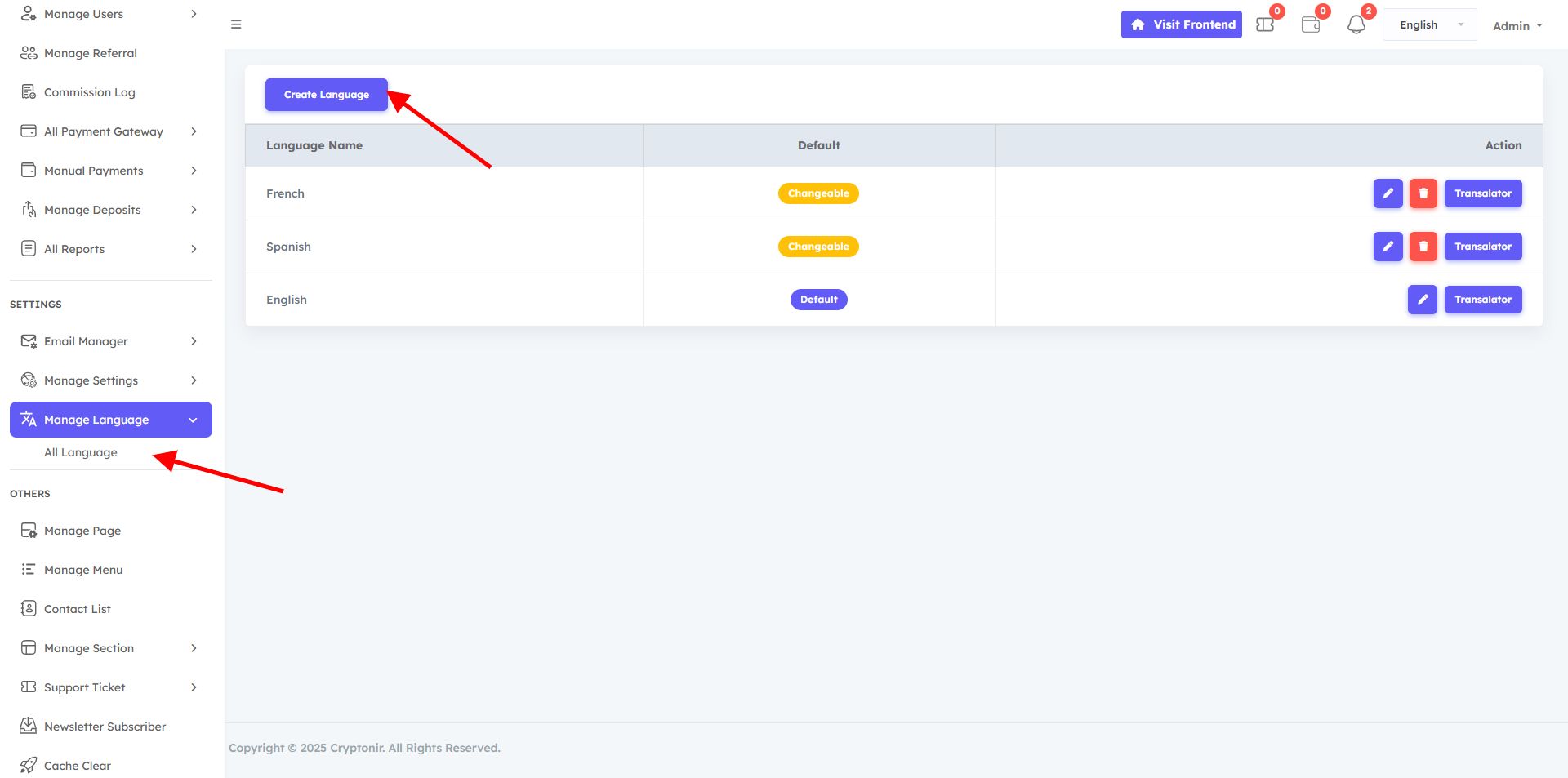
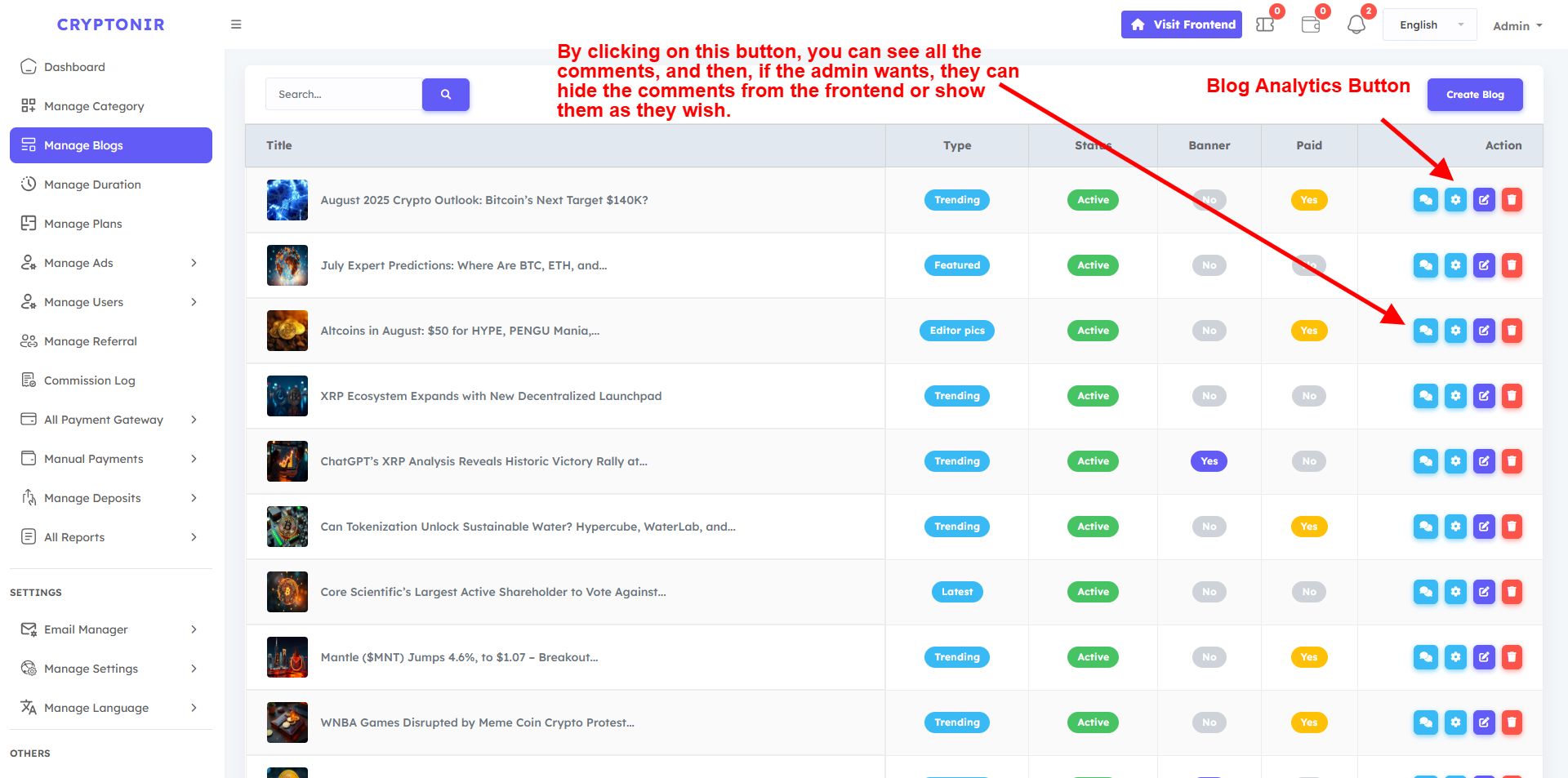
From the Manage Blogs option, the admin can create, update, and delete Blogs in specific categories as needed. While creating a blog, the admin will create a blog with the necessary information of the blog. If the admin wants, he can keep a free blog, and he can keep a paid blog. If the admin keeps a paid blog, then the User must buy a subscription, and then the user sees the complete blog details. If the admin keeps a free blog, then the customer will be able to view the blogs directly. The languages on the website will be displayed in the create blog option. You can translate the blogs in a specific way from the create blog, and they will be shown on the website according to the language. The information that the admin will use when creating the blog is given below.
The times of a specific plan will be calculated from the Manage Duration option. For example, if you select 1 year while creating the plan, then 365 days will be counted, and if you select One Month, then your 30 days will be counted. Admin can set the plan time duration in days from here as he wishes.
In the Manage Plan section, from the Create Plan option, you can create an unlimited Premium blog Plan of your choice and customize all the information as you wish. And edit all Information as you wish. After buying these premium plans, customers will be able to view premium paid blogs.
From the Manage ats option, the admin can create, update, and delete various ads in different sections of the website. For the beauty of the design, we have fixed specific ad sections in specific sections. Admin can select and display ads in those sections from the Create Ads option. In the ads option, the admin will be able to see another option, the Ad Analytics button. By clicking on the Ad Analytics button. By creating ad analysis, the admin will be able to see accurate feedback on Total Impressions and Total Clicks on their ads.
There are three options in the Manage Users option: All Users, Active Users, Deactive Users , All Users option will show all users Active Deactive , Active Users option will show only Active Users , Deactive users option will show only Deactive users .Each user has two buttons available, one is the edit button and the other is the Login as user button. After clicking on the edit button, you will be able to see the user details page from where you can add or Subtract the balance of the user account and edit all the personal information of the user, such as name, phone number, country code, state, or if you want, you can Inactive or active the user.
This is a program that manages affiliate referrals, and here you can make multi-level referral commissions. You can set the referral level up to a maximum of 5. Just input how many levels you want. Then click on the Generate button, and you will be able to see the levels. Then set the level of Plan Subscribe Commission as you wish. After typing the commission percentage, click the Create button, and it will be automatically set up. If you want to keep the commission on or off, you can turn it on or off by clicking the button above.
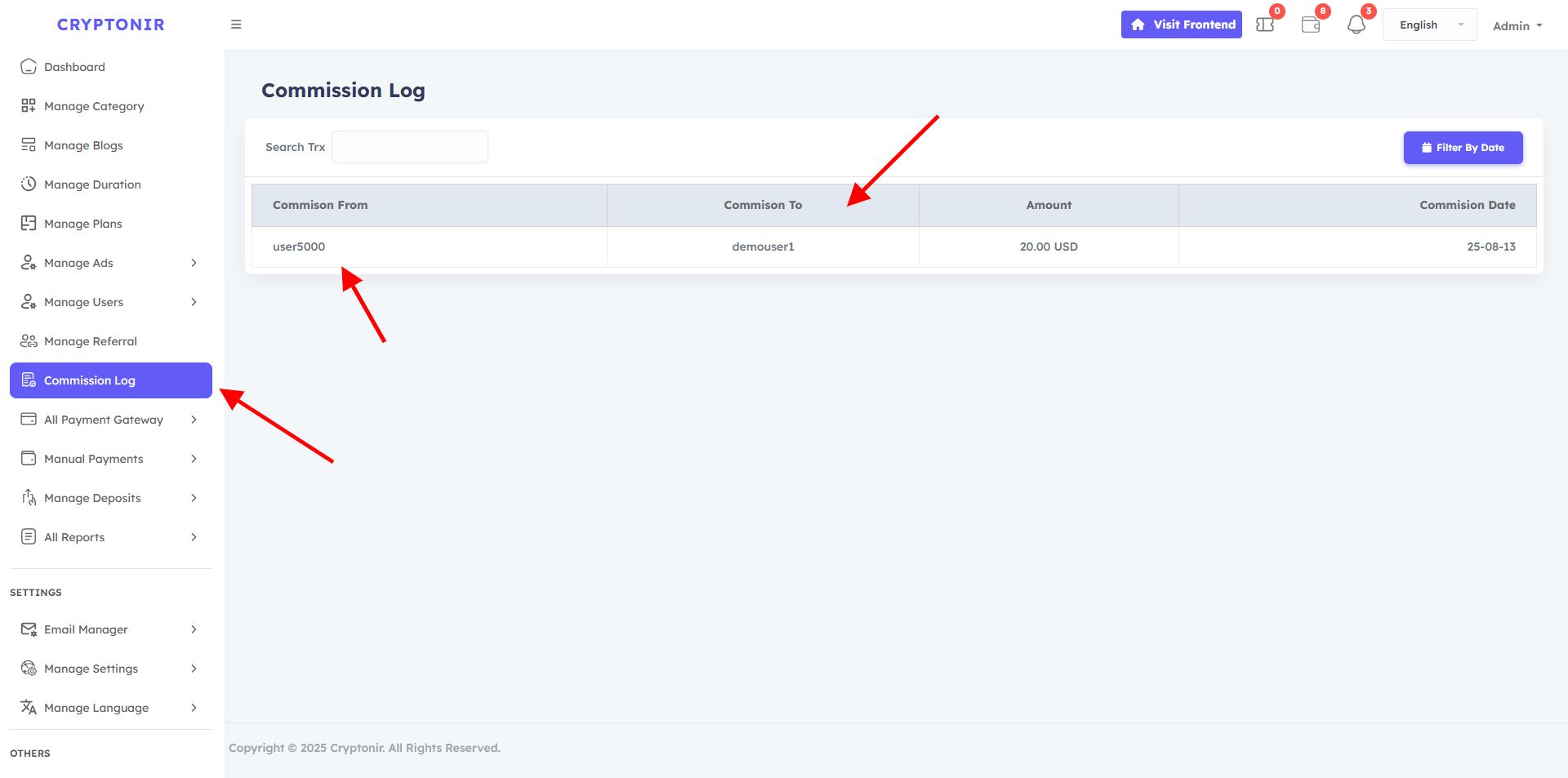
In the Admin Commission Log option, you can see all records of when a user has received a commission, or you can search for a specific user to see their commission-received records. And you can see which user received the commission from which user and on what date.
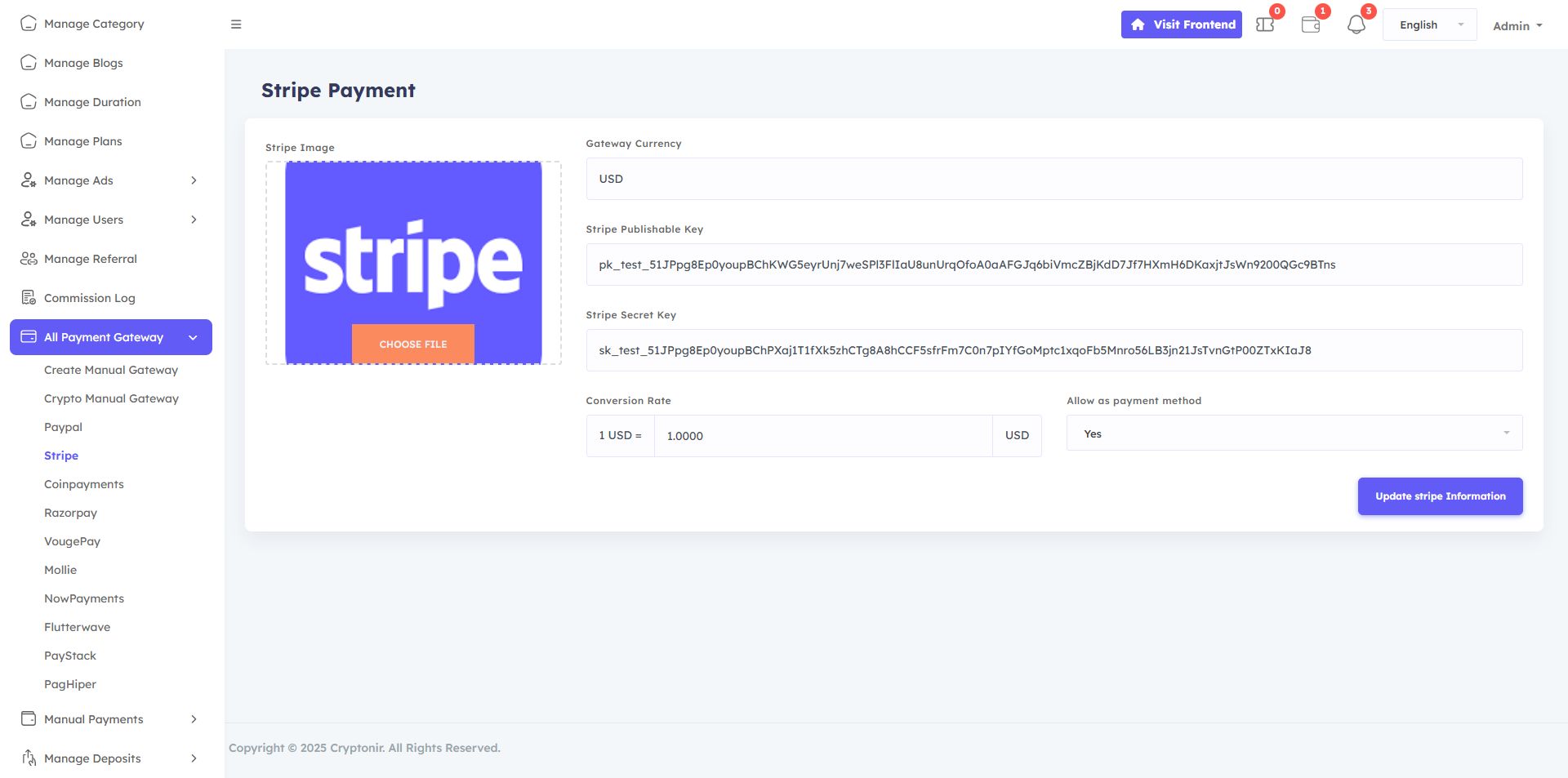
All Payment Gateway options. Here are all the payment Gateways on the website, both online gateways and manual payment gateways. If you keep the payment gateways active, they will be shown to the users, and if you keep them inactive, they will not be shown. In the Create Manual Payment Gateway option, you can add unlimited manual payment gateways, and in the crypto manual gateway, you can add any crypto address or wallet by editing it, USDT or BTC, or anything else. Customize your payment Gateway as per your needs, just by editing and updating. Create Manual Gateway, Crypto Manual Gateway, Paypal, Stripe, Coinpayments, Razorpay, VougePay, Mollie, NowPayments, Flutterwave, PayStack, PagHiper, you can manage the Payment Gateway. And this dynamic, so you can easily set up all the things. You go to the Gateway option and provide your gateway's real information and update it. Then the gateway will work. We have provided all the test key information.
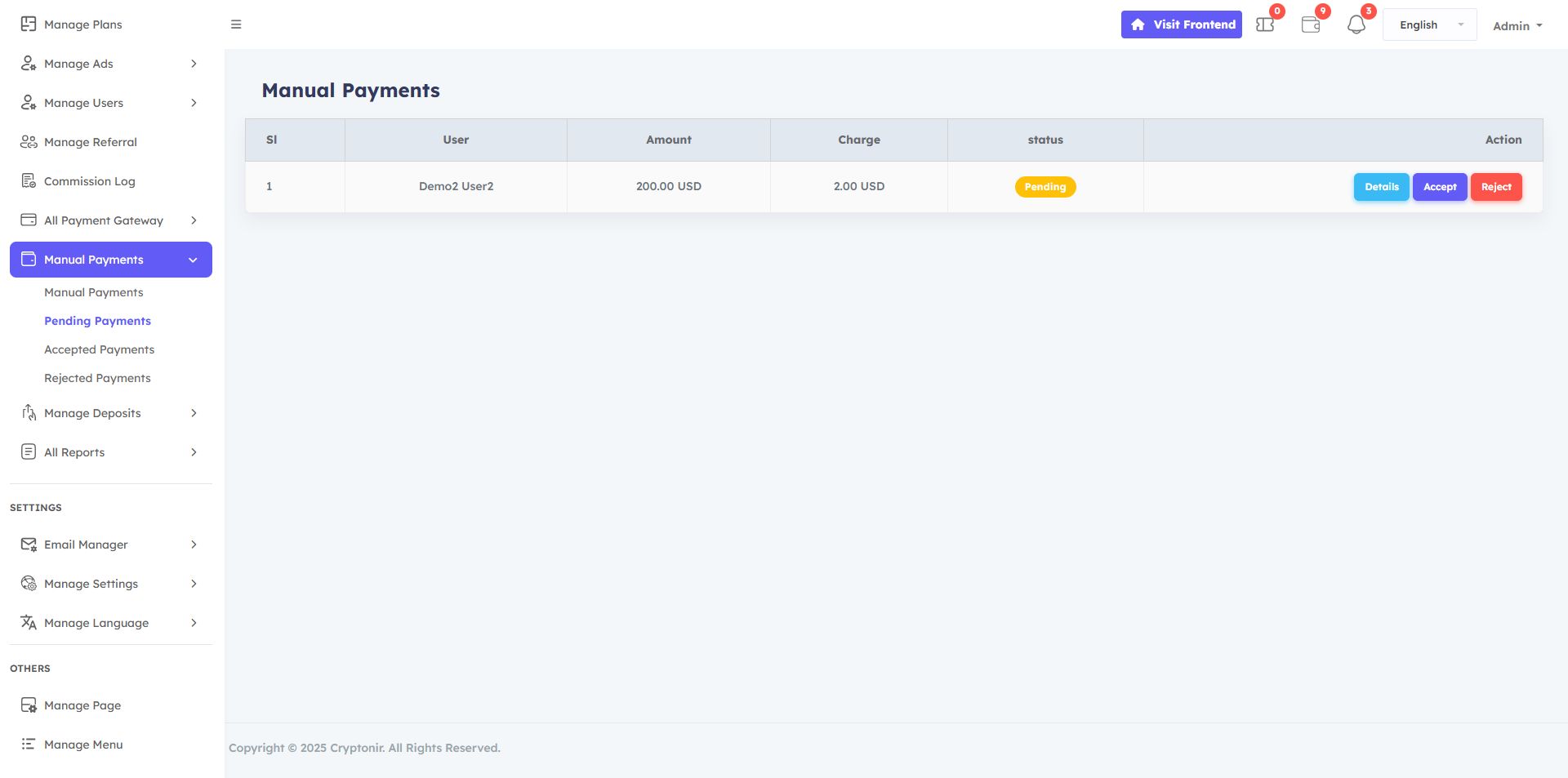
In the Manual Payment Options, you can see a list of all manual payments Pending made by users. You can specifically view the user's payment details and Accept them if it is correct or Reject payments if they are incorrect.
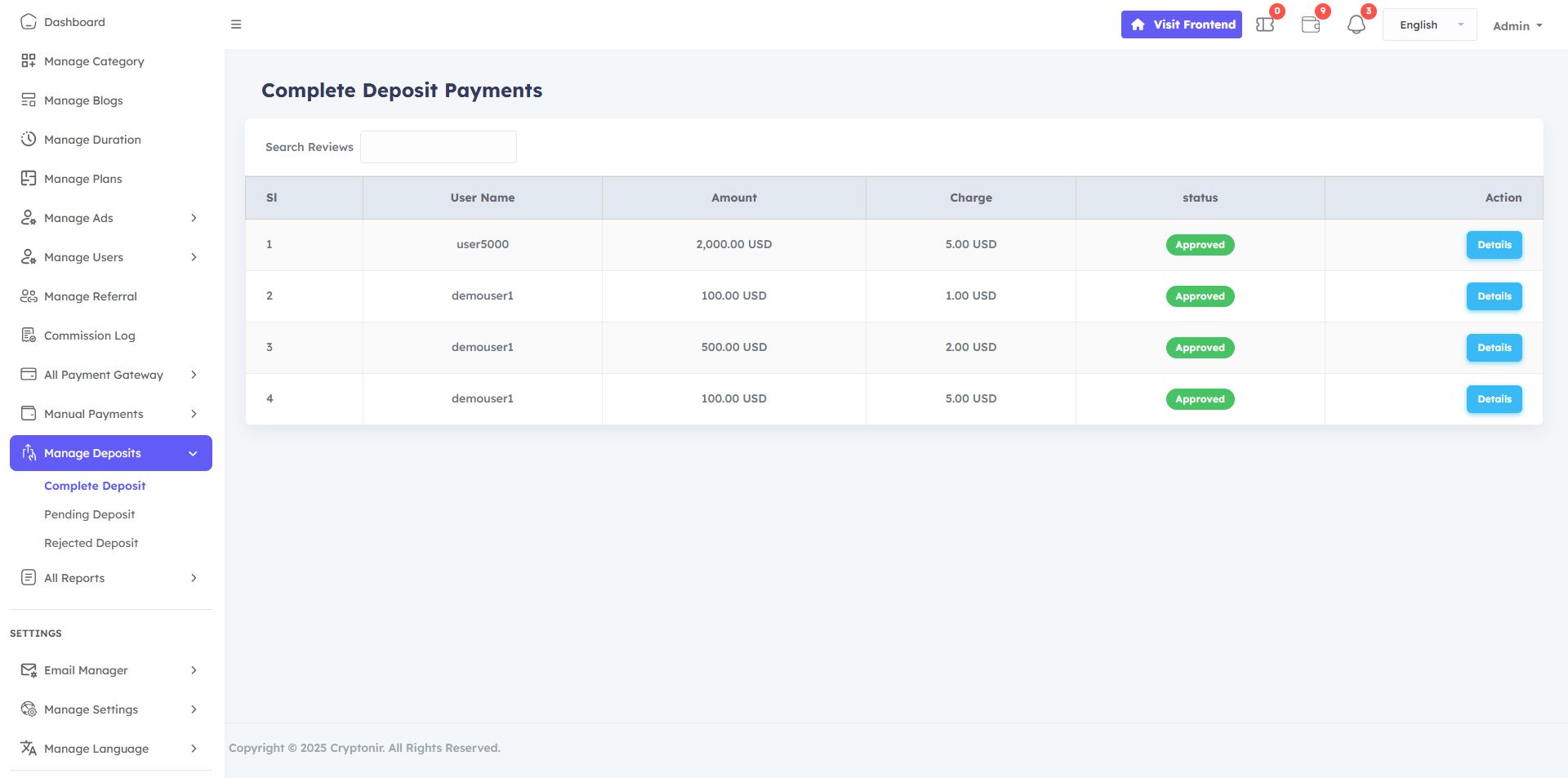
There are two types of deposit gateways, one is an online gateway and the other is a manual gateway. If the customer makes a deposit using the online gateways , the deposit will be made directly. In the Manual Manage Deposit, you can see a list of all pending Manage Deposit payments made by users. You can specifically view the user's Manage Deposit payment details and accept it if it is correct or reject it if it is incorrect.
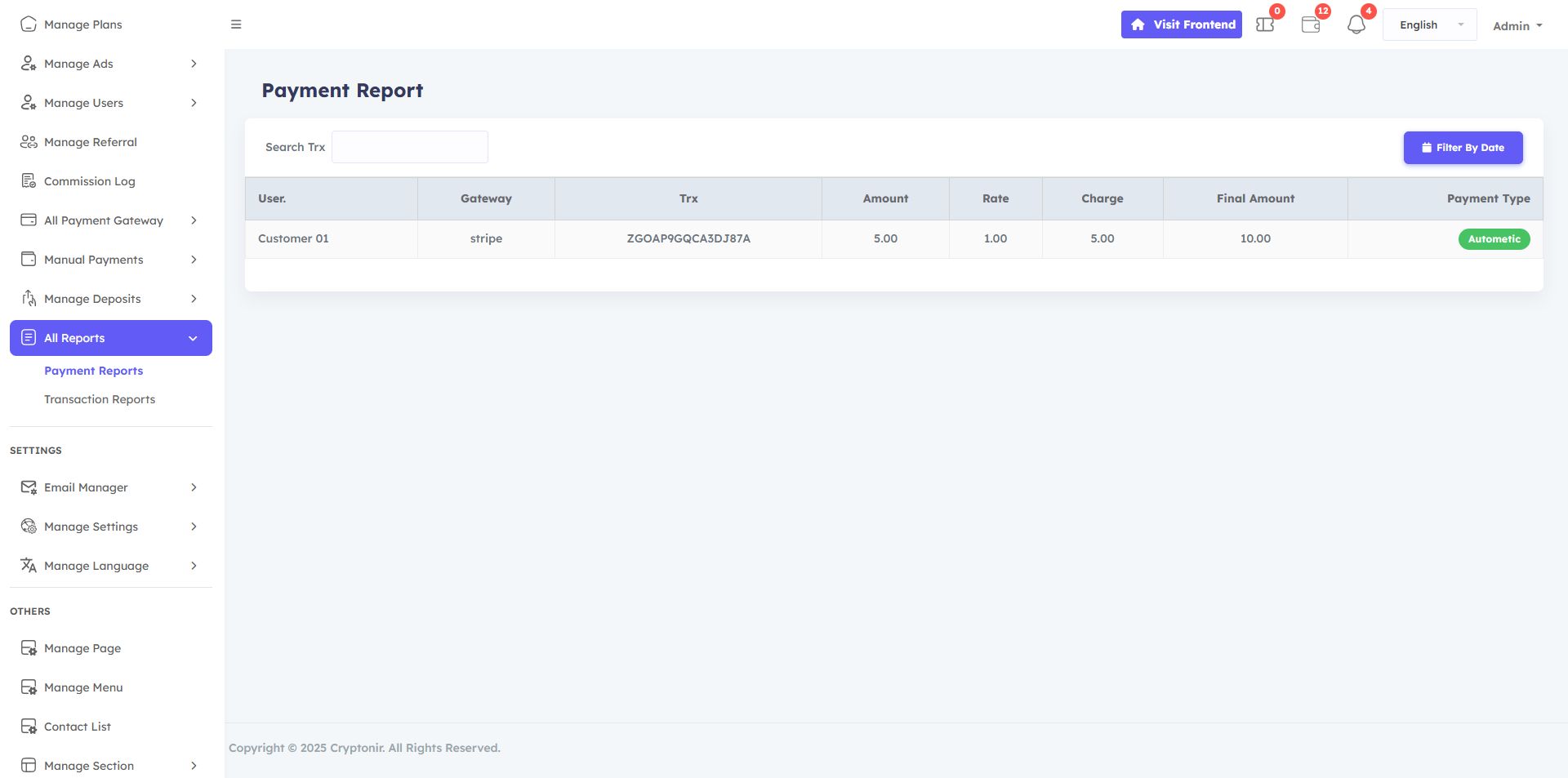
The All Reports menu in the Admin dashboard provides a detailed record of all Payment reports and Transaction reports made on the website. It helps the admin track successful Payment reports, Transaction reports, and any issues that need attention. This report ensures accurate financial reporting, aids in resolving payment-related queries, and enhances transparency in managing customer payments.
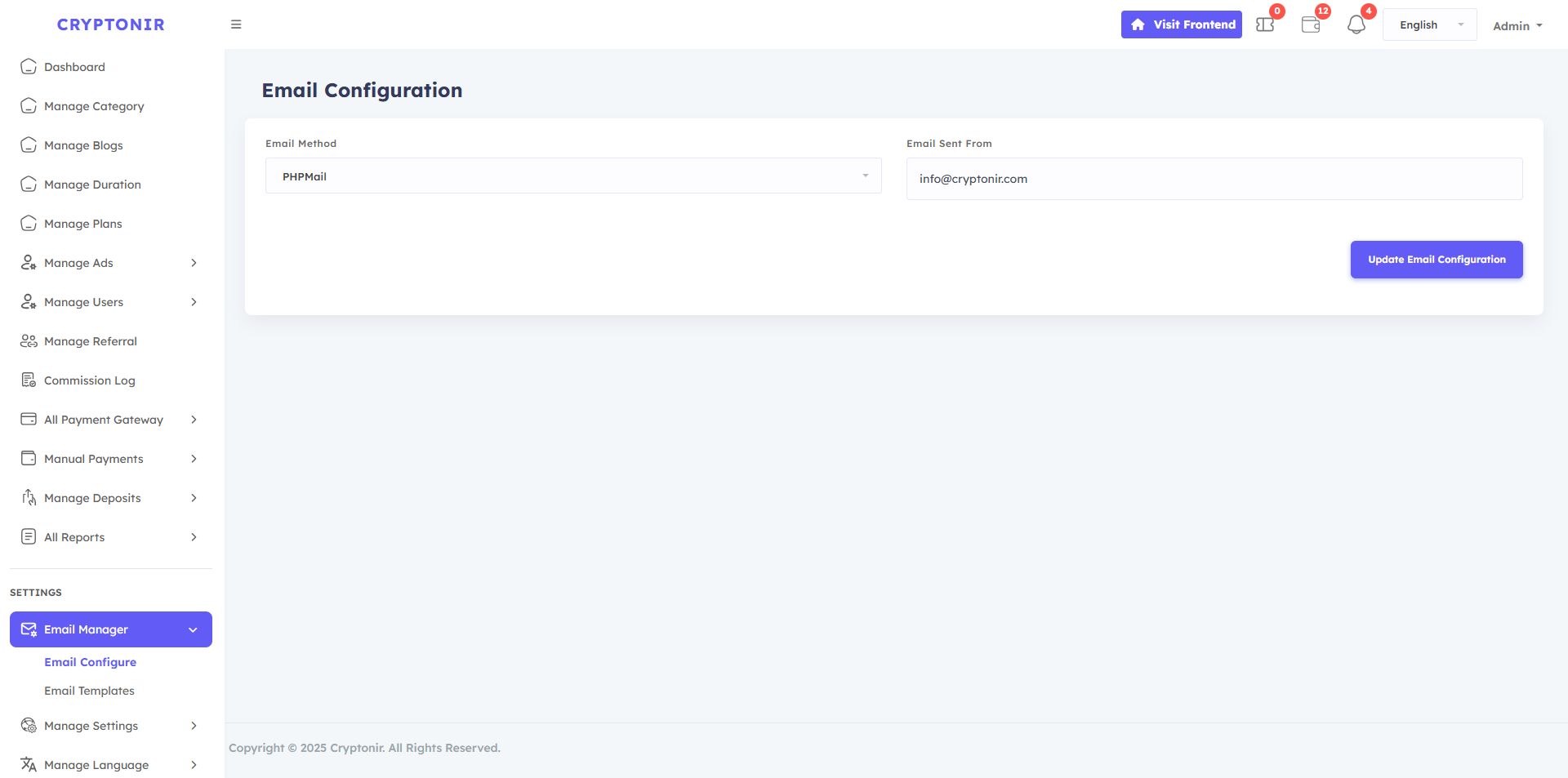
Email manager option, 2 options available, Email configure and Email templates. You can edit and update your emails and notifications in the Email template if you want. There are 2 Email method in the Email configure: - 1: Phpmail, 2 :Smtp mail . To use Phpmail, you just need seleted Phpmail next set your server email and click the Update email configuration button. server email example : [email protected] To use SMTP mail, first you need to select SMTP mail. Then you need to fill in the options that you will see. The information must be specific email information for your server email.
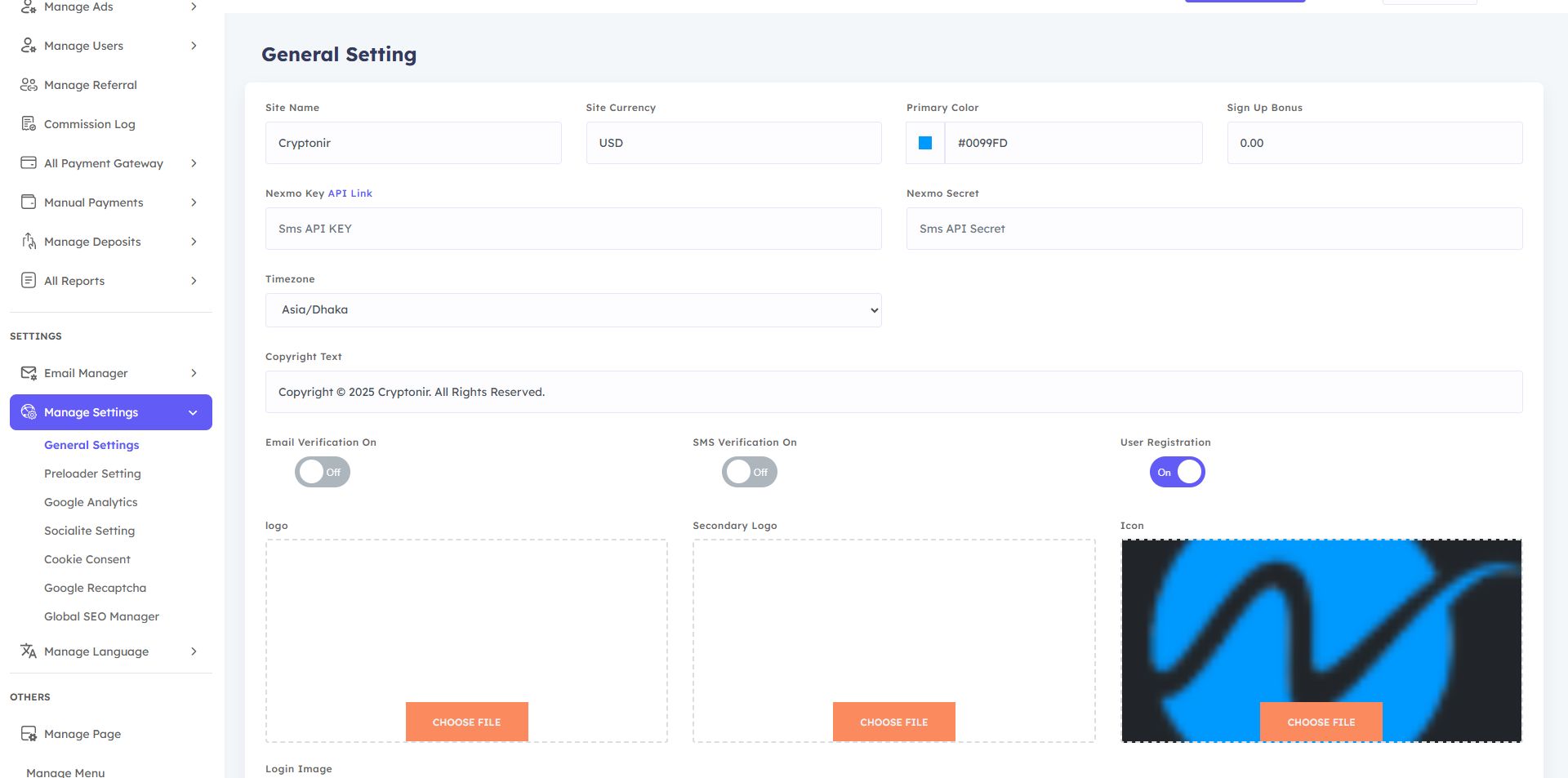
The available options in the Manage settings option are General settings, Preload setting, Google Analytics, Socialite setting, Cookie consent, Google Recaptcha, and Global SEO Manager.
All Payment Gateway
Create manual gateway
Crypto manual gateway
Paypal
Stripe
Coinpayments
Razorpay
Vougepay
Mollie
Nowpayments
Flutterwave
Paystack
Paghiper
Requirements
SERVER REQUIREMENTS
You will need to make sure your server meets the following requirements
We always recommend a cPanel powered web hosting.
PHP VERSION : 8.2 orMySQL : Version 5.7+ higherMariaDB :version 10.2+ higherBCMATH PHP ExtensionCTYPE PHP ExtensionFILEINFO PHP ExtensionJSON PHP ExtensionMBSTRING PHP ExtensionOPENSSL PHP ExtensionPDO PHP ExtensionPDO_MYSQL PHP ExtensionTOKENIZER PHP ExtensionXM L PHP ExtensionCURL PHP ExtensionGD PHP Extension
Instructions
Support FAQ :
We can only provide free installation support on cPanel powered web hosting. If you are unable to install, please contact us.
If you have any questions, feel free to ask us or if you find any problems with our website, we will fix it as soon as possible. If you need any customization for your business, please contact us to get it done Support
Image, Fonts and icons Credit:
- Freepik
- Font Awesome
- bootstrap icons
Other items by this author


|
PHP Script Installation Service
Don't worry about the installation of your script! Have your PHP Script installed for you.
|
$39 | Buy now |
| Category | Scripts & Code / PHP Scripts / Finance / Cryptocurrency |
| First release | 10 December 2025 |
| Last update | 11 December 2025 |
| Files included | .php, .css, .html, .sql, .java, .xml, Javascript .js |
| Tags | news, crypto news, news website, crypto trading news, stock market news, financial news, btc website |