Zaroon Kitchen - Responsive Restaurant TemplateZaroon Kitchen - Responsive Restaurant Template
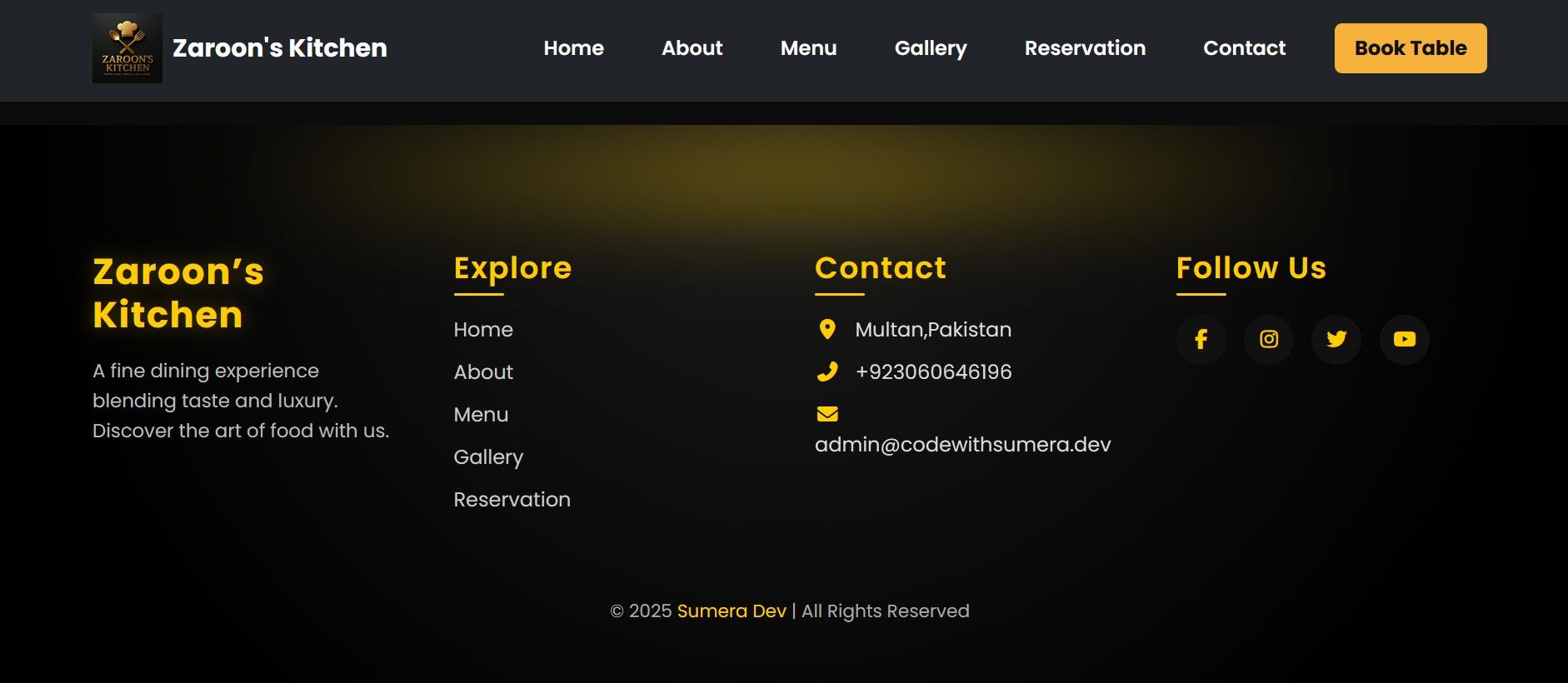
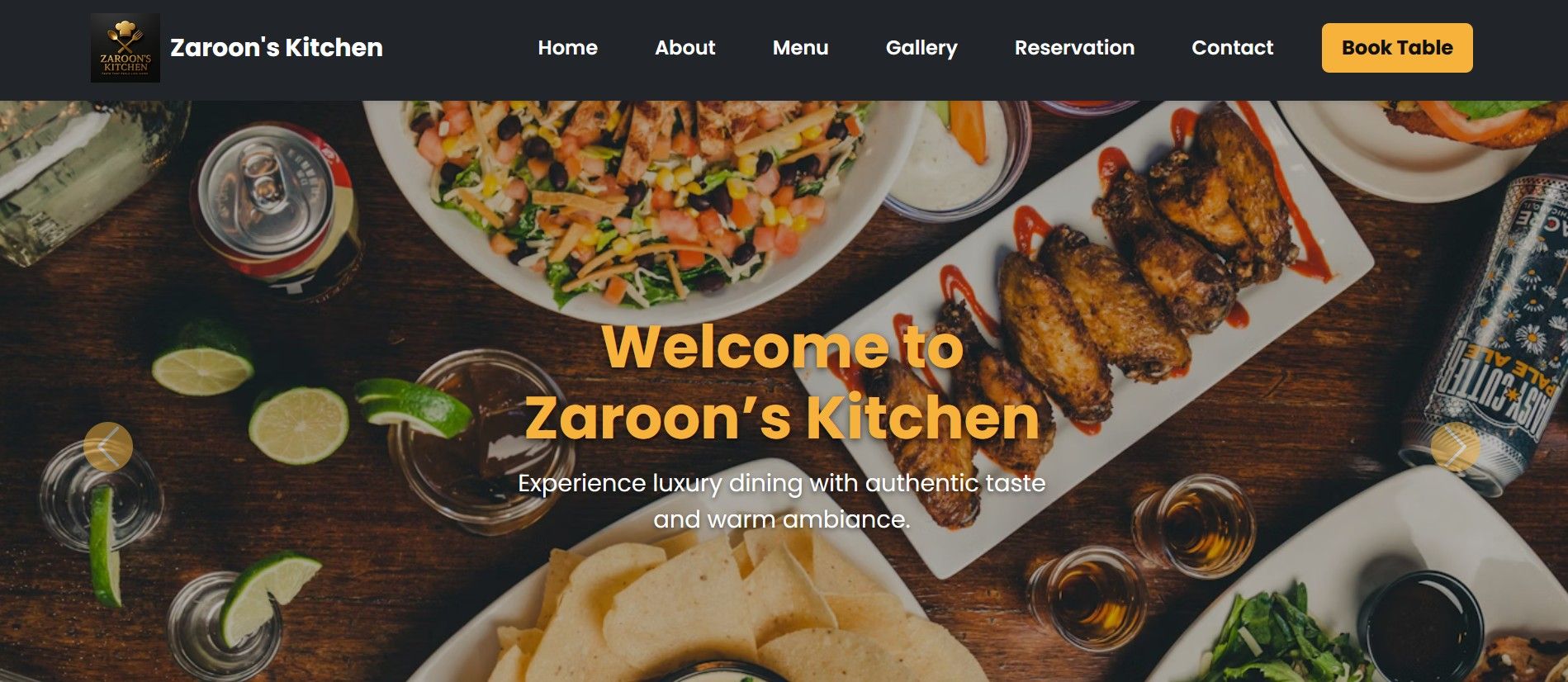
Zaroon Kitchen is a modern, clean, and fully responsive HTML5 Template designed specifically for Restaurants, Cafes, Fast Food.
Zaroon Kitchen - Responsive Restaurant Template
Zaroon Kitchen is a modern, clean, and fully responsive HTML5 Template designed specifically for ...
Screenshots
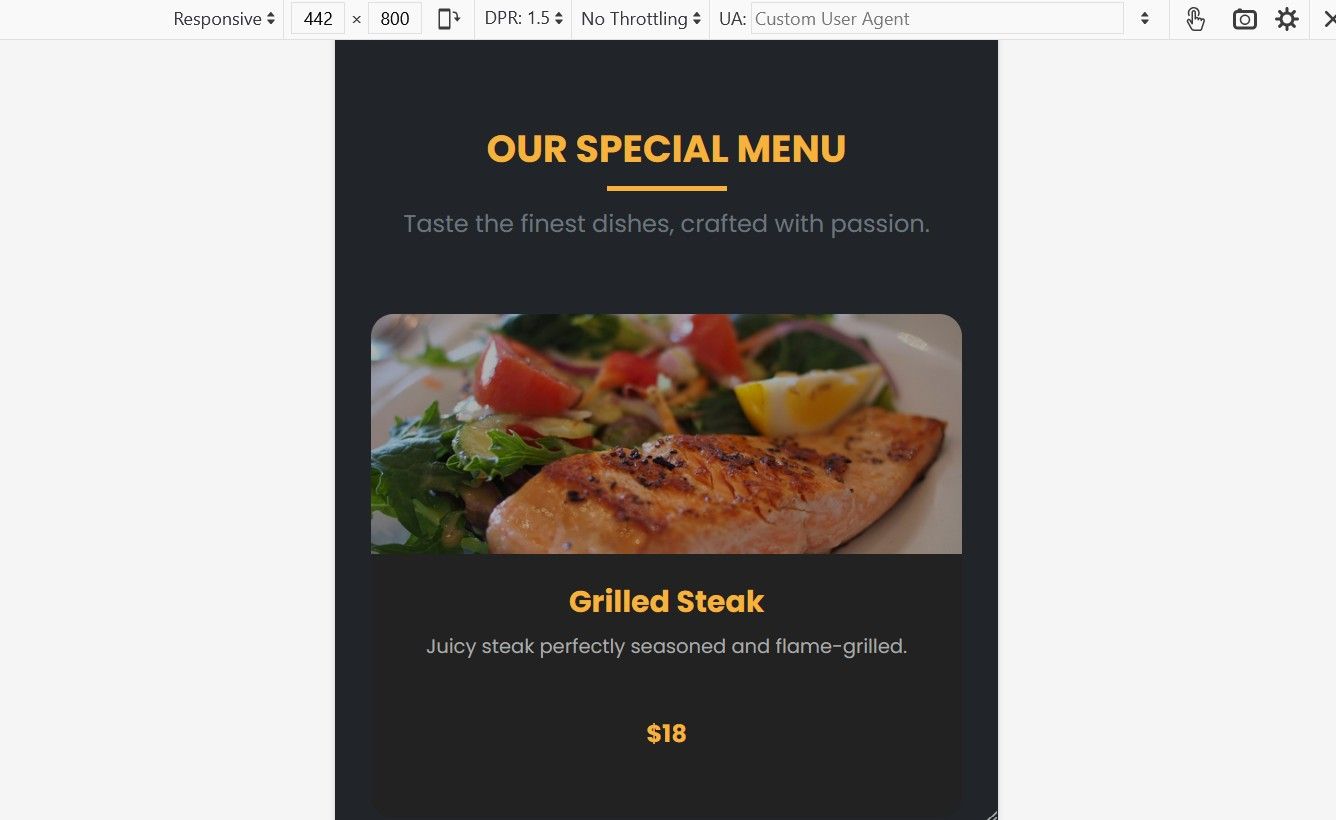
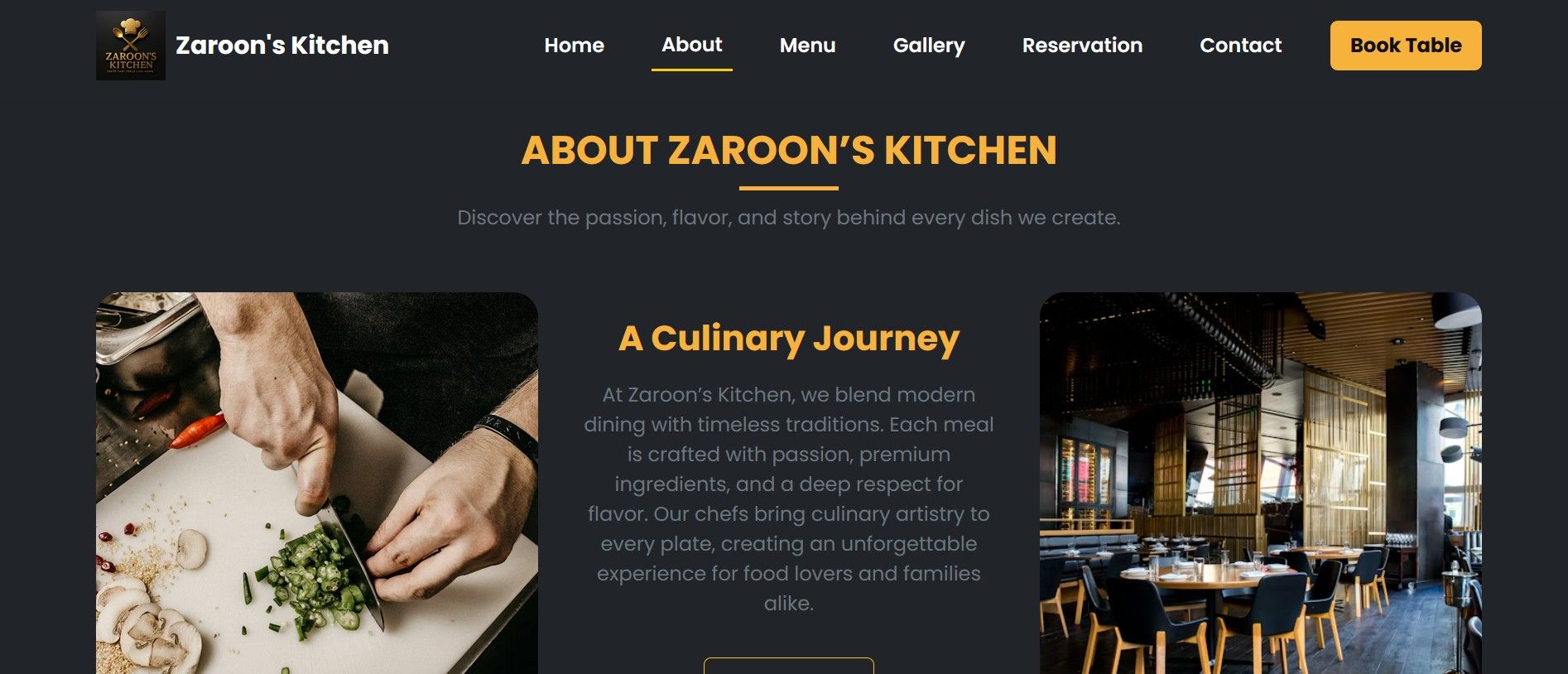
Overview
Built with HTML5, CSS3, and Bootstrap, this template offers a professional design to showcase your food menu, chefs, and services. It is fully responsive, ensuring your website looks perfect on all devices (Desktops, Tablets, and Mobiles). The code is clean, well-commented, and easy to customize, making it perfect for developers and business owners.
Features
Built with Bootstrap: Uses the latest Bootstrap framework for a responsive grid layout.Fully Responsive: optimized for all screen sizes.Modern Design: Professional and appetizing layout for food businesses.Food Menu Section: Beautifully designed section to display food items and prices.Table Reservation Form: HTML form design for booking tables (Static UI).Chefs & Team Area: Section to introduce your kitchen staff.Clean Code: W3C validated and well-commented code for easy editing.Cross-Browser Compatible: Works on Chrome, Firefox, Safari, and Edge.Fast Loading: Optimized for speed and performance.
Requirements
Code Editor: Any text editor like Visual Studio Code, Sublime Text, or Notepad++.Web Browser: A modern browser (Chrome, Firefox, Safari, or Edge) to view the website.Knowledge: Basic knowledge of HTML5, CSS3, and Bootstrap to customize the text and images.Unzipping Tool: WinZip, WinRAR, or 7-Zip to extract the files.No server or database is required to view the template (it works directly in the browser).
Instructions
1. Unzip the File:
- Download the
.zipfile from Codester. - Extract (Unzip) the file using WinRAR, 7-Zip, or your computer's default tool.
- You will see a folder containing HTML files, CSS, Images, and JavaScript.
2. Open the Template:
- You don't need a local server (like XAMPP) to view this template.
- Simply double-click on the
index.htmlfile, and it will open in your web browser.
3. How to Edit:
- To edit the text or code, open the project folder in a Code Editor (like Visual Studio Code, Sublime Text, or Notepad++).
- Edit Text: Open
index.htmland search for the text you want to change (e.g., "Welcome to Zaroon Kitchen") and replace it with your own. - Change Images: Go to the
assets/imagesfolder (or wherever your images are stored) and replace the existing images with your own images. Make sure to keep the file names the same, or update the image paths in the HTML code.
4. Uploading to a Live Server:
- Once you have customized the template, you can upload it to your hosting provider.
- Use an FTP Client (like FileZilla) or your cPanel File Manager.
- Upload all files (HTML, CSS, JS, Images) to the
public_htmlfolder of your domain.
5. Support:
- If you face any issues or need help with customization, please feel free to contact me via my Codester profile.
Other items by this author



| Category | Themes / HTML / Restaurant |
| First release | 11 December 2025 |
| Last update | 11 December 2025 |
| Files included | .css, .html, Layered .png |
| Tags | website template, cafe, catering, bootstrap template, html5 template, restaurant template, fast food, food menu, html css, food website, responsive html, restaurant design |