AiToolHub - AI Tools DirectoryAiToolHub - AI Tools Directory
Complete directory platform with admin panel, product submissions, blog, badges, analytics & SEO features. Average rating of 4.5 based on 2 votes
AiToolHub - AI Tools Directory
Complete directory platform with admin panel, product submissions, blog, badges, analytics & ... Average rating of 4.5

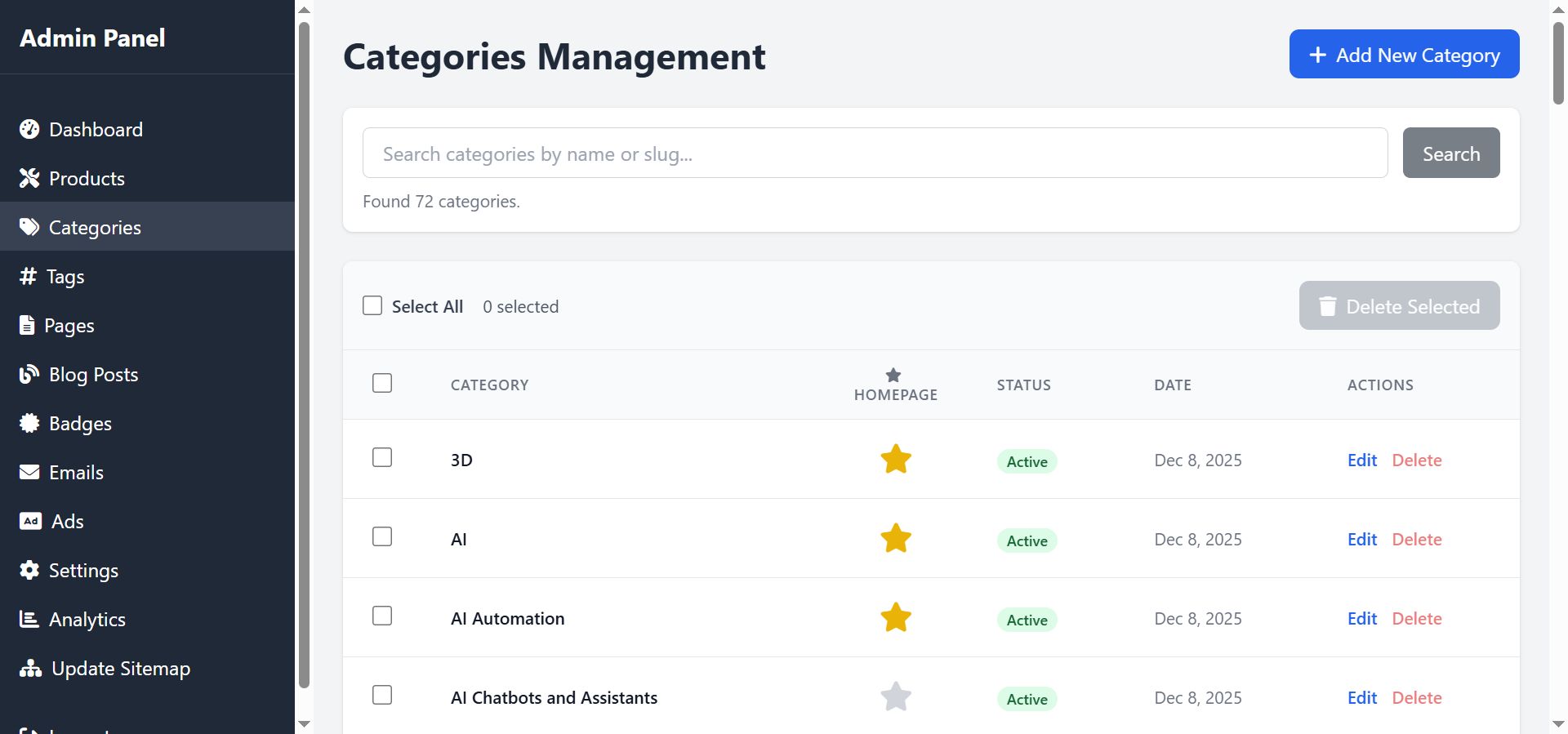
Screenshots
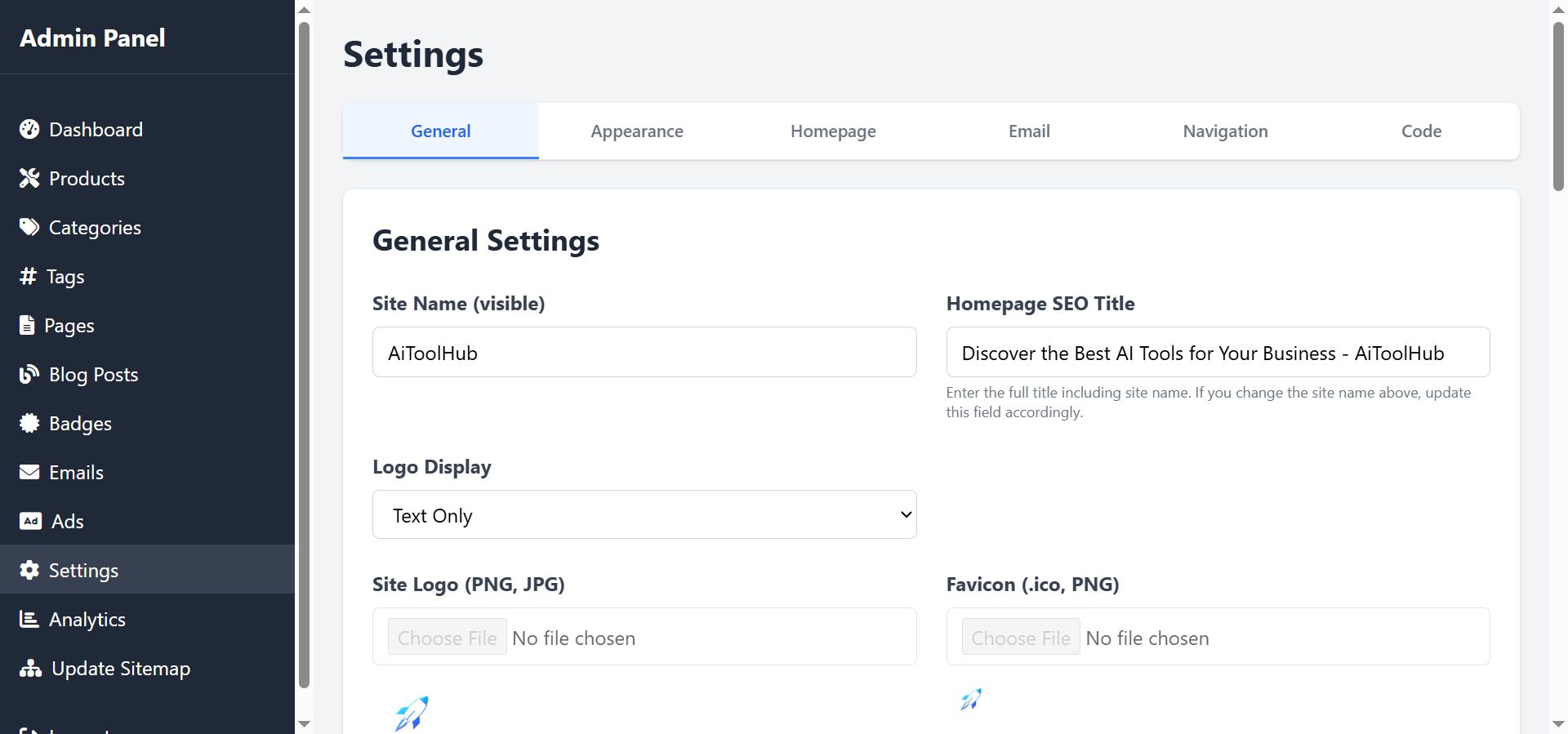

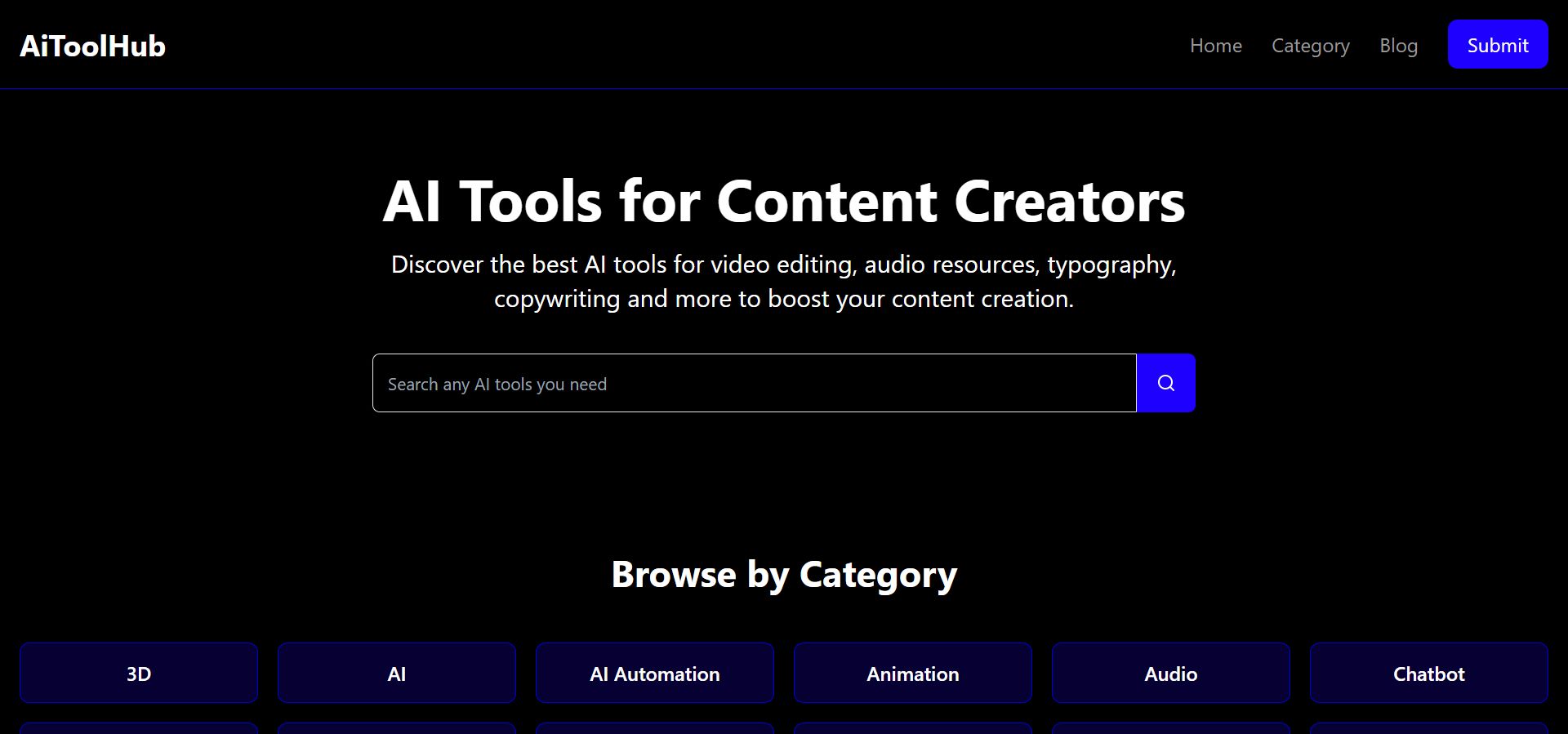

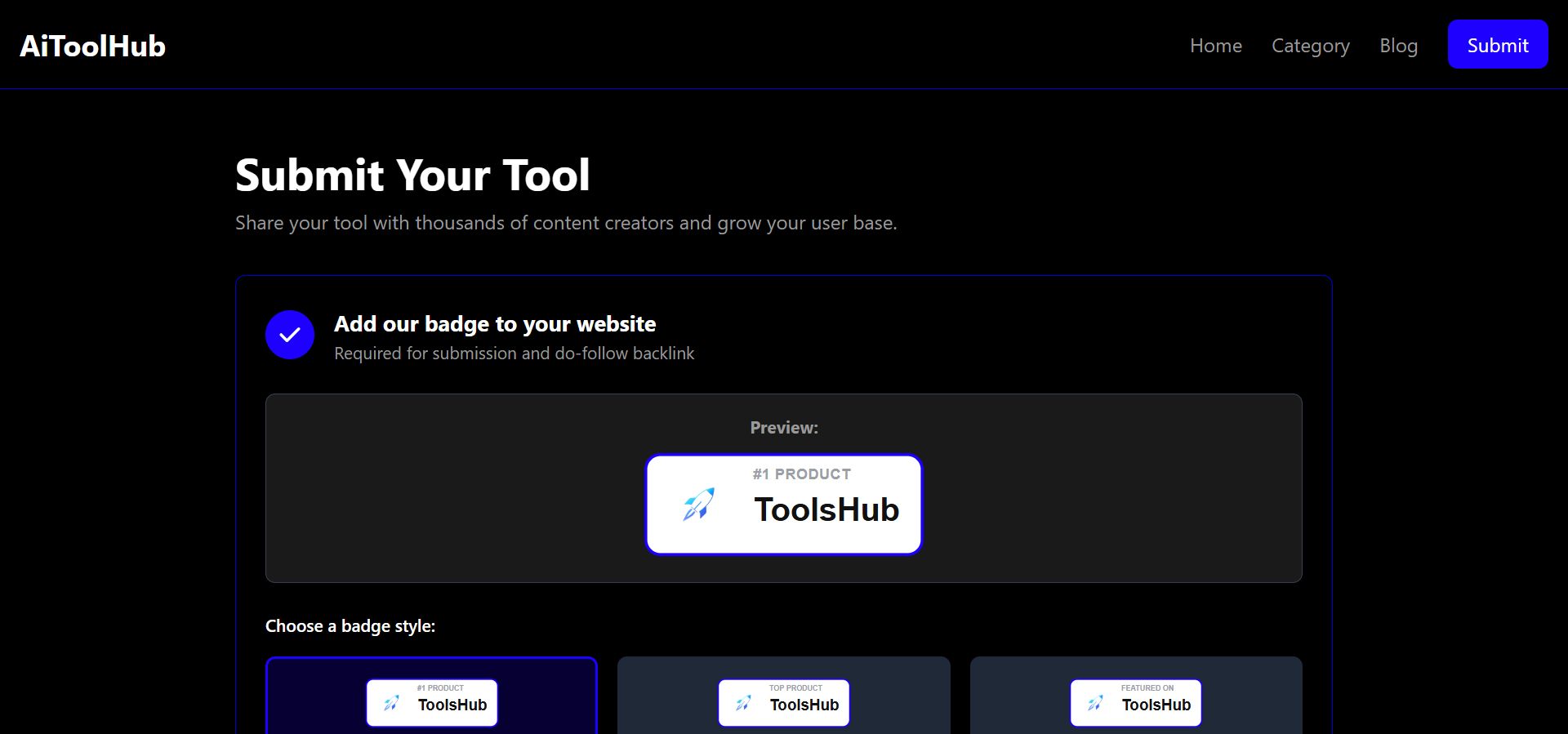
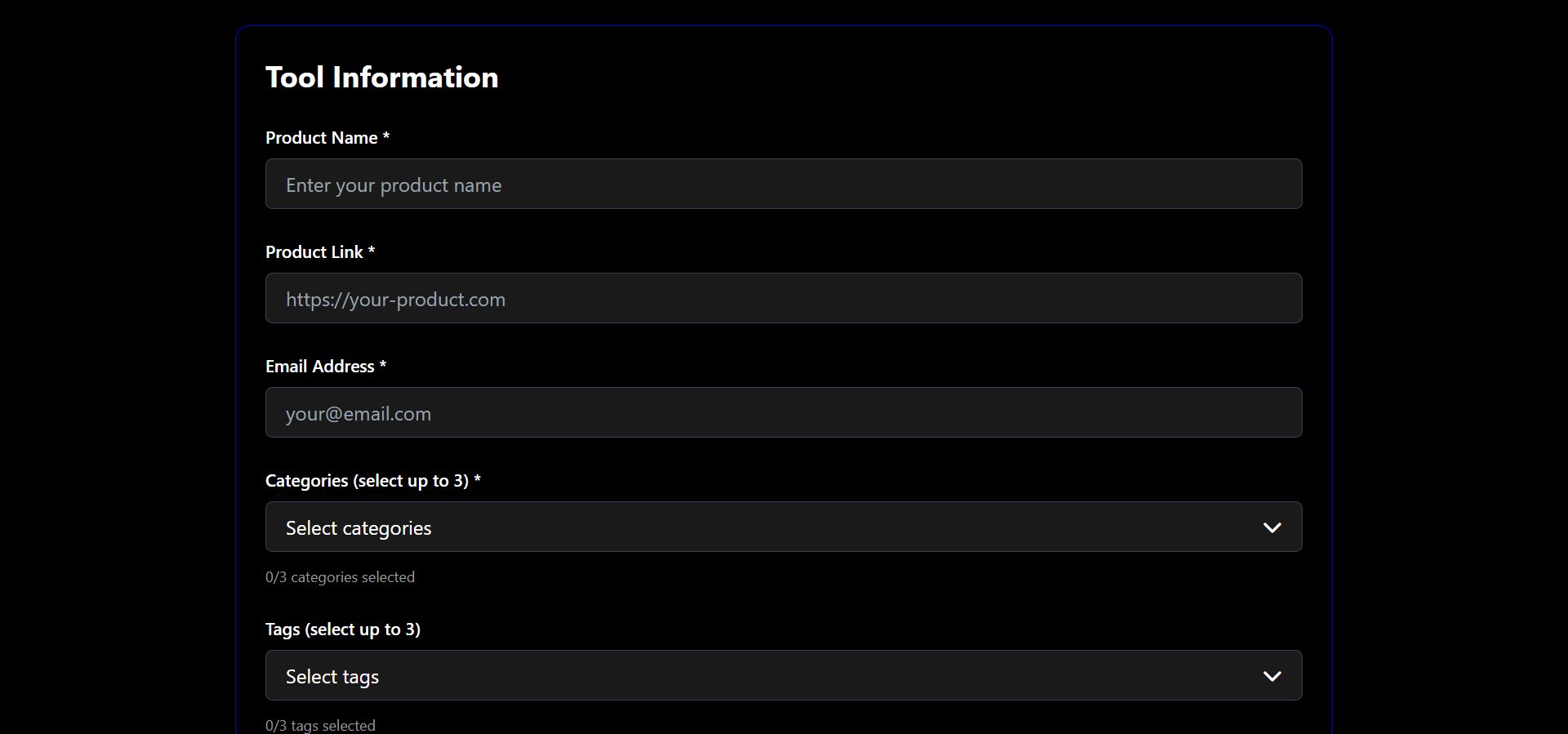
Overview
Demo:
Homepage:
https://aitoolhub.instantfreef...
admin panel:
https://aitoolhub.instantfreef...
user: aitoolhub
pass: a1t00lHub;111
AiToolHub Script is a powerful, feature-rich PHP script designed to create and manage a professional tools directory website. Perfect for showcasing AI tools, SaaS products, or any digital tools directory.
This script provides everything you need to launch a modern directory website with a clean, responsive design built with Tailwind CSS. It includes a comprehensive admin panel for managing products, categories, tags, blog posts, badges, advertisements, and more.
Key Highlights:
- Modern, responsive design that works on all devices
- Complete admin panel with intuitive interface
- Built-in SEO features including automatic sitemap generation
- Product submission system with email notifications
- Blog functionality for content marketing
- Badge system for featured products
- Analytics dashboard to track performance
- Customizable email templates
- Advertisement management system
- Security features including CSRF protection and secure sessions
Whether you're creating a directory for AI tools, SaaS products, or any digital tools, this script provides a solid foundation that can be customized to match your brand and requirements.

Features
Frontend Features:
-Modern Responsive Design- Clean, professional design built with Tailwind CSS that works perfectly on desktop, tablet, and mobile devices
-Product Listings- Display tools/products with images, descriptions, categories, and tags
-Search Functionality- Powerful search feature to help users find tools quickly
-Category & Tag Filtering- Browse tools by categories and tags for easy navigation
-Product Submission Form- Public submission form allowing users to submit their tools for review
-Blog System- Built-in blog functionality for content marketing and SEO
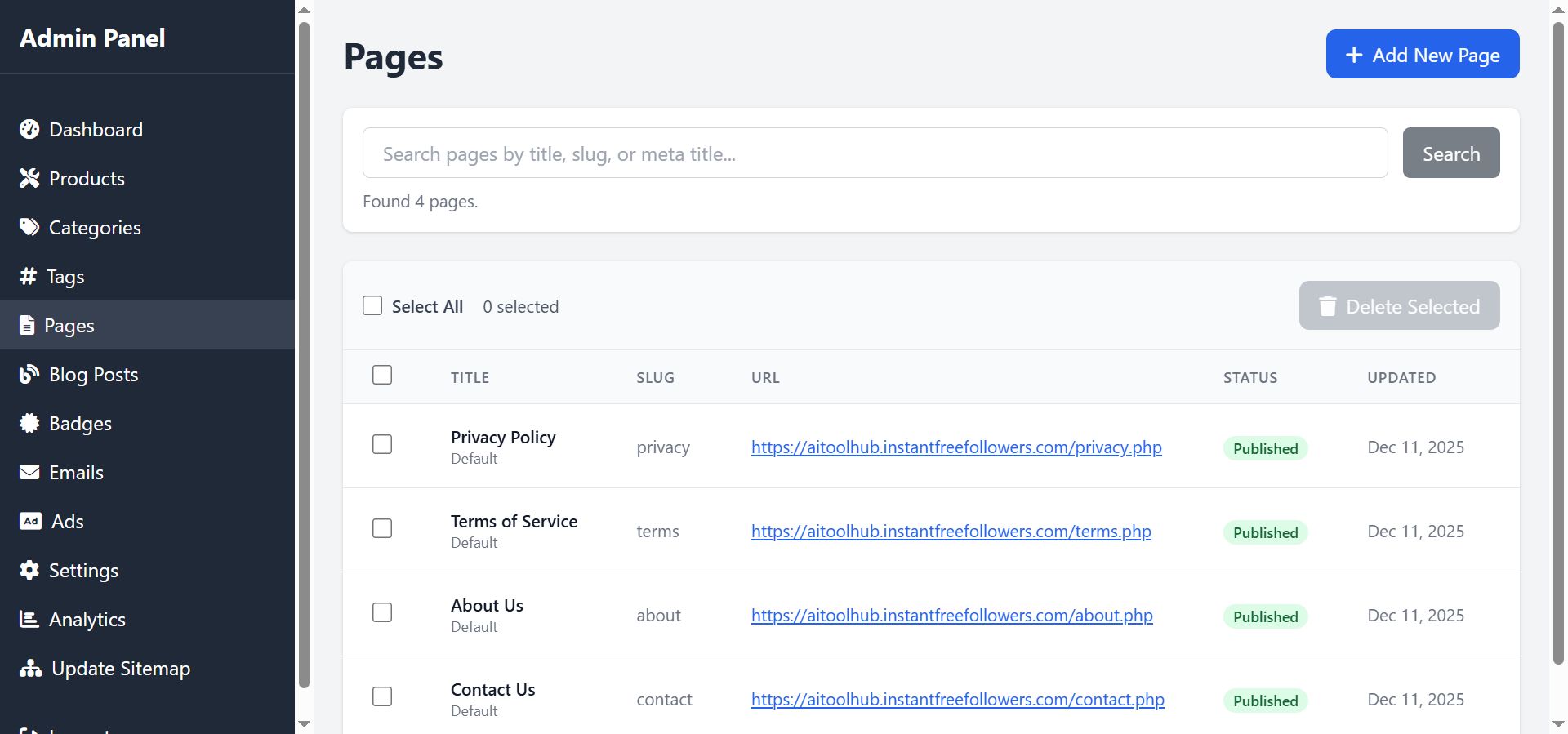
-Custom Pages- Create custom pages (About, Contact, Privacy, Terms, etc.) with a built-in page editor
-Contact Form- Integrated contact form with email notifications
-SEO Optimized- SEO-friendly URLs, meta tags, Open Graph tags, and automatic sitemap.xml generation
-Badge System- Display badges on featured products (#1 Product, Top Product, Featured On)
-Infinite Scroll- Load more products and blog posts with AJAX for better user experience
Admin Panel Features
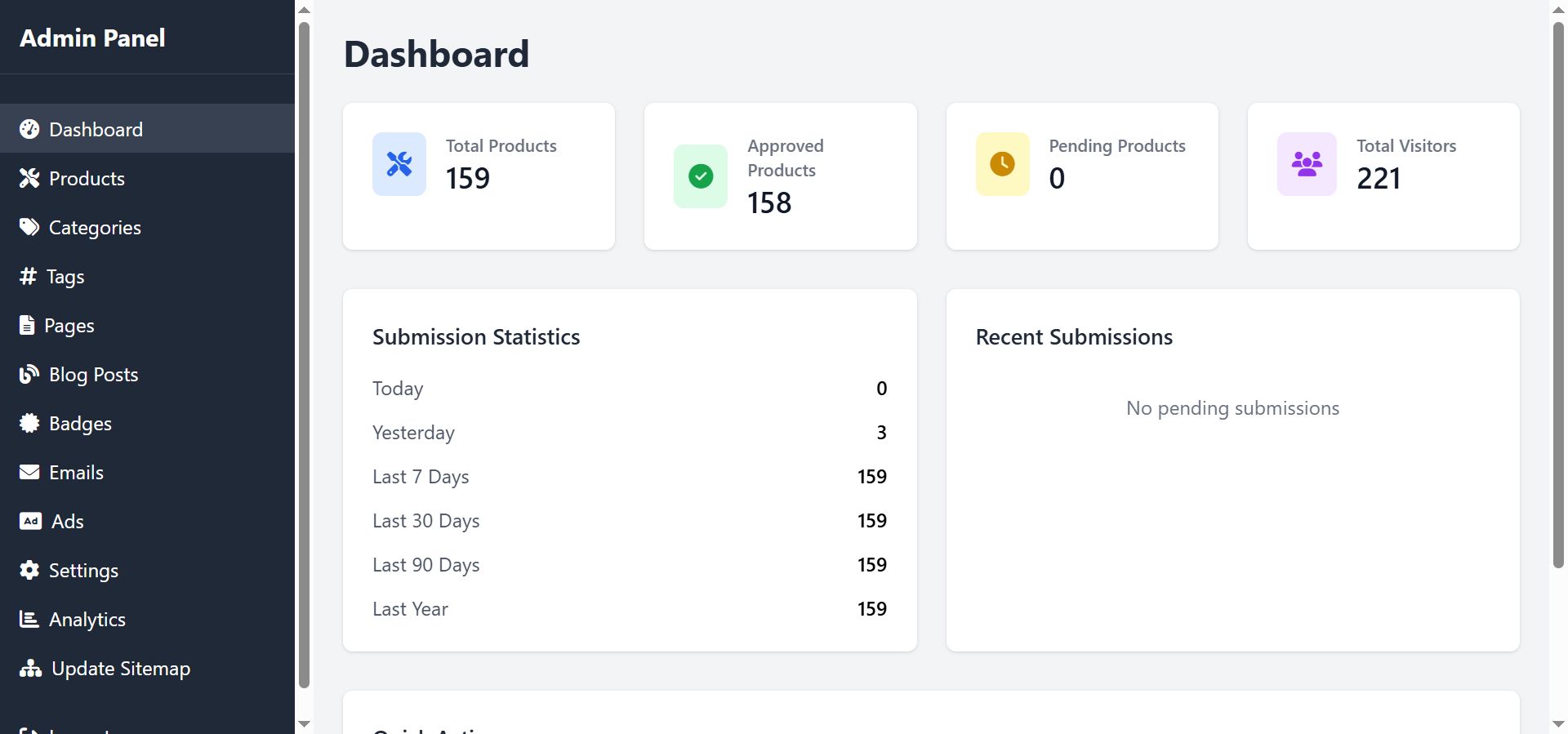
-Dashboard- Overview of statistics and recent activity
-Product Management- Add, edit, delete, and approve/reject product submissions
-Category Management- Organize products with categories (with icons and colors)
-Tag Management- Create and manage tags for better organization
-Blog Management- Create, edit, and manage blog posts
-Page Management- Create and edit custom pages (About, Contact, Privacy, Terms, etc.)
-Badge Management- Customize badge designs and assign badges to products
-Advertisement Management- Manage ads in header, sidebar, and footer positions
-Email Templates- Customize email templates for notifications and communications
-Email Settings- Configure SMTP settings for sending emails
-Analytics Dashboard- Track page views, popular products, and user engagement
-Settings Management- Comprehensive settings panel for:
- Site information (name, description, logo)
- Color customization (primary, secondary, accent colors)
- Homepage sections configuration
- SEO settings
- Email notifications preferences
-Sitemap Generator- One-click sitemap.xml generation for better SEO
-User Management- Admin user management with secure authentication
Technical Features
-Secure Authentication- Secure admin login with password hashing
-CSRF Protection- Built-in CSRF protection for form submissions
-Security Headers- Security headers implementation for enhanced protection
-Image Upload & Optimization- Image upload with automatic optimization and WebP support
-Database Management- Automatic database schema creation and updates
-Auto URL Detection- Automatic base URL detection for subdirectory installations
-Email Notifications- Email notifications for product submissions, approvals, and rejections
-PHPMailer Integration- Professional email sending with PHPMailer library
-Clean Code- Well-structured, commented PHP code following best practices
Requirements
Server Requirements
- PHP Version: 8.1 or higher
- MySQL Version: 5.7 or higher (or MariaDB 10.2+)
- Web Server: Apache (with mod_rewrite) or Nginx
- PHP Extensions:
- PDO
- PDO_MySQL
- GD Library (for image processing)
- mbstring
- OpenSSL (for email functionality)
- cURL (recommended)
Optional Requirements
- Composer (for PHPMailer installation if not included)
- SSL Certificate (recommended for production)
Instructions
Step 1: Upload the Script
1. Download the script ZIP file and extract it on your computer
2. Log in to your cPanel account
3. Open File Manager and navigate to `public_html` (or your domain's root folder)
4. Click Upload and select all extracted files
5. Wait for the upload to complete
Step 2: Create the Database
1. In cPanel, open MySQL Database Wizard
2. Step 1: Enter a database name (e.g., `tools_directory`) and click Next Step
3. Step 2: Create a database user:
- Enter a username
- Set a strong password
- Click Create User
4. Step 3 (Privileges): Check ALL PRIVILEGES to give the user full database access, then click Next Step
5. Important: Note down these details for the installer:
- Database Name (usually looks like `cpaneluser_dbname`)
- Database User (usually looks like `cpaneluser_dbuser`)
- Database Password
- Database Host (usually `localhost`)
Step 3: Run the Web Installer
1. Visit `https://yourdomain.com/install/` in your web browser
2. The installer will guide you through the setup process
3. Database Configuration Step:
- Enter the database details you created in Step 2
- Database Host: `localhost` (or your database host)
- Database Name: Your database name
- Database User: Your database username
- Database Password: Your database password
- Click Next to continue
4. Admin Account Creation:
- Enter your admin email address
- Choose an admin username
- Set a strong password
- Click Create or Next to continue
5. Website Configuration:
- Enter your site name
- Set your site email address
- Configure any other basic settings
- Click Finish to complete the installation
Step 4: Post-Installation
1. After successful installation, the `/install` folder will be automatically renamed to prevent re-installation
2. Log in to your admin panel at `https://yourdomain.com/admin/` using the credentials you created
3. Configure your settings, add products, and customize your directory
Troubleshooting
- Database Connection Errors: Double-check your database name, username, password, and host. Ensure the database user has ALL PRIVILEGES.
- Permission Errors: Make sure the `uploads` folder and its subfolders have write permissions (755 or 775)
- Email Issues: Configure SMTP settings in Admin Panel > Settings > Email Settings for reliable email delivery
Documentation
For detailed documentation, please refer to the included `documentation.html` file or contact the script developer.

Other items by this author







| Category | Scripts & Code / PHP Scripts / Directory |
| First release | 12 December 2025 |
| Last update | 18 December 2025 |
| Software version | PHP 8.1, PHP 8.2, PHP 8.3, PHP 8.4 |
| Files included | .php, .css, .sql, Javascript .js |
| Tags | php script, ai, directory, ai tools, ai tools directory |