



PlantBook - Flutter Full ApplicationPlantBook - Flutter Full Application
AI plant identification app with community, marketplace, chat, chatbot, profiles, Firebase backend, Cloudinary images,and Provider
PlantBook - Flutter Full Application
AI plant identification app with community, marketplace, chat, chatbot, profiles, Firebase backen...
Screenshots
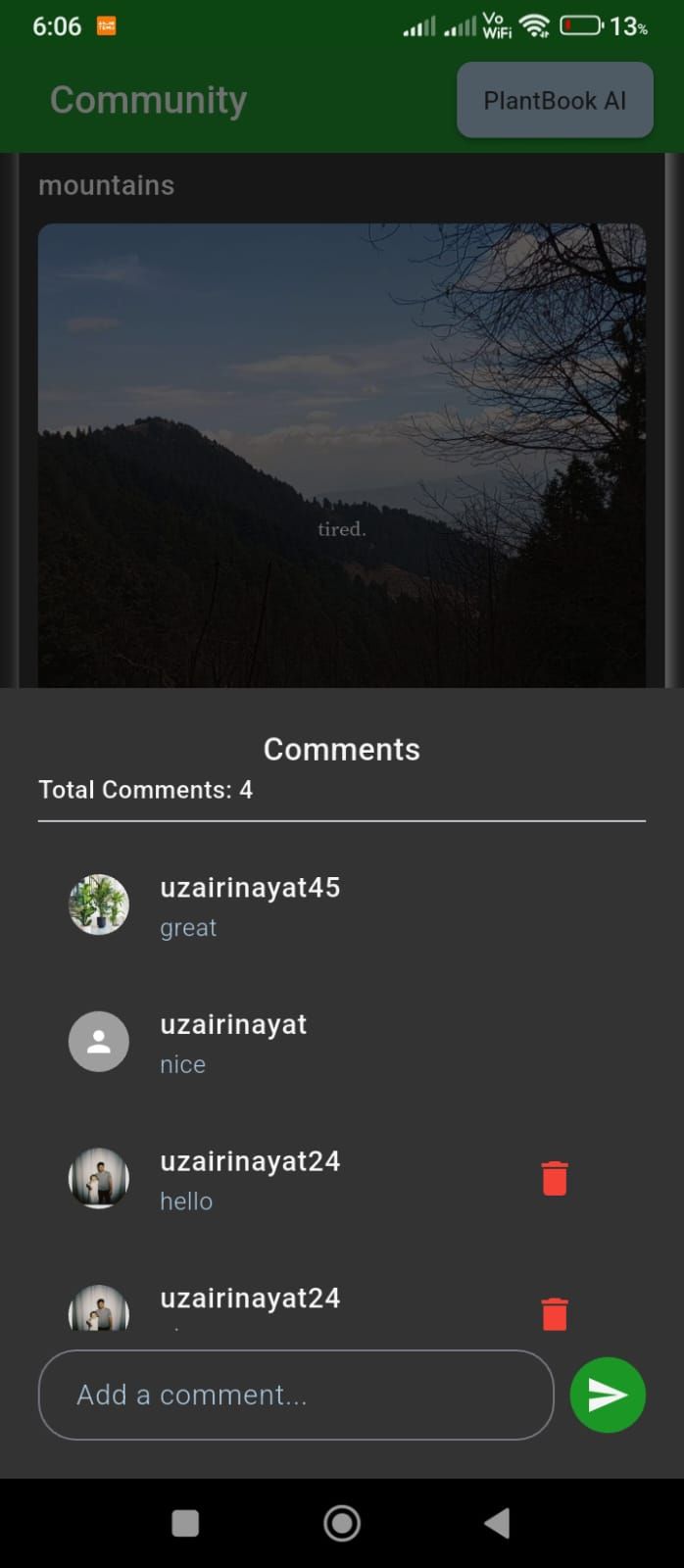
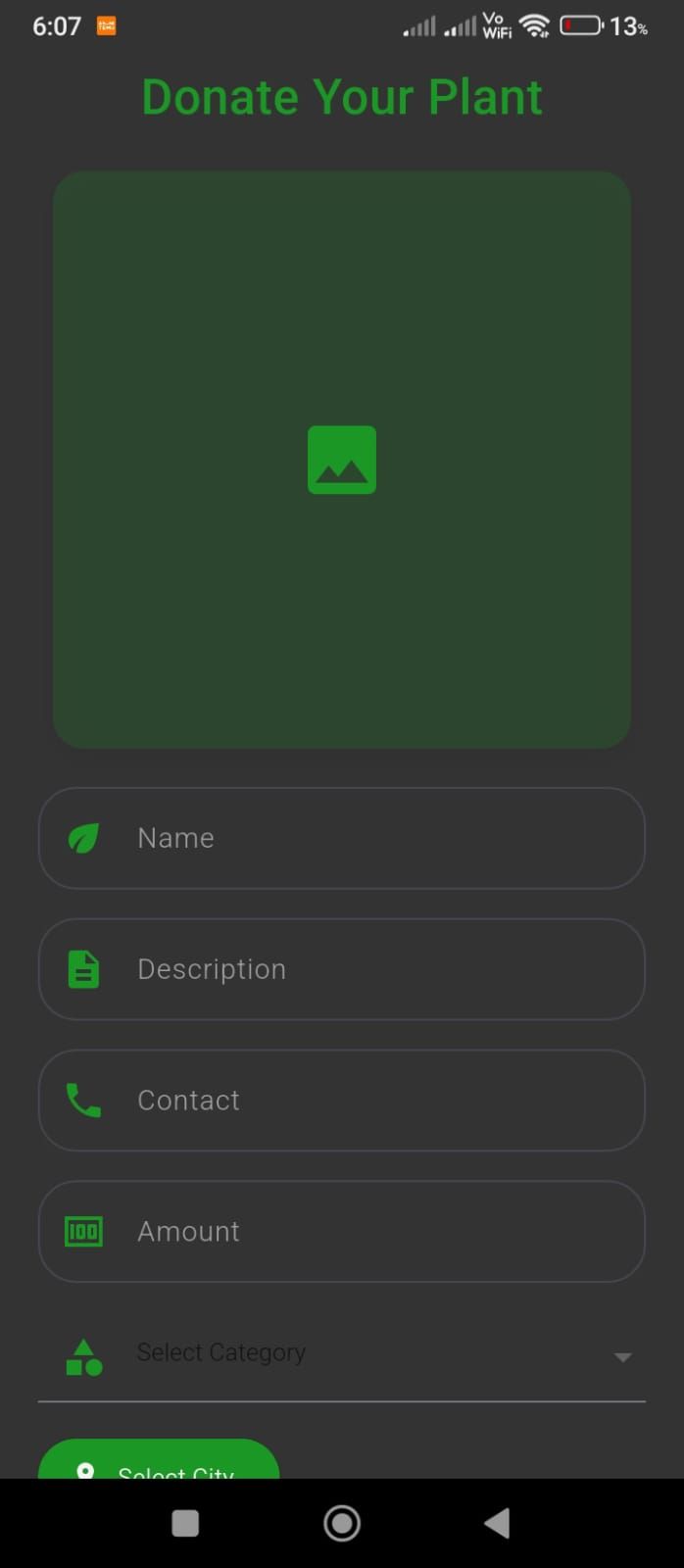
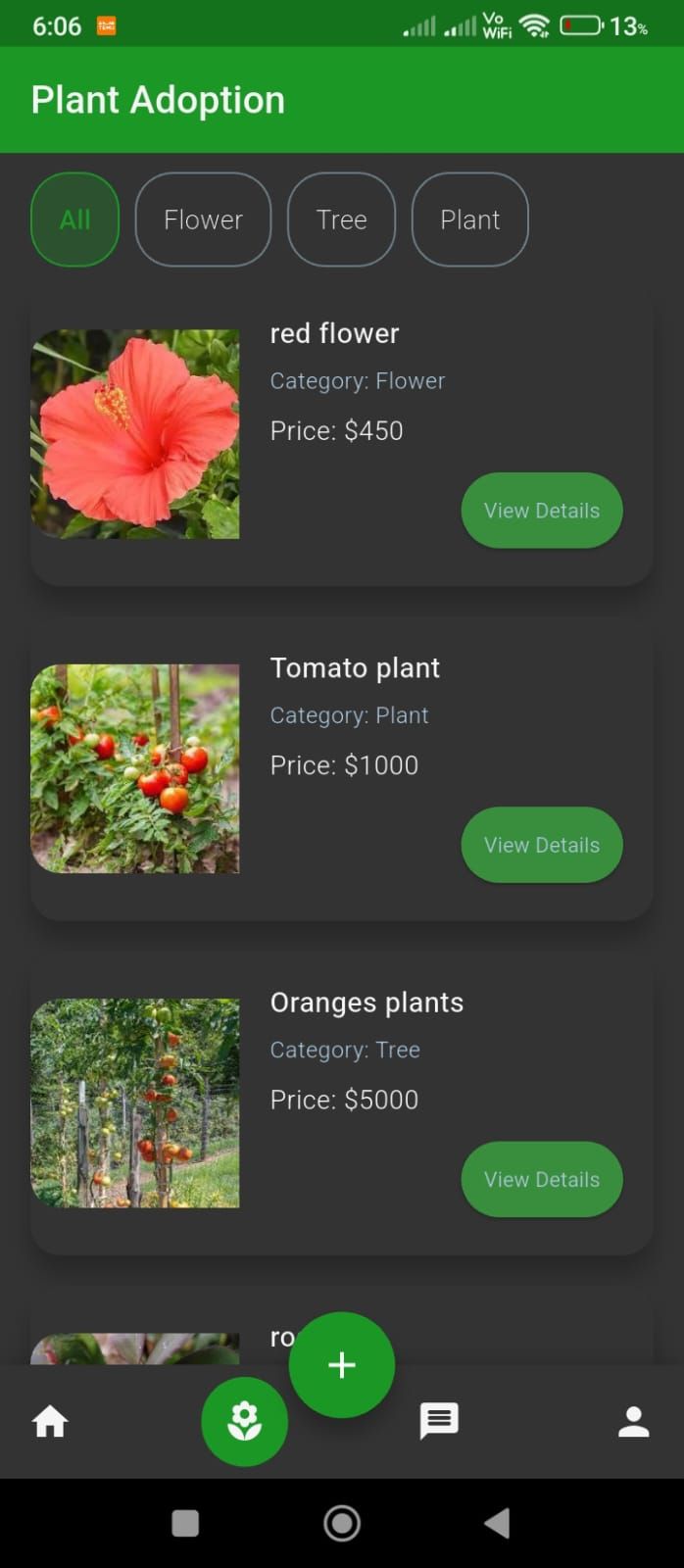
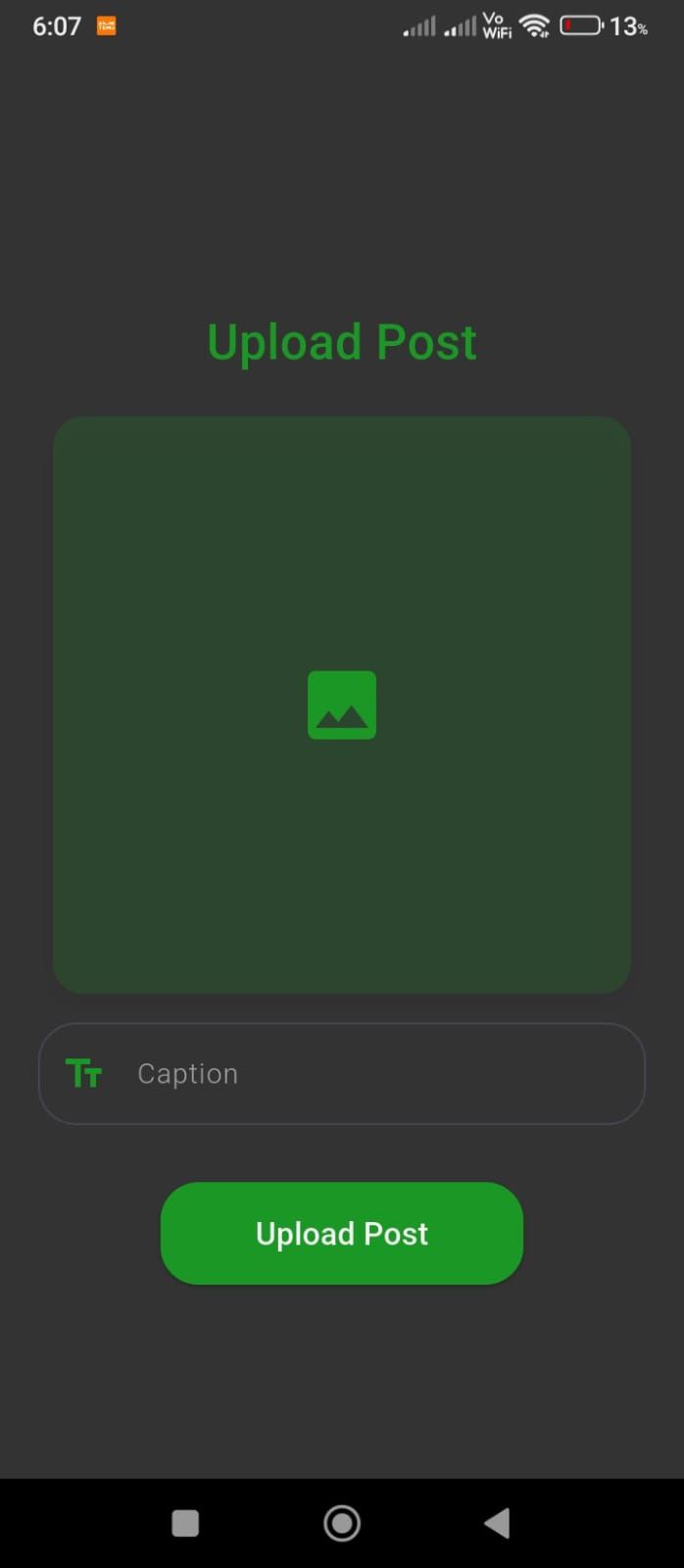
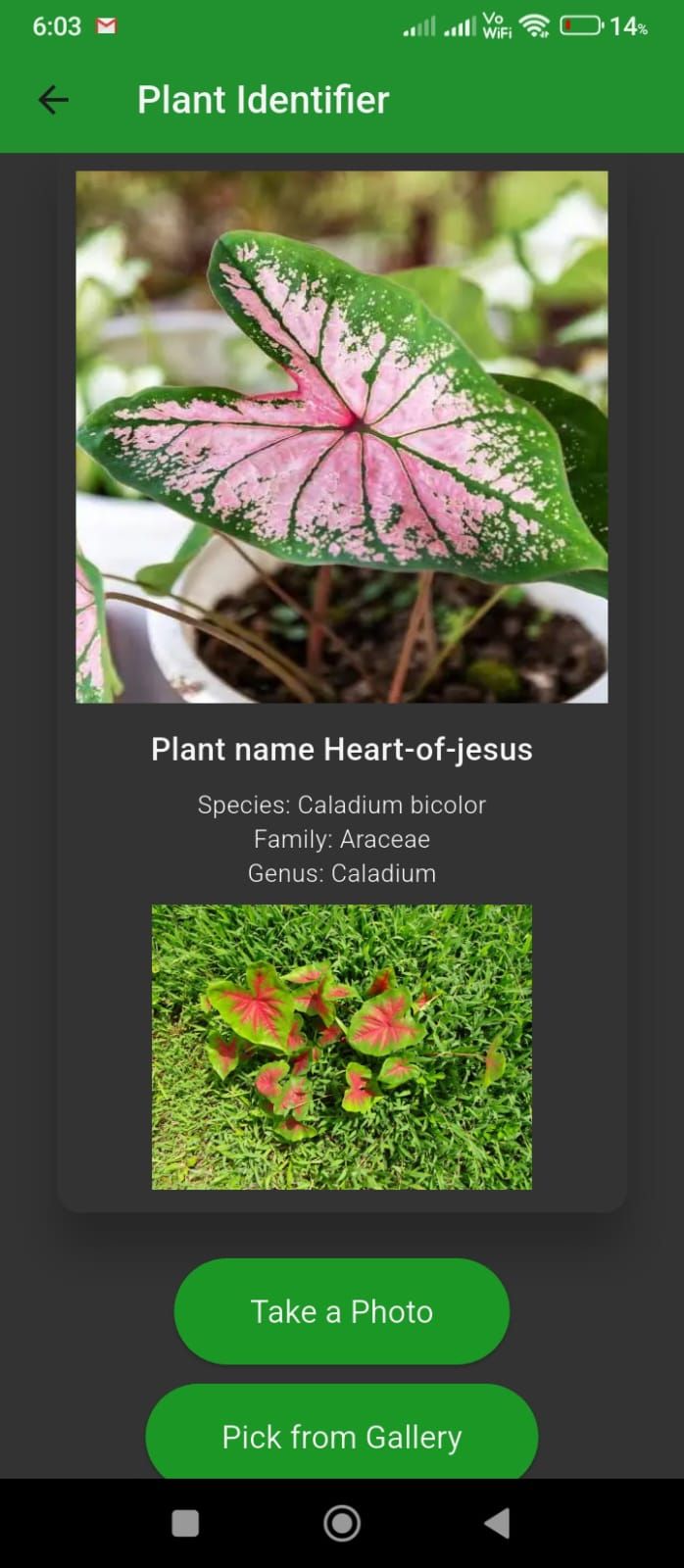
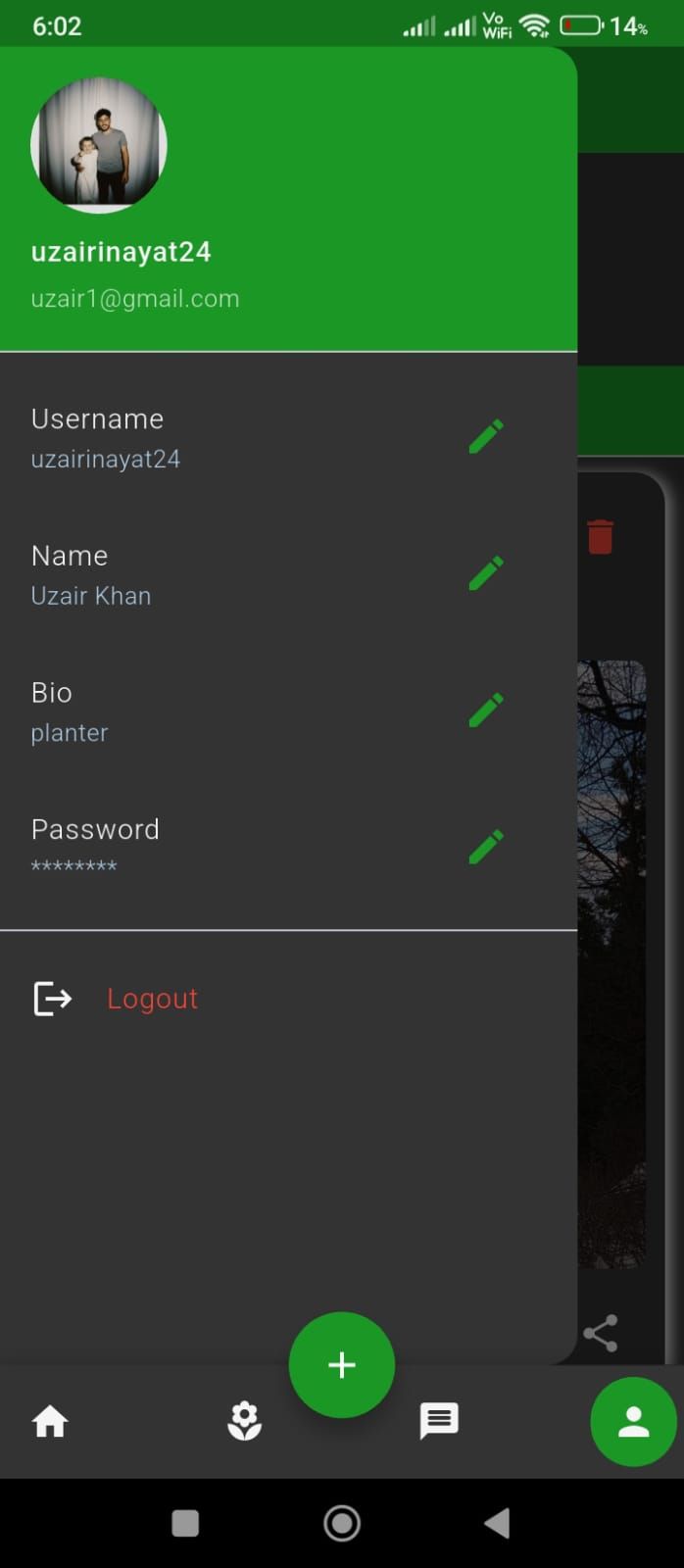
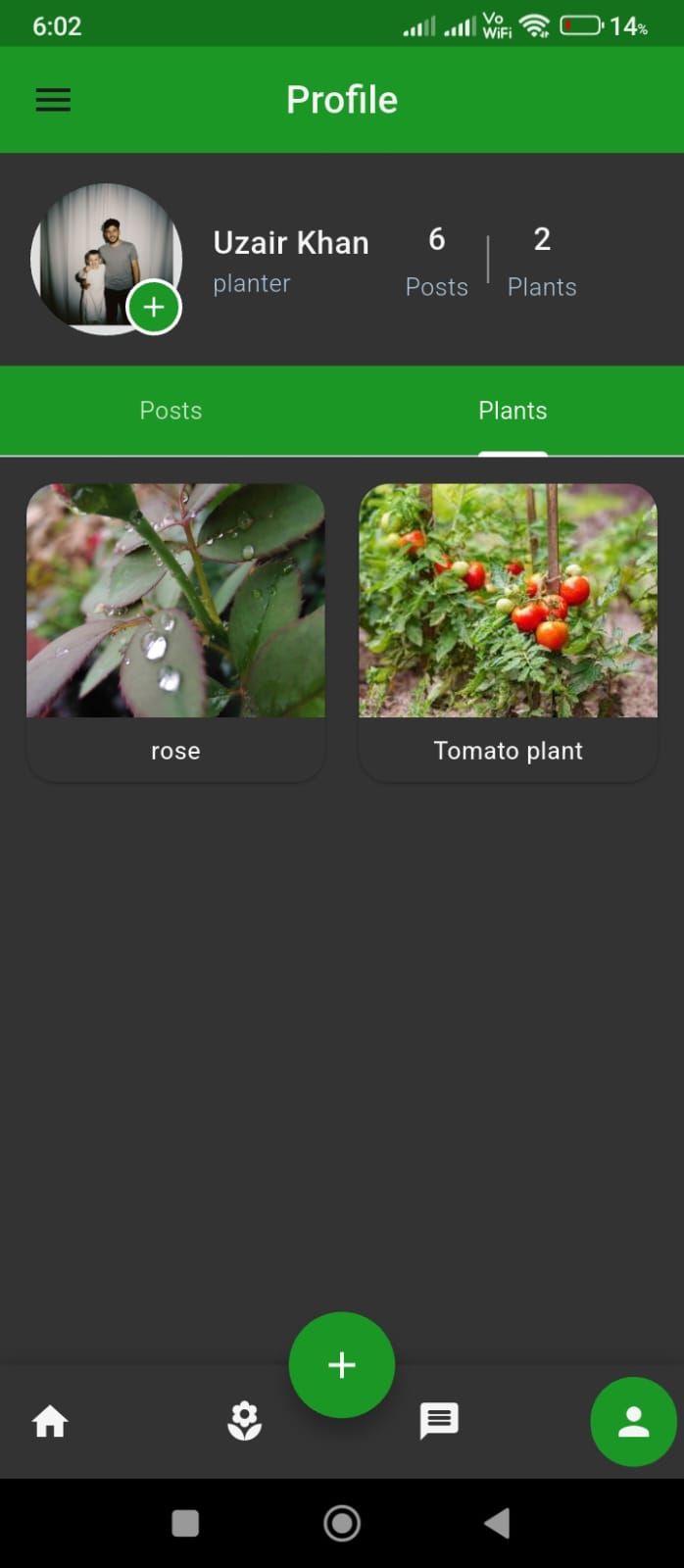
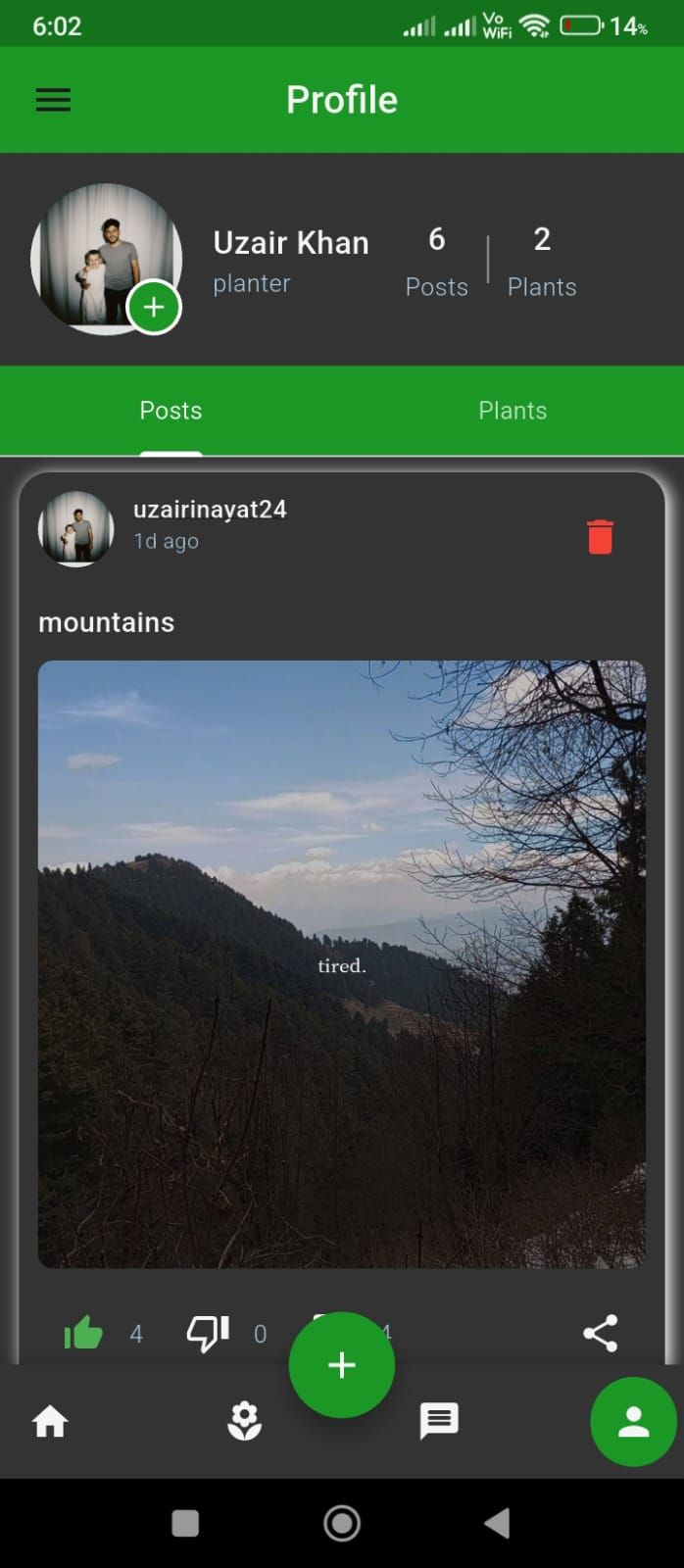
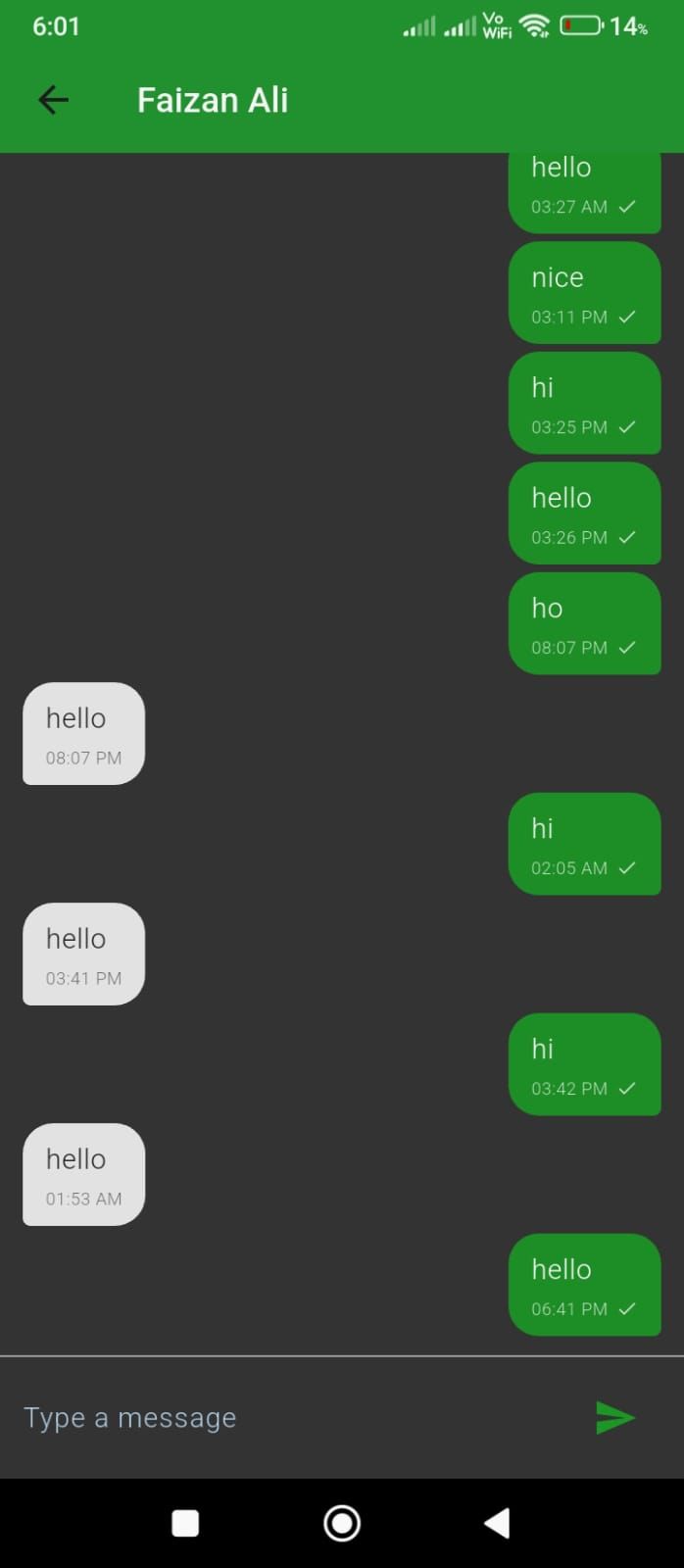
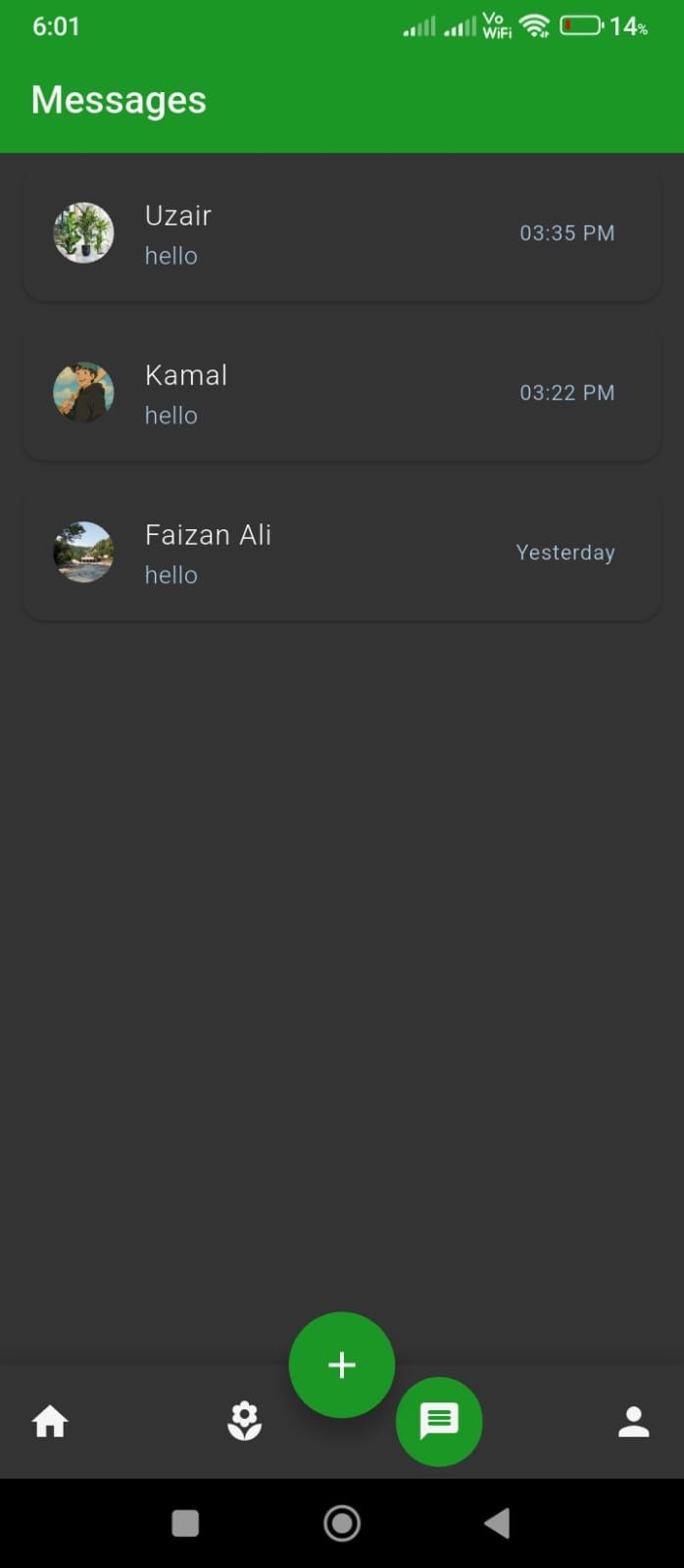
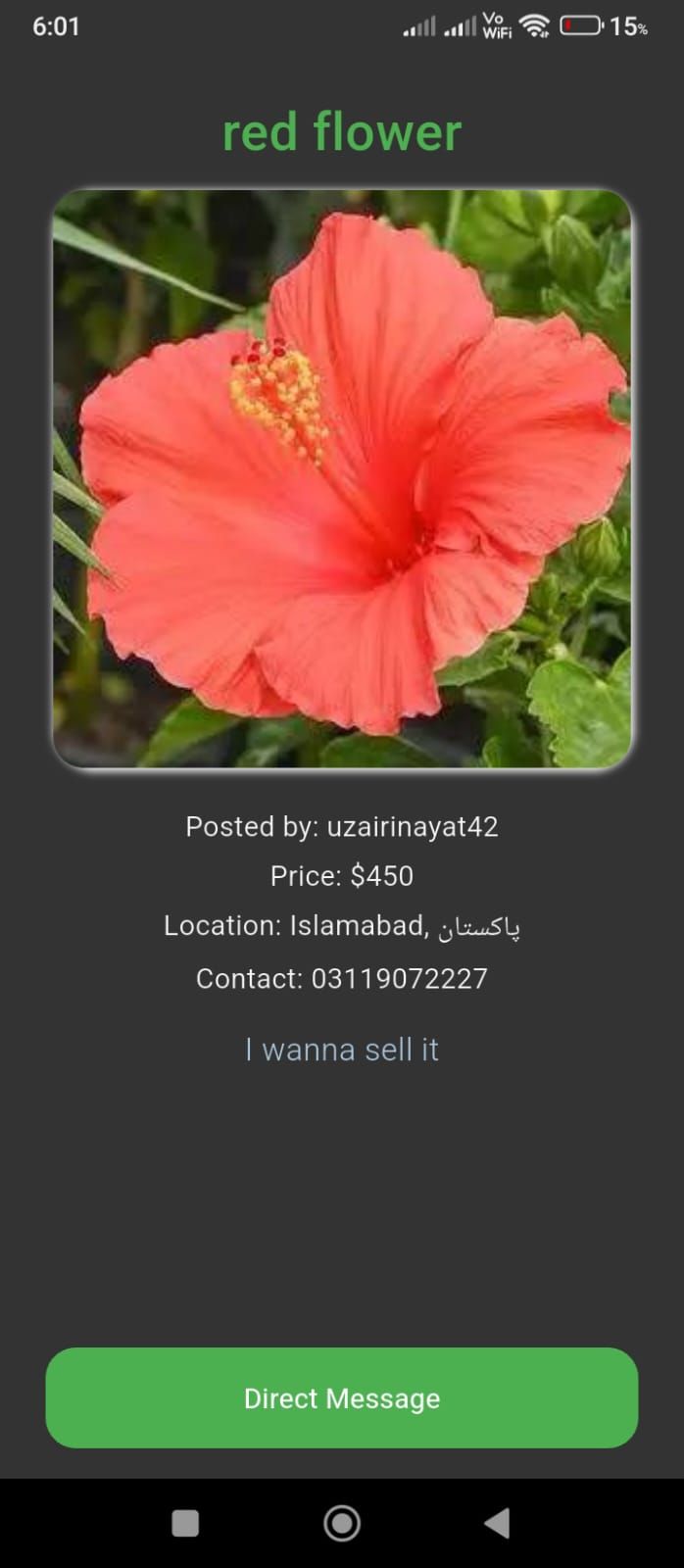
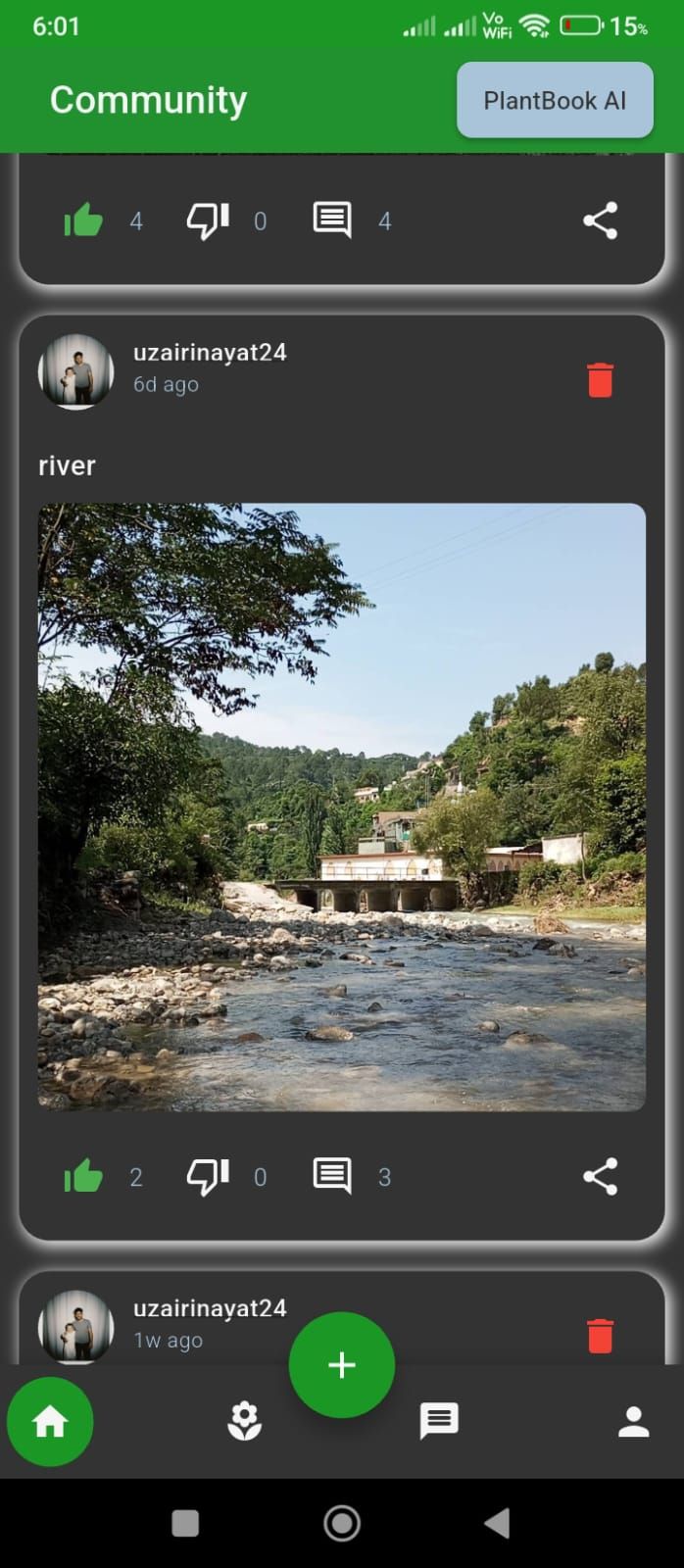
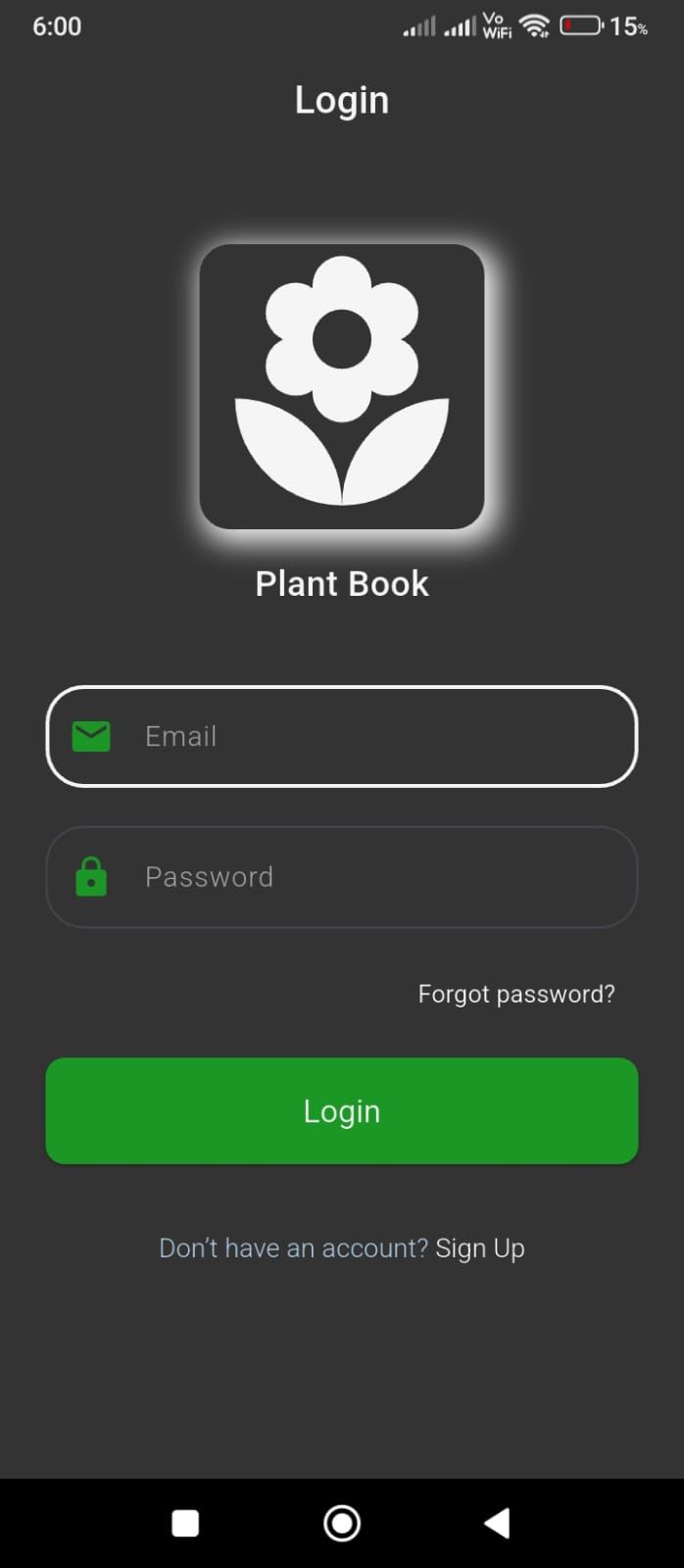
Overview
PlantBook is a Flutter-based app for plant enthusiasts, offering a vibrant community, AI-powered plant identification via Plant.id, a buy & sell marketplace, in-app chat, personalized profiles, and AI chat bot support. Built with scalable architecture, Provider state management, Firebase integration, and Cloudinary image storage, it delivers a seamless and interactive plant experience.
Features
AI-powered plant identification (via Plant.id API)AI chat bot for plant care adviceBuy & sell plants marketplacePlant enthusiasts communityIn-app messaging systemUser profile pagesFirebase Authentication & Firestore integrationImage storage with CloudinaryProvider state management for scalable codeFlutter framework & Dart language basedScalable and maintainable architecture
Requirements
Operating System: Windows / macOS / Linux
Flutter SDK: Latest stable version
Dart SDK: Included with Flutter
IDE: Android Studio or VS Code
Android Requirements:
- Android SDK
- Android Emulator or Physical Device
iOS Requirements (macOS only):
- Xcode
- iOS Simulator or Physical Device
Backend & Services:
- Firebase project (Authentication & Firestore enabled)
- Cloudinary account
- Plant.id API key
- AI Chatbot API key (if enabled)
Internet Connection: Required for APIs and Firebase
Instructions
Installation & Run Instructions
-
Install Flutter
- Download and install the latest Flutter SDK.
-
Run
flutter doctorto ensure all dependencies are installed.
-
Extract Project Files
- Download and extract the project ZIP file.
- Open the project folder in Android Studio or VS Code.
-
Install Dependencies
- Open terminal in the project directory.
-
Run:
flutter pub get
-
Firebase Setup
- Create a Firebase project.
- Enable Authentication and Firestore.
-
Add
google-services.json(Android) orGoogleService-Info.plist(iOS) to the project.
-
API Configuration
- Add your Plant.id API key.
- Add your AI chatbot API key.
- Configure Cloudinary credentials.
-
Run the App
- Connect a physical device or start an emulator.
-
Run:
flutter run
-
Build Release
-
Android:
flutter build apk
-
Android:
Other items by this author


|
Flutter App Reskin Service
Have your App reskinned to meet your needs.
|
$499 | Buy now |
| Category | App Templates / Flutter / Full Applications |
| First release | 16 December 2025 |
| Last update | 16 December 2025 |
| Operating Systems | Android 7.0, Android 8.0, Android 9.0, Android 10.0, Android 11.0, Android 12.0, Android 6.0 |
| Files included | .apk, .dll, .xml, build.settings |
| Tags | chat, marketplace, ai, community, plant, dart, identification, chatbot, flutter |


