Dark Eagle - Next.js 16 SaaS Starter KitDark Eagle - Next.js 16 SaaS Starter Kit
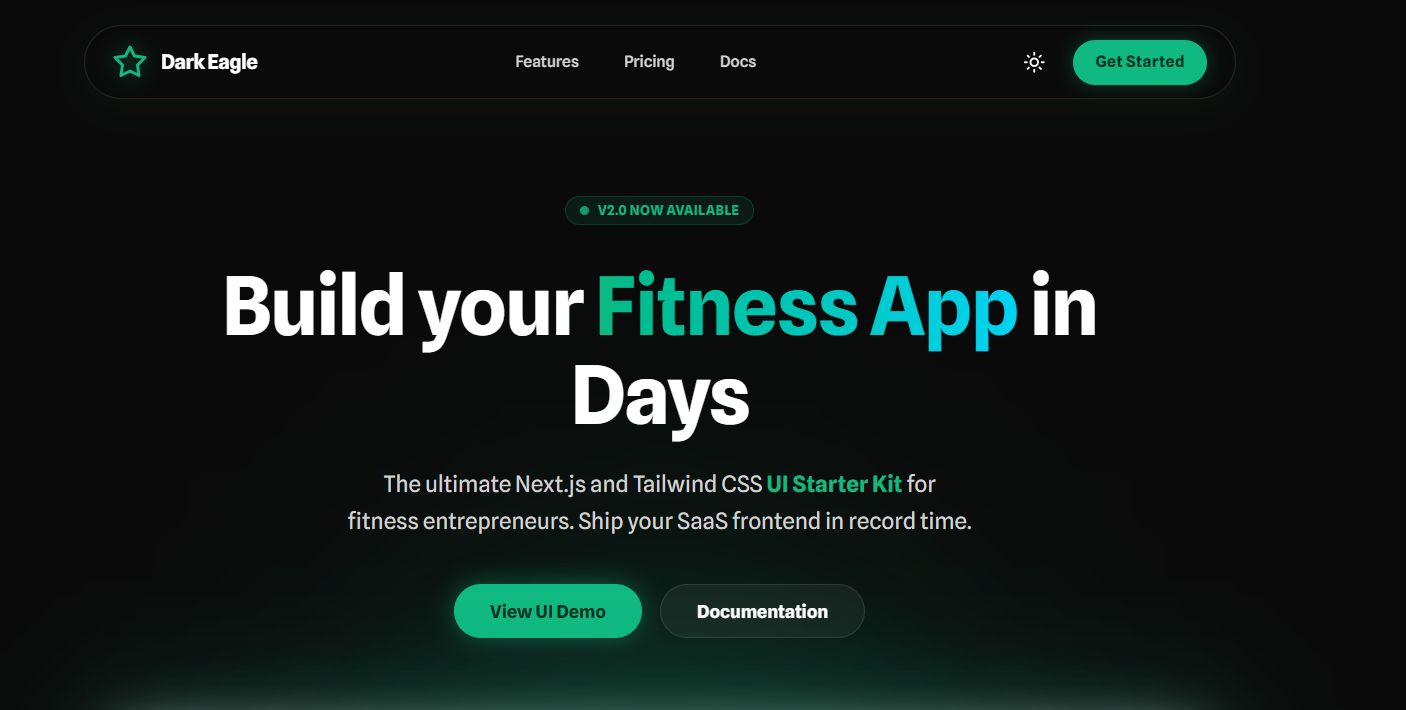
Launch fast with this premium Next.js 16 & Tailwind CSS SaaS starter. Features dark mode, glassmorphism, and a dashboard UI
Dark Eagle - Next.js 16 SaaS Starter Kit
Launch fast with this premium Next.js 16 & Tailwind CSS SaaS starter. Features dark mode, gla...
Screenshots
Overview
Launch your next SaaS in record time with Dark Eagle.
Dark Eagle is the ultimate starting point for your next project. Designed for developers and entrepreneurs who value speed and aesthetics, this template gives you a polished, professional foundation right out of the box.
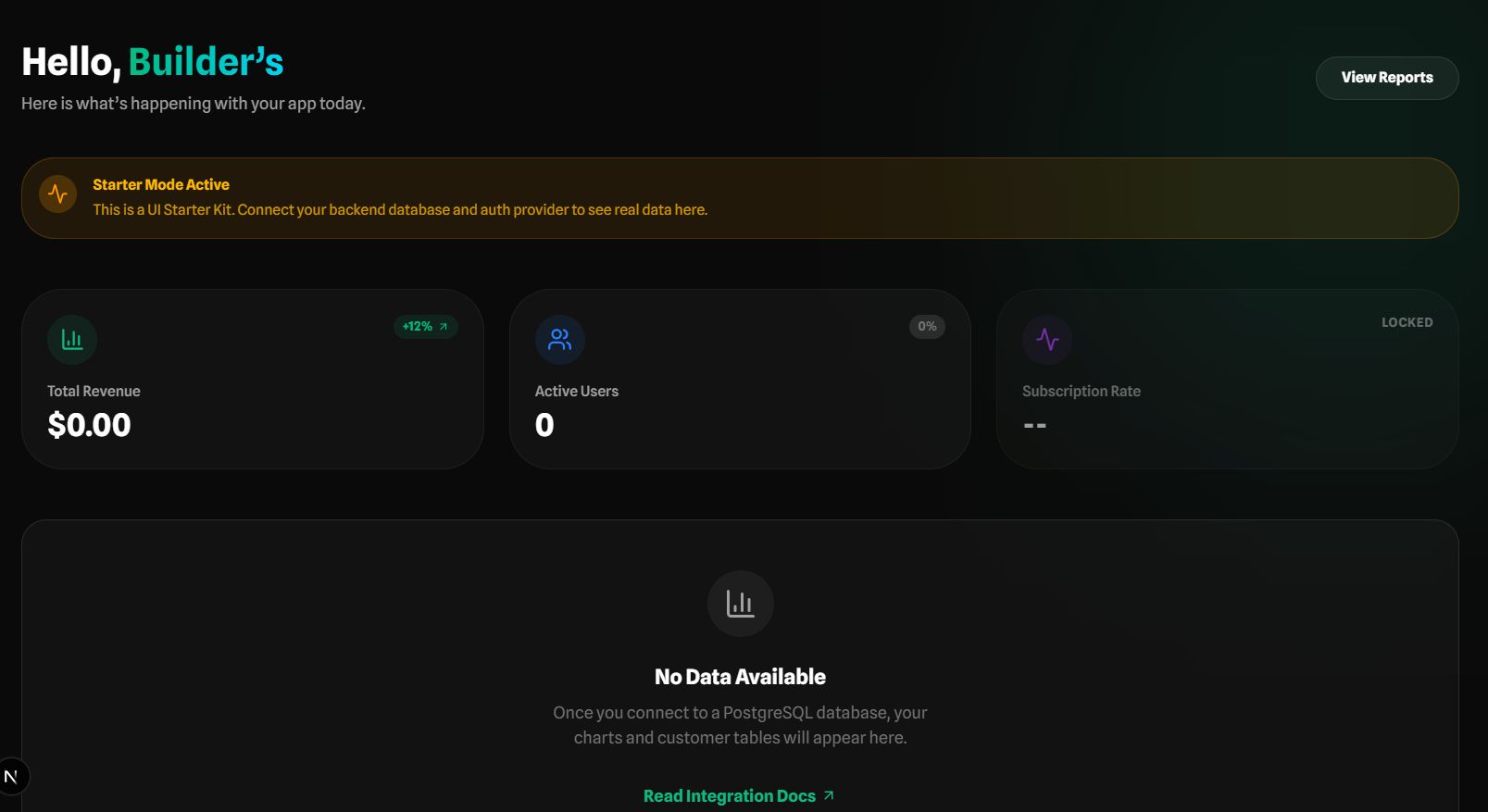
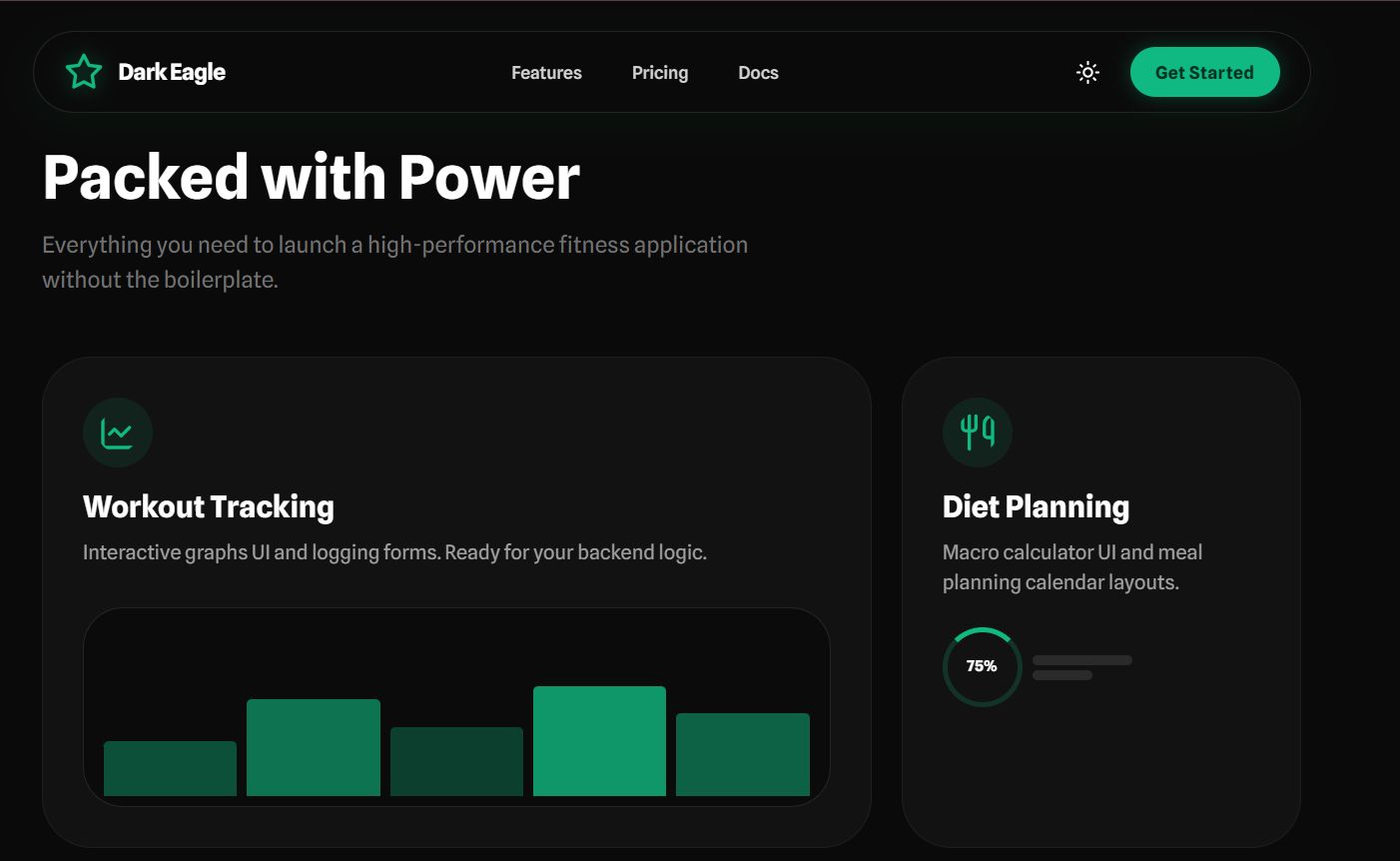
Built with the latest Next.js 16 (App Router) and Tailwind CSS v4, it features a stunning dark mode aesthetic with emerald accents, glassmorphism effects, and butter-smooth animations.
Why Choose Dark Eagle?
Most starter kits look the same. Dark Eagle stands out with a premium, "linear-style" design that instantly builds trust with your future customers.
Features
- Modern Tech Stack: Next.js 16, React 19, Tailwind CSS v4, Framer Motion.
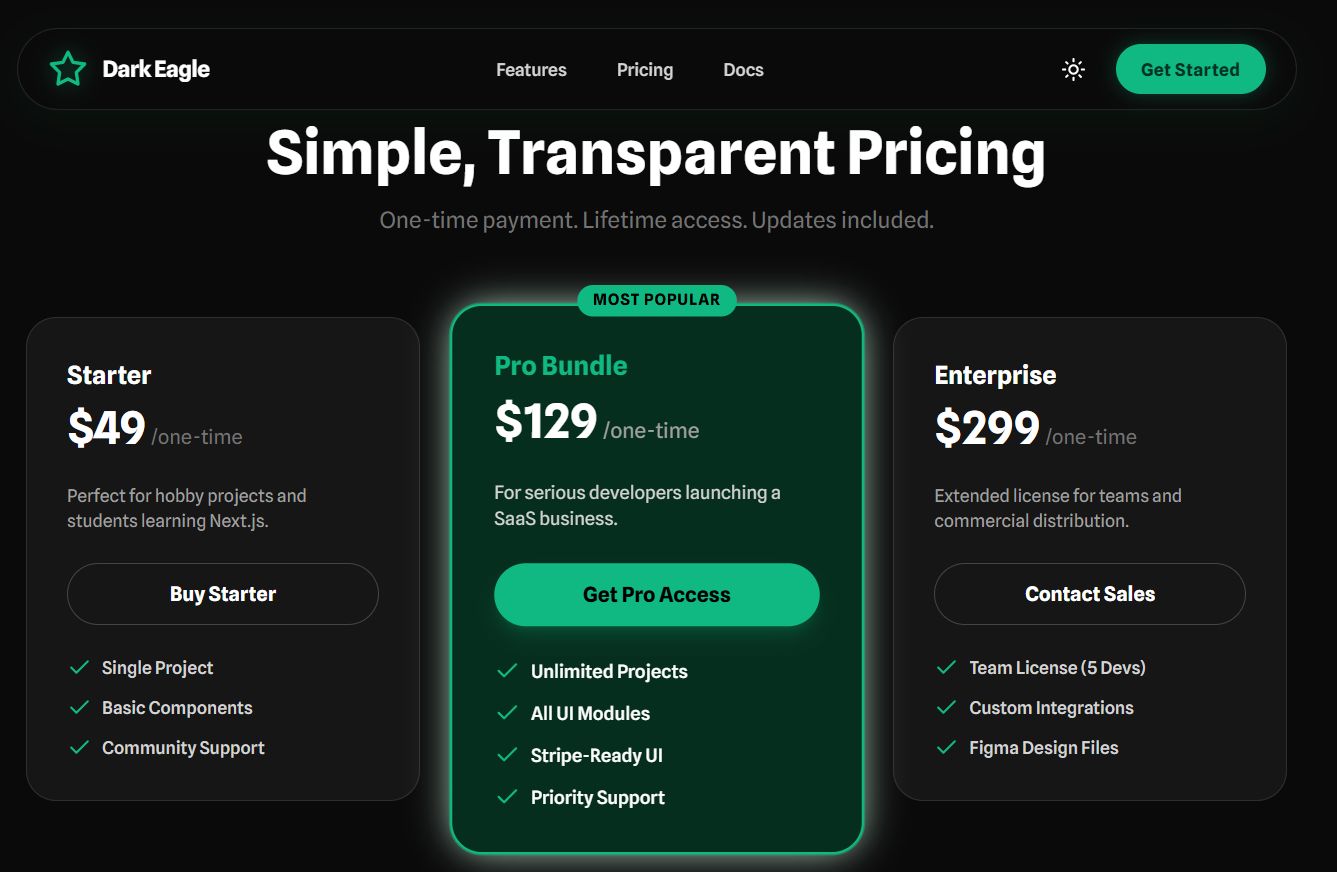
- Conversion-Ready Landing Page: High-impact Hero, Features, Testimonials, and Pricing sections.
- Premium Dashboard UI: A ready-to-use SaaS dashboard with sidebar navigation and data visualization styles.
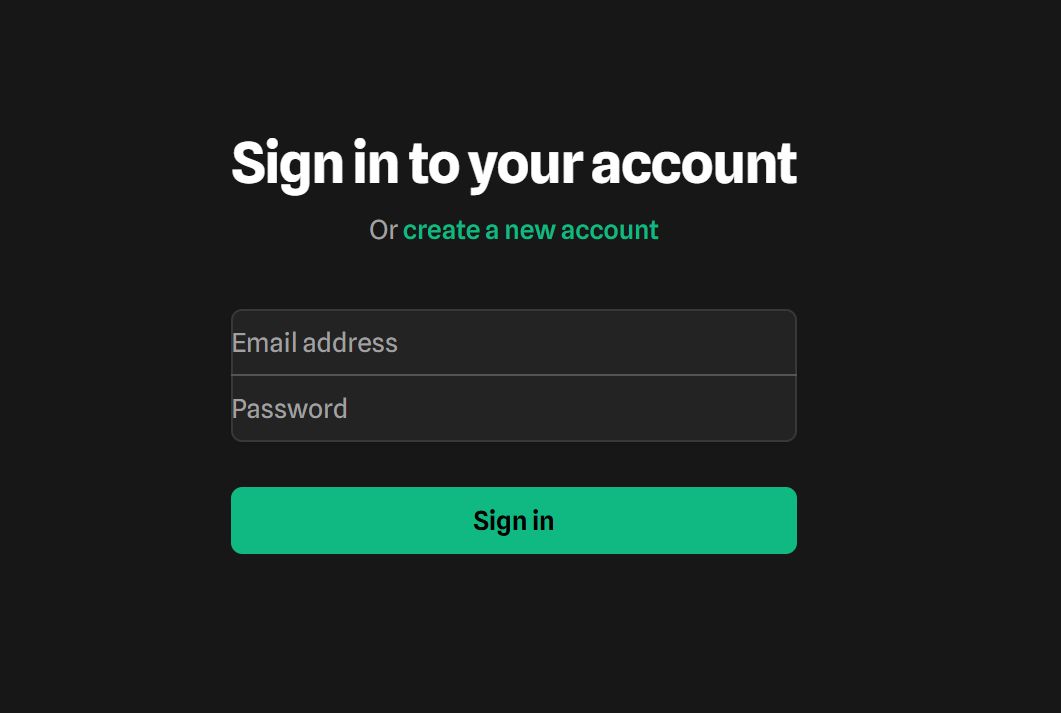
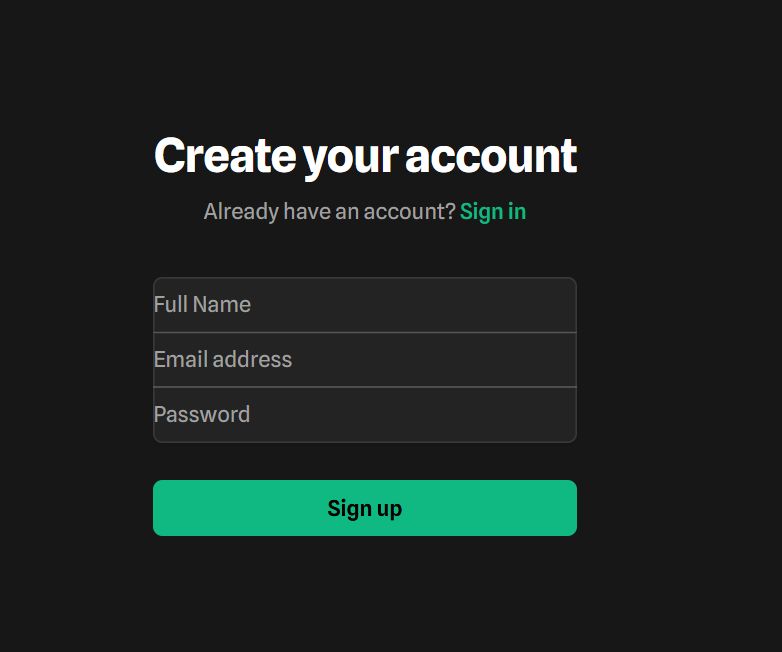
- Authentication UI: Beautifully designed Login and Register pages.
- Mobile Responsive: Looks perfect on every device, from mobile phones to large 4k monitors.
- 100% TypeScript: Fully typed codebase for fewer bugs and better developer experience.
- Easy Customization: Global configuration for colors and fonts making it easy to brand as your own.
Requirements
- Node.js: v18.17.0 or higher is required.
- Package Manager: npm, yarn, or pnpm.
- Code Editor: VS Code (recommended).
- Basic Knowledge: Familiarity with React, Next.js, and command line.
Instructions
How to Install
- Unzip the downloaded project folder.
- Open your terminal and navigate to the project directory.
- Run
npm installto install dependencies. - Run
npm run devto start the local development server. - Open http://localhost:3000 in your browser to view the site.
How to Customize
You can easily update the site configuration (Name, Description, Links) by editing the lib/config.ts and lib/constants.ts files. Colors can be adjusted in app/globals.css.
Other items by this author


| Category | Themes / Miscellaneous |
| First release | 18 December 2025 |
| Last update | 18 December 2025 |
| Files included | .css, .html, Javascript .js |
| Tags | admin, template, landing page, dashboard, startup, web application, UI KIT, typescript, react, dark mode, starter kit, SaaS, nextjs, tailwindcss |