Android WebView App with Podcast PlayerAndroid WebView App with Podcast Player
A modern Android application built with WebView technology, featuring offline capabilities, podcast support, and integrated ads.
Android WebView App with Podcast Player
A modern Android application built with WebView technology, featuring offline capabilities, podca...
Screenshots
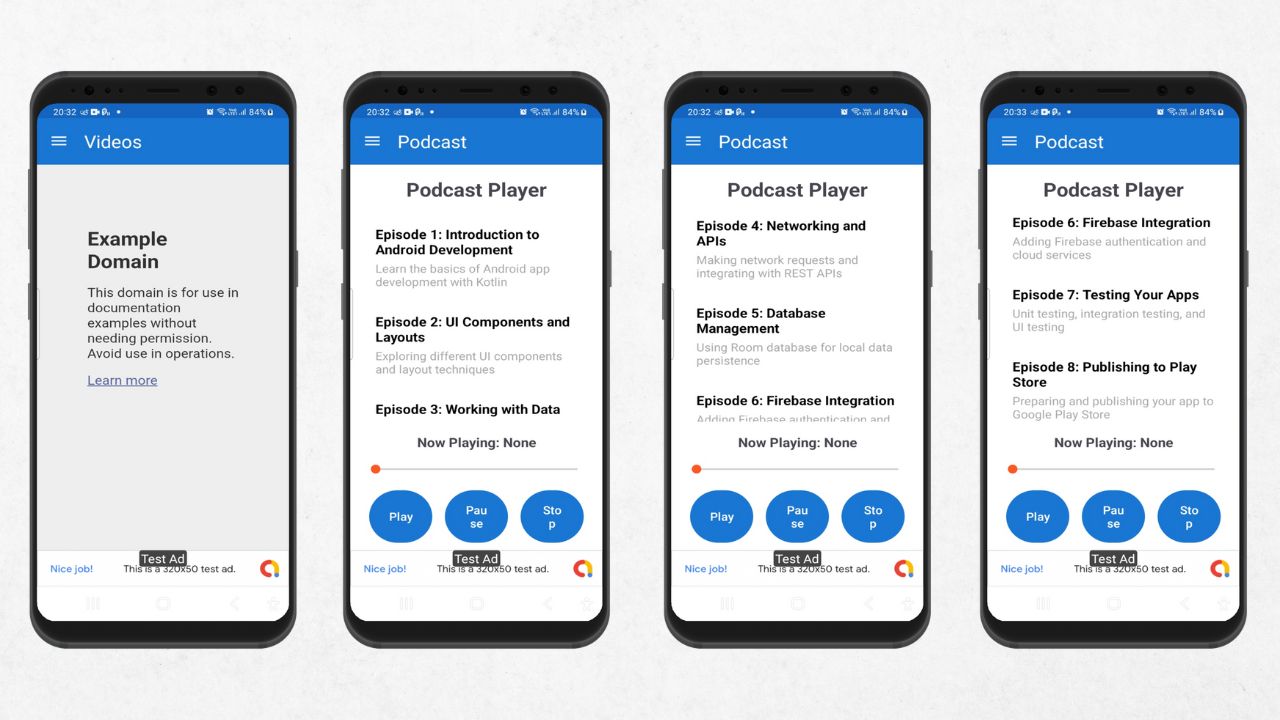
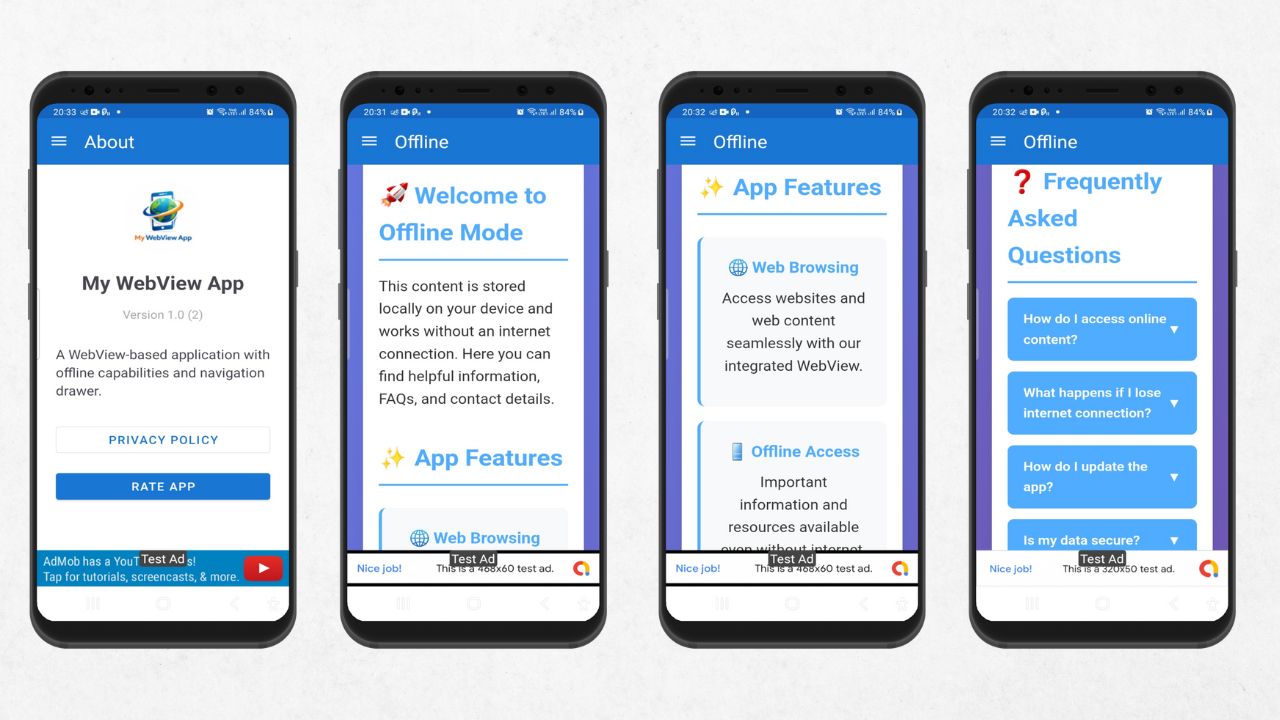
Overview
Android WebView App Template - A comprehensive mobile application built with Kotlin that transforms websites into native Android apps with advanced features including podcast playback, advertisement integration, push notifications, and offline capabilities.
Technical Specifications:
- Language: Kotlin
- Architecture: MVVM with Fragments
- Minimum SDK: API 21 (Android 5.0)
- Target SDK: API 34 (Android 14)
- Dependencies: AdMob, OneSignal, AndroidX, Material Components
- Build System: Gradle with Kotlin DSL
Perfect For:
- Converting websites to mobile apps
- Content publishers and bloggers
- E-commerce and business websites
- Educational platforms
- News and media applications
- Podcast and audio content apps
This source code provides a solid foundation for building feature-rich Android applications. Easily customizable with your branding, content, and monetization setup.
Features
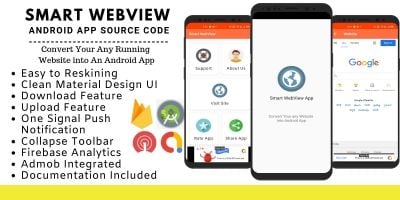
- WebView Integration: Full-featured WebView component with navigation controls, JavaScript support, and file upload capabilities
- Podcast Player: Built-in podcast player with playlist support, media controls, and JSON-based episode management
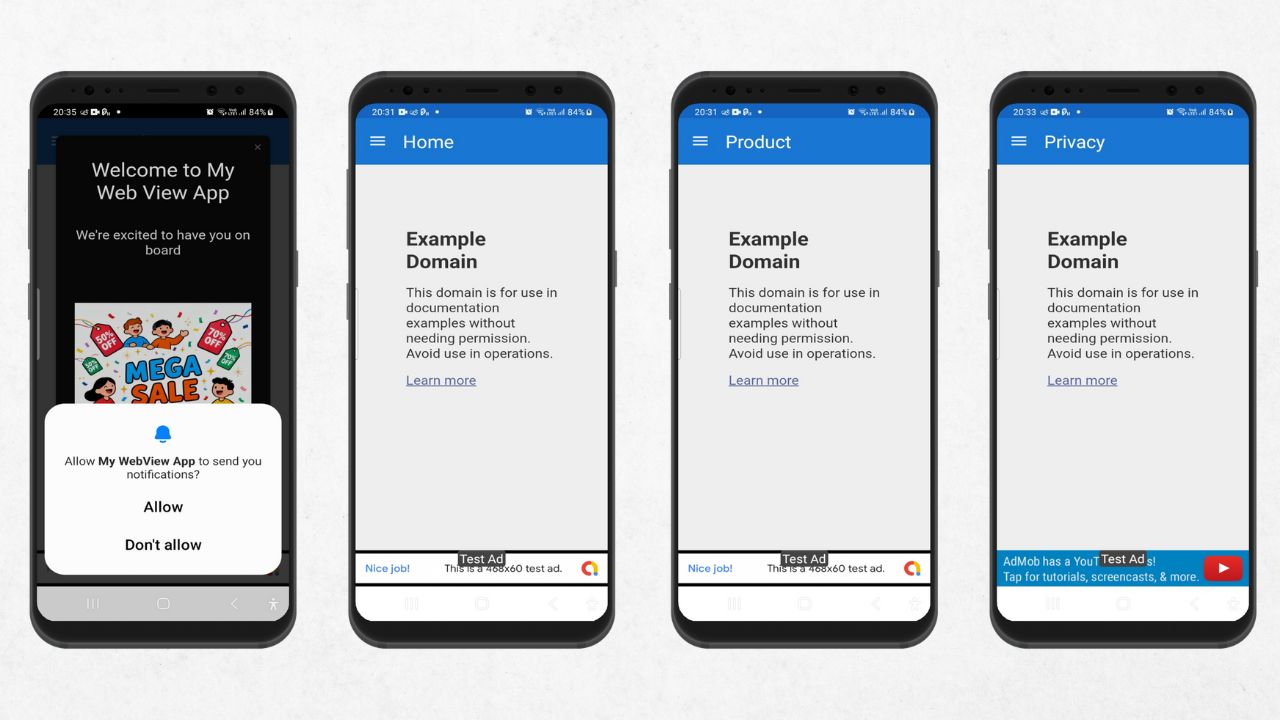
- Ad Monetization: Integrated AdMob banner and interstitial ads with intelligent ad placement
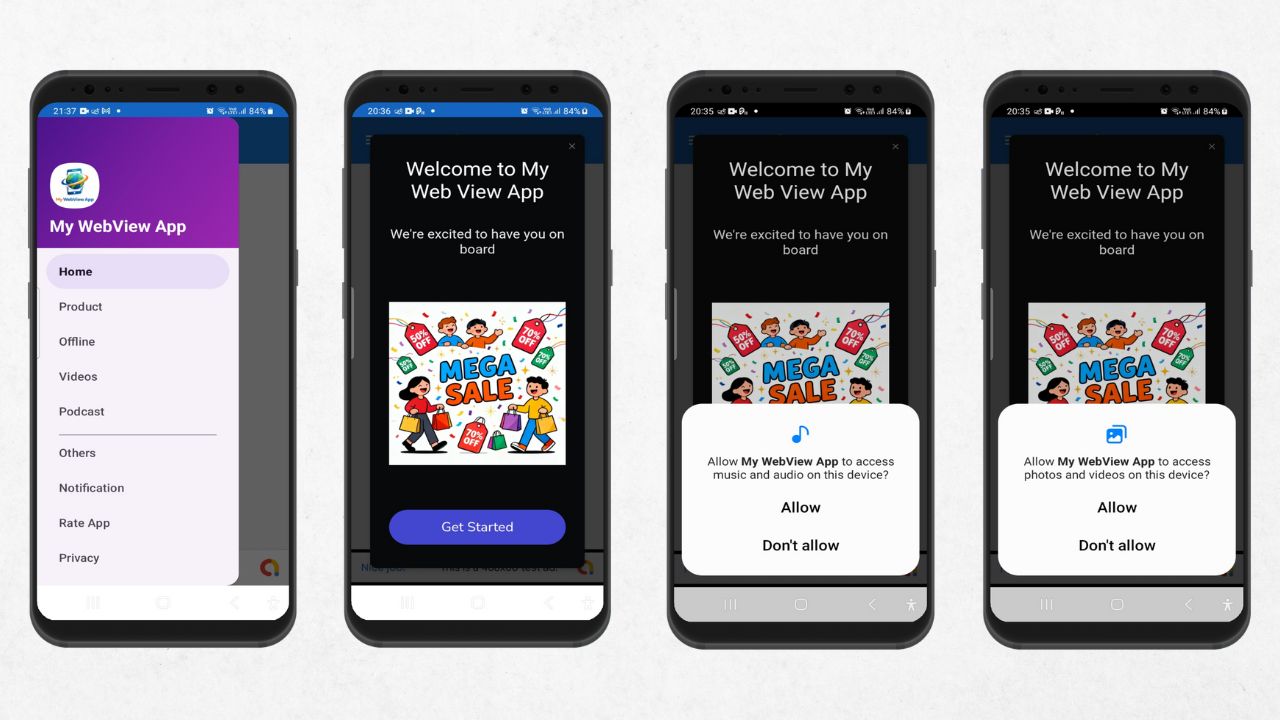
- Push Notifications: OneSignal integration for push notifications with permission handling
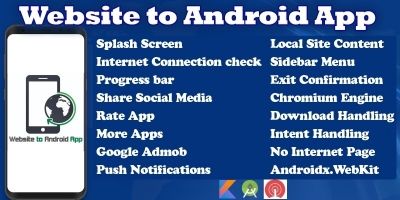
- Offline Mode: Local HTML content displayed when offline
- Navigation Drawer: Material Design navigation drawer with multiple sections (Home, Products, Videos, Privacy, etc.)
- Permissions Management: Automatic handling of storage and notification permissions for different Android versions
- Splash Screen: Animated splash screen with custom branding
- Material Design UI: Modern Material Design 3 interface with smooth animations
- Rate & Review: Built-in app rating functionality
Requirements
- -Android Studio Arctic Fox or later
- -Minimum Android SDK API 21 (Android 5.0)
- Kotlin 1.8.0 or later
Instructions
1. Open the project in Android Studio
2. Configure AdMob:
- Replace the test AdMob App ID in `app/src/main/AndroidManifest.xml` with your own
- Update ad unit IDs in the respective ad manager classes
3. Configure OneSignal:
- Replace the OneSignal App ID in `app/src/main/java/com/example/mywebviewapp/MyApplication.kt`
4. Customize the URLs:
- Update URLs in `app/src/main/res/values/strings.xml`:
- `home_url`: Your main website
- `product_url`: Your product/store page
- `videos_url`: Your YouTube channel
- `privacy_url`: Your privacy policy page
5. Build and run the app:
```bash
./gradlew assembleDebug
```
## Configuration
### Important Configuration Steps
1. **AdMob Setup**:
- Obtain your AdMob App ID and ad unit IDs
- Replace test IDs in manifest and ad manager classes
2. **OneSignal Setup**:
- Create a OneSignal account and get your App ID
- Update the App ID in `MyApplication.kt`
3. **WebView URL**:
- Set your desired home URL in `MainActivity.kt`
- Configure privacy policy URL if needed
4. **Permissions**:
- The app requests necessary permissions for internet access, storage, and notifications
- Storage permissions are handled for file uploads/downloads
Other items by this author










|
Android App Reskin Service
Have your App reskinned to meet your needs.
|
$199 | Buy now |

| Category | App Templates / Android / Applications / Webview |
| First release | 24 December 2025 |
| Last update | 24 December 2025 |
| Operating Systems | Android 7.0, Android 8.0, Android 9.0, Android 10.0, Android 11.0, Android 12.0, Android 5.0, Android 6.0 |
| Files included | .html, Layered .png, .apk, .java, .obj |
| Tags | template, android, Java, source code, Webview, push notifications, material design, mobile app, android studio, web app, offline, admob ads, kotlin, onesignal notifications, navigation drawer, podcast player |