Photo Clarity Booster – Flutter TemplatePhoto Clarity Booster – Flutter Template
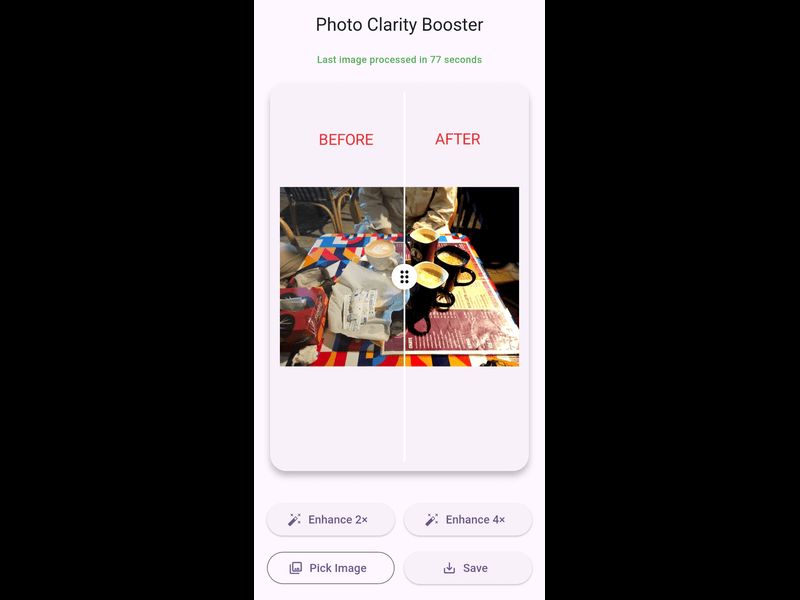
Offline Flutter app to improve photo clarity with 2× and 4× upscaling and an interactive before/after comparison slider.
Photo Clarity Booster – Flutter Template
Offline Flutter app to improve photo clarity with 2× and 4× upscaling and an interactive before/a...
Screenshots
Overview
Photo Clarity Booster is a clean and lightweight mobile application designed to improve image clarity using offline image processing techniques.
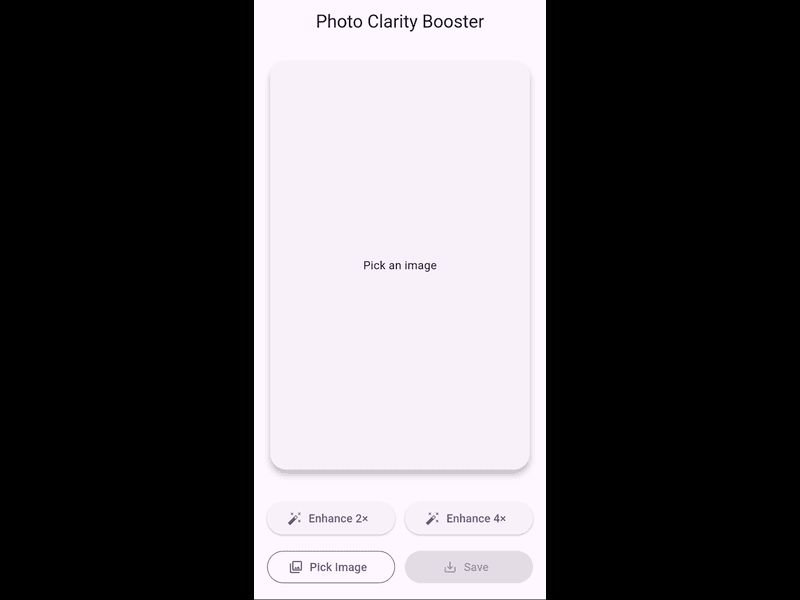
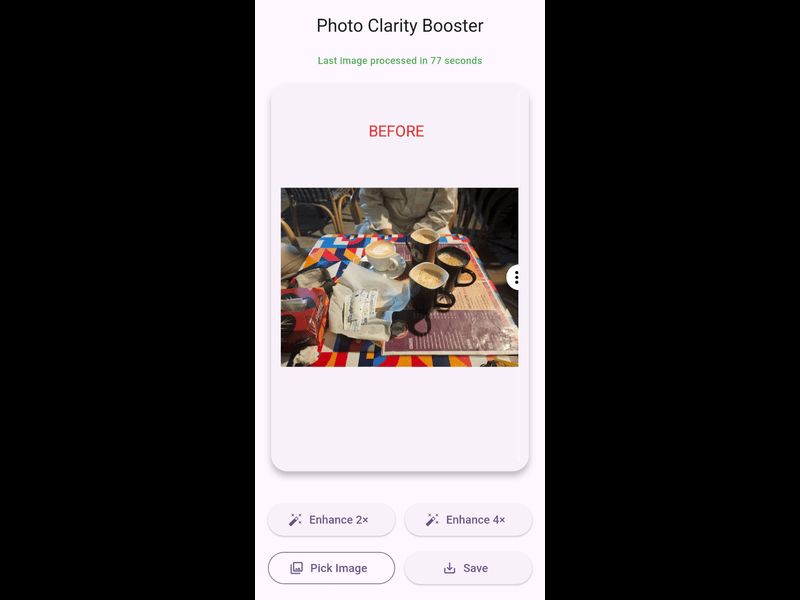
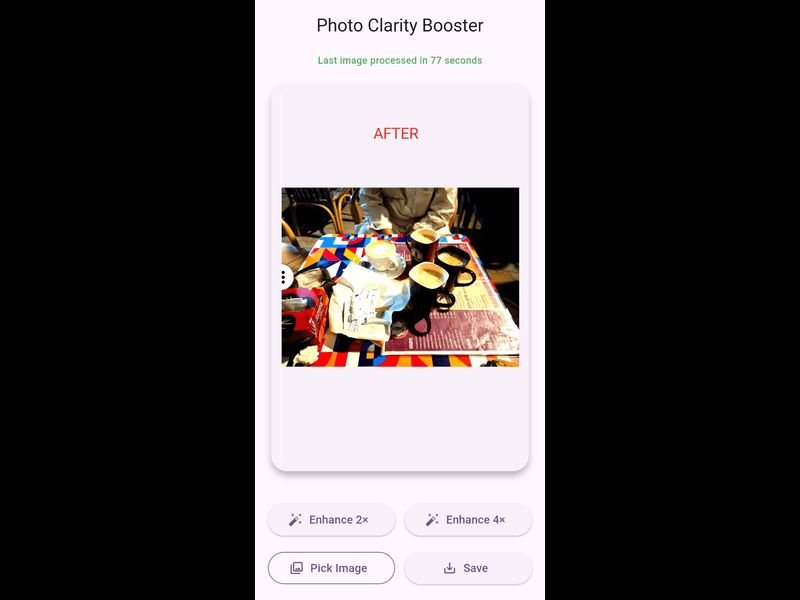
This app allows users to select images from the device gallery, enhance visual clarity, upscale images up to 2× or 4×, and compare results using an interactive before and after slider.
All image processing is performed offline, ensuring fast performance and user privacy. The app uses optimized background processing to handle images efficiently without blocking the user interface.
Key features include:
- Gallery image selection
- Offline image clarity enhancement
- Image upscaling up to 2× and 4×
- Before / After comparison slider
- Save enhanced images to the device gallery
- Clean and modern user interface
- No internet connection required
Important notes:
- This application does NOT use Artificial Intelligence (AI)
- It does NOT reconstruct or restore missing pixels
- Upscaling improves visual clarity only
- Final output quality depends on the original image
This project is suitable for developers who want to launch an image enhancement application or integrate offline image processing features into their own Flutter projects.
Features
- Select images from device gallery
- Improve image clarity and visibility
- Offline image processing (no internet required)
- Image upscaling up to 2× and 4×
- Interactive before / after comparison slider
- Save enhanced images to device gallery
- Fast background processing
- Clean and user-friendly interface
- Android ready Flutter application
Requirements
- Flutter SDK (stable channel)
- Dart SDK
- Android Studio or VS Code
- Android device or emulator for testing
- Basic knowledge of Flutter development
Instructions
1. Extract the downloaded source code files.
2. Open the project folder in Android Studio or VS Code.
3. Make sure Flutter SDK is properly installed and configured.
4. Run the command "flutter pub get" to install dependencies.
5. Connect an Android device or start an emulator.
6. Run the app using "flutter run".
7. To generate a release build, use "flutter build apk --release".
Other items by this author


| Category | App Templates / Flutter / Full Applications |
| First release | 24 December 2025 |
| Last update | 24 December 2025 |
| Operating Systems | Android 8.0, Android 9.0, Android 10.0, Android 11.0, Android 12.0 |
| Files included | .apk, .dat, .java, .xml |
| Tags | android app, offline app, flutter, before after slider, image processing, image enhancement, photo clarity, image upscaling, photo tool |