Virtual Terminal - Secure SMS And Global PaymentsVirtual Terminal - Secure SMS And Global Payments
A Digital Platform for Global SMS verification and Virtual Credit Card
Virtual Terminal - Secure SMS And Global Payments
A Digital Platform for Global SMS verification and Virtual Credit Card
Screenshots
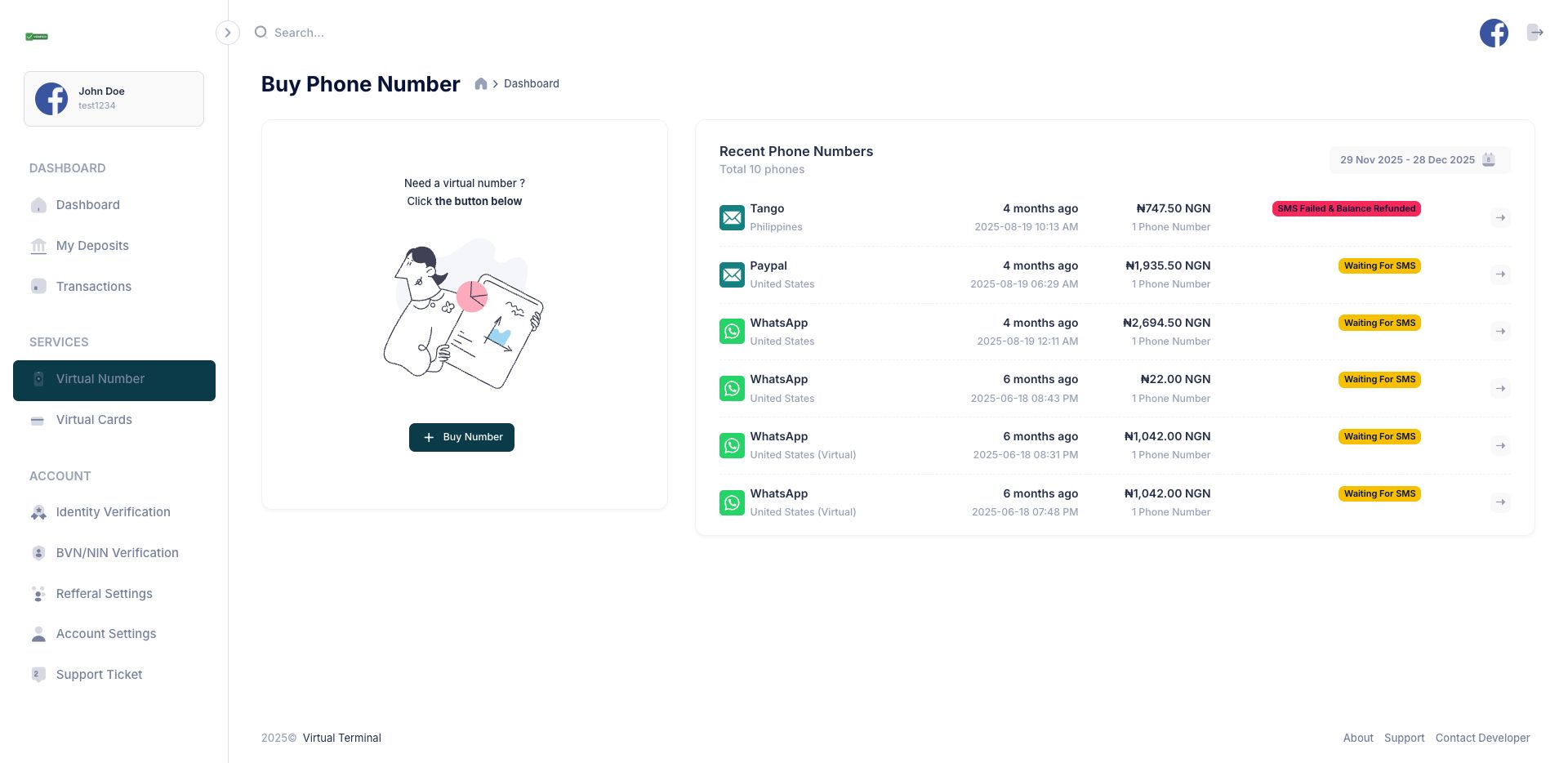
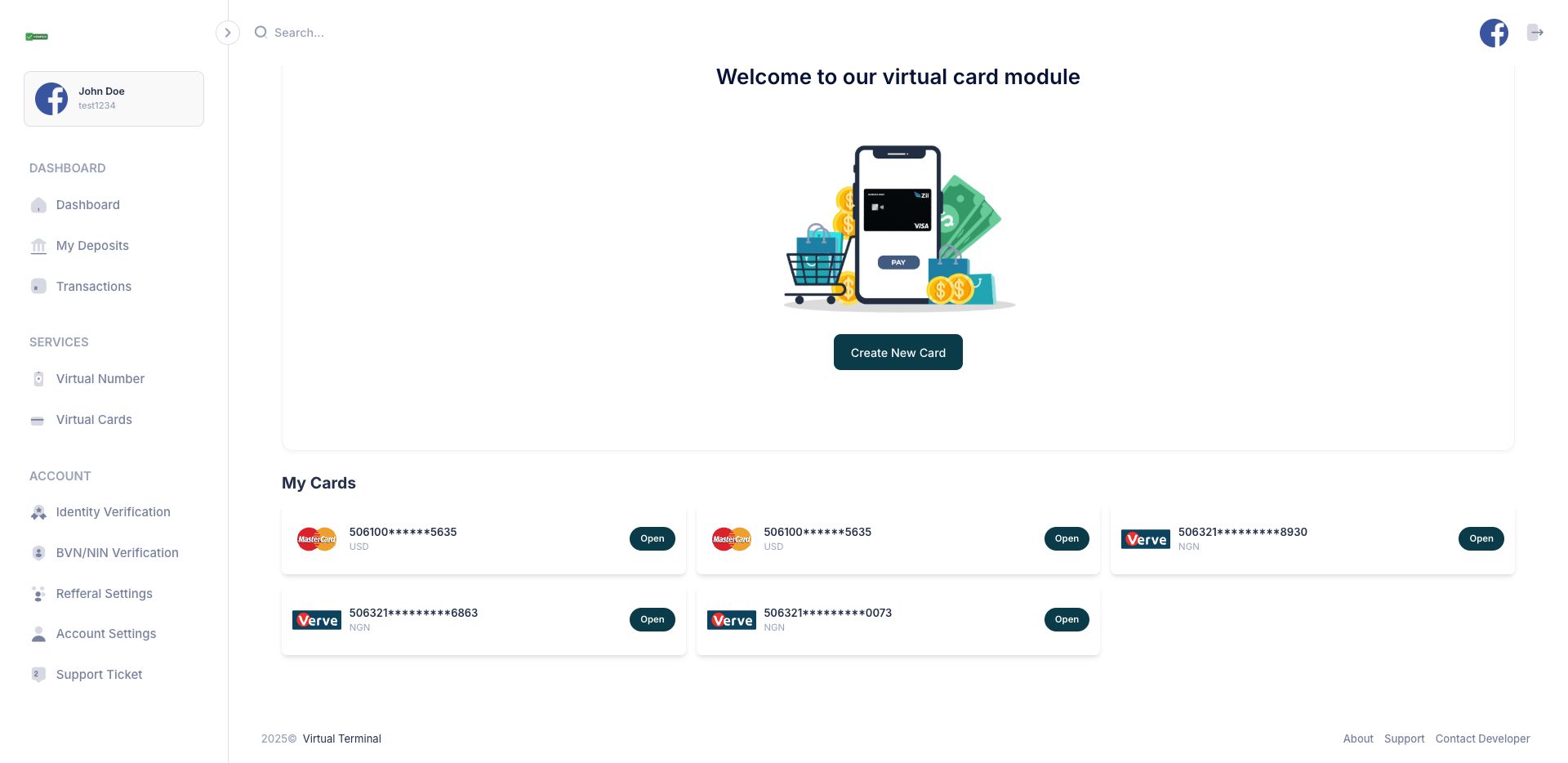
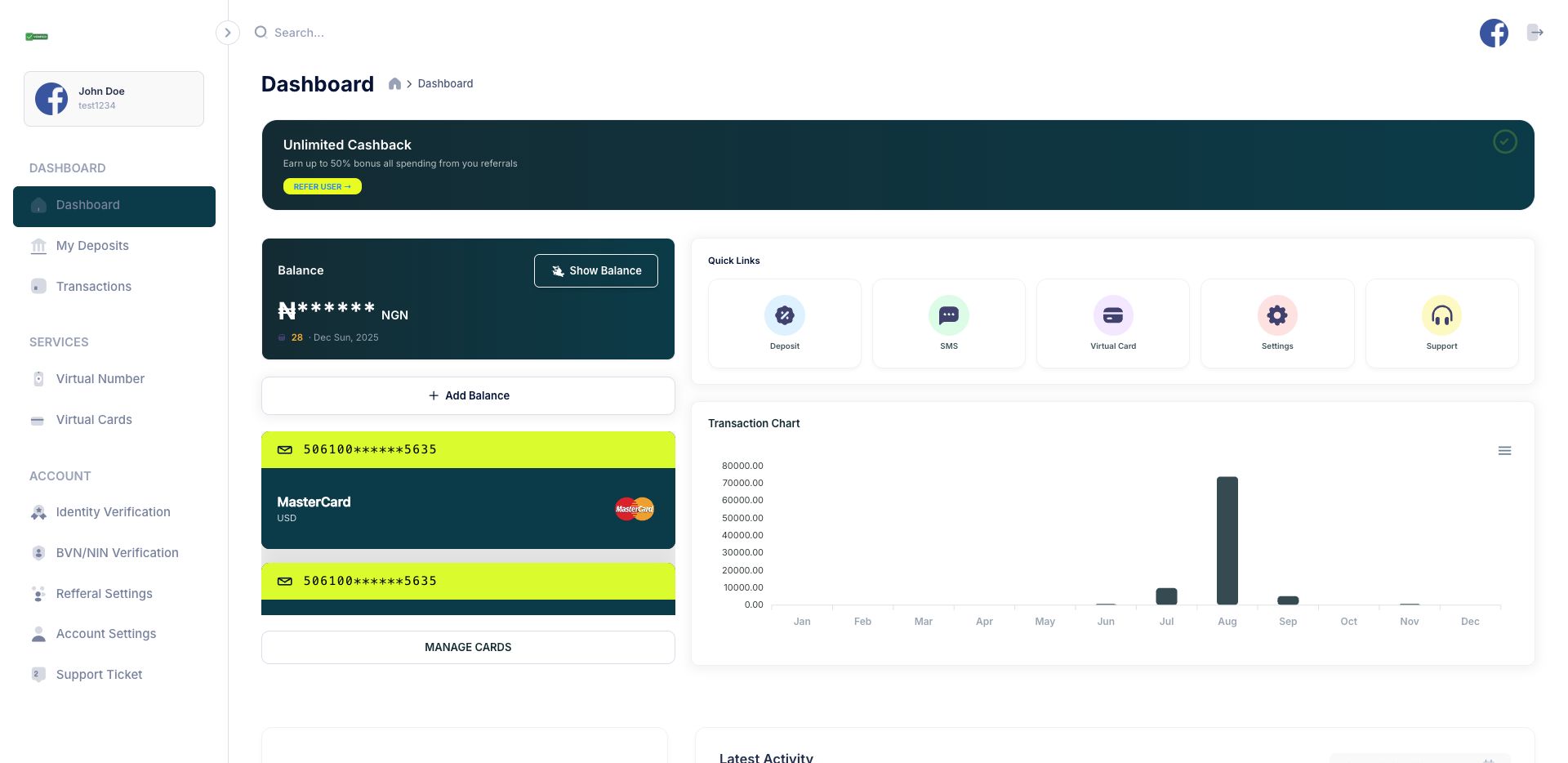
Overview
Virtual Terminal: Secure SMS & Global Payments
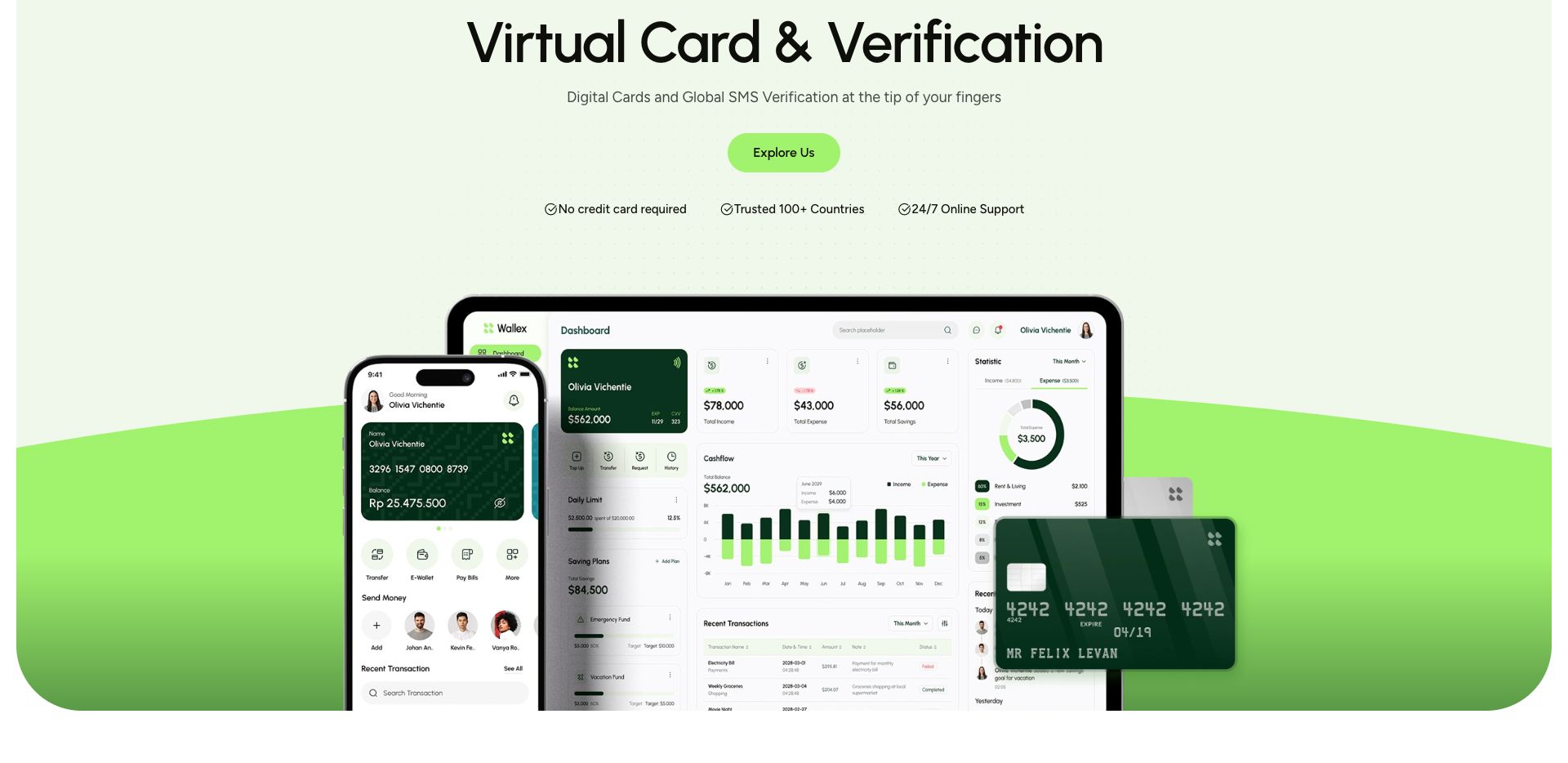
In an era where digital privacy is paramount, Virtual Terminal provides a seamless, all-in-one solution for users who need to navigate the global web without compromising their personal data. Whether you’re bypassing restrictive geofences or simply keeping your primary accounts private, our platform is built for speed and security.
Core Features
- Instant SMS Verification: Access a global network of temporary and permanent virtual numbers to receive OTPs and activation codes for any app or website instantly.
- Generate secure, disposable, or reloadable virtual cards for international shopping and subscriptions. Keep your real bank details hidden from merchants.
- Every transaction and verification is backed by enterprise-grade encryption and 3D-Secure protocols to ensure your funds and identity stay safe.
- Overcome regional restrictions with numbers and payment methods from over 50 countries.
Features
Premium Glassmorphic UI – Experience a sleek, modern interface designed with high-end aesthetics and intuitive navigation for a truly "premium" feel.Google 2FA Integration – Fortify your account with industry-standard Two-Factor Authentication via Google Authenticator for unbreakable login security.Secure-by-Design Architecture – Built on a foundation of "Secure Code" protocols, ensuring every line of our platform is hardened against vulnerabilities and leaks.Instant SMS Hub – Access a global network of virtual numbers to receive OTPs and verification codes from any service in seconds.Disposable "Burner" Cards – Generate virtual credit cards for one-time purchases that automatically close after use, keeping your main funds untouched.3D-Secure 2.0 Protection – Enjoy an extra layer of friction-less verification for all your virtual card transactions, preventing unauthorized global spending.Real-Time Transaction Stealth – Every SMS and payment is processed through encrypted tunnels, leaving zero footprint of your personal identity behind.Adaptive Dark Mode – A sophisticated, eye-friendly interface that automatically switches to a stunning dark theme based on your environment.Multi-Region Virtualization – Obtain numbers and cards from over 50+ countries, allowing you to bypass geofences and access localized pricing.Encrypted Vault Storage – Your transaction history and active virtual assets are stored in a military-grade encrypted vault, accessible only by you.
Requirements
| Component | Requirement | Recommendation |
| PHP Version | 8.2.x | Use 8.2.10+ for the latest security patches. |
| Database | MySQL 5.7+ or MariaDB 10.4+ | Note: MySQL 5.4 is very outdated (2009). For PHP 8.2, you should use 5.7 or 8.0 for compatibility. |
| Storage | 10 GB SSD | SSD is preferred over HDD for faster database queries and SMS logging. |
| Memory (RAM) | 1 GB (Minimum) | 2 GB+ is recommended for VPS to handle concurrent SMS requests. |
| Hosting Type | Shared or VPS | VPS is highly recommended for better security and dedicated resources. |
Instructions
🚀 Installation Guide
Follow these six simple steps to get your Virtual Terminal up and running on your Shared Hosting or VPS.
Step 1: Upload Source Files
- Compress your project into a
.zipfile. - Log into your server via cPanel File Manager or FTP.
- Upload the zip file to your
public_html(or desired subdirectory). - Extract the files directly onto the server.
Step 2: Setup Database
- Navigate to your hosting control panel and locate MySQL® Databases.
- Create a new Database (e.g.,
virtual_terminal_db). - Create a Database User and generate a strong password.
- Add User to Database and ensure you grant "All Privileges".
Step 3: Access the .env File
- In your server's file manager, locate the
codefolder. - Find the file named
.env. - If you don't see it, ensure "Show Hidden Files" (dotfiles) is enabled in your file manager settings.
Step 4: Configure Credentials
- Open the
.envfile in the code editor and update the following lines with your new database details:
Step 5: Import Database Schema
- Open phpMyAdmin from your control panel.
- Select your newly created database from the left-hand sidebar.
- Click the Import tab.
- Choose the
database.sql file located inside the <code>installfolder of your project. - Click Go Import to execute the SQL and create your tables.
Step 6: Final Verification
- Open your web browser and visit your website URL
If the product loads correctly, your installation is complete!
Access Credentials
verify.khaytech.com
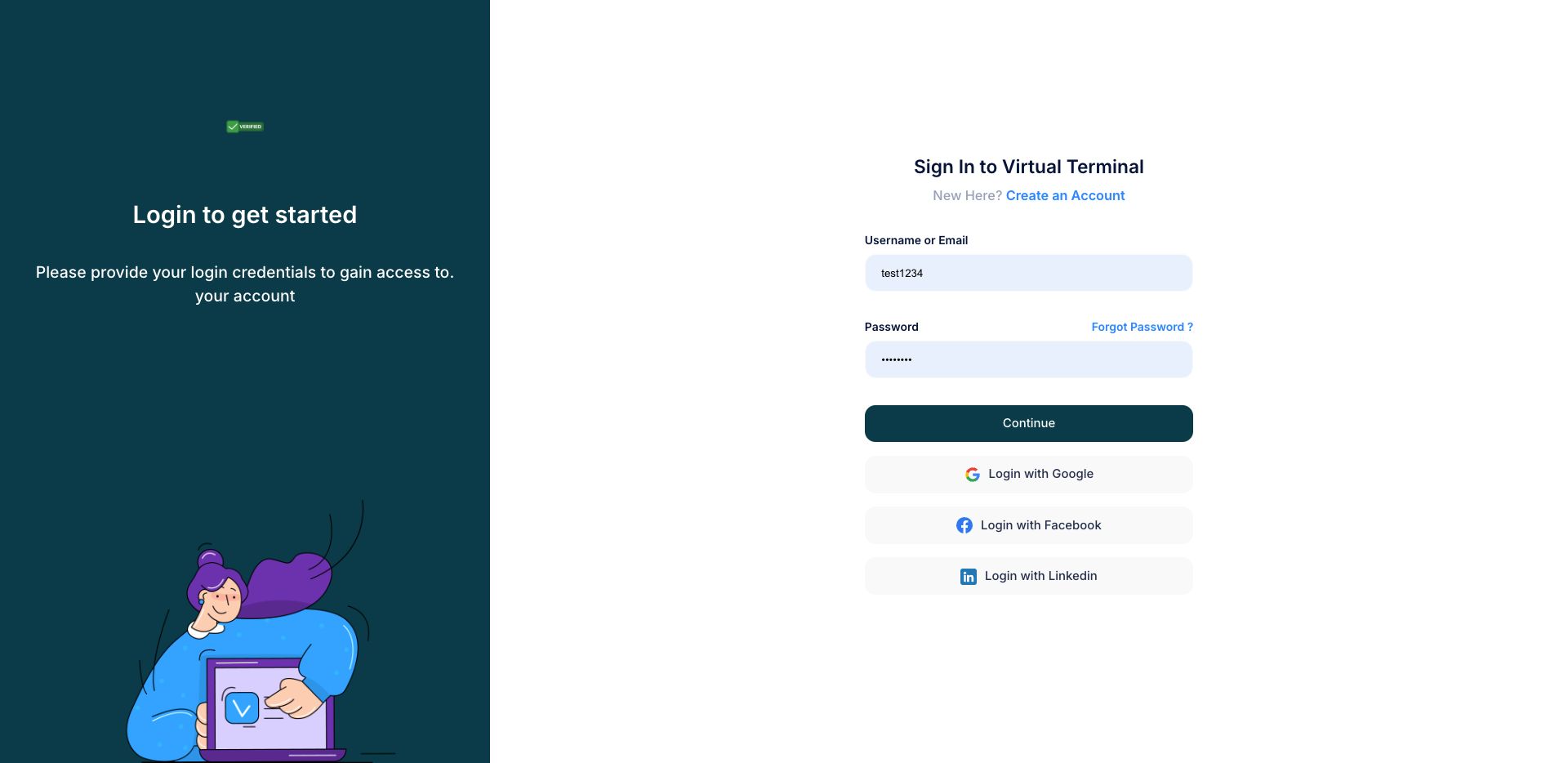
verify.khaytech.com/user/login
test1234
test1234
verify.khaytech.com/admin
admin
admin
Other items by this author











|
PHP Script Installation Service
Don't worry about the installation of your script! Have your PHP Script installed for you.
|
$39 | Buy now |
| Category | Scripts & Code / PHP Scripts / Payment |
| First release | 28 December 2025 |
| Last update | 28 December 2025 |
| Software version | PHP 8.2, PHP 8.3, PHP 8.4 |
| Files included | .php, .css, .html, Javascript .js |
| Tags | payment, whatsapp, credit, card, SMS, verification, verify |