VerifyMePro -Complete Identity Verification SystemVerifyMePro -Complete Identity Verification System
VerifyMePro is a professional, feature-rich PHP identity verification system for businesses requiring secure document verification
VerifyMePro -Complete Identity Verification System
VerifyMePro is a professional, feature-rich PHP identity verification system for businesses requi...
Screenshots
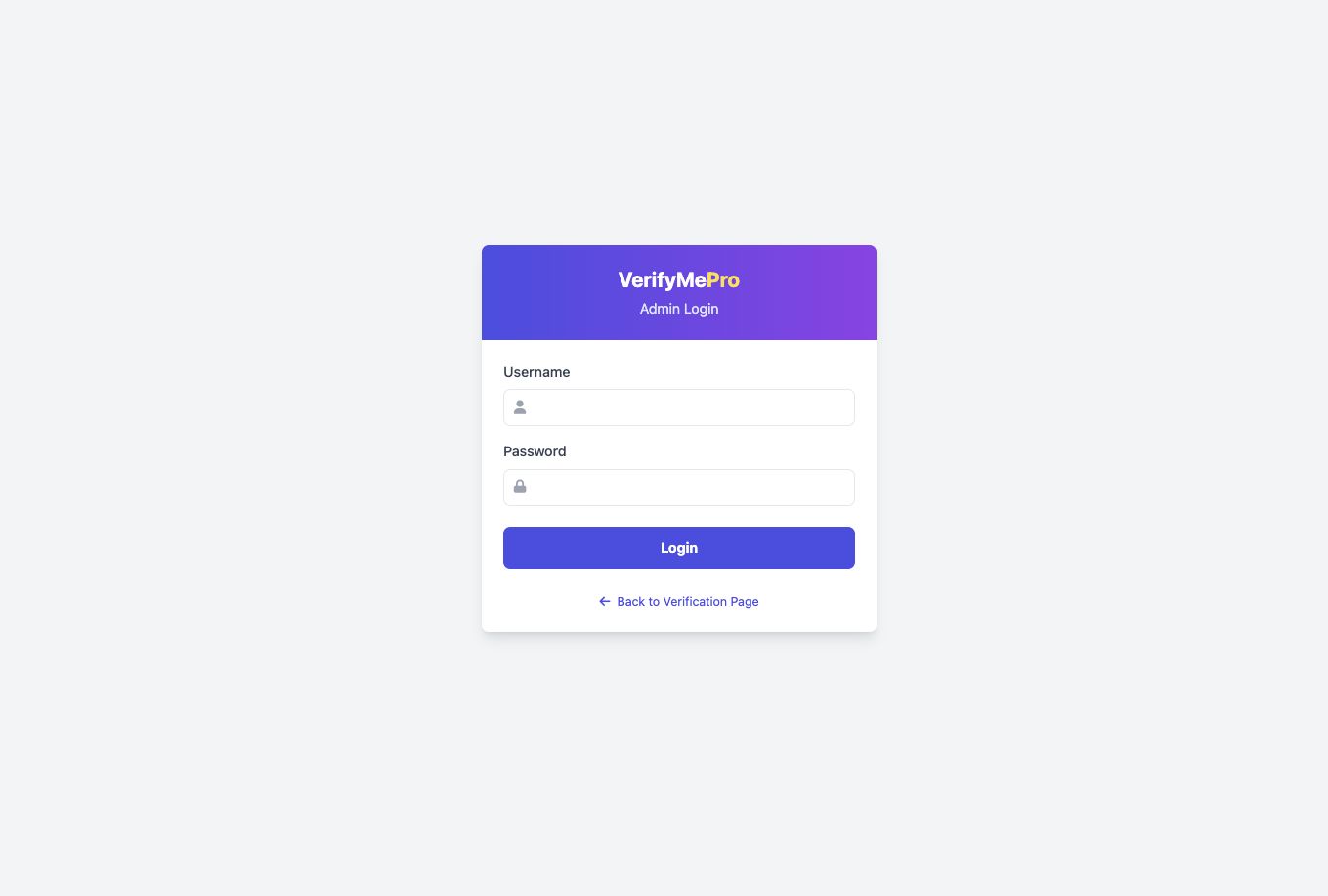
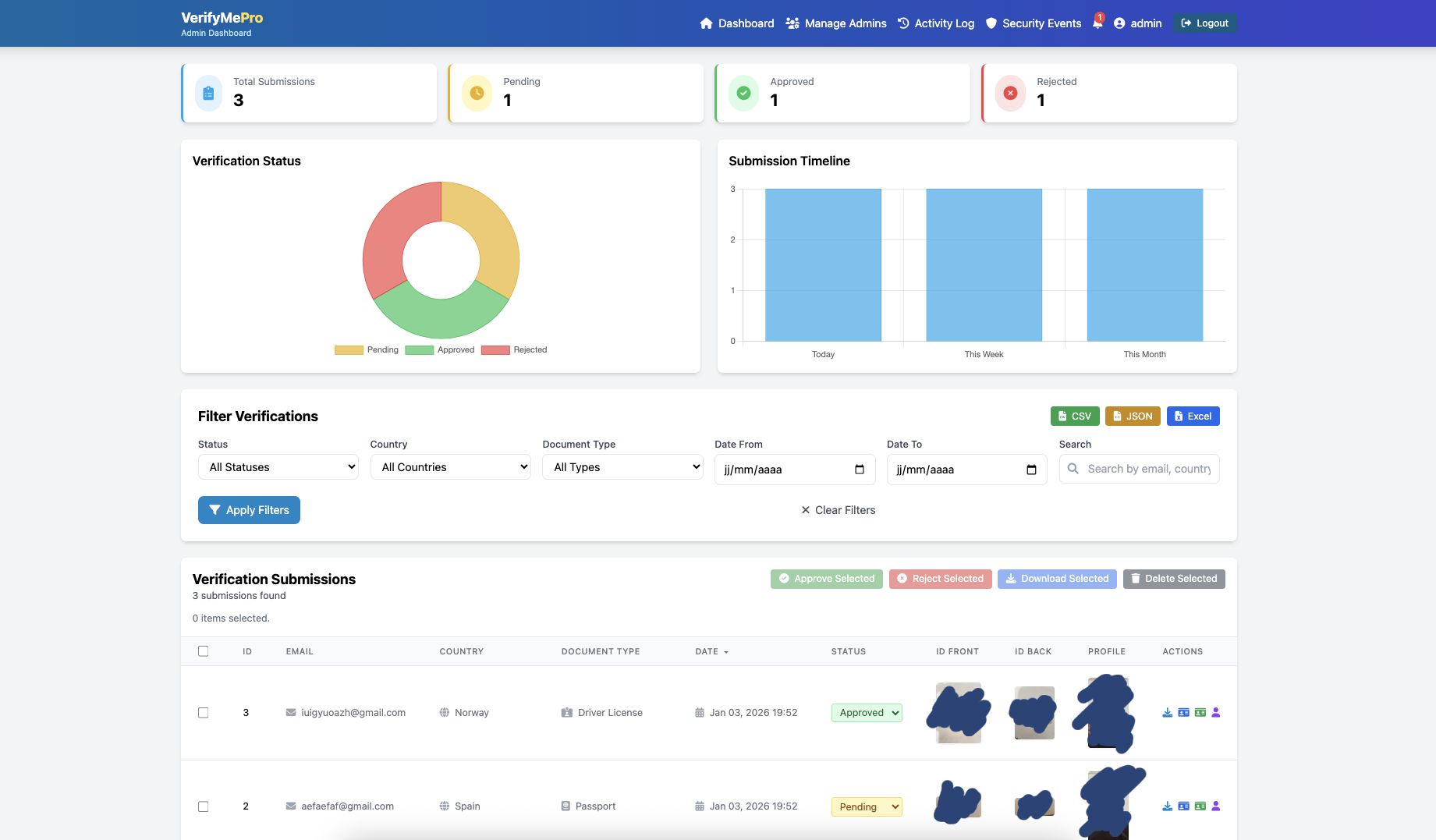
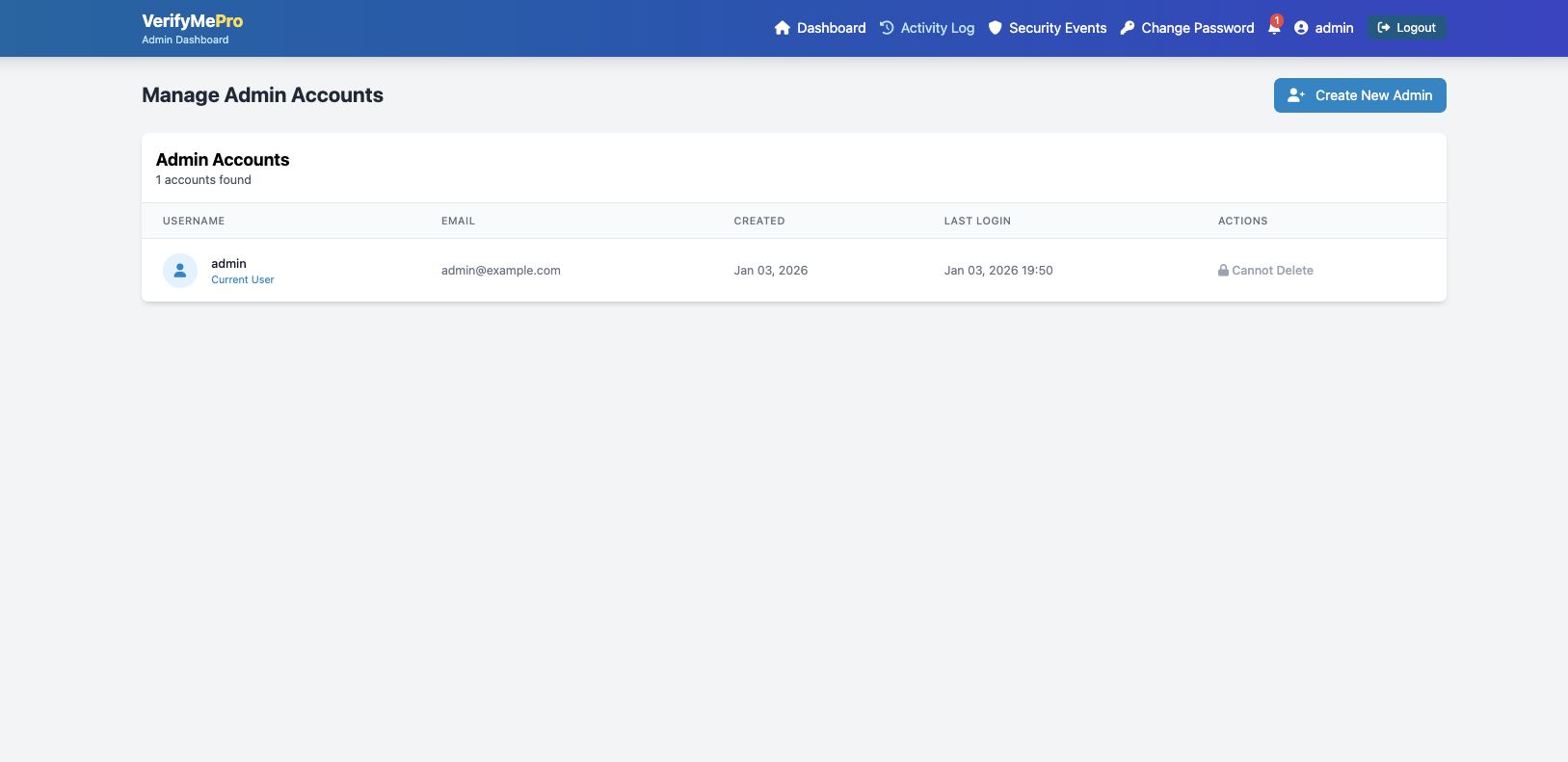
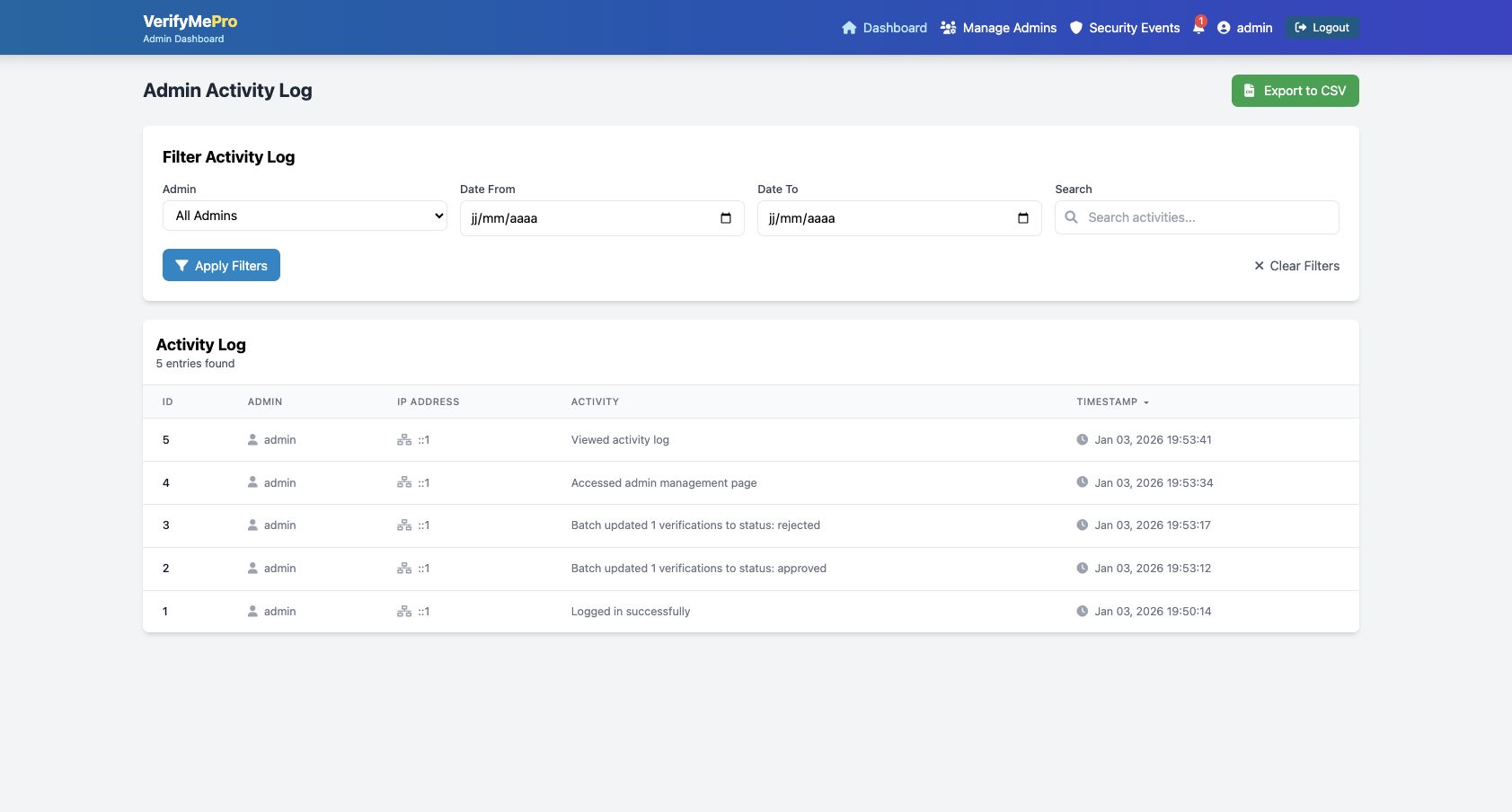

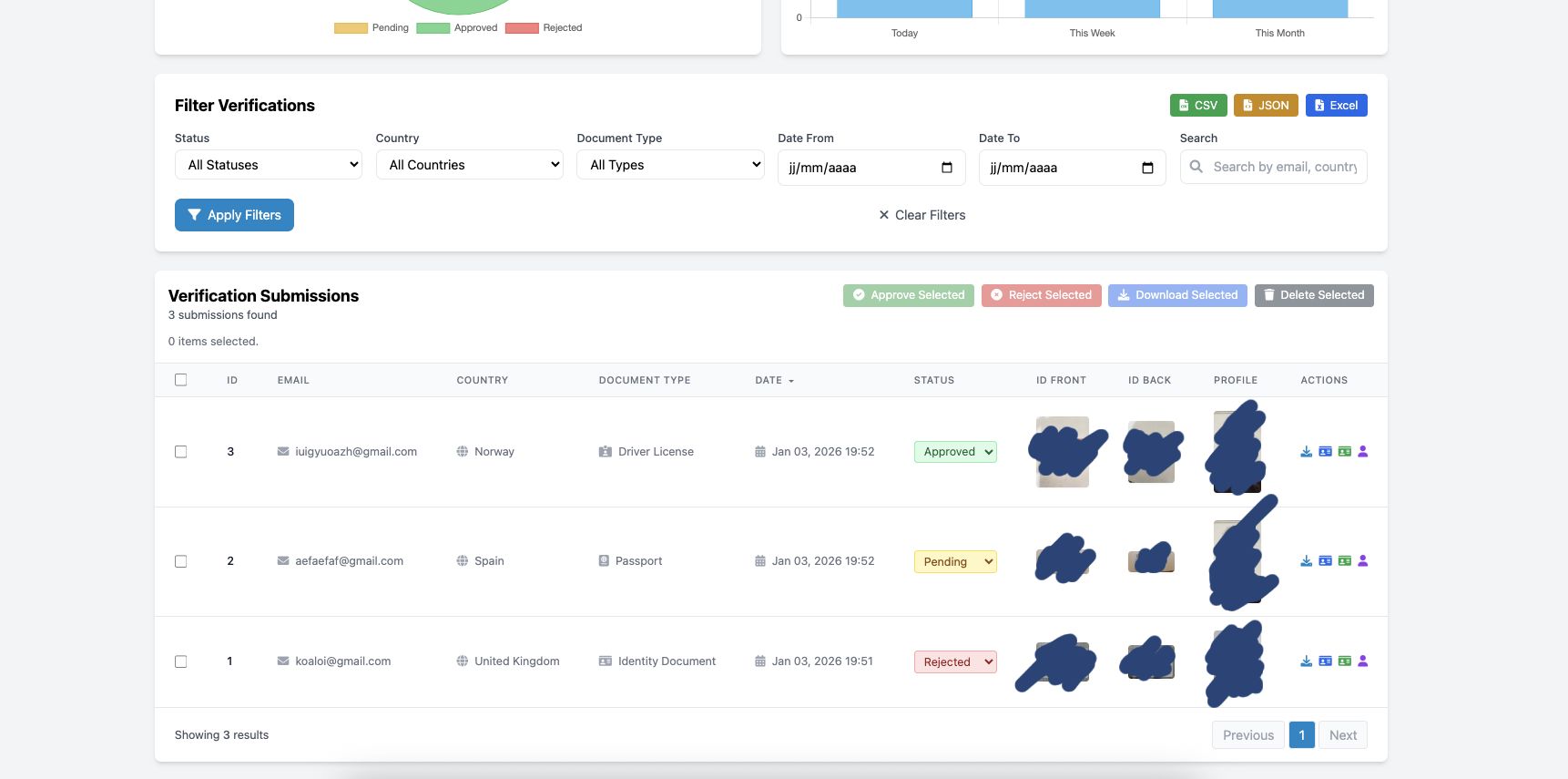
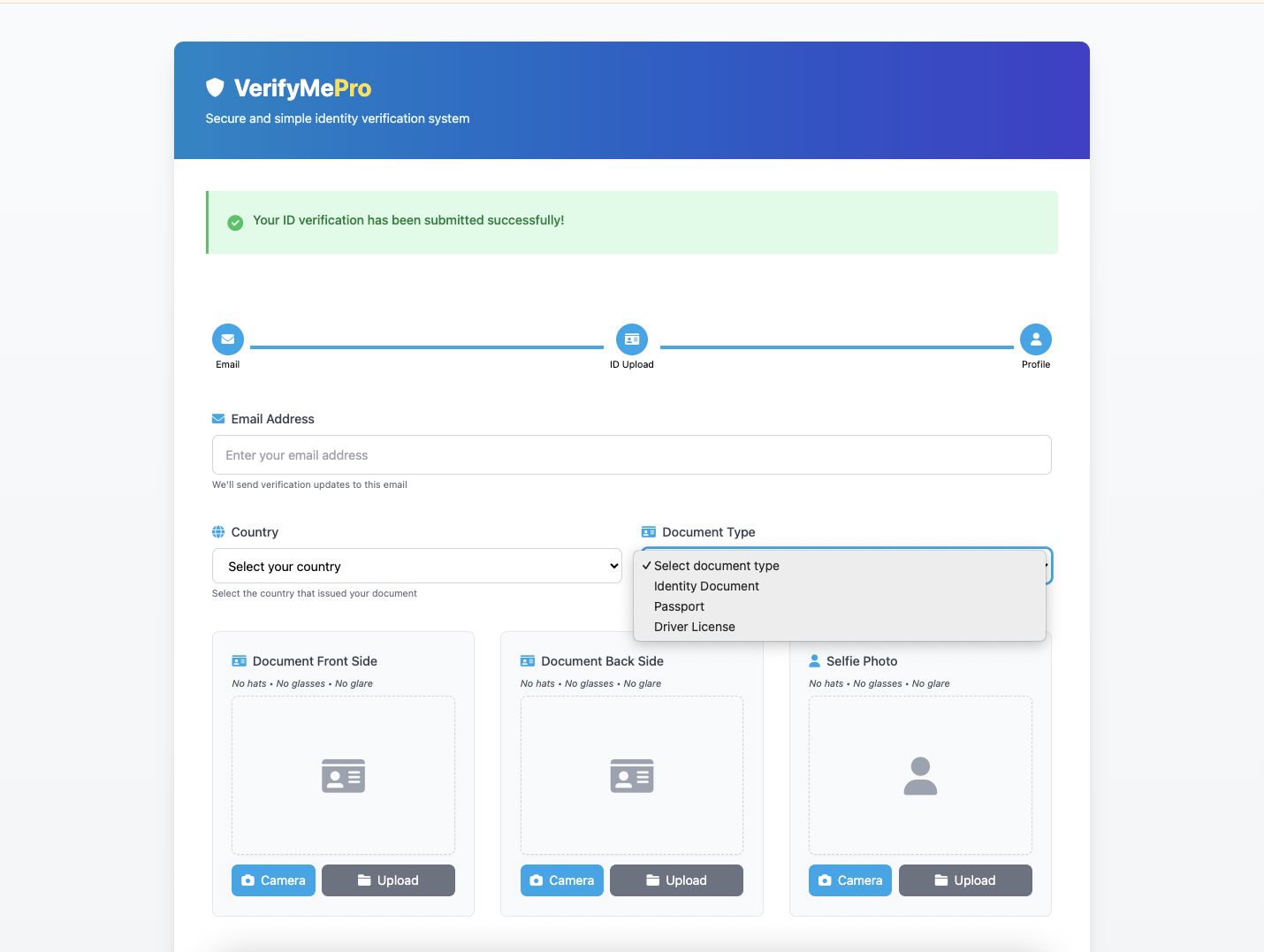
Overview
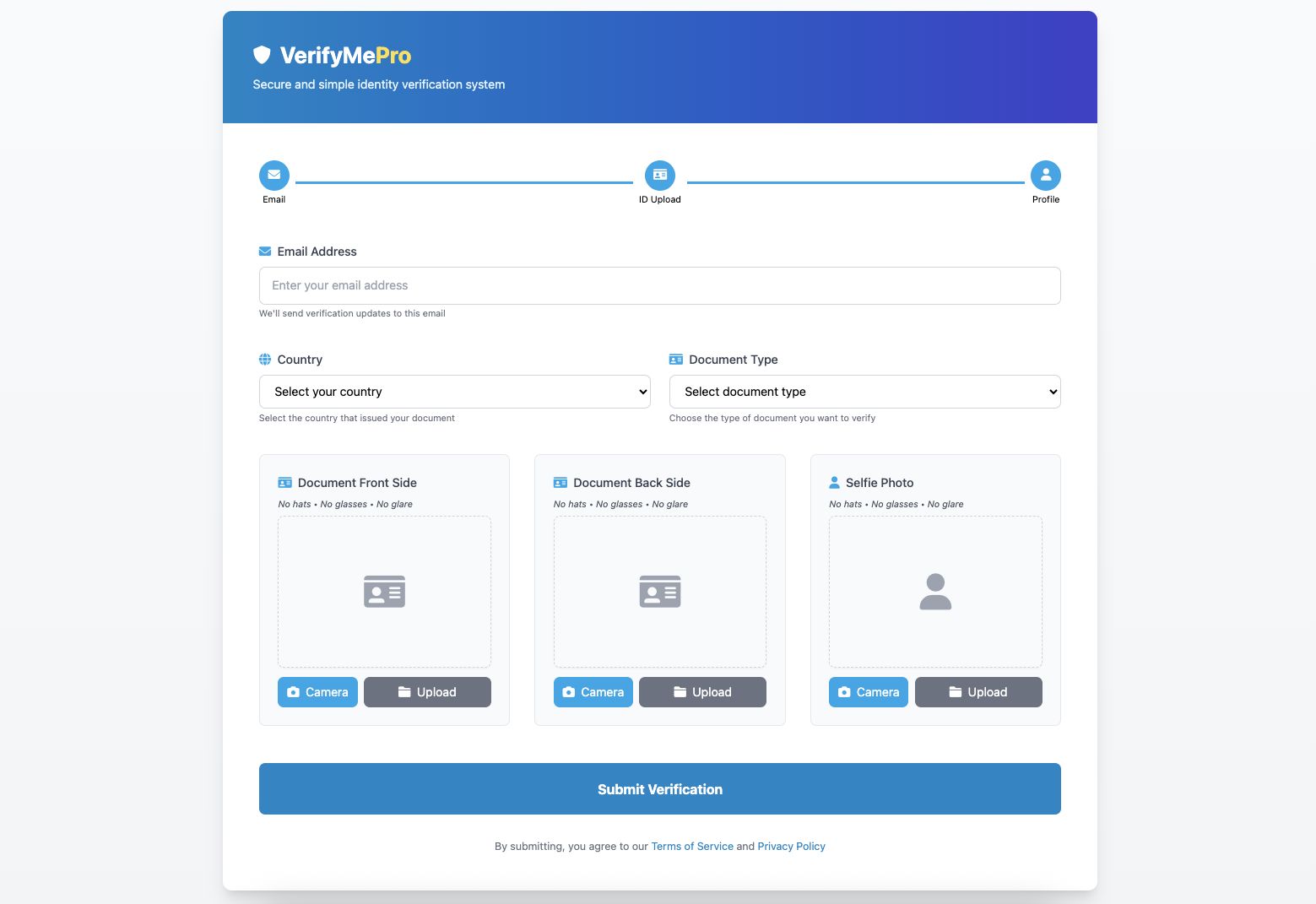
VerifyMePro is a professional, feature-rich PHP identity verification system designed for businesses requiring secure document verification. This comprehensive solution includes a modern user interface with camera capture capabilities, multi-document support (ID cards, passports, driver licenses), and a powerful admin dashboard with advanced filtering, batch operations, and export functionality. Perfect for KYC compliance, user onboarding, and identity verification workflows.
Features
✅ Multi-Document Support - Identity cards, passports, and driver licenses
✅ 195+ Countries - Complete worldwide country selection
Requirements
- PHP 7.4 or higher
- MySQL 5.7 or higher
Instructions
### Installation Steps:
1. **Upload Files**
- Extract the ZIP file
- Upload all files to your web server directory
- For MAMP: `/Applications/MAMP/htdocs/idver/`
- For XAMPP: `/xampp/htdocs/idverify/`
- For production: `/var/www/public_html`
2. **Database Setup**
- Create a new MySQL database named `idverify`
- Import the `database.sql` file using phpMyAdmin or MySQL command line
- The database includes all required tables and a default admin account
3. **Configuration**
- Edit `includes/config.php` with your database credentials:
```php
define('DB_HOST', 'localhost');
define('DB_USER', 'your_username');
define('DB_PASS', 'your_password');
define('DB_NAME', 'idverify');
```
- Update the database port if needed (default: 3306, MAMP: 8889)
4. **File Permissions**
- Ensure upload directories are writable:
```bash
chmod -R 755 uploads/
chmod -R 755 uploads/id_front/
chmod -R 755 uploads/id_back/
chmod -R 755 uploads/profile_pics/
```
5. **Access the System**
- User verification page: `http://yourdomain.com/`
- Admin dashboard: `http://yourdomain.com/admin/`
- Default admin credentials:
- Username: `admin`
- Password: `admin123`
- **IMPORTANT:** Change the default password immediately after first login!
6. **Security Setup**
- Change default admin password via Admin Dashboard → Change Password
- Delete debug files: `debug_upload.php`, `debug_main_form.php`, `hash_generator.php`, `generate_password_hash.php`
- Enable HTTPS in production
- Review and update `.htaccess` security settings
### Post-Installation:
- Test file uploads from the user verification page
- Test admin login and dashboard functionality
- Create additional admin accounts if needed
- Configure email notifications (optional customization)
- Customize branding and colors as needed





|
PHP Script Installation Service
Don't worry about the installation of your script! Have your PHP Script installed for you.
|
$39 | Buy now |
| Category | Scripts & Code / PHP Scripts / Security |
| First release | 3 January 2026 |
| Last update | 3 January 2026 |
| Software version | PHP 7.4, PHP 8.0, PHP 8.1, PHP 8.2, PHP 8.3, PHP 8.4 |
| Files included | .php, .css, .html, Javascript .js |
| Database | MySQL 4.x, MySQL 5.x |
| Tags | php script, Responsive design, file upload, admin dashboard, Mobile friendly, activity log, kyc, document management, security monitoring, document verification, multi-admin, identity verification, id verification, passport verification, camera capture, verification system, user verification, secure upload, batch operations, export data |