



BaseKit - Offline Flutter Business Starter KitBaseKit - Offline Flutter Business Starter Kit
Offline-first Flutter business starter kit with local auth, role management, SQLite database, theme engine, and feature toggles.
BaseKit - Offline Flutter Business Starter Kit
Offline-first Flutter business starter kit with local auth, role management, SQLite database, the...
Screenshots
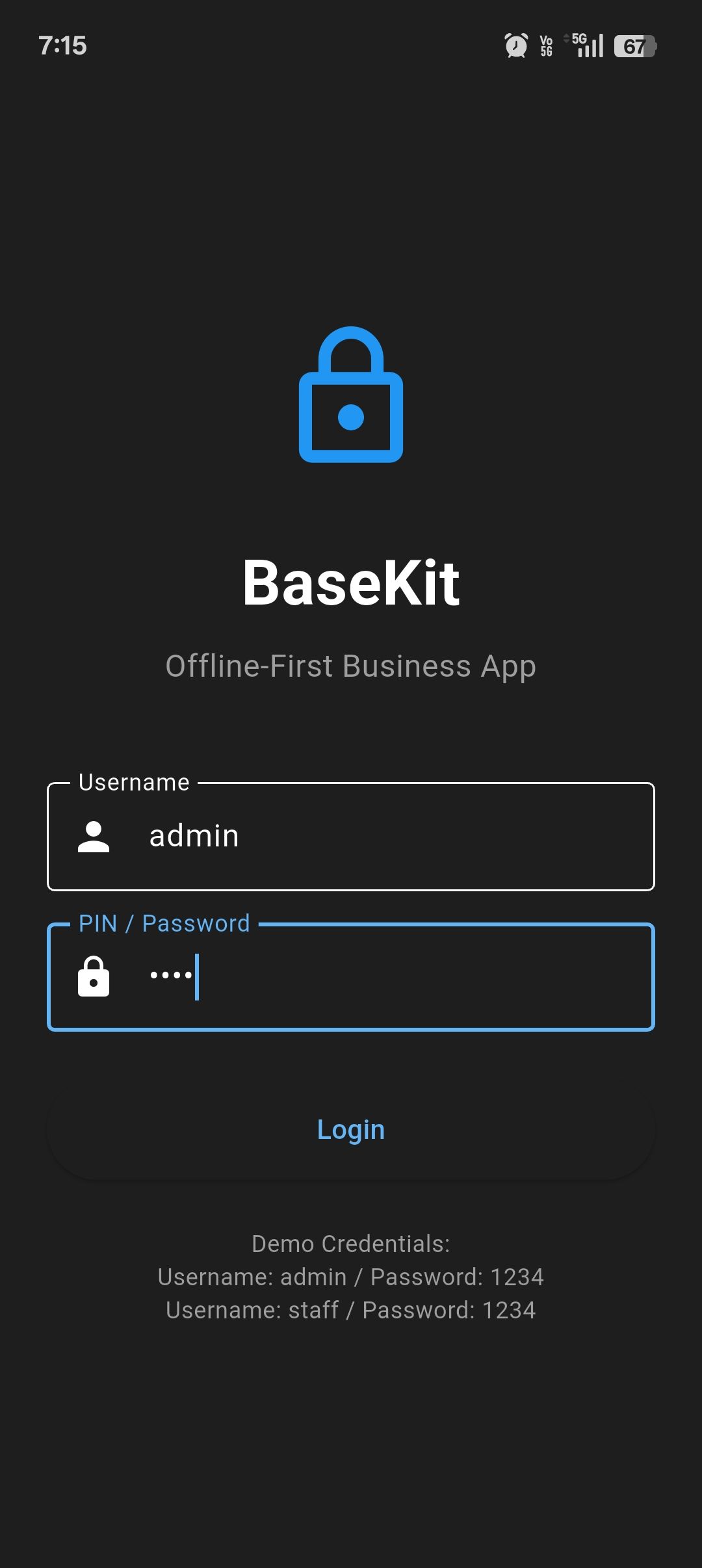
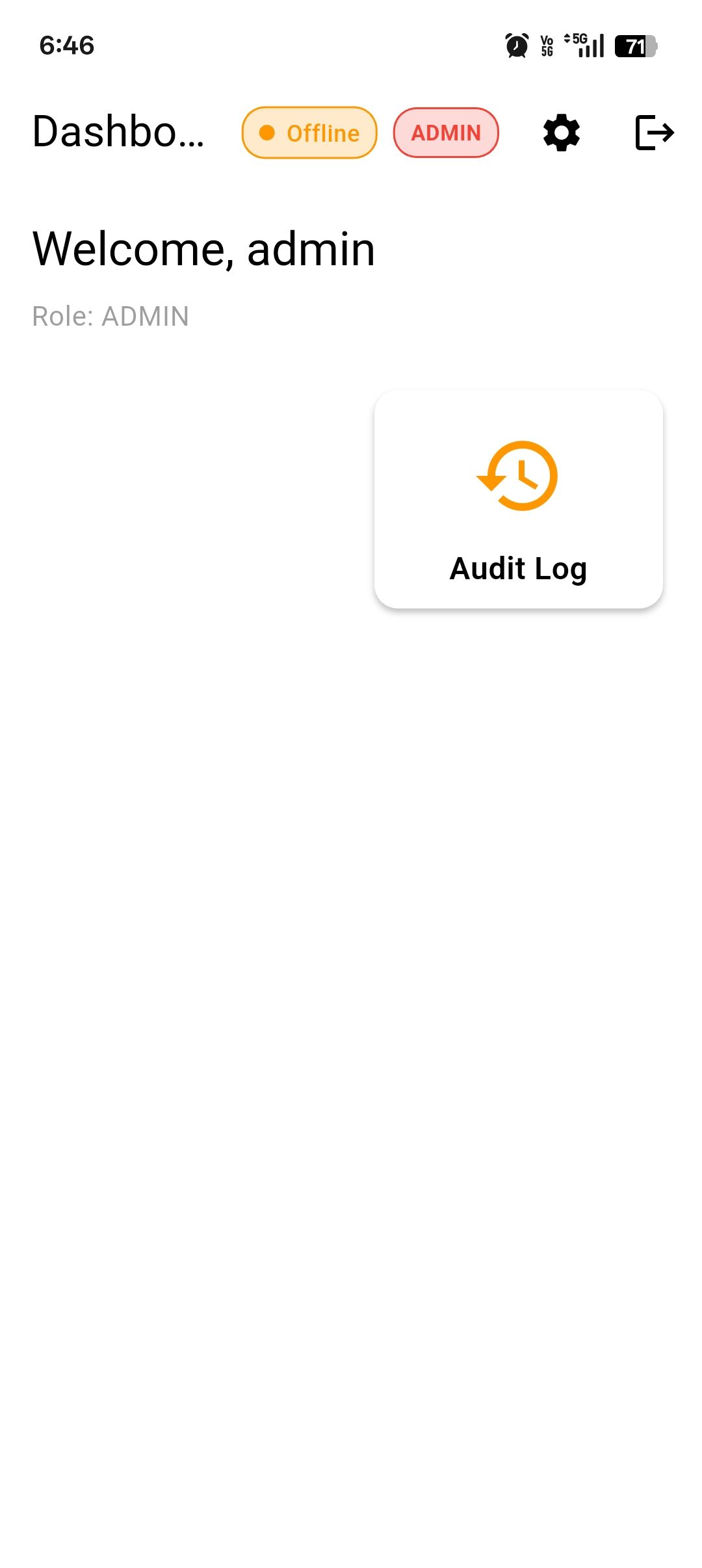

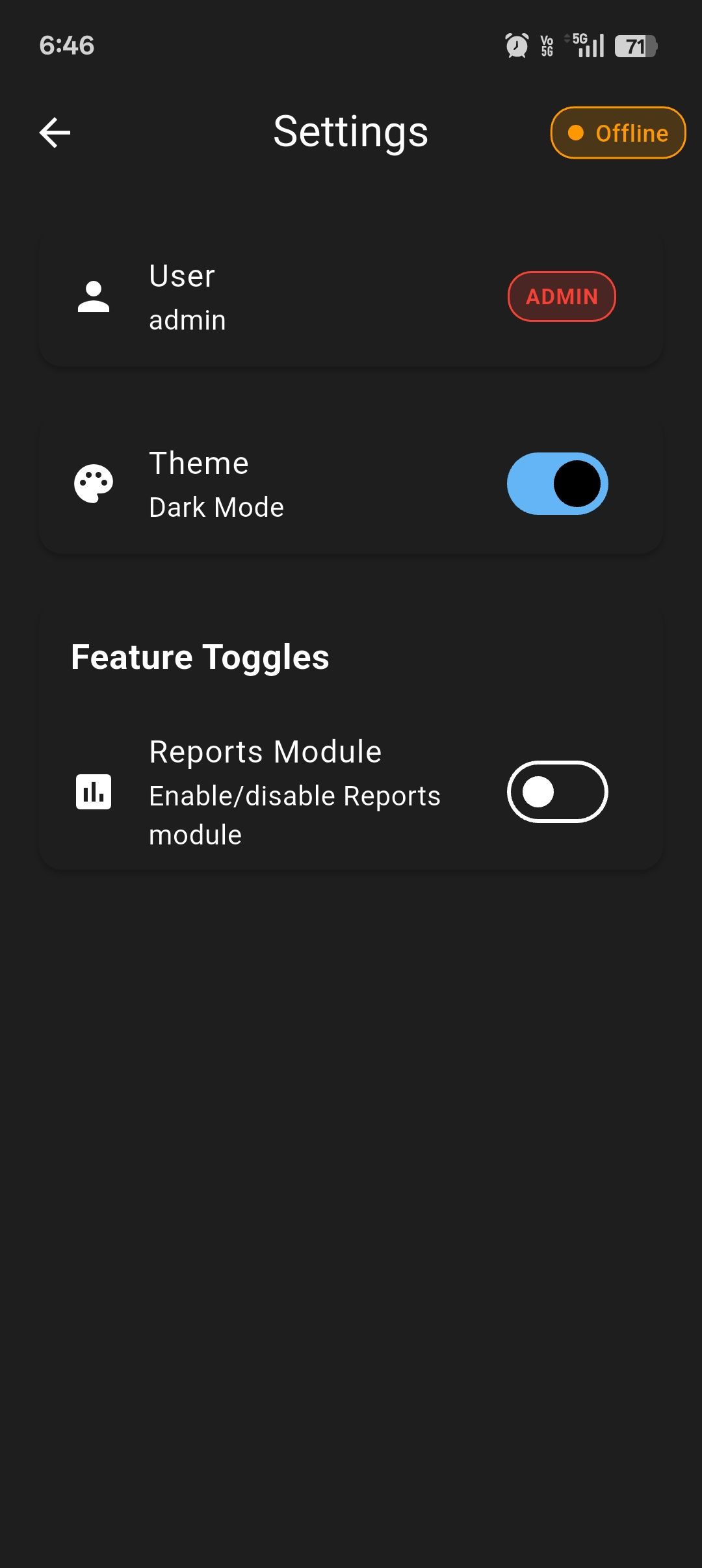
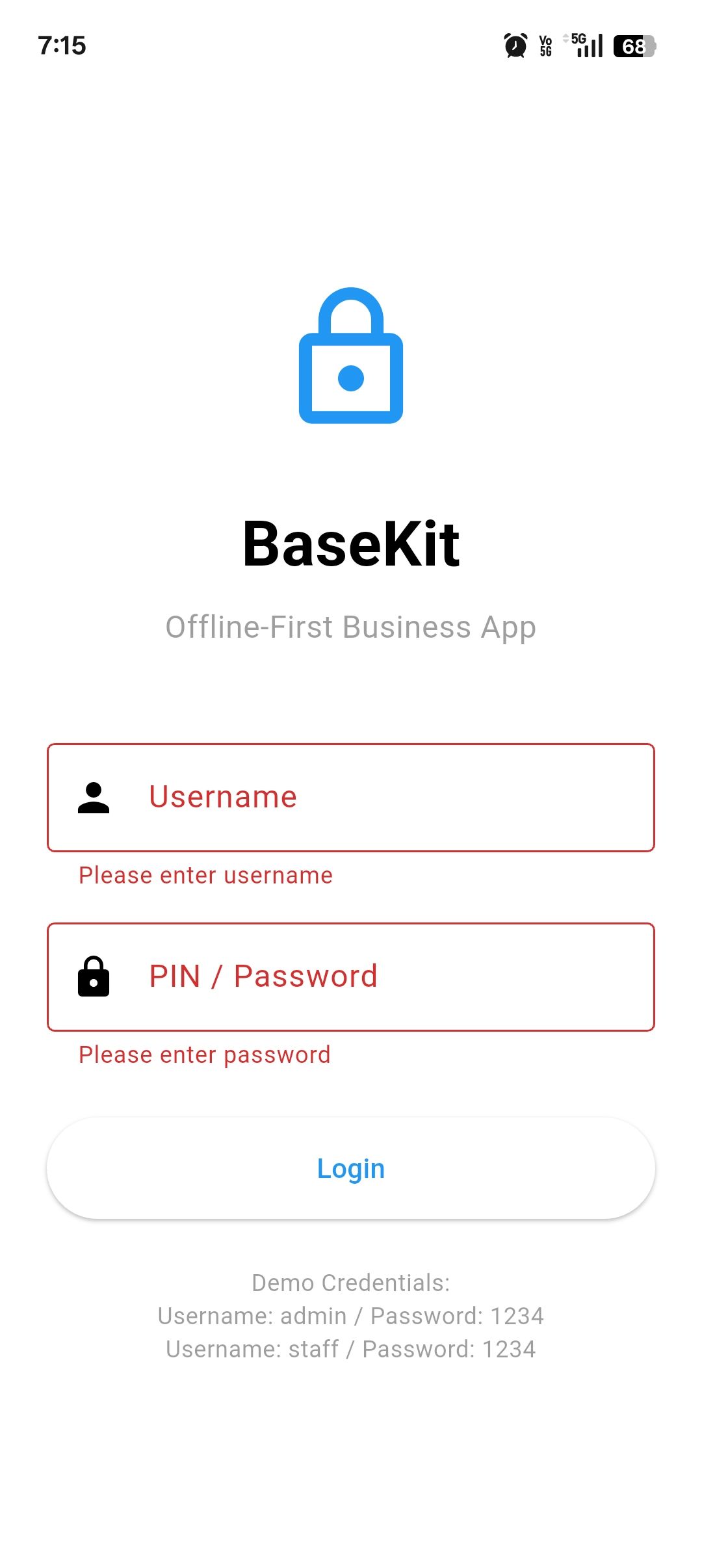
Overview
BaseKit is NOT a simple UI template.
It is a complete offline-first business application foundation built with Flutter, designed for developers who want a safe, reusable starting point for real-world business apps.
The kit includes local authentication, role-based access control, SQLite database architecture, theme engine (light/dark), feature toggle system, audit logging, and a dummy API layer for future backend expansion.
BaseKit is ideal for building:
• Inventory Management Apps
• Invoice & Billing Apps
• CRM Systems
• Internal Business Tools
• Admin / Staff Applications
All functionality works fully offline with no server dependency. This makes BaseKit perfect for markets where reliability, speed, and offline usage are critical.
The codebase is clean, well-structured, and clearly separated into core and extendable modules, making it easy to customize and scale.
Web support is included only for preview and testing purposes. Production usage is intended for mobile platforms.
This product saves weeks of development time and provides a safe, professional base for serious Flutter projects.
Features
• Offline-first Flutter architecture
• Local authentication (Login / Logout / Session restore)
• Role-based access system (Admin / Staff / Viewer)
• SQLite database with clean data layer
• Audit log system (Admin only)
• Feature toggle system (enable/disable modules)
• Light and Dark theme engine
• Persistent settings storage
• Dummy API layer for future backend integration
• ErrorHandler for safe error management
• Clean, extendable project structure
• Mobile-first UI with web preview support
Requirements
• Flutter SDK (latest stable)
• Basic Flutter and Dart knowledge
• Android Studio or VS Code
• Android device or emulator for testing
• No backend or server required
Instructions
1. Extract the project files.
2. Open the project in Android Studio or VS Code.
3. Run `flutter pub get`.
4. Run the app on a device or emulator.
5. Use the provided demo credentials to log in.
6. Customize modules inside the safe extension folders.
7. Build your own Inventory, Invoice, or CRM logic on top of the base.
Demo Credentials:
Admin → username: admin | password: 1234
Staff → username: staff | password: 1234
Other items by this author


|
Flutter App Reskin Service
Have your App reskinned to meet your needs.
|
$499 | Buy now |
| Category | App Templates / Flutter / Full Applications |
| First release | 6 January 2026 |
| Last update | 6 January 2026 |
| Operating Systems | Android 8.0, Android 9.0, Android 10.0, Android 11.0, Android 12.0 |
| Tags | flutter offline app business app starter kit sqlite admin panel inventory app invoice app crm app flutter template offline business |


