


WooMulti Currency Switcher PluginWooMulti Currency Switcher Plugin
WooMulti Currency Switcher lets your WooCommerce store offer multiple currencies with real-time rates and flexible checkout option
WooMulti Currency Switcher Plugin
WooMulti Currency Switcher lets your WooCommerce store offer multiple currencies with real-time r...
Screenshots

Overview
WooMulti Currency Switcher – Professional WooCommerce Plugin.
WooMulti Currency Switcher – Professional is a WooCommerce multi-currency switcher plugin that elevates your WooCommerce store. With real-time currency rates, your customers can effortlessly switch between multiple currencies and view product prices tailored to their preferences. Whether they choose to pay in their selected currency or stick to the default, this plugin ensures a seamless and user-friendly experience.
You can add any currency to your WooCommerce store, catering to a global audience. Unlock the full potential of your e-shop with the most comprehensive WooCommerce currency switcher available.
Features
Flexible Checkout Options
- Choose whether customers pay in their preferred currency or your store’s base currency.
- Offer full currency flexibility or maintain base currency for simplified accounting.
GeoIP-Based Checkout Rules
- Automatically assign currencies based on customer location.
- Enhance user experience and expand your global reach.
Pricing Control Features
- Set fixed product prices per currency for consistency and predictability.
- Manage prices based on user role for loyalty programs or hierarchical systems.
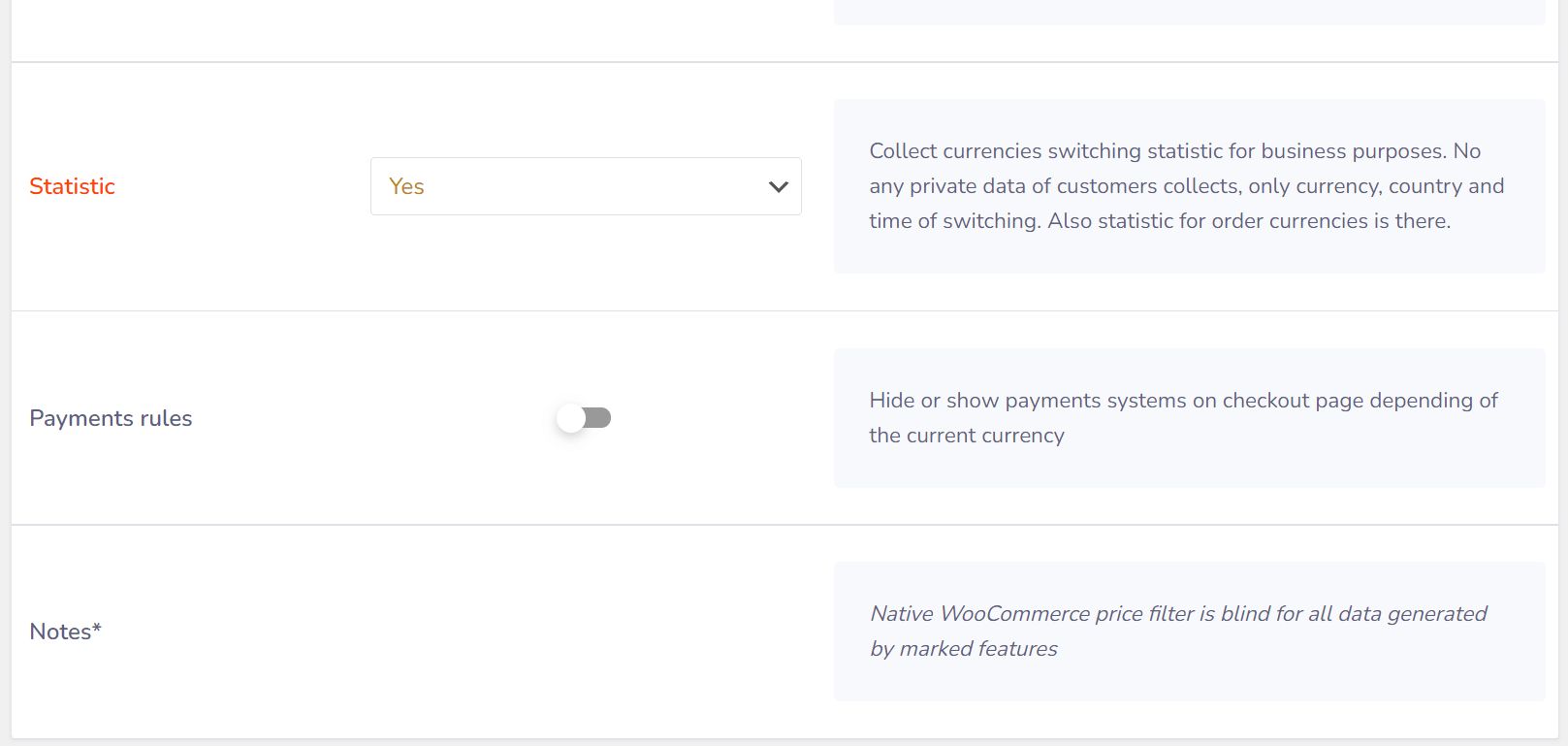
- Manage payment rules to assign specific gateways per currency.
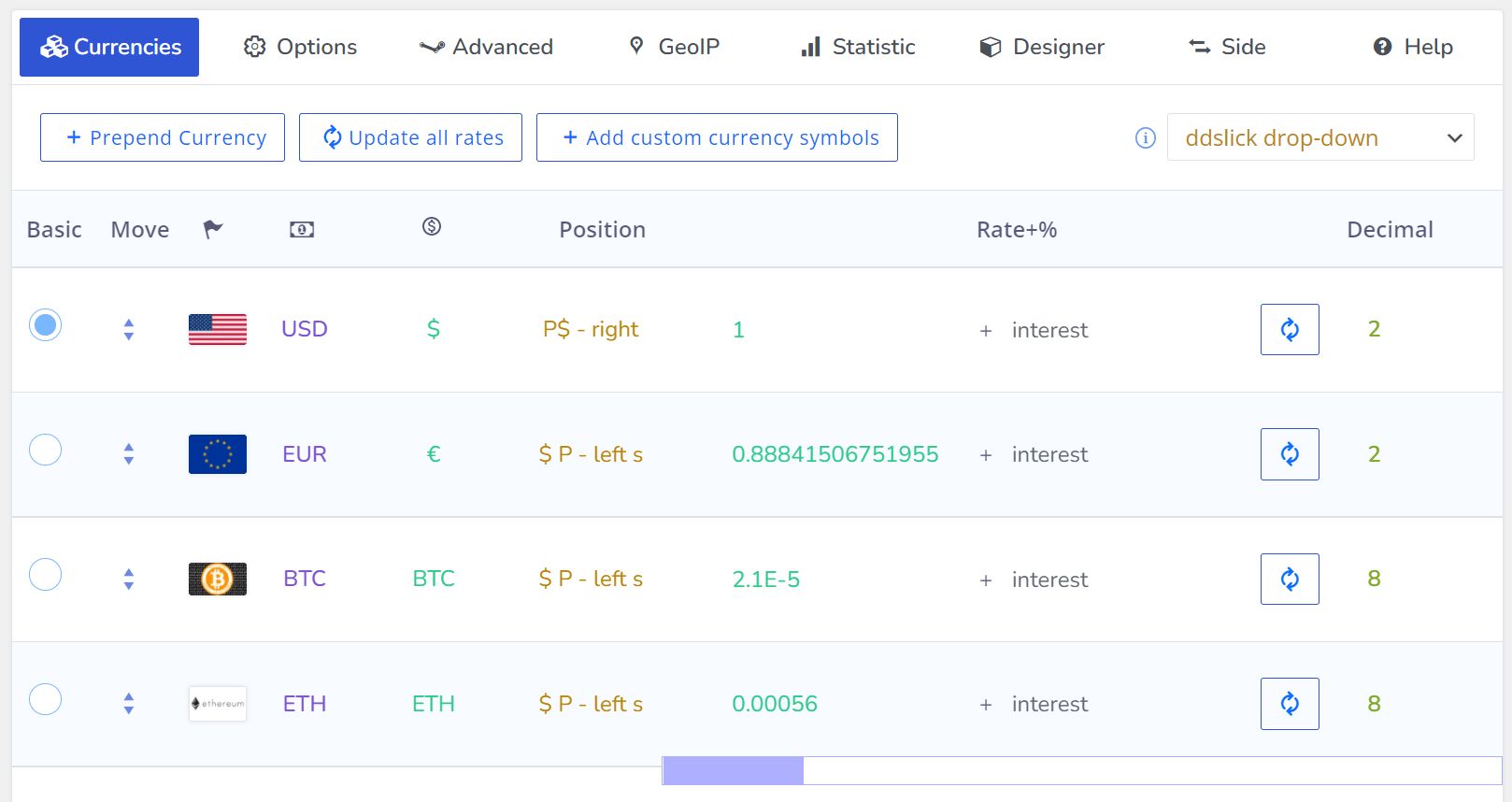
- Set custom money signs and display formats for unique business needs.
- Flexible exchange rate updates with options for automatic or manual adjustments.
Advanced Product Features
- Individual GeoIP rules per product.
- Individual fixed prices per product.
- Individual fixed amounts for coupons, shipping, and free delivery thresholds.
- Show approximate prices and amounts based on customer location.
Statistics & Reporting
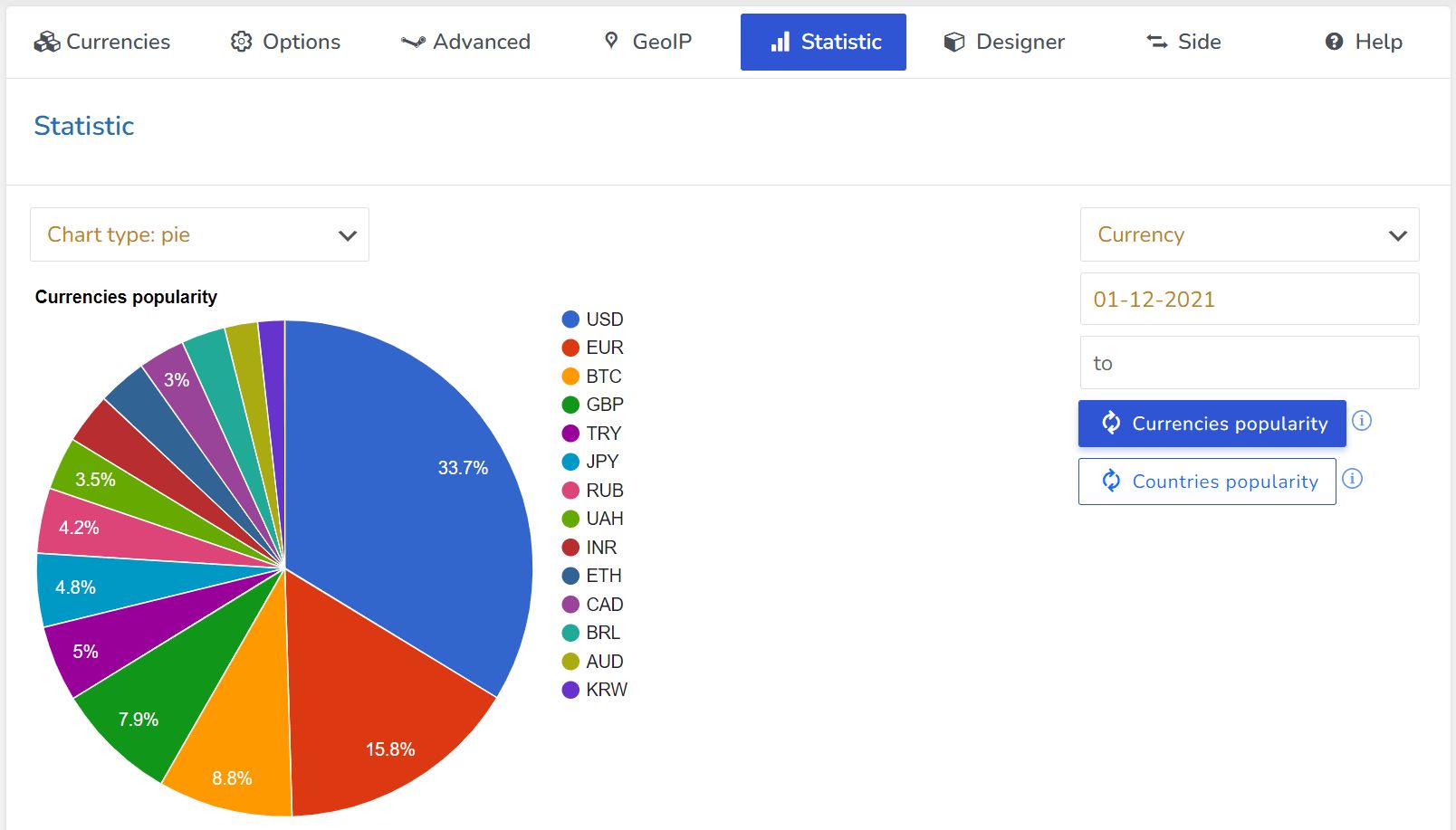
- Track currency switches and orders.
- Generate reports to analyze trends, customer preferences, and revenue per currency.
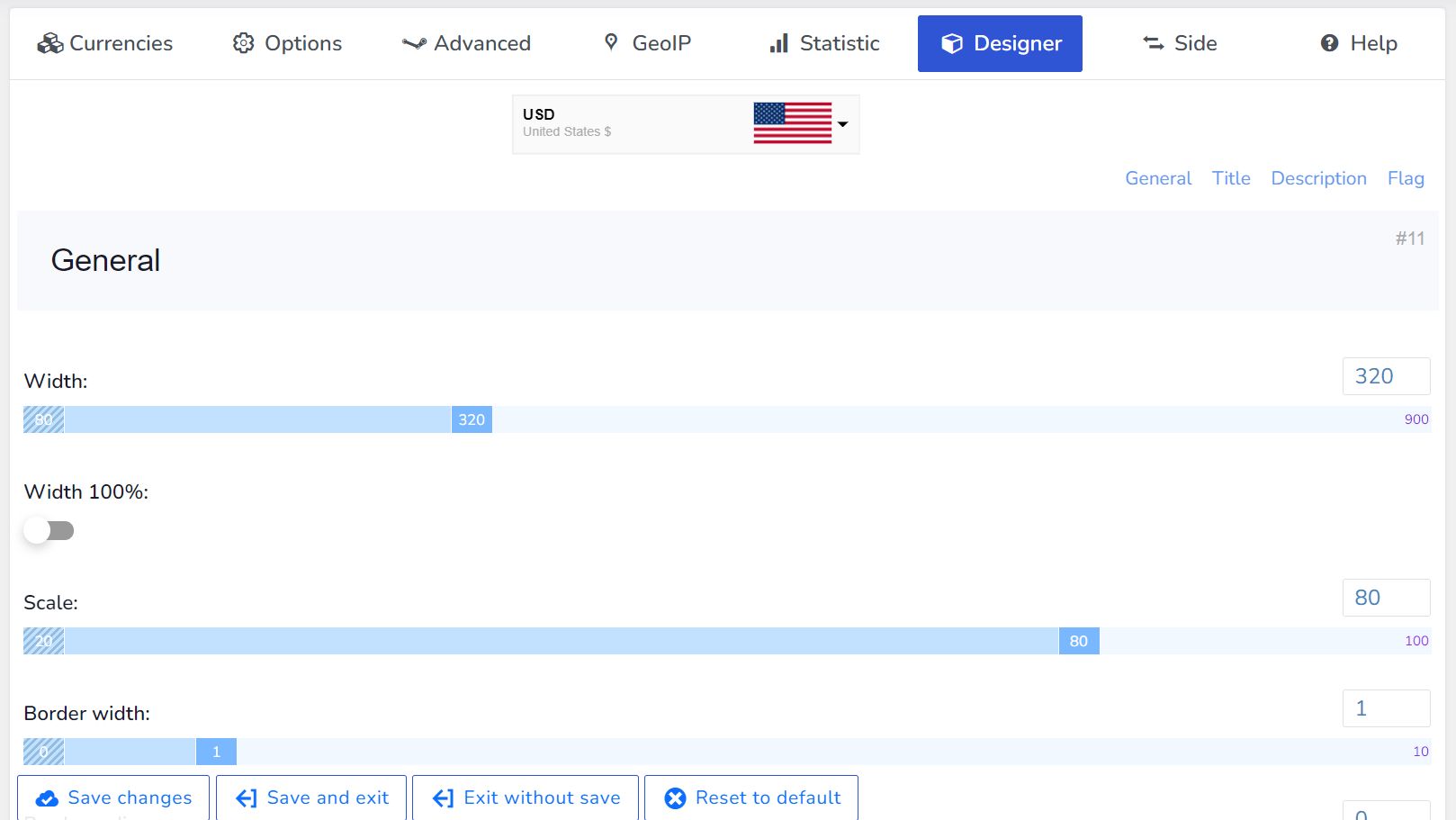
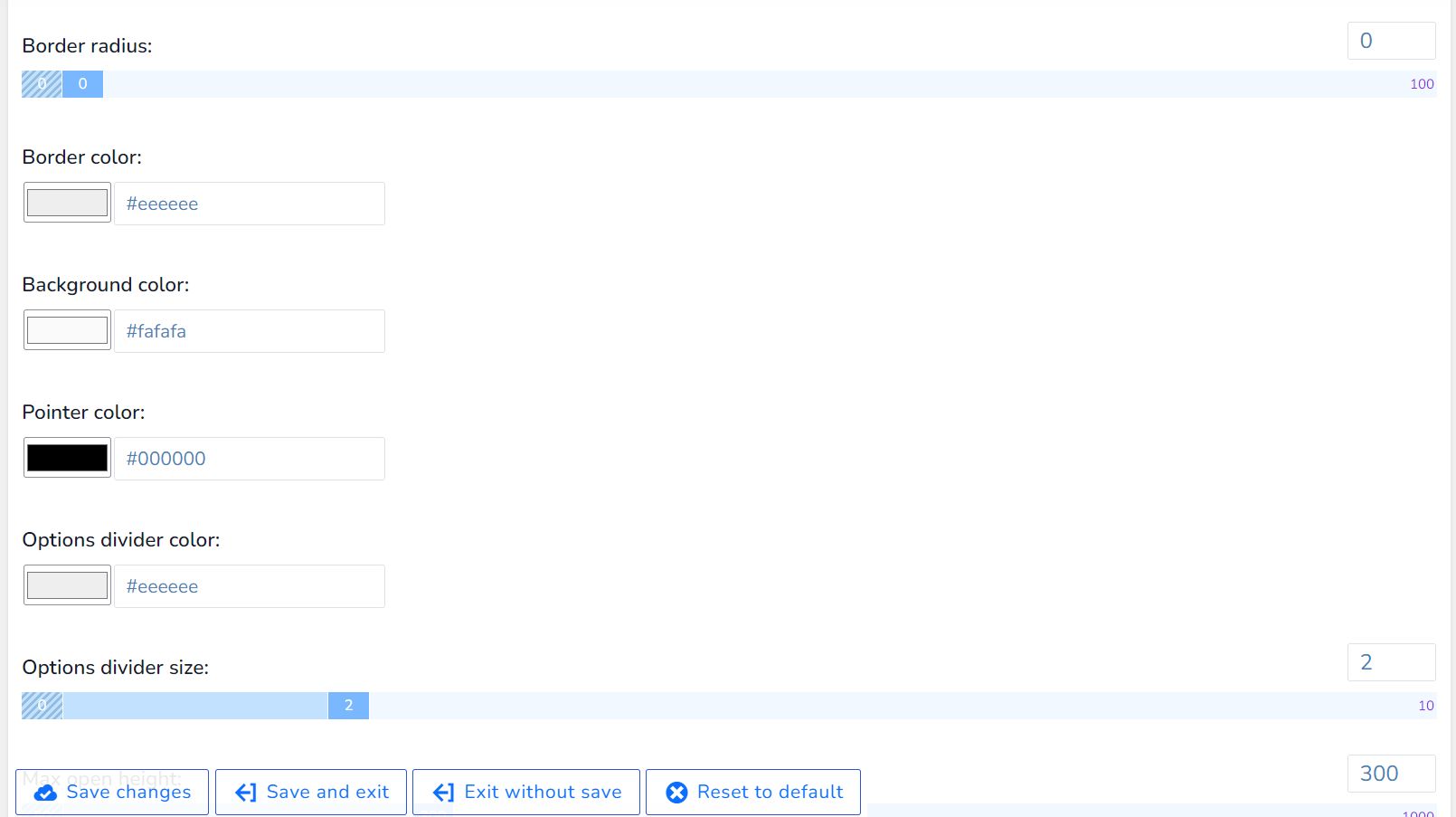
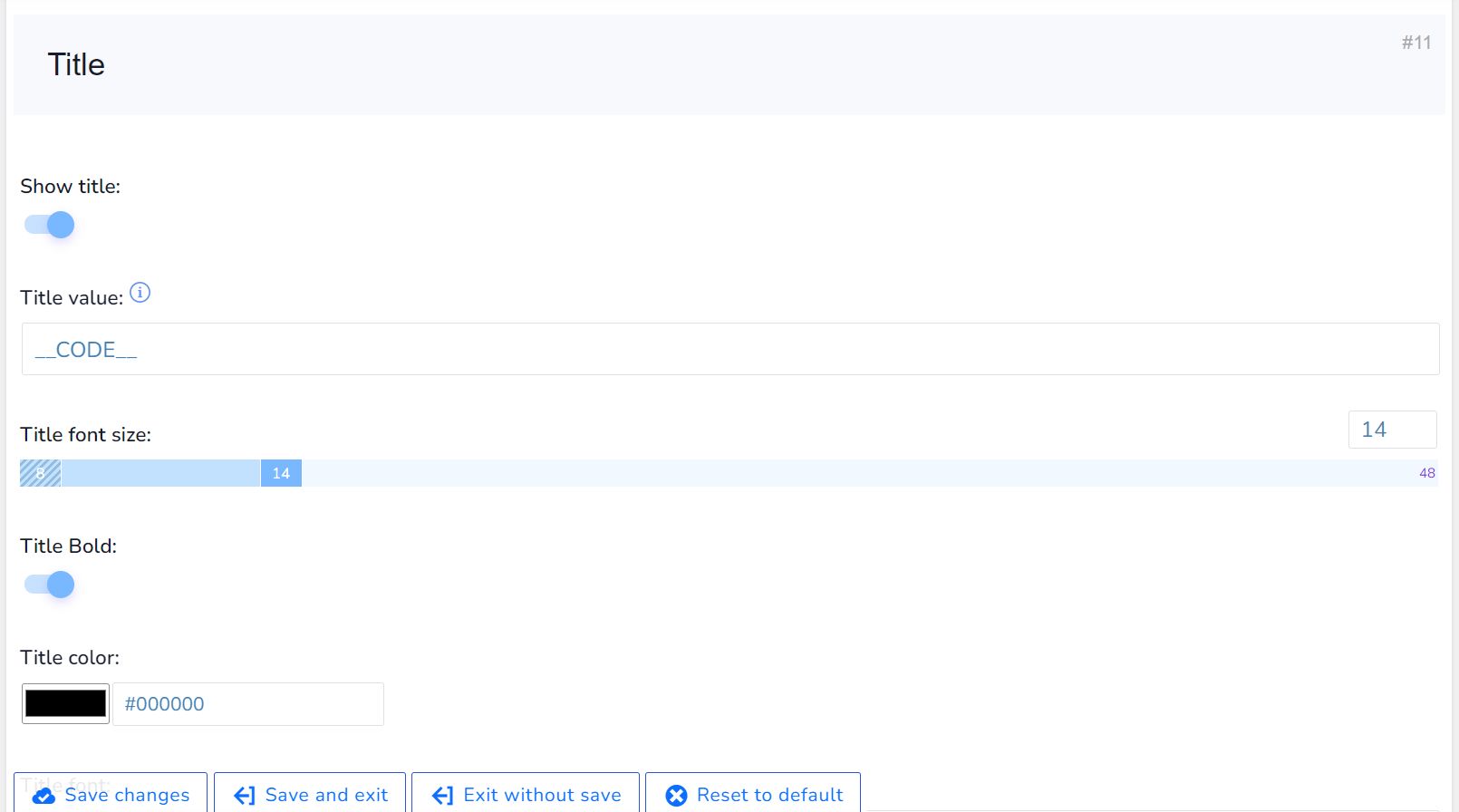
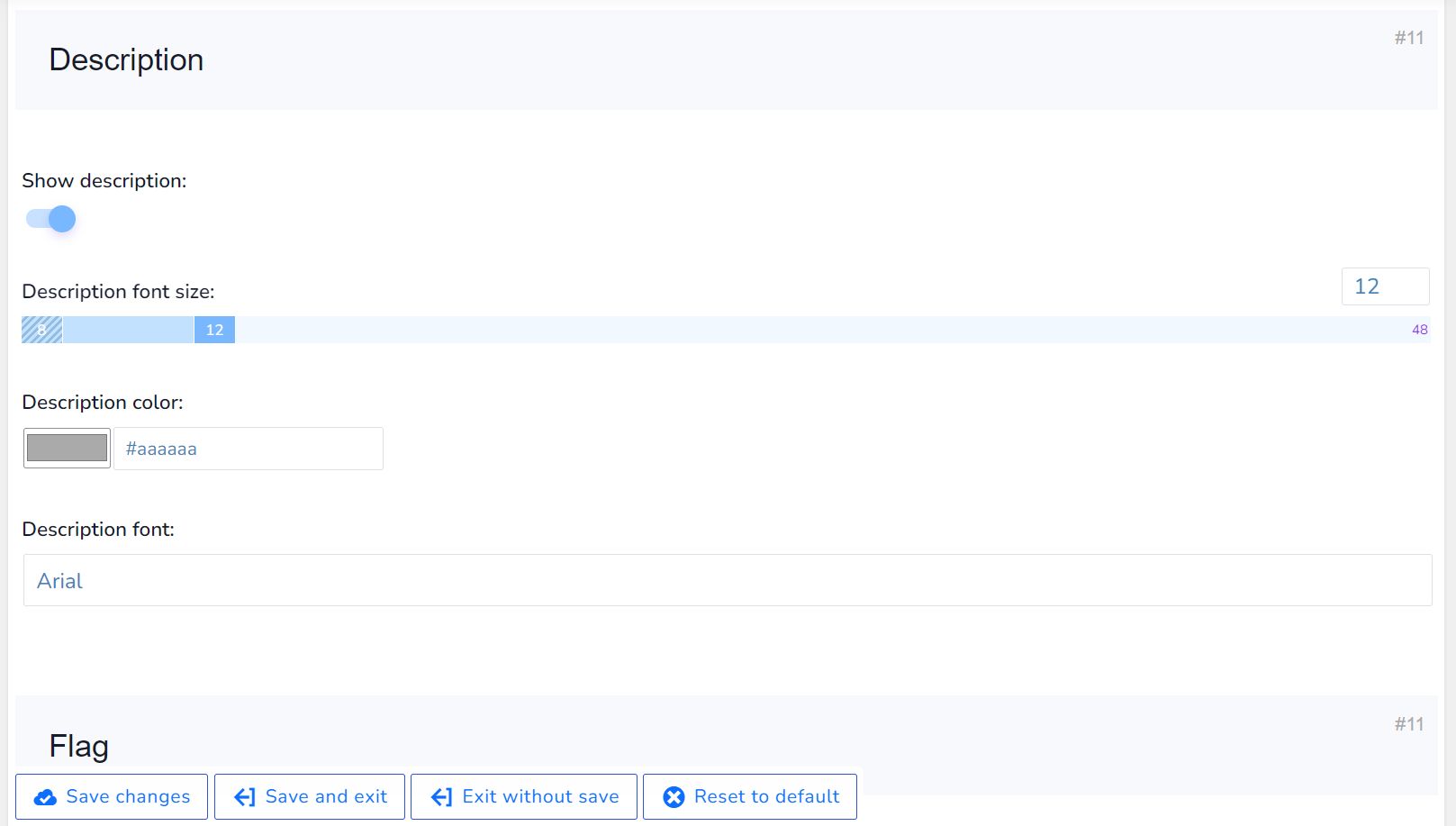
Smart Designer & Representation
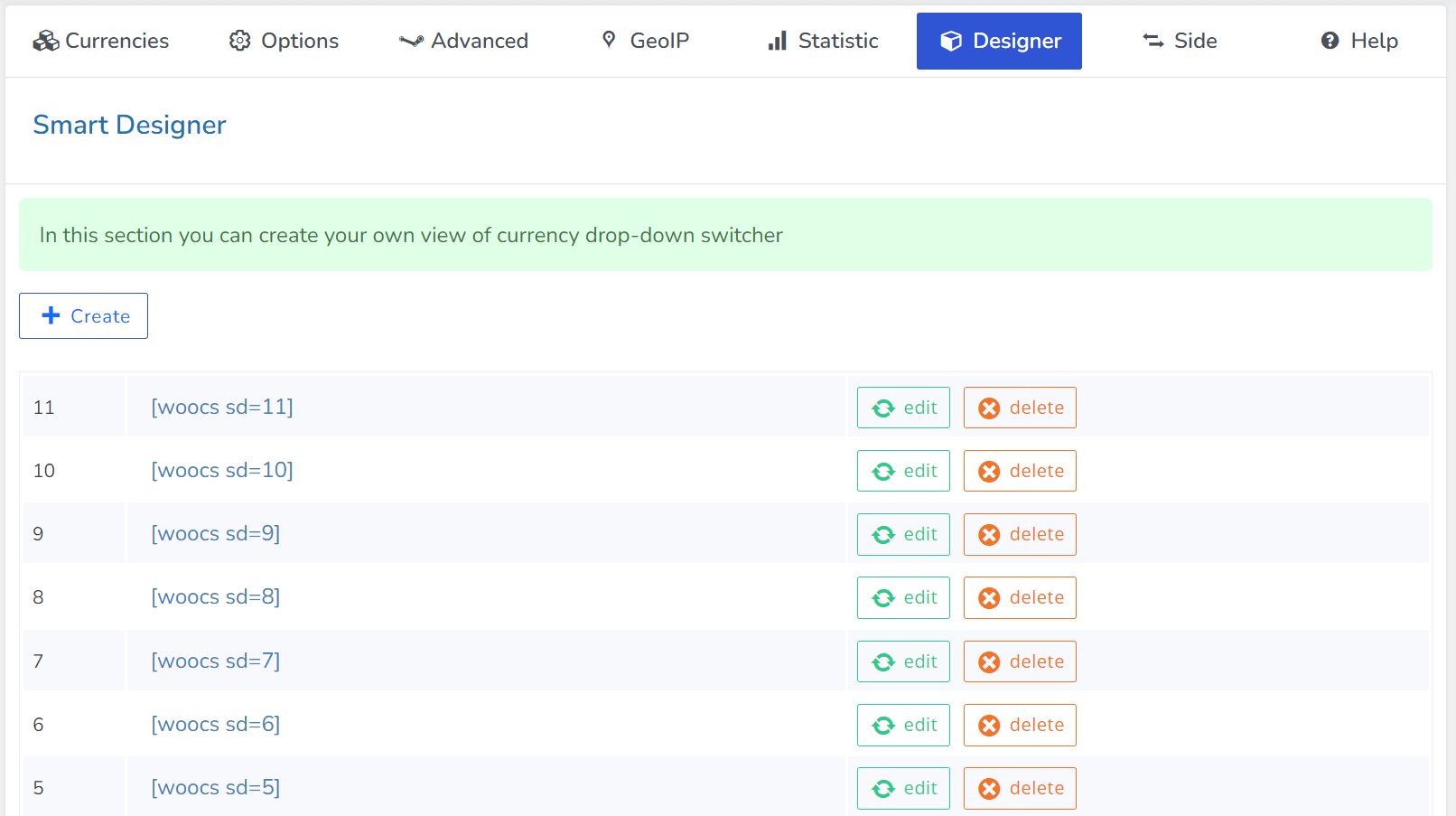
- Insert the currency switcher via widget or shortcode [woocs].
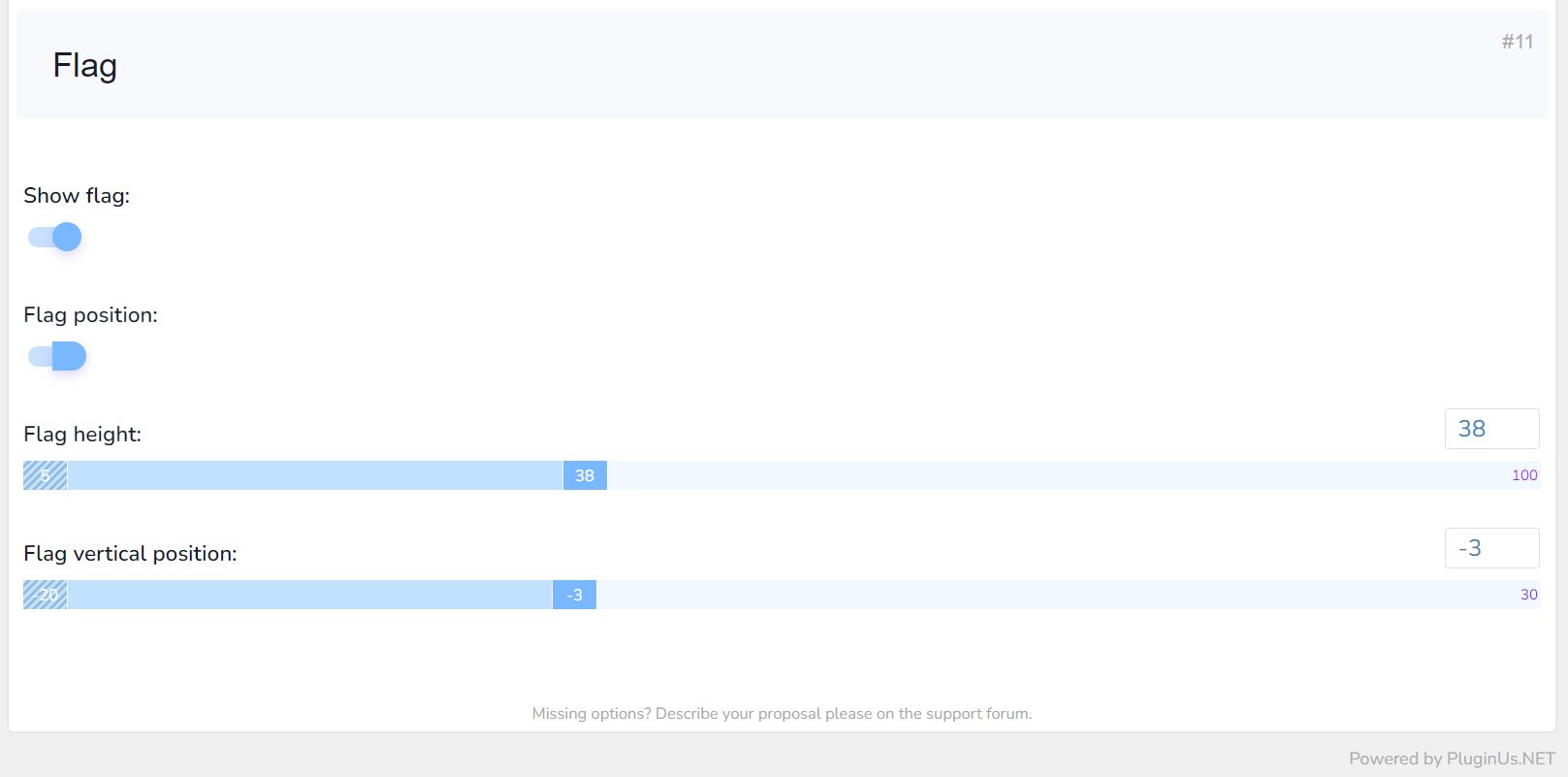
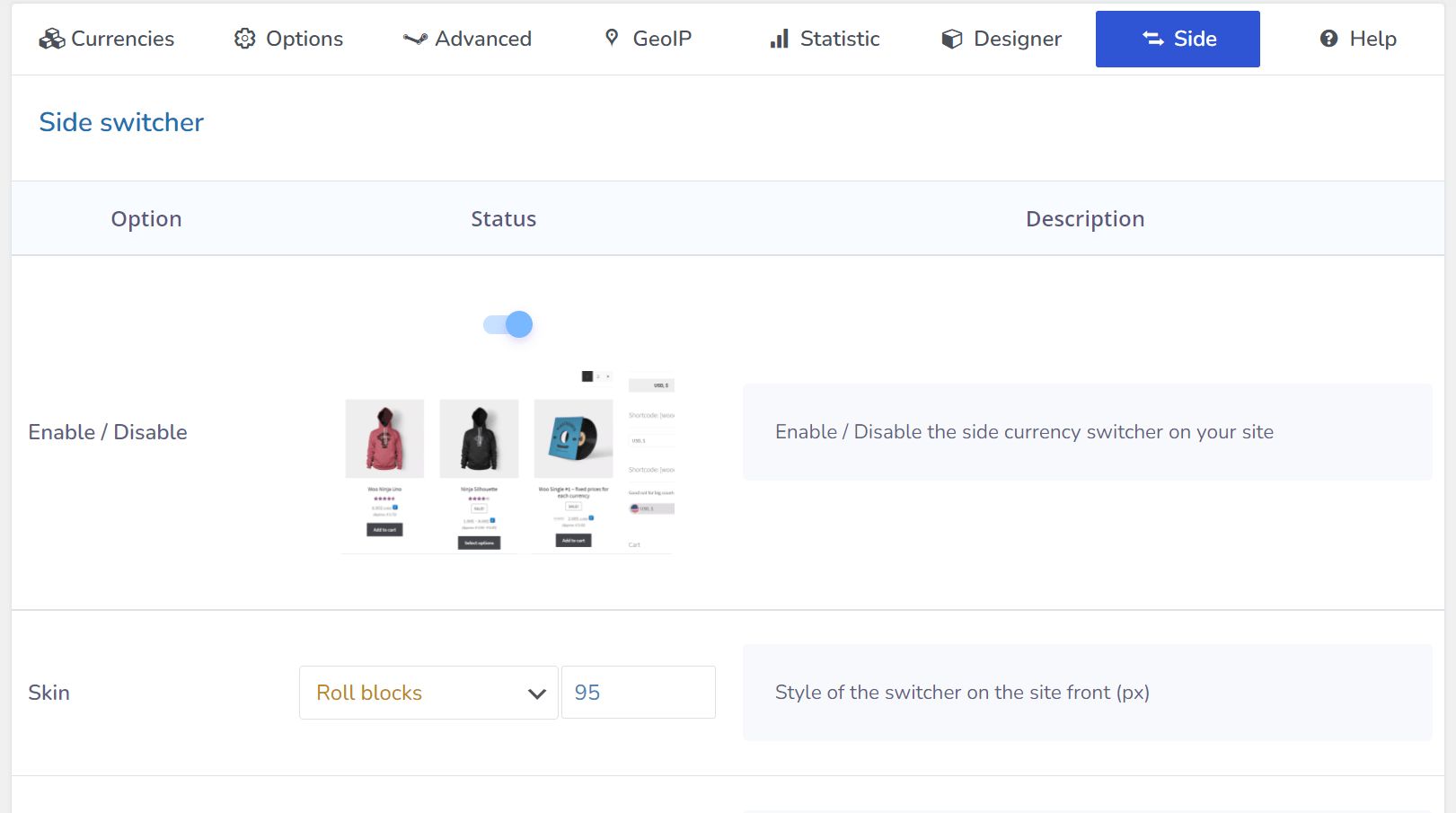
- Customize display as dropdowns, flags, side switchers, or buttons.
- AJAX-based switching ensures smooth user experience.
Compatibility & Performance
- Works seamlessly with caching plugins.
- Optimized for minimal database queries.
- Mobile-friendly design for desktops and smartphones.
- Compatible with WPML, HUSKY – Products Filter, WOOT – WooCommerce Active Products Tables, RnB – WooCommerce Booking & Rental Plugin.
- 95% compatibility with most payment gateways in multi-currency mode.
- Tested with Elementor, WPBakery, Visual Composer, Divi, Themify, Oxygen, and other page builders.
Developer-Friendly Features
- Full API access to manipulate prices, rates, and conditional logic.
- Hooks for customizing currency aggregators and price displays.
- Supports custom price formats, decimal precision, and currency symbols.
Quick Setup & Ease of Use
- Install and configure in under 5 minutes.
- User-friendly admin interface for setting currencies, exchange rates, symbols, formats, and options.
- Enables a seamless shopping experience for customers in multiple currencies.
Requirements
PHP 7.4 or higher
MySQL 5.7 or higher
Apache server with mod_rewrite enabled
Required PHP extensions: OpenSSL, PDO, Mbstring, JSON, cURL, Fileinfo
allow_url_fopen = ON
FFMPEG installed for video-related features (optional)
Instructions
Installation & Setup Instructions:
- Download the plugin zip file.
- Go to your WordPress admin panel → Plugins → Add New → Upload Plugin.
- Select the plugin zip file and click "Install Now".
- Activate the plugin after installation.
- Configure currencies, exchange rates, price formats, and GeoIP rules in the plugin settings.
- Set flexible checkout options, payment rules, and currency display preferences as needed.
- For multilingual support, integrate with WPML or Polylang if required.
- For custom styling, use the built-in CSS/JS panel in plugin settings.
- Consult the included PDF installation guide for screenshots and step-by-step guidance.
Once installed and configured, your WooCommerce store will support multi-currency switching, flexible checkout, and automatic or manual currency rate updates.
Other items by this author





| Category | Plugins / WooCommerce |
| First release | 19 January 2026 |
| Last update | 19 January 2026 |
| Supported CMS | WooCommerce 6.x, WooCommerce 7.x, WooCommerce 8.x, WordPress 6.0, WordPress 6.1, WordPress 6.2, WordPress 6.3, WordPress 6.4, WordPress 6.5, WooCommerce 9.x, WordPress 6.6, WordPress 6.7 |
| Files included | .php, .css, .html, .sql, Javascript .js |
| Tags | ecommerce, woocommerce, wordpress plugin, online store, exchange rates, currency conversion, multi currency, currency switcher, fixed pricing, geoip pricing, user role pricing, payment rules, price formatting, shop plugin, checkout support |










