


Home / Scripts & Code / PHP Scripts / SaaS

Kairo QR Code Generator - SaaS Ready QR PlatformKairo QR Code Generator - SaaS Ready QR Platform
Generate, customize, and manage QR codes with advanced templates, analytics, and payment integration.Home / Scripts & Code / PHP Scripts / SaaS
Kairo QR Code Generator - SaaS Ready QR Platform
Generate, customize, and manage QR codes with advanced templates, analytics, and payment integrat...
Screenshots

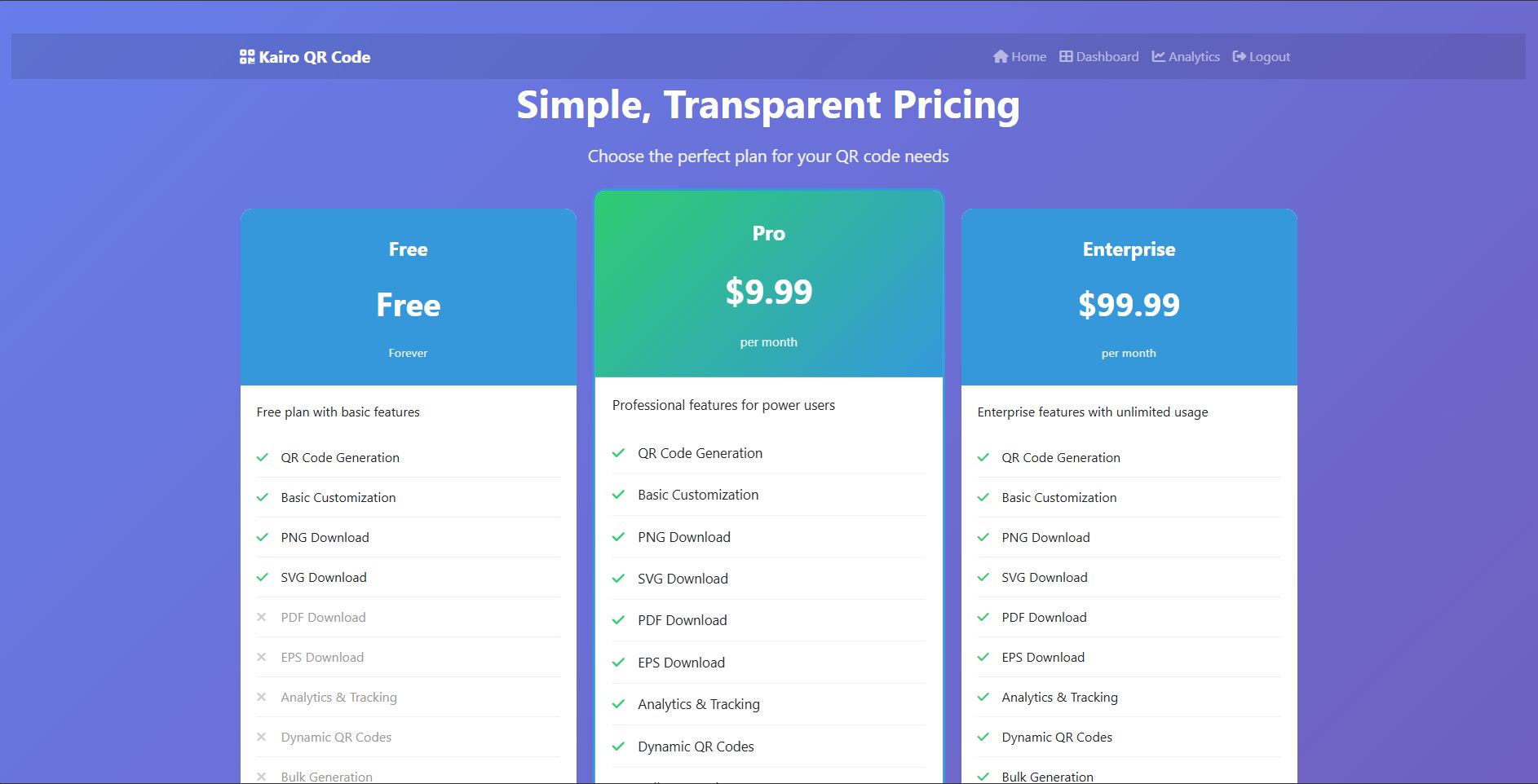
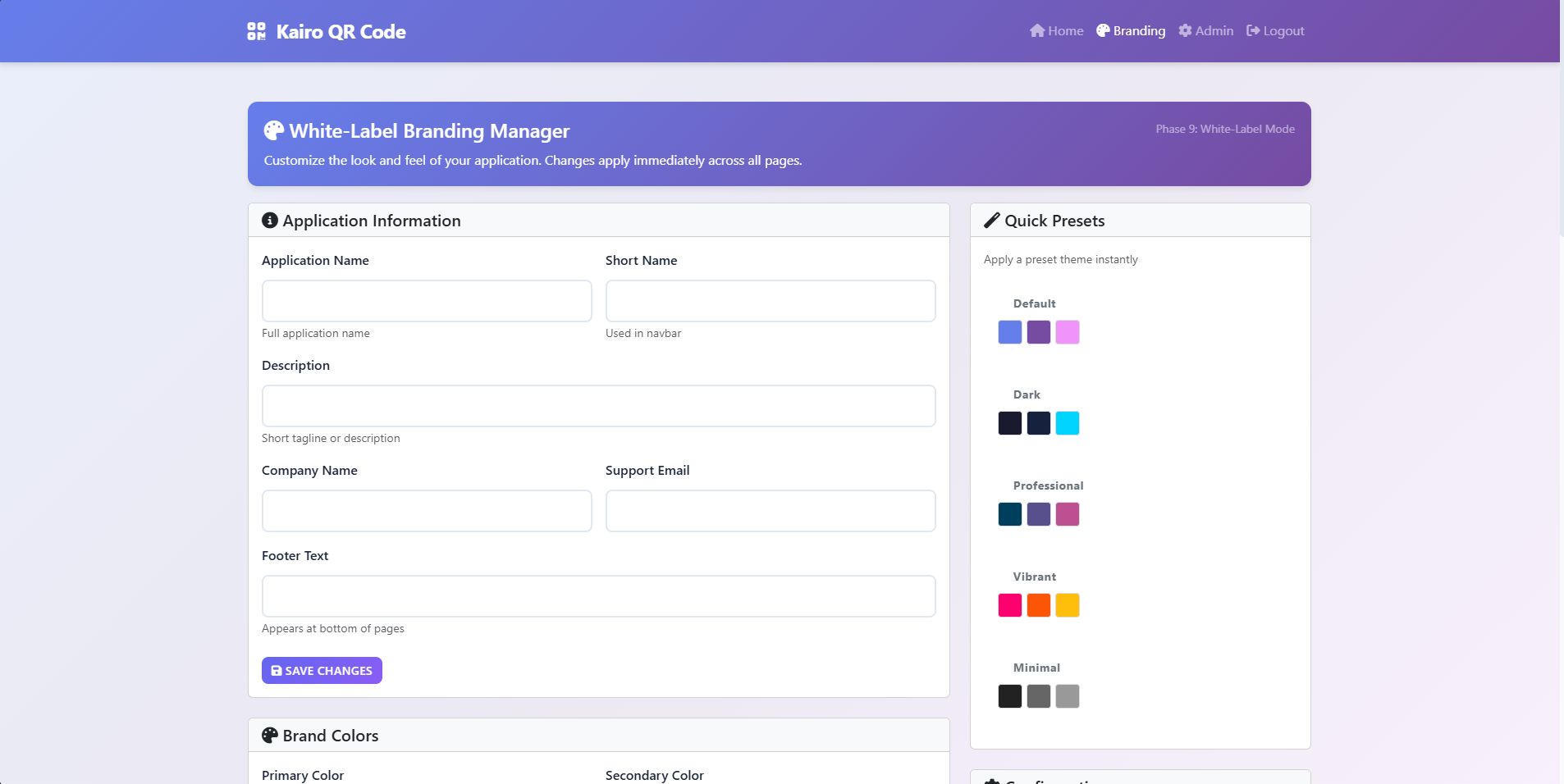

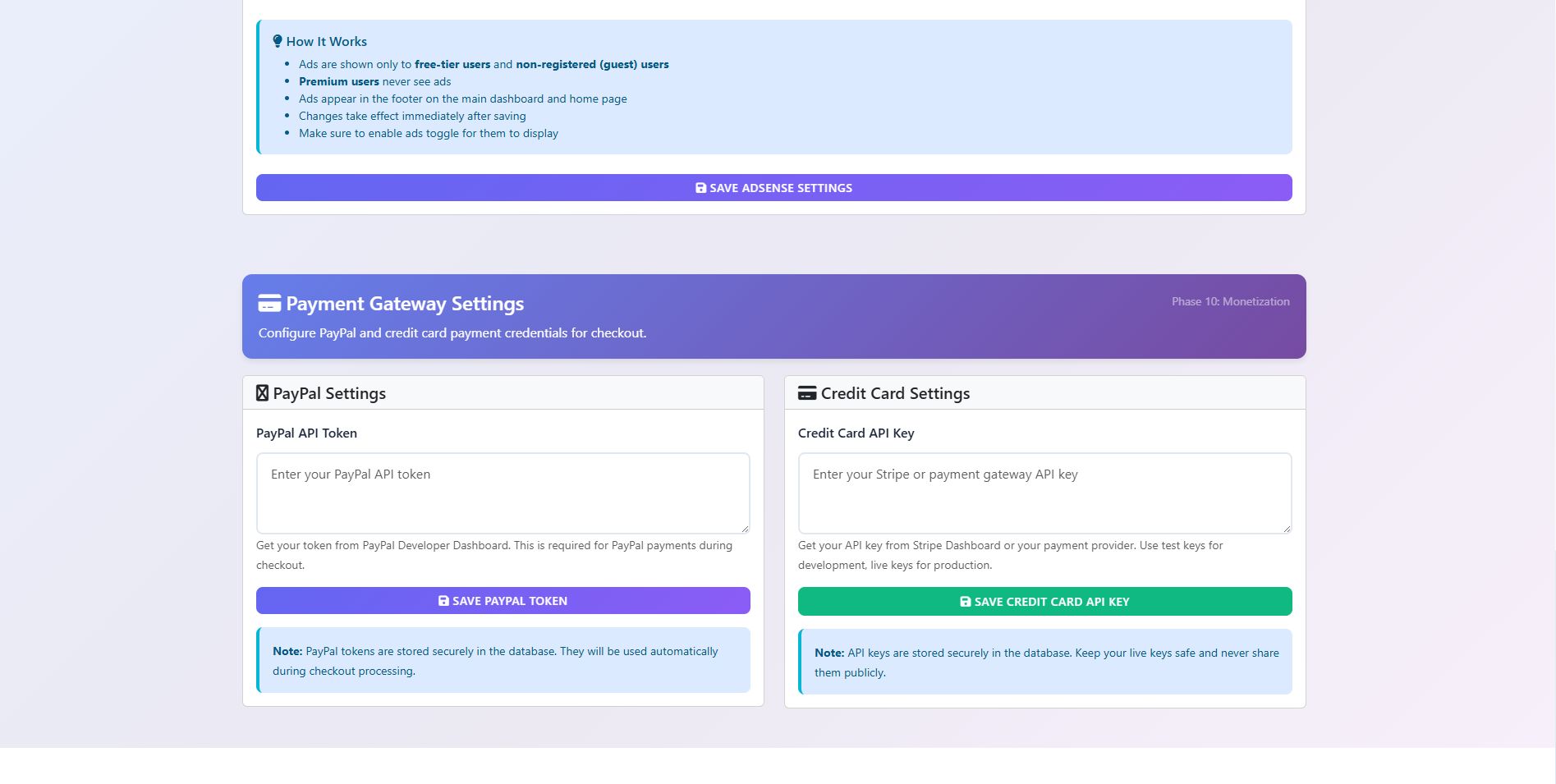
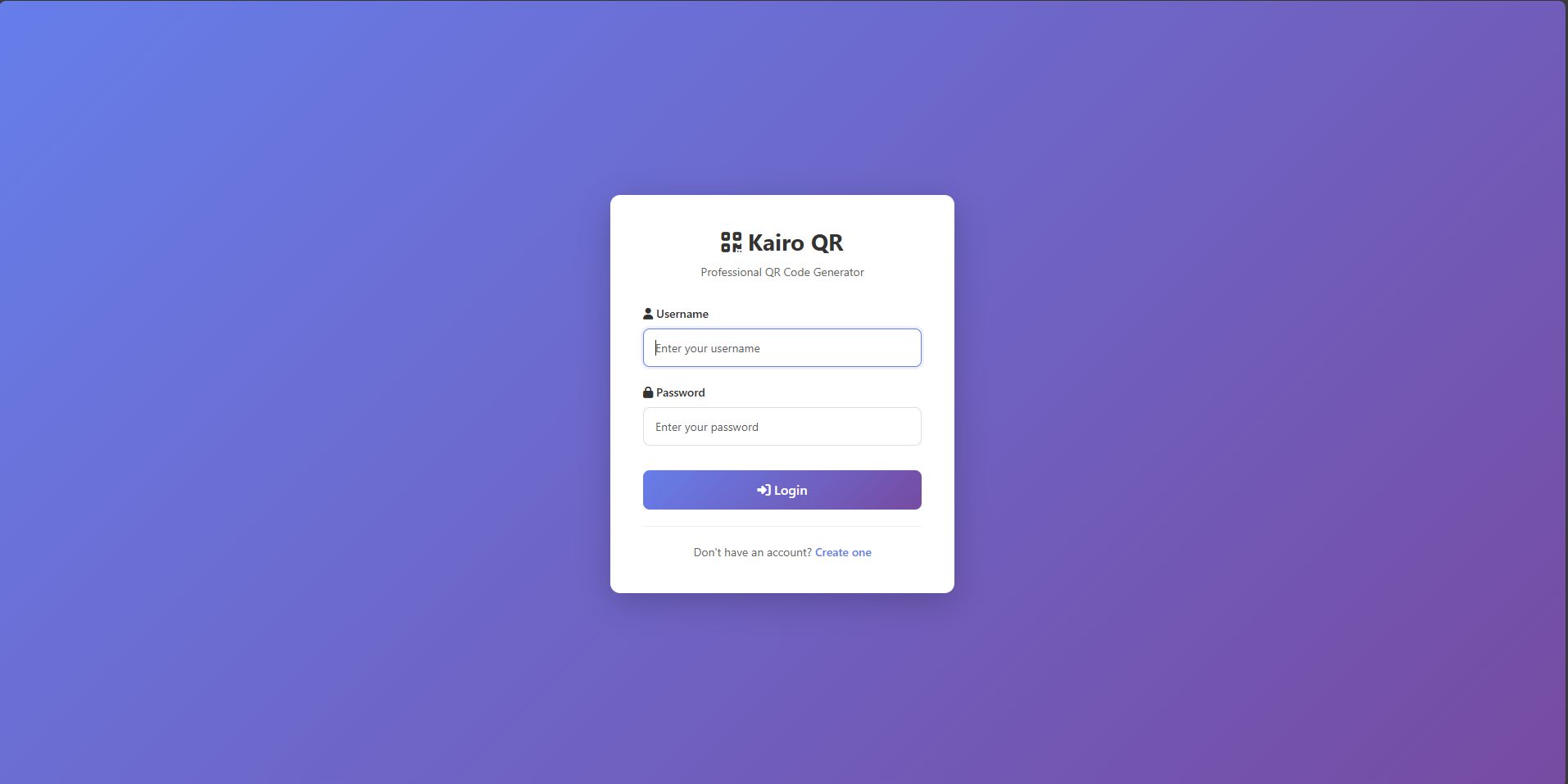
Overview
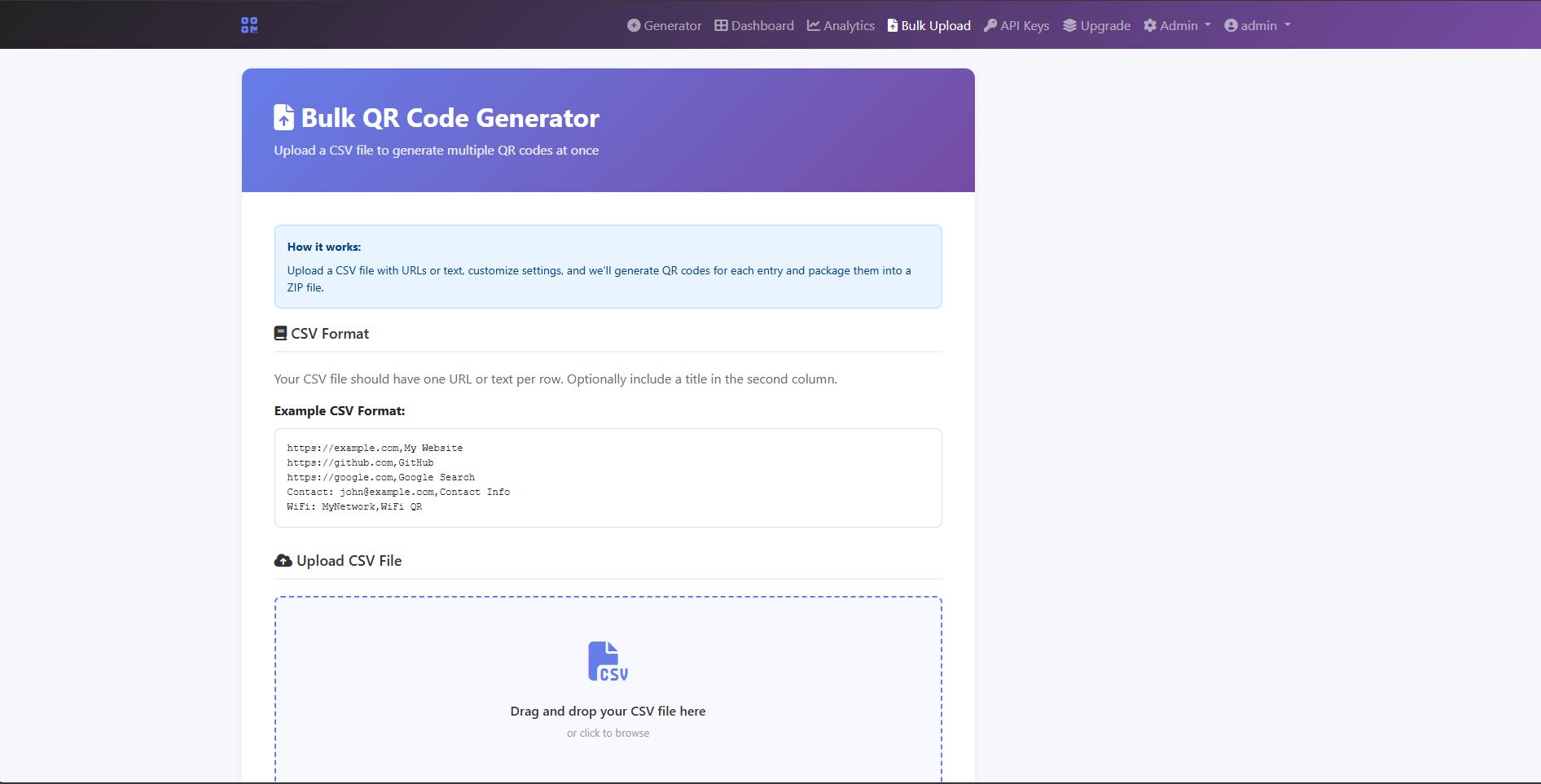
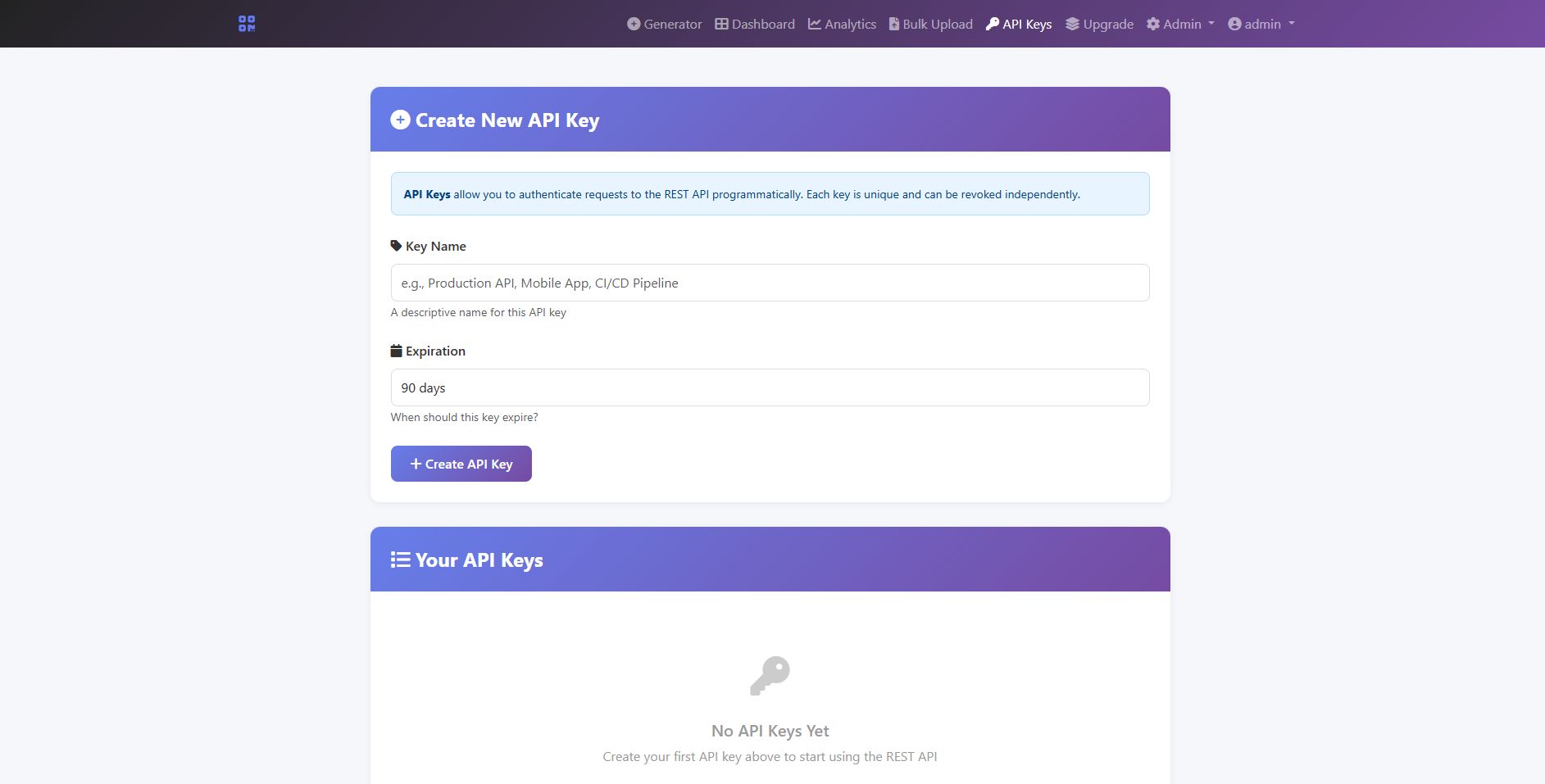
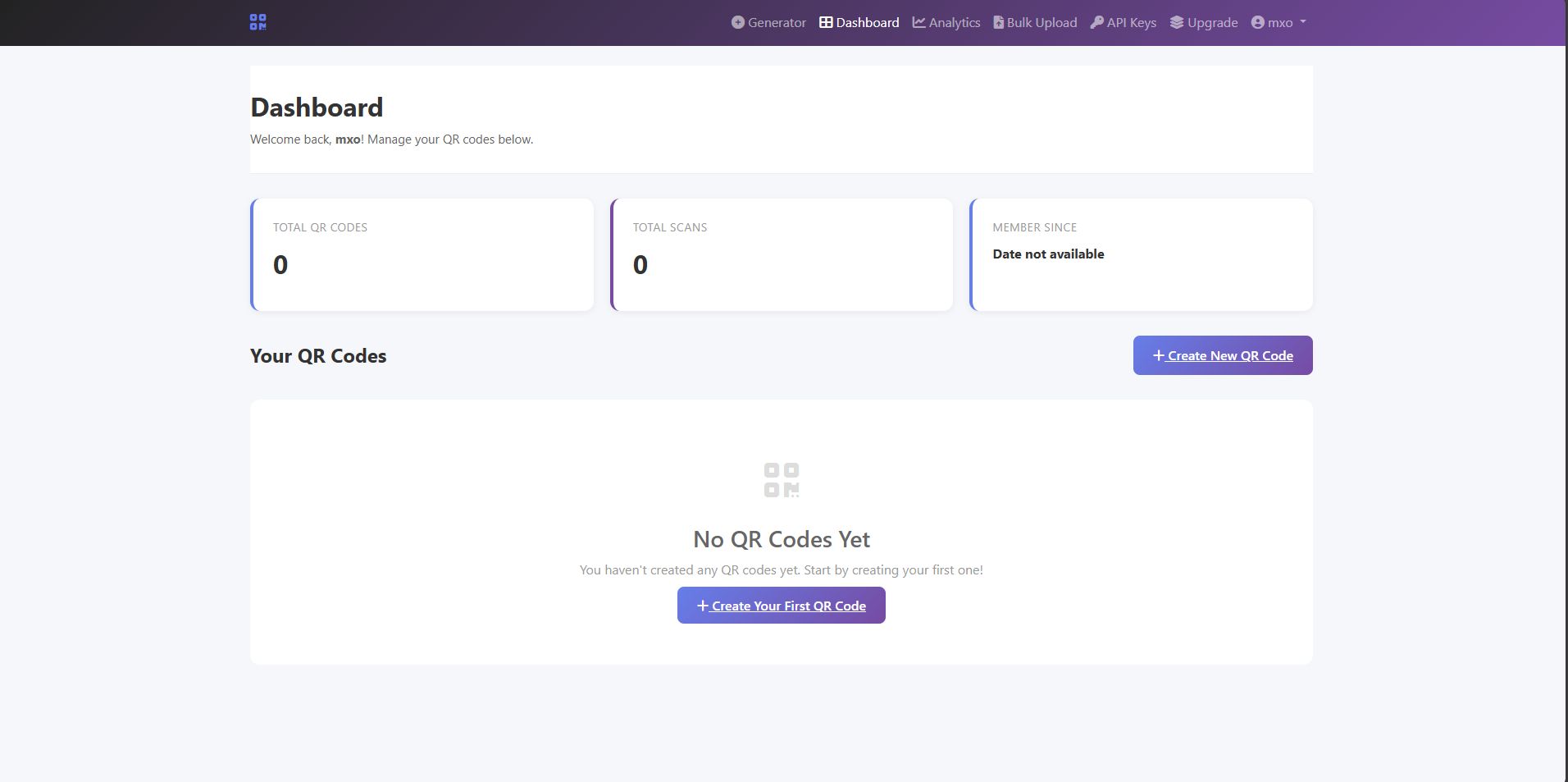
Kairo QR Code Generator is a powerful, production-ready PHP platform for generating and managing QR codes. Designed for freelancers, agencies, and SaaS entrepreneurs, it combines ease of use with enterprise-grade features. Live preview coming soon — all features are fully documented and tested. Screenshots included for now.
Features
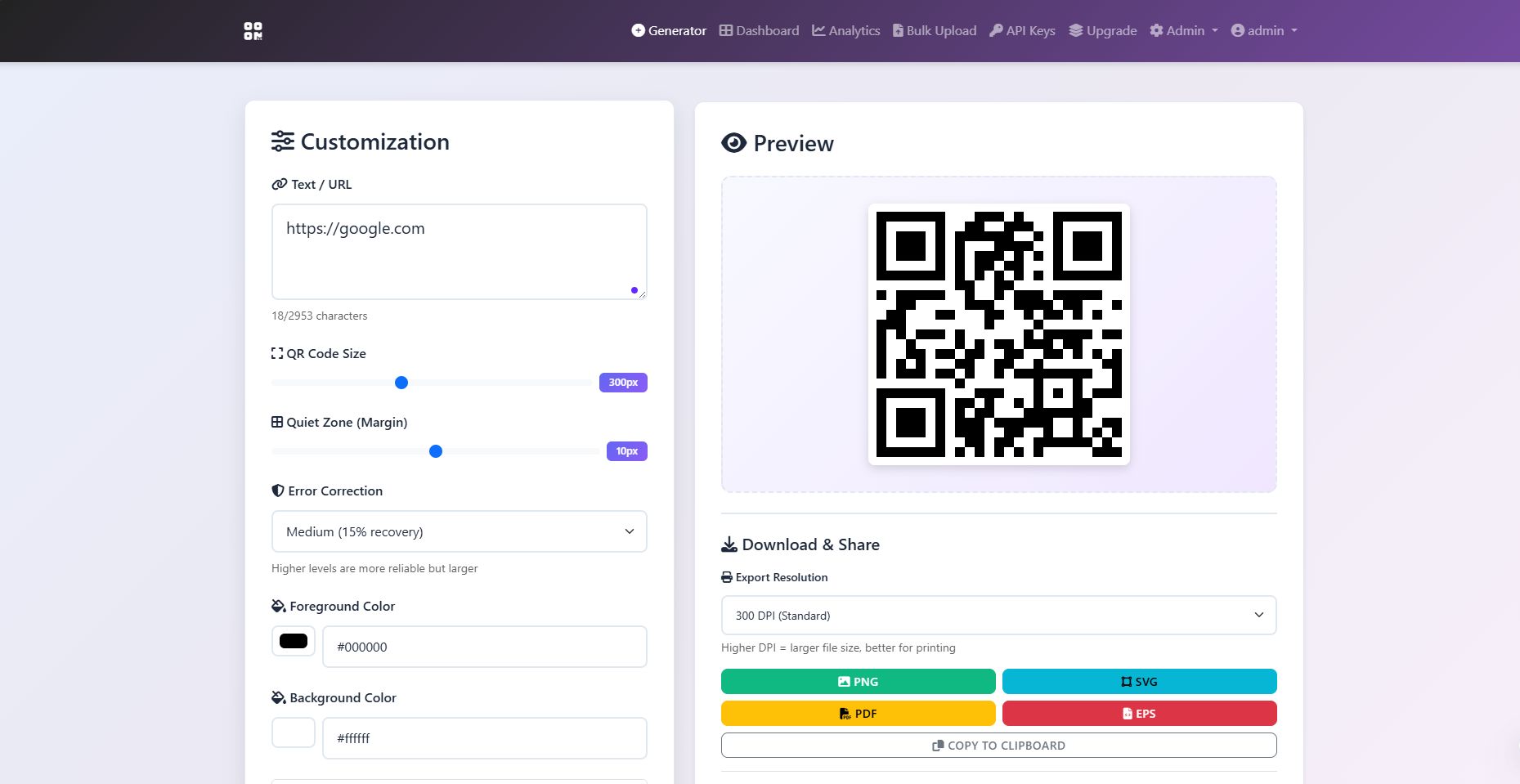
- QR Code Generation: Supports text, URL, WiFi, vCard, SMS, Phone, Email, Calendar, and Geo templates.
- Customization: Add logos, change colors, adjust size and margin, and download in PNG, SVG, or PDF.
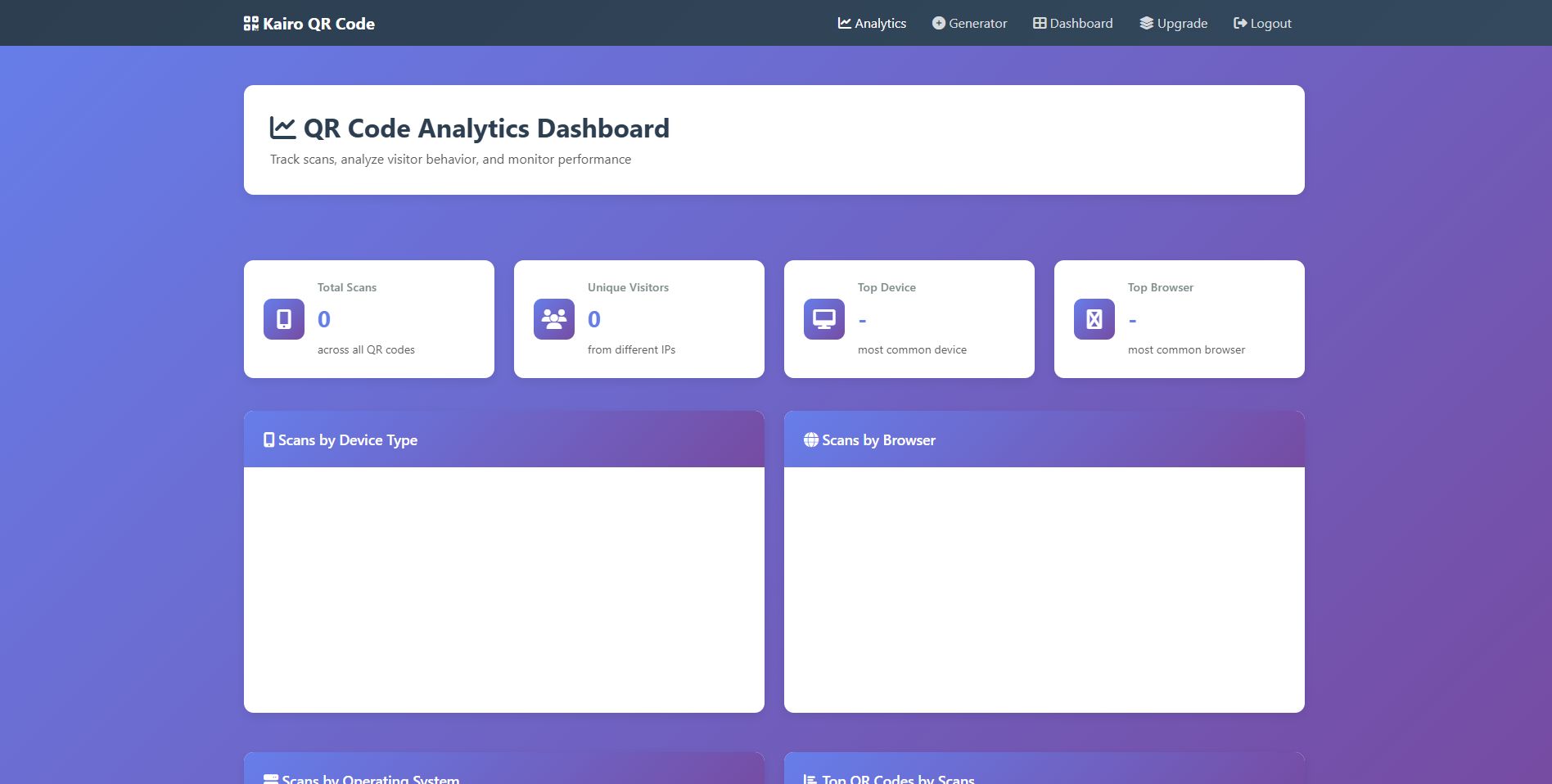
- User Dashboard: Save QR codes to campaigns, manage downloads, and track analytics.
- Admin Panel: Manage users, campaigns, analytics, and branding settings.
- Analytics: Track QR scans with per-user filtering and click tracking.
- Payment Integration: Stripe and PayPal support for premium upgrades.
- AdSense Integration: Monetize free-tier and guest users with configurable ads.
- Security: Secure sessions, bcrypt password hashing, PDO prepared statements.
- Responsive Design: Works across desktop, tablet, and mobile.
- White-Label Ready: Easily rebrand for client or agency use.
Requirements
- PHP 7.4+ or PHP 8.x
- MySQL or SQLite
- Web server (Apache/Nginx)
- Basic knowledge of PHP and hosting
Instructions
Installation Steps:
- Upload Files
- Unzip the package you downloaded from Codester.
- Upload all files to your web server (Apache/Nginx).
- Database Setup
- Create a new MySQL database (or use SQLite if preferred).
- Import the provided SQL file (
database.sql) or let the auto‑initialization run on first load.
- Configuration
- Open
config.phpand update the following:- Database credentials (host, username, password, db name).
BASE_URLconstant to match your domain.
- Optional: Toggle ads in Branding → Ads Settings tab.
- Open
- Admin Access
- Default admin login credentials are provided in the documentation.
- Log in to
branding.phpto configure:- Logo, favicon, and app icon.
- PayPal and Stripe tokens.
- AdSense code (optional).
- User Access
- Users can register accounts via
index.php. - Free‑tier users see ads and basic QR features.
- Premium users (after payment) get ad‑free experience and advanced features.
- Users can register accounts via
- Testing
- Generate QR codes using templates (WiFi, vCard, SMS, Phone, Email, Calendar, Geo).
- Save campaigns to dashboard.
- Verify analytics tracking.
- Confirm payments and subscription upgrades.
Notes:
- Works with PHP 7.4+ and PHP 8.x.
- Requires MySQL or SQLite database.
- Responsive design, mobile‑friendly.


Information
| Category | Scripts & Code / PHP Scripts / SaaS |
| First release | 25 January 2026 |
| Last update | 25 January 2026 |
| Software version | PHP 7.4, PHP 8.0, PHP 8.1, PHP 8.2, PHP 8.3, PHP 8.4 |
| Files included | .php, .css, .html, .sql, Javascript .js |
| Tags | QR generator, php script, Responsive design, admin dashboard, qr code, stripe integration, paypal integration, adsense integration, saas script, secure php, qr analytics, white label qr code generator qr code maker qr code creator php qr code php script saas script saas platform qr analytics qr campaigns qr management qr code software qr code saas qr code php |


