Content Operations DashboardContent Operations Dashboard
Self-hosted dashboard for managing, auditing and synchronizing content across multiple WordPress websites via REST API
Content Operations Dashboard
Self-hosted dashboard for managing, auditing and synchronizing content across multiple WordPress ...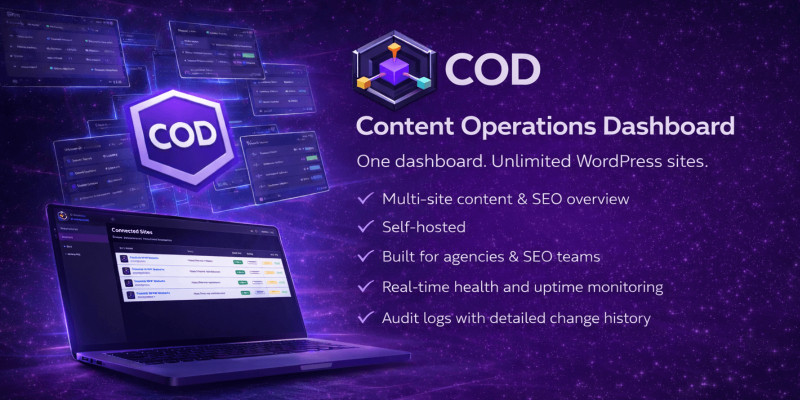
Screenshots
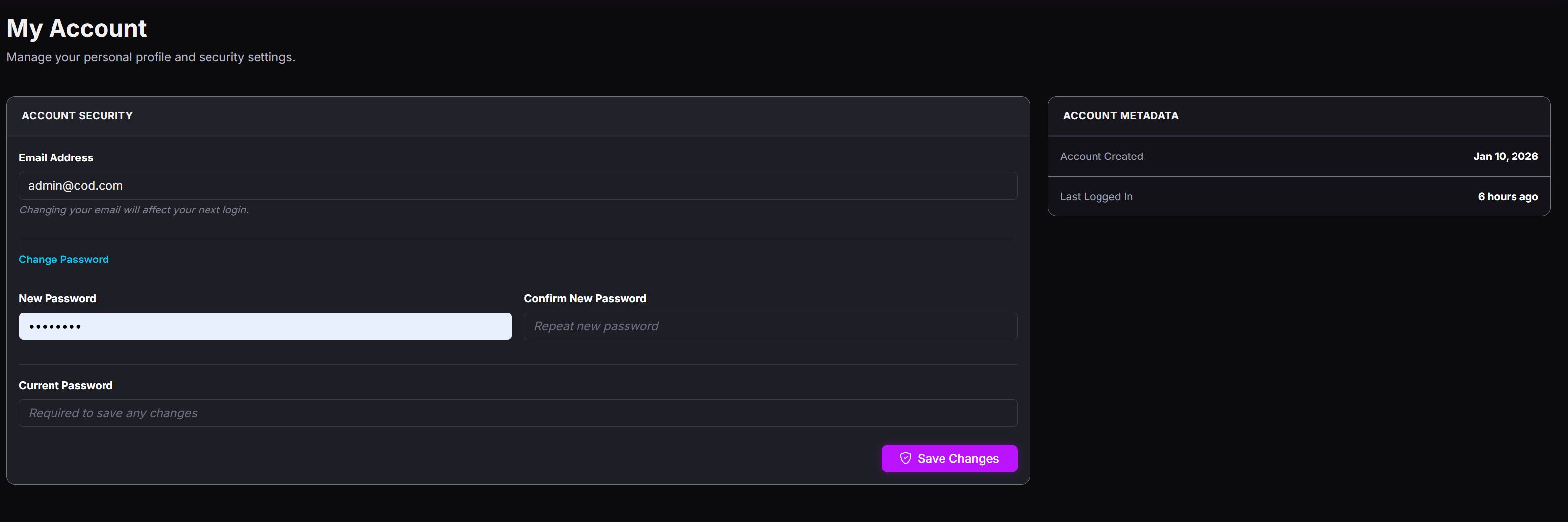


Overview
Overview
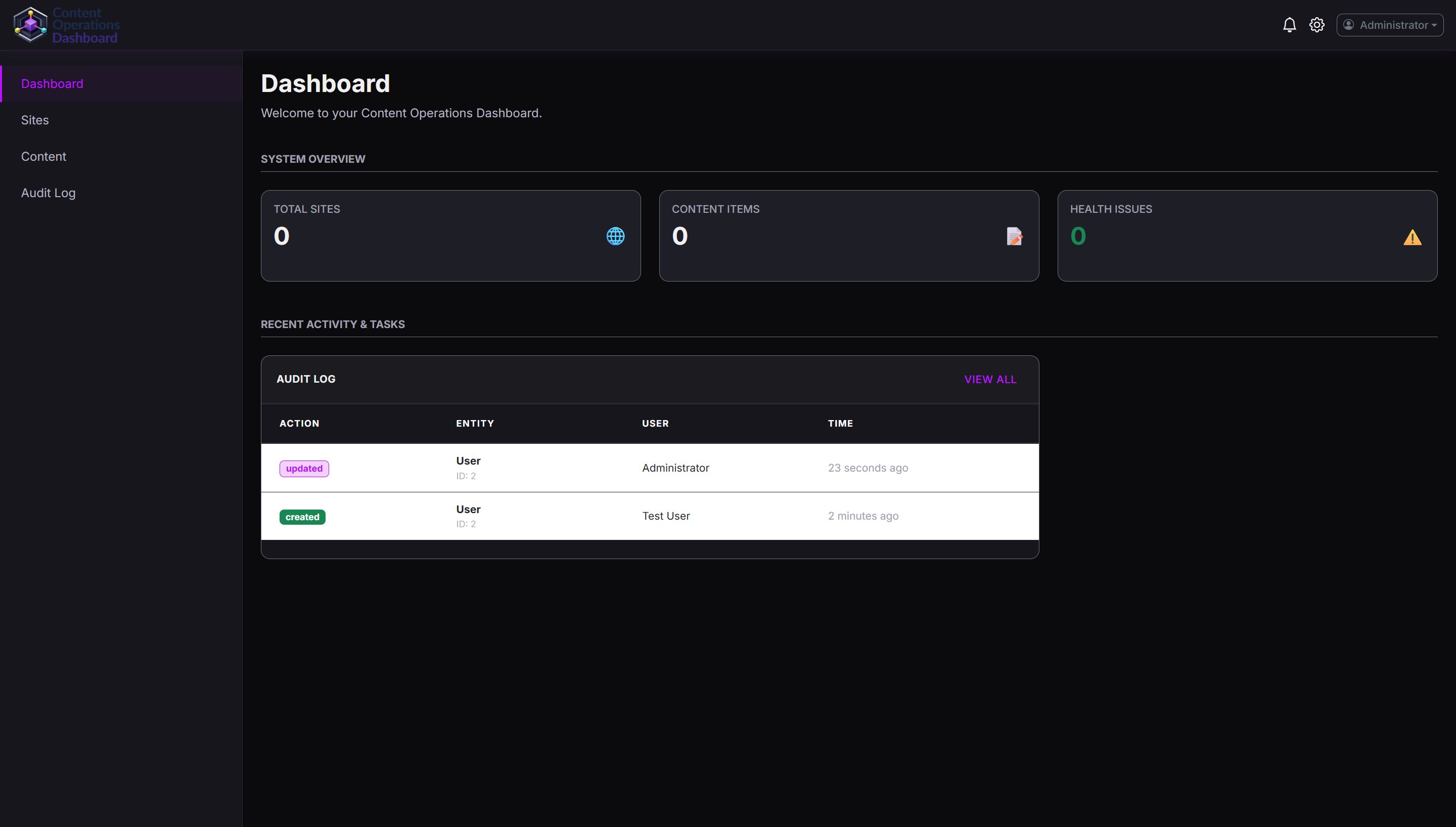
Content Operations Dashboard (COD) is a self-hosted web application designed for managing, monitoring and auditing posts content across multiple WordPress websites from a single interface.
It provides a unified content index, synchronization tools, SEO metadata visibility, audit logs and system-level controls, making it ideal for content managers, SEO specialists and developers working with multiple WordPress installations.
What This Product Is
- ✔ A standalone Laravel-based dashboard
- ✔ Read-only by default WordPress integration (GET via REST API)
- ✔ Centralized content overview across many sites
- ✔ Manual-first synchronization (no forced automation)
What This Product Is NOT
- ✖ Not a WordPress plugin
- ✖ Not a SaaS service
- ✖ No external servers or subscriptions required
Main Use Cases
- Managing multiple WordPress blogs from one dashboard
- Monitoring post content health, SEO flags and publication status
- Auditing content changes and synchronization history
- Manual content synchronization and inspection
Self-Hosted & Extensible
COD is delivered as a self-hosted application. You have full access to the source code and can freely customize, extend or integrate it into your own workflows.
The application works out of the box as a complete solution, but it is also prepared for further development by experienced users.
Read-Only by Default, Editable When Needed
Content Operations Dashboard works in read-only mode by default. All connected WordPress websites are accessed via the official WordPress REST API using safe GET requests.
This ensures that no content is modified unless you explicitly enable editing capabilities.
Optional Editing via WordPress Helper
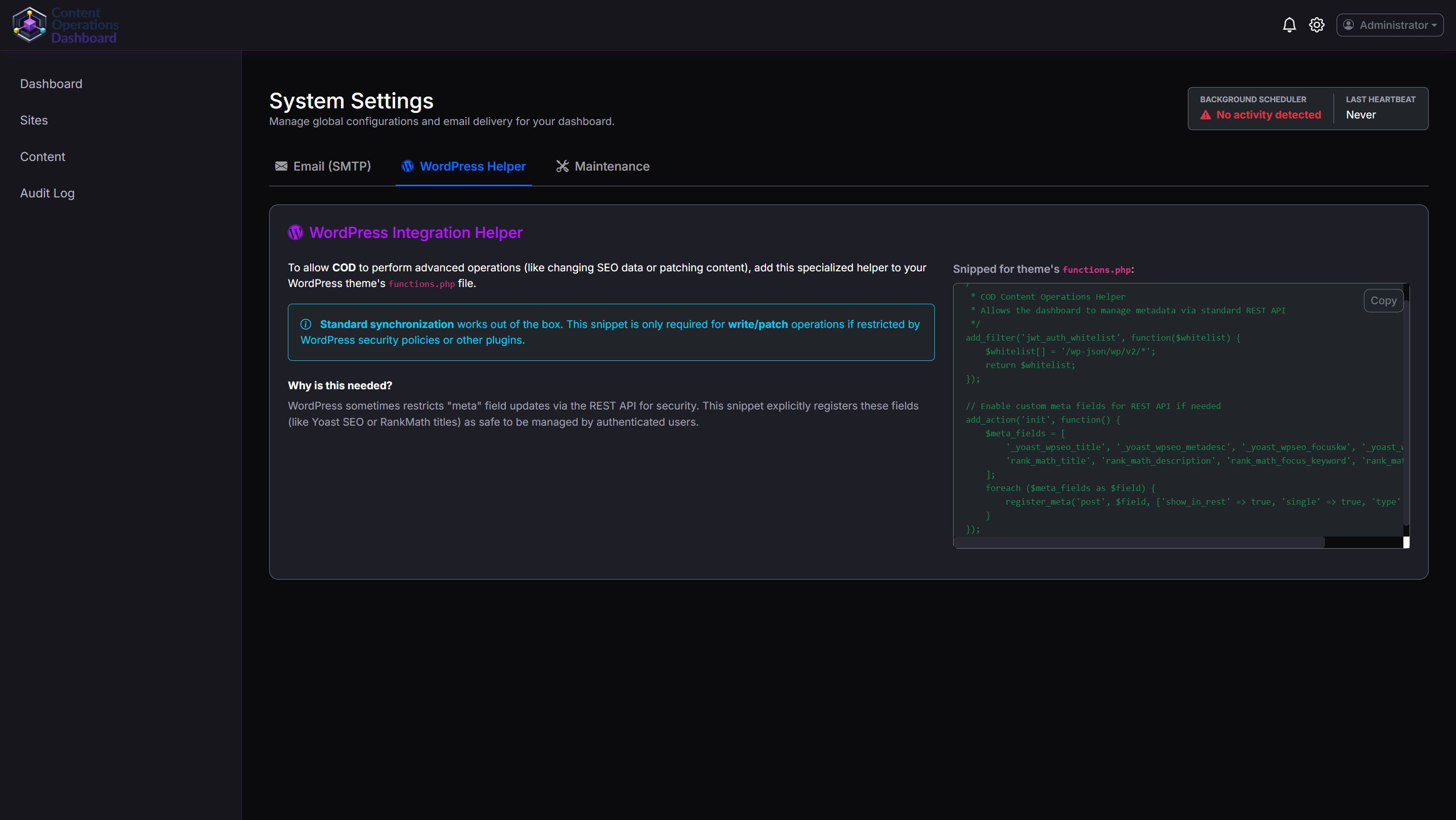
COD allows content and SEO metadata editing only after adding an optional WordPress Helper snippet to your WordPress installation.
The helper is provided as a simple PHP function that can be added to the theme’s functions.php file. It safely exposes selected meta fields to the REST API for authenticated users.
- ✔ Read-only synchronization works out of the box
- ✔ Editing is fully optional and opt-in
- ✔ No WordPress plugin required
- ✔ Full control remains on the WordPress side
This approach keeps the system secure by default while allowing advanced users to enable editing when required.
Important Notes
- This product is intended for self-hosted environments
- Support is provided via Codester comments only
- Refunds are subject to the marketplace refund policy
- Buyers are responsible for server configuration
Demo Credentials: Email: [email protected] / Password: demo1234
Features
- Multi-site WordPress integration (REST API)
- Read-only WordPress integration by default
- Optional content and SEO editing via WordPress Helper function
- No WordPress plugin required
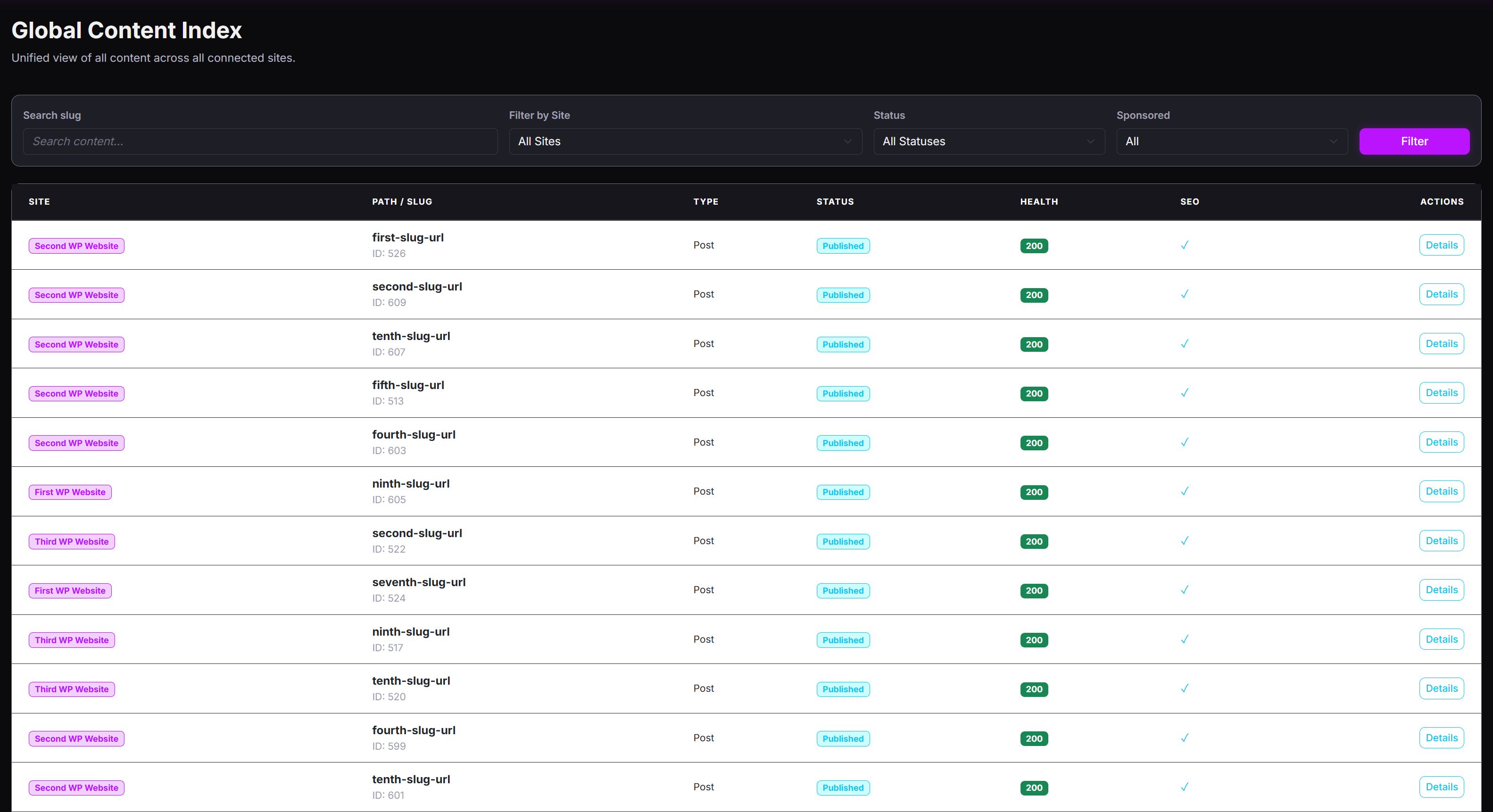
- Global Content Index with filtering and pagination
- Manual "Sync Now" per site
- Site connection health checks
- SEO metadata visibility (Yoast / RankMath)
- Content detail view with snapshots and history
- Audit Log with before/after diff preview
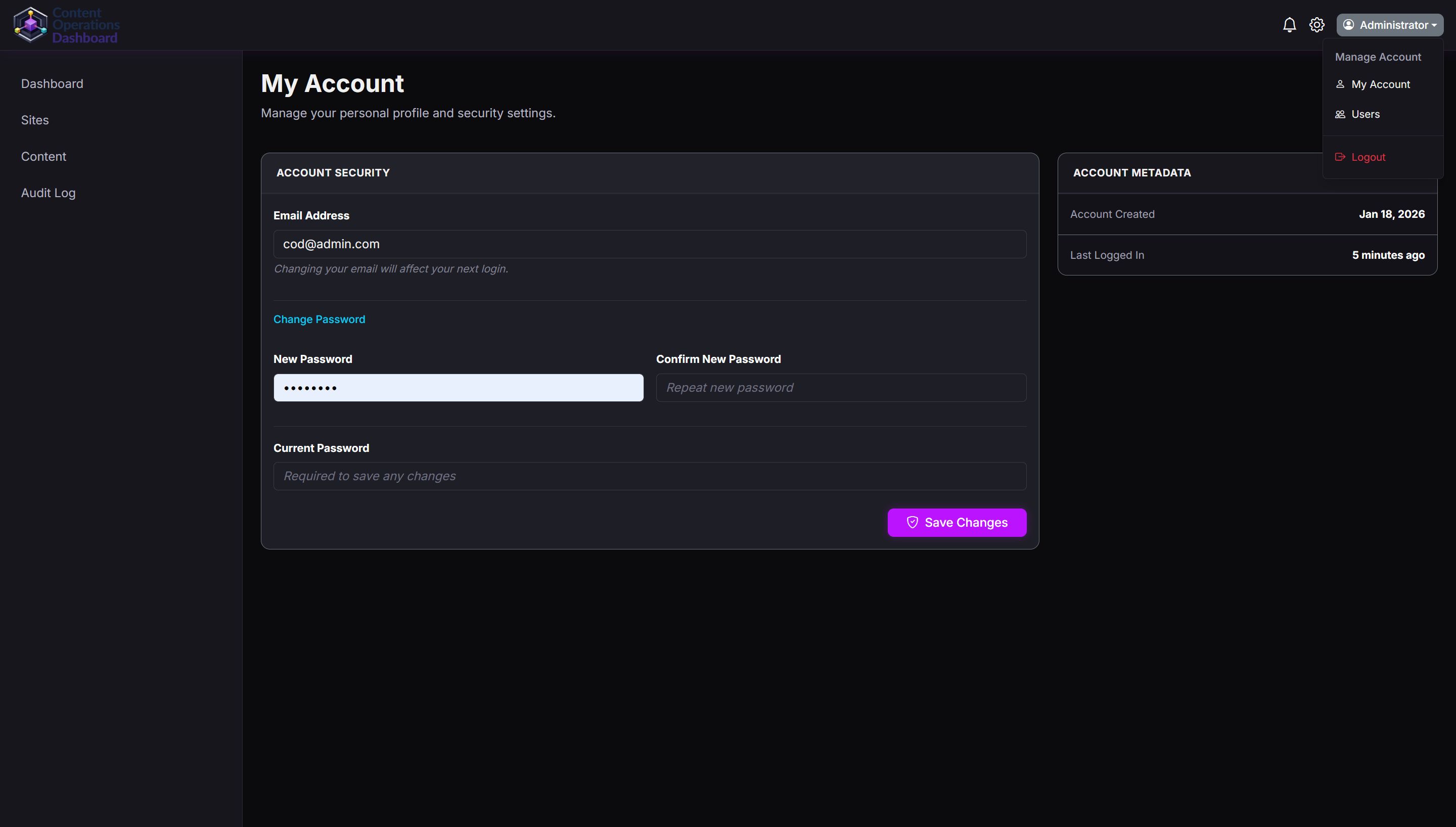
- User management (administrators)
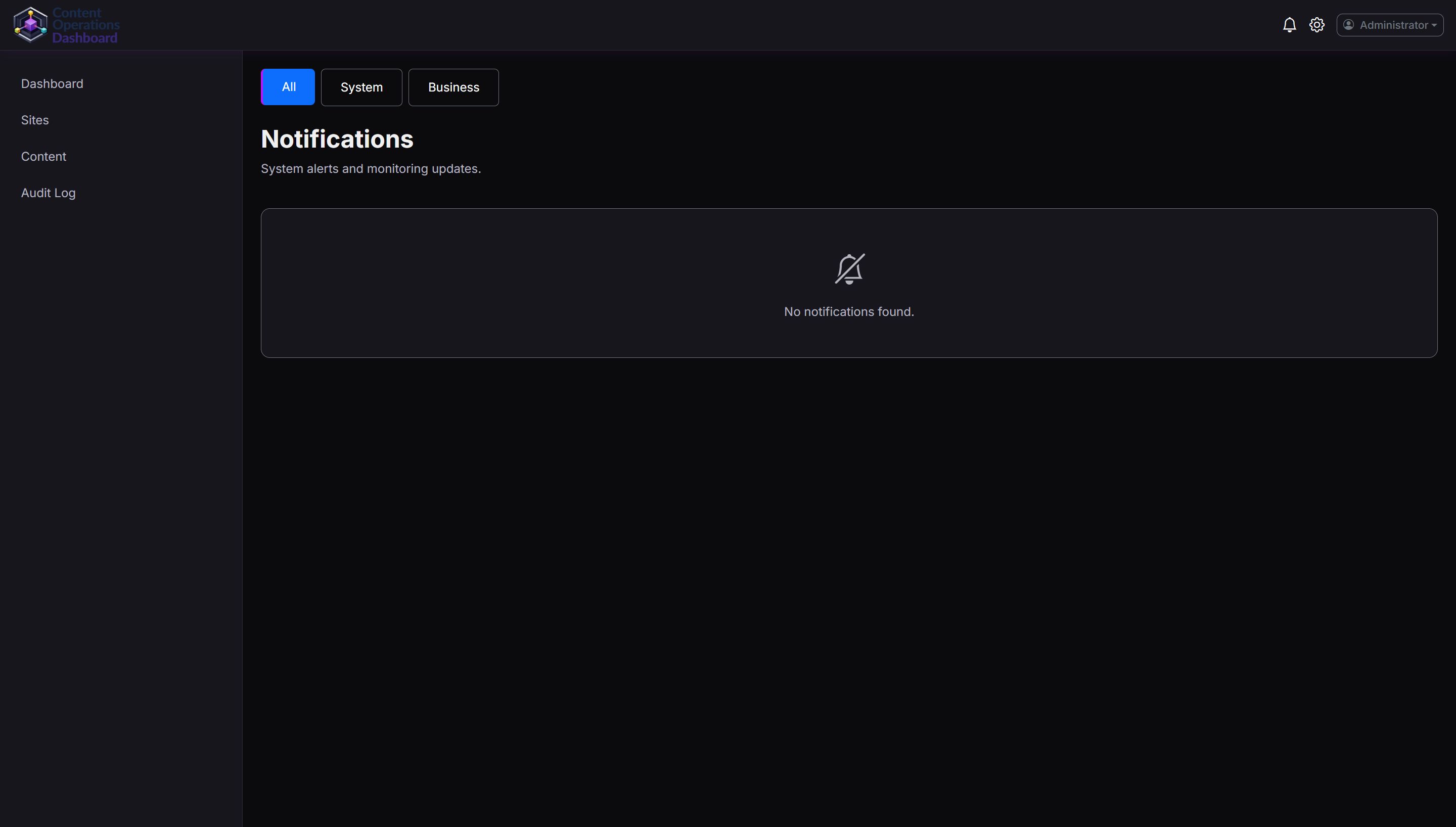
- System notifications panel
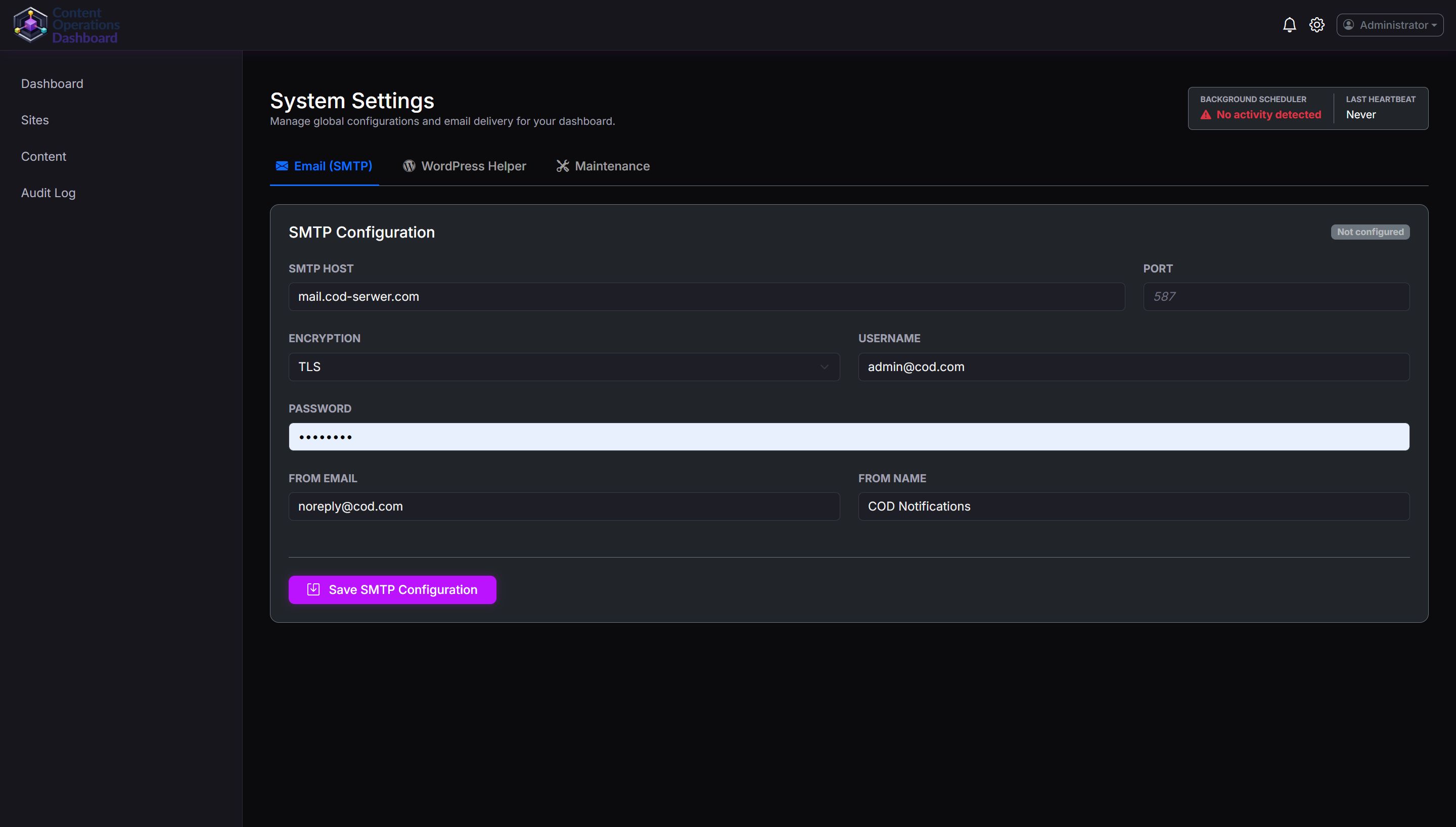
- SMTP configuration for email alerts
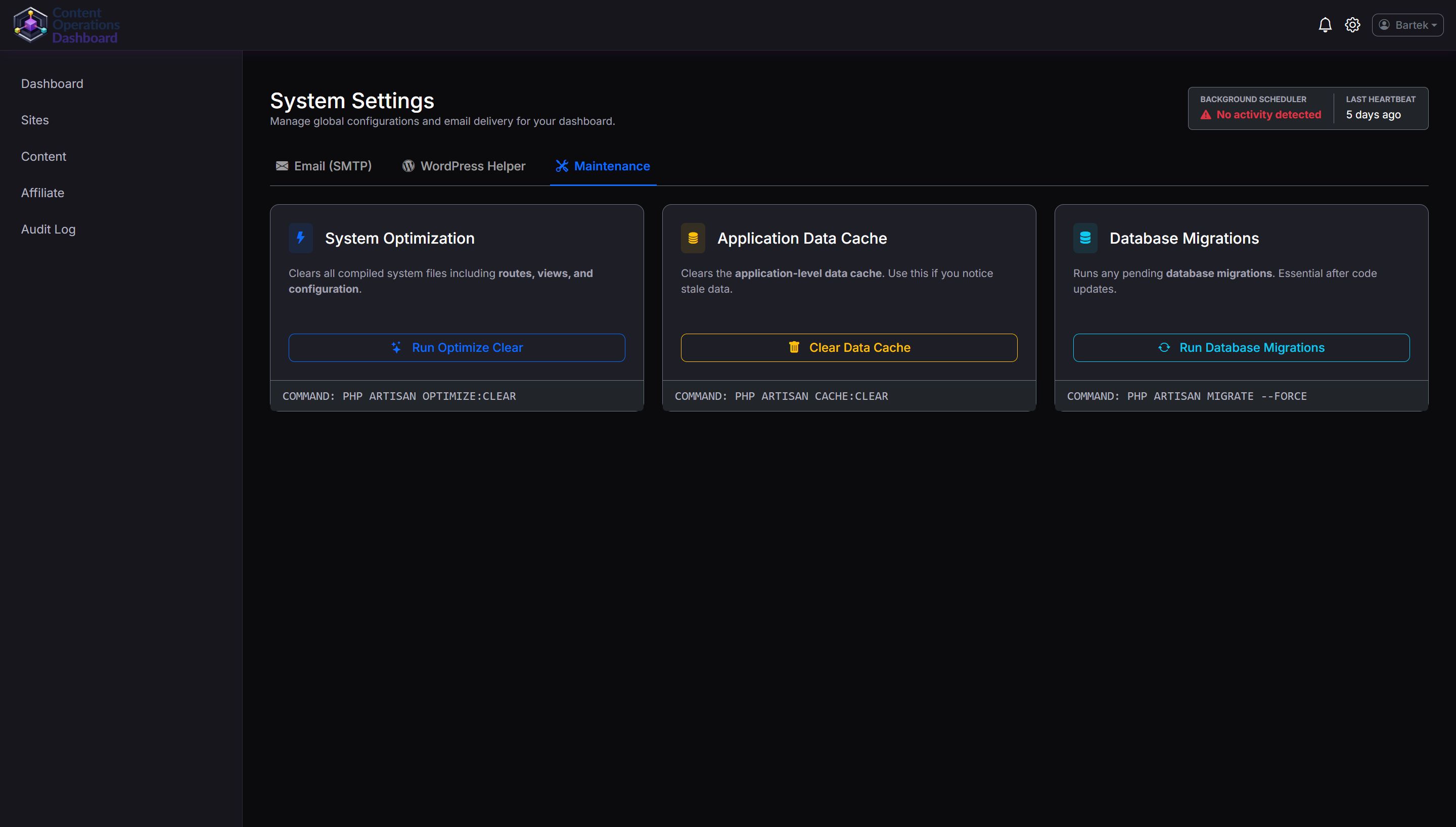
- Maintenance tools:
- Optimize clear (config, routes, views)
- Application cache clear
- Run database migrations from UI
- Dark mode UI with clean dashboard layout
Requirements
- PHP 8.2 or newer
- MySQL / MariaDB database
- Web server (Apache or Nginx)
- Composer (for installation)
- WordPress websites with REST API enabled
- WordPress Application Passwords (recommended)
- (Optional) Ability to add a helper function to WordPress
functions.phpfor editing features
Instructions
Installation
- Upload the application files to your server
- Create an empty database
- Open
/public/installin your browser - Complete the installation wizard
- Create the administrator account
- Log in to the dashboard
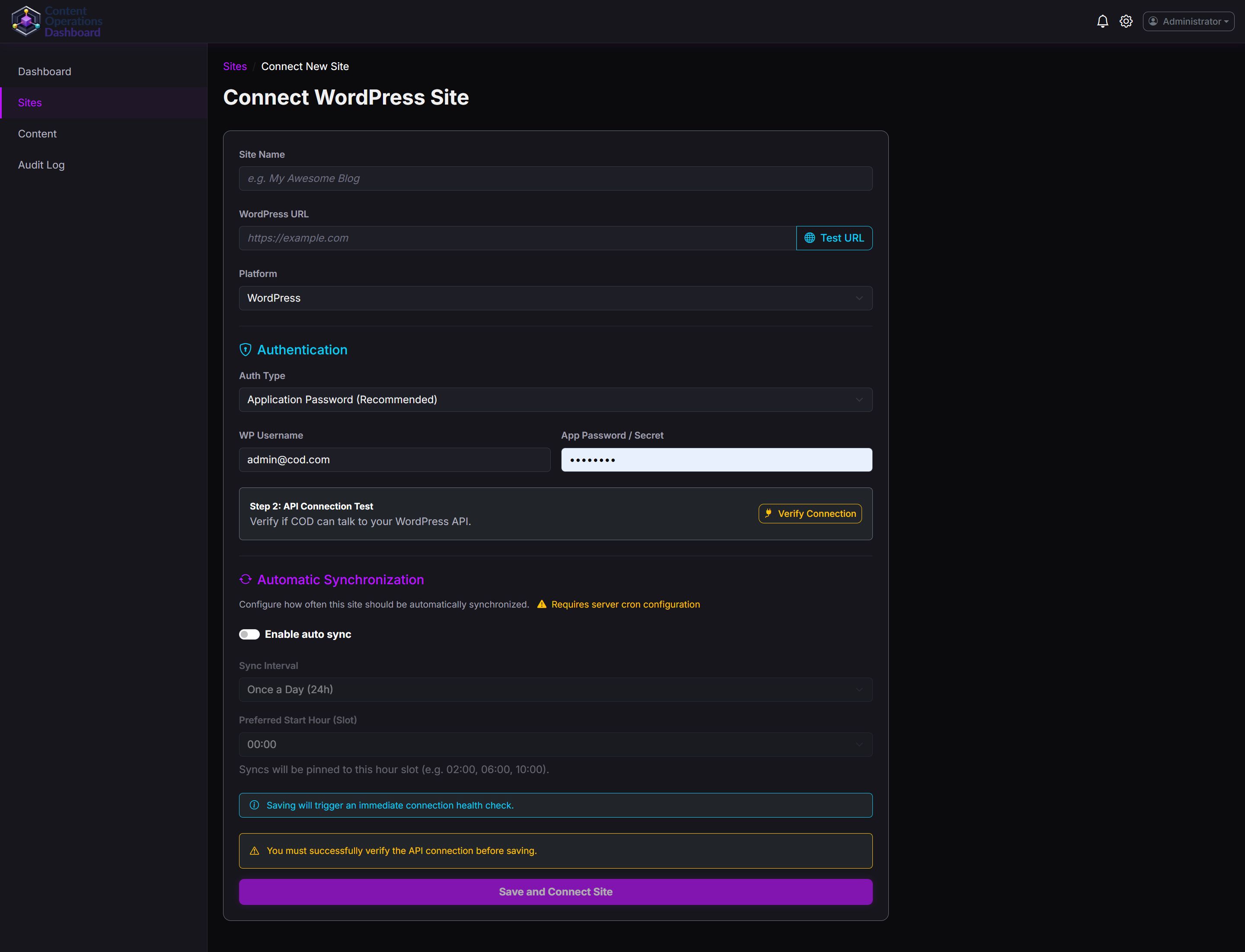
Connecting a WordPress Site
- Go to Sites → Add New Site
- Enter site name and WordPress URL
- Provide WordPress username and application password
- Verify API connection
- Save and connect the site
Synchronization
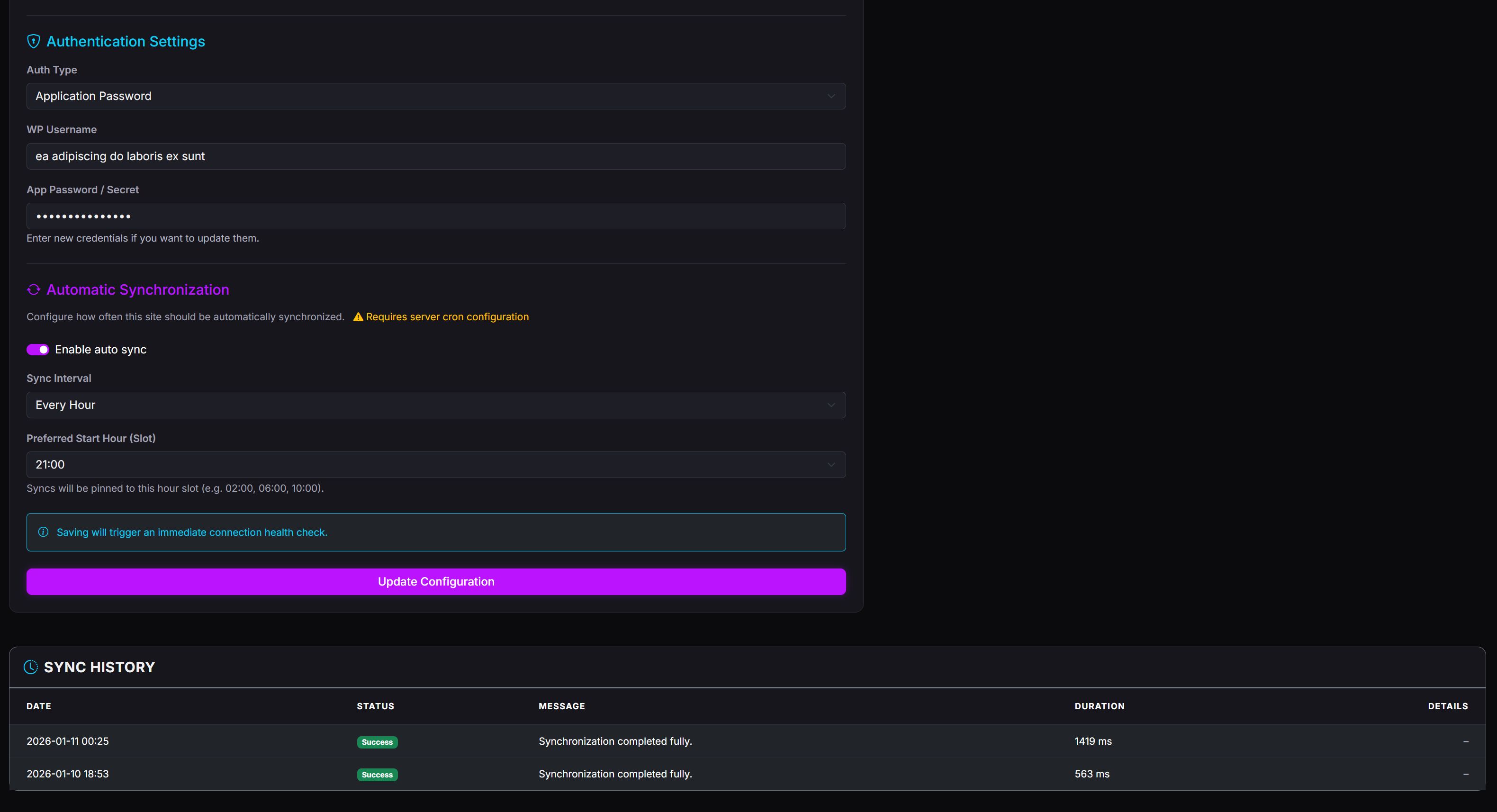
- Manual sync is available per site
- Automatic sync requires server cron configuration
- No background jobs are enabled by default
Enabling Content Editing (Optional)
- Open your WordPress theme
functions.phpfile - Paste the provided WordPress Helper function
- Save the file and clear WordPress cache if used
- Editing features will become available in COD
If the helper is not added, COD will continue working in read-only mode.


| Category | Scripts & Code / PHP Scripts / Miscellaneous |
| First release | 29 January 2026 |
| Last update | 29 January 2026 |
| Software version | PHP 8.2, PHP 8.3, PHP 8.4 |
| Files included | .php, .css, Javascript .js |
| Tags | wordpress api, dark theme, post management, php application, self-hosted |