Car Wash Appointment Management SystemCar Wash Appointment Management System
The Car Wash Appointment Management System is a streamlined, web-based solution designed for automotive detailing studios to bridg
Car Wash Appointment Management System
The Car Wash Appointment Management System is a streamlined, web-based solution designed for auto...
Screenshots
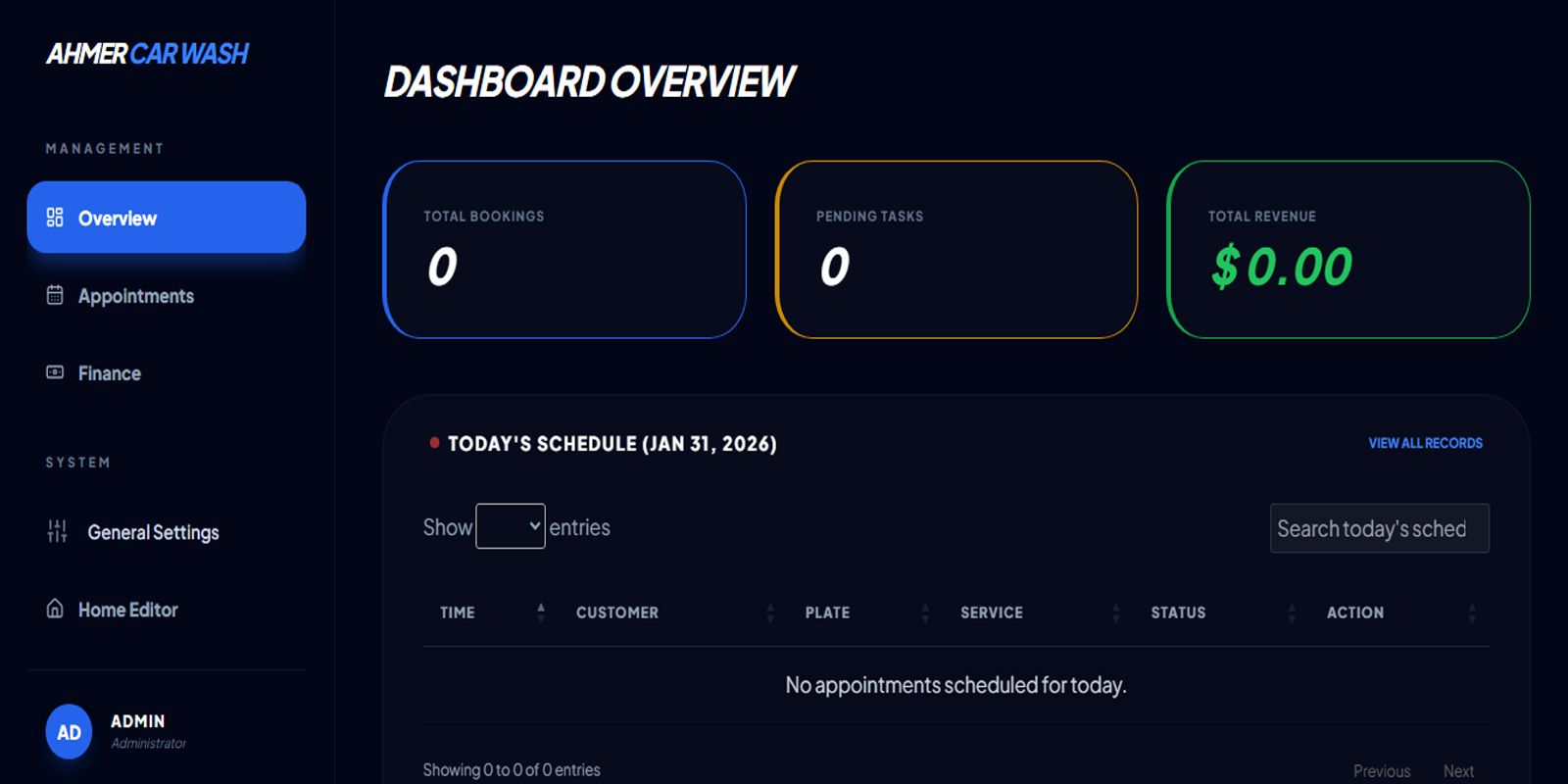
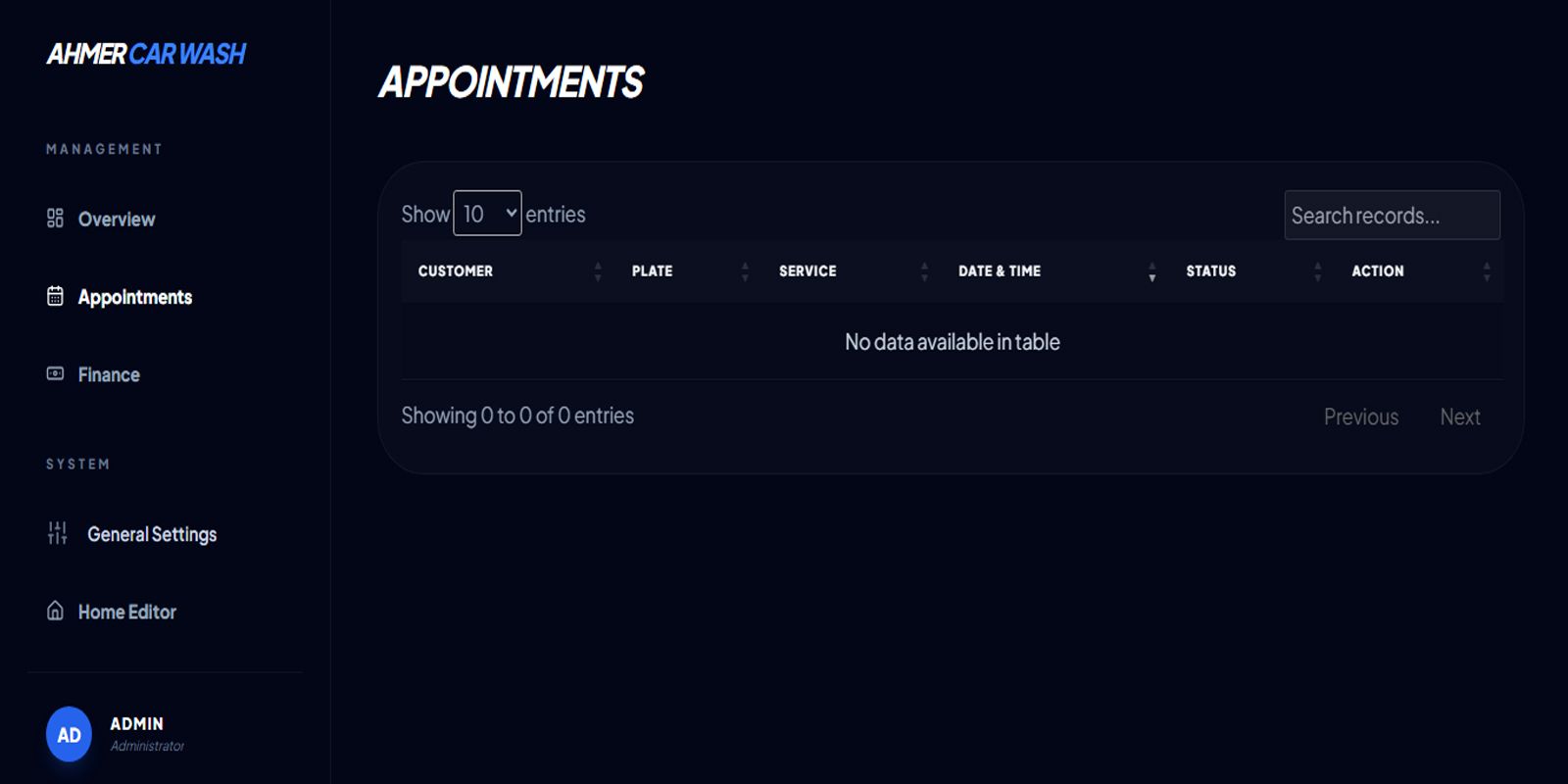
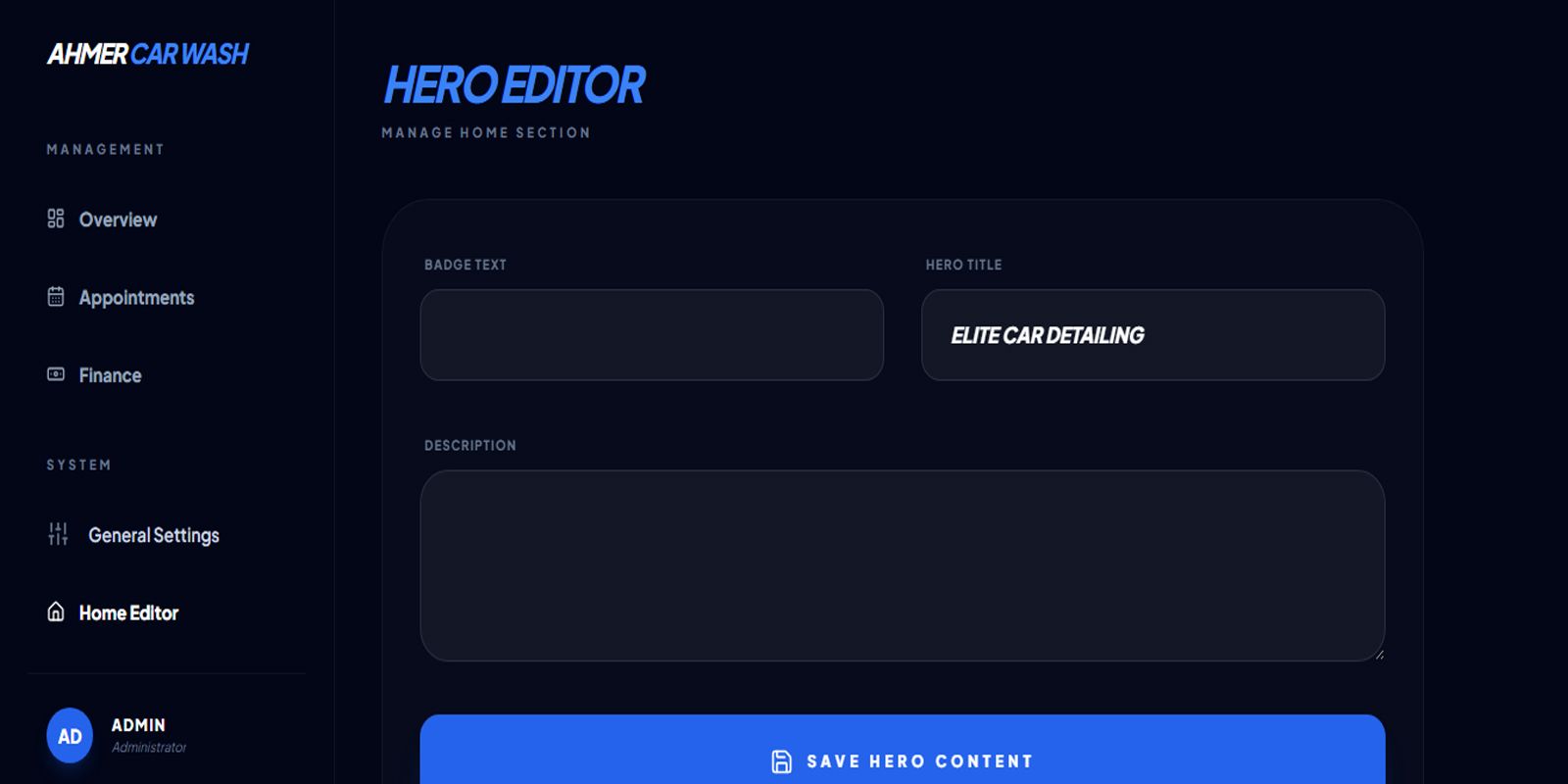
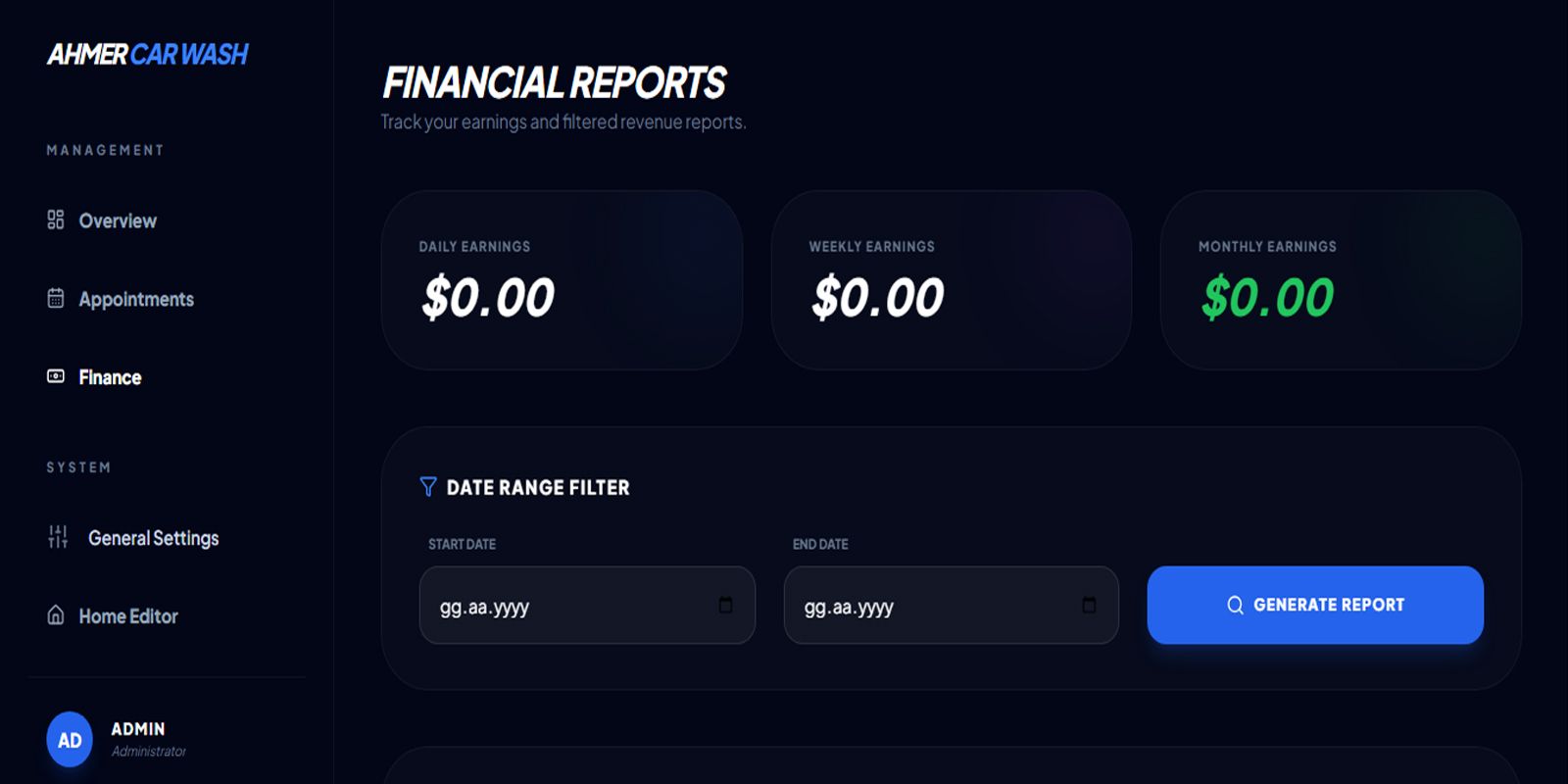
Overview
System Description
The Car Wash Appointment Management System is an all-in-one digital workspace designed specifically for automotive detailing professionals. It transforms a traditional service business into a modern, data-driven operation by combining a high-converting customer landing page with a robust administrative backbone.
Core Components
- Booking Engine: A seamless interface that allows clients to view your service menu and request appointments 24/7, reducing phone-call dependency.
- Workflow Manager: A centralized dashboard for staff to track vehicle status from "Pending" to "In Progress" and finally "Completed."
- Revenue Tracker: An integrated tool to manage final pricing and payment methods (Cash/Card), providing a clear view of daily earnings.
- CMS (Content Management System): A user-friendly "Settings" area to update your studio’s name, contact info, and pricing instantly.
How It Works
- Discovery: Customers visit the site and browse your Services and Gallery.
- Booking: They select a service and provide their plate number and contact details.
- Management: You receive the request in the Admin Panel, where you confirm the time and manage the job.
- Completion: Once the car is ready, you mark it as paid, and the system logs the transaction.
System Values
- Professional Branding: Features a sleek "Glassmorphism" UI that builds trust with premium car owners.
- Zero-Coding Management: No technical skills are required to update your portfolio or change your service list.
- Data Organization: Keeps all vehicle history and customer details in one secure database.
Features
System Features
The system is packed with features designed to automate the administrative burden of running a detailing studio while providing a premium experience for the end-user.
1. Client-Facing Features
- Dynamic Service Menu: Displays all available wash packages with real-time pricing and descriptions.
- Interactive Booking Form: A simplified form for customers to submit their name, phone, plate number, and desired service.
- Visual Portfolio: A high-end gallery section showcasing your best work to build customer confidence.
- Responsive Design: Fully optimized for mobile, tablet, and desktop, allowing customers to book from their phones.
- Interactive Location Map: Built-in Google Maps integration to help clients navigate to your studio easily.
2. Administrative Features
- Real-Time Appointment Tracking: View all upcoming and past bookings in a clean, organized table.
- Status Management: One-click updates to move appointments through different stages (Pending, Confirmed, Completed, Cancelled).
- Service & Price Control: Add, edit, or delete service packages, change prices, and update icons without touching any code.
- Secure Authentication: A protected login area ensures only authorized staff can access business data.
- Payment Logging: Record the final price and payment method (Cash/Card) for every completed job.
3. Technical & System Features
- Centralized Configuration: A dedicated settings panel to update the studio name, currency symbol, and contact details globally.
- Automated Setup: A built-in installation wizard that handles database creation and system configuration automatically.
- Lucide Icon Integration: Access to a library of professional icons to represent different service types visually.
- SEO & Branding: Customizable Meta-titles and "Hero" sections to improve your site's professional appearance on search engines.
4. Security & Performance
- PDO Connection: Uses PHP Data Objects (PDO) for secure, SQL-injection-resistant database interactions.
- Session Management: Secure session handling to prevent unauthorized access to the admin panel.
- Asset Optimization: Fast-loading styles using Tailwind CSS for a modern "Glassmorphism" UI effect.
Requirements
System Requirements
To ensure the Car Wash Appointment Management System operates smoothly, your hosting environment must meet certain technical specifications. These requirements are divided into server-side needs and client-side compatibility.
1. Server-Side Requirements (Hosting)
The system is built using a lightweight but powerful PHP/MySQL architecture. Most standard web hosting providers (cPanel, DirectAdmin) or local servers (XAMPP, WAMP) meet these criteria:
- Web Server: Apache (with
mod_rewriteenabled) or Nginx. - PHP Version: PHP 7.4 or higher (PHP 8.x is fully supported and recommended for better performance).
- Database: MySQL 5.7+ or MariaDB 10.3+.
- PHP Extensions:
PDOandpdo_mysql(For secure database communication).GD Library(Optional, for image processing if needed).JSON(For data handling).
2. Directory Permissions
For the system to function correctly (especially for setups and image uploads), the following folders must be writable (Permission level 755 or 777 on Linux servers):
/core/: Required for the installation wizard to create thedb.phpfile./assets/uploads/: Required for storing gallery images and service icons.
3. Client-Side Requirements (User Browser)
Since the system uses a modern Glassmorphism UI powered by Tailwind CSS and Lucide Icons, users and admins should use up-to-date browsers:
- Desktop: Google Chrome, Mozilla Firefox, Microsoft Edge, or Safari (Latest 2 versions).
- Mobile: Chrome for Android or Safari for iOS.
- JavaScript: Must be enabled in the browser for icons and animations (AOS library) to render.
4. Development Tools (Optional)
If you plan to modify the code or styles:
- Code Editor: VS Code, Sublime Text, or PHPStorm.
- Database Tool: phpMyAdmin or MySQL Workbench.
- CSS Framework: Tailwind CSS (via CDN is currently integrated).
5. Installation Space
- Disk Space: Minimum 50MB for the base system (additional space required depending on the number of high-resolution gallery images uploaded).
- Database Size: Starting at 1MB (grows with the number of appointments and services).
Instructions
System Instructions (Operational Guide)
This section provides clear, step-by-step instructions on how to perform daily tasks within the system. Following these protocols ensures data integrity and a smooth customer experience.
1. How to Process a New Appointment
When a customer submits a request from the homepage, follow these steps:
- Check the Panel: Navigate to Appointments. New requests will appear at the top with a Pending status.
- Verify Availability: Check your physical schedule to ensure the requested time slot is open.
- Contact the Customer: Use the phone number provided in the list to call the customer.
- Confirm the Booking: * Click the Status dropdown/button for that entry.
- Change the status to Confirmed.
- Inform the customer that their slot is reserved.
2. How to Close a Completed Job
Once the vehicle has been washed and is ready for pickup:
- Update Status: Change the appointment status to Completed.
- Review Pricing: If extra work was done (e.g., an unlisted engine clean), update the Final Price field in the record.
- Record Payment:
- Select the Payment Type (Cash or Card).
- Mark as Paid.
- Finalize: Save the changes to ensure the revenue is logged in your history.
3. How to Update Your Service Menu
If you want to change your prices or add a seasonal package (e.g., "Winter Protection"):
- Go to Service Management.
- To Edit: (If your version has an edit button) modify the fields directly. Otherwise, delete the old service and re-add it with the updated price.
- Icon Selection: Use valid Lucide Icon names.
- Tip: Always use
sparklesfor premium detailing andshieldfor ceramic coatings to maintain visual consistency.
- Tip: Always use
4. How to Upload to the Gallery
To keep your website looking fresh with new work:
- Prepare your image (Format:
.jpgor.png, ideally under 1MB for fast loading). - Upload the file to the
assets/uploads/folder via your hosting file manager or FTP. - In the Gallery section of the Admin Panel, add a new entry pointing to that filename.
- Assign a Category so the homepage can filter the images correctly.
5. Security Best Practices
- Logout: Always click the Logout button when finished, especially if you are using a tablet or computer at the shop desk.
- Database Safety: Do not delete services that have active appointments linked to them, as this may cause display errors in the appointment list.
- Password Hygiene: Change your admin password every 90 days to ensure your business data remains private.
6. Error Handling
- White Screen: If the site goes blank, check if you accidentally deleted a required file in the
core/folder. - Image Not Showing: Ensure the filename in the database exactly matches the filename in the
assets/uploads/folder (Case-sensitive!).
Other items by this author





| Category | Scripts & Code / PHP Scripts / Booking |
| First release | 31 January 2026 |
| Last update | 31 January 2026 |
| Files included | .php, .css, .html, Javascript .js |
| Tags | appointmentsystem, carwashmanagement, autodetailing, studiocontrol, ceramiccoating, garagemanagement, servicebooking, carcare |