Target Antivirus Source CodeTarget Antivirus Source Code
Target Antivirus is a cybersecurity solution made of four main parts (Desktop App, Server, Dashboard, Landing pages)
Target Antivirus Source Code
Target Antivirus is a cybersecurity solution made of four main parts (Desktop App, Server, Dashbo...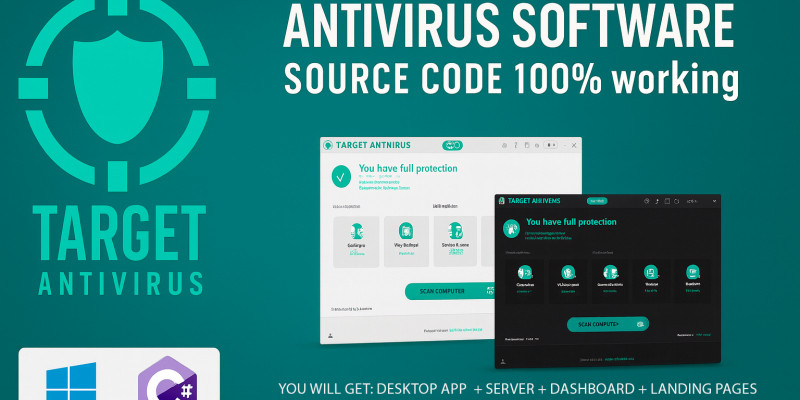
Screenshots

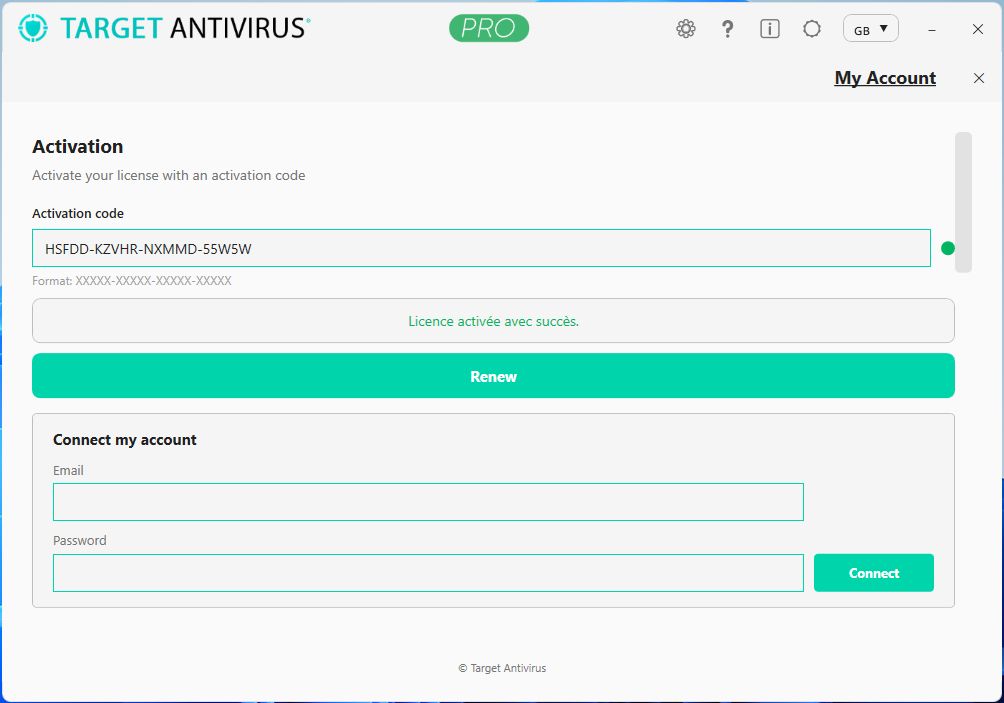
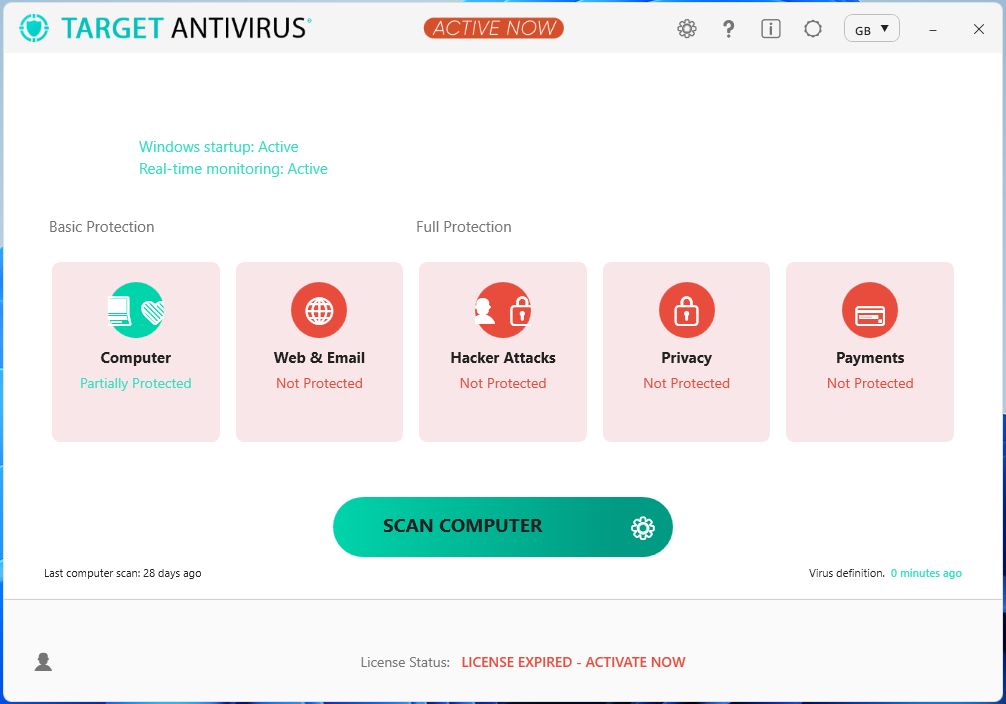
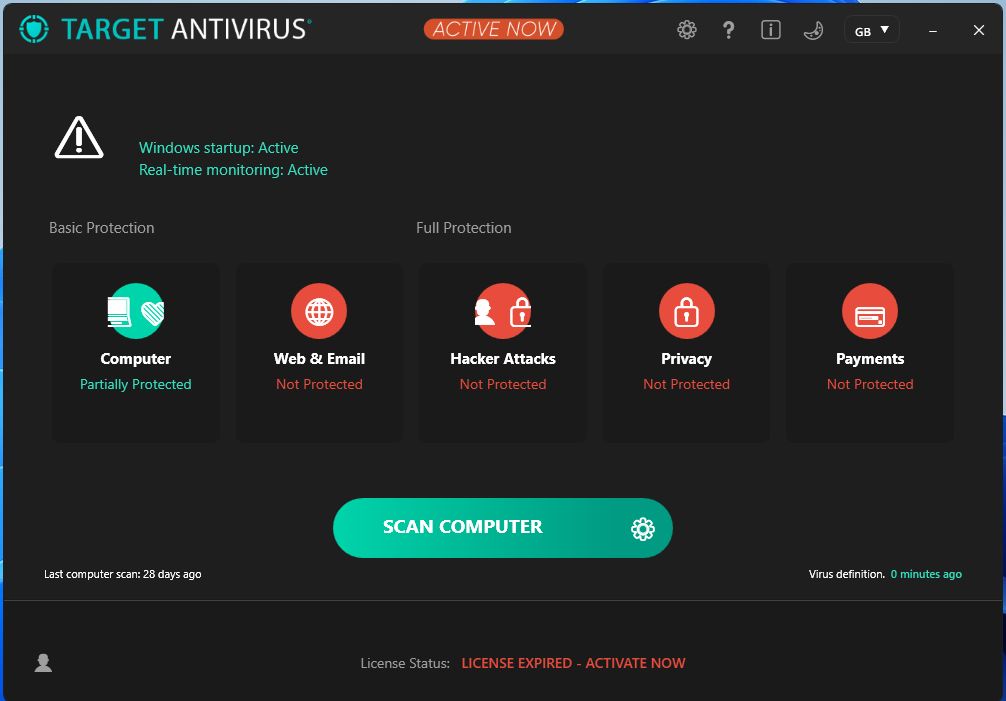
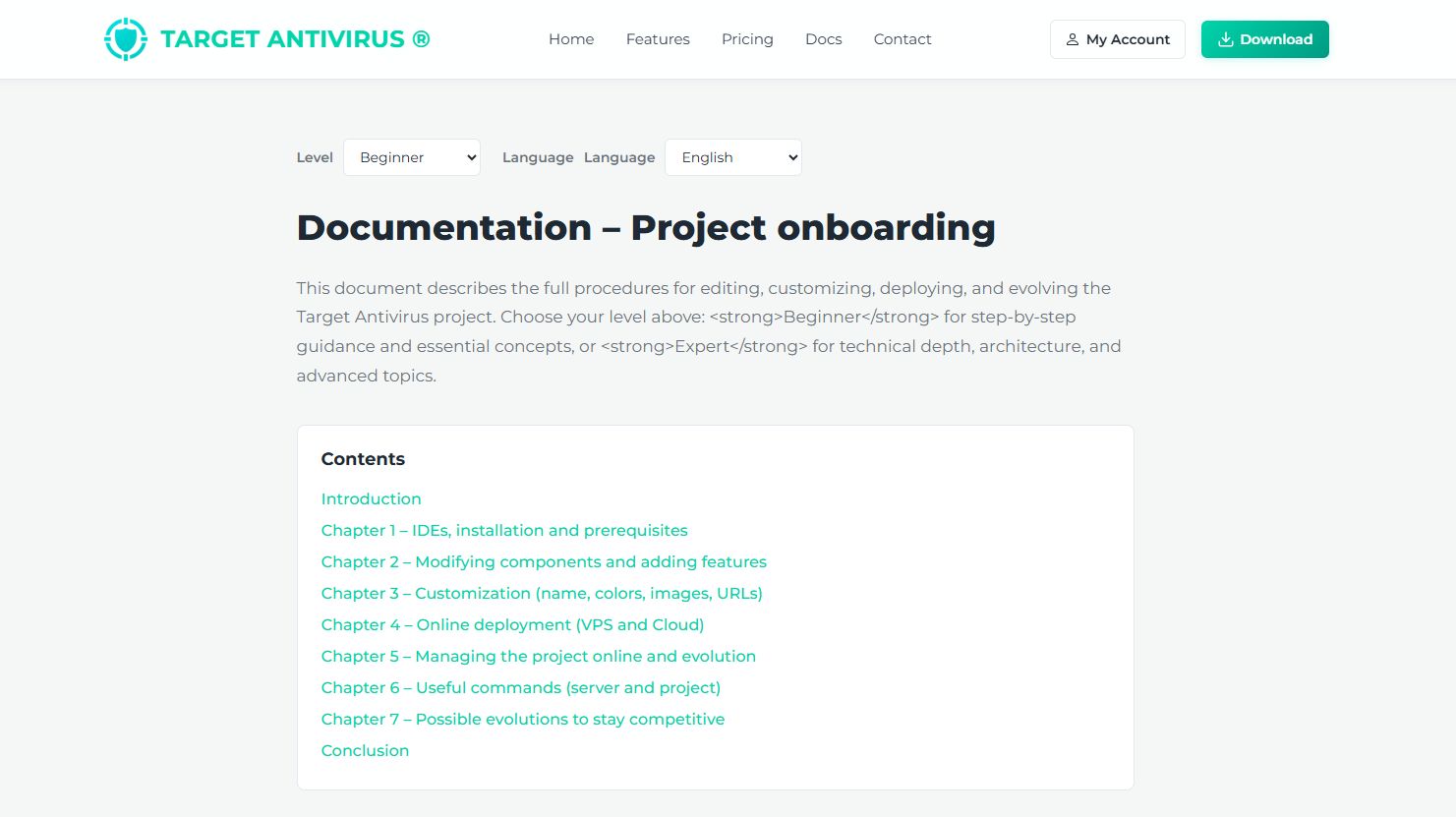
Overview
ANTIVIRUS SOFTWARE SOURCE CODE 100% working (Target Antivirus is a cybersecurity solution made of four main parts:
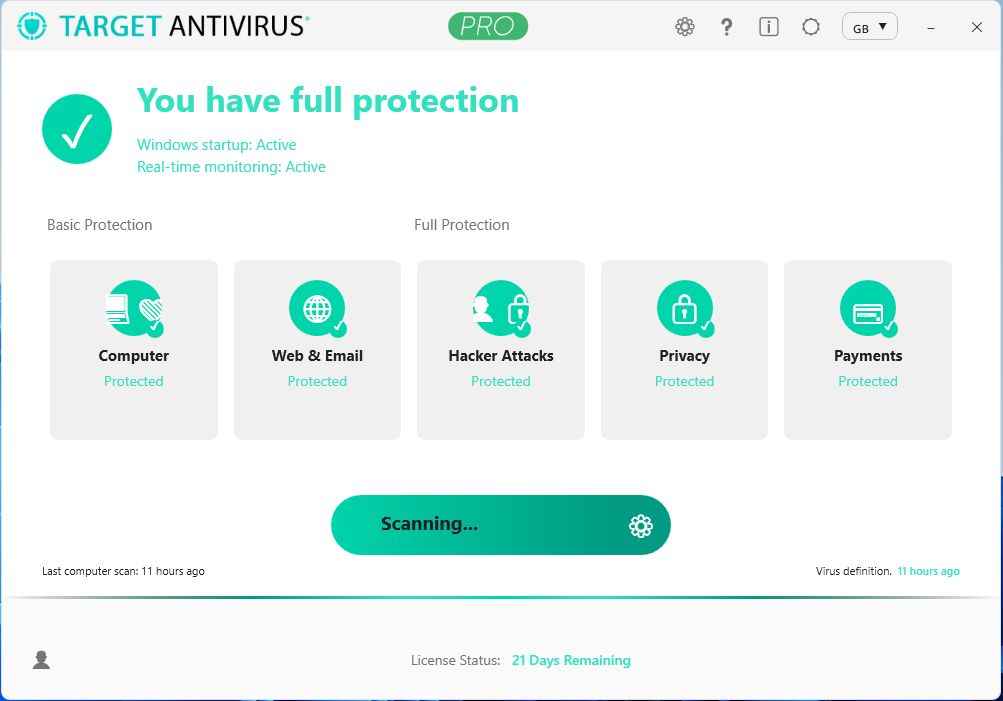
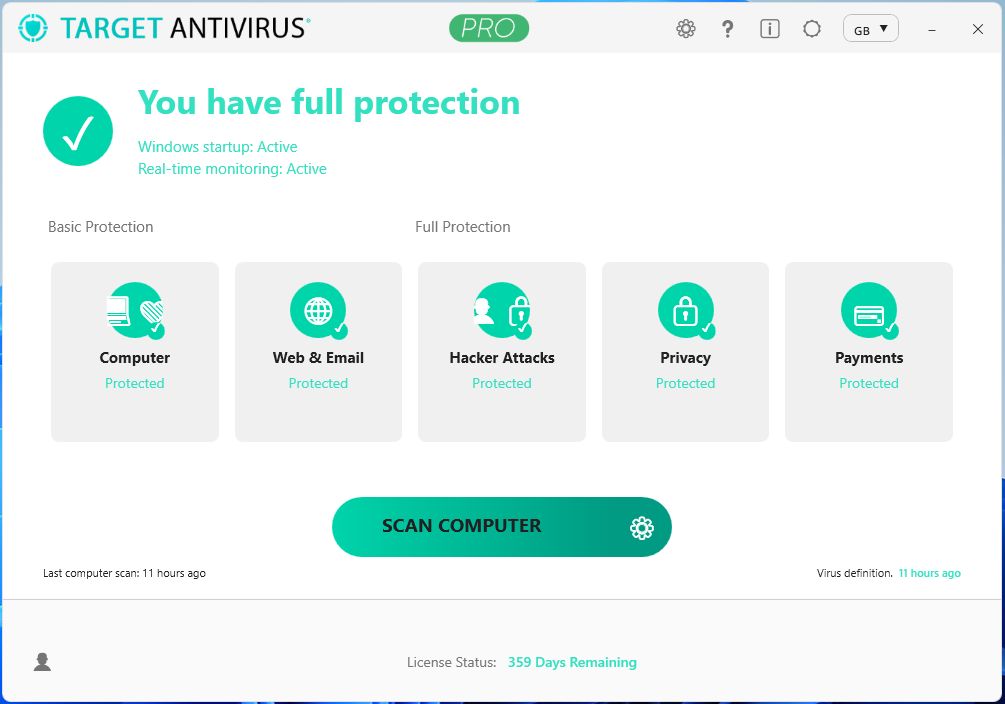
• Windows client app (WPF) – the antivirus software that users install on their PC.
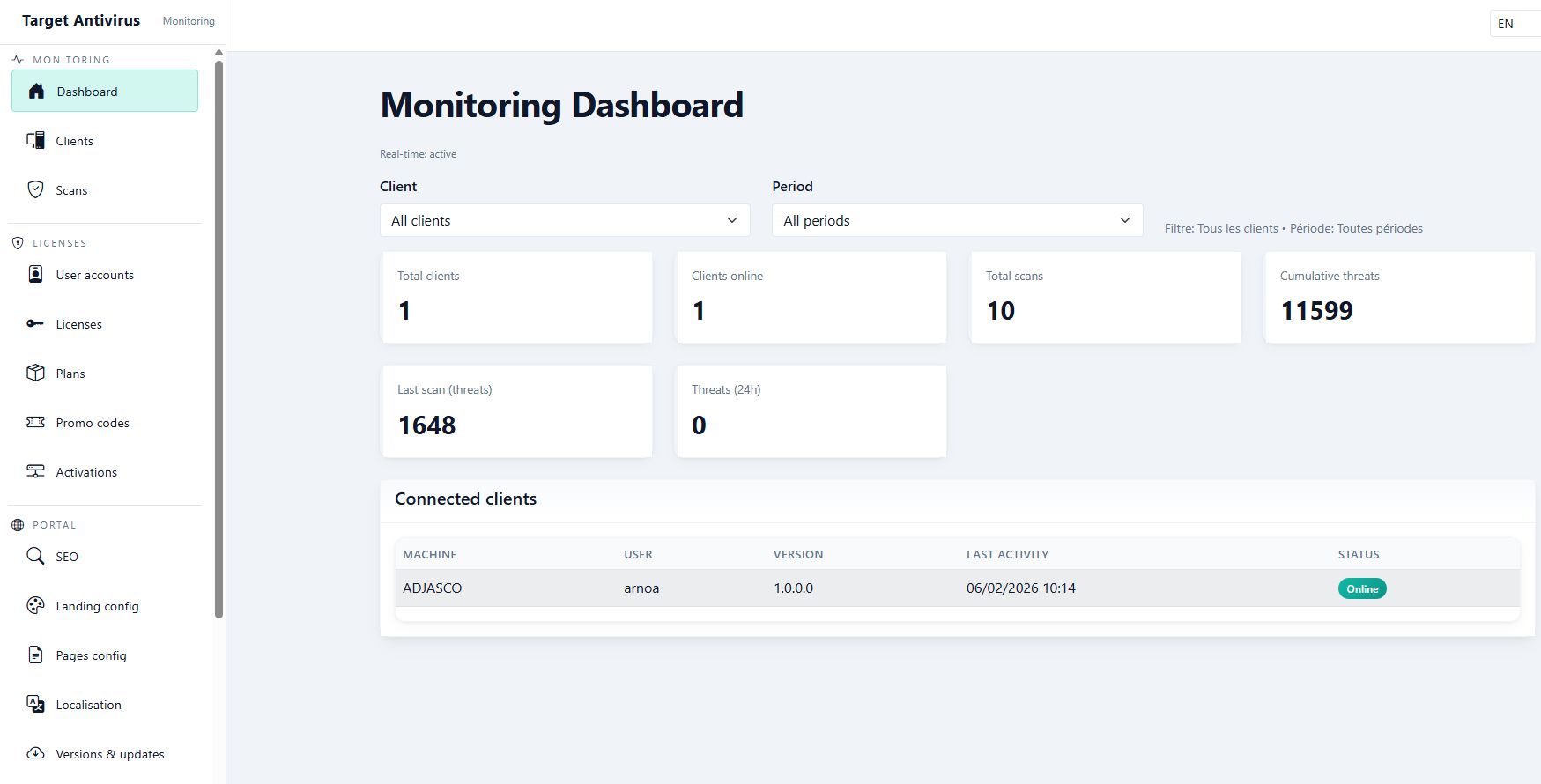
• Server API (ASP.NET Core) – the backend that manages licenses, scans, and configuration. With Web interface for Logs monitoring
• Admin dashboard (Blazor) – a web interface for administrators to manage clients, licenses, and the landing page and more.
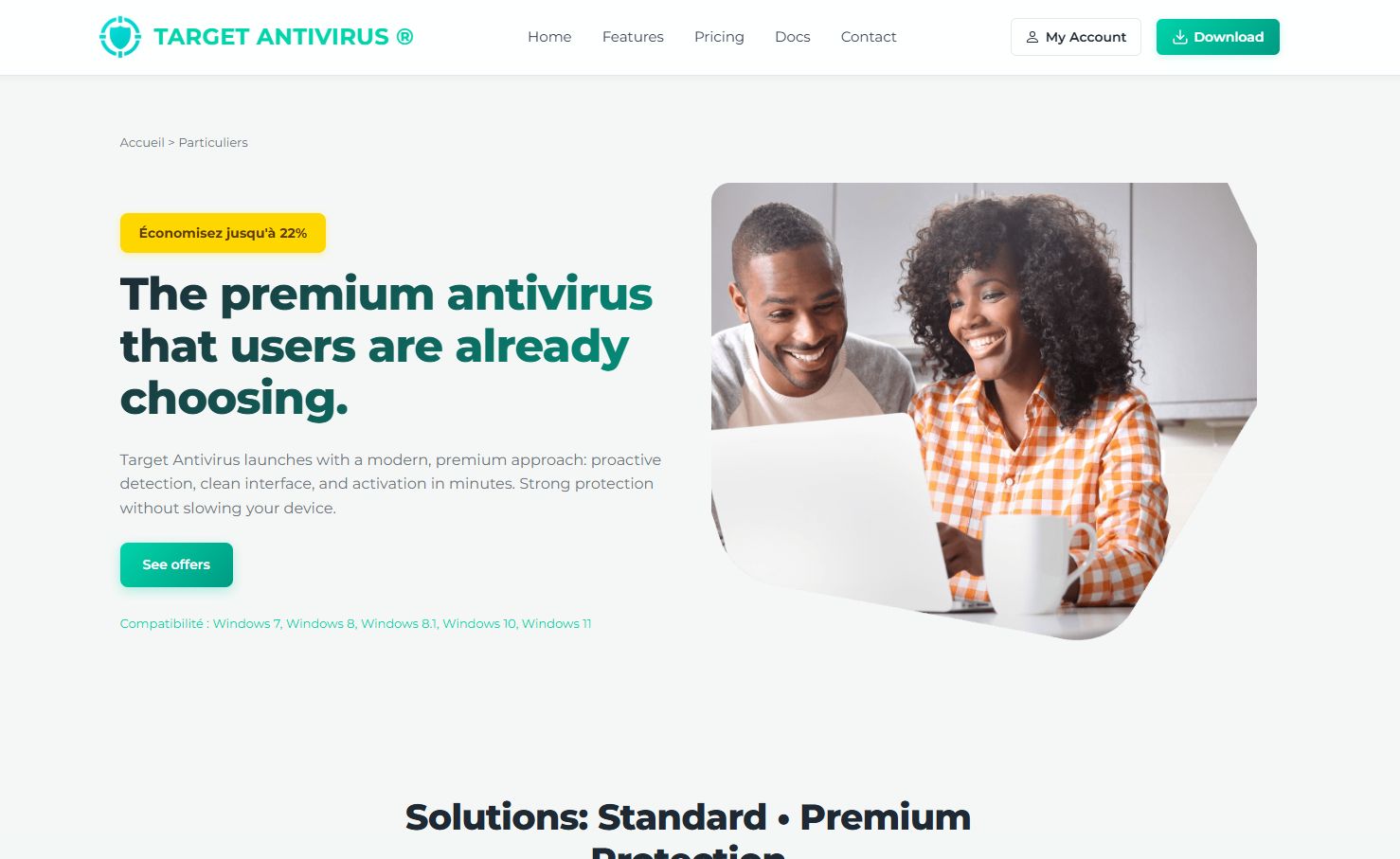
• Landing page (HTML/CSS/JS) – the public website (offers, pricing, documentation) whose content is configurable via the dashboard.
Vous souhaitez démarrer votre propre entreprise de cybersécurité sans partir de zéro ? Target Antivirus est la solution tout-en-un, modulable et professionnelle dont vous avez besoin.
Features
Target Antivirus : Une Solution de Cybersécurité Clé en Main & Professionnelle
Target Antivirus: A Professional, Turnkey Cybersecurity Solution
Target Antivirus is much more than just an antivirus source code. It's a complete, modular ecosystem, fully developed in C# .NET 8, enabling you to launch your own branded security service within days. Here are its main features:
🛡️ 1. Windows Client Application (WPF - x86/x64)
The antivirus your clients install on their PCs. Features a modern user interface and seamless experience.
- Real-Time Monitoring: Actively monitors all files, processes, and network activity to block threats instantly.
- On-Demand Scans: Perform full, quick, or custom scans (specific folder or drive).
- Powerful Detection Engine: Uses virus signatures and heuristics to identify malware, ransomware, spyware, etc.
- Automatic Updates: Downloads and applies the latest virus definitions from your server automatically.
- Web & Email Protection: Integrates to scan downloads and block malicious links in emails and browsers.
- Payment & Privacy Protection: Dedicated module to secure online banking transactions and monitor personal data leaks.
- Intuitive User Interface: Main screen with protection status, prominent scan button, threat history, and accessible settings.
- License Management: Online verification of license validity and deactivation upon expiration.
🌐 2. Server API & Backend (ASP.NET Core)
The central brain that orchestrates your entire service.
- Secure RESTful API: Manages all communications between clients, the dashboard, and the database.
- Centralized License Management: Create, activate, suspend, and expire client licenses.
- Log Collection & Storage: Receives and archives scan logs, detections, and client activities.
- Update Service: Hosts and distributes updates for the antivirus engine and signature databases.
- Web-based Log Monitoring Interface: Dedicated view to inspect all system events in real-time or historically.
- Integrated Database: Ready-to-use schema (user, client, license, threat, log).
📊 3. Administrator Dashboard (Blazor)
The complete control center to manage your business day-to-day.
- Authentication & Admin Roles: Secure login with access level management.
- Overview Dashboard: Real-time statistics (active clients, blocked threats, revenue, etc.).
- Client Management: List, add, modify, or archive clients and their machines.
- License Management: Issue new licenses (duration, plan), renew, or terminate them.
- Marketing Content Management: Edit Landing Page content directly (text, pricing, testimonials) without touching HTML code.
- System Configuration: Configure global settings, pricing, and automated messages.
🚀 4. Marketing Landing Page (HTML/CSS/JS)
Your professional showcase website to convert visitors into customers.
- Modern & Responsive Design: Perfectly adapts to all screens (desktop, tablet, mobile).
- Offers & Pricing Presentation: Clear layout for different plans (Free, Premium, Enterprise).
- Demo Section: Interactive or video presentation of key features.
- Documentation & FAQ: Installation guides and integrated help center.
- Contact & Conversion Form: To generate leads.
- Dynamic Content: Content (text, prices, FAQ) is manageable from the Admin Dashboard, allowing instant updates without a developer.
✨ General Solution Features
- 100% Complete & Documented Source Code: Everything is provided, commented, and ready to compile, deploy, or customize.
- One-Click Multilingual Demo: Built-in feature to present the product in multiple languages.
- Modular & Scalable Architecture: Each part (Client, API, Dashboard) can be hosted separately for easy scaling.
- Solid Foundation for Customization: Ideal for adding your own features, changing the design (rebranding), or integrating with other services.
Requirements
What you need on your computer Before opening the project, install the following:
- Windows 10 or 11 – required to run and develop the Windows antivirus client.
- .NET 8 SDK – the framework used to compile and run the project. Download it from dotnet.microsoft.com. After installation, open a terminal and type `dotnet --version` to check (e.g., 8.0.x).
- SQL Server – the server database (licenses, clients, etc.). You can use the free Express edition or LocalDB. See docs/SQL-SERVER-CONFIG.md.
- Git – to clone the repository and version control. Download it from git-scm.com if needed.
- Any Modern IDE
Follow Documentaion_EN files in /docs directory
Instructions
- Project Name and Directory
Renaming involves updating: the solution name (.sln), assembly names in .csproj files, references between projects, and README.md, LICENSE, and documentation.
- Colors and Theme
- Images and Logos
Replace assets in TargetAntivirus.UI/Assets/Logos, TargetCore.Landing/wwwroot/assets/logos, TargetCore.Dashboard/wwwroot, and installer/resources. Landing URLs (logo, favicon, OG image) are configurable via the landing-config API.
- URLs (API, Dashboard, Landing)
Configure in appsettings.json and environment variables: ApiUrl (Dashboard), Cors:AllowedOrigins (Server), CanonicalBaseUrl. In production, use the actual URLs.
Online deployment, VPS or Cloud hosting
Future product updates
Quality checked by Codester
Lowest price guarantee


| Category | Scripts & Code / C# |
| First release | 7 February 2026 |
| Last update | 7 February 2026 |
| Files included | .css, .html, .csproj, .db |
| Tags | C#, source code, Security, antivirus, cybersecurity, well-documented, fully customizable, antivirus source code, anti-malwares, quick scan, multilangual, target antivirus, anti malwares, .net8 |