AI PDF Scanner And OCR Editor Android AppAI PDF Scanner And OCR Editor Android App
AI-powered PDF scanner Android app with OCR, text editing, multi-page PDF, watermark, signature, QR tools and offline support.
AI PDF Scanner And OCR Editor Android App
AI-powered PDF scanner Android app with OCR, text editing, multi-page PDF, watermark, signature, ...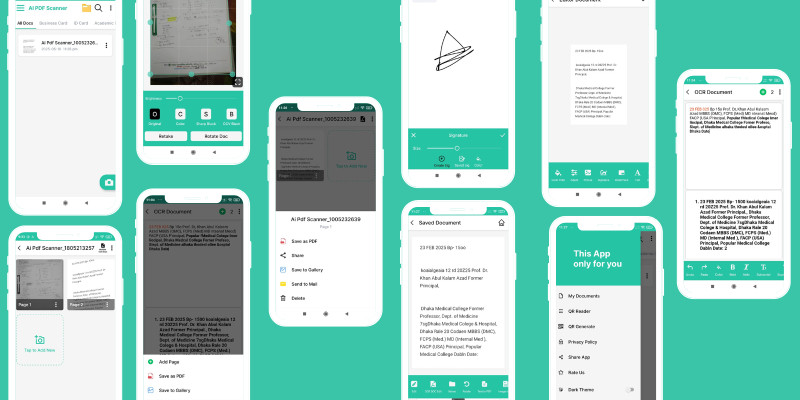
Screenshots
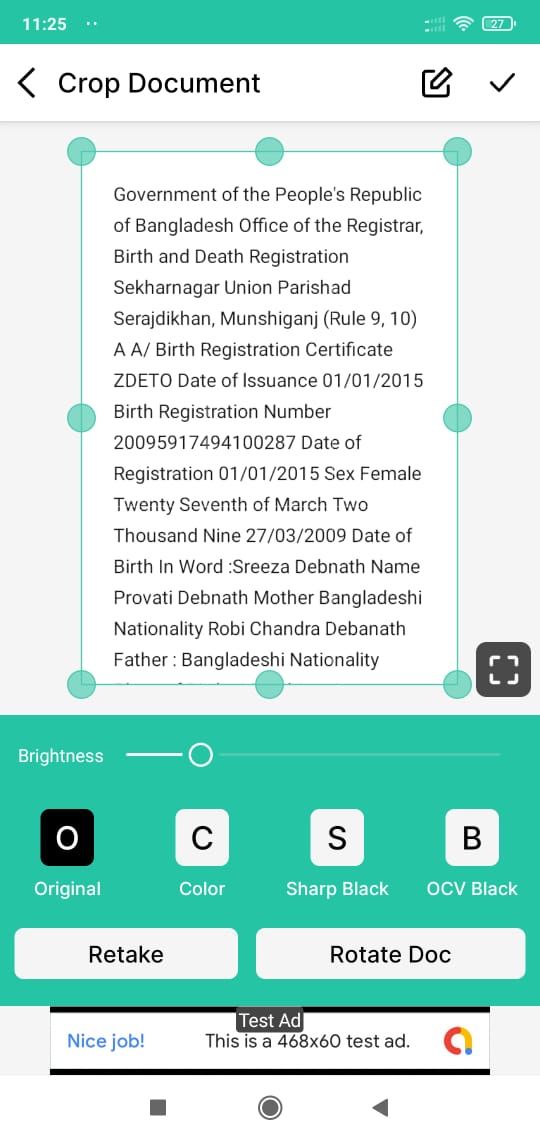
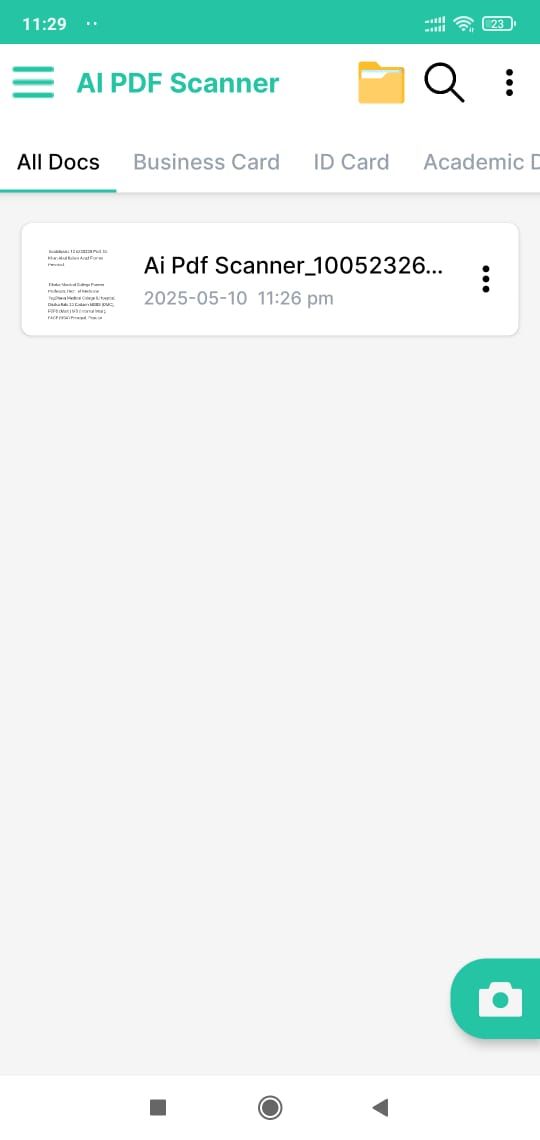
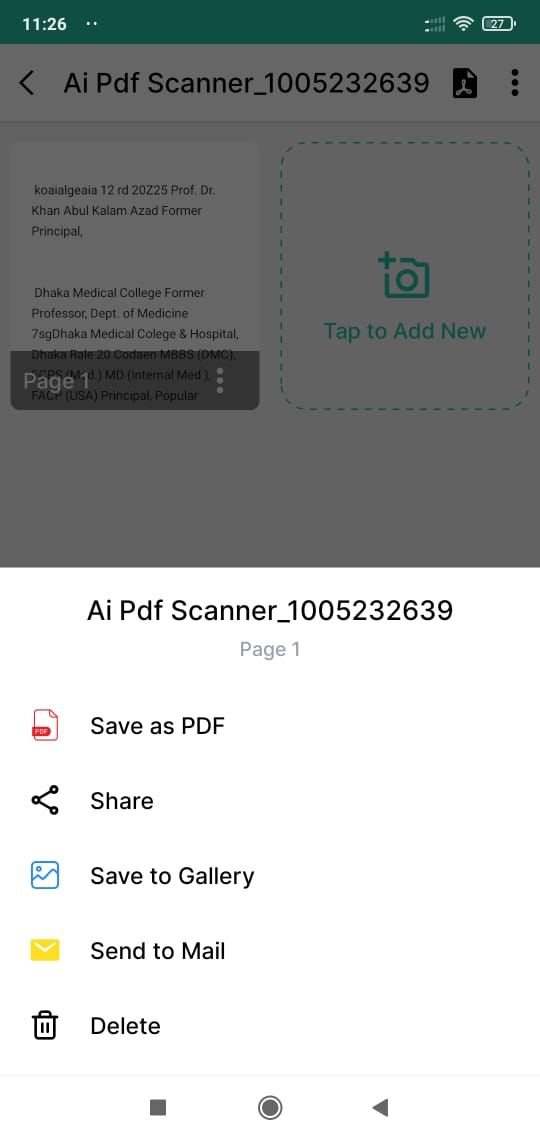
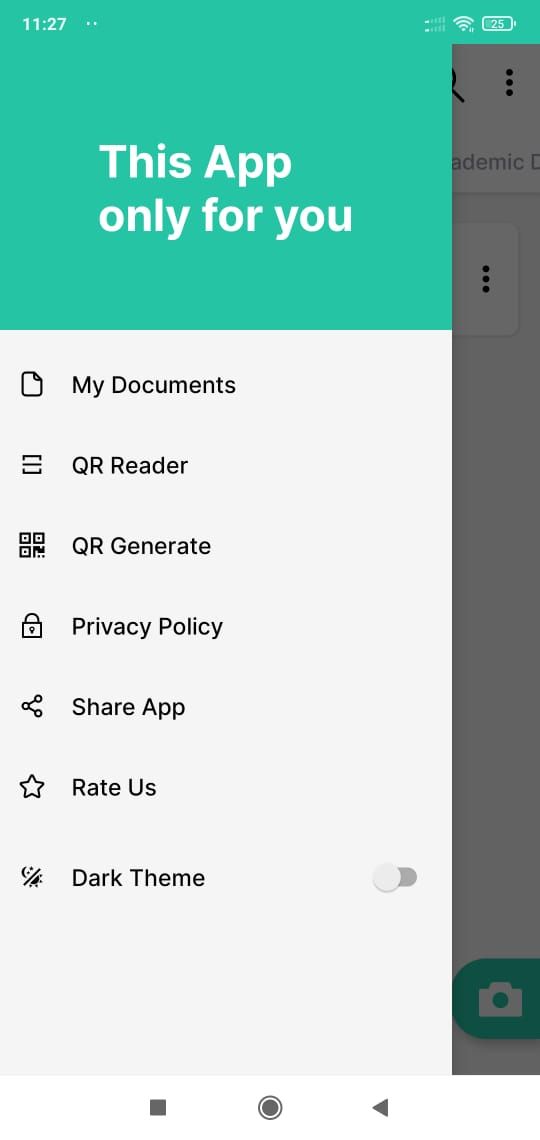
Overview
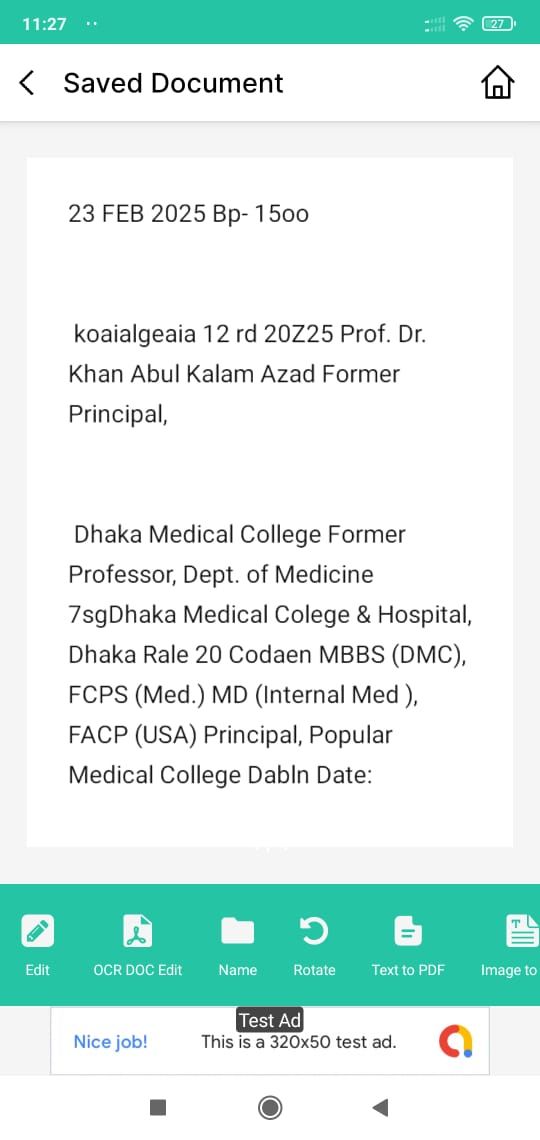
AI PDF Scanner & OCR Editor is a powerful and fully native Android application built to scan, extract, edit, and manage documents efficiently using advanced OCR technology.
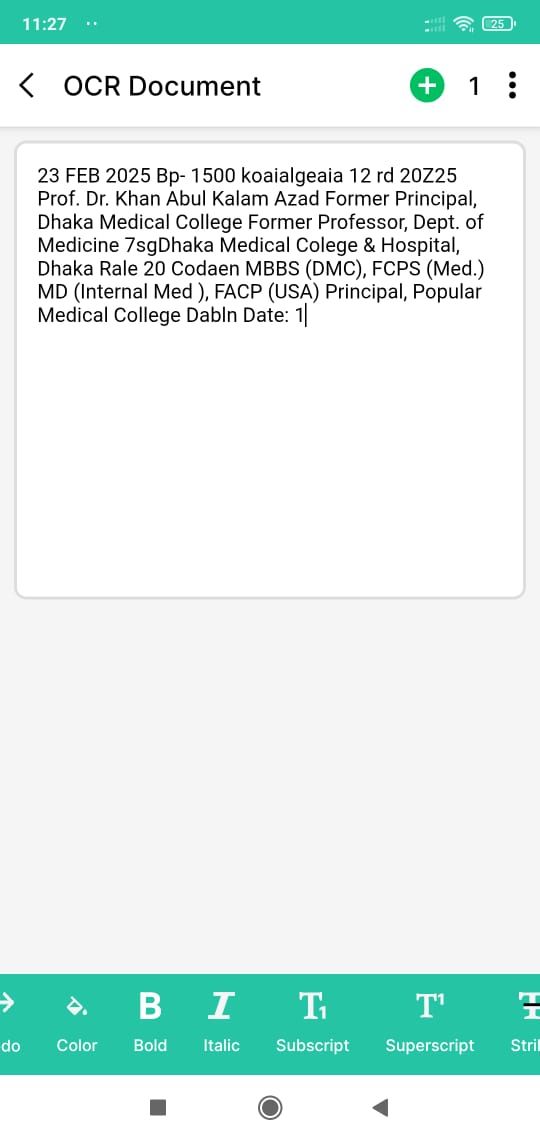
The app uses Google ML Kit OCR to accurately recognize text from images, handwritten notes, invoices, books, and official documents. Extracted text can be edited instantly with customizable fonts, sizes, colors, and formatting options before saving.
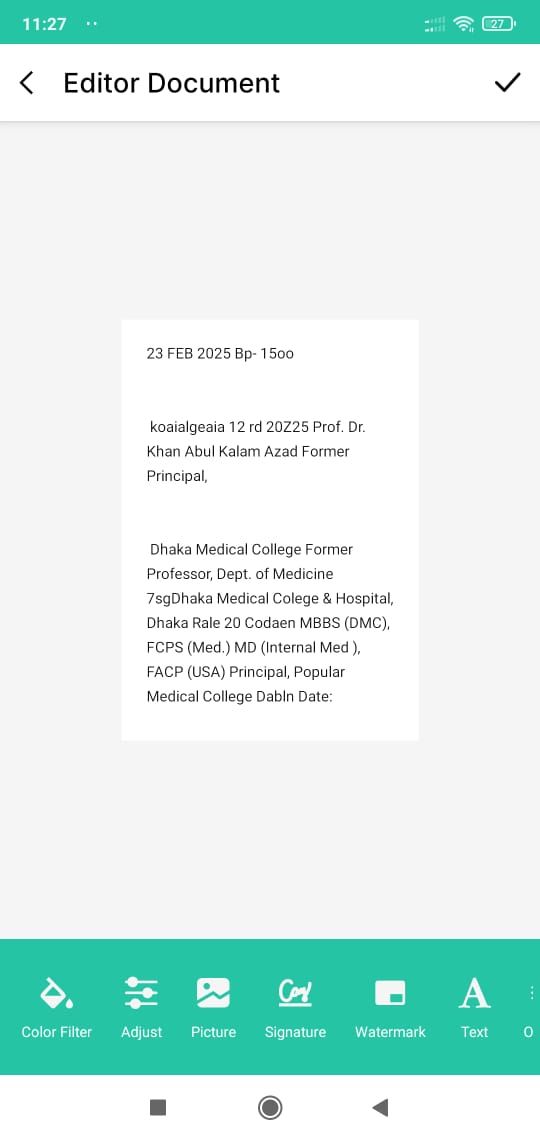
Users can export documents as high-quality PDFs or images (PNG) and combine multiple scans into a single multi-page PDF. Built-in image enhancement tools help improve scan quality with cropping, brightness, contrast, and color filters.
The app also includes a document organizer to manage scanned files, along with watermark and digital signature support for document protection. Additional tools such as QR code scanner and generator make the app a complete document solution.
AI PDF Scanner & OCR Editor is designed with a modern Material UI, supports dark mode, and focuses on privacy. No account or signup is required, and all processing is done locally on the device.
This project is ideal for developers looking to publish a professional document scanning and OCR app or customize it further for commercial use.
Features
AI-powered OCR using Google ML Kit
Extract editable text from images and documents
Rich text editing with font, size, color, and style options
Save documents as PDF or PNG image
Multi-page PDF creation
Image enhancement tools (crop, brightness, contrast, filters)
Document organizer (rename, delete, manage files)
Watermark and digital signature support
QR code scanner and QR code generator
Dark mode support
Offline text editing and PDF generation
No signup or login required
Modern Material Design UI
100% native Android app (Java)
Requirements
Android Studio Arctic Fox or higher
Java JDK 11 or above
Gradle (included with Android Studio)
Android device or emulator for testing
Instructions
Extract the downloaded ZIP file.
Open the project in Android Studio.
Wait for Gradle sync to complete.
Change the package name and app name if required.
Update app resources such as icons and colors.
Build APK or AAB and run on a device.
Customize features as needed.
Other items by this author


|
Android App Reskin Service
Have your App reskinned to meet your needs.
|
$499 | Buy now |
| Category | App Templates / Android / Applications / Miscellaneous |
| First release | 8 February 2026 |
| Last update | 8 February 2026 |
| Operating Systems | Android 8.0, Android 9.0, Android 10.0, Android 11.0, Android 12.0 |
| Files included | .apk, .java, .xml |
| Tags | android source code, qr scanner, pdf scanner, Document Scanner, image to pdf, multi page pdf, scan documents, ocr android, ai pdf scanner, android ocr app, ml kit ocr, pdf editor android, signature pdf |