Toast Notifications And Achievement SystemToast Notifications And Achievement System
Achievement Unlocked & System Alert Popups - Fully customizable CSS, stackable messages, and mobile-ready animations.
Toast Notifications And Achievement System
Achievement Unlocked & System Alert Popups - Fully customizable CSS, stackable messages, and ...
Screenshots
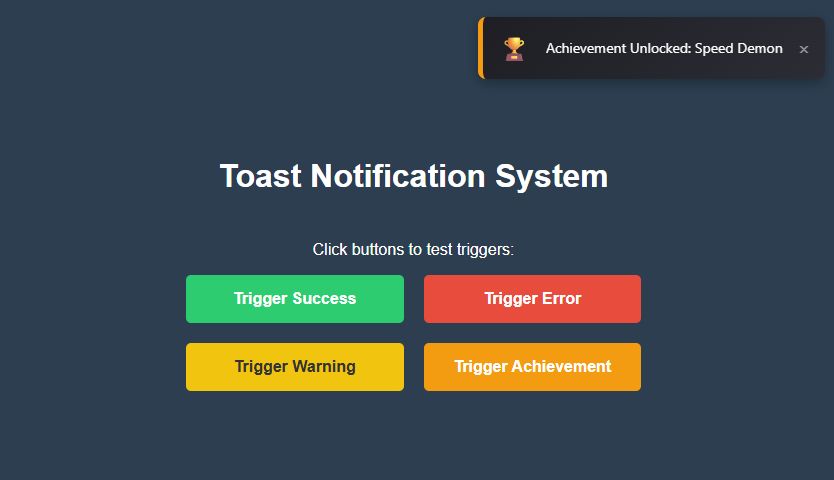
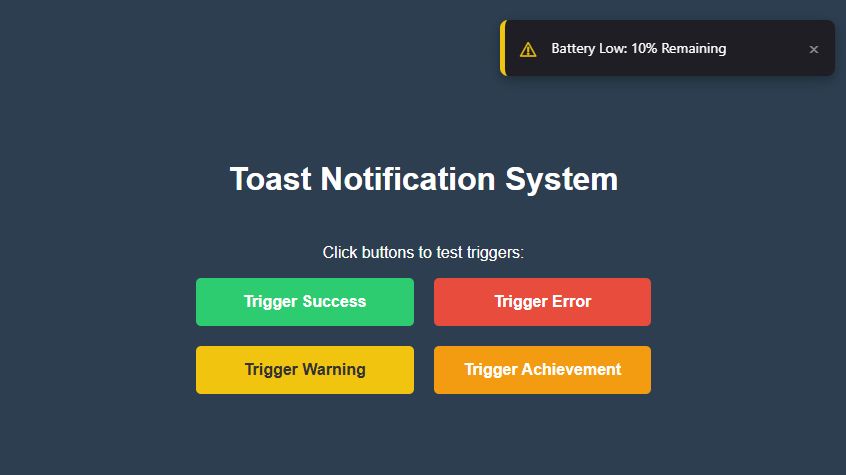
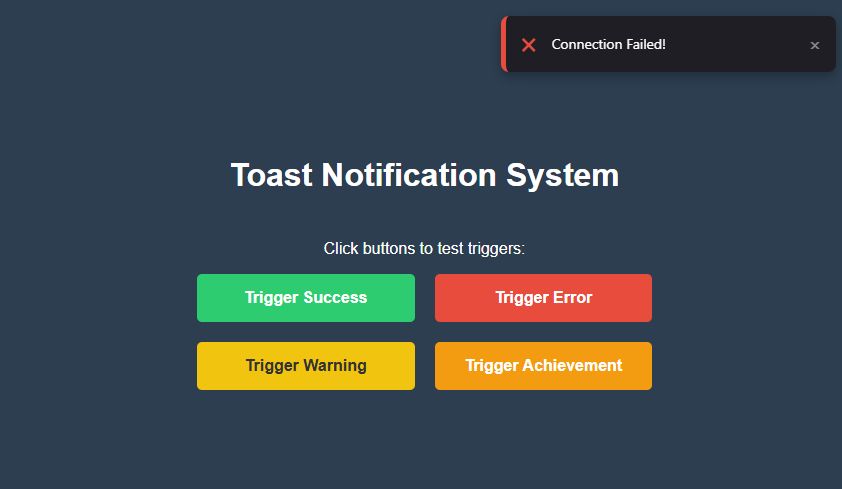
Overview
Give Your Game Immediate Visual Polish.
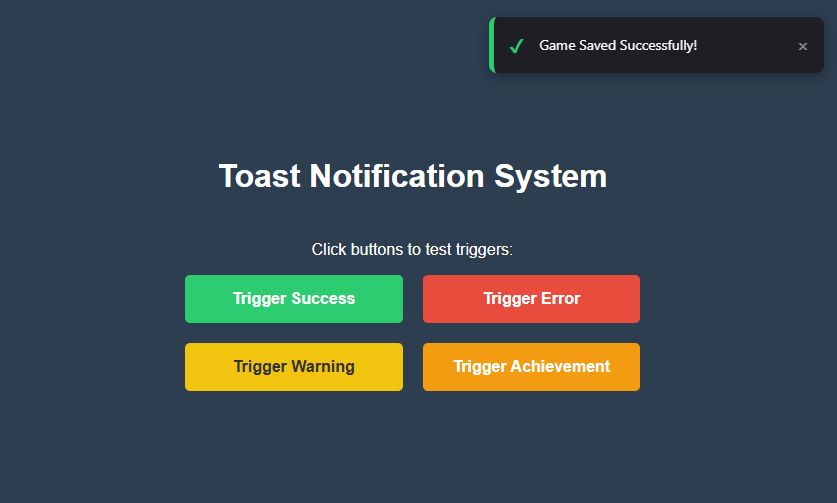
Players need feedback. When they click save, buy an item, or unlock a new level, they expect a visual confirmation. The Toast Notification System handles all of this UI logic for you.
Why use this system?
- Stackable Logic: If a player unlocks 3 achievements at once, this system queues them up so they slide in one by one (or stack nicely), rather than overlapping messily.
- CSS Animations: Smooth hardware-accelerated slide-in and fade-out effects.
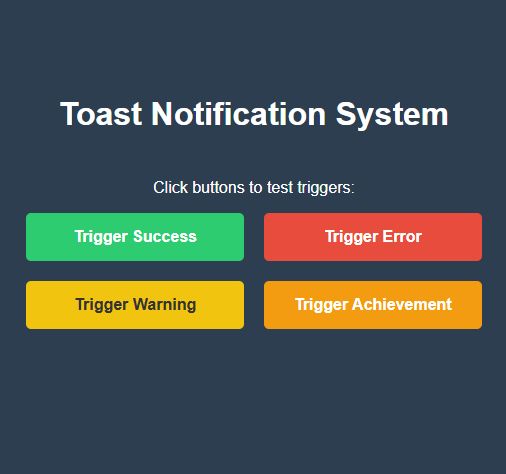
- 4 Built-in Types: Success (Green), Error (Red), Info (Blue), and Warning (Orange).
- Zero Dependencies: No jQuery, no Bootstrap. Just pure lightweight JavaScript.
Features
- Auto-Dismiss: Messages fade away automatically after 3 seconds (configurable).
- Sound Support: Easily attach a
.play()sound effect to specific notification types. - HTML Support: You can put icons (
<i>) or bold text inside the notifications. - Mobile Responsive: Scales perfectly for phone screens.
Requirements
- Basic understanding of HTML and JavaScript.
- A code editor (VS Code, Sublime Text, Notepad++, etc.).
- A modern web browser (Chrome, Firefox, Safari, Edge).
- NO external libraries required (No jQuery, No Bootstrap).
- Works with any HTML5 game engine (Construct 3, Phaser, Godot HTML5 export, or custom code).
Instructions
INSTALLATION GUIDE:
Step 1: Setup
Unzip the downloaded folder and copy 'NotificationManager.js' and 'styles.css' into your project folder.
Step 2: Link Files
Add the following lines to your game's index.html file:
Step 3: Initialize
In your main game script, initialize the system once:
const notify = new NotificationManager({
position: 'top-right', // Options: top-left, top-right, bottom-left, bottom-right
duration: 3000 // Duration in milliseconds
});
Step 4: Usage
Trigger a notification anywhere in your game logic using one line of code:
// For success messages
notify.show('Game Saved!', 'success');
// For errors
notify.show('Not enough coins!', 'error');
// For achievements
notify.show('Achievement Unlocked: Speed Demon', 'achievement');
// For general info
notify.show('Welcome back!', 'info');
CUSTOMIZATION:
Open 'styles.css' to easily change the background colors, fonts, or animation speed to match your game's branding.


| Category | Scripts & Code / JavaScript / Miscellaneous |
| First release | 10 February 2026 |
| Last update | 10 February 2026 |
| Files included | .css, .html, Javascript .js |
| Tags | popup, game, html5, Javascript, notifications, UI, achievements, alert, gui, Interface, toast |