Ultimate AI Shorts Generator SaaS PlatformUltimate AI Shorts Generator SaaS Platform
A production-ready Multi-AI SaaS platform for generating viral short-form content,images,videos,and AI chat using OpenAI,Gemini.
Ultimate AI Shorts Generator SaaS Platform
A production-ready Multi-AI SaaS platform for generating viral short-form content,images,videos,a...
Screenshots
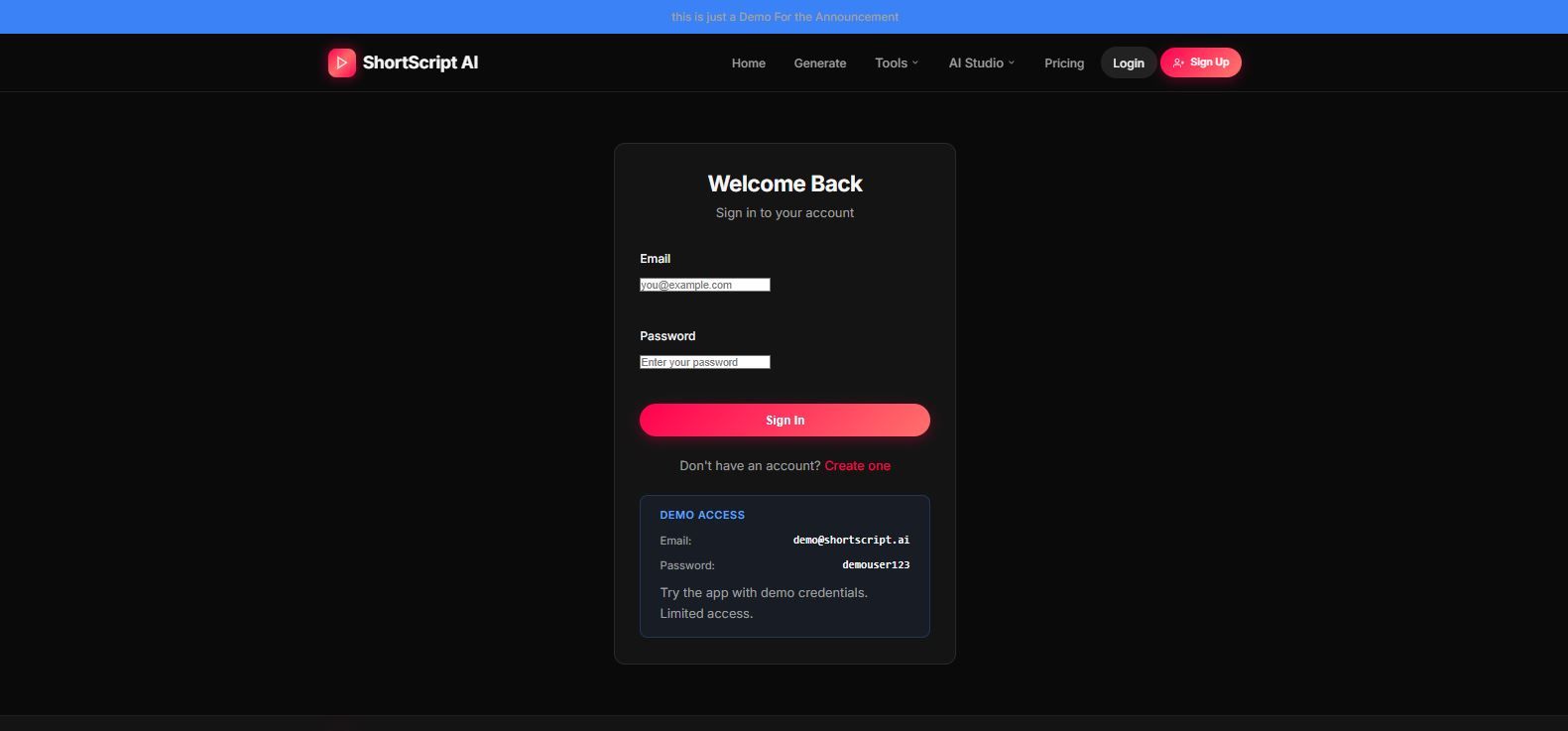
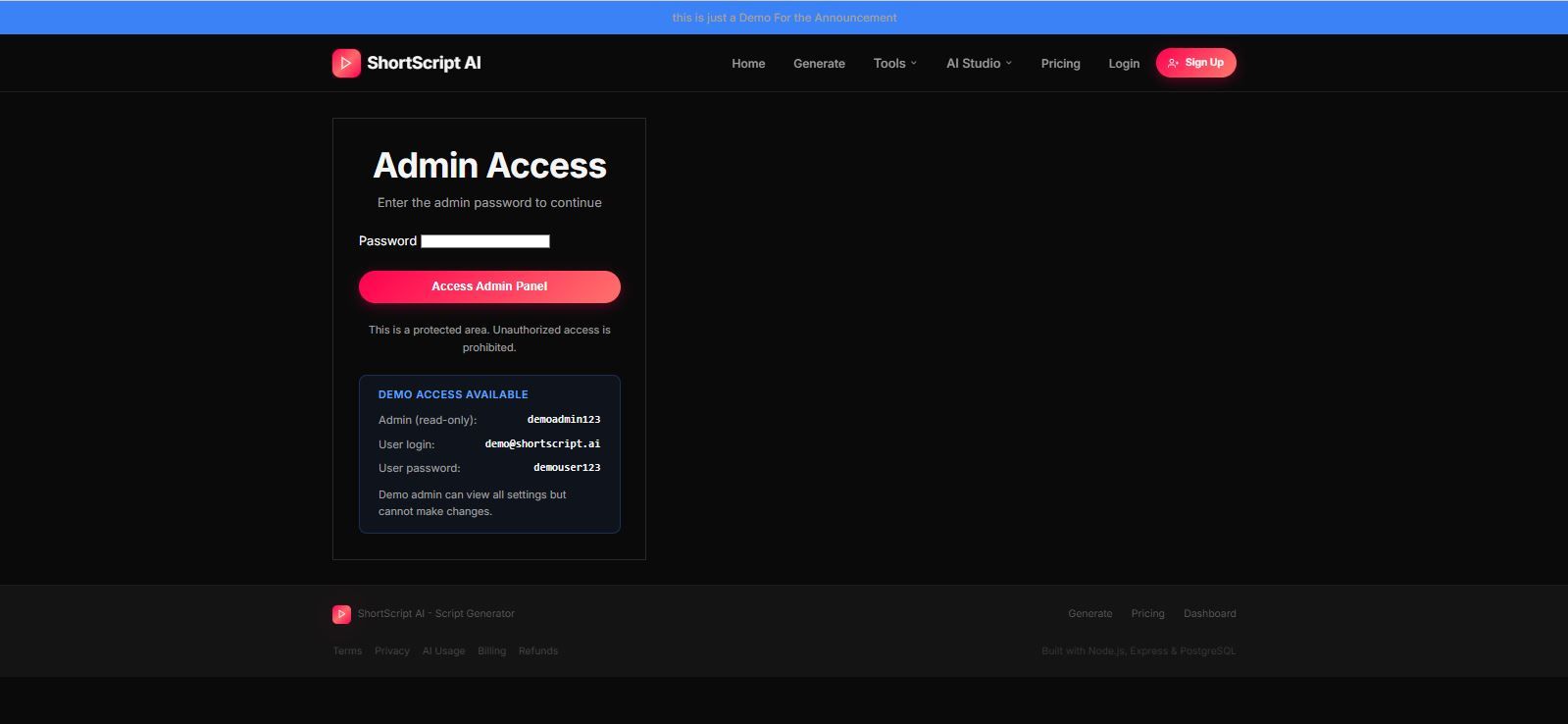
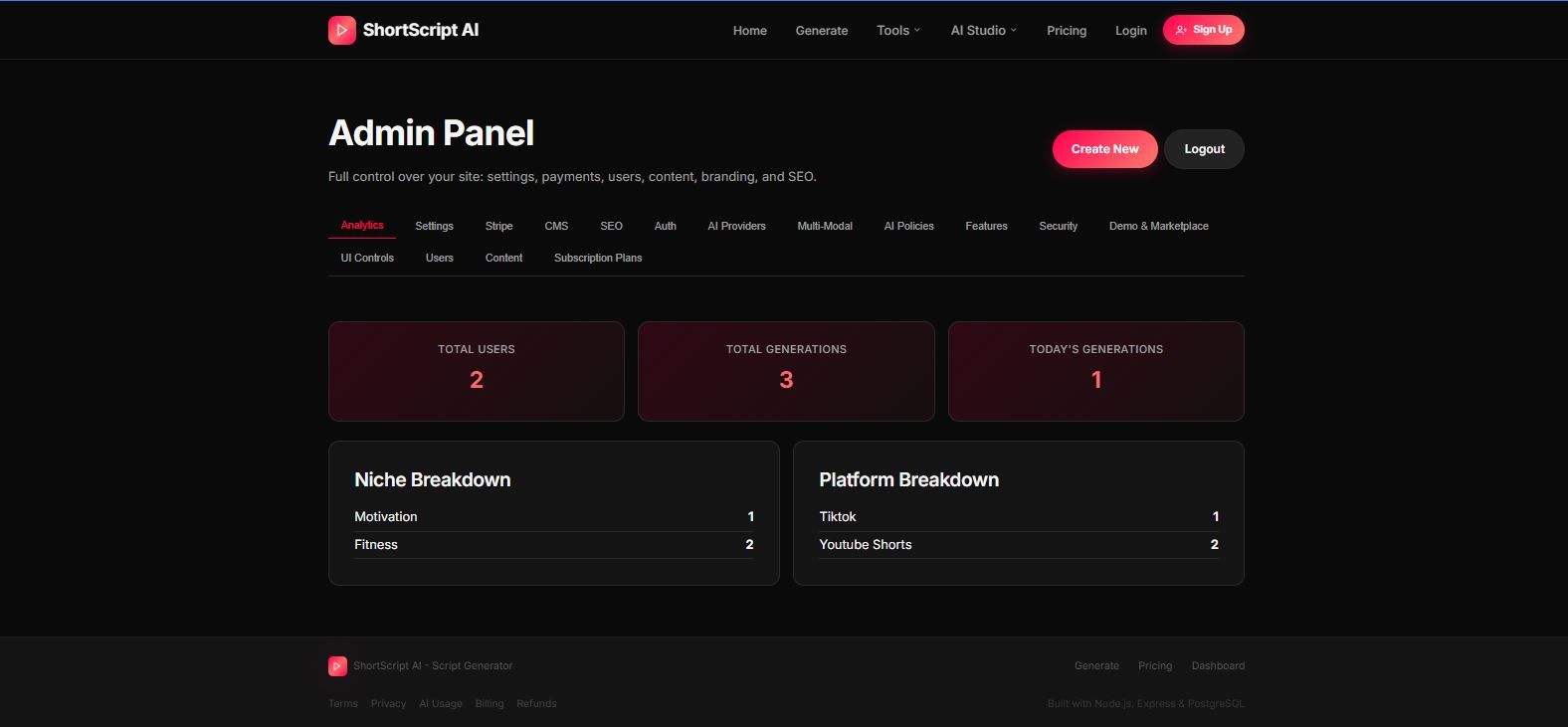
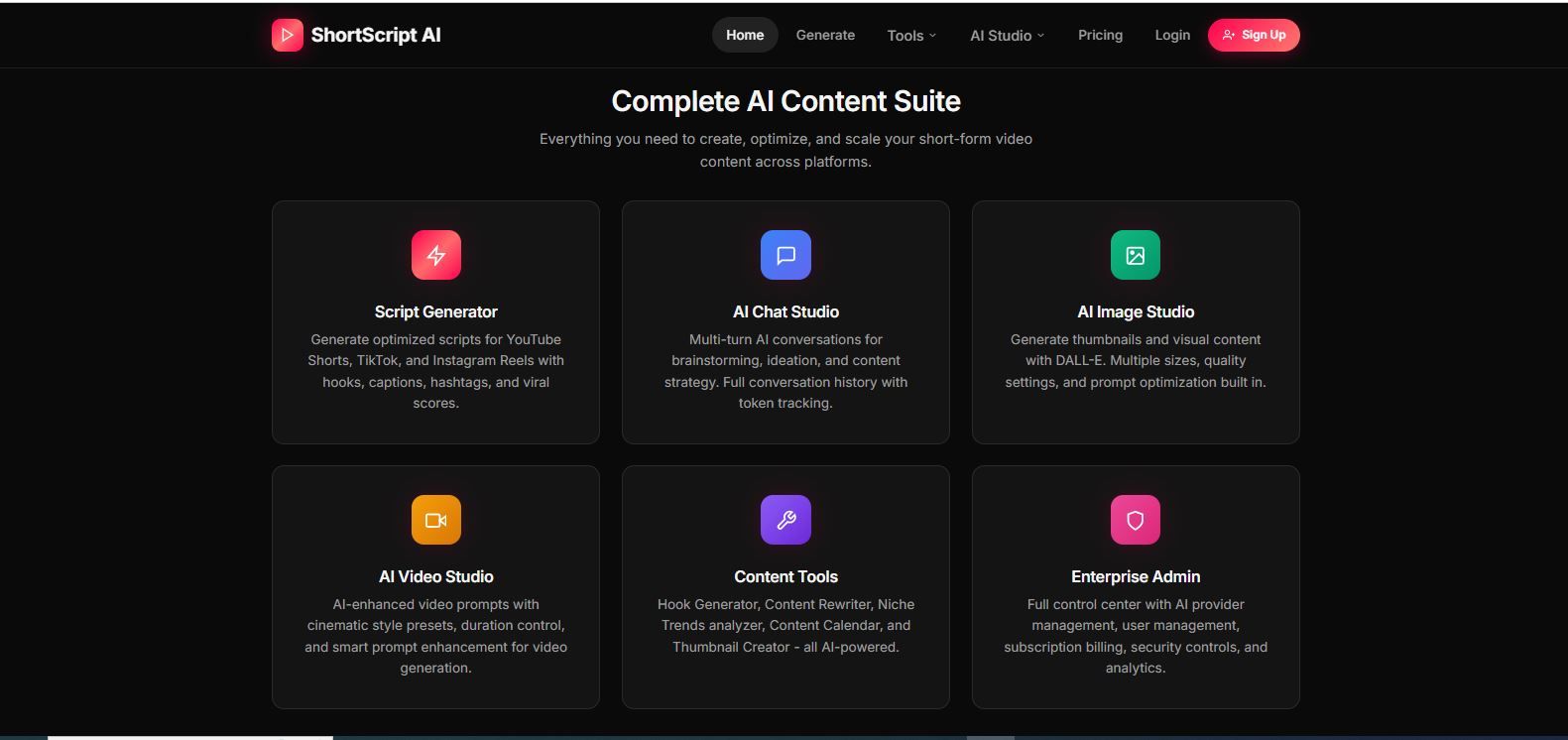

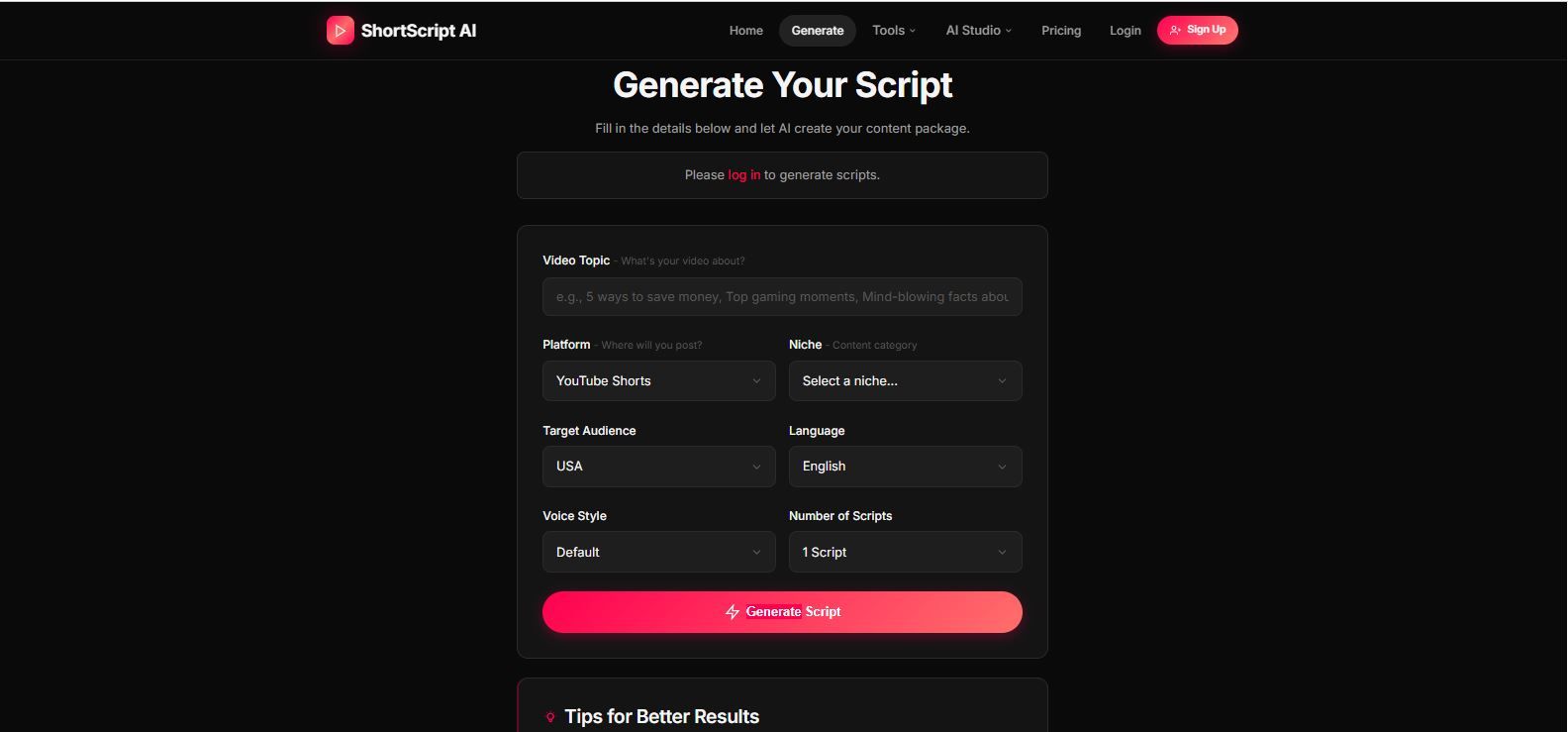
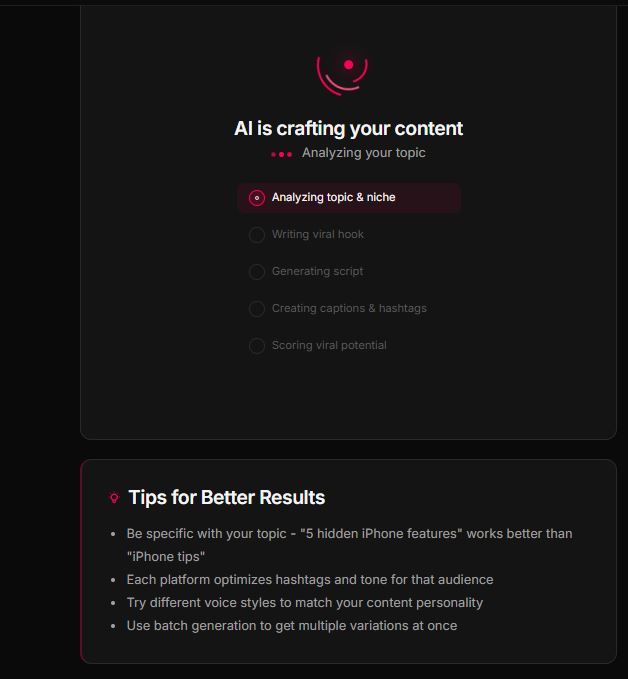
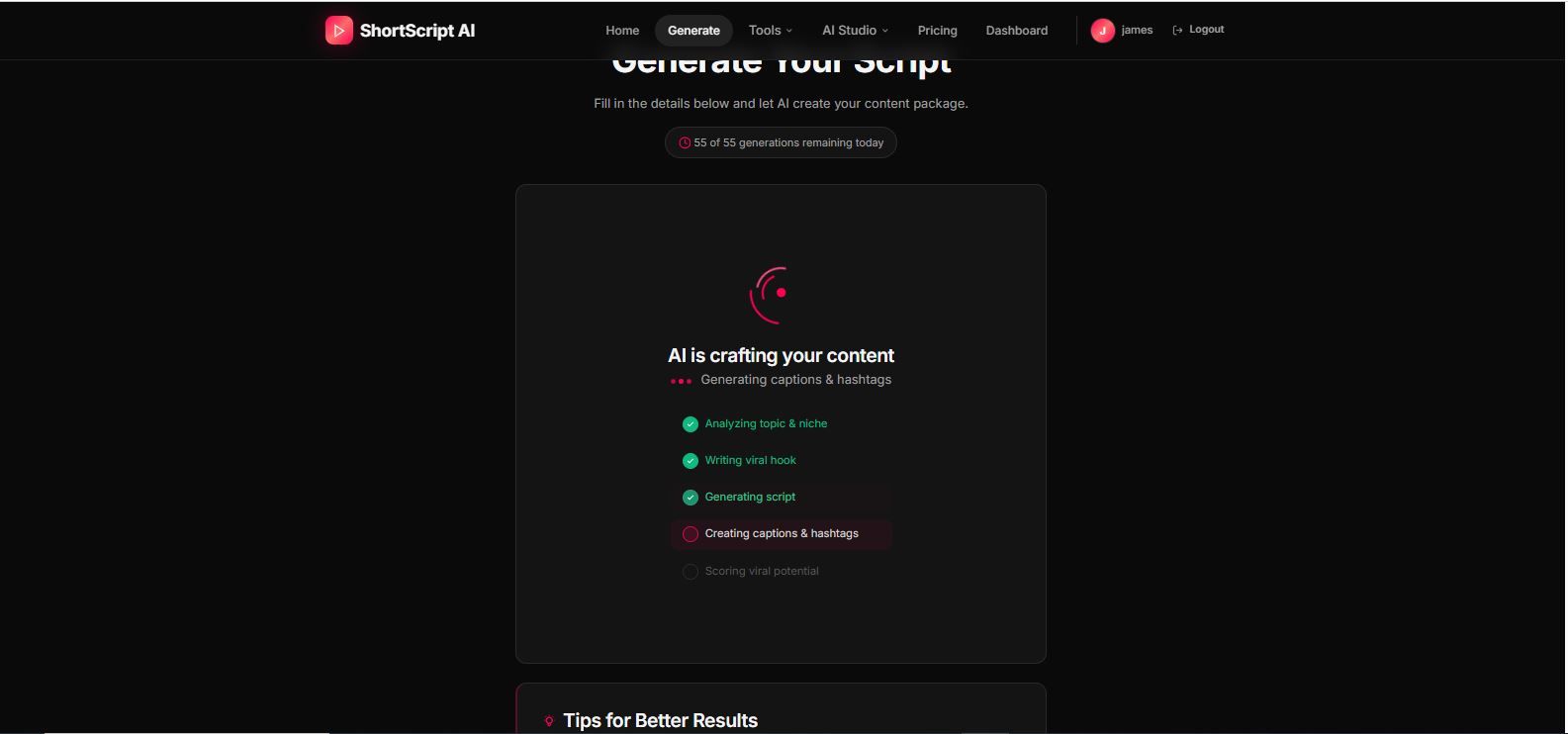
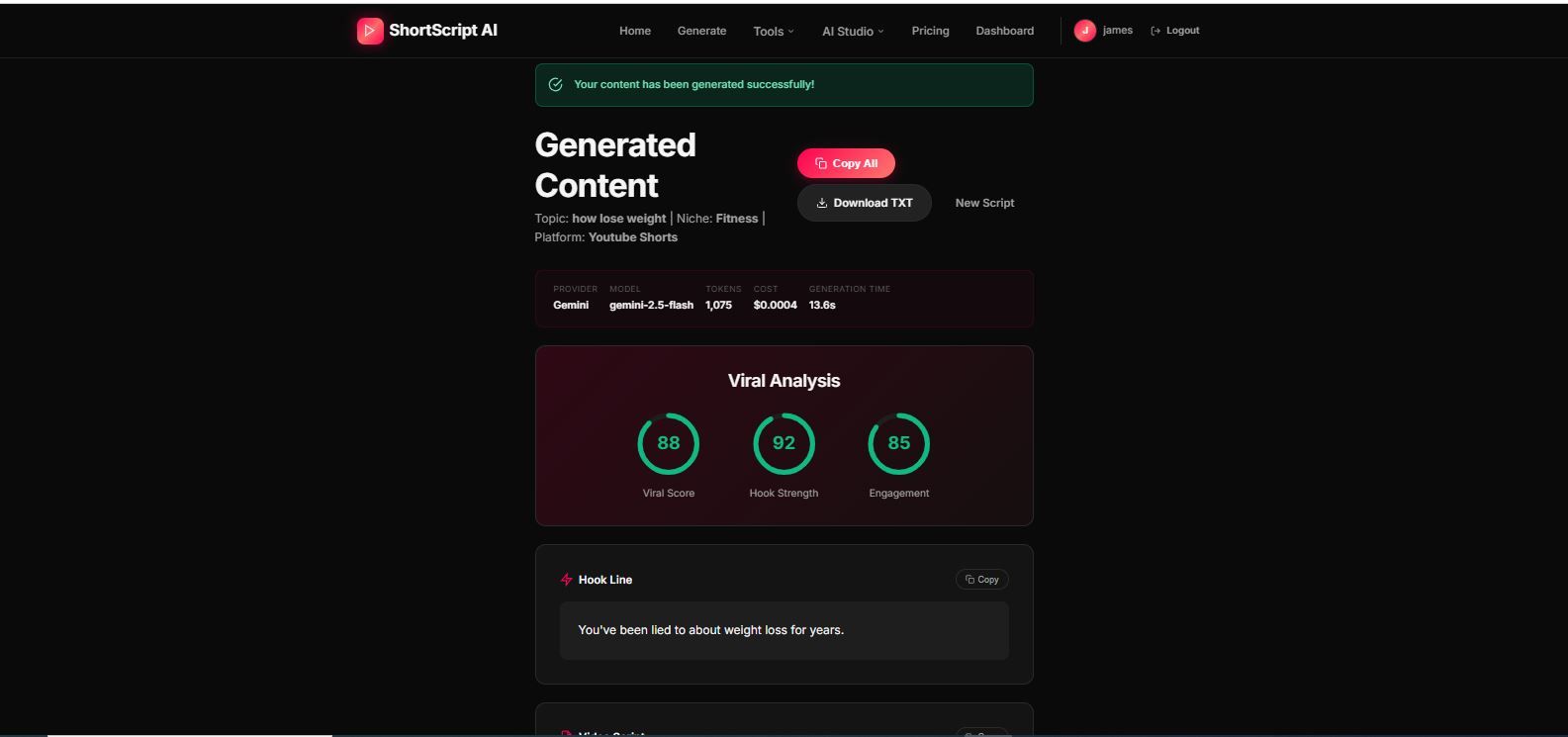
Overview
🚀 Overviews
Ultimate AI Shorts Generator – Enterprise SaaS Platform
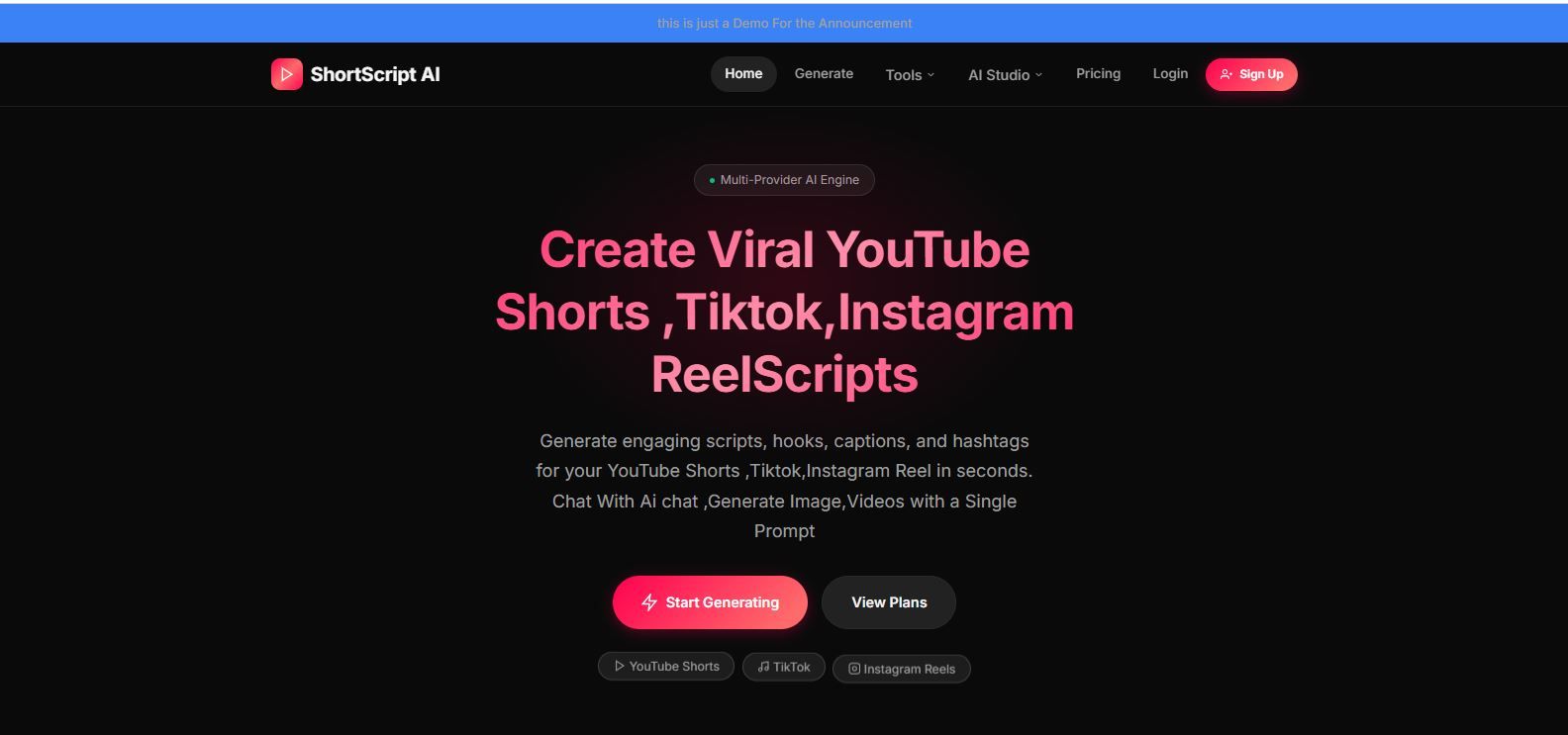
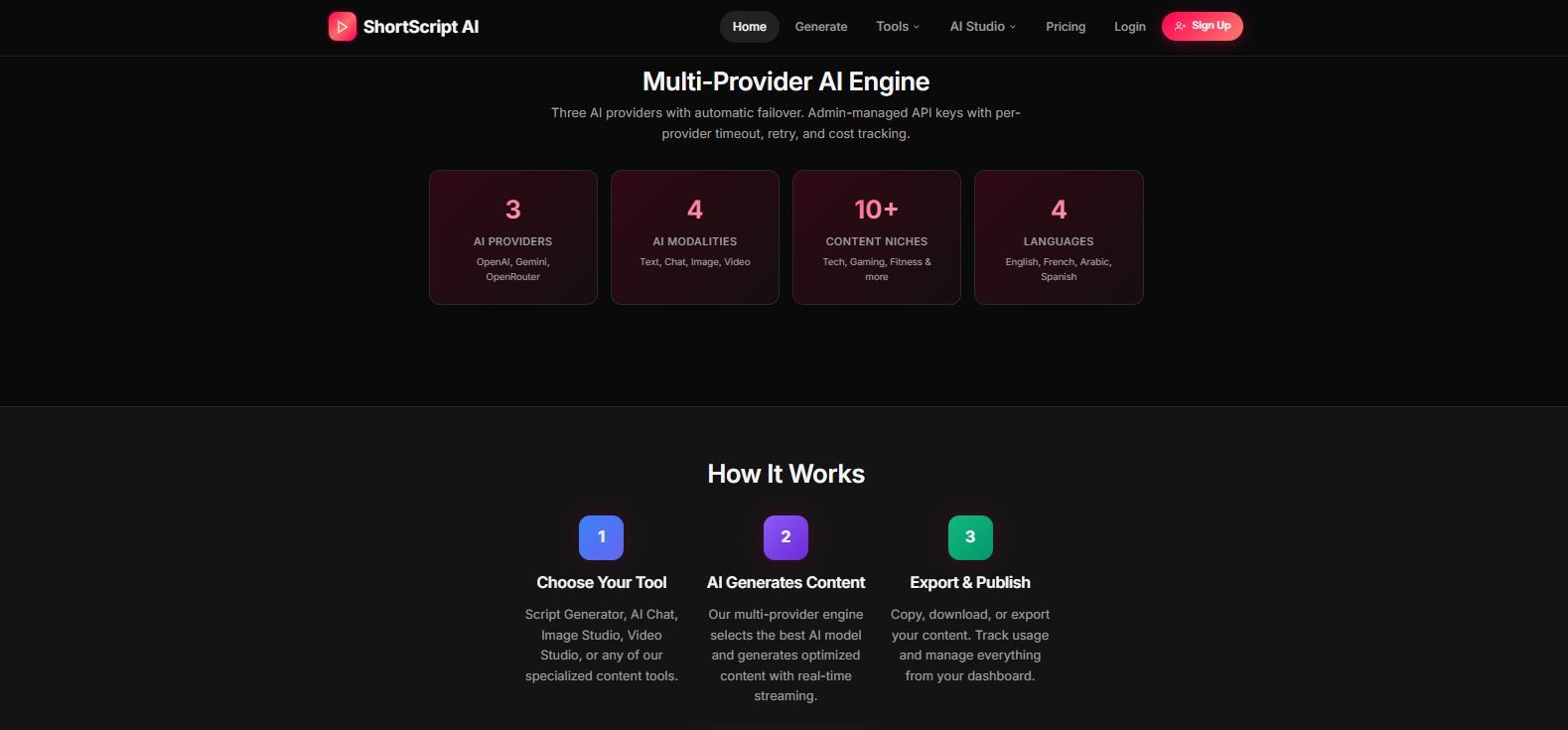
Ultimate AI Shorts Generator is a complete SaaS platform designed to generate high-quality short-form video content using multiple AI providers including OpenAI, Google Gemini, and OpenRouter.
Built for real production use, the platform includes advanced subscription management, multi-provider fallback AI architecture, real-time streaming output, deep analytics, and a fully configurable enterprise-level admin panel.
The system is designed for entrepreneurs, SaaS builders, agencies, and content platforms that want to launch an AI content generation service without building infrastructure from scratch.
🚀 Core Platform Highlights
- Multi-Provider AI Architecture (OpenAI + Gemini + OpenRouter)
- Real-Time Streaming AI Output (Server-Sent Events)
- Multi-Platform Content Optimization (YouTube Shorts, TikTok, Instagram Reels)
- Subscription Billing with Stripe (Checkout + Webhooks + Portal)
- Enterprise Security Controls
- Marketplace Demo Mode + Safe Mode
- Full Admin Control Without Editing Code
🤖 AI Content Generation Engine
The platform generates complete short-form video content packages including:
- 30-60 Second Video Scripts
- Viral Hook Lines
- Caption Text
- Trending Hashtags
- Viral Score Analysis (0-100)
- Thumbnail Text & Concept Ideas
Batch generation allows users to create multiple scripts in a single request.
🧠 Multi-Provider AI System
Supports:
- OpenAI (GPT-4o, GPT-4o Mini)
- Google Gemini (2.5 Flash, 2.0 Flash, 1.5 Pro)
- OpenRouter (100+ Models)
Includes:
- Automatic Provider Fallback
- Token & Cost Tracking
- Per Provider Rate Limits
- Retry Logic & Timeout Controls
- Monthly Token Limits Per Plan
- Emergency AI Kill Switch
- Template Fallback (Works without API keys)
🎯 Multi-Platform Optimization
Content is automatically optimized for:
- YouTube Shorts
- TikTok
- Instagram Reels
🌍 Multi Language Support
- English
- French
- Arabic
- Spanish
🎭 Voice Style System
- Default
- Storytelling
- Motivational
- Documentary
- Funny
🛠 Built-In AI Content Tools
- Hook Generator
- Content Rewriter
- Niche Trend Discovery
- Content Calendar Generator
- Thumbnail Idea Generator
🧩 10 Ready Content Niches
Gaming, Motivation, Facts, Finance, Tech, Fitness, Comedy, Education, Lifestyle, Food
🧑💻 Central Command Admin Panel (14 Tabs)
Complete platform control without touching code.
Includes:
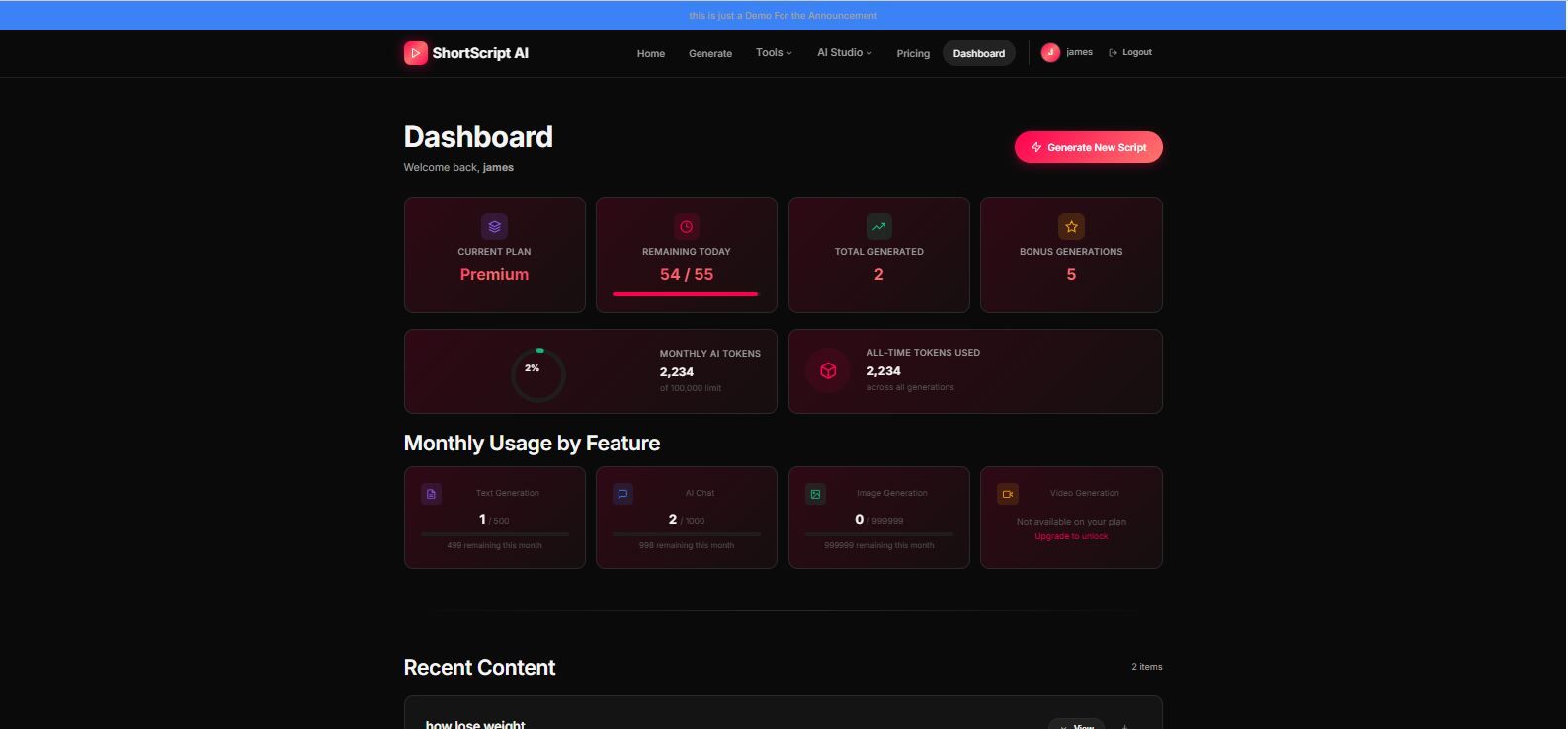
📊 Analytics
Users, generations, niches, platforms, token usage, cost tracking.
⚙ Settings
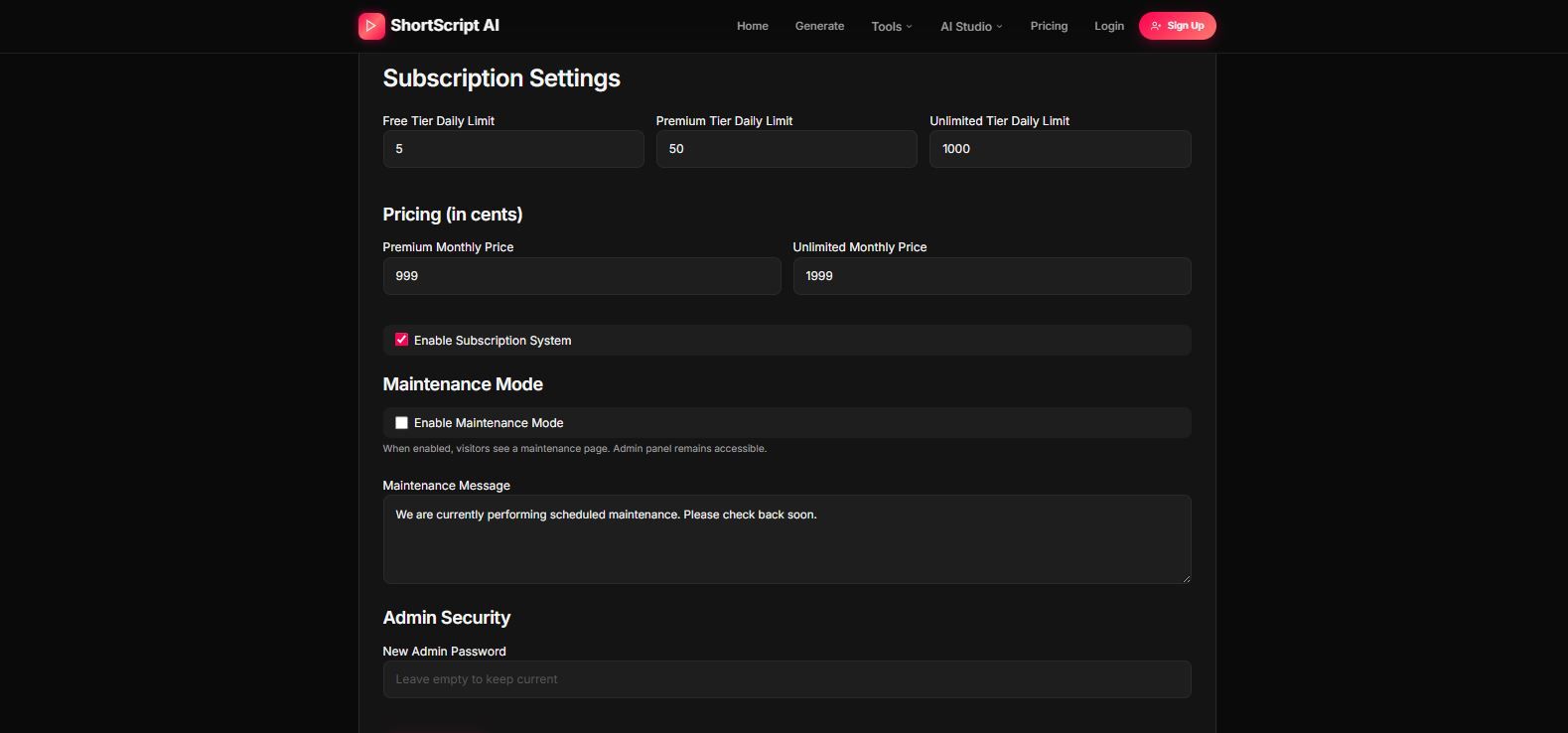
Daily limits, pricing, subscription toggle, maintenance mode.
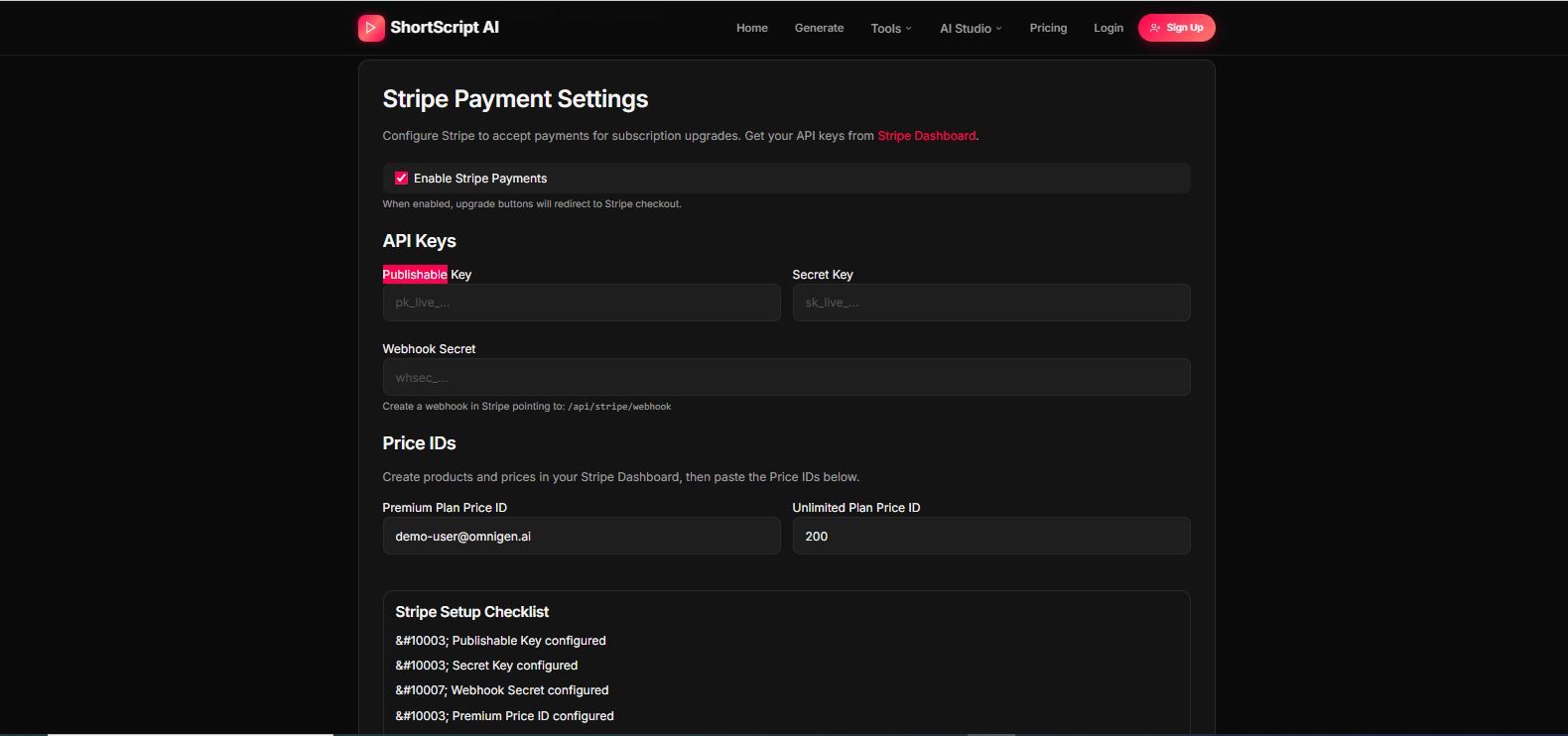
💳 Stripe
Full billing configuration and webhook system.
📝 CMS
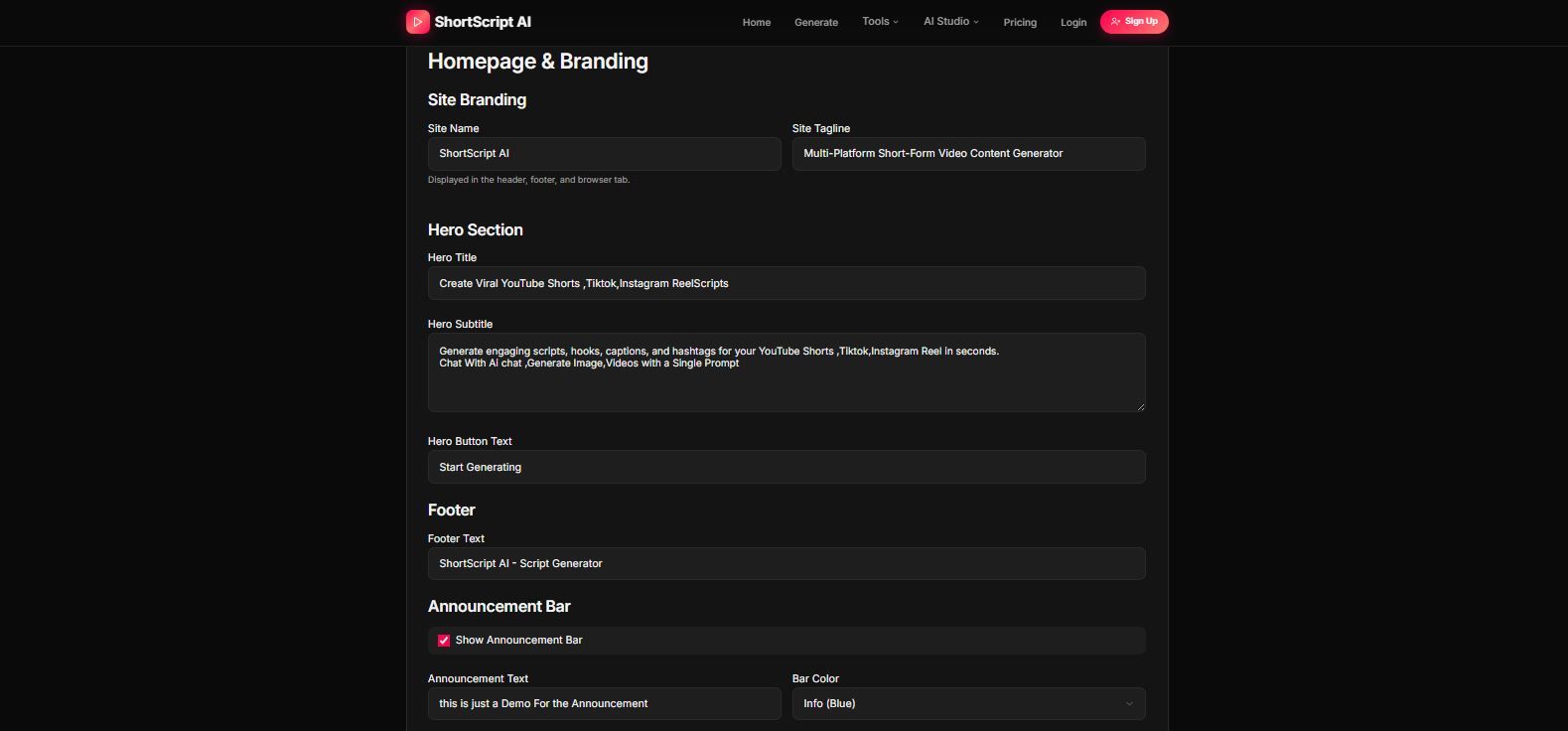
Landing page text, hero section, footer, announcement bar.
🔎 SEO
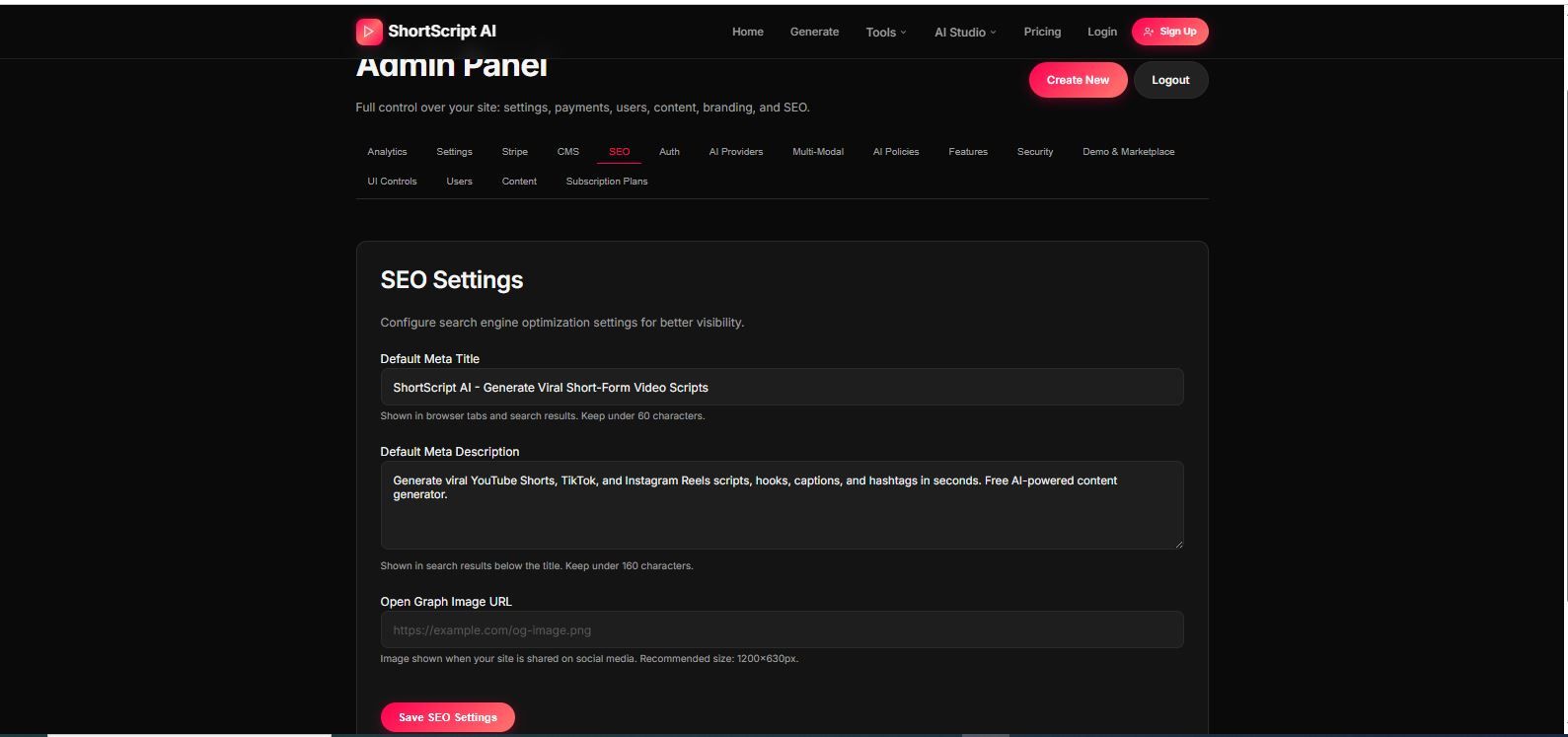
Meta tags and Open Graph configuration.
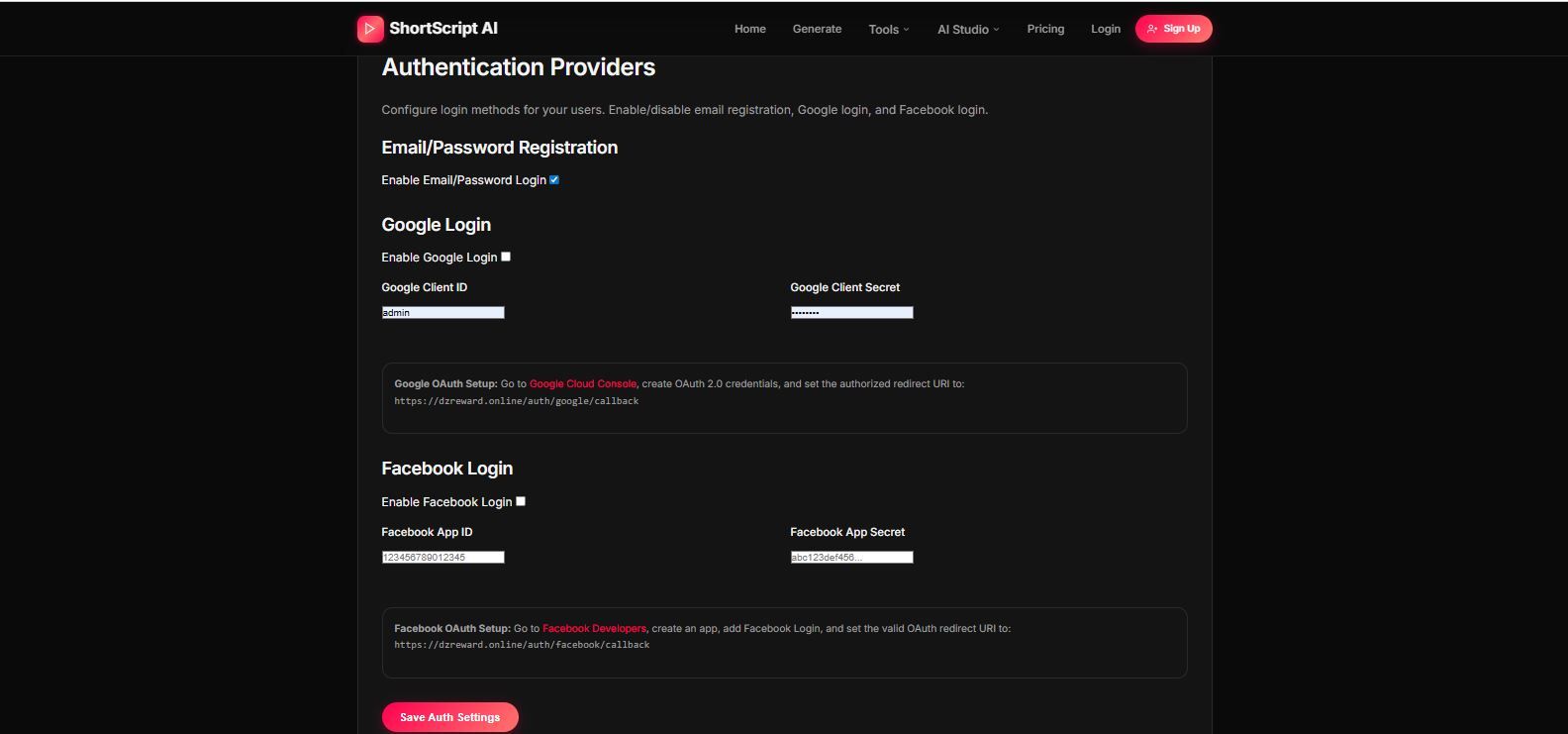
🔐 Authentication
Email login, Google OAuth, Facebook OAuth, Replit Auth.
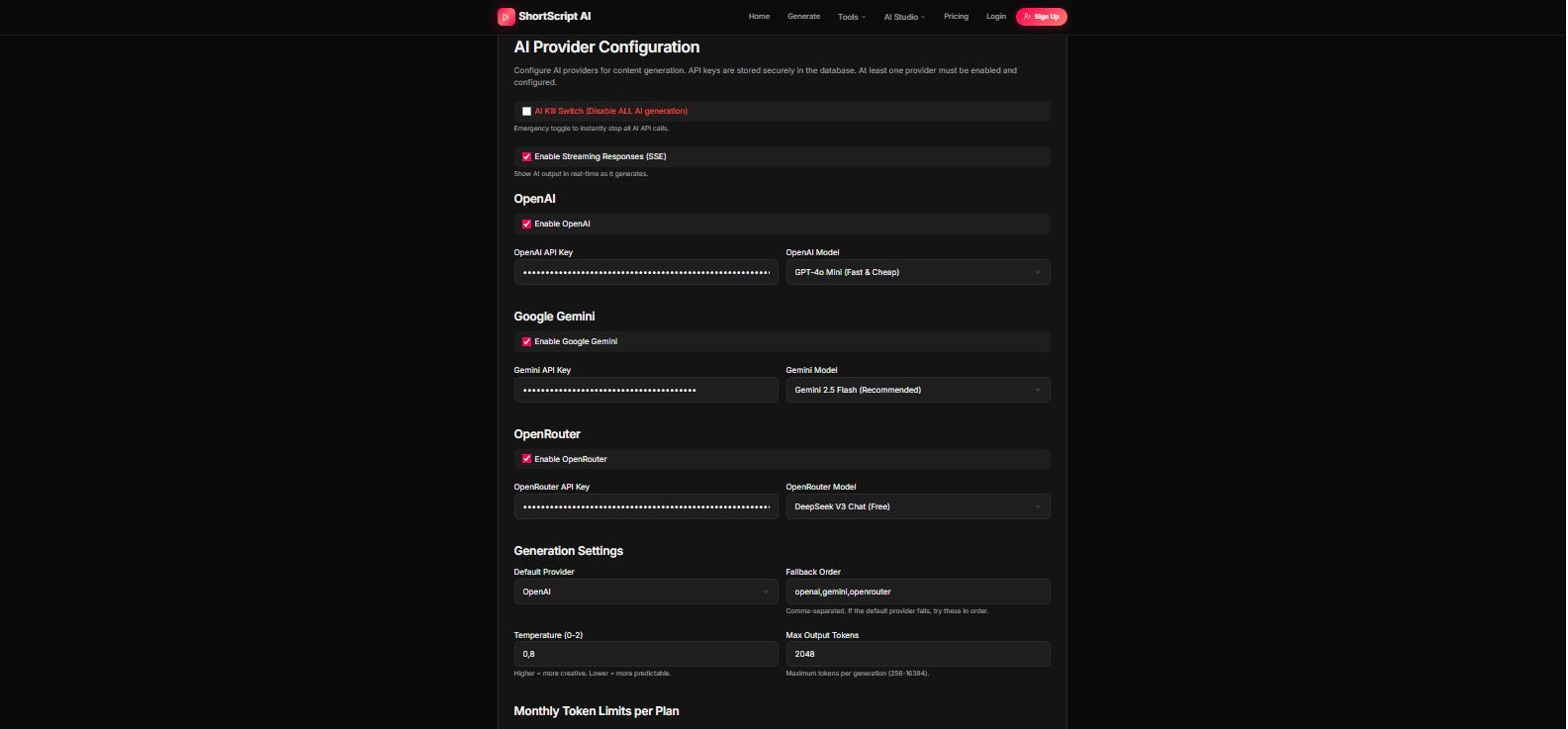
🤖 AI Providers
API keys, models, fallback order, streaming, limits, cost multipliers.
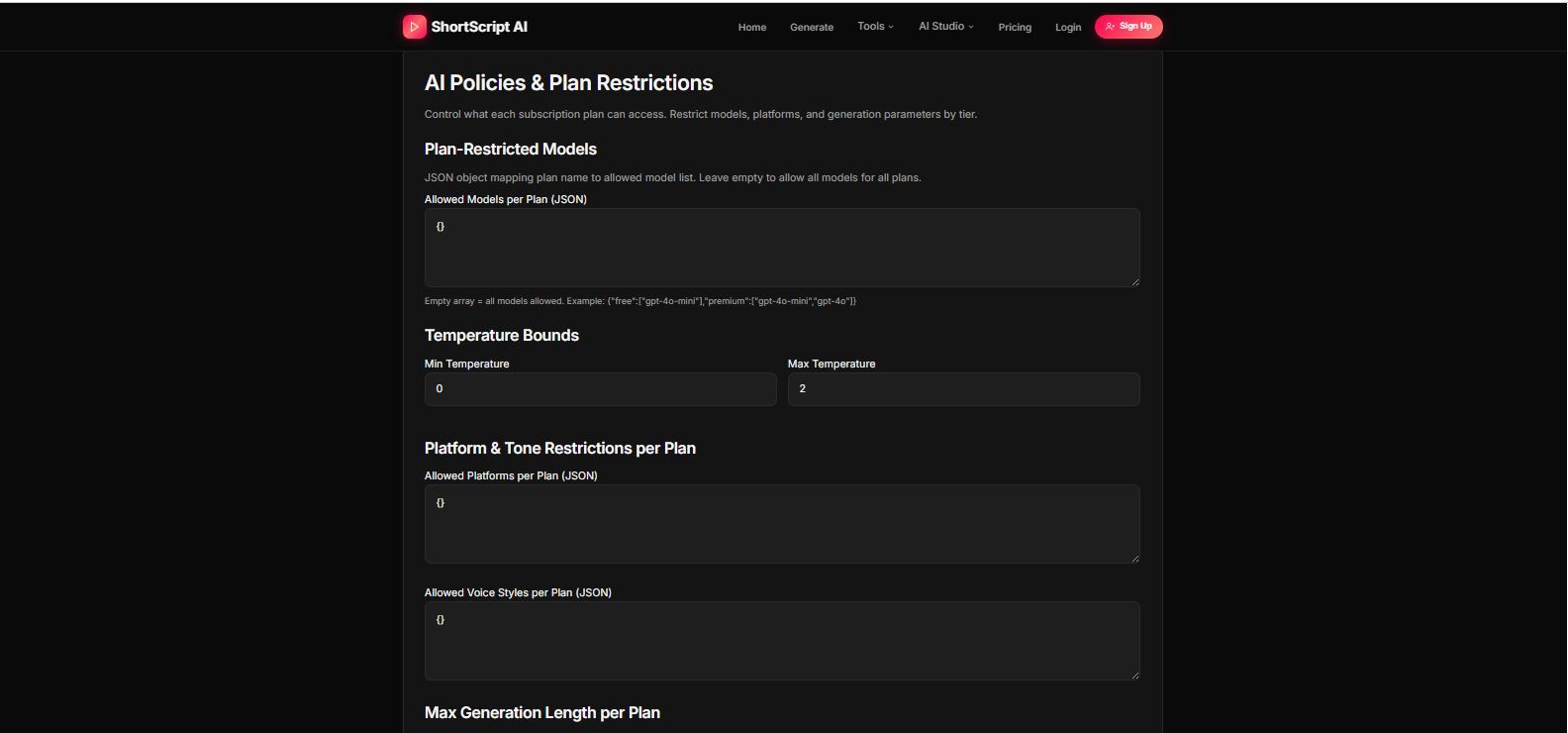
📜 AI Policies
Model restrictions per subscription tier, platform access rules.
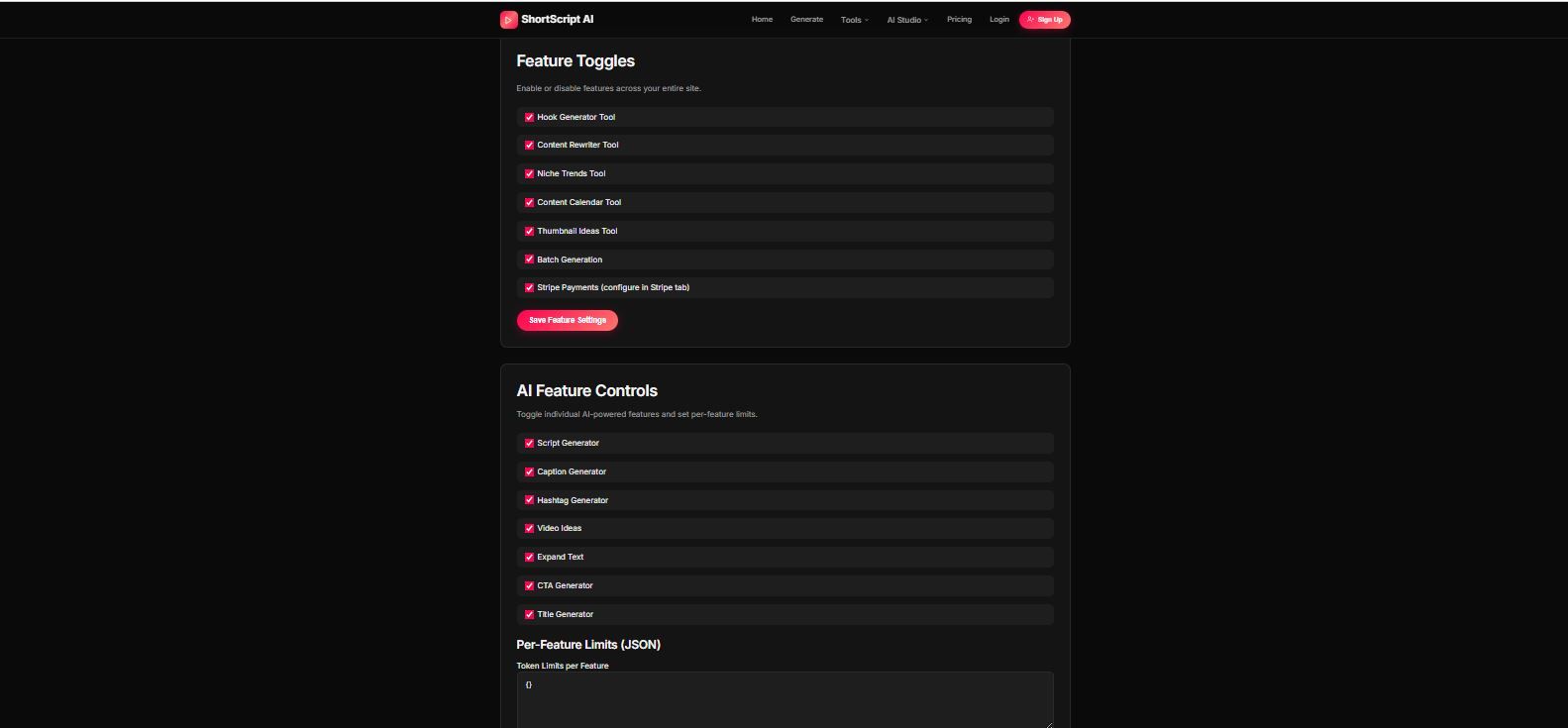
🧰 Features Control
Enable/disable tools and AI features per plan.
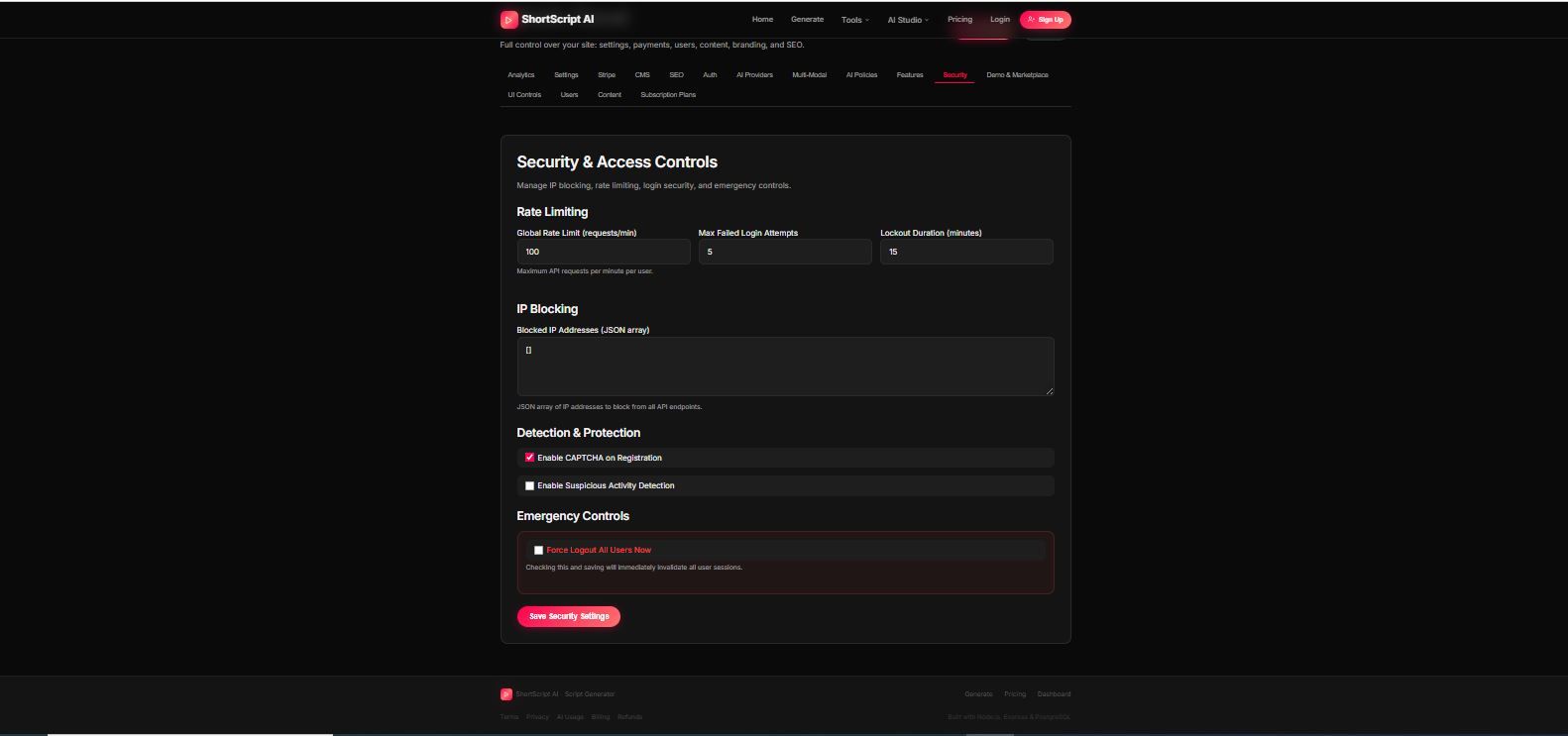
🛡 Security
IP blocking, rate limiting, CAPTCHA, suspicious activity detection.
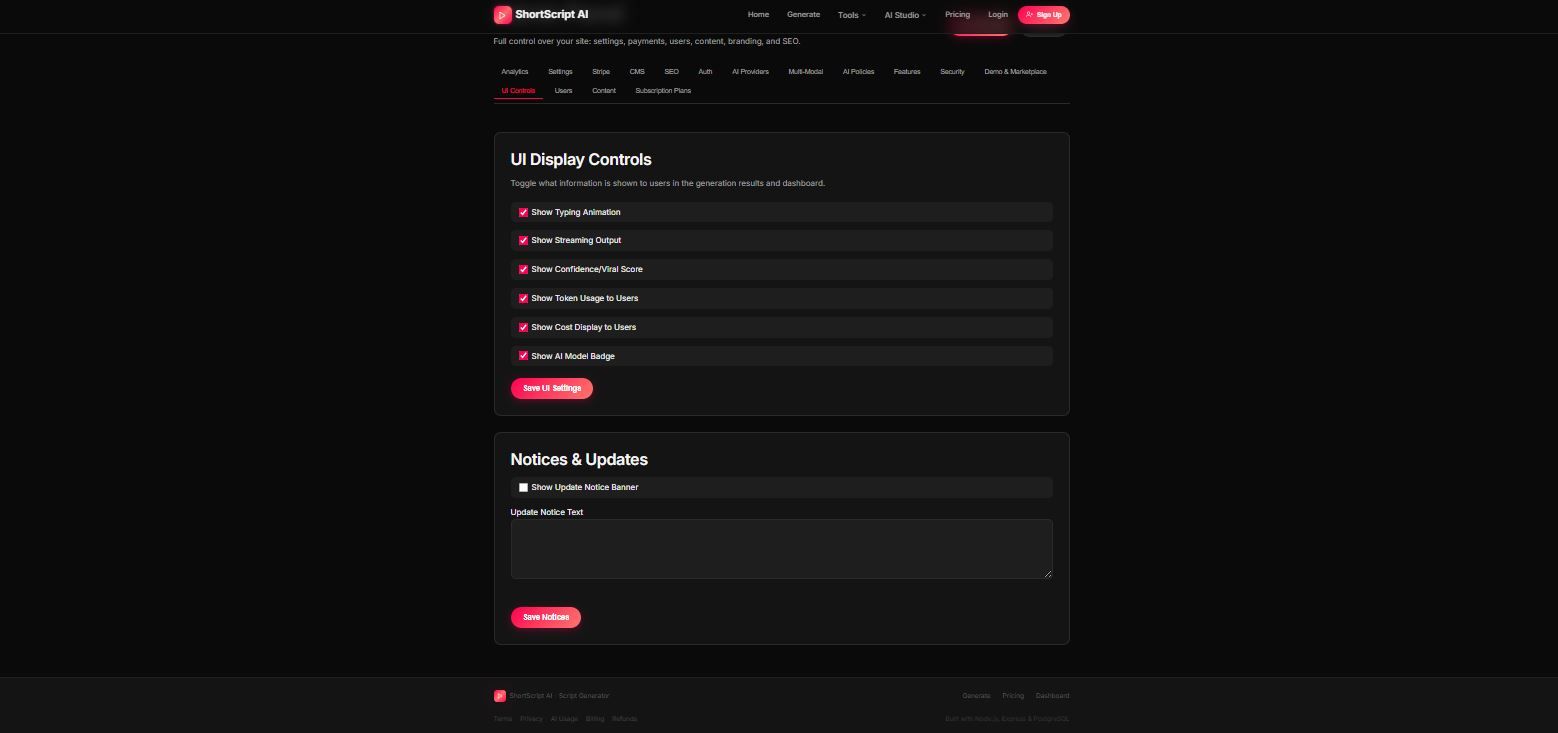
🎨 UI Controls
Toggle animations, streaming, cost display, viral score display.
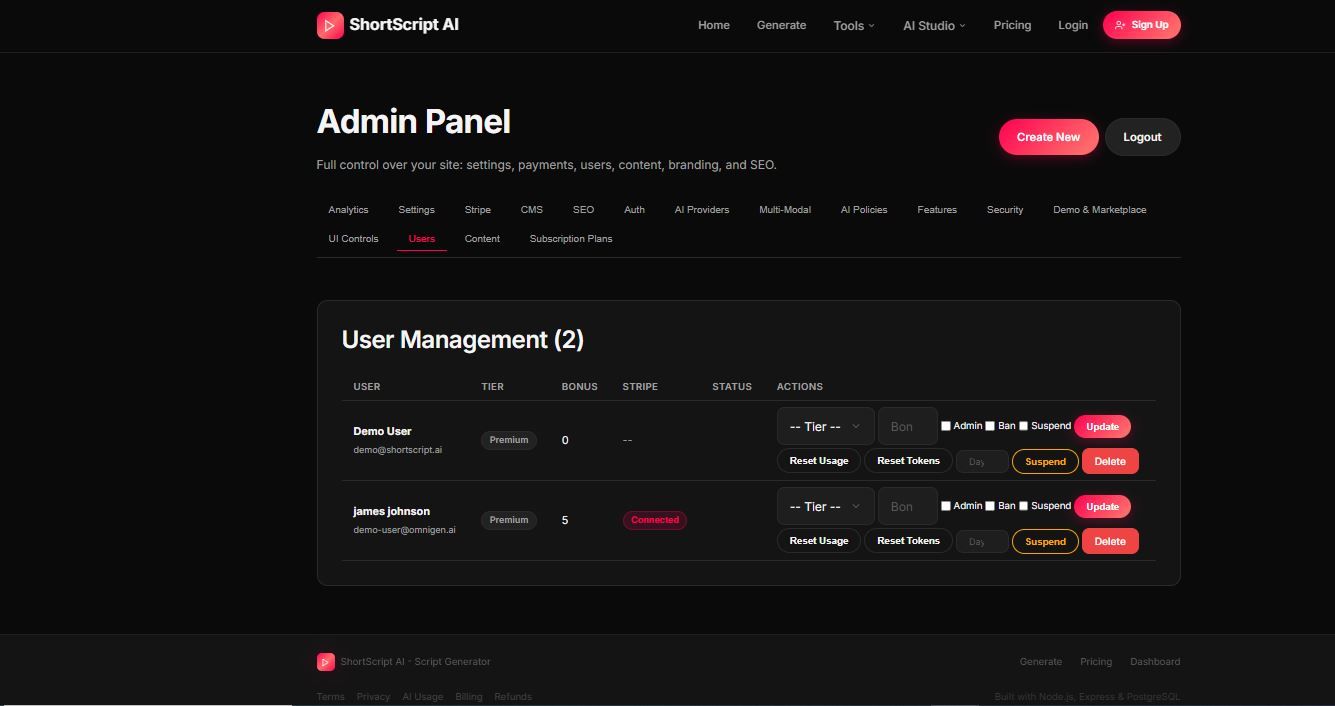
👥 Users
Manage subscriptions, roles, bans, bonus credits.
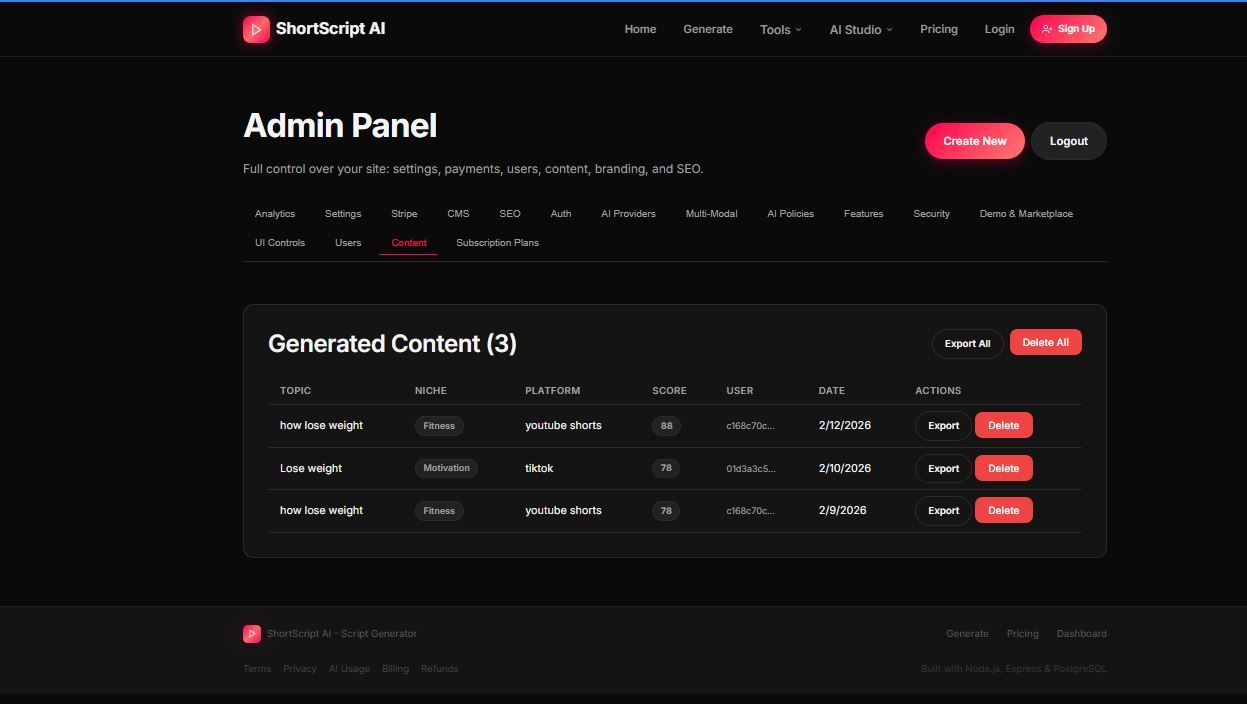
📁 Content
View, export, or delete generated content.
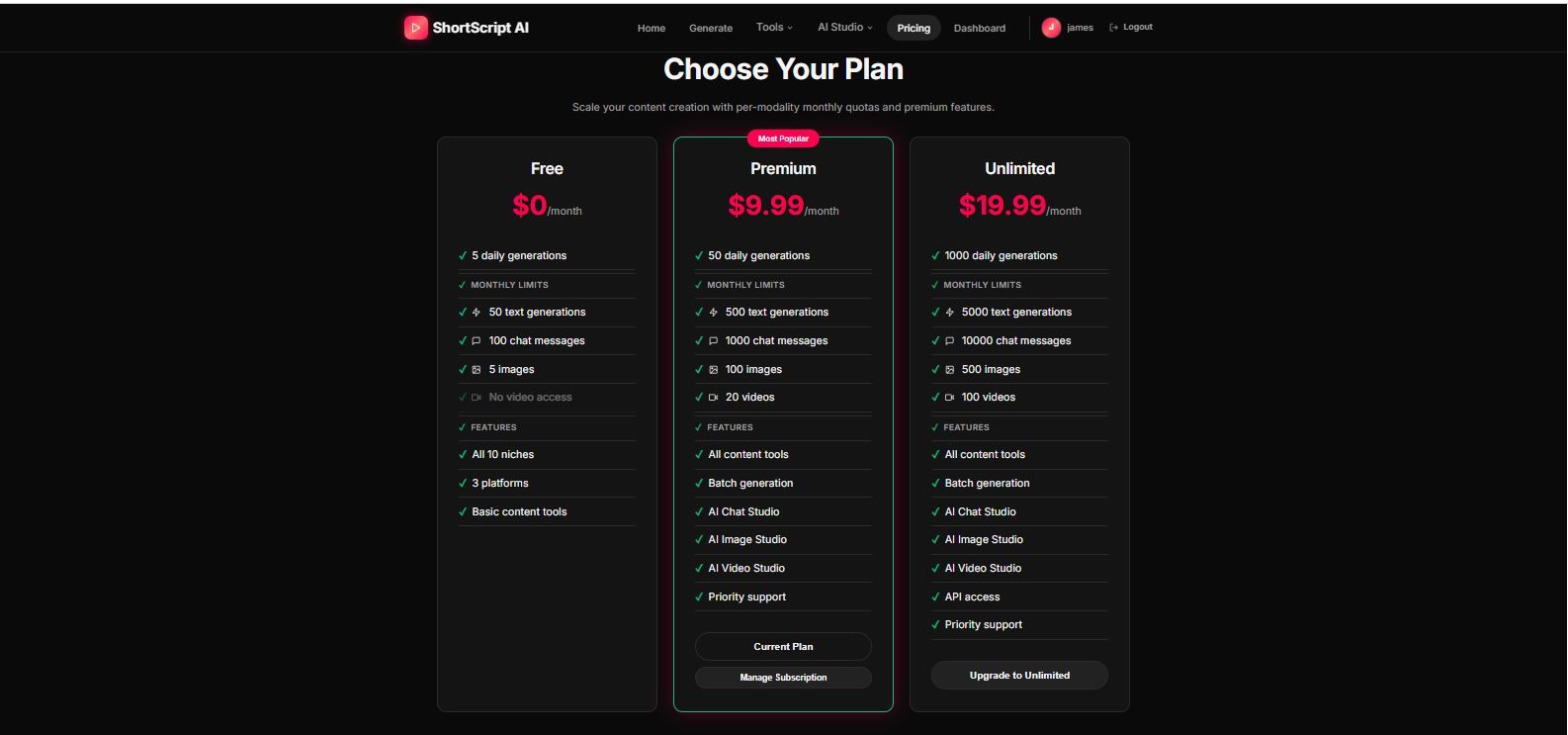
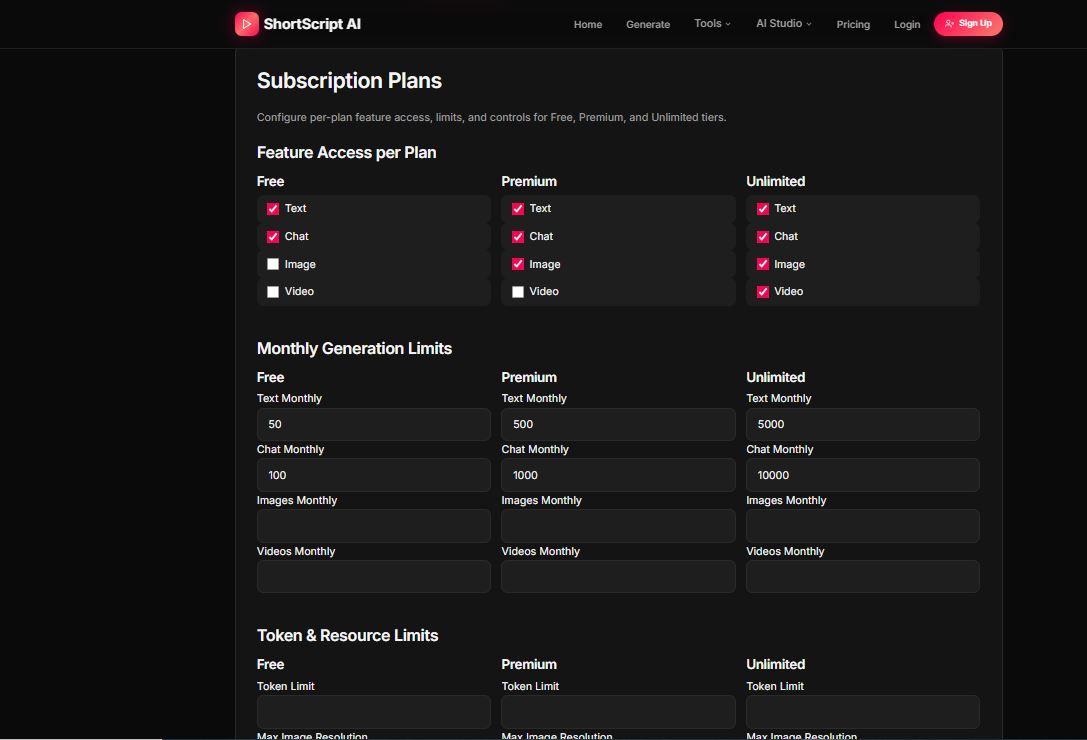
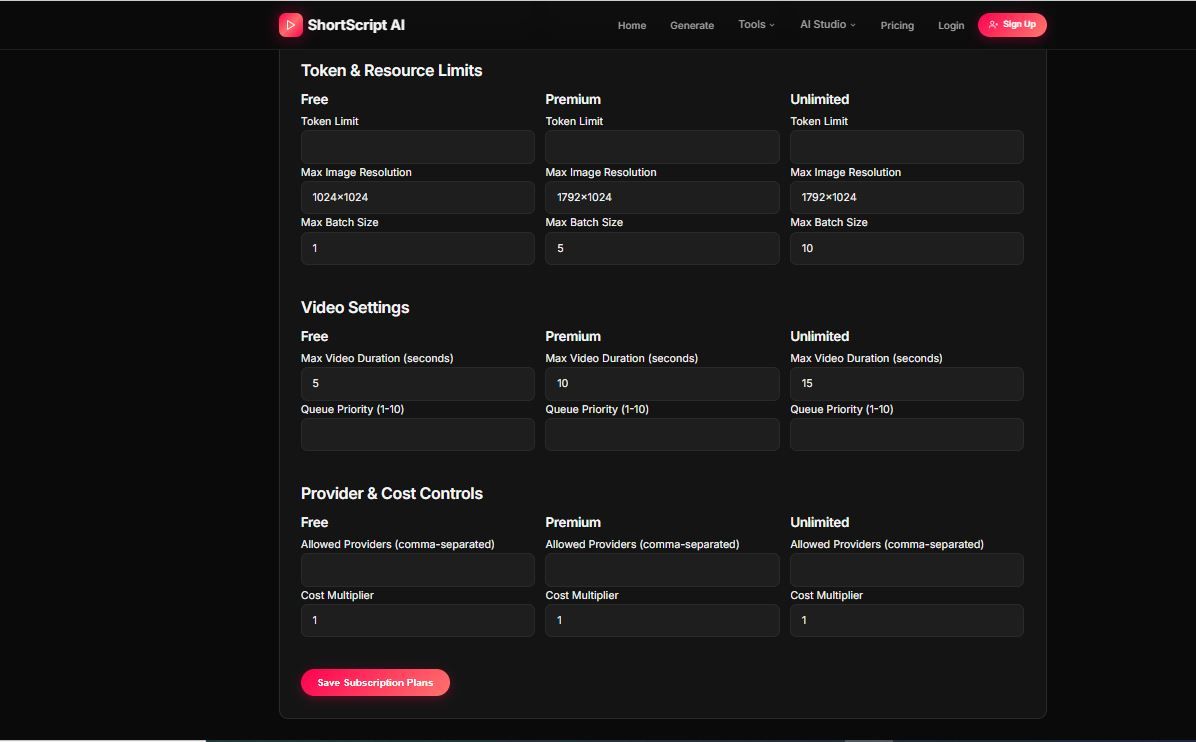
💳 Subscription System
Fully configurable from admin panel.
Free
Basic access with daily generation limits.
Premium
Higher limits, batch generation, more AI models.
Unlimited
Highest limits and full platform access.
🔒 Security Features
- Global Rate Limiting
- Failed Login Protection
- IP Blocking
- Force Logout
- Suspicious Activity Detection
⚡ Performance Features
- Streaming AI Output (SSE)
- Token Usage Tracking
- Cost Analytics Per User
- Batch Processing Engine
📢 Disclaimer
This system integrates with OpenAI API, Google Gemini API, and OpenRouter API which are paid third-party services. Usage requires active accounts and compliance with their pricing and terms of service
Features
**Content generation:**
- Generates 30-60 second video scripts optimized for short-form platforms
- Creates attention-grabbing hooks (the first 2 seconds that make people stop scrolling)
- Writes on-screen captions and suggests trending hashtags
- Scores content with viral potential, hook strength, and engagement ratings
- Supports 10 niches (gaming, tech, fitness, finance, comedy, etc.), 4 languages, and 5 voice styles
- You can generate up to 10 scripts in one batch
**Content tools:**
- Hook Generator — gives you 10 hooks in different styles (curiosity, shock, question, etc.)
- Content Rewriter — rewrites your existing content in a new style (more viral, shorter, emotional, storytelling)
- Niche Trends — shows what's trending in any niche right now
- Content Calendar — plans out 7 or 30 days of posting ideas
- Thumbnail Generator — suggests thumbnail text and visual concepts
**AI features:**
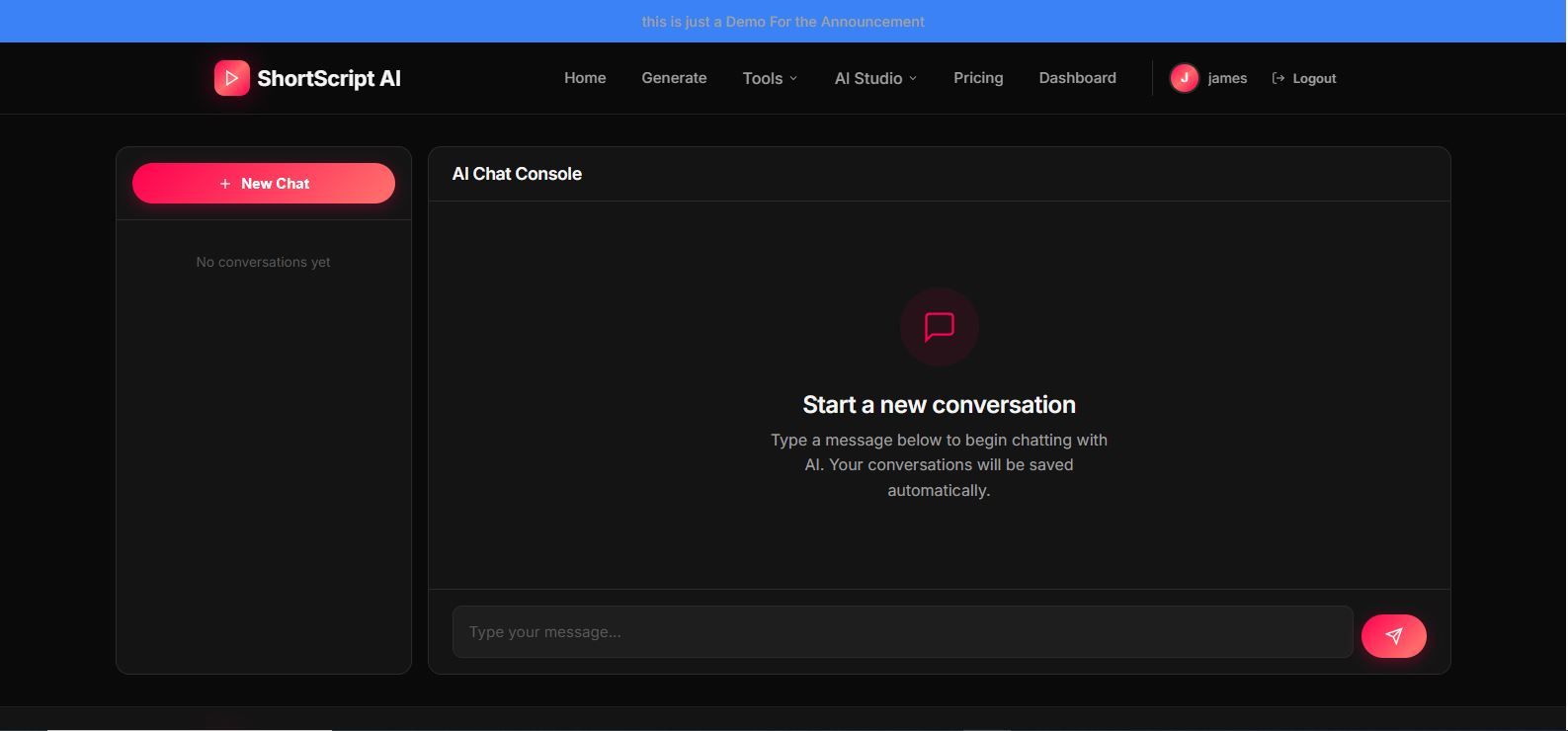
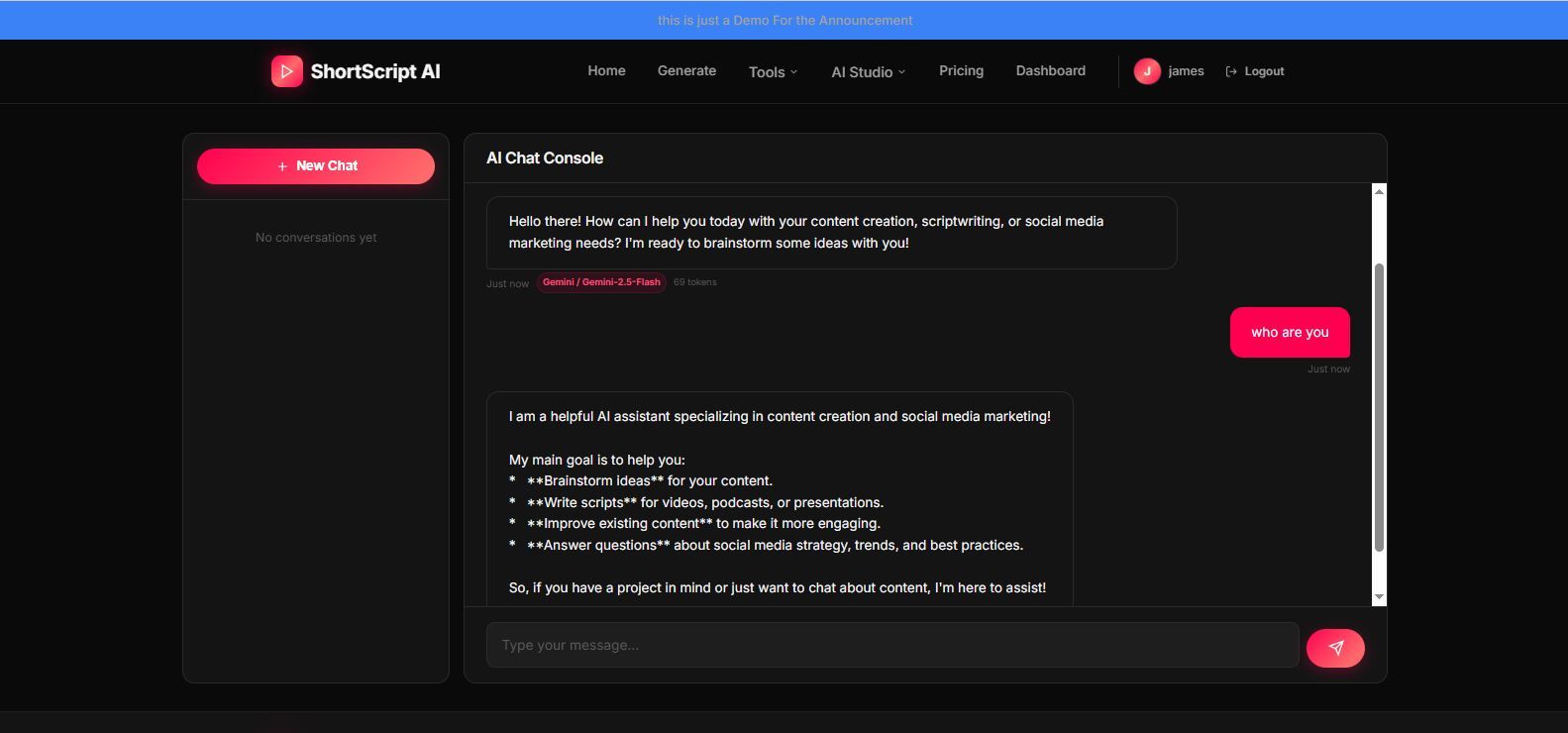
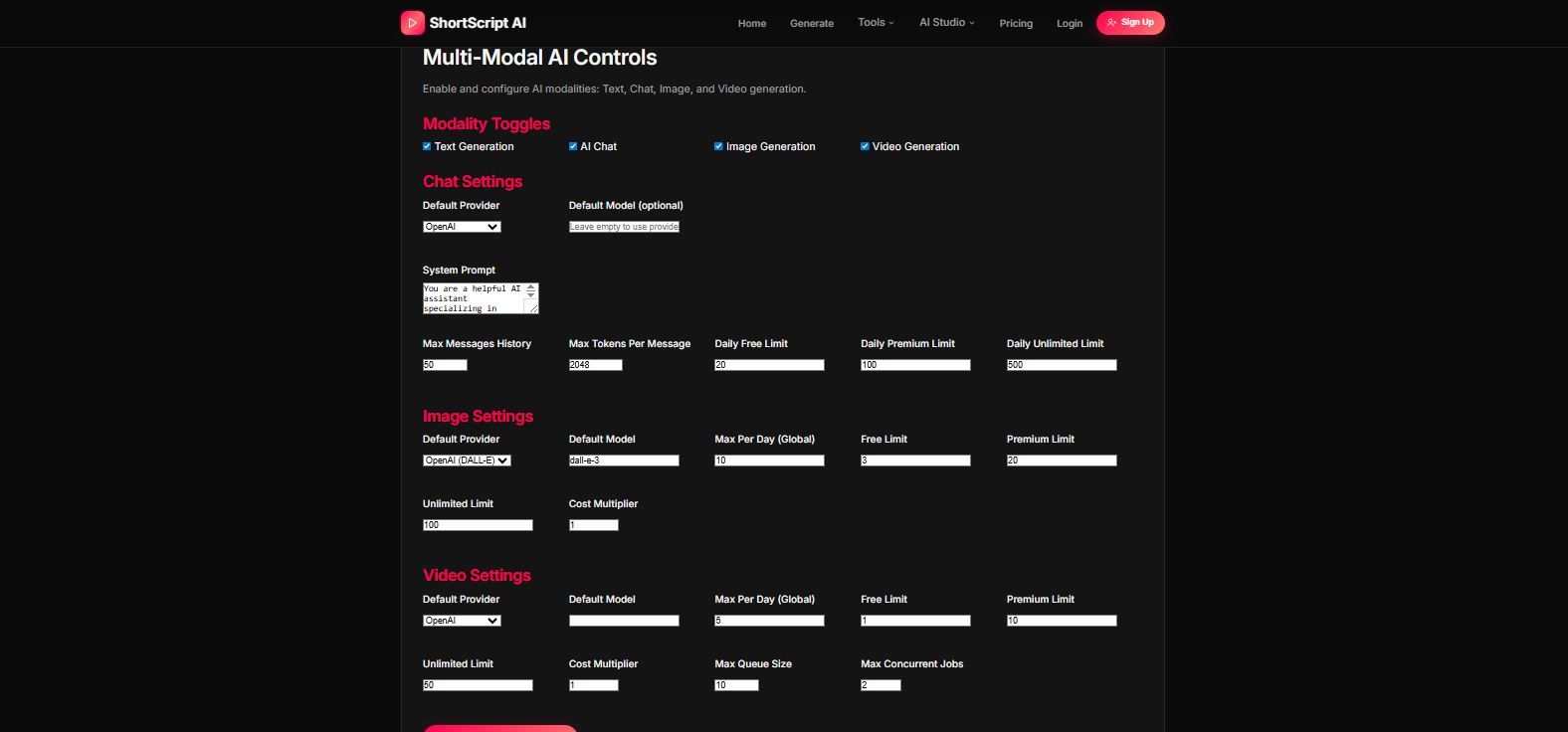
- AI Chat — a ChatGPT-style assistant for brainstorming content ideas
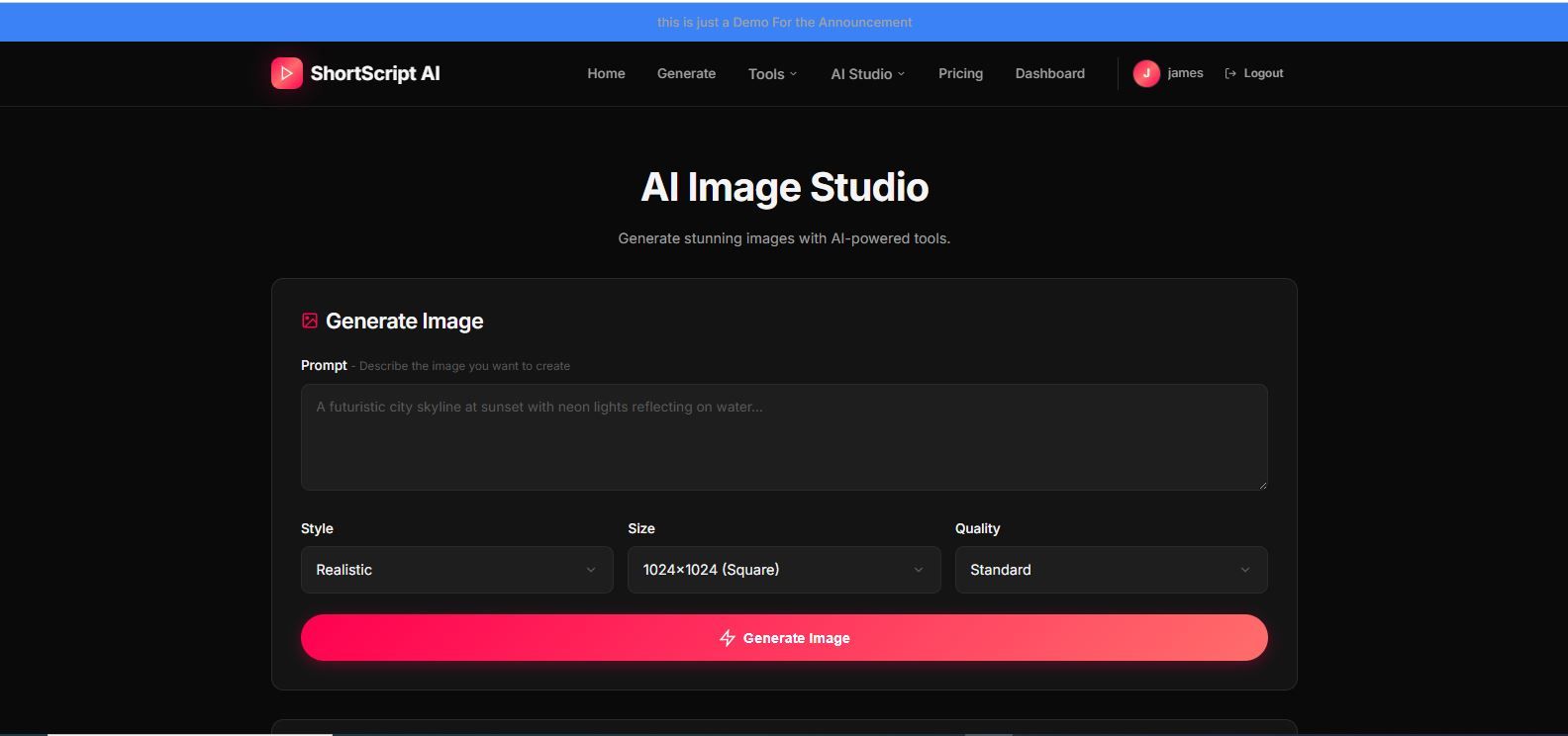
- AI Image Studio — generate images from text descriptions
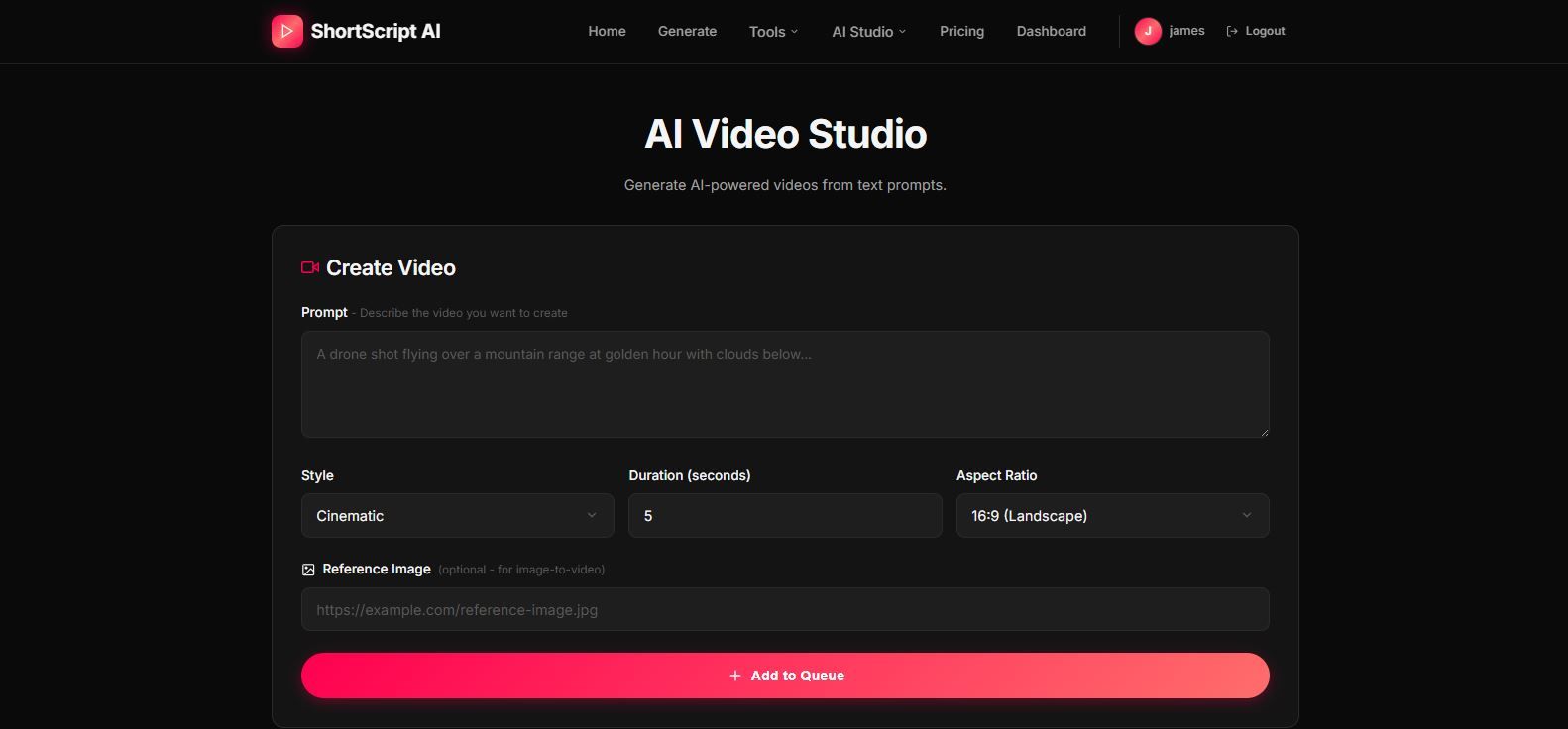
- AI Video Studio — queue up video generation jobs (async, because video takes time)
- All AI features have separate monthly quotas per subscription tier
**The admin panel:**
- 16 tabs covering analytics, settings, Stripe config, CMS, SEO, auth providers, AI providers, AI policies, feature toggles, security, marketplace settings, UI controls, user management, and content review
- Everything is stored in the database, not in config files or environment variables
- You can change pricing, enable/disable features, swap AI models, block IPs, suspend users, toggle maintenance mode — all from the browser
---
## Tech stack
- **Backend:** Node.js + Express + TypeScript
- **Views:** EJS (server-side rendered, no React)
- **Database:** PostgreSQL with Drizzle ORM
- **Styling:** Custom CSS dark theme (no Tailwind, no Bootstrap)
- **AI:** OpenAI, Google Gemini, OpenRouter (all optional, template fallback included)
- **Payments:** Stripe
- **Auth:** Email/password, Google OAuth, Facebook OAuth.
Requirements
- Node.js v18+ (v20 recommended)
- PostgreSQL 14+
Instructions
1. Install Dependencies
```bash
npm install
```
### 2. Configure Database
Set the `DATABASE_URL` environment variable:
```bash
# Example for local PostgreSQL
export DATABASE_URL="postgresql://user:password@localhost:5432/shortscript"
```
### 3. Push Database Schema
```bash
npm run db:push
```
This creates all 6 tables: `users`, `sessions`, `daily_usage`, `app_settings`, `generated_content`, `generation_usage`.
### 4. Set Session Secret
```bash
export SESSION_SECRET="your-random-secret-key-here"
```
Generate a secure random string:
```bash
node -e "console.log(require('crypto').randomBytes(32).toString('hex'))"
```
### 5. Start the Application
**Development:**
```bash
npm run dev
```
**Production:**
```bash
npm run build
npm run start
```
The app will run on `http://localhost:5000`.
---
## First-Time Admin Setup
1. Navigate to `/admin` in your browser
2. Default password: `admin123`
3. **Change this password immediately** in the Settings tab
4. The admin panel is intentionally hidden from navigation for security
---
## Setting Up AI Providers (Optional But Recomanded)
All AI configuration is done from the admin panel. No environment variables needed.
### OpenAI
1. Get an API key from [platform.openai.com](https://platform.openai.com/api-keys)
2. Admin Panel > AI Providers tab > Enable OpenAI
3. Paste API key, select model (GPT-4o, GPT-4o-mini, etc.)
4. Save
### Google Gemini
1. Get an API key from [aistudio.google.com](https://aistudio.google.com/apikey)
2. Admin Panel > AI Providers tab > Enable Gemini
3. Paste API key, select model (Gemini 2.5 Flash, 2.0 Flash, 1.5 Pro, etc.)
4. Save
### OpenRouter
1. Get an API key from [openrouter.ai](https://openrouter.ai/keys)
2. Admin Panel > AI Providers tab > Enable OpenRouter
3. Paste API key, enter model name (e.g., `meta-llama/llama-4-scout:free`)
4. Save
**No AI keys?** The app works without any AI providers using built-in template-based generation.
You Can Disable The ai Chat ,Ai image and ai video on the admin Panel and use the built-in template-based generation.
---
## Authentication Setup
### Email/Password Registration (Default)
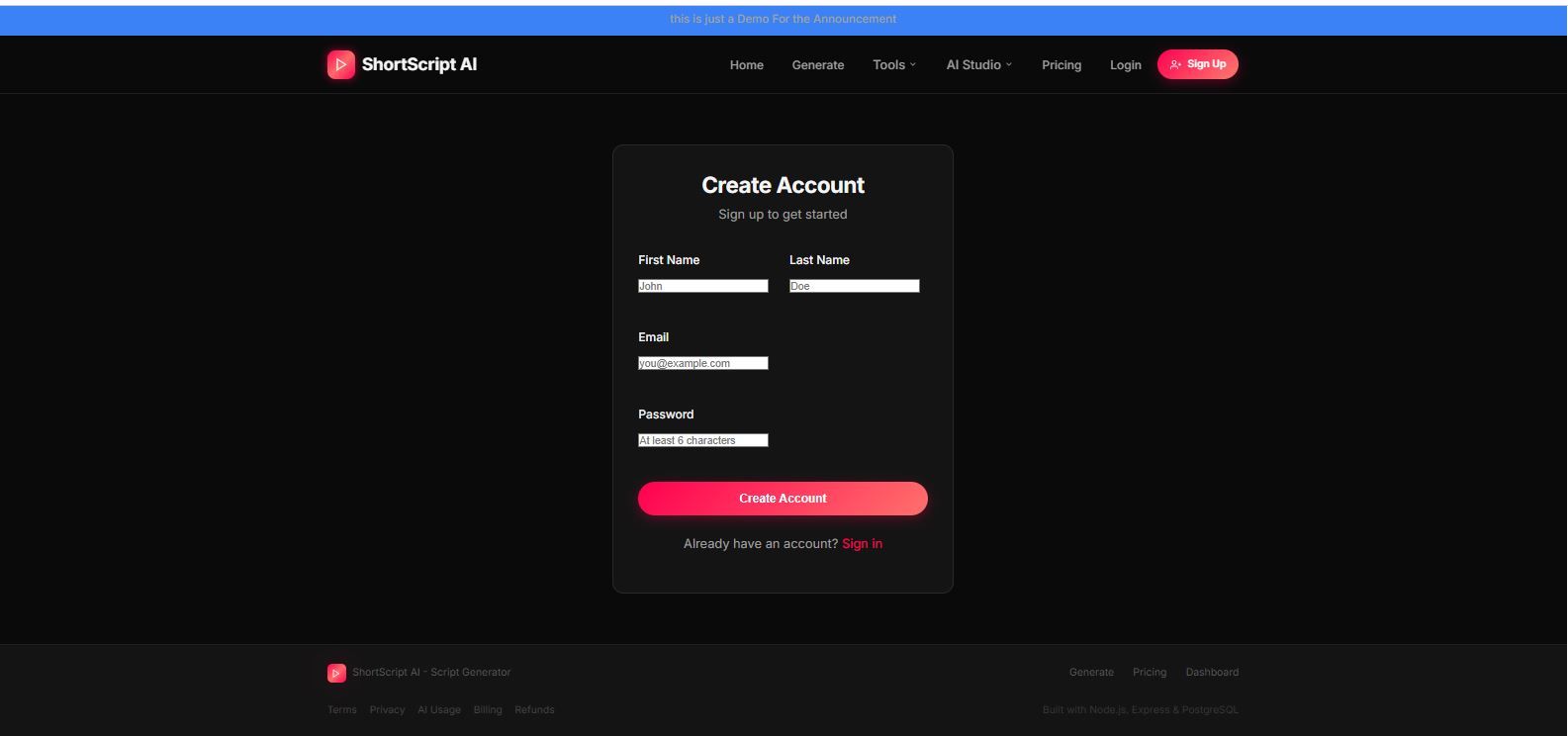
Enabled by default. Users register at `/auth/register` and login at `/auth/login`. Passwords are hashed with bcrypt (10 rounds).
### Google OAuth Login
1. Go to [Google Cloud Console](https://console.cloud.google.com/apis/credentials)
2. Create an OAuth 2.0 Client ID
3. Set **Authorized redirect URI** to: `https://yourdomain.com/auth/google/callback`
4. Admin Panel > Auth tab > Enter Client ID and Client Secret > Enable Google Login
### Facebook OAuth Login
1. Go to [Facebook Developers](https://developers.facebook.com/apps/)
2. Create an app and add Facebook Login product
3. Set **Valid OAuth redirect URI** to: `https://yourdomain.com/auth/facebook/callback`
4. Admin Panel > Auth tab > Enter App ID and App Secret > Enable Facebook Login
The Source Code Has Full Documentation.
Other items by this author





| Category | Scripts & Code / NodeJS |
| First release | 12 February 2026 |
| Last update | 12 February 2026 |
| Tags | ai generator saas platform openai saas gemini ai openrouter ai content generator stripe subscription ai shorts generator tiktok ai script youtube shorts ai instagram reels ai multi ai provider ai video script generator ai startup saas |