
WPaaS — WordPress-as-a-Service PlatformWPaaS — WordPress-as-a-Service Platform
Complete SaaS Solution to Build Your Own WordPress Hosting Business Like Wix, WordPress.com, or Cloudways
WPaaS — WordPress-as-a-Service Platform
Complete SaaS Solution to Build Your Own WordPress Hosting Business Like Wix, WordPress.com, or C...
Screenshots
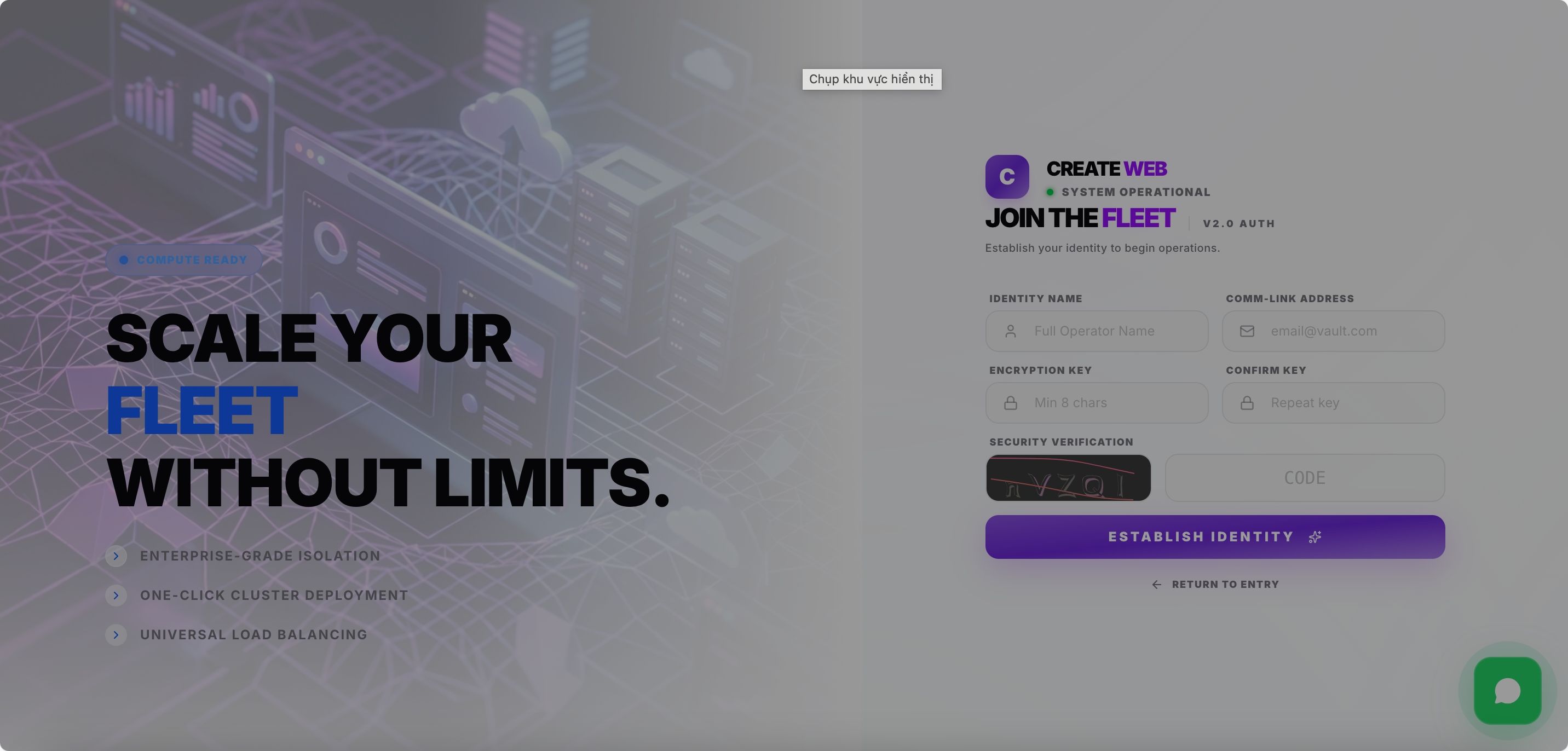
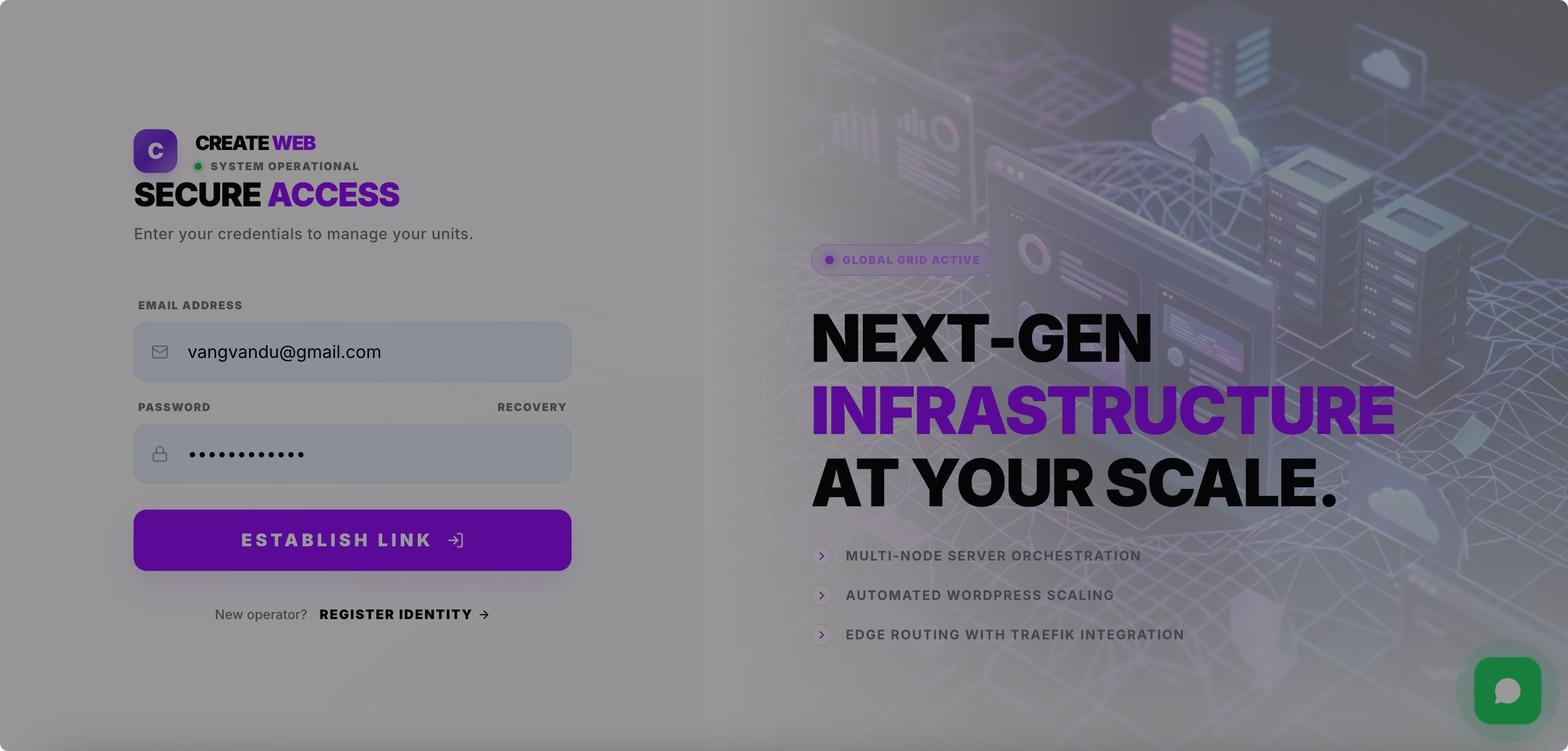
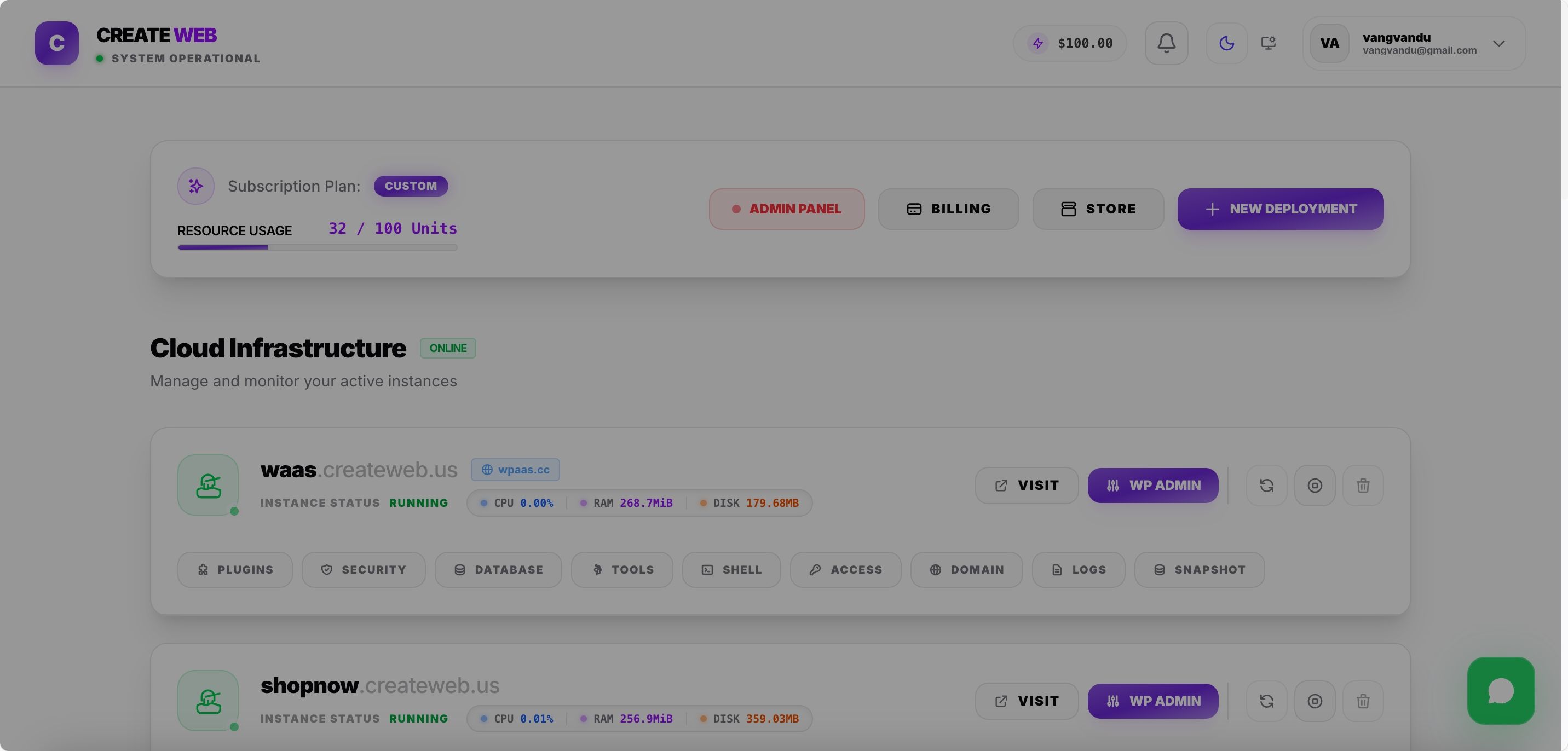
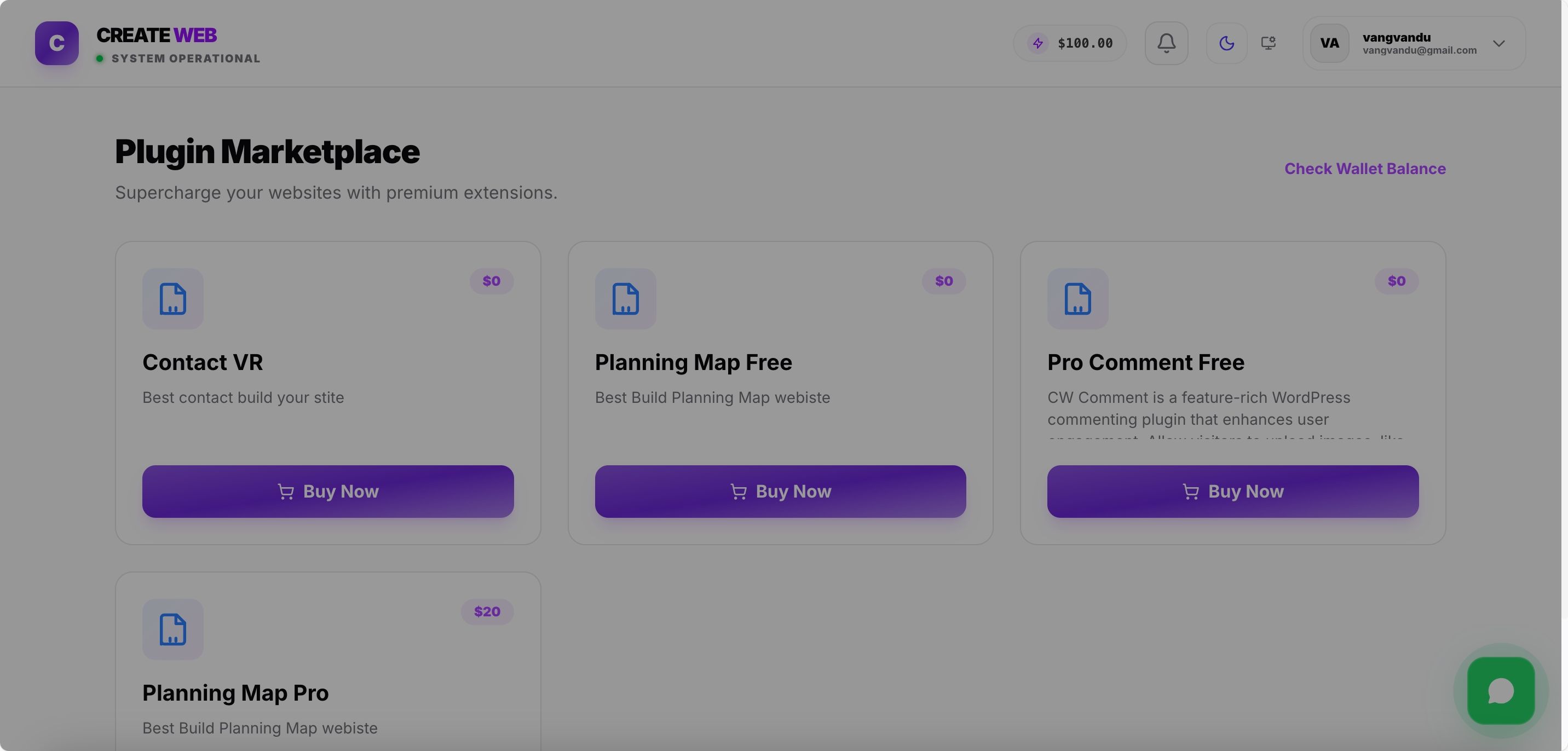
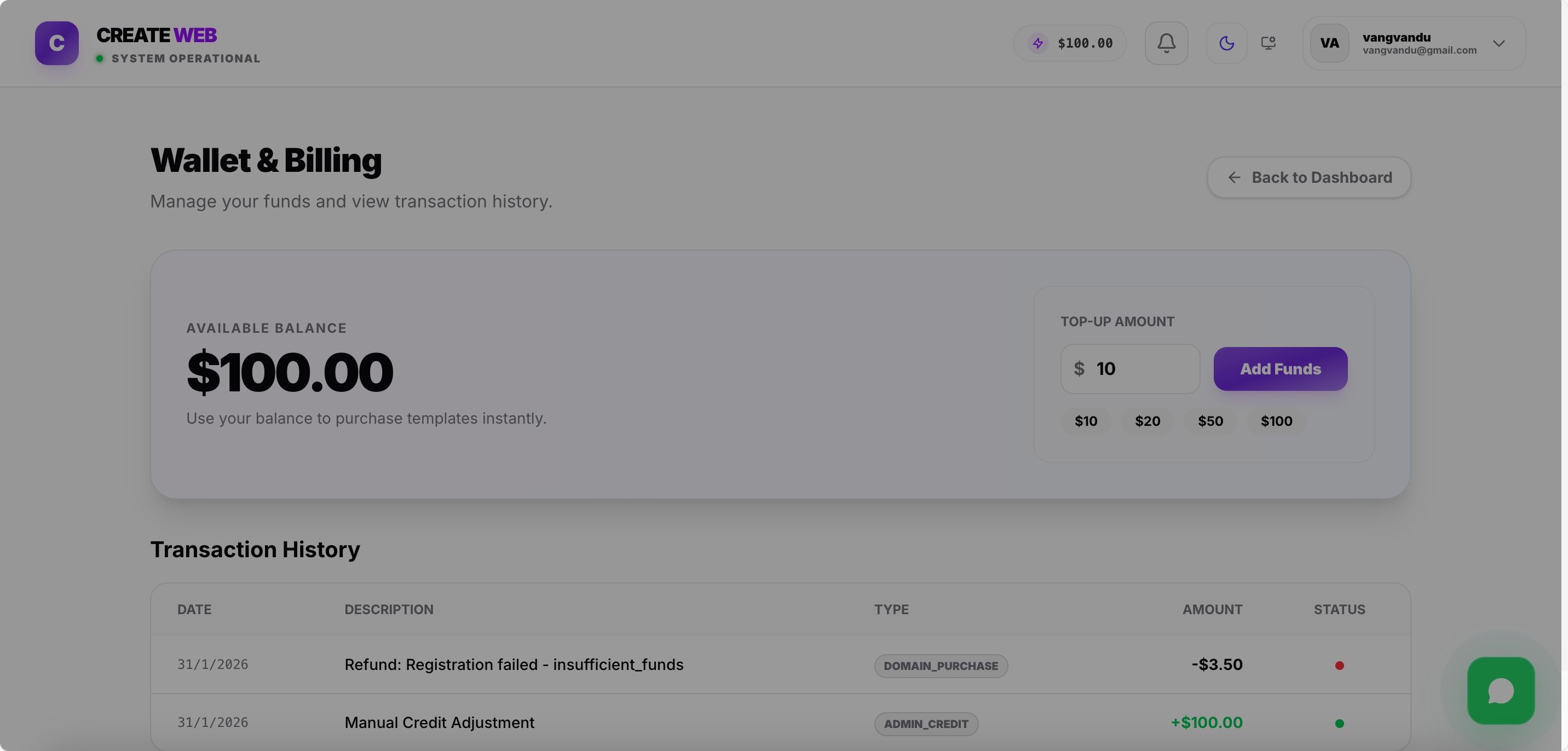
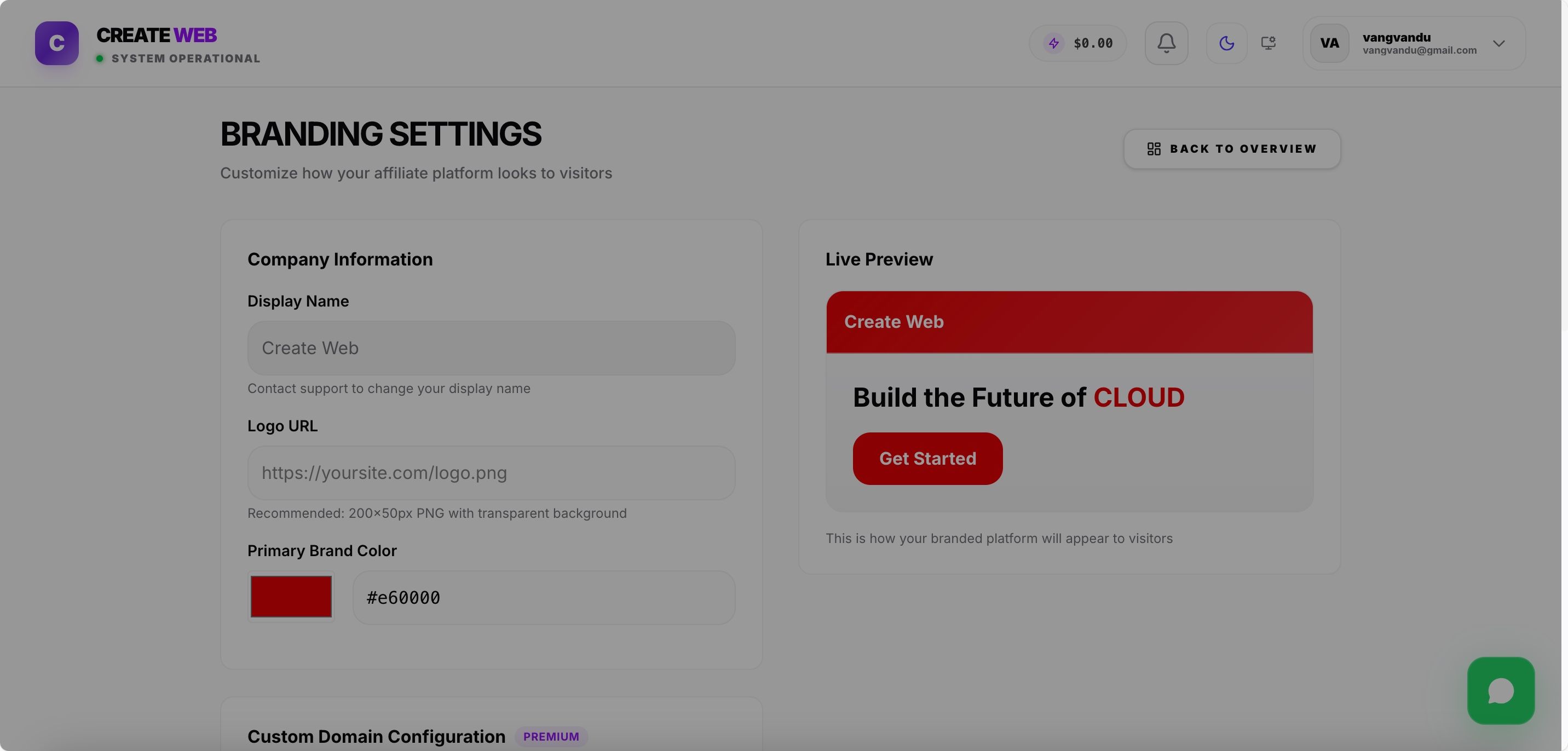
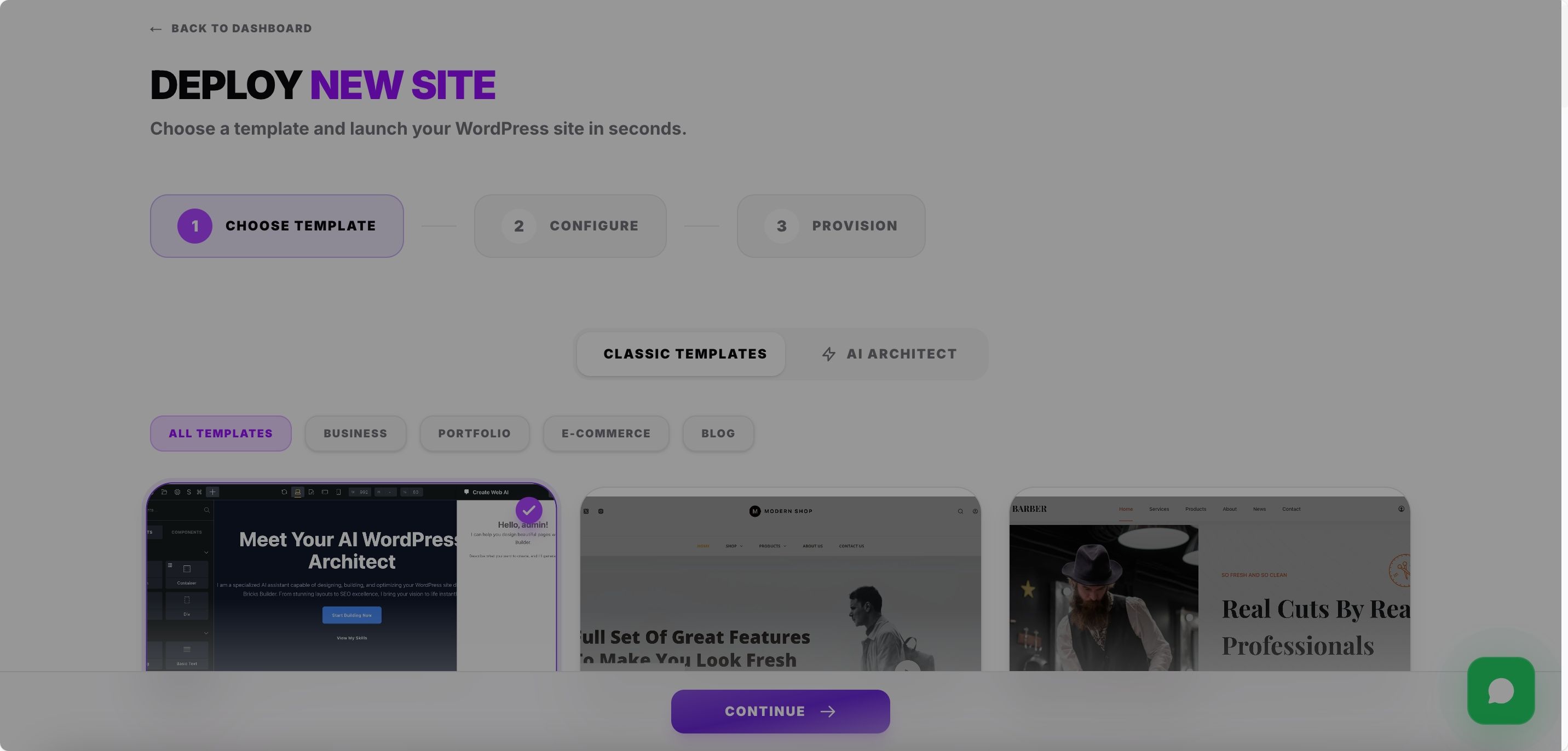
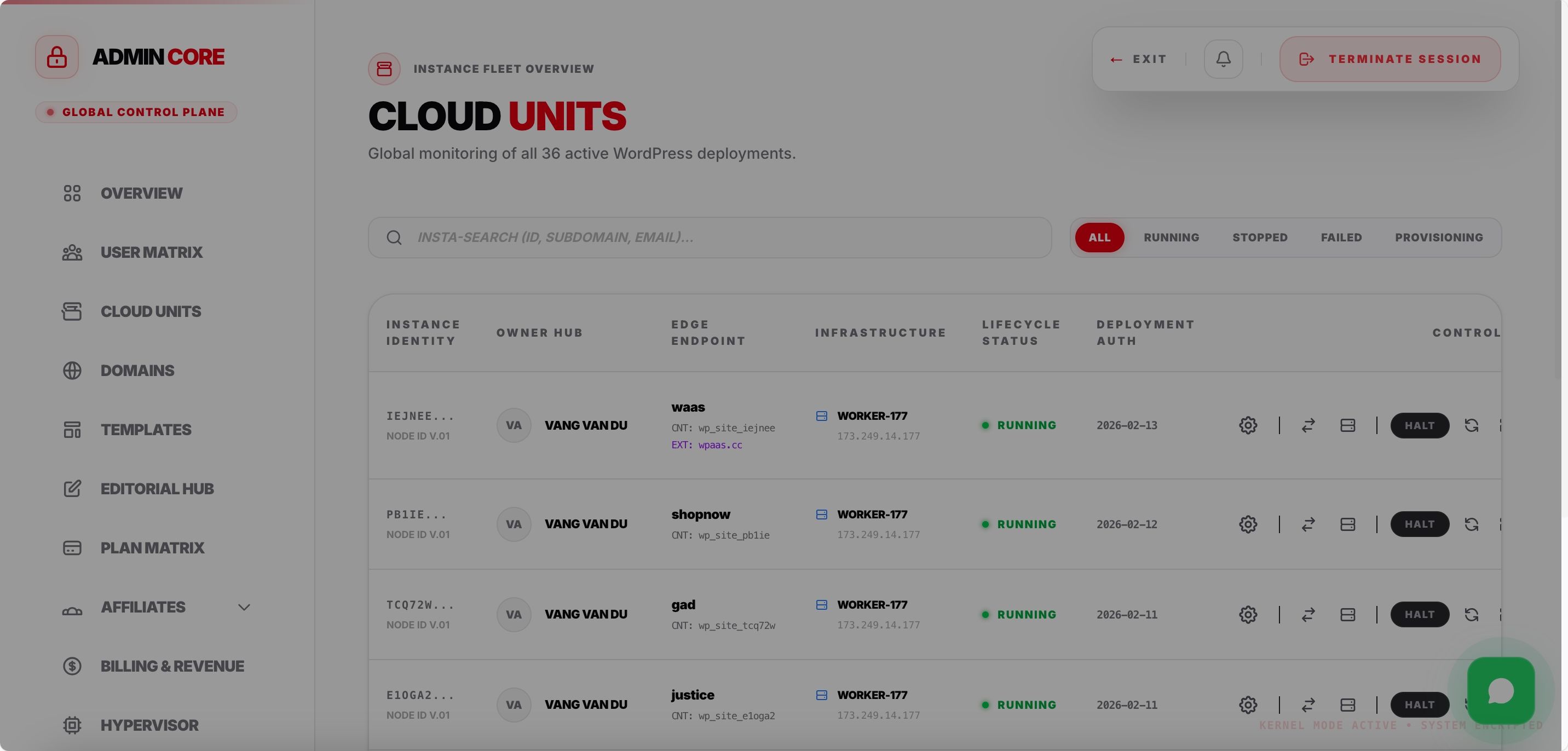
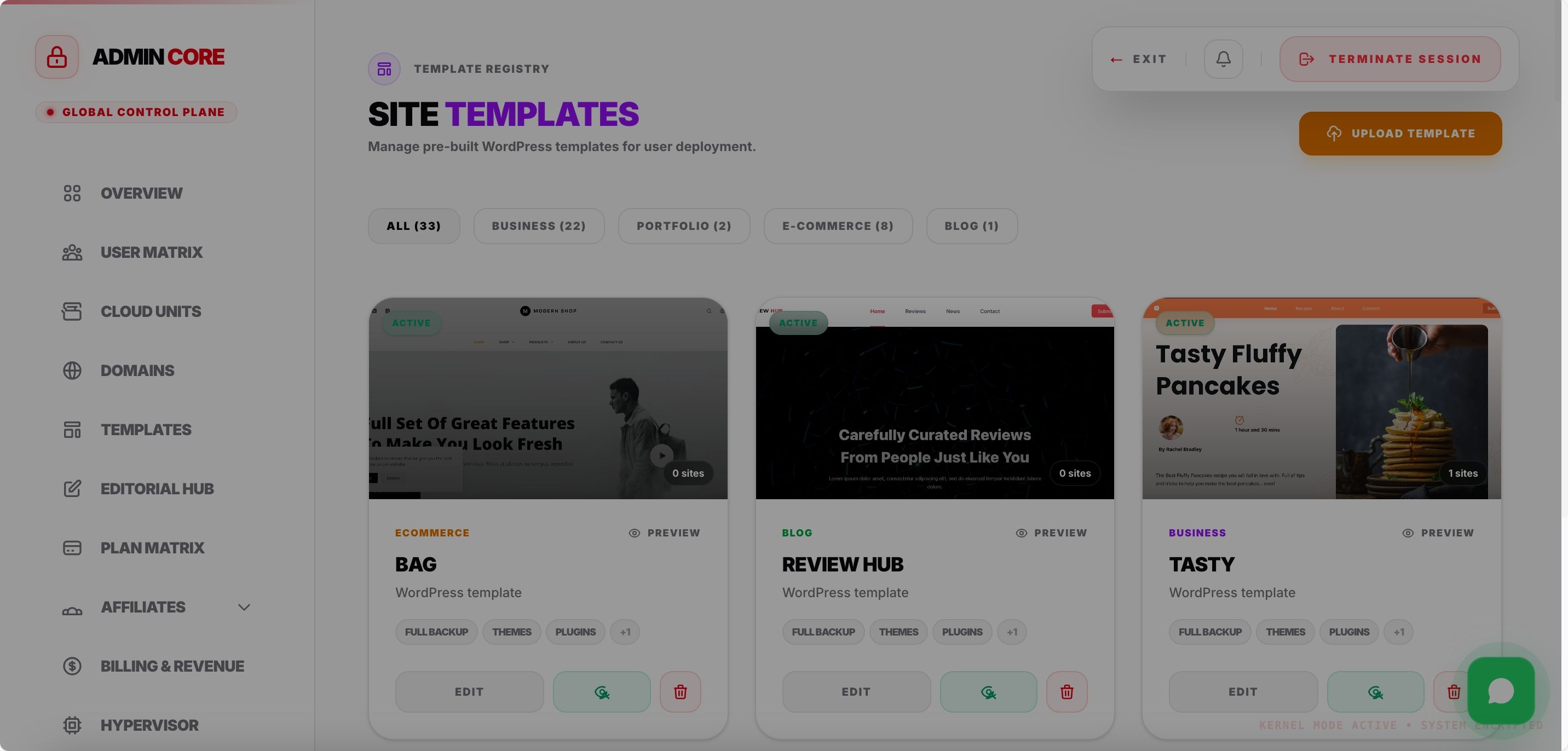
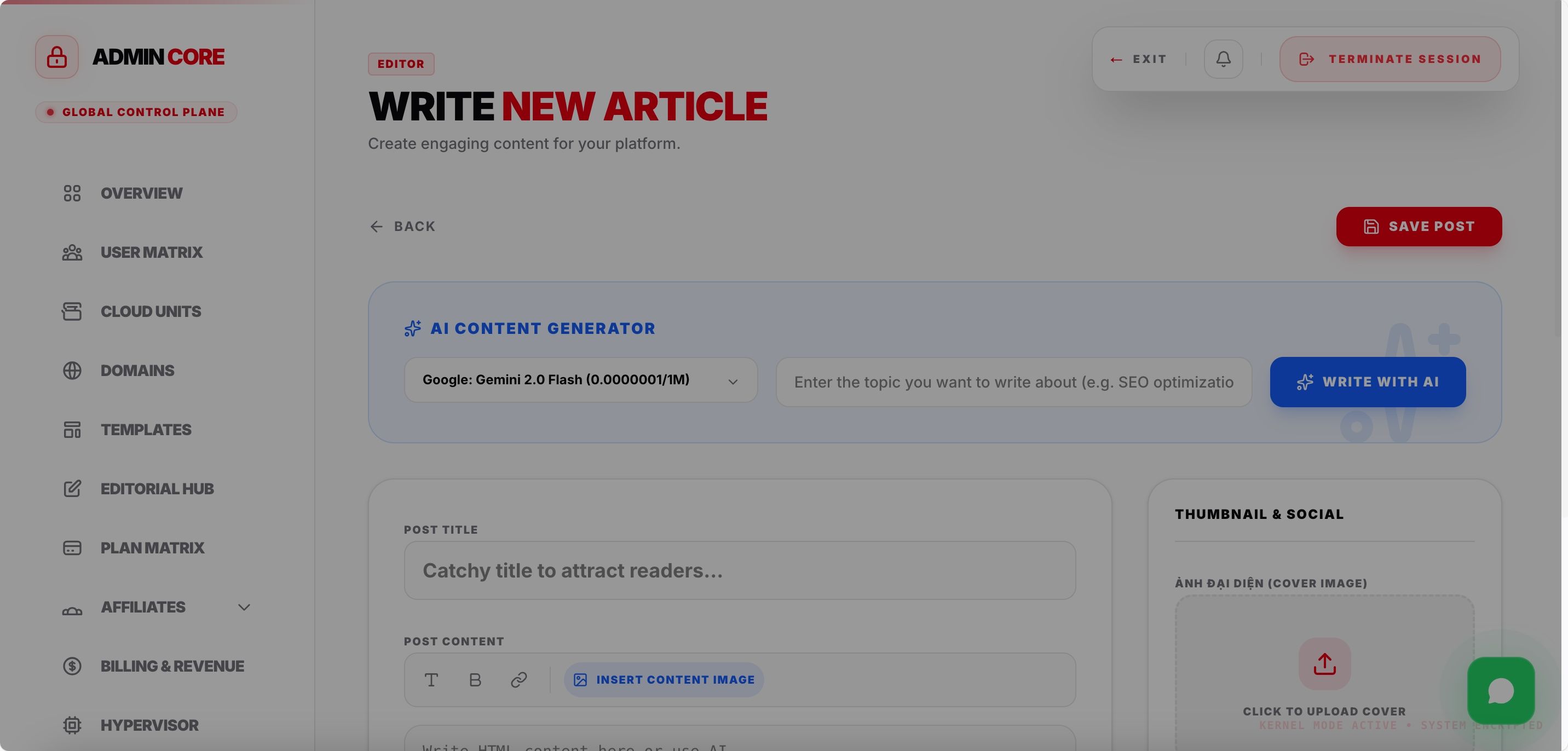
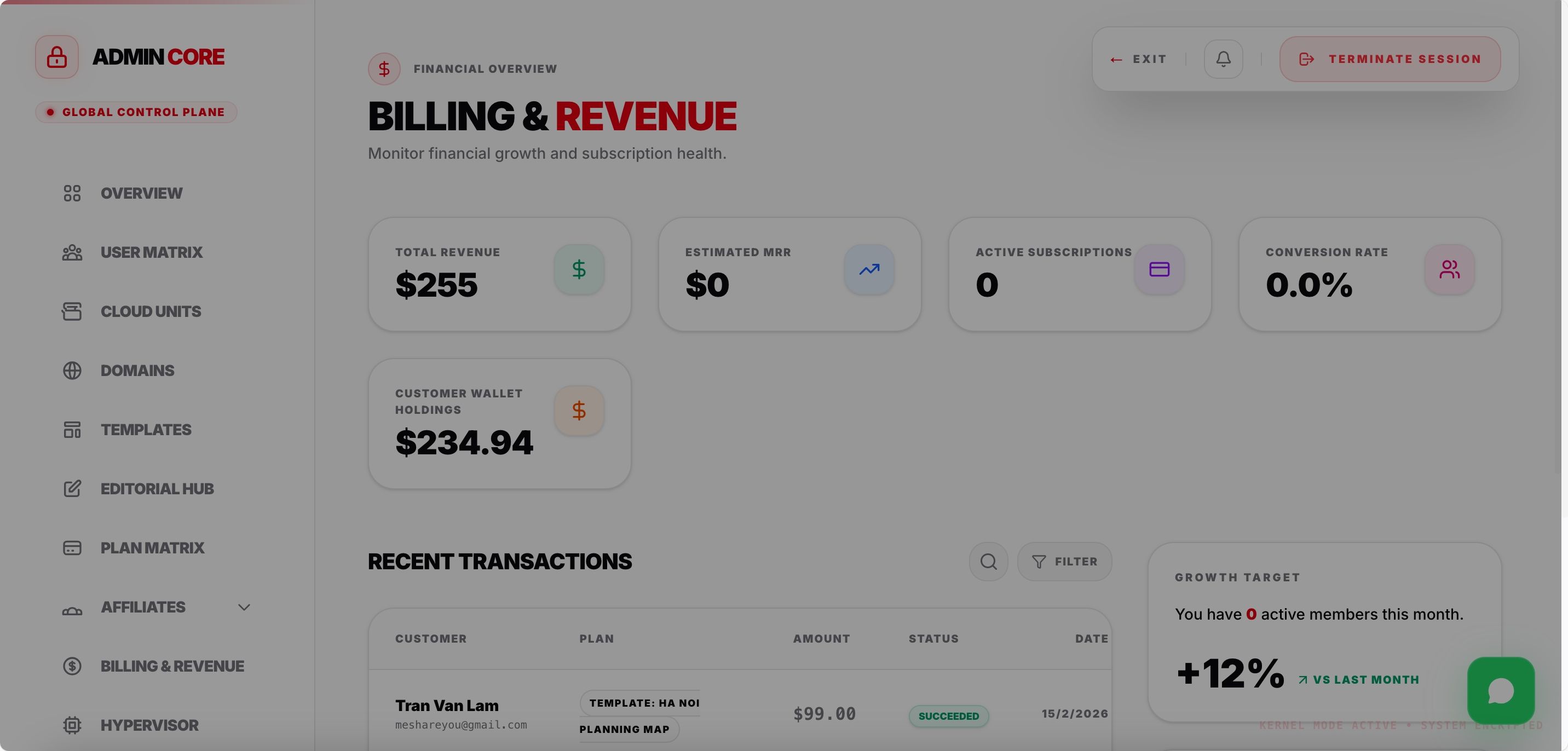
Overview
WPaaS is a production-ready, full-stack WordPress-as-a-Service platform that allows you to launch your own managed WordPress hosting business in hours — not months. Built with Next.js 16, React 19, Prisma ORM, Docker, and Node.js, this system automates everything from site provisioning and billing to security scanning and infrastructure management.
Whether you're a startup founder, a digital agency, or an entrepreneur looking to enter the $40B+ web hosting market, WPaaS gives you the complete toolkit — from the customer-facing landing page to the backend infrastructure automation.
Features
🏗️ Architecture
┌──────────────────────────────────────────────────————┐

│              CONTROL PLANE (Next.js App)              │

│  ┌──────────┐ ┌──────────┐ ┌──────────┐ ┌─────────┐ │

│  │ Dashboard │ │  Admin   │ │ Landing  │ │   API   │ │

│  │  (User)   │ │  Panel   │ │   Page   │ │ Routes  │ │

│  └──────────┘ └──────────┘ └──────────┘ └─────────┘ │

│         ┌──────────┐    ┌──────────┐                  │

│         │ Prisma   │    │ NextAuth │                  │

│         │(Postgres)│    │  (Auth)  │                  │

│         └──────────┘    └──────────┘                  │

└──────────────────────────────────────────────————┘

                        │ SSH / Docker API

         ┌──────────────┼──────────────┐

         ▼              ▼              ▼

   ┌───────────┐ ┌───────────┐ ┌───────────┐

   │ Worker #1 │ │ Worker #2 │ │ Worker #N │

   │ ┌───────┐ │ │ ┌───────┐ │ │ ┌───────┐ │

   │ │ Nginx │ │ │ │ Nginx │ │ │ │ Nginx │ │

   │ │ Proxy │ │ │ │ Proxy │ │ │ │ Proxy │ │

   │ ├───────┤ │ │ ├───────┤ │ │ ├───────┤ │

   │ │Site A │ │ │ │Site C │ │ │ │Site E │ │

   │ │Site B │ │ │ │Site D │ │ │ │Site F │ │

   │ │ Redis │ │ │ │ Redis │ │ │ │ Redis │ │

   │ │ClamAV │ │ │ │ClamAV │ │ │ │ClamAV │ │

   │ └───────┘ │ │ └───────┘ │ │ └───────┘ │

   └───────────┘ └───────────┘ └───────────┘
✨ Key Features
🌐 Customer-Facing Features
| Feature | Description |
|---|---|
| ⚡ Instant Provisioning | Deploy fully containerized WordPress instances in under 30 seconds with automated DNS, SSL, and database setup |
| 🎨 Template Marketplace | Pre-built WordPress templates organized by category (Business, Portfolio, E-commerce, Blog) with live preview and one-click deployment |
| 🔌 Plugin Marketplace | Sell and distribute premium WordPress plugins to your customers with integrated wallet payments |
| 🌍 Custom Domain Mapping | Users can connect their own custom domains with automatic SSL certificate issuance via Let's Encrypt |
| 💰 Wallet System | Internal wallet with top-up via payment gateway (DodoPayments), automatic plan purchases, and transaction history |
| 📊 Real-Time Dashboard | Live CPU, RAM, and storage monitoring for each WordPress instance with auto-refresh |
| 🖥️ Web Terminal | Built-in SSH terminal for advanced users to execute commands directly inside their WordPress containers |
| 🗃️ Backup & Restore | One-click manual backups + automated daily S3 backups with streaming restore capability |
| 🔒 Virus Scanning | ClamAV-powered security scanning with infected file detection and notification system |
| 🛠️ Admin Tools | One-click installation of Adminer (database manager) and File Manager for advanced site management |
| 📋 Container Logs | Real-time Docker container log viewer integrated into the dashboard |
| 🔑 WP Admin Management | Update WordPress admin credentials (username/password) directly from the dashboard |
| 🔌 Plugin Manager | Install, activate, deactivate, and delete WordPress plugins through the visual interface |
| 📧 Email Notifications | Transactional emails via Resend for account verification, password reset, and subscription expiration warnings |
| 🌙 Dark/Light Theme | Beautiful, modern UI with automatic theme detection and manual toggle |
| 🌏 Multi-Language | Built-in i18n support (English + Vietnamese included), easily extensible to any language |
| 📱 Fully Responsive | Mobile-first design that works flawlessly on all screen sizes |
🛡️ Admin Panel Features
| Feature | Description |
|---|---|
| 👥 User Management | Complete user CRUD with plan management, role assignment, and account oversight |
| 🌐 Site Management | View, manage, and troubleshoot all customer sites from a centralized admin interface |
| 🖥️ Infrastructure Management | Add, provision, and monitor worker nodes with one-click automated server setup via SSH |
| 📋 Subscription Plans | Create and manage flexible pricing plans with CPU, RAM, storage, and feature limits |
| 🎨 Template Management | Upload, edit, organize, and price templates. Save running sites as templates for rapid cloning |
| 🔌 Plugin Management | Upload premium plugins, set prices, and manage the plugin marketplace |
| 💳 Billing & Revenue | Complete billing records, revenue tracking, and financial overview |
| 🤝 Affiliate System | Full affiliate program with tiered commissions (Bronze/Silver/Gold), tracking, and automated payouts |
| 📊 System Health | Real-time system health monitoring dashboard with worker node status |
| 🔐 Security Center | Security event log viewer with IP blocking (individual IPs & CIDR ranges) and automated threat protection |
| 📝 Audit Logs | Complete activity audit trail for compliance and troubleshooting |
| 🔔 Notification Center | Send system-wide or user-targeted notifications with read status tracking |
| ⚙️ System Settings | Dynamic feature gating per plan (plugins, terminal, domain, tools, backups) |
| 🌐 Domain Management | Integrated domain registration via Dynadot API with TLD pricing management |
| ✍️ Blog / CMS | Built-in blog system with SEO fields, cover images, and multi-locale support |
| 🤖 AI Content Generation | OpenAI-powered AI content generation for WordPress sites during provisioning |
🏗️ Infrastructure & DevOps
| Feature | Description |
|---|---|
| 🐳 Docker Containerization | Every WordPress site runs in its own isolated Docker container (WordPress + MariaDB) |
| ⚡ NGINX Reverse Proxy | High-performance Nginx reverse proxy with HTTP/2, FastCGI caching, and automatic SSL |
| 🔴 Redis Object Cache | Shared Redis instance per worker node for blazing-fast database query caching |
| 🔒 Let's Encrypt SSL | Automated SSL certificate provisioning and renewal via Certbot + Cloudflare DNS |
| ☁️ Cloudflare DNS | Automated DNS record management (A records, CNAME) via Cloudflare API |
| ⚙️ Automated Worker Setup | One-click worker node provisioning: installs Docker, sets up SSH keys, configures firewall, swap, Nginx, Redis, ClamAV, and Certbot — all automated |
| 📈 Smart Node Selection | Automatic load-balancing by selecting the worker node with the least resource usage for new site deployments |
| 🔄 Auto-Healing | Background monitoring that detects container failures and automatically restarts services |
| 💾 S3 Backup Storage | Compatible with AWS S3, Cloudflare R2, and any S3-compatible storage for daily automated backups |
| 🛡️ Container Resource Limits | Per-plan CPU and RAM limits enforced at the Docker container level |
| 📊 Real-Time Stats | Live container resource usage (CPU, memory, storage) via Docker Stats API |
| 🔐 SSH Key Management | Automated SSH key exchange between control plane and worker nodes for passwordless access |
🛒 Revenue Model Features
💰 Multiple Revenue Streams Built-In
- Subscription Plans — Sell monthly hosting plans (Free / Pro / Business / Enterprise)
- Template Marketplace — Sell premium templates with one-time purchase
- Plugin Marketplace — Sell premium WordPress plugins to your customers
- Domain Registration — Resell domains via Dynadot integration with configurable markup
- Affiliate Program — Let partners earn recurring commissions for referring customers
- Wallet Top-Up Fees — Customers pre-load wallets via payment gateway
🧰 Tech Stack
| Layer | Technology |
|---|---|
| Frontend | Next.js 16, React 19, TailwindCSS 4, Framer Motion, Lucide Icons |
| Backend | Next.js API Routes (Server Actions), Node.js |
| Database | PostgreSQL + Prisma ORM (25+ models) |
| Authentication | NextAuth.js with email/password + OTP + 2FA via Trusted Devices |
| Payments | DodoPayments (supports Stripe/PayPal integration) |
| Resend (transactional emails) | |
| AI | OpenAI API (content generation) |
| DNS | Cloudflare API (automated DNS), Dynadot API (domain registration) |
| Storage | AWS S3 / Cloudflare R2 (backups, assets) |
| Media | Cloudinary (image management) |
| Security | ClamAV (virus scanning), bcrypt (password hashing), rate limiting, IP blocking |
| Infrastructure | Docker, SSH2, Nginx, Redis, Let's Encrypt/Certbot |
| Deployment | Docker Compose, Railway, or any VPS |
📋 What's Included
- ✅ Complete source code (Next.js + Node.js + Scripts)
- ✅ Production-ready Dockerfile and Docker Compose configs
- ✅ Prisma database schema with migrations
- ✅ Automated worker node provisioning scripts
- ✅ Site provisioning, backup, restore, and template cloning scripts
- ✅ Multi-language support files (EN + VI)
- ✅ Premium landing page with dark/light theme
- ✅ Full admin panel with 15+ management modules
- ✅ Full user dashboard with 10+ site management tools
- ✅ Deployment scripts (install.sh, deploy.sh, update.sh)
- ✅ SSL certificate management
- ✅ Cron job scripts for automated billing, backup, and monitoring
Requirements
⚙️ System Requirements
Control Plane (Web App)
- VPS: 2-4 GB RAM minimum
- OS: Ubuntu 20.04+ / Debian 11+
- Database: PostgreSQL 14+
- Node.js: 18+
- Docker: Optional (for containerized deployment)
Worker Nodes (WordPress Hosting)
- VPS: 2+ GB RAM (scales with number of sites)
- OS: Ubuntu 20.04+ / Debian 11+ / Alpine Linux
- Docker: Installed automatically by provisioning script
- Ports: 80, 443 open
Instructions
Automated Installation (Recommended)
Step 1 — Upload to Server
bash
# From your local machine, push code to remote server
chmod +x deploy.sh
./deploy.sh
# Enter: root@YOUR_SERVER_IP
The
script will:
- Sync all files to
/var/www/websaas/on the remote server - Automatically run on the remote server
Step 2 — What Does Automatically
| Phase | Action |
|---|---|
| 1/5 | Installs Docker, Docker Compose, Git, curl, rsync, build tools |
| 2/5 | Creates file from template and prompts for configuration |
| 3/5 | Initializes SSL certificates (Let’s Encrypt or self-signed fallback) |
| 4/5 | Builds Docker images and starts all containers |
| 5/5 | Runs database migrations and sets file permissions |


| Category | Scripts & Code / NodeJS |
| First release | 22 February 2026 |
| Last update | 22 February 2026 |
| Software version | PHP 7.4, PHP 8.0, PHP 8.1, PHP 8.2, PHP 8.3 |
| Files included | .php, .css, .html, .sql, Javascript .js |
| JavaScript Framework | jQuery, Node.js |
| Tags | wordpress hosting, waas, wordpress agency |