Newsletter Boss - WordPress Mail Campaign PluginNewsletter Boss - WordPress Mail Campaign Plugin
Self-hosted WordPress email newsletter plugin. Create, send & manage HTML campaigns with NO Monthly fees.
Newsletter Boss - WordPress Mail Campaign Plugin
Self-hosted WordPress email newsletter plugin. Create, send & manage HTML campaigns with NO M...
Screenshots
Overview
Newsletter Boss — Take Full Control of Your Email Marketing
Newsletter Boss is a complete, self-hosted WordPress email campaign plugin. Create beautiful HTML emails, manage your subscriber list, and send to your registered WordPress users — all from your own server, using your own SMTP, with no third-party SaaS platform required and zero monthly fees.
You own the data. You own the list. You own the campaigns.
Why Newsletter Boss?
Most email marketing tools charge $30–$300/month based on list size. Newsletter Boss is a one-time purchase. It routes email through your own SMTP provider (Postmark, SendGrid, Mailgun, or any SMTP plugin), giving you full control over deliverability, data privacy, and cost.
Key Highlights
- Self-Hosted — No Mailchimp, no SendGrid subscription. Your server, your rules.
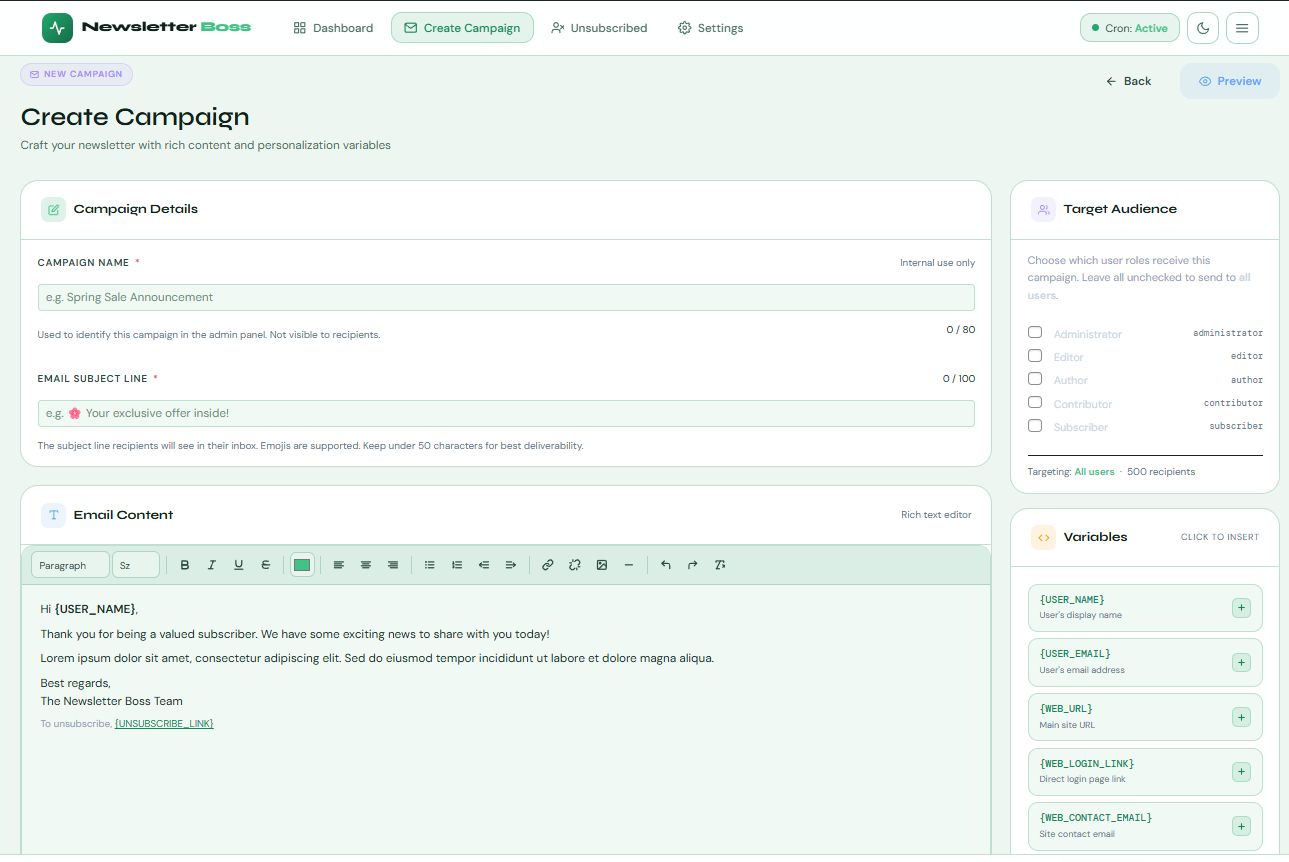
- WYSIWYG Campaign Builder — A fully featured rich-text editor with paragraph styles, font sizes, text colour, alignment, lists, images, and links. Toggle to raw HTML source mode at any time.
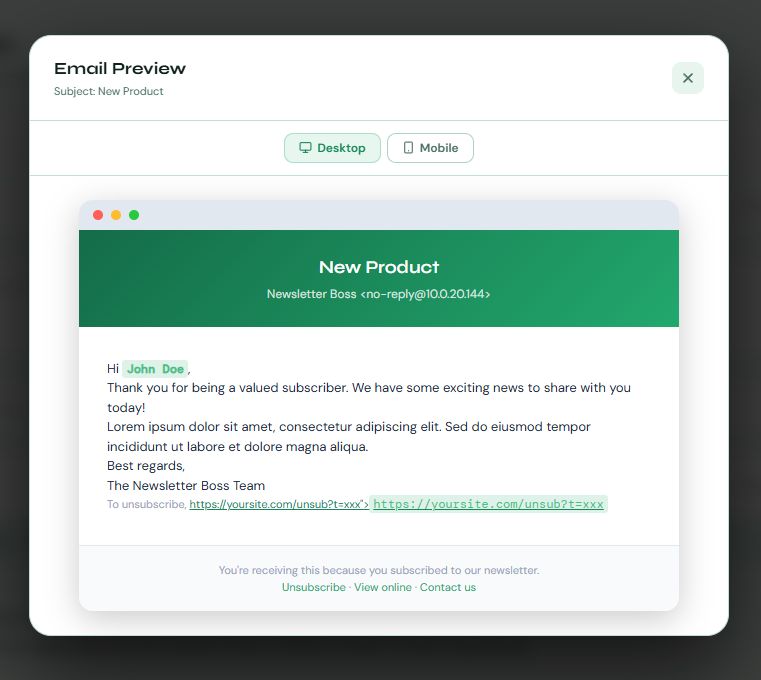
- Personalization Variables — Insert {USER_NAME}, {USER_EMAIL}, {WEB_URL}, {UNSUBSCRIBE_LINK}, and more — replaced per recipient at send time.
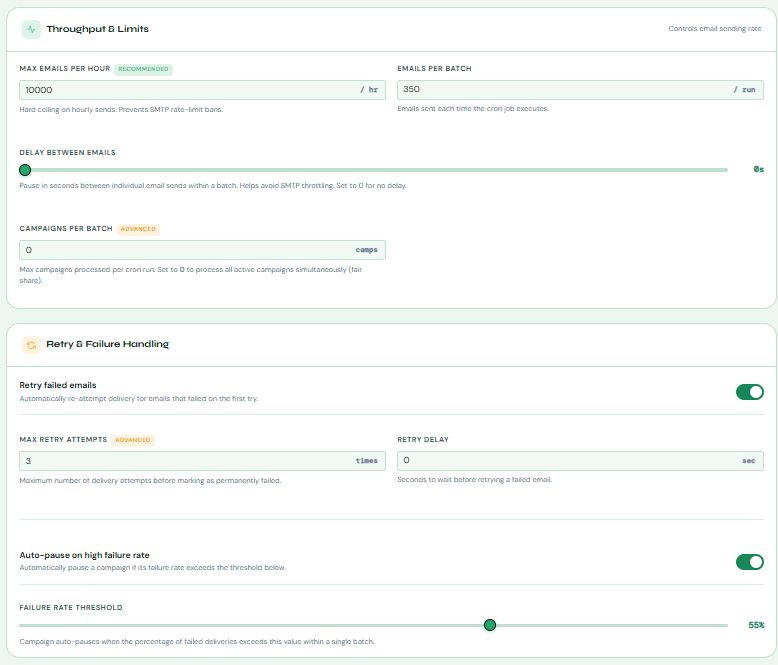
- Batch Delivery Engine — Cron-triggered sending with configurable batch size and a rolling hourly rate limit. Never overload your SMTP.
- Auto Retry Logic — Failed emails are automatically re-attempted with configurable delay and max attempt limits.
- Auto-Pause on High Failure Rate — Campaign pauses automatically if the failure rate exceeds your threshold, protecting your sender reputation.
- Run Now — Trigger a batch instantly from the dashboard without waiting for the cron schedule.
- Role-Based Audience Targeting — Send to all registered users or target specific WordPress user roles.
- Live Compliance Checker — Real-time sidebar checklist flags missing unsubscribe links, empty subjects, and short bodies before you publish.
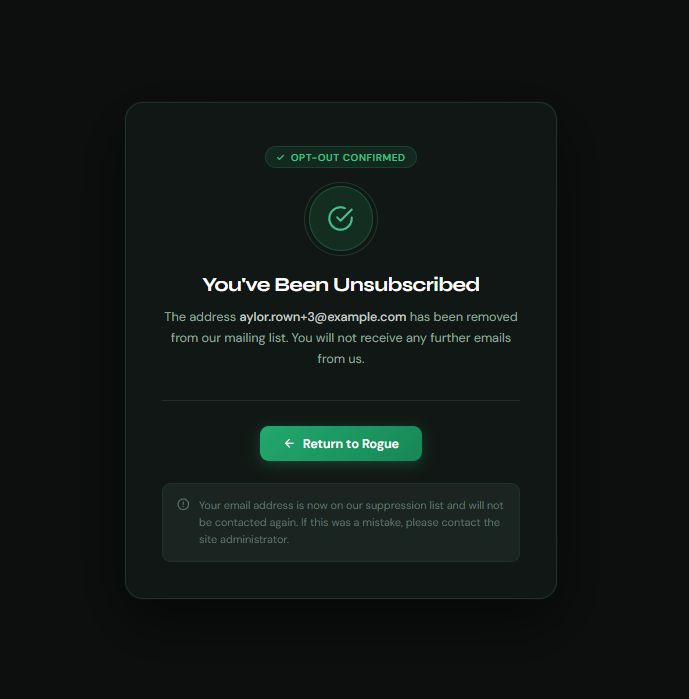
- GDPR / CAN-SPAM Unsubscribes — Every email includes a unique HMAC-SHA256 signed unsubscribe link. One click opts the user out permanently. Suppression list enforced on every send.
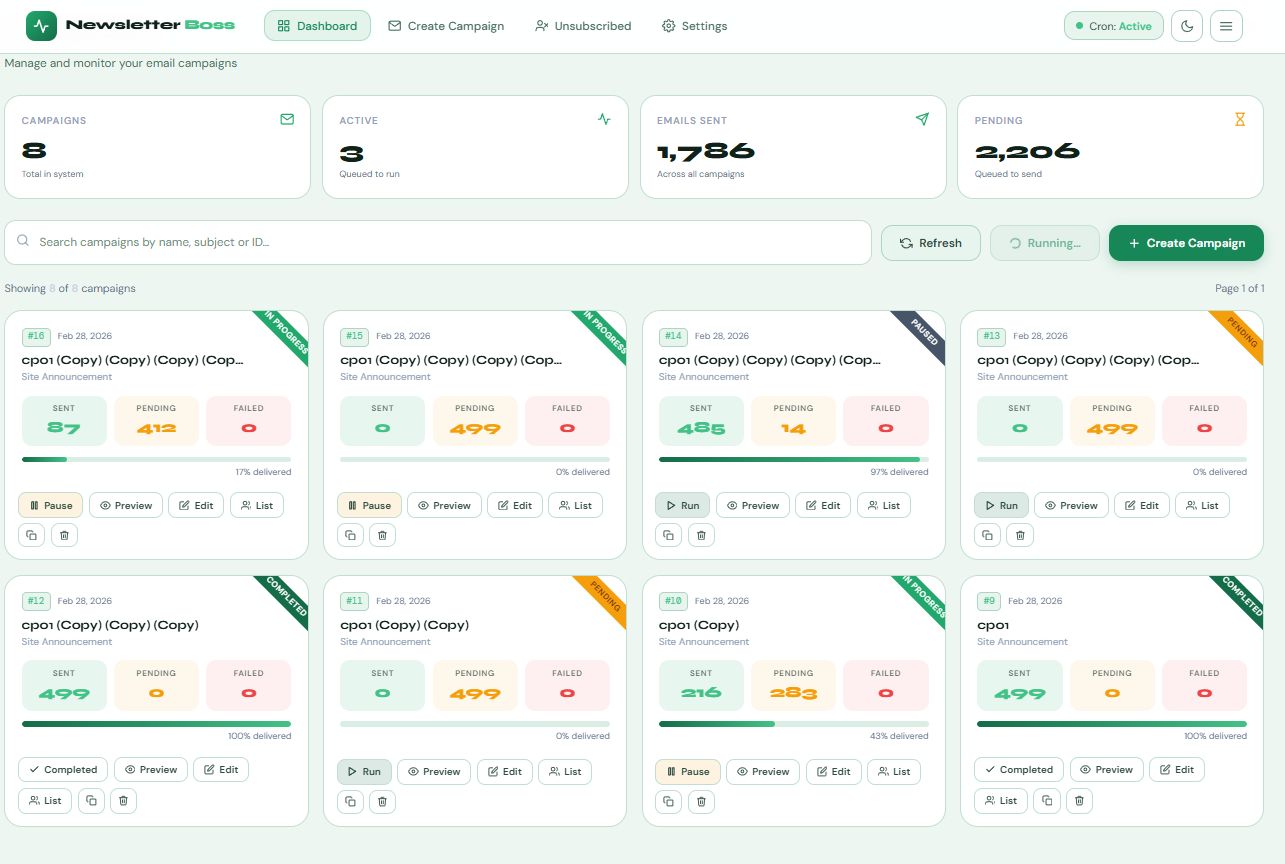
- Real-Time Dashboard — Campaign cards with sent/pending/ failed counts, delivery progress bars, search, and 9-per-page pagination.
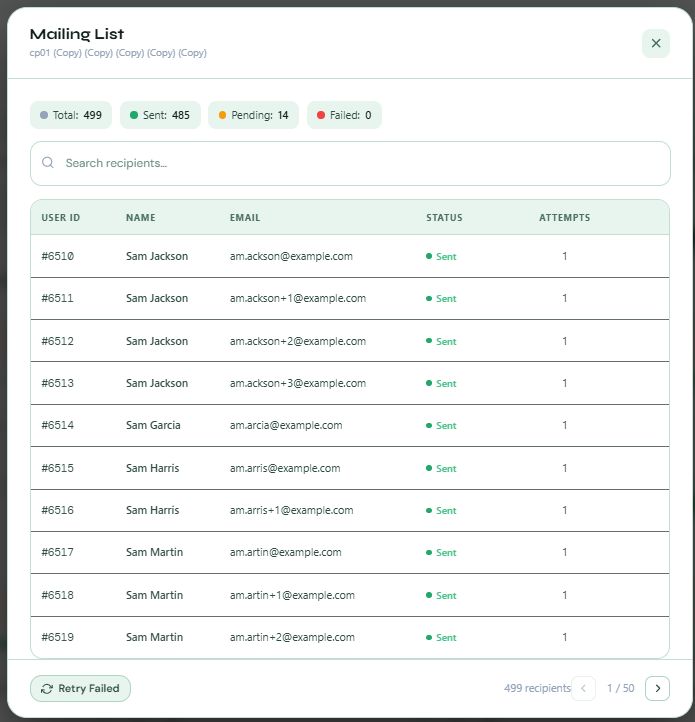
- Mailing List Modal — Per-campaign recipient table with status, attempts, inline search, and a Retry Failed button.
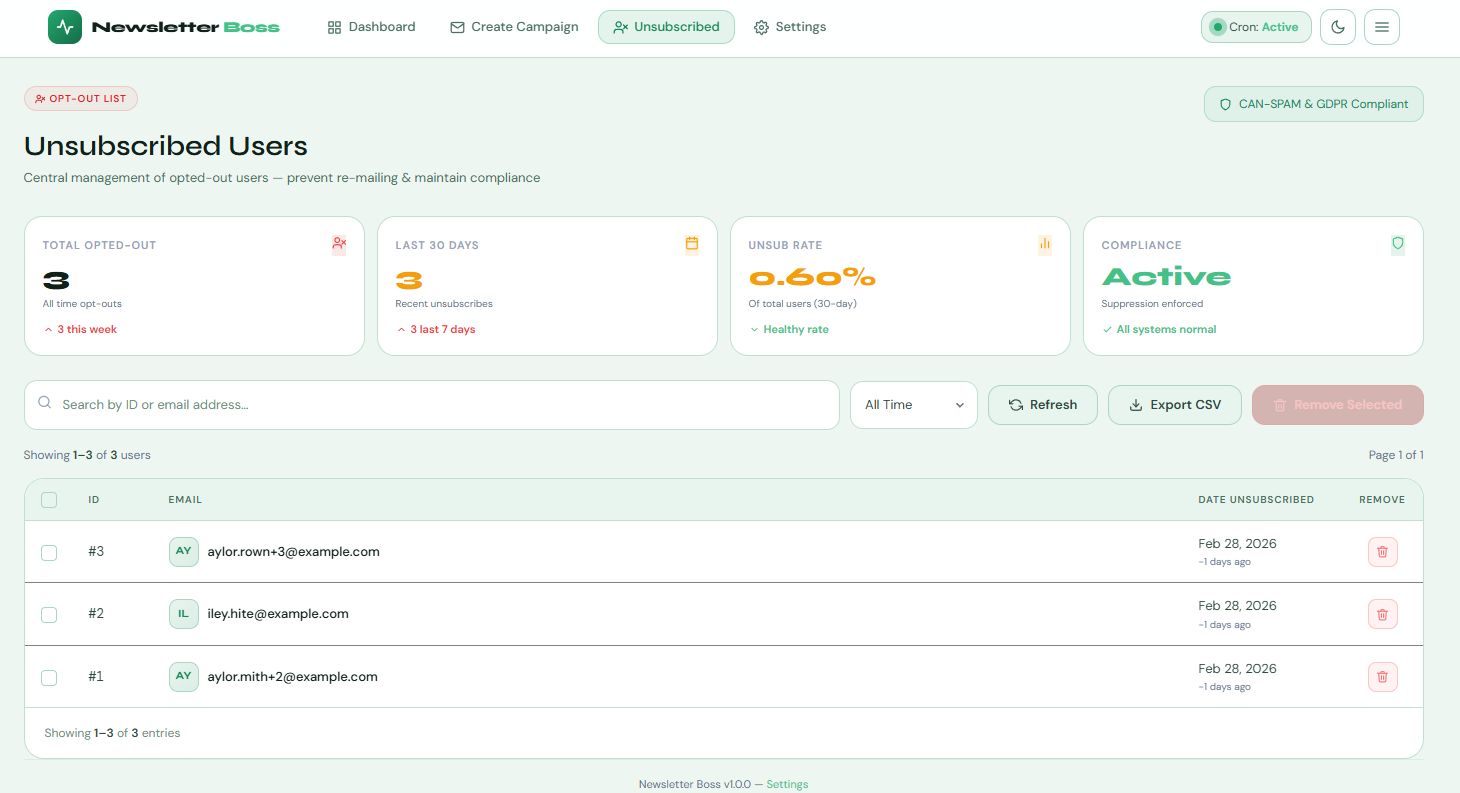
- Unsubscribed Management — Stats, date filters, bulk removal, and CSV export for your suppression list.
- API Key Authentication — The cron entry point is protected by a hashed API key. Rotate it any time from the Settings page.
- System Diagnostics — Built-in panel showing PHP version, memory limit, WP-Cron status, REST API, server UTC time — colour-coded.
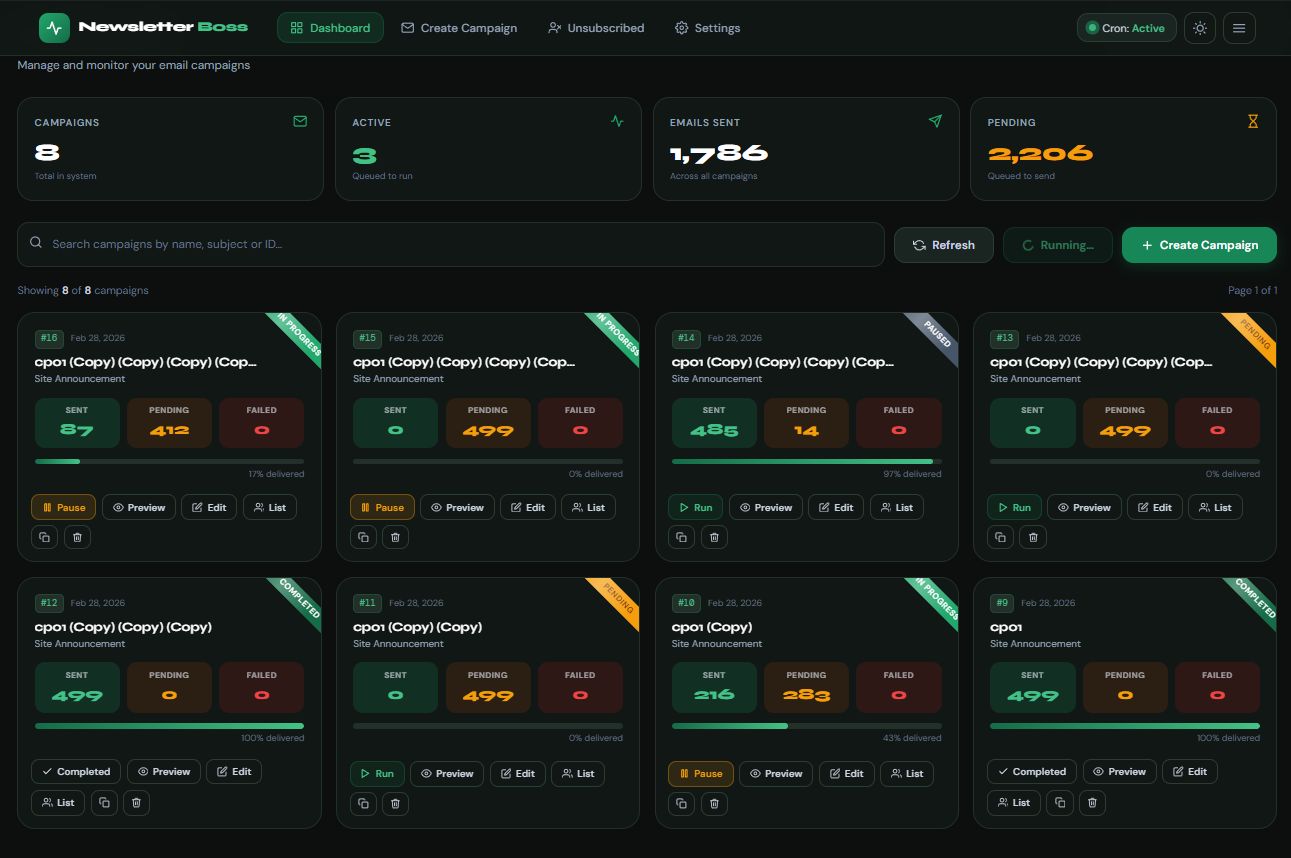
- Dark / Light Mode — Full theme toggle with preference saved in localStorage.
How It Works
- Install and activate the plugin.
- Configure your SMTP plugin (WP Mail SMTP, FluentSMTP, Postmark, etc.).
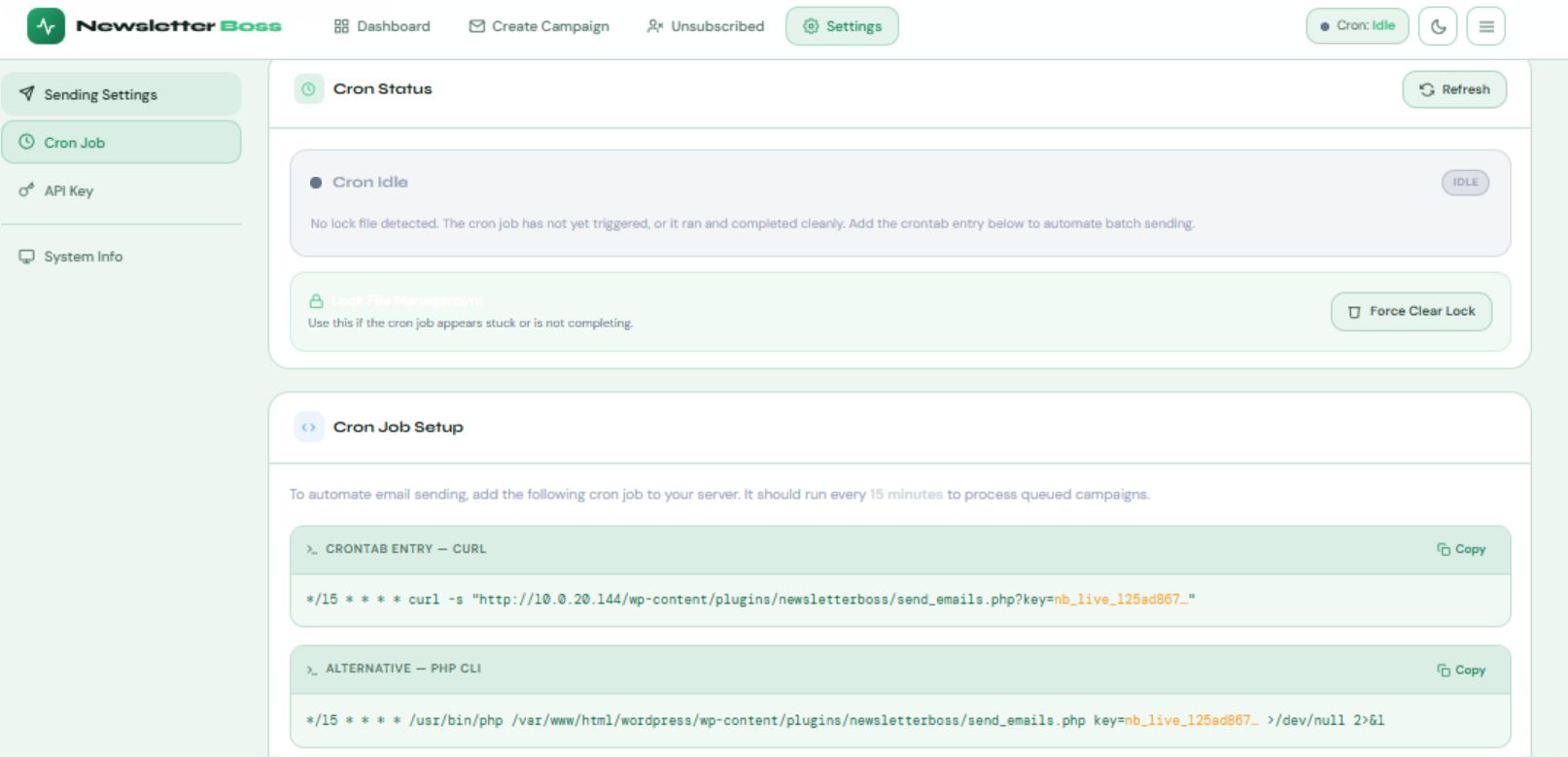
- Copy the ready-made crontab command from Settings (your API key and path are pre-filled). Add it to your server cron — supports both cURL and PHP CLI.
- Create a campaign using the WYSIWYG editor, select your audience, and click Create Campaign.
- The cron runs every 15 minutes (or your chosen interval), picks up pending campaigns, and sends in configurable batches. Monitor progress live on the Dashboard.
Features
- VueJS SPA
- WYSIWYG rich-text editor with HTML source mode and fullscreen
- Personalization variables: {USER_NAME}, {USER_EMAIL}, {UNSUBSCRIBE_LINK} and more
- Live compliance checker (unsubscribe link, subject length, body content)
- Role-based audience targeting with live recipient count
- Auto-save draft every 4 seconds
- Campaign duplication
- Cron-triggered batch delivery with configurable batch size
- Configurable rolling hourly email rate limit
- Configurable inter-email delay (SMTP throttle prevention)
- Automatic retry for failed emails (configurable attempts and delay)
- Auto-pause campaign on high failure rate threshold
- Manual "Run Now" button — fire a batch instantly from the dashboard
- Delivery progress bar per campaign (% delivered)
- Campaign statuses: Draft, Pending, In Progress, Paused, Sent, Cancelled
- Real-time dashboard with 4 KPI stat cards
- Campaign search by name, subject, or ID (client-side, no extra requests)
- 9-per-page card grid with full pagination
- Per-campaign mailing list modal with recipient status and retry failed
- HMAC-SHA256 signed unsubscribe tokens (72-hour expiry)
- Suppression list enforced on every send (skips unsubscribed recipients)
- Unsubscribed page with stats, date filters, search, bulk remove, CSV export
- API key management with creation date, last used, and use count
- Cron status badge (Active / Idle) on all pages — live from server
- Stale lock file detection and manual clear
- Ready-to-copy crontab commands (cURL and PHP CLI variants)
- System information panel (PHP, memory, WP-Cron, REST API, UTC time)
- Full dark / light mode toggle with localStorage persistence
- Mobile-responsive admin UI
- Clean uninstall: removes all tables and options on plugin deletion
Requirements
- WordPress 6.0 or higher
- PHP 8.0 or higher
- MySQL 5.7 / MariaDB 10.3 or higher
- A configured SMTP plugin (WP Mail SMTP, FluentSMTP, Postmark, SendGrid, etc.)
- Server cron access (cPanel crontab, SSH, or server-side scheduler)
- No page builder required — fully self-contained admin UI
Instructions
1. Upload and activate the plugin via Plugins → Add New → Upload Plugin.
2. Go to Newsletter Boss → Settings and copy your API key.
3. Install and configure an SMTP plugin on your WordPress site.
4. Go to Settings → Cron Job, copy the crontab command (API key is pre-filled),
and add it to your server cron (crontab -e on Linux / cPanel cron jobs).
5. Navigate to Newsletter Boss → Create Campaign. Fill in your campaign name,
subject, from name, from email, and compose your email body.
6. Use the sidebar variable chips to insert personalisation tokens.
Always include {UNSUBSCRIBE_LINK} for compliance.
7. Select your target audience (all users or specific roles) and click
Create Campaign. The campaign enters Pending status immediately.
8. The cron will pick it up on the next scheduled run. Monitor delivery
progress on the Dashboard in real time.
9. Use Run Now on the Dashboard to trigger a batch manually at any time.
Other items by this author


| Category | Plugins / WordPress / Newsletter |
| First release | 28 February 2026 |
| Last update | 28 February 2026 |
| Supported CMS | WordPress 5.8, WordPress 5.9, WordPress 6.0, WordPress 6.1, WordPress 6.2, WordPress 6.3, WordPress 6.4, WordPress 6.5, WordPress 6.6, WordPress 6.7, WordPress 6.8 |
| Files included | .php, .css, .html, Javascript .js |
| Tags | newsletter, smtp, campaign, email marketing, bulk email, mailing list, email automation, email campaign, wordpress newsletter |