Pixlume – Advanced Video Editing PlatformPixlume – Advanced Video Editing Platform
Pixlume is a premium all-in-one SaaS platform for video and image editing and optimization.
Pixlume – Advanced Video Editing Platform
Pixlume is a premium all-in-one SaaS platform for video and image editing and optimization.
Screenshots


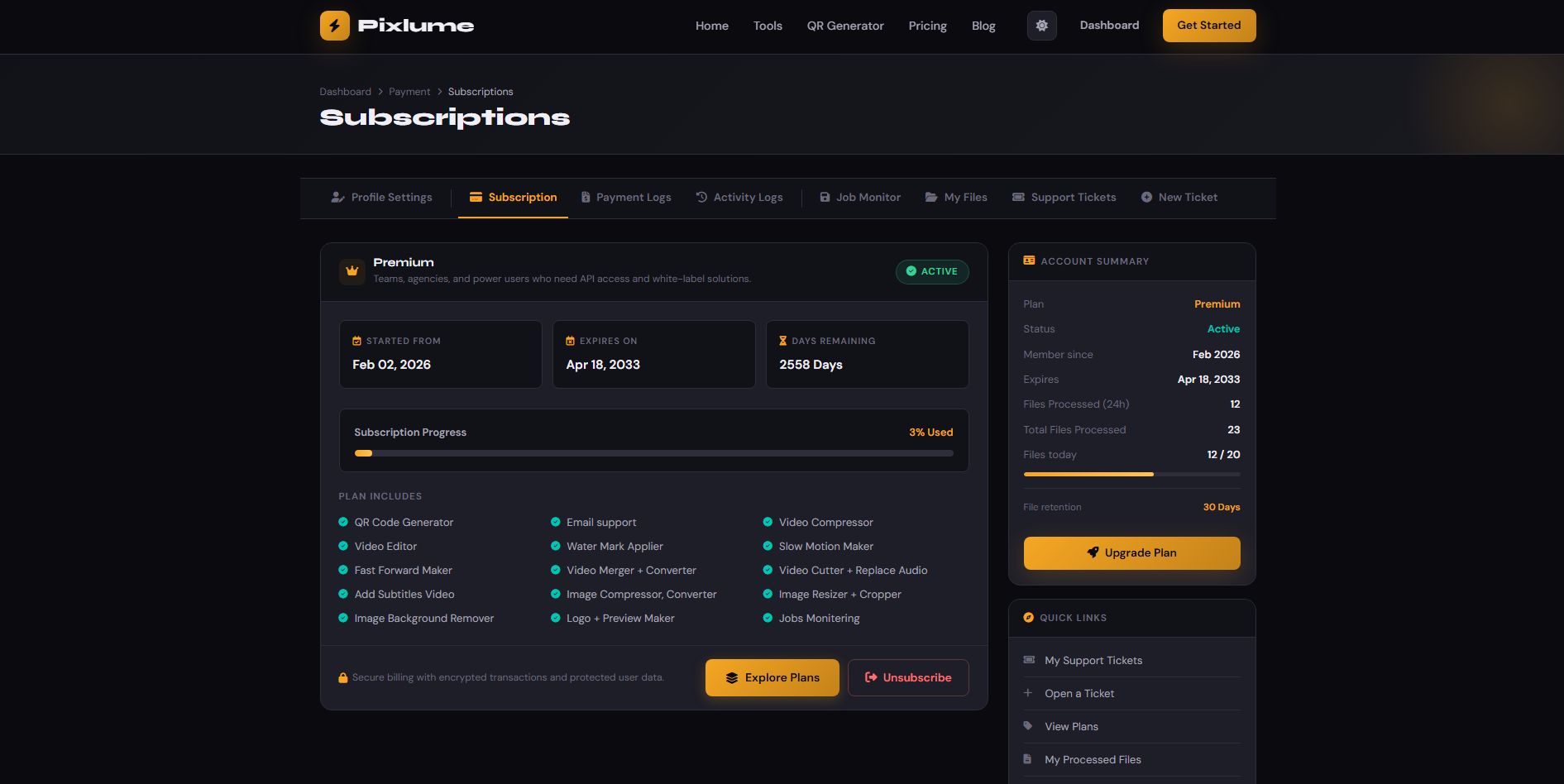


Overview
Pixlume is a premium, all-in-one video and image editing platform designed for creators, developers, and businesses. It provides advanced tools for editing, optimizing, and processing media files with speed and precision.
Built with a modern architecture, Pixlume delivers high-performance video processing, image optimization, compression, and enhancement features in a clean and intuitive interface. Whether you're managing a content platform or offering media tools as a service, Pixlume gives you the flexibility and power to scale.
From video trimming, conversion, and effects to image resizing, compression, and enhancements, every feature is crafted to deliver professional results. Its powerful backend ensures smooth performance without unnecessary complexity.
Pixlume is perfect for SaaS platforms, startups, and developers looking to launch a high-quality media tools website with a premium feel.
Features
Video editing tools
- Video Compressor — Reduce your video file size without noticeable quality loss. Perfect for sharing, uploading, or saving storage space.
- Video Editor — Cut, merge clips, and replace or add a new audio track. A powerful browser-based editor with no installation needed.
- Watermark Applier — Add custom text or image watermarks to your videos to protect your content and brand.
- Slow Motion Maker — Create cinematic slow-motion effects from any video clip. Choose your slowdown factor for dramatic results.
- Fast Forward Maker — Speed up your footage for time-lapse effects, highlight reels, or social media content.
- Video Converter — Convert your video to any format. Support for 7 input and 6 output formats with custom quality settings.
- Video Merger — Combine multiple video clips into one seamless video. Upload in sequence and set transitions.
- Video Cutter — Cut your video with frame-perfect precision. Lossless mode for fast, quality-preserving cuts, or re-encode for exact frame accuracy.
- Add Subtitles — Burn in or add soft subtitles to your video. Upload an SRT or VTT file and customize font and position.
- Replace Audio — Remove the original audio from your video and replace it with a new soundtrack or sound effect.
- Video Templates — Apply pro title cards, lower thirds, and branded overlays from prebuilt templates.
- Scene Cut Detector — Auto-detect scene changes and export as separate clips, a highlight reel, or timestamps.
Image editing tools
- Image Compressor — Shrink your image file sizes while preserving maximum visual quality. Supports batch uploads.
- Image Converter — Convert between major image formats. Batch convert multiple images at once.
- Image Resizer — Resize images to exact pixel dimensions or by percentage. Maintain aspect ratio or stretch freely.
- Image Cropper — Crop images to custom dimensions or preset social media aspect ratios with an interactive drag tool.
- Background Remover — AI-powered background removal in one click. Get a transparent PNG with clean edges instantly.
This remover also supports API integration. However, we recommend using the rembg free solution, as it’s an advanced library built with Python.
You just need to install Python on your server and add its binary path in the admin settings.
Then install the rembg library and provide its binary path in the admin settings as well: that’s it.
- QR Code Generator — Create professional QR codes instantly. Customize colors, add your brand, and download in HD resolution.
- Logo Maker — Design a simple logo using our icon library, typography system, and color tools. Export in SVG.
- Preview Maker — Create stunning app mockups. Upload screenshot → Choose device → Customize background.
Additional features
- Social Login
- Recaptcha
- Stripe
- Razorpay
- Built-in installer
- Admin settings
- Job monitoring
- Payment logs
- Pricing plans
- Elegant design
- Light and dark mode
- Subscribers
- Send an email to subscribers
- Blogs
- Show blog
- Separate tool page
- Job-based and direct processing
- File stored based on the user plan, and after that, automatically deleted from the server
- PWA (Progressive web app)
- Advanced support ticket system
- Activity logs
- User management
- Plan management
- Plan assignment (admin)
- Subscriptions
- Downgrade subscriptions
- Blog categories
- Site pages (can add custom as well)
- My files management
- Current subscription status file
- Profile settings
- Auth: login, register, reset password, email verification
- Rest API Sanctum - for auth, job monitoring, files management, all tools
- Site pages (Dummy content)
- Blogs (Dummy Content)
Login Credentials
- Admin: Username: admin | Password: saadielab
Requirements
Requirements
Pixlume is built on Laravel 12 and requires the following server environment and PHP extensions to run smoothly:
Server Requirements:
- PHP version:
>= 8.1 - Web server:
Apache,Nginx, or compatible - Database:
MySQL 8.0+orMariaDB 10.3+ - Composer installed for dependency management
- FFMPEG, REMBG (Background remover)
Required PHP Extensions:
BCMathCtypeFileinfoJSONMbstringOpenSSLPDOTokenizerXMLcURLGD(for image processing)
Instructions
If Supervisor is not available, you can set up a cron job to handle queue processing automatically.
This will run every minute and process all pending jobs without manual intervention.
If you plan to run video tools on your server, make sure you are using a high-performance server. Video rendering is a resource-intensive process and requires a strong CPU and memory.
This script allows you to create pricing plans, so users can pay for usage. This helps you manage server costs effectively.
Ad placeholders are also included. You can place your own ads to generate additional revenue.
Download the script and follow the documentation to set it up easily.
Other items by this author











| Category | Scripts & Code / PHP Scripts / Multimedia / Video |
| First release | 16 April 2026 |
| Last update | 23 April 2026 |
| Software version | PHP 8.2, PHP 8.3 |
| Files included | .php, .css, .sql, Javascript .js |
| Software framework | Laravel |
| Tags | php, image, payment gateway, php script, multiple, online, video, audio, tool, converter, ai, png, laravel, admin dashboard, Video editing, image compressor, jpeg, remover, background remover, image processing, subtitles, video compressor, video merger, compressor, phpscript, web tool, saas platform, scene cut |