Cash Agent Management System Desktop AppCash Agent Management System Desktop App
Offline desktop app for cash-in/cash-out tracking with receipts, reports, and wallet management. Recently Updated
Cash Agent Management System Desktop App
Offline desktop app for cash-in/cash-out tracking with receipts, reports, and wallet management.
Screenshots

Overview
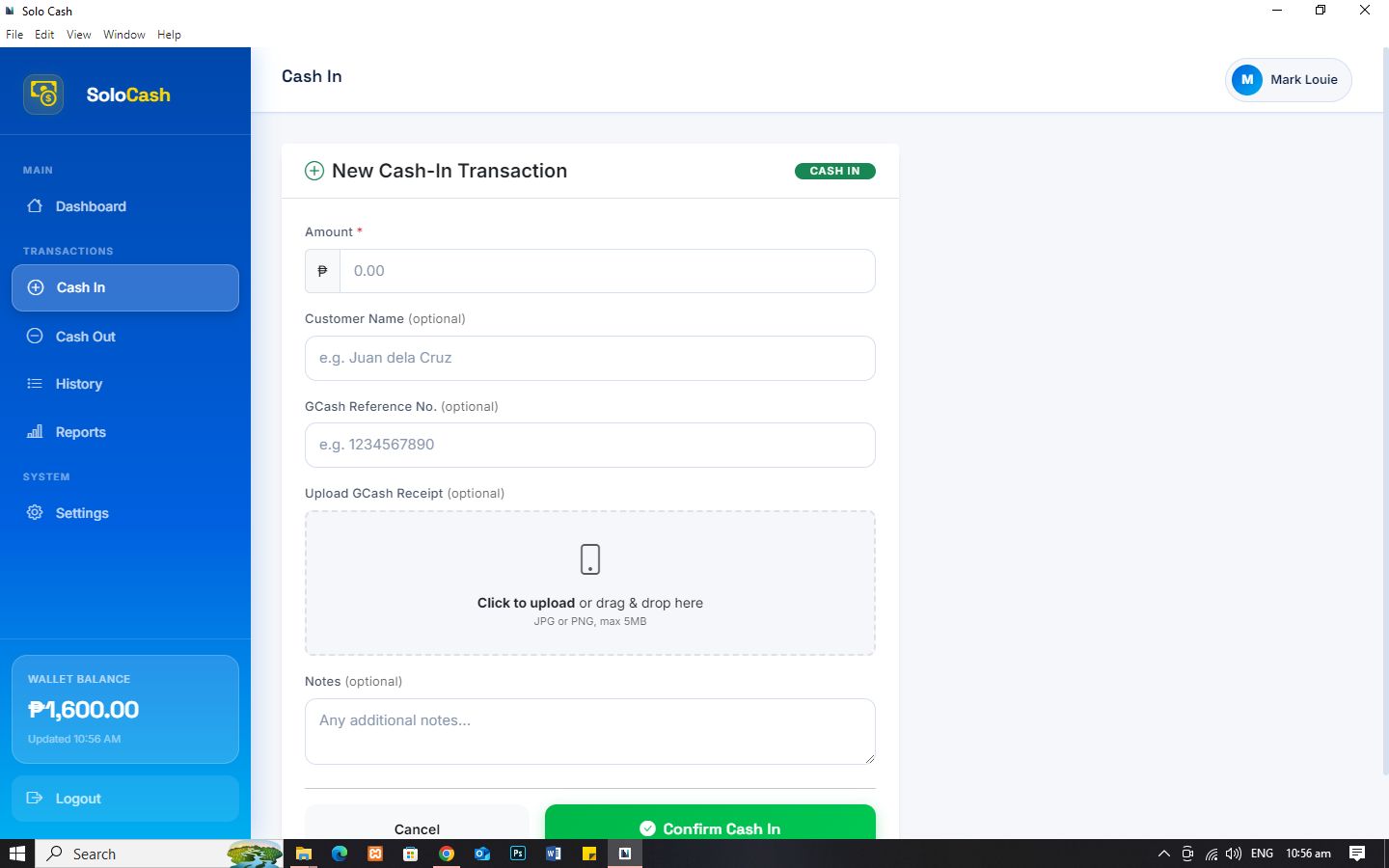
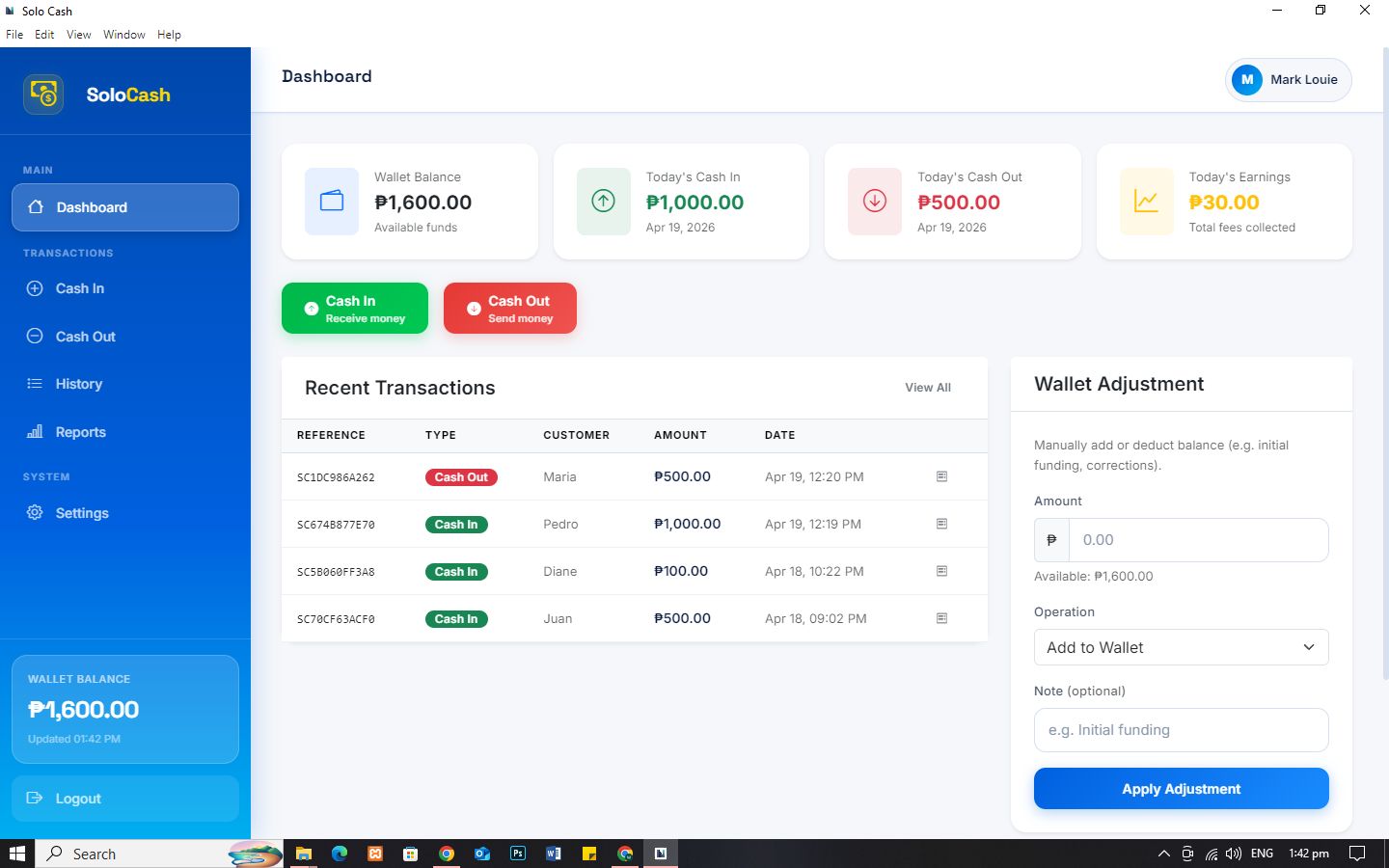
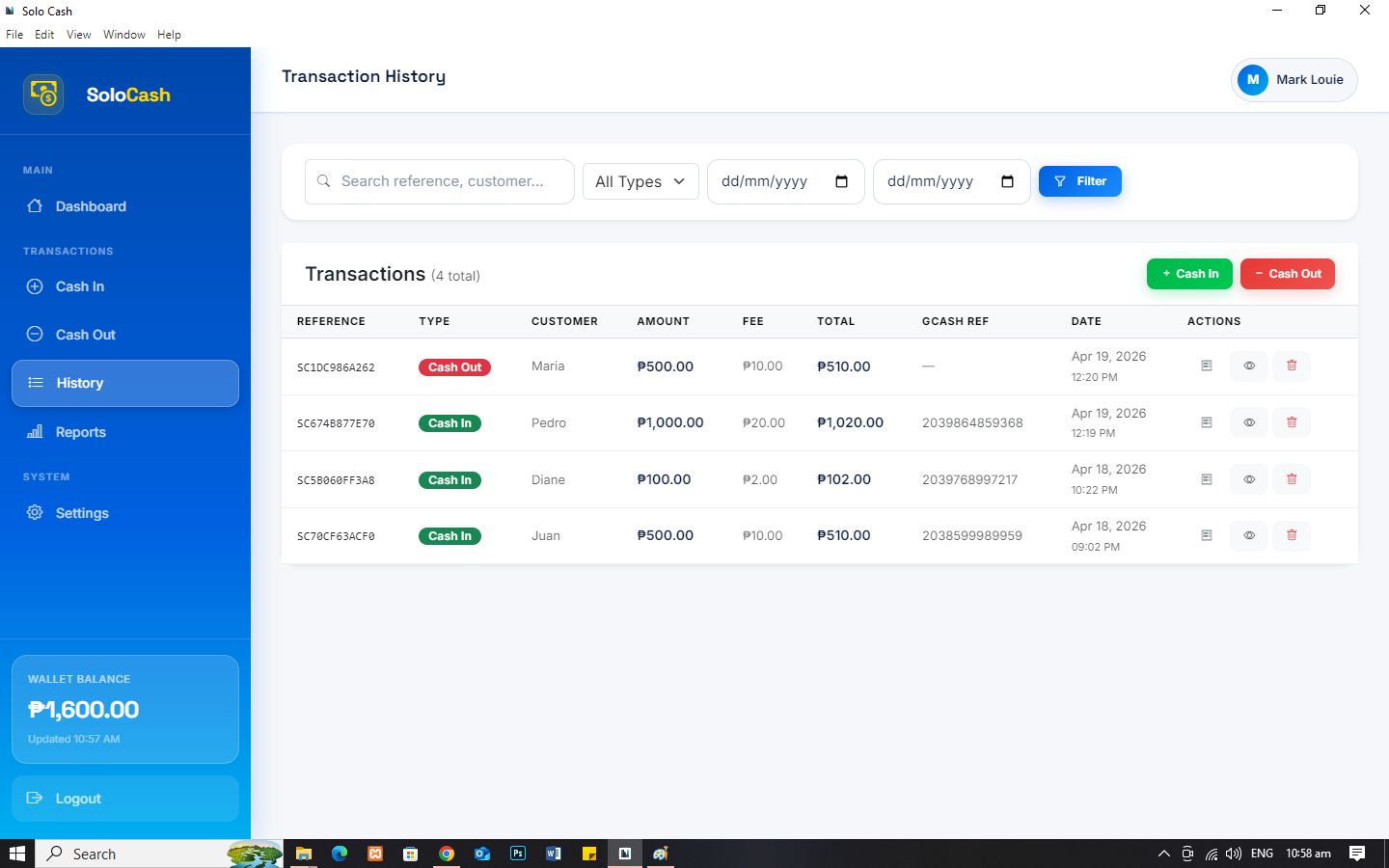
Cash Agent Management System is a standalone desktop application built for individual GCash agents or small business operators who process GCash cash-in and cash-out transactions daily. It provides a clean, GCash-inspired interface to record transactions, manage wallet balance, generate receipts, and produce financial reports — all without requiring an internet connection.
It works completely offline, making it reliable even without internet access. Built with Laravel and Electron, the system is fast, secure, and ready for real-world usage.
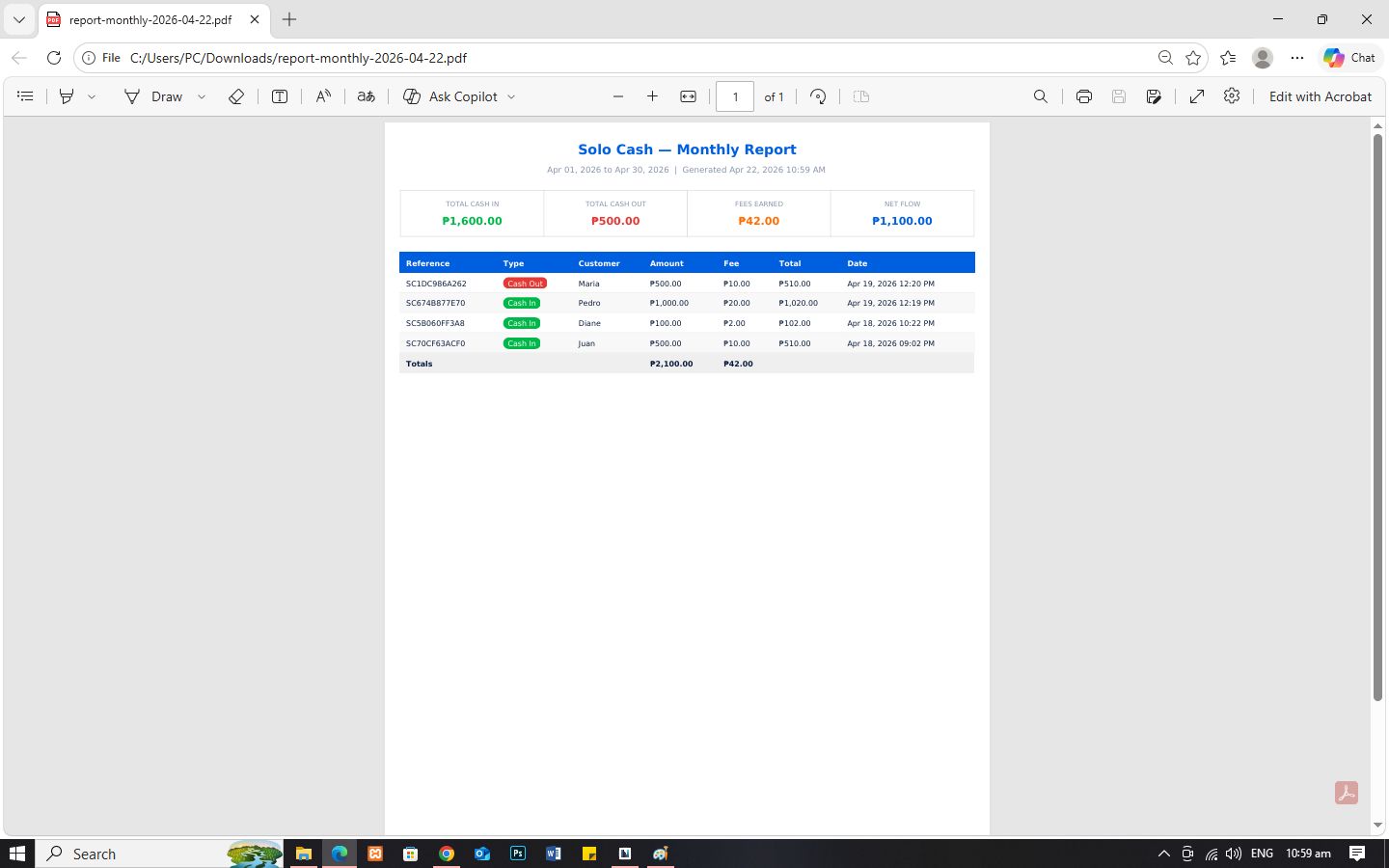
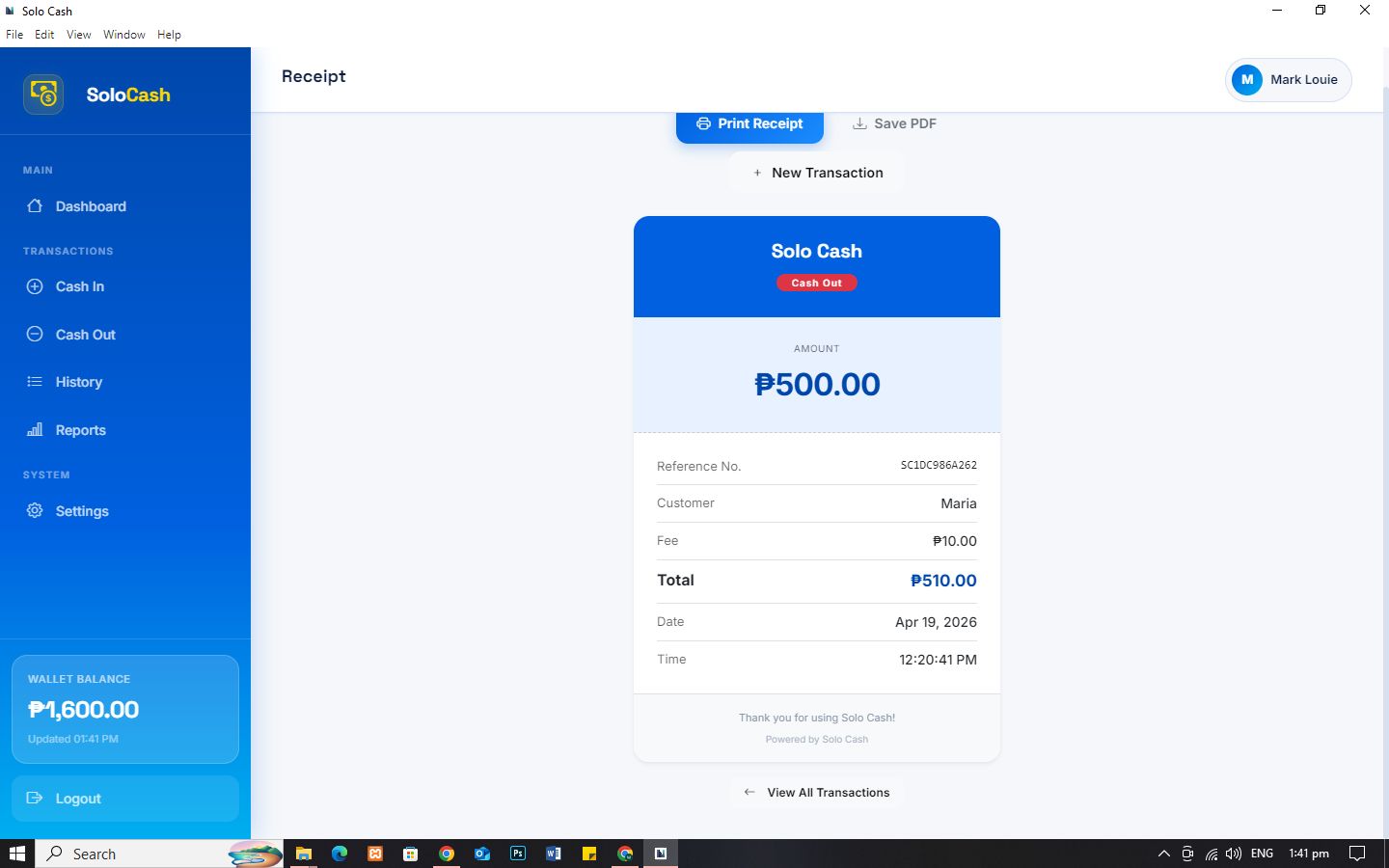
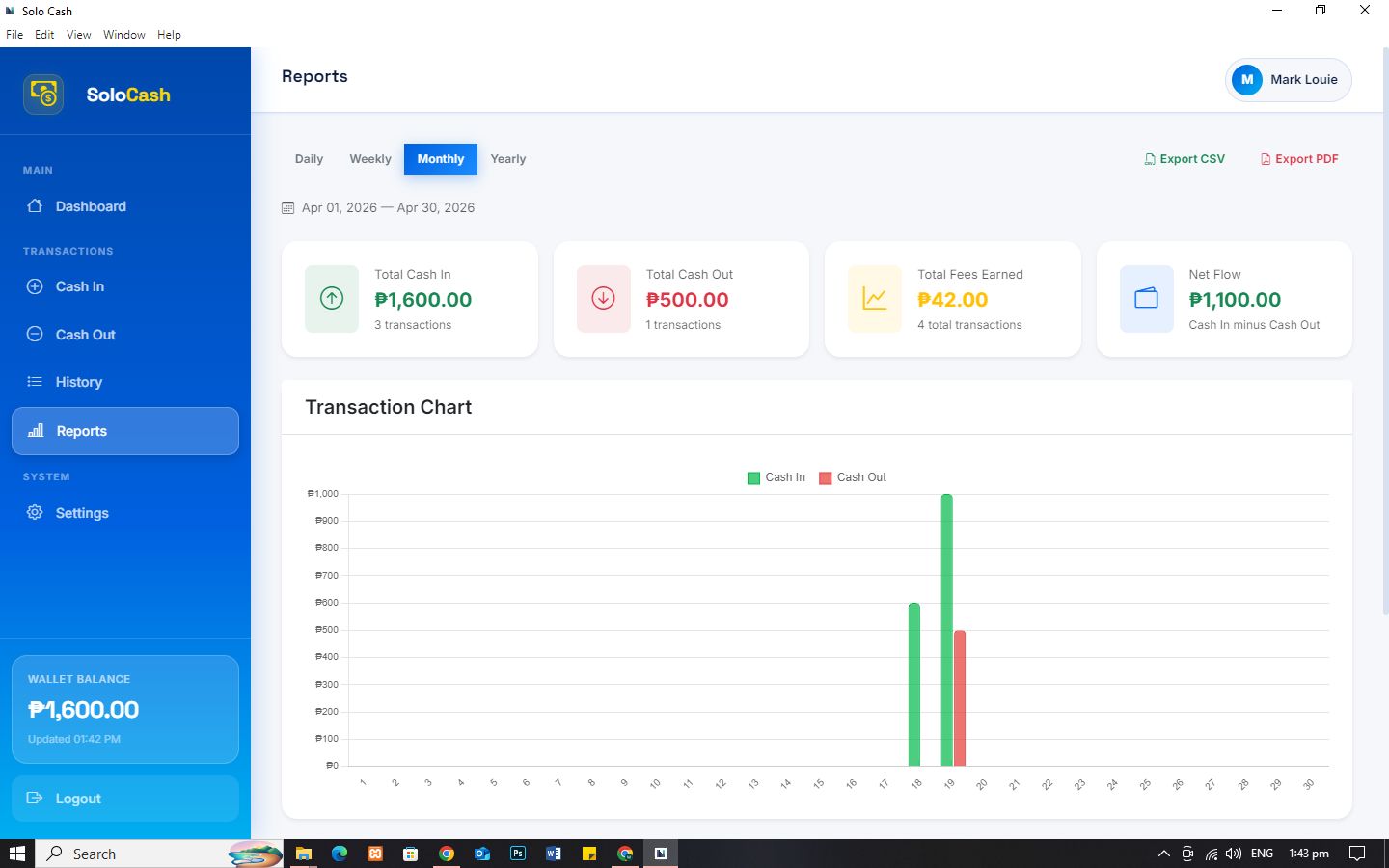
Features include transaction recording, automatic fee calculation, receipt generation (PDF and thermal printer ready), wallet balance tracking, and detailed reports with charts.
The system is suitable for developers, freelancers, and entrepreneurs who want a ready-made solution they can use or customize.
Features
Key Features
• Cash In & Cash Out transaction recording with OCR receipt scanning
• Automatic fee computation (fixed or percentage-based)
• Professional PDF receipt generation
• Wallet balance management with adjustment history
• Daily, Weekly, Monthly, and Yearly financial reports with charts
• CSV and PDF report export
• GCash receipt image upload with OCR auto-fill
• Backup and restore (SQLite + ZIP with images)
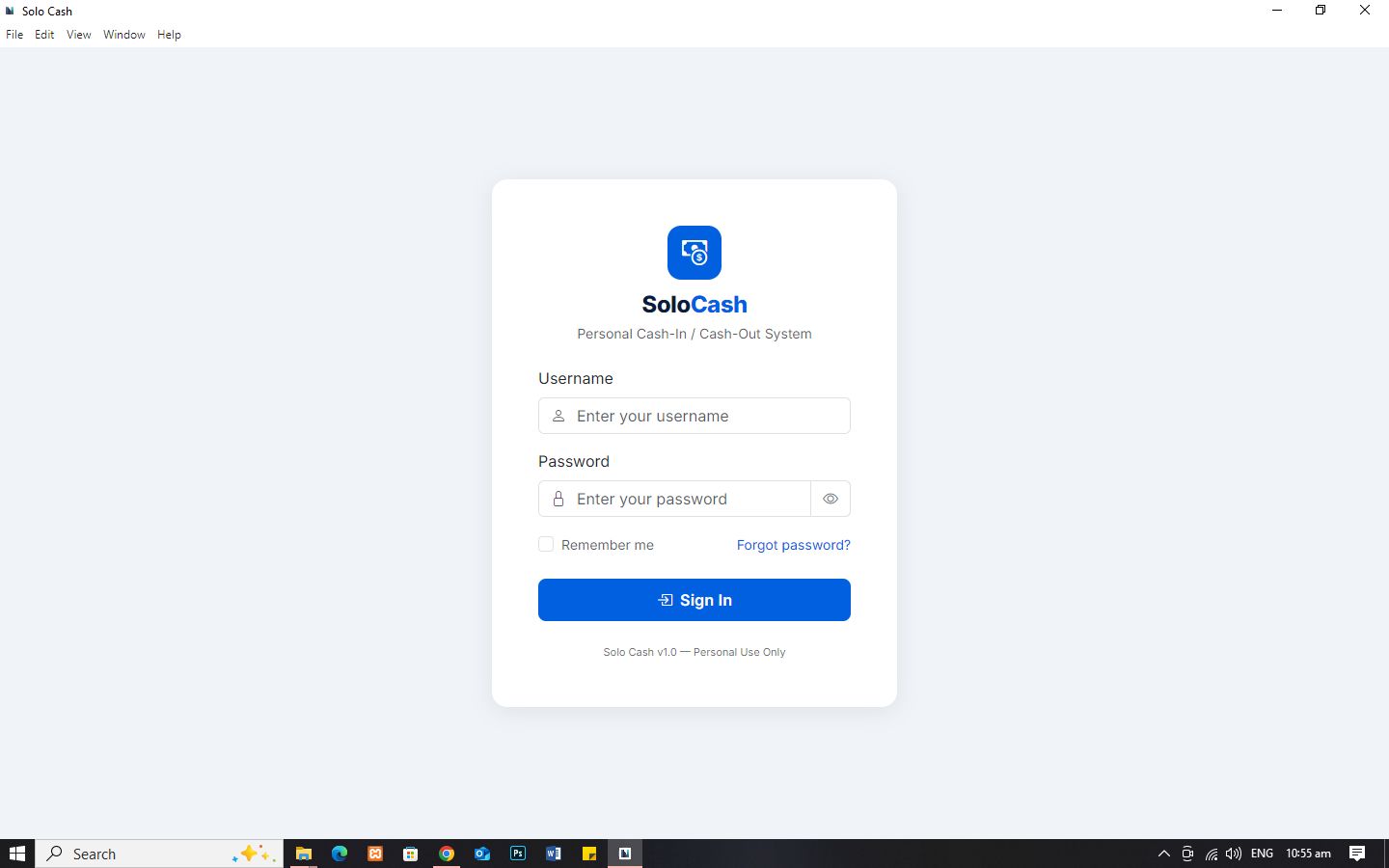
• First-time setup screen with account creation
• Forgot password recovery via PIN or security question
• Packaged as a Windows desktop installer (.exe) via NativePHP + Electron
Requirements
- Windows OS
- PHP 8.2 or higher (for development)
- Node.js (for development)
- Composer & npm (for setup/customization)
Instructions
🛠️ Development Setup
1. Clone the Repository
git clone <repository-url>
cd solo-cash
2. Install Dependencies
composer install
npm install
3. Configure Environment
cp .env.example .env
php artisan key:generate
4. Setup Database
php artisan migrate:fresh
php artisan storage:link
5. Run the Application
php artisan serve
Open your browser and visit:
http://localhost:8000
The setup screen will appear on first run.
🖥️ Running as Desktop App (Development)
1. Install NativePHP
php artisan native:install
2. Prepare Database
copy databasedatabase.sqlite databasenativephp.sqlite
3. Start Desktop Development
php artisan native:serve
📦 Building Windows Installer
1. Build Frontend Assets
npm run build
2. Generate Installer
php artisan native:build windows
After the build process is complete, the installer will be available at:
dist/Solo Cash-1.0.0-setup.exe
Other items by this author





| Category | Scripts & Code / PHP Scripts / Finance / Management |
| First release | 22 April 2026 |
| Last update | 22 April 2026 |
| Software version | PHP 8.2, PHP 8.3 |
| Files included | .php, .css, .html, .sql, .db, Javascript .js |
| JavaScript Framework | jQuery, Node.js |
| Tags | small business, POS System, desktop app, accounting tool, wallet system, cash management, laravel app, receipt generator, reporting system, transaction system, electron app, cash in, cash out, offline system, financial tracker |