InvoicePro Generator UI UX Kit – Figma TemplateInvoicePro Generator UI UX Kit – Figma Template
Smooth invoice management & Professional finance dashboard UI flow Figma UI Kit Recently Updated
InvoicePro Generator UI UX Kit – Figma Template
Smooth invoice management & Professional finance dashboard UI flow Figma UI Kit
Screenshots


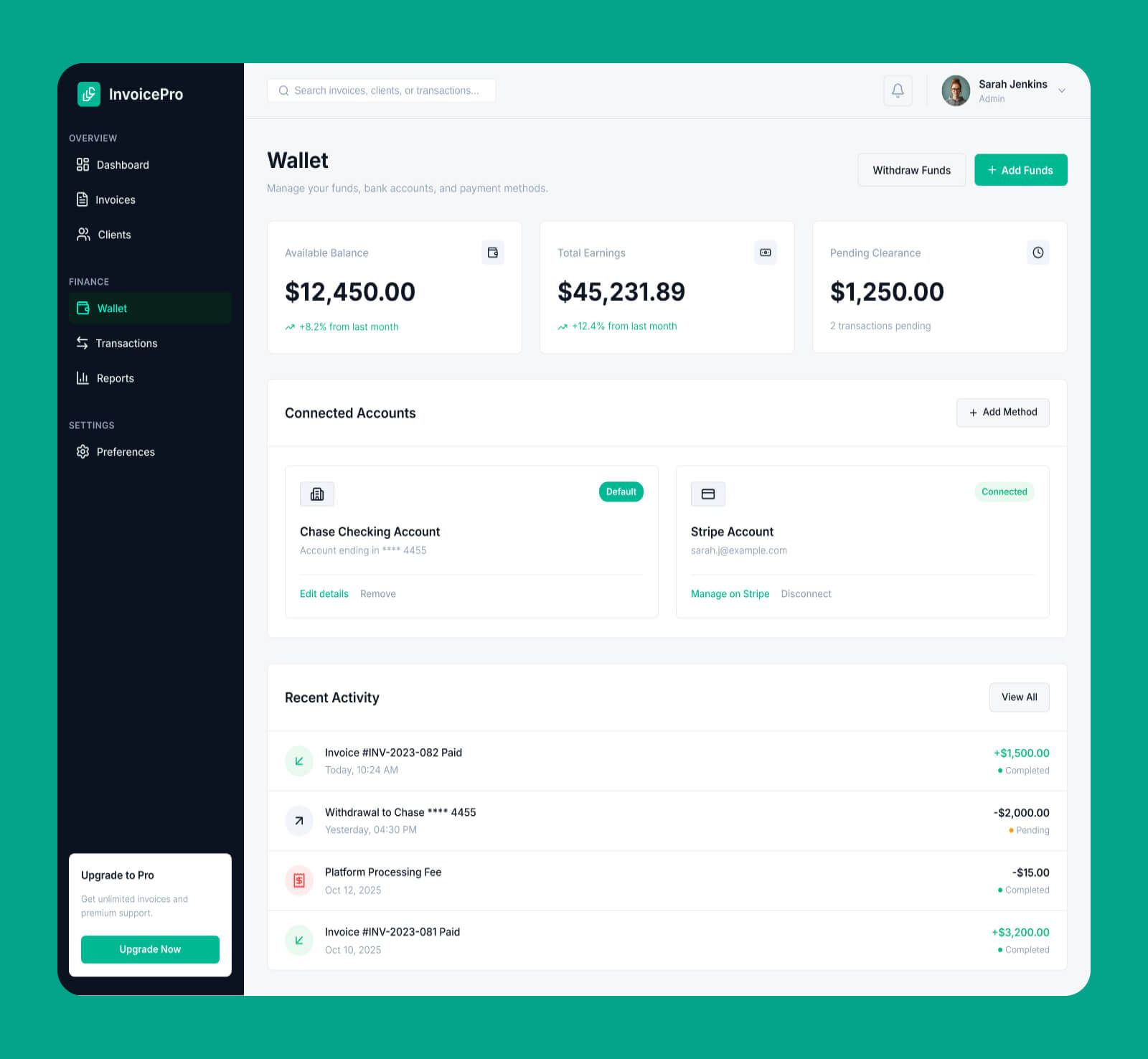


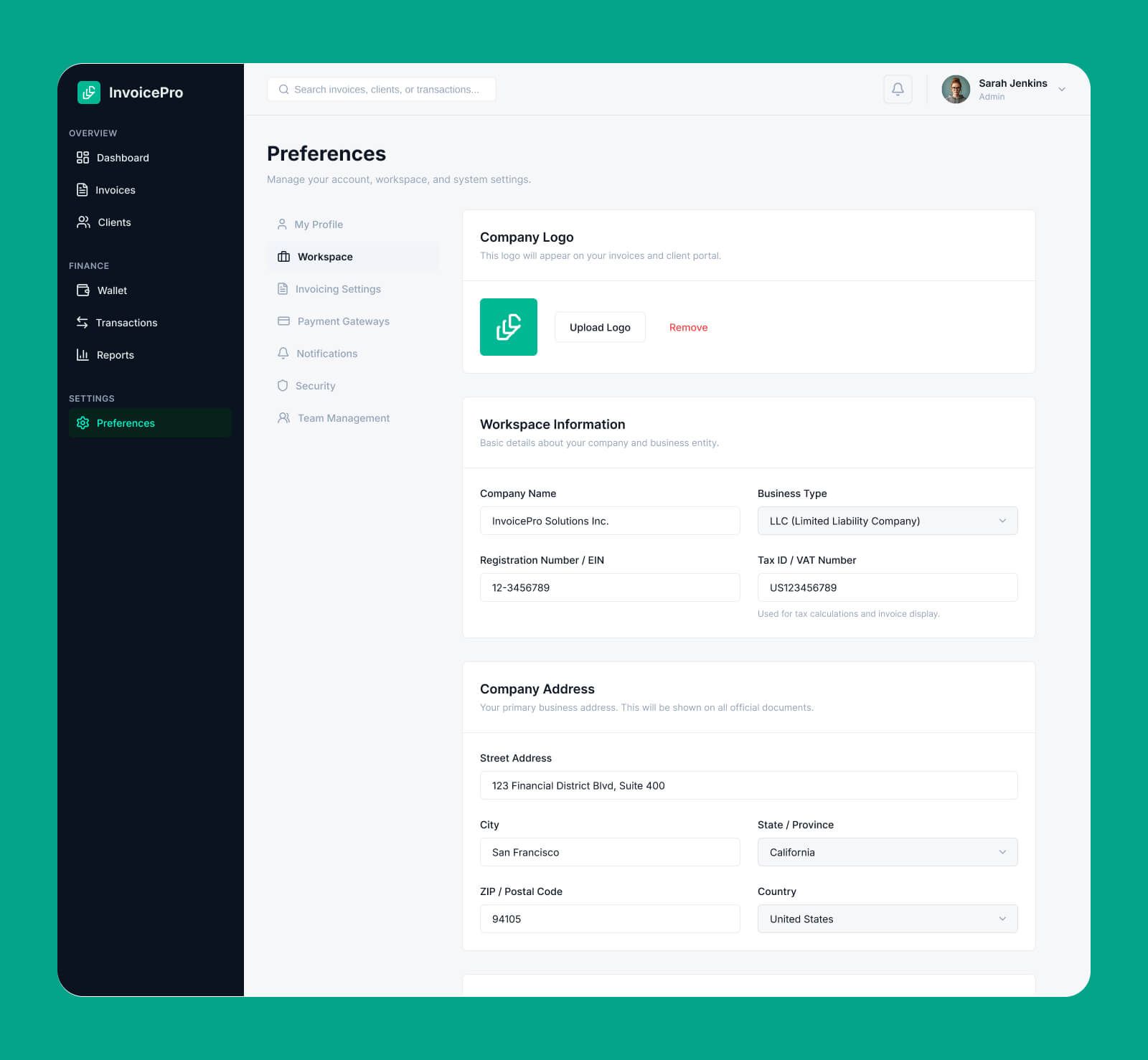
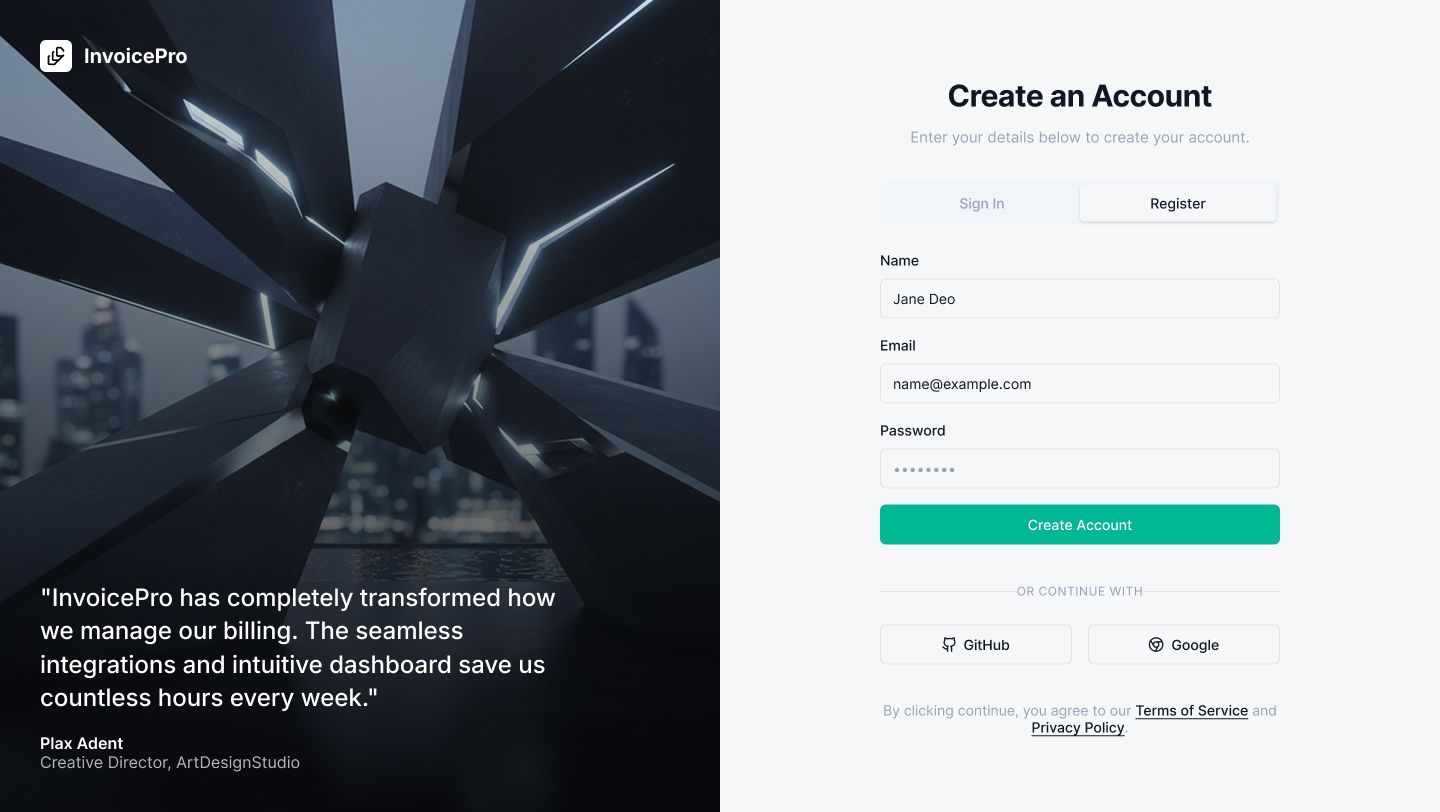


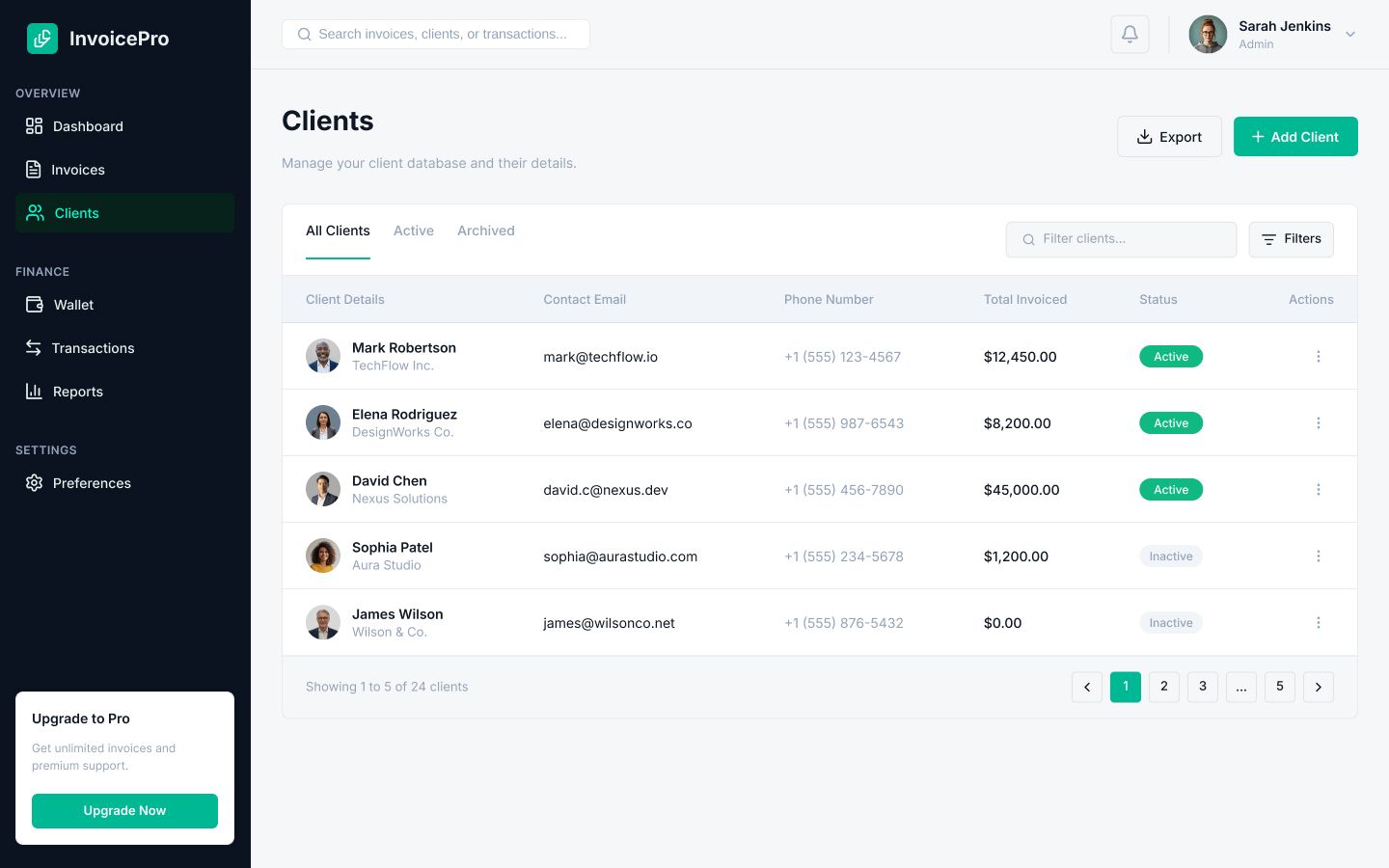
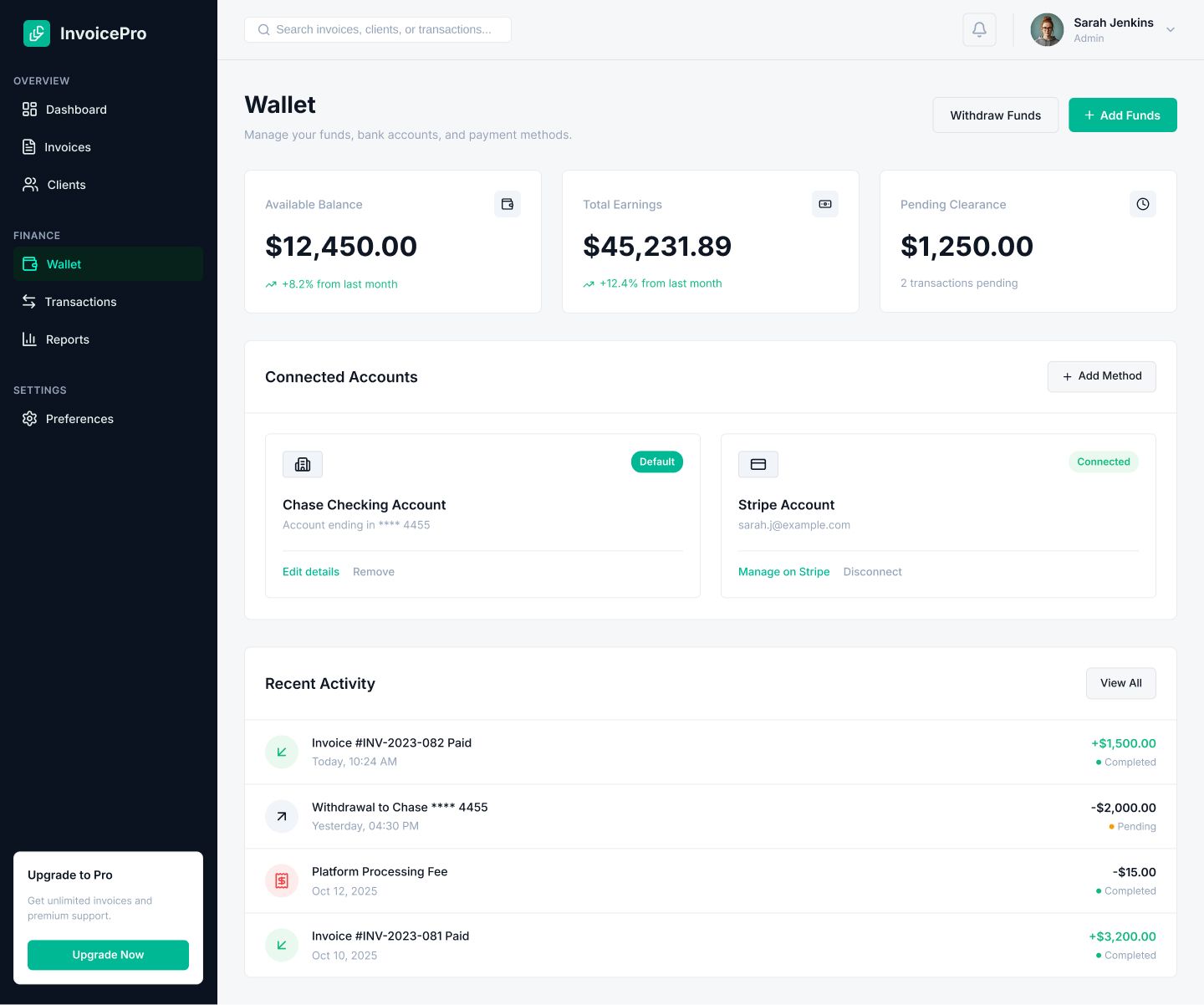


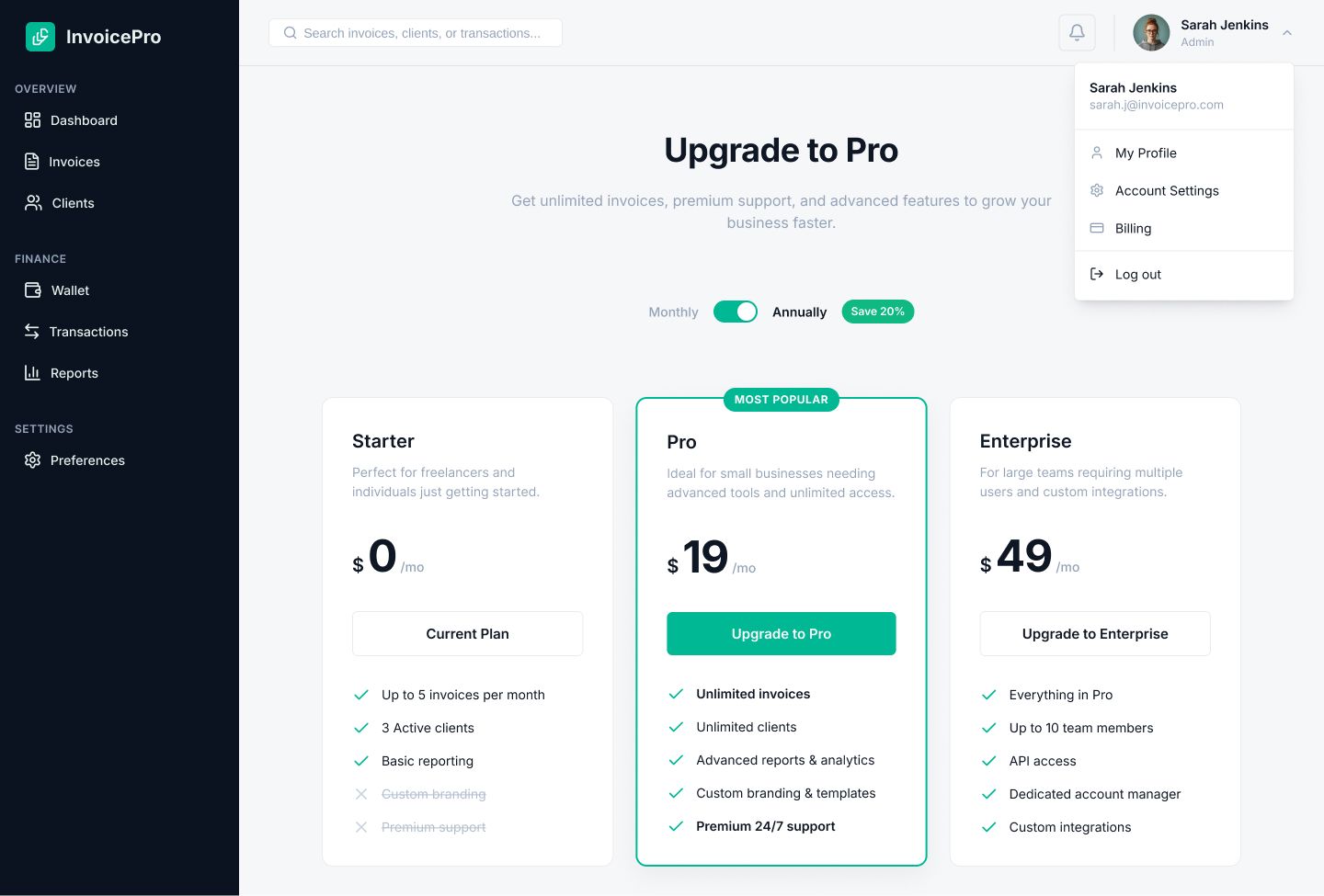
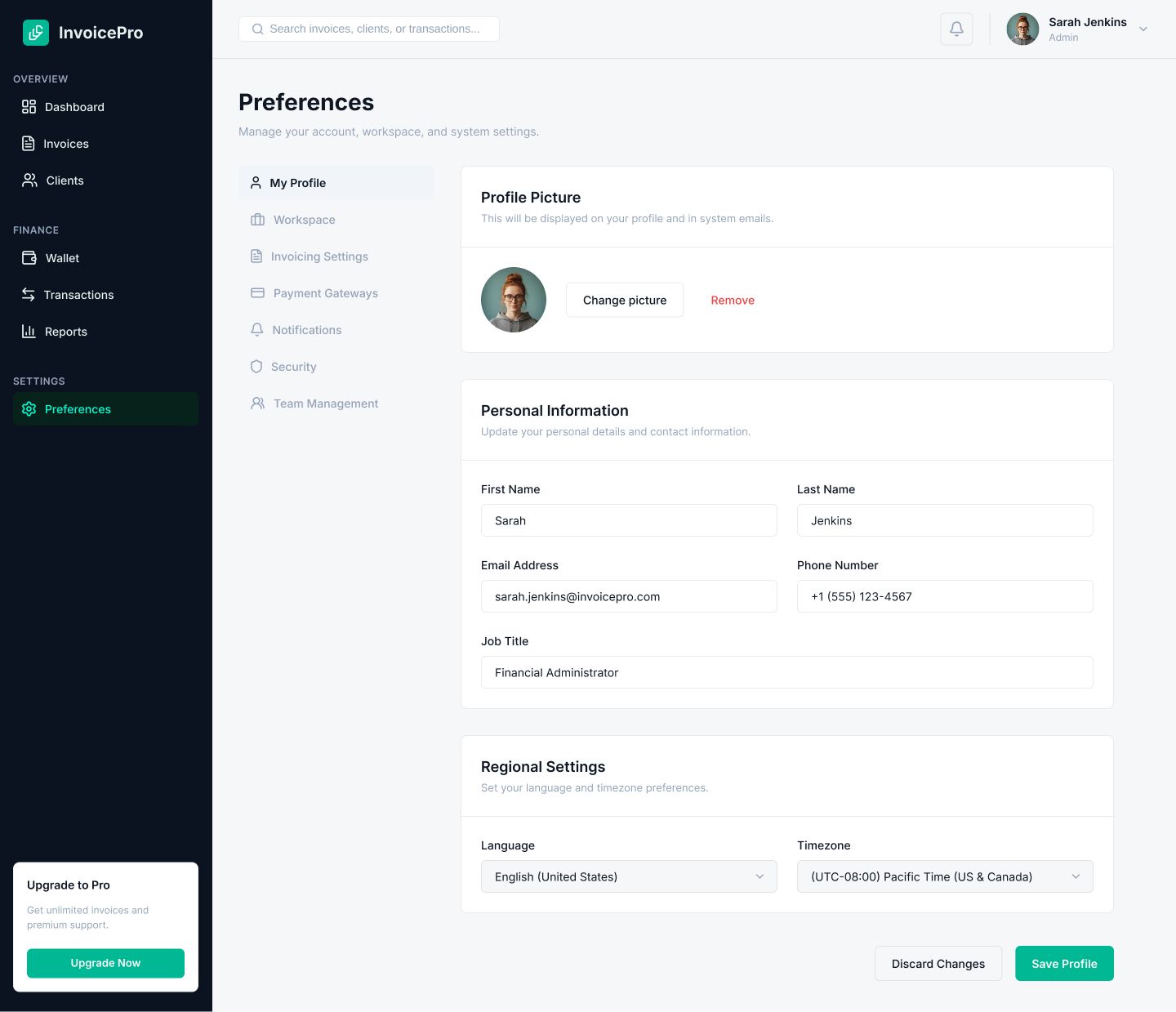


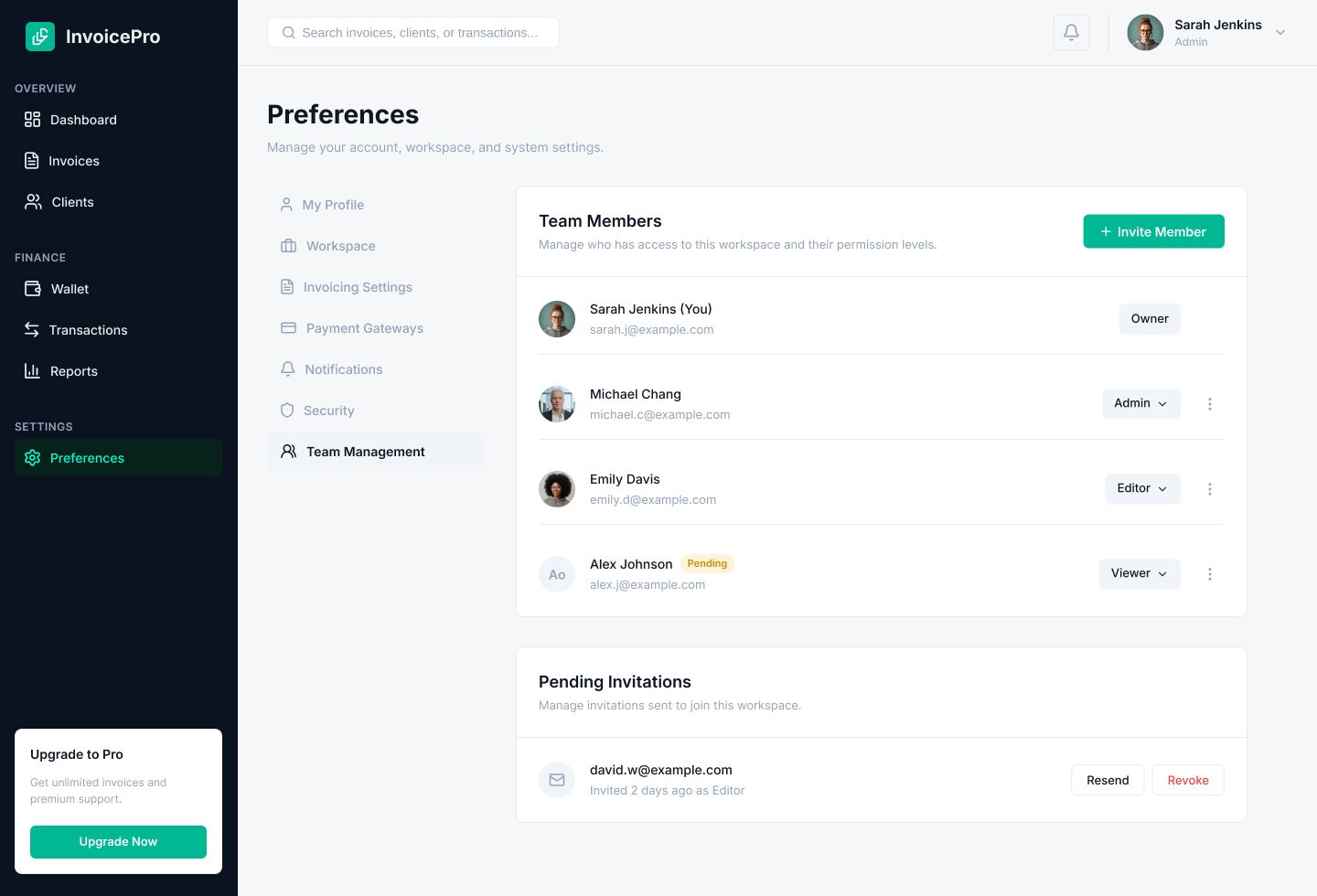
Overview
Create a powerful and professional billing experience with InvoicePro, a modern Figma UI Kit designed for invoicing systems, finance dashboards, accounting software, SaaS platforms, and business management applications.
This premium UI template combines clean layouts, smart data presentation, and modern user experience design to help startups, developers, and agencies quickly build high-quality invoice management platforms and admin dashboards.
Whether you are creating an invoice generator, payment tracking app, accounting dashboard, finance SaaS product, or business analytics platform, InvoicePro provides a scalable and developer-friendly design system for faster product development.
InvoicePro is carefully designed to deliver a clean, professional, and highly usable finance management experience. The layout structure and reusable components help teams save development time while maintaining premium product quality.
Suitable For
- Invoice Management Systems
- Billing Applications
- Accounting Software
- Finance Dashboards
- SaaS Platforms
- Admin Panels
- CRM Systems
- Subscription Management Apps
- Analytics Platforms
- Business Management Tools
Features
- Modern & Professional Dashboard Design
- Fully Editable Figma Files
- Clean Finance-Focused UI
- Organized Layers & Components
- Auto Layout Support
- Reusable Design Components
- Pixel Perfect Layouts
- Smart Data Visualization Style
- Responsive Dashboard Structure
- Developer-Friendly File Organization
- Easy Customization
- Business-Oriented UX Flow
- Light & Modern Aesthetic
- SaaS Product Ready
- Scalable Design System
Requirements
Figma Application
Install or Online (https://figma.com)
Instructions
1. Install the Figma software and launch it.
2. In the program, drag and drop the .fig file.
3. You can modify all of the design specifications in the right panel when you choose an element.
Other items by this author












| Category | Graphics / User Interfaces |
| First release | 21 May 2026 |
| Last update | 21 May 2026 |
| Tags | invoice management system, invoicepro ui kit, billing dashboard figma, invoice app ui, accounting software design, finance dashboard template, saas admin ui kit, payment tracking dashboard, crm dashboard ui, business management app, analytics dashboard figma, professional admin panel, fintech ui kit, subscription billing app, modern saas template |