DocusenseAI - AI Document Analysis SaaS PlatformDocusenseAI - AI Document Analysis SaaS Platform
DocusenseAI is a premium, SaaS-ready Laravel script that empowers users to chat with their documents using artificial intelligence Recently Updated
DocusenseAI - AI Document Analysis SaaS Platform
DocusenseAI is a premium, SaaS-ready Laravel script that empowers users to chat with their docume...
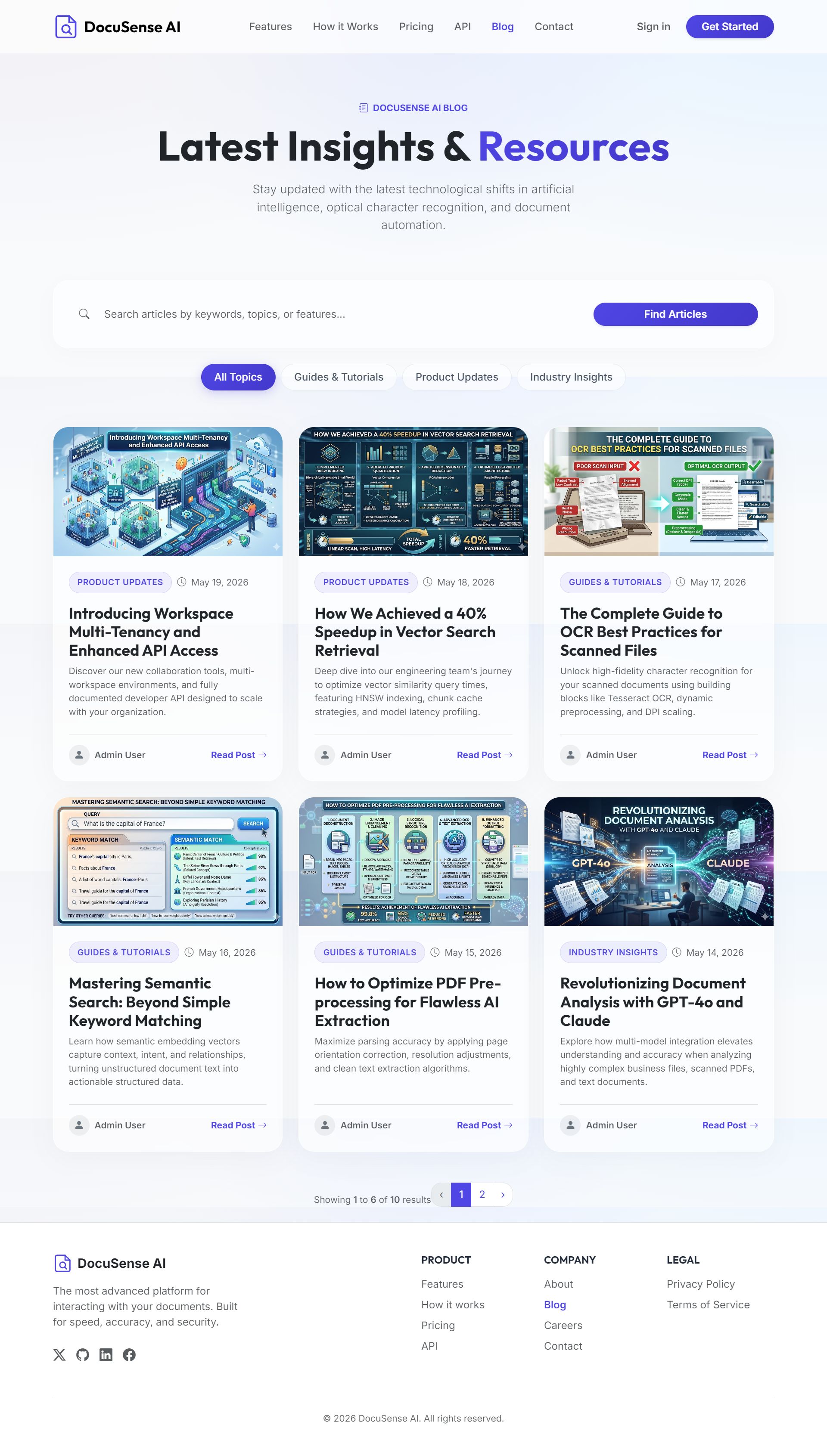
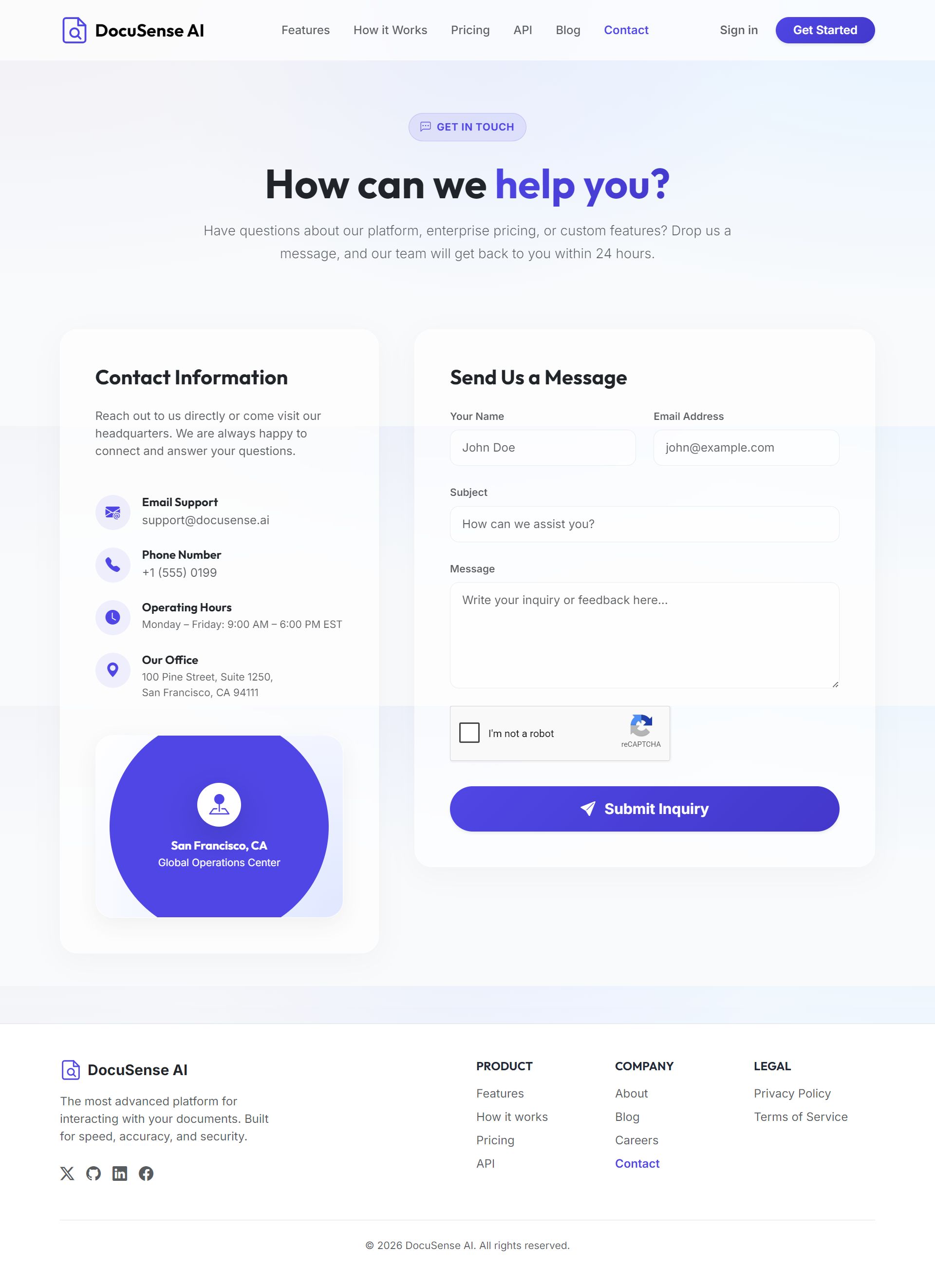
Screenshots





Overview
DocuSense AI
The Ultimate Monolithic Multi-Tenant Document Intelligence Platform. Chat with PDFs, DOCX, and TXT files using GPT-4o & Claude 3.5 Sonnet. Built-in OCR, Vector Semantic Search, Subscriptions, and Developer APIs.
Interactive Live Demo
Experience the full platform in real-time. Test both the intuitive user panel and the powerful admin configuration dashboard:
Product Overview
DocuSense AI is an enterprise-grade, fully responsive document intelligence platform designed to let users upload files and instantly extract insights, summaries, and cited answers using leading AI models (OpenAI GPT-4o and Anthropic Claude 3.5 Sonnet).
Unlike standard applications that depend on external, expensive vector databases, DocuSense AI implements a fully isolated local vector embedding pipeline with Cosine Similarity algorithms directly in MySQL/MariaDB. It is highly optimized for fast performance, low server bloat, and works seamlessly on generic web servers (cPanel, WAMP, VPS, etc.).
Key Unique Highlights
-
✔
Zero-Dependency Local RAG Pipeline: Generate high-quality dense vector embeddings programmatically. The system performs localized semantic vector chunk searches using built-in cosine similarity directly on your database.
-
✔
Dual AI Provider Support: Allow users to toggle between OpenAI (GPT-4o, GPT-3.5) and Anthropic (Claude 3.5 Sonnet) instantly depending on the document task complexity.
-
✔
Automatic Tesseract OCR System: Uploaded scanned PDFs or text-based images are processed by our automated engine to convert them into editable, searchable, and chat-ready documents.
-
✔
Progressive Web App (PWA): Fully optimized PWA with a custom manifest and service worker configuration. Installs like a native app on iOS, Android, and Desktop, supporting offline modes.
-
✔
5 Global Payment Gateways: Integrated subscription and credit top-up pipelines for Stripe, PayPal, Paystack, Flutterwave, and Razorpay out of the box.
User & Workspace Features
- Multi-Workspace Tenant System: Users can isolate environments, create specific workspaces for clients, teams, or projects, and switch workspaces dynamically.
- Interactive Folder Structures: Create folders, organize documents, and keep directories secure.
- AI Chat sessions: Fully contextual conversations with documents, with chat memory capabilities.
- Accurate Document Citations: Anti-hallucination engine provides clickable exact page citations next to AI outputs, linking back to source texts.
- Manage Workspace Members: Invite teammates or co-workers, and control workspace credit allocations.
- Developers API Platform: Users can generate programmatic API keys to perform automated document uploads, vector parsing, and headless AI chat integrations directly via JSON endpoints.
Robust Admin Control Center
The administration panel gives you complete power over the monetization, branding, and structural parameters of the application:
- Branding Customizer: Change application name, primary colors, upload custom logos, and favicon directly from the panel.
- Dynamic Homepage Editor: Configure pricing grids, hero banners, feature card texts, customer testimonials, and CTA banners dynamically.
- User Account Management: Track active users, adjust credits balance manually, view payment history, and revoke/suspend users.
- Full Gateways Control: Enable or disable specific gateways, toggle Sandbox keys, configure currencies, and set custom exchange rates.
- Built-in CMS & Careers: Manage a live public Blog (SEO-optimized URL slugs) and job vacancy application tracker (Resume upload and applicant status updates).
- SMTP Configuration: Set up mail systems and fire out immediate test emails directly from the admin interface.
5-Minute Automated Installation
No complex terminal commands or manual configuration files needed! The built-in Web Installer checks directories automatically, configures database settings via UI, sets up environment keys, and populates dummy data in seconds.
System Requirements:
- PHP >= 8.3
- Web Server (Apache or Nginx) with Mod-Rewrite enabled
- MySQL 8.0+ or MariaDB
- Required extensions:
bcmath, fileinfo, mbstring, openssl, pdo_mysql, xml, curl
What's Included in the Package?
- Full PHP Source Code of the monolithic application (Laravel / Bootstrap 5 / jQuery)
- Step-by-step PDF & Markdown installation documentation
- Database migration schemas & default seeders
- Complete Web Installer framework assets
- Built-in Progressive Web App assets (offline configuration)
Features
🧠 Core AI & Document Intelligence
- Dual AI Provider Support: Toggle seamlessly between OpenAI (GPT-4o, GPT-3.5) and Anthropic (Claude 3.5 Sonnet) directly from the conversation dashboard.
- Pure PHP Local Vector Search (RAG): Powered by dense vector embeddings and advanced Cosine Similarity mathematical matching directly in MySQL/MariaDB. No expensive external vector databases (Pinecone, Supabase, etc.) required!
- Automatic Tesseract OCR Pipeline: Background OCR workers automatically process scanned PDFs and text-based images, converting them into editable, searchable, and chat-ready documents.
- Smart Document Parsing: Supports PDF, DOCX, and TXT file uploads. Smart semantic chunking extracts paragraphs while maintaining document context structure.
- Anti-Hallucination Citations: Clickable, exact page number reference blocks accompany every AI answer, pointing users straight to the source context inside the original document.
🏢 Multi-Tenant Workspaces & Collaboration
- Secure Multi-Workspace Isolation: Users can create individual workspaces for different projects, teams, or clients. Data, keys, and credits are securely isolated.
- Team Members Management: Invite teammates or co-workers to join a workspace, assign customized permission roles, and control access.
- Interactive Folder Directory Structure: Create nested folders, manage document permissions, and organize resources cleanly via a sleek Bootstrap UI.
- Credit Limits Control: Workspace owners can control and assign daily, weekly, or lifetime credit limits to workspace co-members.
💻 Developer API Integration
- Programmatic API Key Generation: Users can generate individual API keys to access their workspace programmatically.
- Headless Document Upload & Deletion: Fully document-aware JSON endpoints allow automated uploads, background OCR parsing, and database deletions.
- Headless AI Chat Execution: Programmatically query files and receive AI-generated replies complete with source page references, credits cost, and token counts.
- Detailed Developer Documentation Page: Responsive built-in API page detailing routes, request headers, JSON payloads, and response variables.
💳 Monetization & Payment Gateways
- Flexible Subscription Plans: Create Free, Monthly, or Yearly subscriptions with custom caps for documents, size limits, page counts, and workspaces.
- Credits Top-Up System: Users can purchase extra credits separately to top up their account balance when thresholds are reached.
- 5 Integrated payment gateways:
- Stripe (Sca-Compliant Card Payments)
- PayPal (Subscriptions & Checkout API)
- Paystack (Credit Cards & Mobile Money)
- Flutterwave (African Cards & Bank Transfers)
- Razorpay (Indian Card Payments & Net Banking)
- Credit Transactions Ledger: Keeps track of all credit transactions, payments, and AI costs inside a secure database ledger.
⚙ Premium Admin Control Panel
- Comprehensive Customizer Settings: Customize logos, favicon, brand name, primary theme colors, and page descriptions from a single panel.
- Dynamic Landing Page Builder: Configure homepage banners, hero text, feature grids, pricing layouts, and customer testimonials.
- Built-in CMS Engine: Manage a public-facing Blog layout (create, edit, delete articles) with SEO-friendly slug routes.
- Integrated Careers & Application Tracker: Create and publish job listings, accept application CV uploads, track applicants, and update hiring statuses.
- User & Usage Insights: Manage customer accounts, add manual token/credits, view active billing logs, and suspend/reactivate profiles.
- Built-in SMTP Mail Test Framework: Configure SMTP details (host, port, encryption, user keys) and trigger instant mail tests to verify server configurations.
📱 Responsiveness & PWA Capabilities
- Sleek PWA Integration: Includes an active service worker and custom `manifest.json`. Install the app instantly on iOS, Android, macOS, or Windows Desktop.
- Beautiful Mobile Dashboard: Clean, responsive sidebar, data sheets, and custom conversational interfaces configured cleanly using Bootstrap 5.
- Micro-Animations & Modern UI: Elegant transitions, hover effects, interactive cards, and high-performance loading bars.
Requirements
🖥 Server Environment
- PHP Version:
PHP ^8.3(Recommended) orPHP >= 8.2 - Database:
MySQL 8.0+orMariaDB 10.4+ - Web Server: Apache or Nginx (with
mod_rewriteenabled for URL redirection and clean paths) - SSL Certificate: Highly recommended (Required for secure Stripe, Paystack, and PayPal Webhook callbacks)
🔌 Required PHP Extensions
Make sure the following PHP extensions are compiled and active on your server configuration:
📂 File Permissions
To ensure the dynamic installer and system can write configuration files and upload files, ensure write permissions (chmod 775 or 777) are set for:
storage/app/storage/framework/storage/logs/bootstrap/cache/.envfile (in the project root)
🖼 OCR Scanning Capability (Optional)
To support Optical Character Recognition (OCR) for scanned PDFs and raw image formats, the Tesseract OCR binary must be installed on the hosting server.
⏰ Task Scheduling & Cron Jobs
To process document vector chunks, trigger OCR operations, and deliver email receipts asynchronously, add the following entry to your hosting server's Cron setup:
* * * * * cd /path-to-your-project && php artisan schedule:run >> /dev/null 2>&;1
Instructions
⚡ Painless Automated Installer
DocuSense AI features a beautiful web-based step-by-step installation pipeline. You do not need to edit server configuration files or use the terminal. Just follow the simple instructions below.
Upload Project Files
Extract the downloaded ZIP package and upload the files to your server (via FTP/SFTP or CPanel File Manager). Point your web server's Document Root directly to the public/ folder of the application.
Set Folder Permissions
Ensure the following folders are set to writable (permissions: 775 or 777 depending on your server environment):
            - storage/<br>
            - bootstrap/cache/<br>
            - .env (file)
Run the Web Installer
Open your browser and navigate to the application install URL:
http://yourdomain.com/install
The installer wizard will load and walk you through:
- Requirements check: Verifies active PHP extensions and directory writing flags.
- Database details: Enter your DB Host, Port, Name, Username, and Password.
- Admin Creation: Input the email and password for your main Admin access.
Let the Installer Build the DB
Click **Install**. The installer will dynamically write configurations, configure secure application encryption keys, generate directories, migrate database structures, seed initial subscriptions and plans, and set up your admin workspace. Once completed, you will be redirected to the login screen!
Configure AI & Gateways (Optional)
Log in to the Admin Dashboard and head over to the Settings Panel. Here, insert your key integration values:
- AI Integrations: Enter your OpenAI / Anthropic API keys to enable chats.
- Payment Keys: Enter API credentials for Stripe, PayPal, Paystack, Flutterwave, or Razorpay to monetize subscriptions and credit top-ups.
Configure Background Tasks (Cron Job)
To process heavy vector transformations and document parsing tasks smoothly, add this single scheduler Cron task inside your hosting CPanel:
* * * * * cd /path-to-your-project && php artisan schedule:run >> /dev/null 2>&1
Other items by this author












|
PHP Script Installation Service
Don't worry about the installation of your script! Have your PHP Script installed for you.
|
$39 | Buy now |
| Category | Scripts & Code / PHP Scripts / AI |
| First release | 23 May 2026 |
| Last update | 23 May 2026 |
| Files included | .php, .css, .html, Javascript .js |
| Tags | paypal, laravel, Stripe, PWA, SaaS, artificial intelligence, OCR, chat gpt, openai, chat with pdf, claude, multi tenant, document ai, vector search |