


 Music App Templates For Android
Browse 123 hand‑picked music app templates for Android in the Music App Templates For Android category. Download complete Android Studio source code with Material Design layouts, AdMob or Firebase support and launch polished music player, streaming, radio and audio playlist apps apps faster instead of starting from a blank project.
 Scripts & Code7801
 App Templates2704Android2278
 Applications34AI18Books13Booking11Bundles19Chat64Education2Event83Finance76Fitness20Food30Games20GPS2Marketplace123Music22News210Photo45Productivity31Quiz24Shopping86Social21Sport19Travel305Utility153Video56Webview777Miscellaneous279Games70UI Kits775
 Buildbox486
 Construct 316
 Cordova7
 Corona553
 Flutter154
 Ionic716
 iOS95
iOS95 React1
 Titanium2289
 Unity5
 Xamarin2418
 Themes1067
 Plugins14223
 Graphics






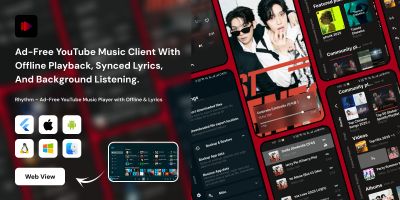
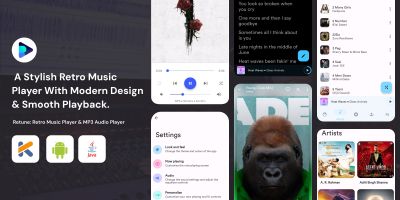
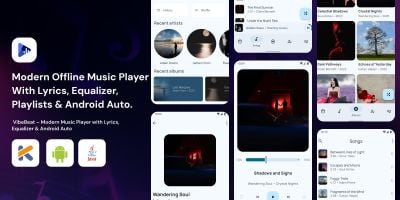
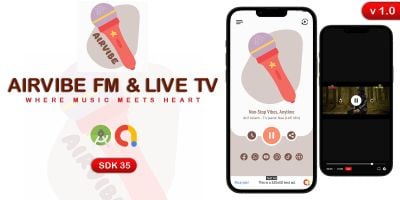


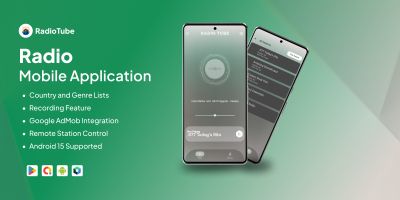
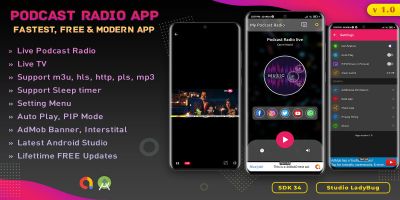


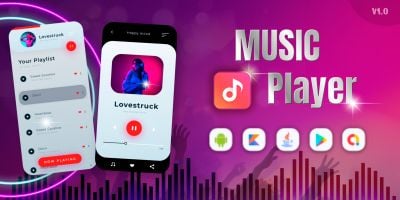
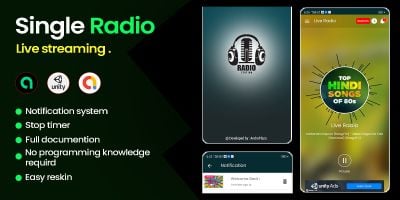
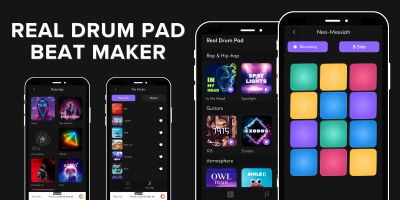
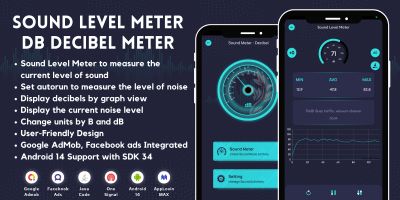
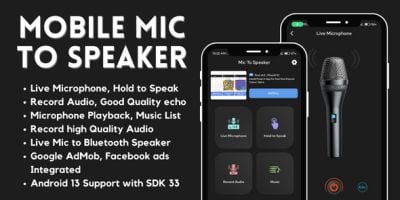
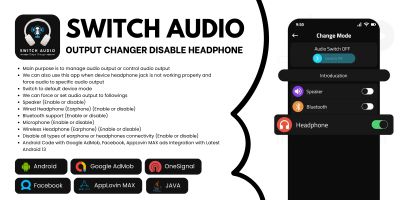
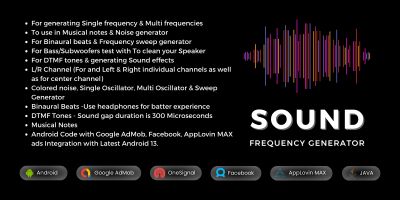
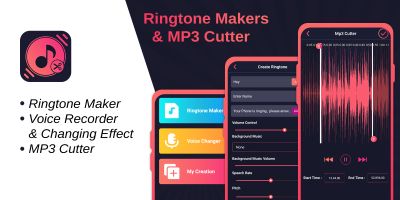
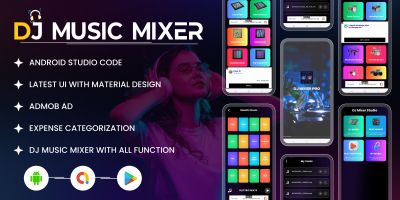
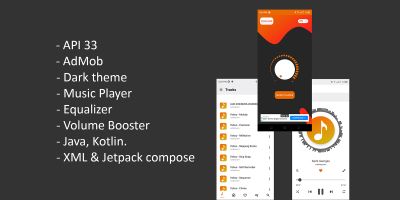
Music App Templates For Android
If you are building music player, streaming, radio and audio playlist apps and don’t want to spend your evenings on boilerplate, the Music App Templates For Android collection is designed for you. Indie hackers, agencies, startups and students all use these music app templates for Android as a shortcut to a working Android app they can iterate on quickly.
Each download is a complete Android Studio project: Kotlin or Java source code, resources, manifest configuration and Gradle setup are already done. Typical templates include multiple screens, navigation, sample data and handling for edge cases like no connection, empty lists and invalid input. Instead of wondering which library to pick, you can see practical implementations of popular stacks using Jetpack components, Firebase, in‑app purchases or ads.
Because the code is open, you stay in full control. Swap branding and colours, add new features, remove anything you don’t need and connect your own back end or third‑party APIs. For many teams, a few days of focused editing on top of a Codester template is enough to go from idea to a store‑ready Android app that feels tailor‑made for their audience.
The way you link to and from this category matters as well. A simple SEO win is to connect articles, support pages or marketing sites to relevant Codester hubs, for example the main Android app templates category or the broader App Templates & Source Codes listing. When a project grows beyond one platform, you can also point visitors towards Flutter app templates or Ionic app templates so they can explore cross‑platform options.
Quality matters for rankings and reviews. Many of the projects in this section already consider performance, battery usage and offline behaviour. Still, it’s smart to run your own checks: compress large images, prune unused libraries, test on a couple of lower‑end Android devices and confirm that navigation, deep links and permissions behave correctly. Those details can be the difference between an app that quietly stalls and one that earns steady organic installs over time.
Monetisation and analytics are usually just configuration files away. Plug in your own AdMob IDs, connect Firebase Analytics or another tracking tool, and you have a setup where each feature you add can be measured. Over time, you can A/B test flows, experiment with onboarding and decide which music player, streaming, radio and audio playlist apps features are worth investing more development time in.
Used well, the Music App Templates For Android category becomes more than a single purchase: it can be the foundation of a reusable internal starter kit for your team. Start with a template that is close to your ideal Android music app, build your own patterns and components on top of it and you will find that every new project ships faster than the one before.