


 Photo App Templates For Android
Kick‑start your next Android project with Photo App Templates For Android. Each download includes complete photo app templates for Android with Kotlin/Java source code, clean architecture and app‑store‑ready flows, making it easy to create and grow successful camera, gallery, collage maker and photo editor apps apps.
 Scripts & Code7803
 App Templates2706Android2280
 Applications34AI18Books13Booking11Bundles19Chat64Education2Event83Finance76Fitness20Food30Games20GPS2Marketplace123Music22News210Photo45Productivity31Quiz24Shopping86Social21Sport19Travel305Utility153Video56Webview779Miscellaneous279Games70UI Kits775
 Buildbox486
 Construct 316
 Cordova7
 Corona553
 Flutter154
 Ionic716
 iOS95
iOS95 React1
 Titanium2289
 Unity5
 Xamarin2418
 Themes1067
 Plugins14223
 Graphics





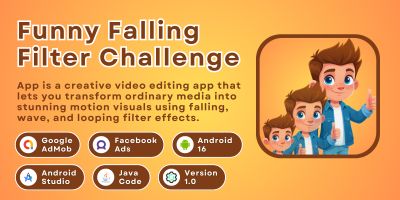



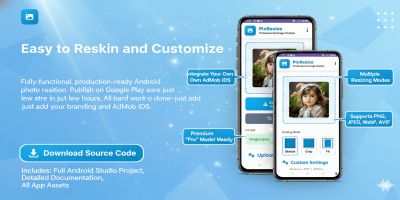




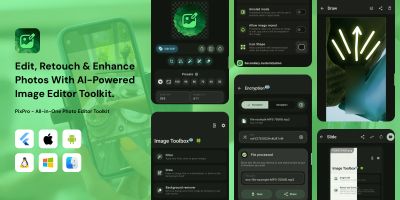


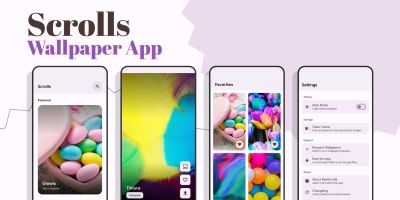


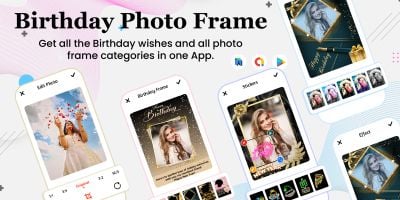

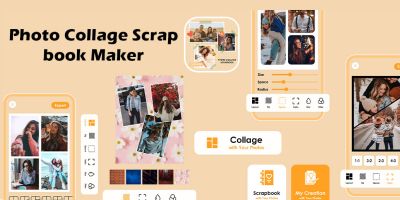
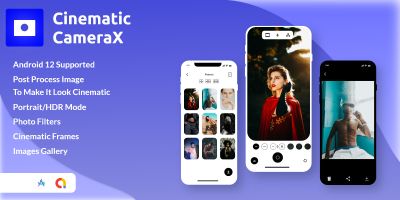


Photo Android App Templates
The Photo App Templates For Android category brings together focused photo app templates for Android that you can open directly in Android Studio. Instead of wiring up navigation, authentication and settings screens from scratch, you start from a working project that already targets real‑world camera, gallery, collage maker and photo editor apps use cases.
Most templates ship with polished Material Design UI, sample data and sensible defaults. You’ll usually find onboarding flows, login and sign‑up, profile or account screens and a settings area, plus details like empty states, error handling and loading indicators. That saves hours on the unglamorous parts of app development and lets you spend more time on your content, copy and growth experiments.
Under the hood, these photo app templates for Android are built for modern Android development. Projects tend to use Kotlin or Java with Jetpack libraries, MVVM or similar clean architecture and structured packages for data, domain and presentation. That makes it straightforward to plug in your own REST API, Firebase back end or third‑party SDKs without having to untangle tightly coupled demo code first.
If you care about organic discovery, templates from this category can also strengthen both SEO and ASO. Starting from a fast, stable app gives you better retention and reviews, which helps long‑tail queries like “Android photo app template”, “photo app source code Android” or “ready made Android photo app” rank higher in Google Play and classic search results.
For internal linking, it pays to think beyond a single screen. Many developers link between related Codester sections such as the main Android app templates & source codes page, the global App Templates & Source Codes overview or cross‑platform options like Flutter templates and Ionic full app templates. Contextual links from blog posts, documentation or landing pages to these categories help search engines understand the structure of your portfolio.
While customising any of these projects, it’s worth keeping the official Android app development guides and the Material Design 3 documentation open in another tab. That combination of battle‑tested code and current design guidance makes it easier to keep your UX feeling native while still reflecting your brand through colours, typography, icons and microcopy.
Monetisation is usually just a matter of configuring your own keys. Many items already support AdMob banners, interstitials or rewarded ads, and some include in‑app purchases or subscriptions. Because the monetisation code is working from day one, you can focus on experimenting with pricing, paywalls and placement rather than chasing crashes in production. Agencies and freelancers often build up a private library of their favourite photo app templates for Android so they can quote fixed prices on new photo apps while keeping margins healthy.
In short, the Photo App Templates For Android section is there to get you shipping faster. Download a template, open it in Android Studio, replace demo content with your own, wire up analytics and push notifications and publish a polished camera, gallery, collage maker and photo editor apps app days or weeks sooner than if you started from a blank project.