Game UI Red Green Blue Buttons UI KitGame UI Red Green Blue Buttons UI Kit
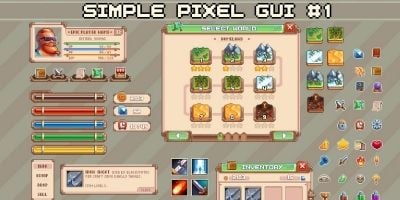
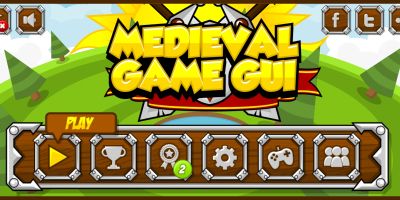
Fully editable vector buttons with customizable colors and sizes, designed in Adobe Illustrator.
Game UI Red Green Blue Buttons UI Kit
Fully editable vector buttons with customizable colors and sizes, designed in Adobe Illustrator.
Screenshots


Overview
This Adobe Illustrator project contains a set of vector buttons created from scratch. All elements are fully editable, allowing you to easily change colors, sizes, and styles to suit your needs. Fonts used are free from Google Fonts, ensuring no licensing issues. The layers are well-organized for a smooth editing experience. Compatible with Adobe Illustrator 2015 and above.
Features
100% vector and fully editable
Customizable colors and sizes
Free Google Fonts included
Organized layers for easy editing
Compatible with Adobe Illustrator CC 2015 and newer
Requirements
Adobe Illustrator CC 2015 or higher
Basic knowledge of Adobe Illustrator to edit vectors and text
No additional plugins required
Instructions
Open the AI file in Adobe Illustrator
Use the Layers panel to navigate through different button elements
Select any button to change its color, size, or text
Fonts are linked; if they don’t appear correctly, please install the included Google Fonts
Export your design as needed


| Category | Graphics / Game Assets / Interface |
| First release | 21 December 2025 |
| Last update | 2 January 2026 |
| Tags | vector, customizable, Editable, Google fonts, buttons, UI KIT, graphic design, scalable, adobe illustrator, Game buttons, free fonts, ai file, design elements, web buttons, layered file |