


 Business Card Templates
Download ready-to-use Business Card Templates. These include business card template, visiting card, and print ready ready to download. Ideal for freelancers and agencies, with files in PSD and AI. Customize fast, keep your visuals consistent, and ship sooner.


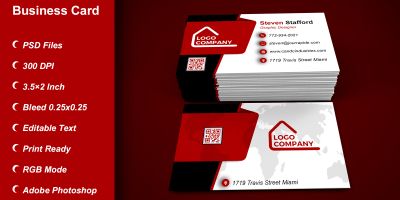


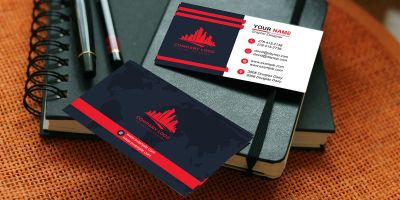

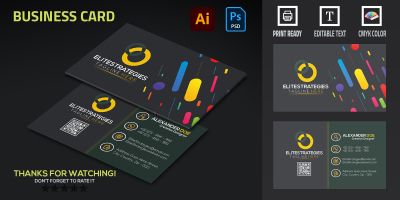
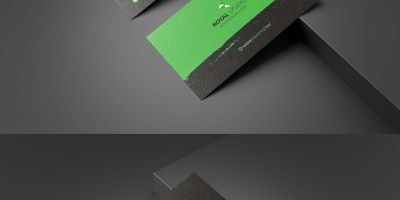
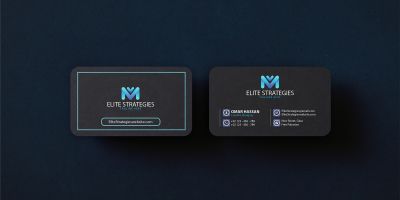
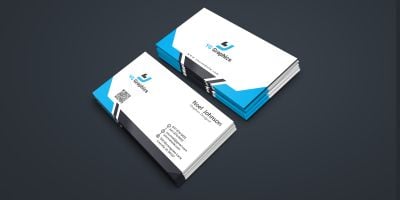
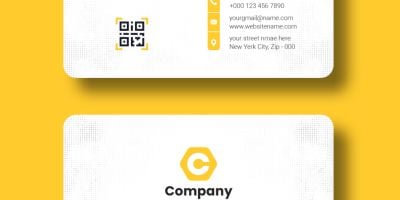
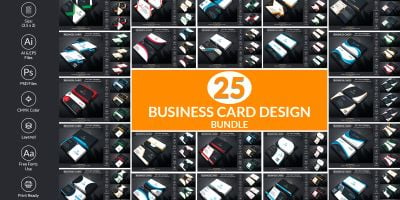
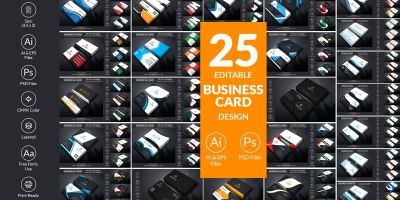
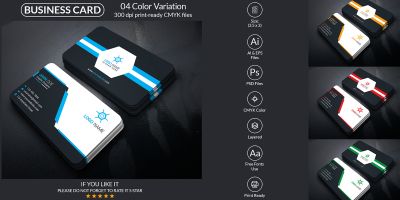

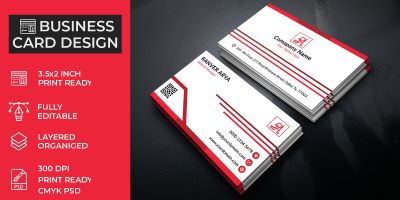
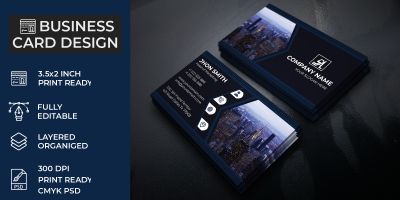
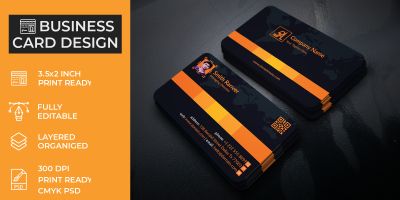
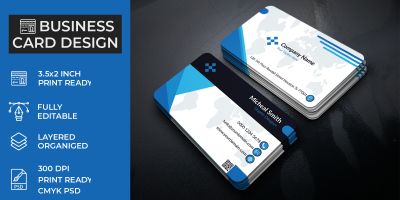
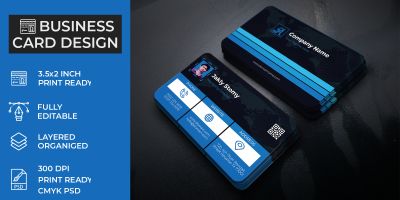
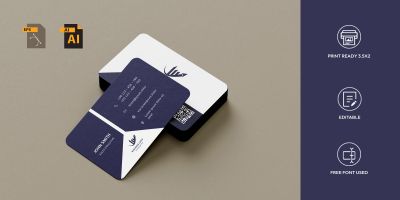
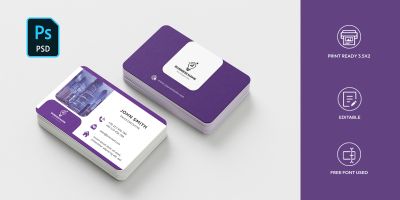
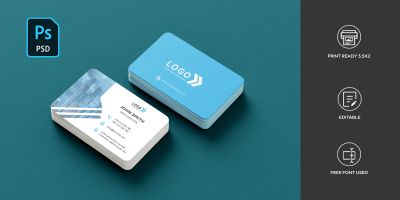
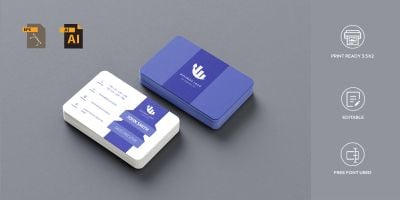
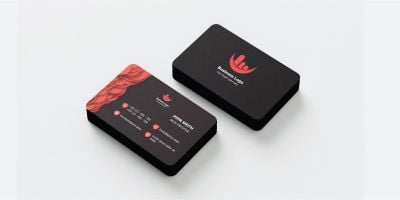
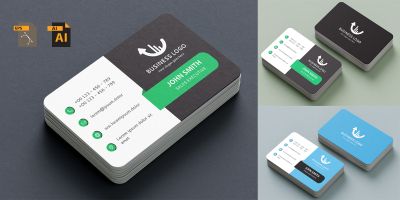
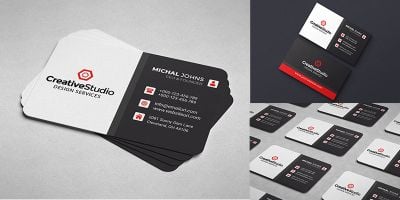
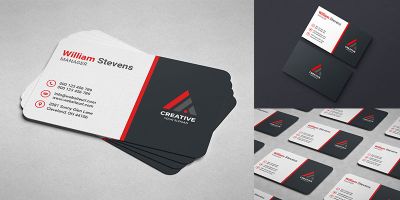
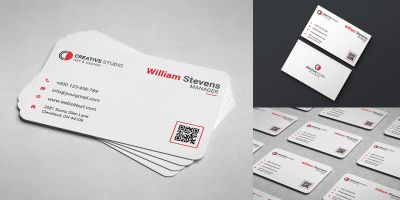
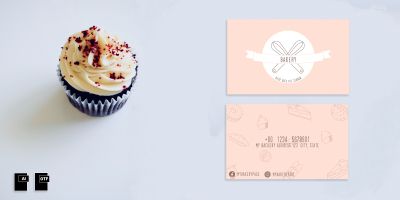
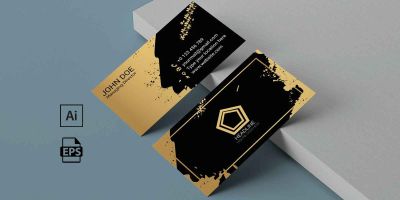
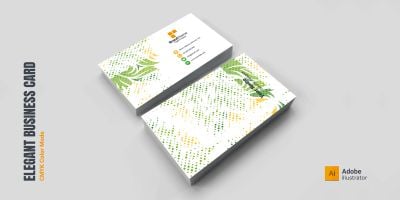

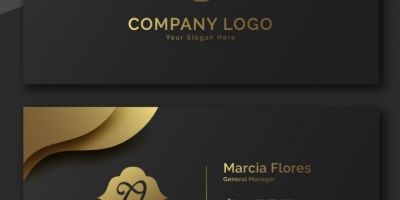
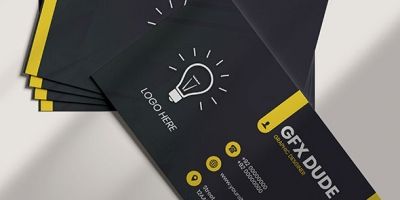
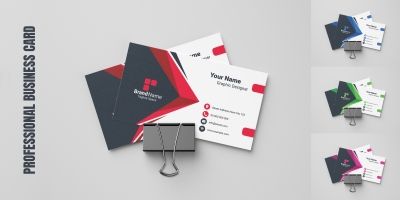
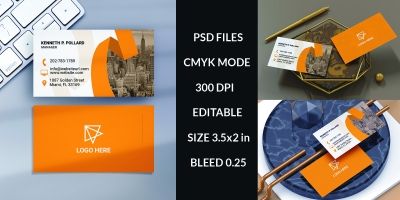
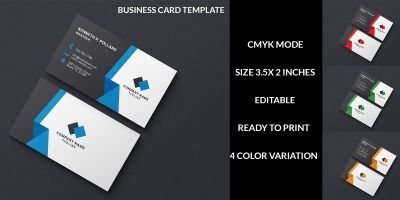
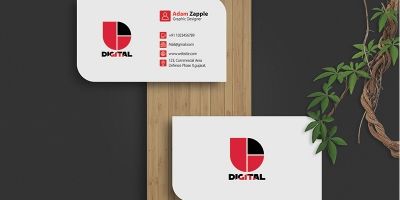
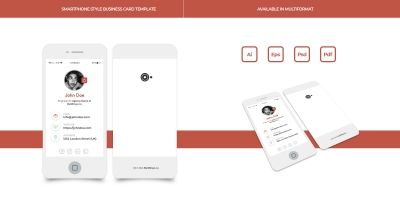
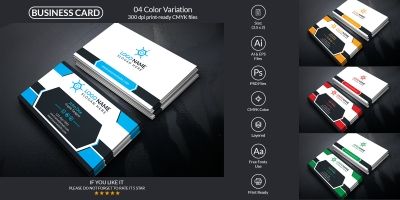
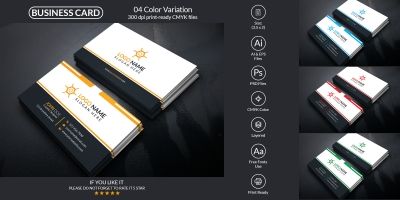
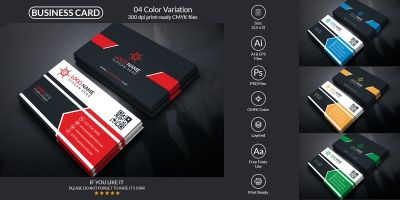
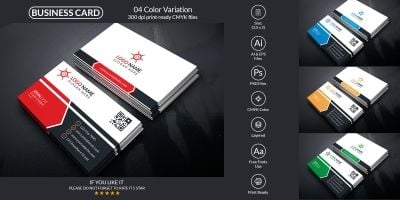
More about Business Card Templates
If you’re putting together freelancers or polishing a agencies, the right business card templates makes the whole project feel more intentional. This collection brings together business card template, visiting card, and print ready that you can drop into your workflow and customize without drama. Expect practical files in PSD and AI, plus previews that make it easy to compare styles. Whether you’re building for clients or shipping your own product, you’ll find options that look modern, stay consistent, and save you time.
Working on a full print set? Pair this with Print, Business Card Templates, Brochure Templates, and Product Mockups for a consistent rollout.
What you’ll find here
- business card template and visiting card designed to stay readable at real-world sizes.
- Files in PSD / AI so you can tweak colors, layers, and typography.
- Styles that work for freelancers and agencies — from clean and minimal to bold and playful.
- Print-friendly layouts with room for safe margins, bleed, and clear information hierarchy.
- Useful variations such as CMYK and bleed for common project needs.
- Community-made downloads that are easy to compare using sorting and filters on the page.
Where these files shine
Creators use business card templates for everything from quick prototypes to polished releases. These are especially useful for:
- freelancers
- agencies
- events
- networking
- small business
- personal branding
Working with the files
Most downloads are delivered in familiar formats such as PSD, AI, PDF and EPS. That means you can edit in your preferred tools and export exactly what your project needs. For print, double-check document size, bleed, and CMYK before exporting a final PDF. A quick proof prevents surprises.
A quick selection checklist
Choose with the end use in mind. If it’s going on mobile, test at real size. If it’s for print, think margins and safe areas. For games, consider readability against busy backgrounds and whether the asset supports different resolutions. The best pick is the one that will still look good after you’ve swapped in your own colors, icons, and copy.
A quick quality check
This stuff is easy to skip when you’re in a hurry, but it pays off. A two‑minute check now can save an afternoon of fixes later.
- Open the source file once before you commit — it’s the fastest way to spot messy layers or missing assets.
- Check for consistency: spacing, alignment, and style details should match across the pack.
- Make sure text is editable (or easy to replace) and key elements are grouped logically.
- Confirm dimensions and safe area, then double-check bleed before exporting a final PDF.
- Scan for tiny text and thin lines — some printers won’t reproduce them cleanly.
A cleaner workflow
To keep things tidy, create a small “assets” folder per project (and keep the original download untouched). Make edits in the source format, then export only what you need for the build. If you’re working with vectors, export to SVG for crisp scaling; for raster assets, keep an eye on pixel density and compression. A quick naming convention (like `ui/button_primary` or `icons/outline/settings`) also makes future you very happy.
Practical tip: Keep the essentials readable: name, role, one contact method. A clean card gets kept; an overcrowded card gets tossed.
A few common questions
- What does “print-ready” usually mean? Correct dimensions, bleed, and high resolution — often 300 DPI for raster assets.
- Should I use CMYK? For professional printing, CMYK is the safest choice. Convert before final export if needed.
- How do I avoid cut-off text? Keep critical text inside the safe area and double-check trim lines before exporting.
Related categories on Codester
- Business identity templates
- Logo templates
- All print templates
- Brochure templates
- Product mockups
- WordPress themes
Helpful resources
Want to dig deeper or align with common conventions? These references are handy while you customize:
Scroll through the collection, compare styles, and download the pieces that match your project. Many creators update their packs over time, so it’s worth bookmarking the categories you use most. For a consistent look, combine assets from adjacent categories and keep a simple style guide for your team or clients.