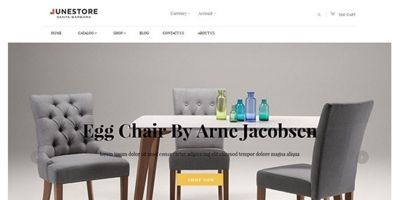
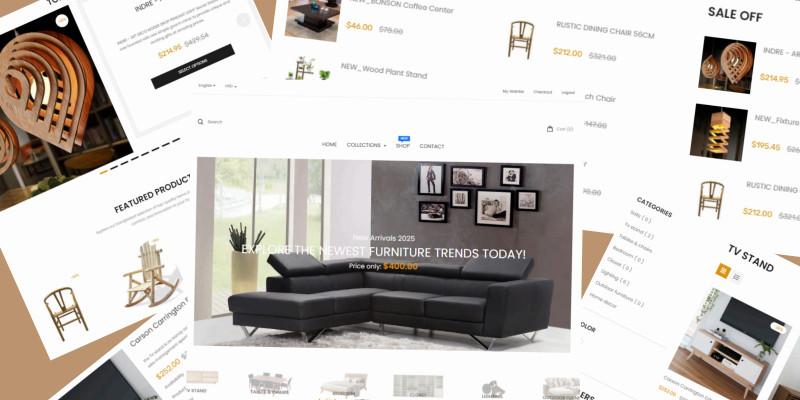
Screenshots
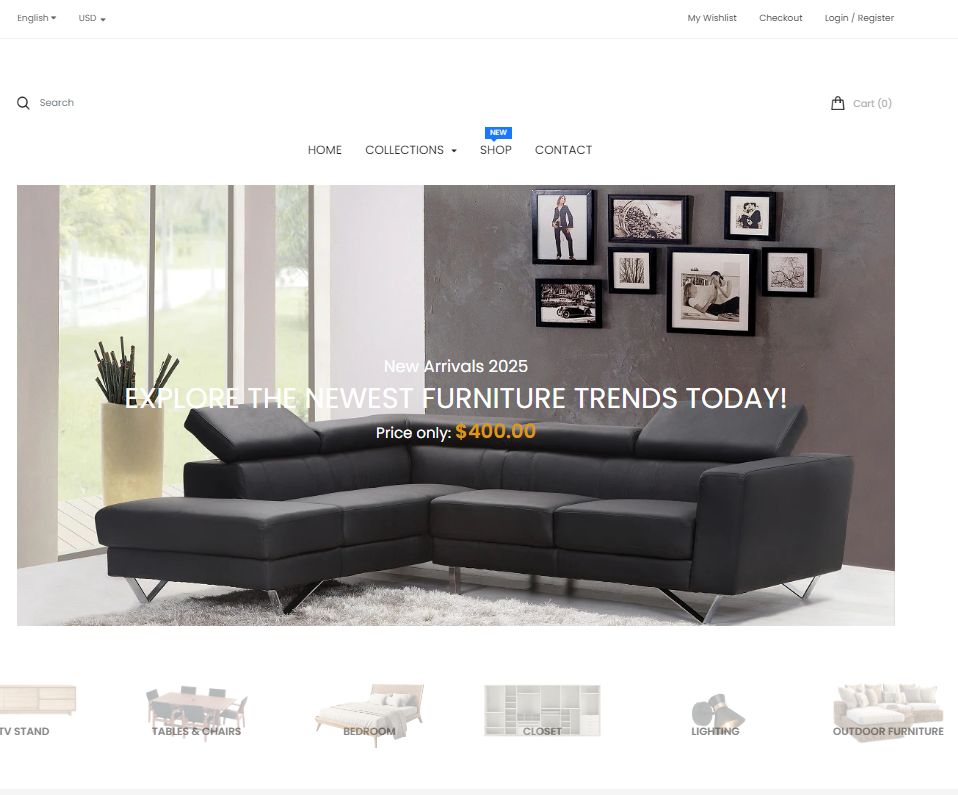
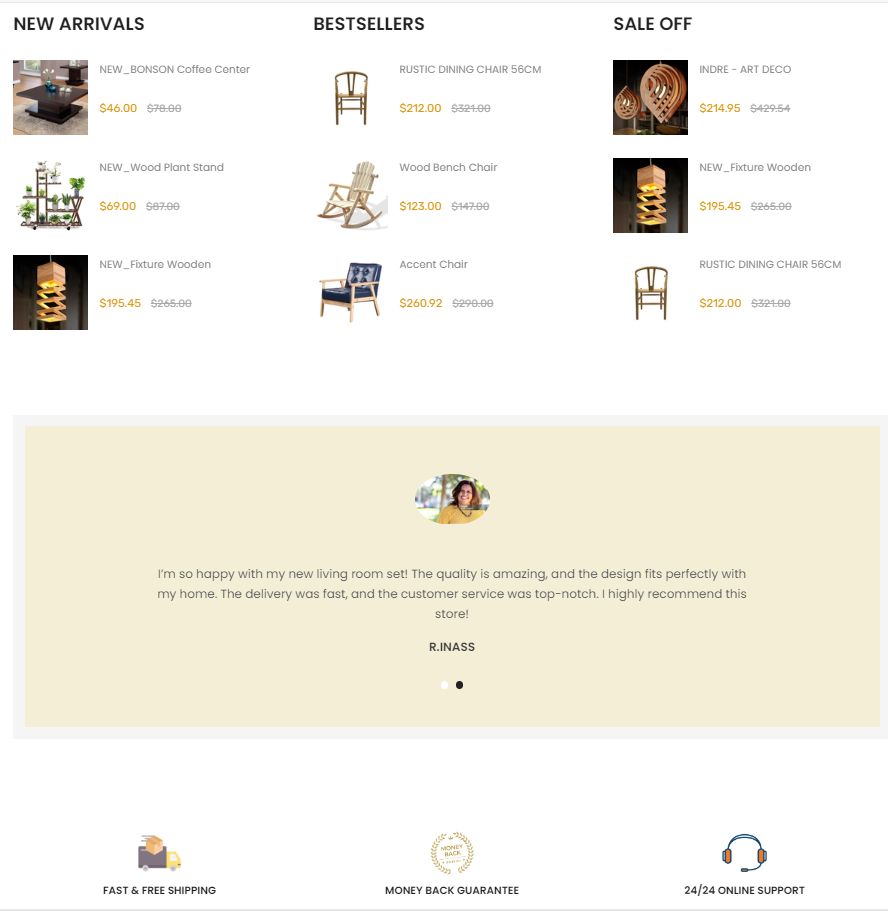
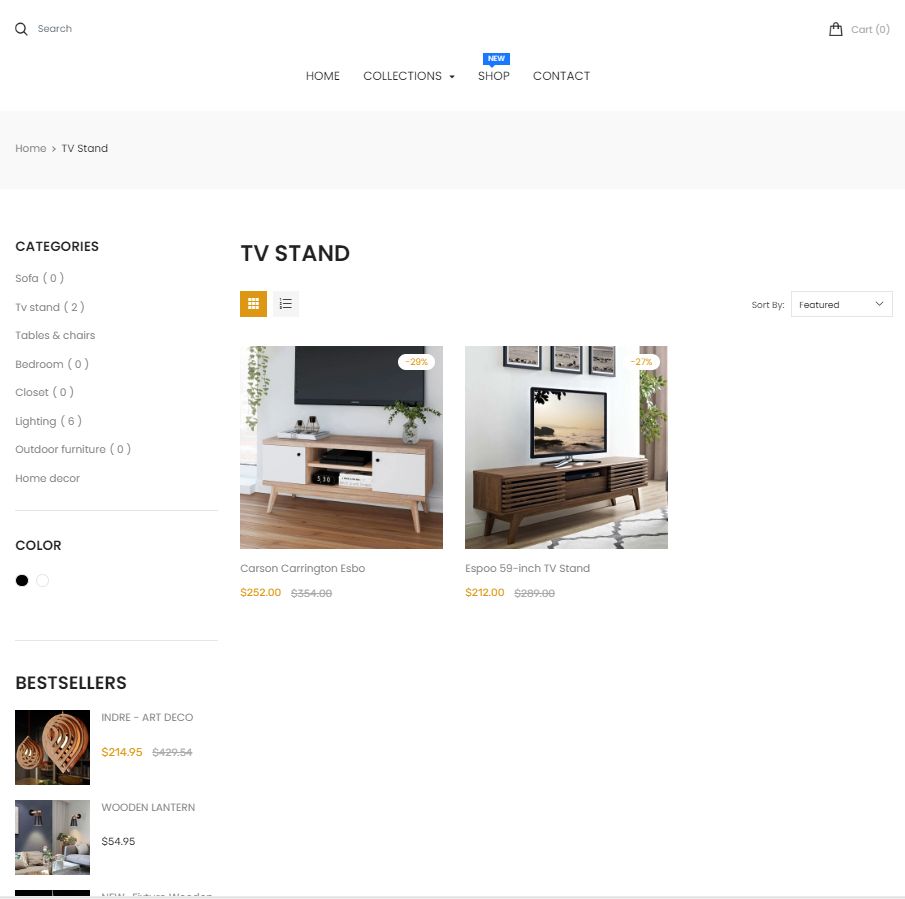


Overview
Furnitobest – Elegant & Modern Shopify Theme for Home Furniture Stores
Furnitobest is a sleek and professional Shopify theme designed for online stores selling home furniture, décor, and interior essentials. With a clean, modern layout and fully responsive design, it offers an effortless shopping experience across all devices.
Features
✔️ Stylish & user-friendly design✔️ Fully responsive & mobile-optimized
Requirements
Shopify Store: You must have a Shopify account and an active Shopify store. The theme is compatible with all Shopify plans.Shopify Version: Ensure you’re using the latest version of Shopify. The theme will work seamlessly with the latest Shopify platform, but compatibility with older versions may vary.
Instructions
- Log in to Shopify:
- Open your Shopify admin panel at shopify.com and log in with your store credentials.
- Go to Online Store > Themes:
- In the left-hand sidebar, click on Online Store, then select Themes from the dropdown menu.
- Upload the furnitobest Theme:
- If you have the theme file (usually a ZIP file), click the Upload Theme button located under the Theme Library section.
- Choose the ZIP file and click Upload.
- Publish the Theme:
- After the theme is uploaded, it will appear in the Theme Library. Click on Actions next to the theme and select Publish to make it your active theme.
Free support
Future product updates
Quality checked by Codester
Lowest price guarantee
Buy Now - Fast Checkout
Future product updates
Quality checked by Codester
Lowest price guarantee