Reebd - Multi-Tenant eCommerce - SaaS versionReebd - Multi-Tenant eCommerce - SaaS version
Run your own e-Commerce SaaS Business like Shopify
Reebd - Multi-Tenant eCommerce - SaaS version
Run your own e-Commerce SaaS Business like Shopify
Screenshots
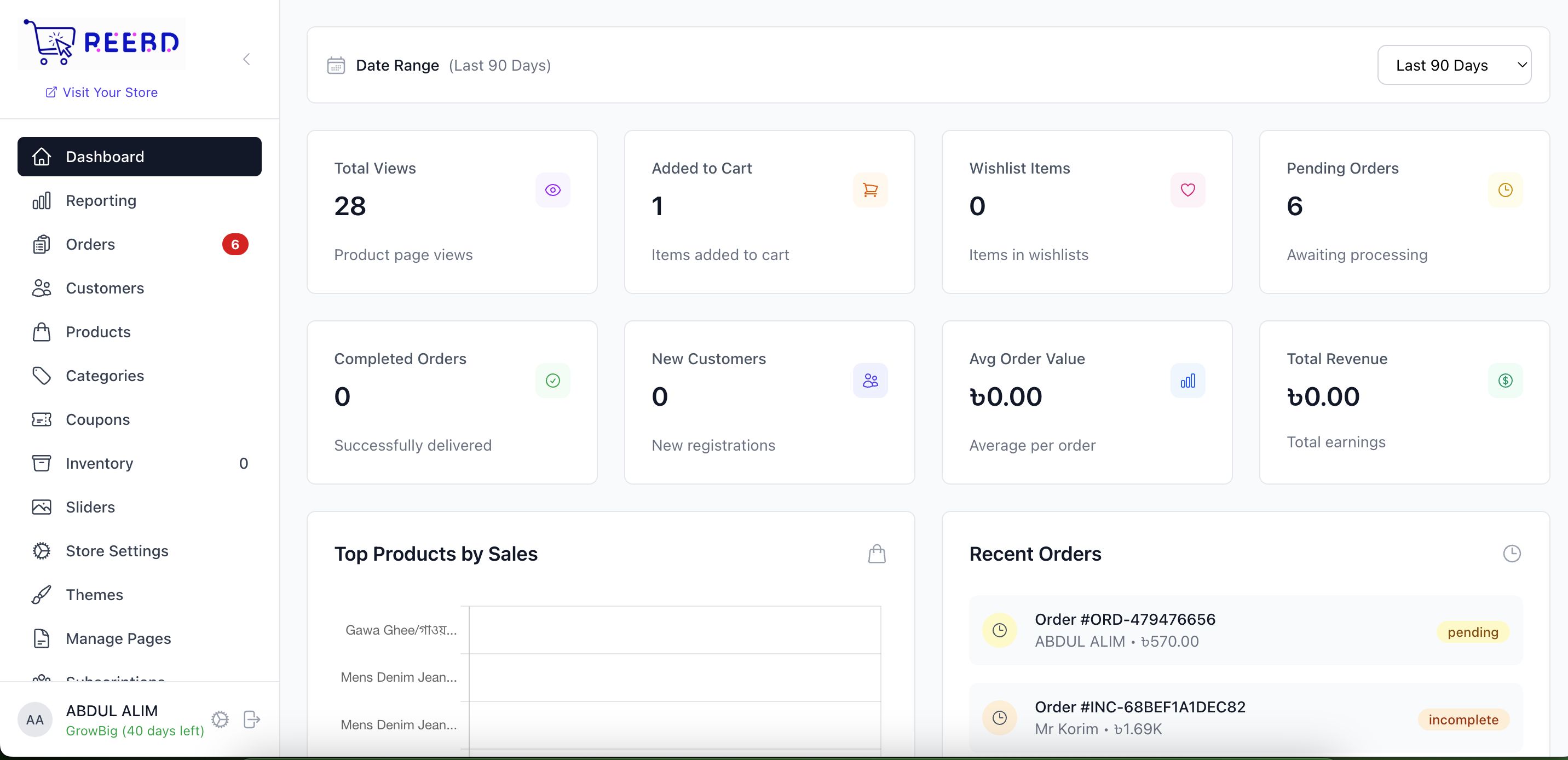
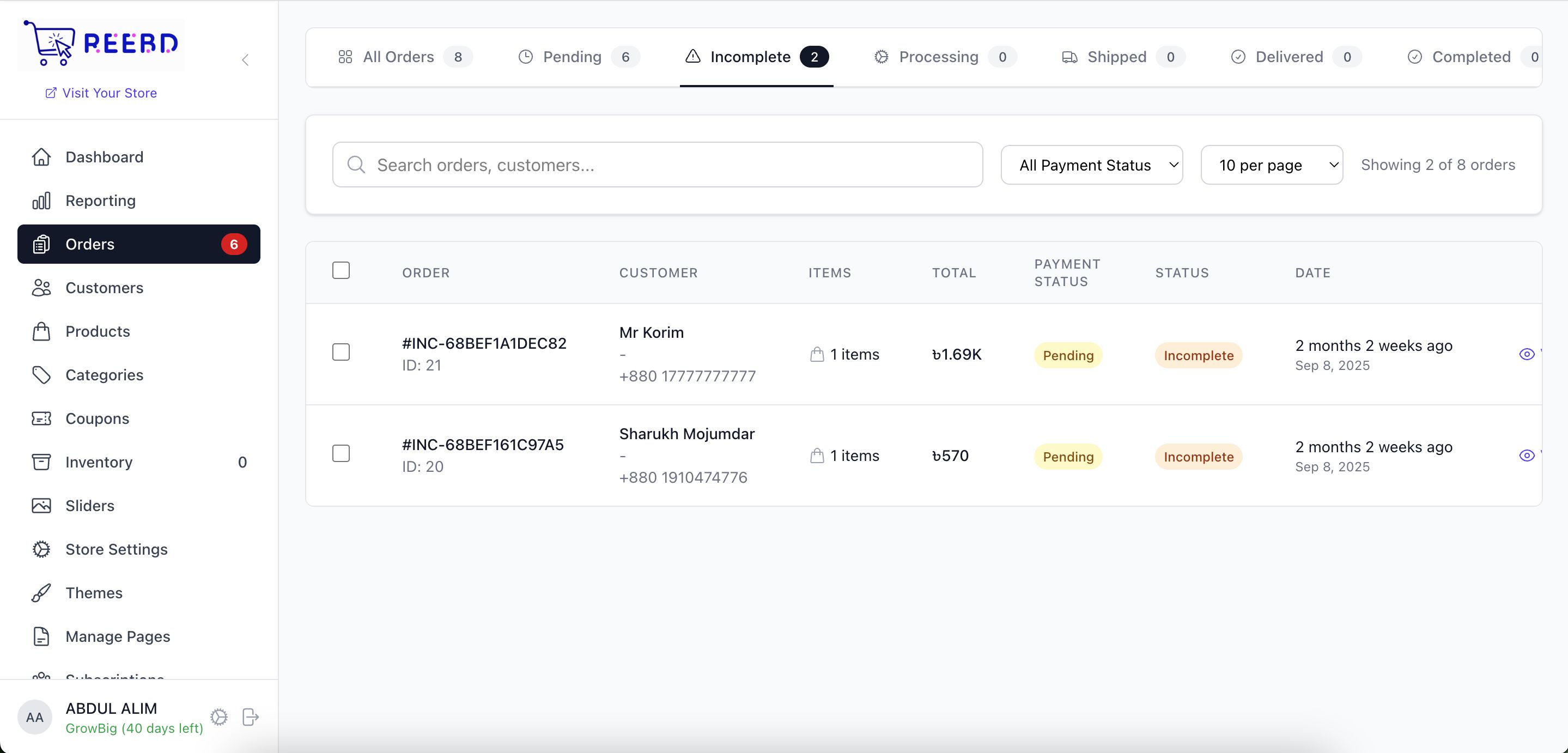

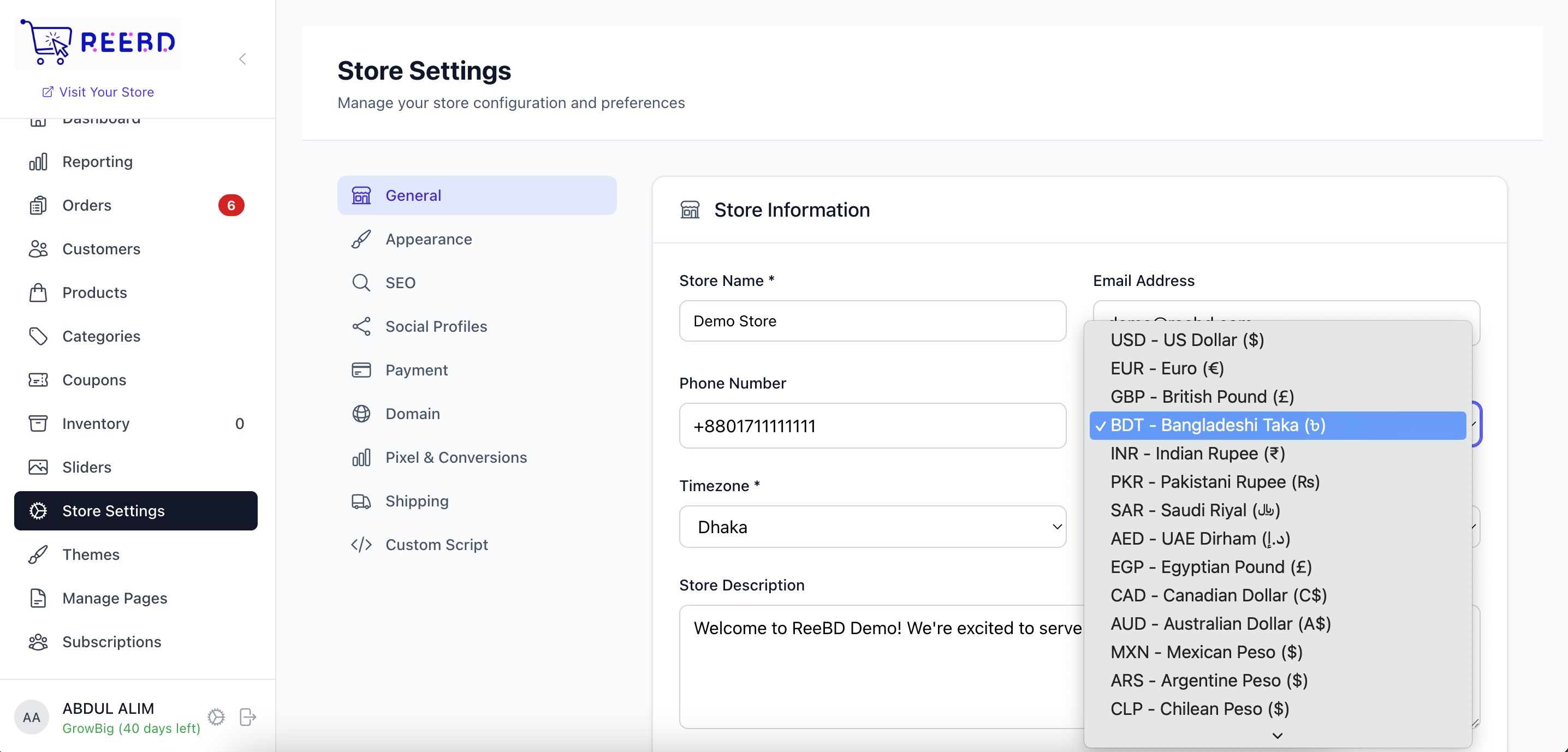
Overview
🚀 ReeBD - Multi-Tenant E-commerce Platform
Transform your business into a powerful SaaS e-commerce platform with ReeBD! Create unlimited online stores from a single installation, each with its own subdomain, branding, and complete management system.
✨ What Makes ReeBD Special?
- 🏪 Multi-Tenant Architecture: Create unlimited stores with complete isolation
- 🌐 Subdomain Support: Each store gets store.yourdomain.com automatically
- 💼 SaaS Ready: Perfect for building your own e-commerce platform business
- 🎨 Modern Tech Stack: Built with Laravel 12 & React 19
- 📱 Mobile Responsive: Beautiful on all devices
🎯 Perfect For
- 🚀 SaaS Entrepreneurs: Build your own e-commerce platform business
- 🏢 Digital Agencies: Manage multiple client stores efficiently
- 🛍️ Marketplace Creators: Launch multi-vendor platforms
- 💼 Business Networks: Create franchise or partner store systems
- 🌐 Developers: White-label e-commerce solutions
🎁 What's Included
- 📦 Complete Source Code - Fully documented and clean
- 📖 Installation Guide - Step-by-step setup instructions
- 🛠️ Server Setup Script - Automated server configuration
- 🎨 Multiple Themes - Ready-to-use store designs
- 📊 Sample Data - Demo products and stores
- 🔧 Configuration Files - Nginx, PHP, and system configs
- 📝 Documentation - Complete user and developer guides
🚀 Try ReeBD Live Demo
Admin Panel (https://reebd.online/admin):
• Email: [email protected]
• Password: password
Demo Store Owner (https://reebd.online/owner):
• Email: [email protected]
• Password: password
✨ Explore both admin and store management interfaces!
🚀 Launch Your E-commerce Empire Today!
Ready to Build Your SaaS E-commerce Platform?
Join hundreds of entrepreneurs already using ReeBD to power their online business!
🛡️ License & Support
- ✅ Commercial License: Use for unlimited client projects
- ✅ White Label Ready: Remove branding and customize
- ✅ Lifetime Updates: Get new features and security updates
- ✅ Professional Support: Expert help when you need it
- ✅ Documentation: Comprehensive guides and tutorials
⚠️ Note: This is a complete platform solution. Basic server management knowledge recommended for installation.
Features
🛒 Complete E-commerce Features
Store Management
- ✅ Product management with variants & inventory tracking
- ✅ Category management with unlimited nesting
- ✅ Order management with status tracking
- ✅ Customer management & analytics
- ✅ Coupon & discount system
- ✅ SEO optimization tools
Payment Gateways
- 💳 Stripe - Global payment processing
- 💳 PayPal - Worldwide trusted payments
- 💳 SSLCommerz - Bangladesh payment gateway
- 💳 Cash on Delivery - Local delivery payments
- 💳 Manual Payments - Bank transfers & custom methods
Admin Features
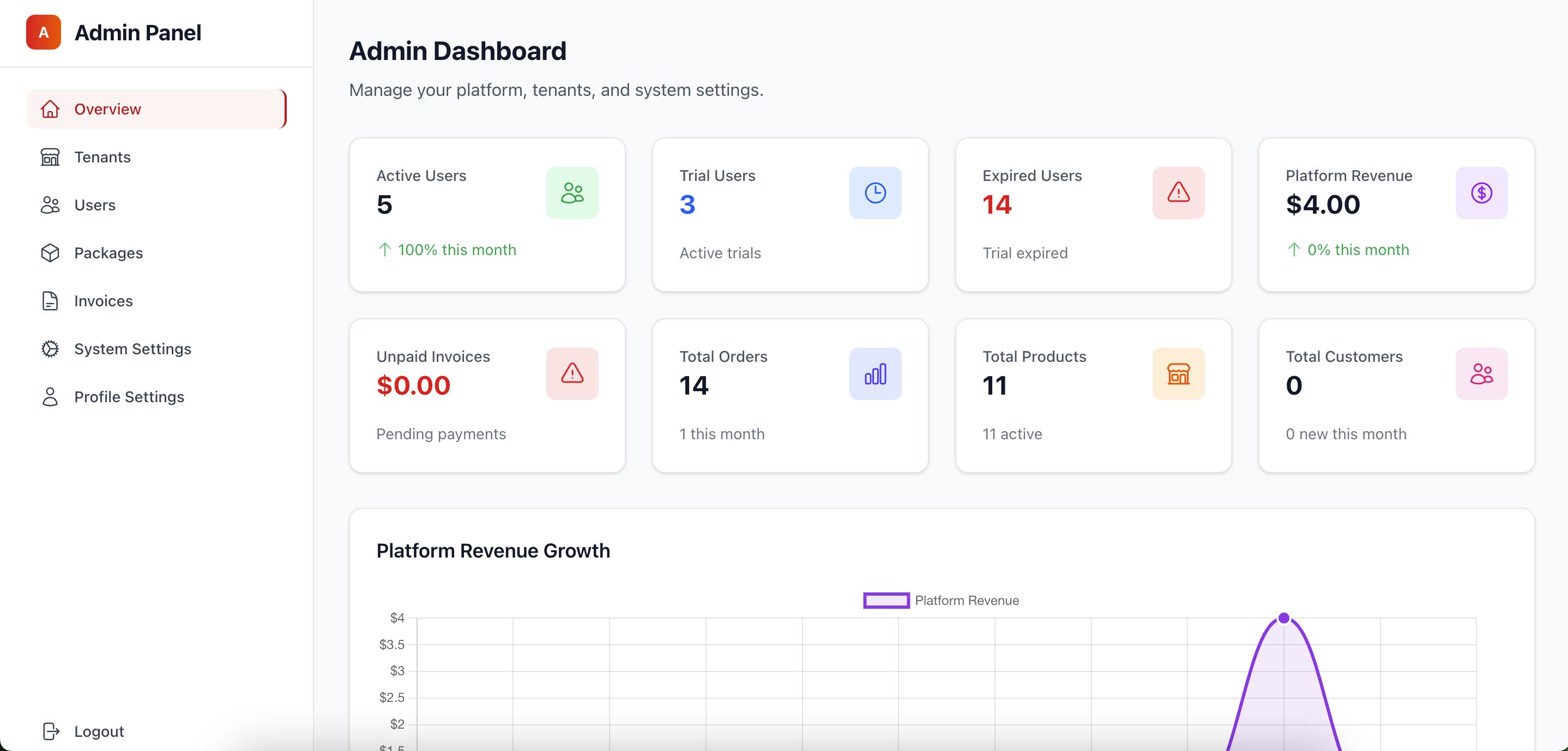
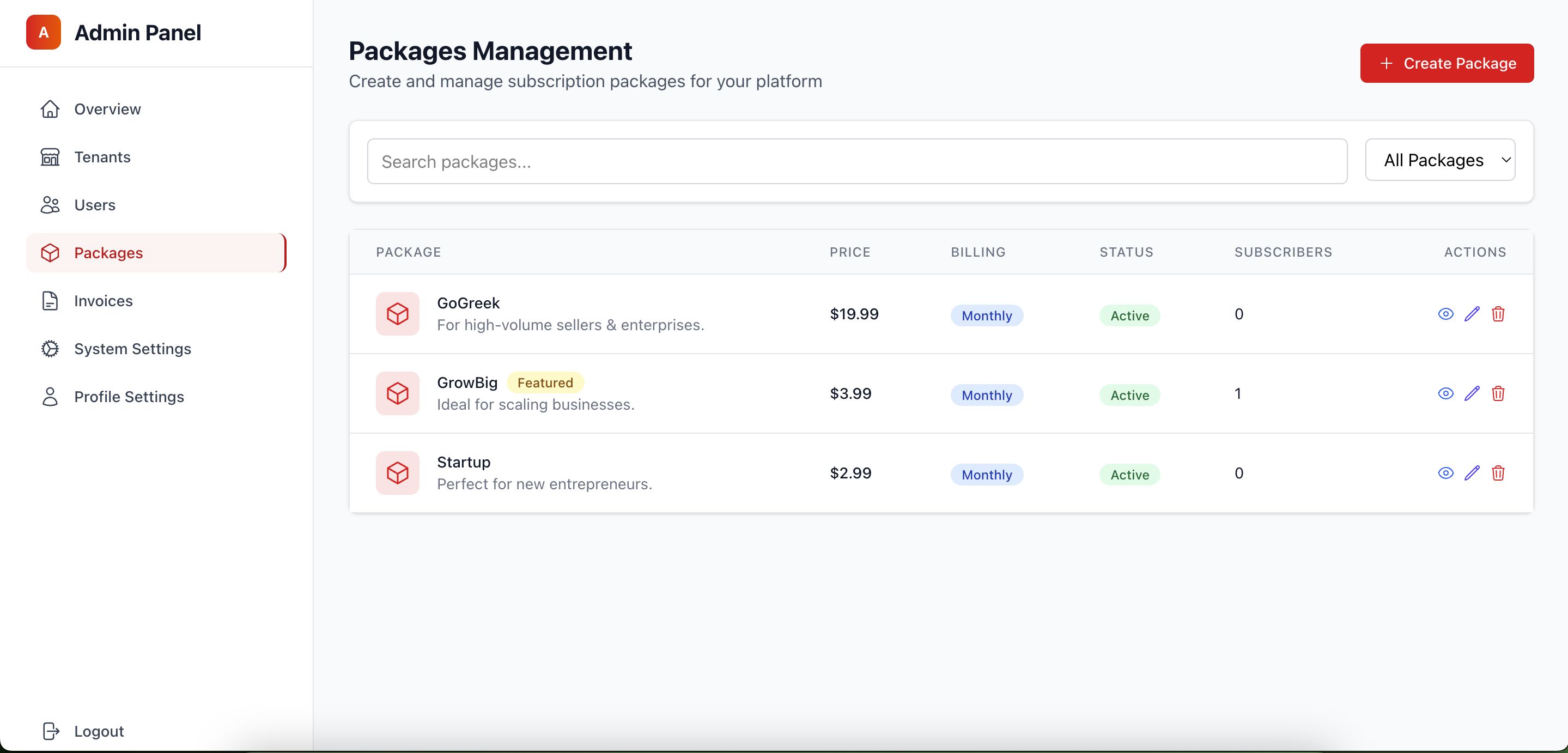
- 🎛️ Super admin dashboard
- 🏢 Tenant management system
- 📊 Analytics & reporting
- 💰 Subscription & package management
- ⚙️ System settings & configuration
🔧 Technical Specifications
Backend Technology
- Framework: Laravel 12 (Latest)
- PHP Version: 8.2+ (Fully compatible with 8.4)
- Database: MySQL 8.0+
- Cache: Redis support
- Storage: Cloudflare R2 / AWS S3
Frontend Technology
- Framework: React 19 (Latest)
- Styling: Tailwind CSS 4.0
- Build Tool: Vite
- State Management: Zustand
- Forms: React Hook Form
Requirements
📋 System Requirements
| Component | Minimum | Recommended |
| PHP | 8.2 | 8.4+ |
| MySQL | 8.0 | 8.0+ |
| Node.js | 18.x | 20.x+ |
| RAM | 2GB | 4GB+ |
Instructions
⚡ Quick Install (5 Steps)
1. Install Server Software
sudo apt update && sudo apt upgrade -y sudo add-apt-repository ppa:ondrej/php -y && sudo apt update sudo apt install -y nginx mysql-server php8.4 php8.4-fpm php8.4-mysql php8.4-xml php8.4-gd php8.4-curl php8.4-mbstring php8.4-zip nodejs npm curl -sS https://getcomposer.org/installer php && sudo mv composer.phar /usr/local/bin/composer
2. Setup Database
sudo mysql -u root -p CREATE DATABASE reebd_store; CREATE USER 'reebd'@'localhost' IDENTIFIED BY 'your_password'; GRANT ALL ON reebd_store.* TO 'reebd'@'localhost'; EXIT;
3. Upload & Configure ReeBD
cd /var/www/html # Upload your ReeBD files here sudo chown -R www-data:www-data . sudo chmod -R 755 . cp .env.example .env nano .env
Update these in .env file:
APP_URL=https://yourdomain.com
composer install npm install && npm run build php artisan key:generate php artisan migrate --seed php artisan storage:link
5. Configure Web Server
sudo nano /etc/nginx/sites-available/default
Replace content with:
server { listen 80; server_name yourdomain.com *.yourdomain.com; root /var/www/html/public; index index.php; location / { try_files $uri $uri/ /index.php?$query_string; } location ~ .php$ { fastcgi_pass unix:/var/run/php/php8.4-fpm.sock; fastcgi_param SCRIPT_FILENAME $realpath_root$fastcgi_script_name; include fastcgi_params; } }
sudo nginx -t && sudo systemctl restart nginx
🎉 You're Done!
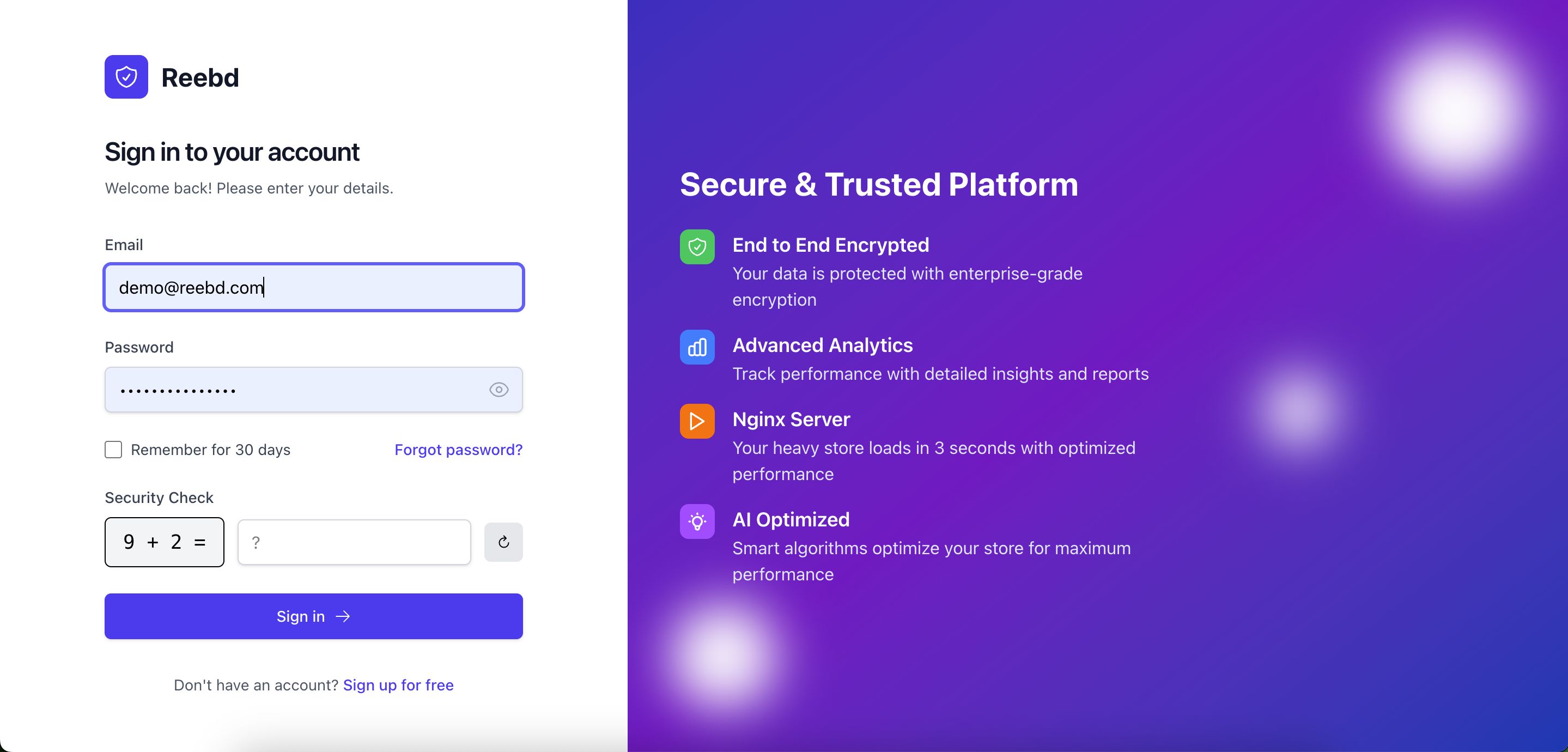
✅ Login Details:
Admin Panel: https://yourdomain.com/admin
Email: [email protected]
Password: password
🏪 Create Your First Store:
- Login to admin panel
- Go to "Tenants" → "Add New"
- Enter store name and subdomain
- Set status to "Active"
- Visit: https://storename.yourdomain.c...
🔧 Common Issues
❌ 500 Error?
sudo chown -R www-data:www-data /var/www/html sudo chmod -R 755 /var/www/html sudo chmod -R 775 /var/www/html/storage
🔌 Database Error?
php artisan config:clear sudo systemctl restart mysql
🎨 CSS Not Loading?
Future product updates
Quality checked by Codester
Lowest price guarantee



| Category | Scripts & Code / ReactJS |
| First release | 24 November 2025 |
| Last update | 24 November 2025 |
| Files included | .php, .css, .html, .sql, Javascript .js |
| Software framework | React, Laravel |
| Tags | ecommerce, php script, Stripe, reactjs, Laravel Script, ecommerce store, store builder, saas script, reebd, ecommerce builder, ecommerce saas, sslzommerz |