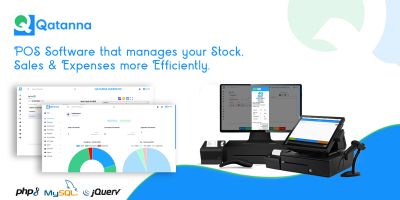
Smart Store POS – Complete Retail POSSmart Store POS – Complete Retail POS
A complete Android POS & store management system built with Java. Includes product management, sales tracking, expenses, inven
Smart Store POS – Complete Retail POS
A complete Android POS & store management system built with Java. Includes product management...
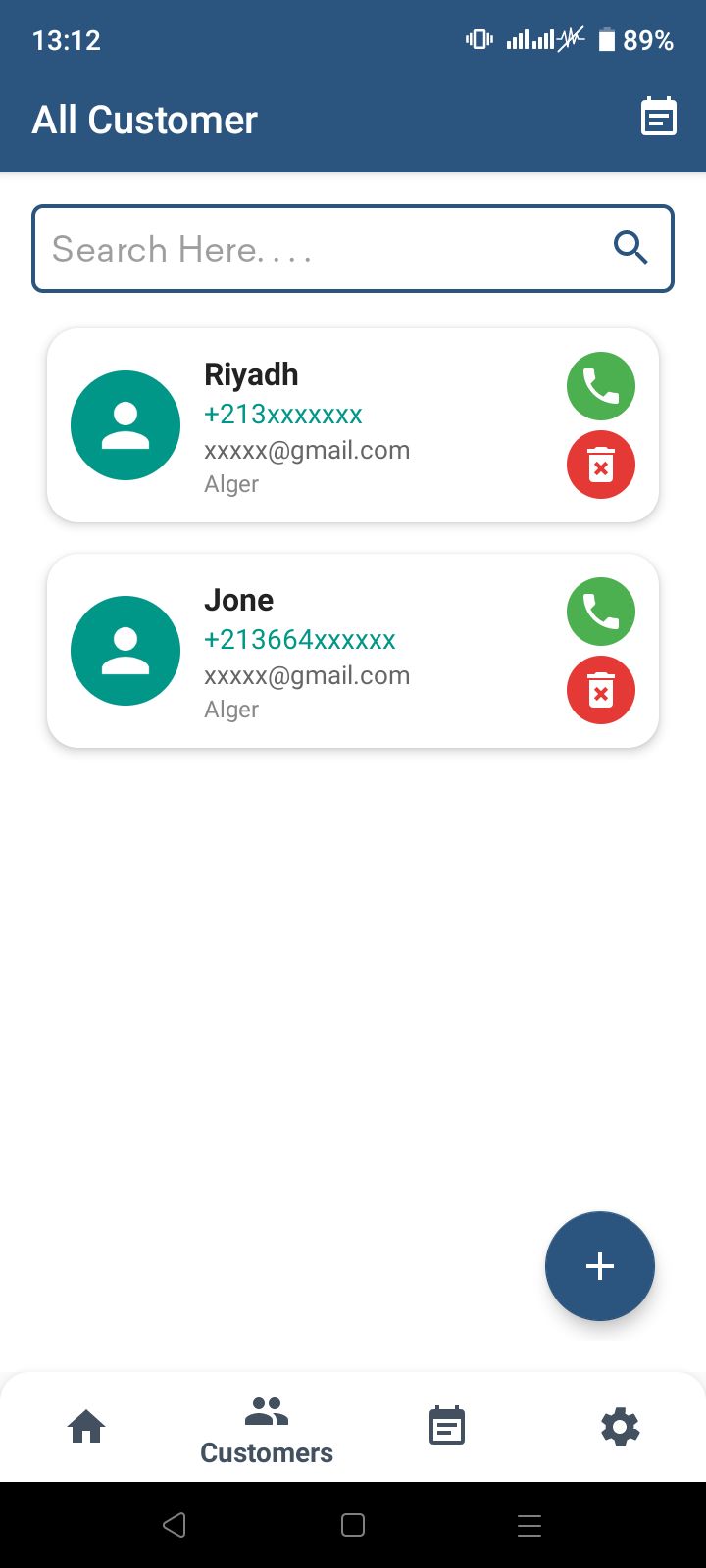
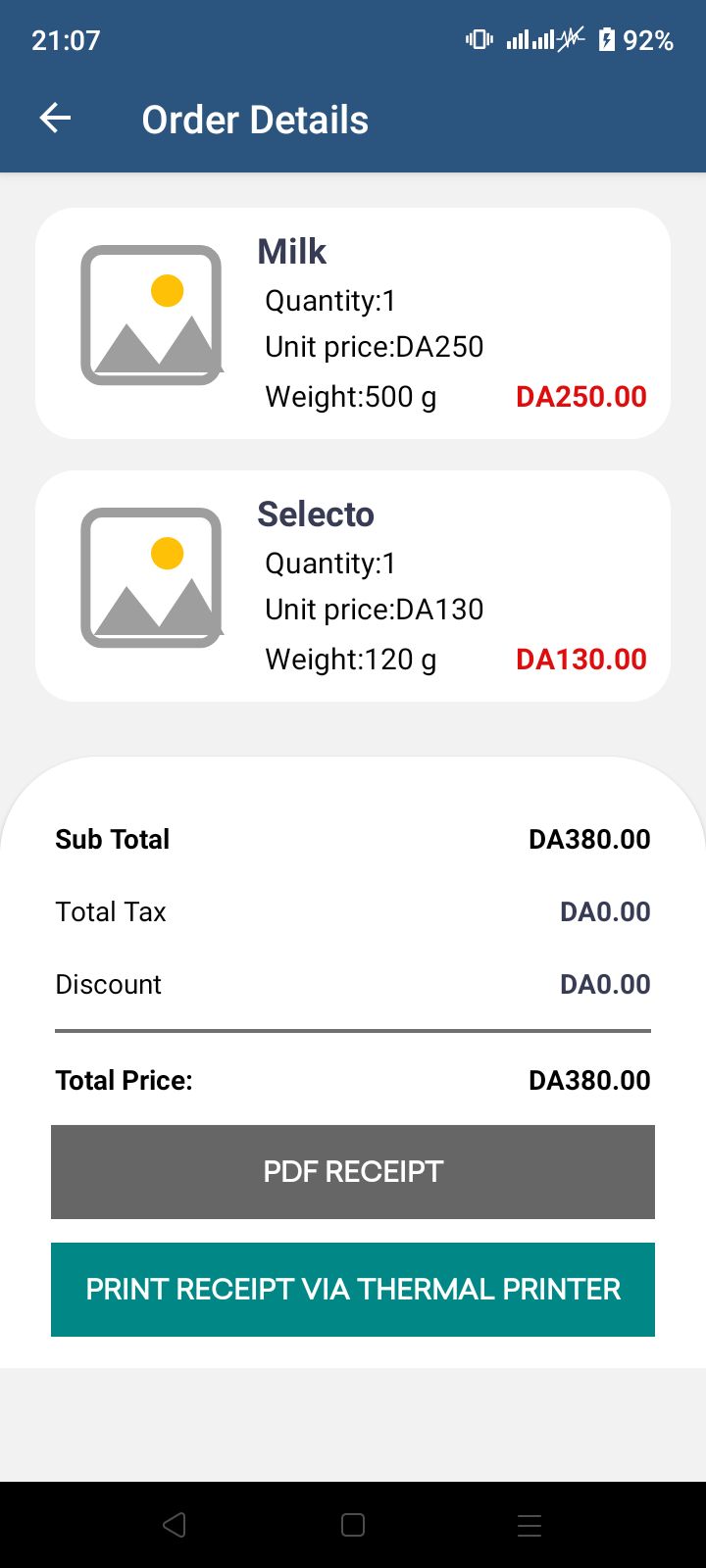
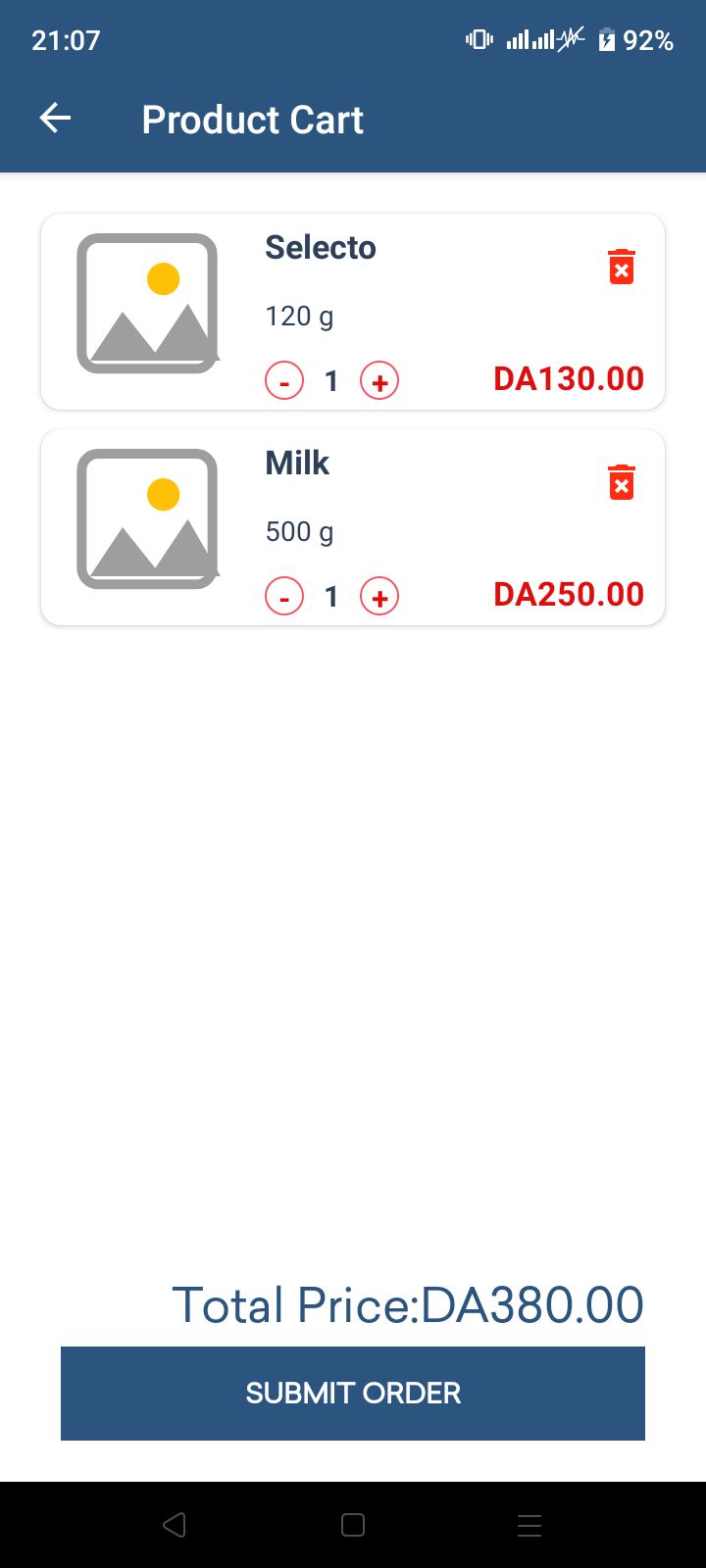
Screenshots


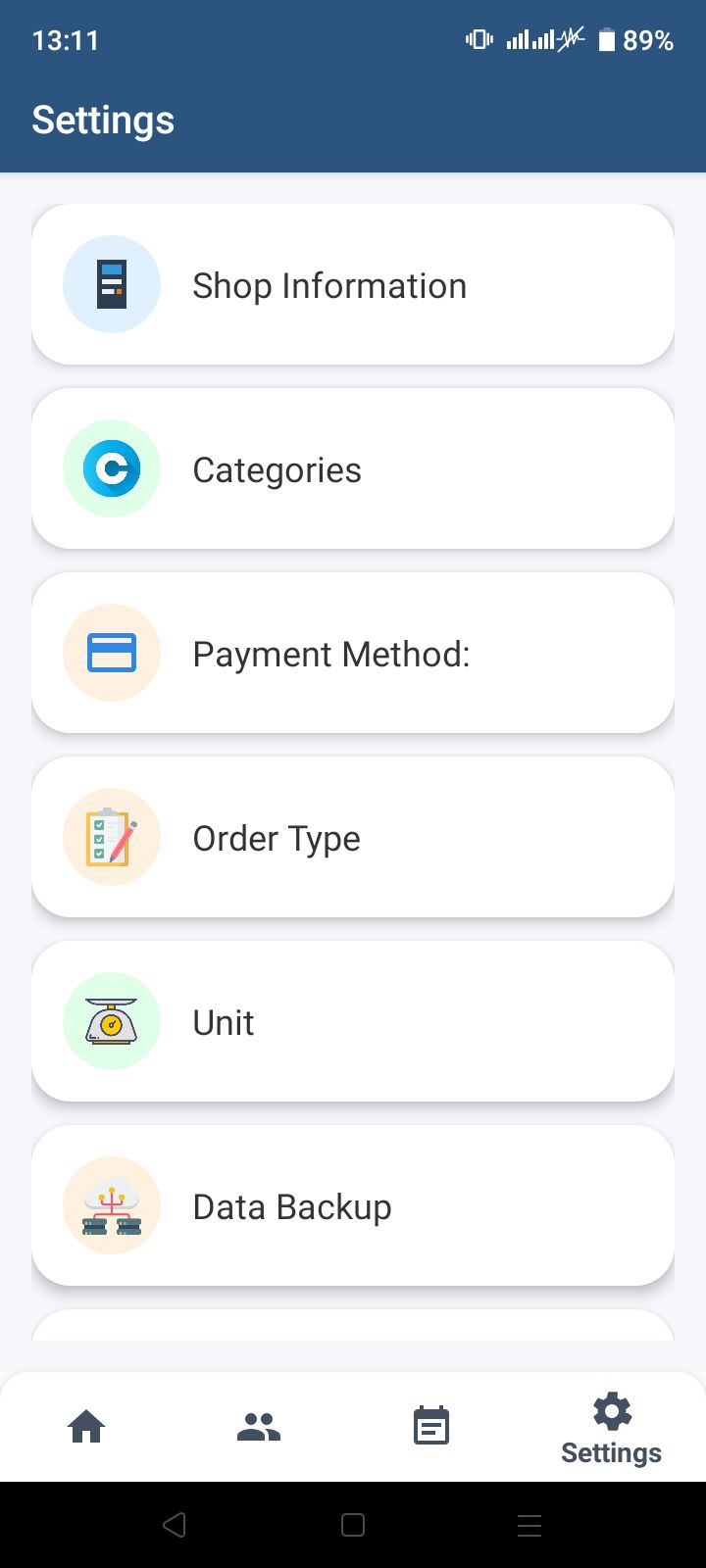
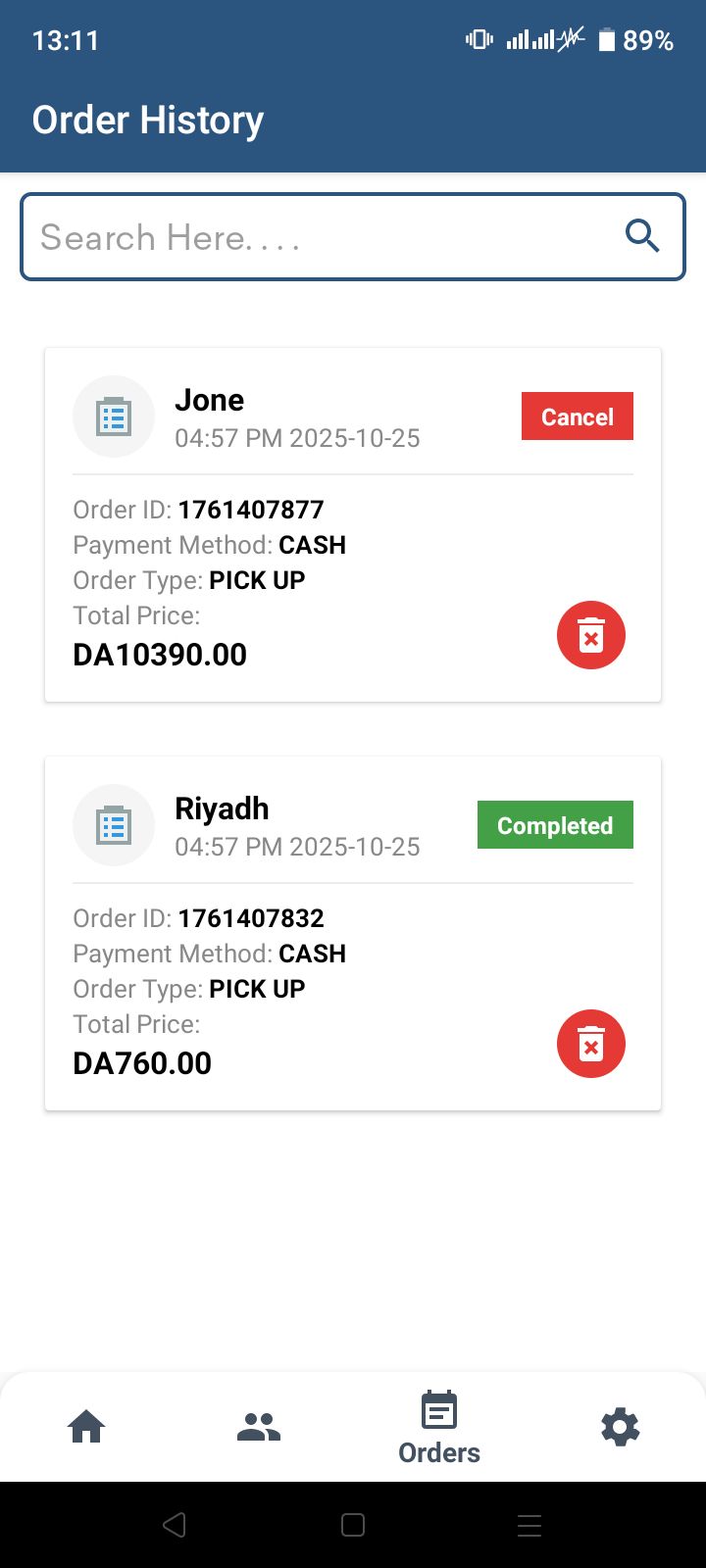
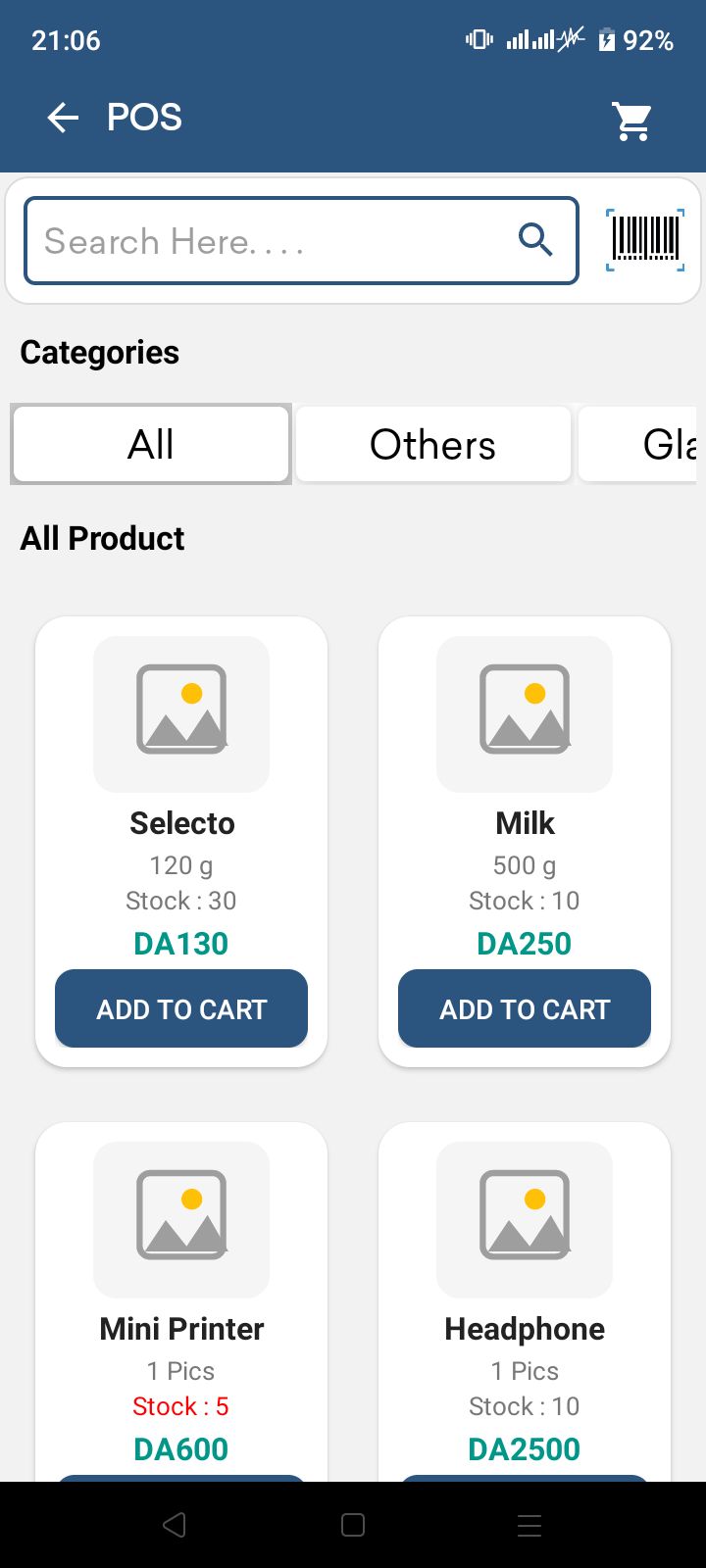
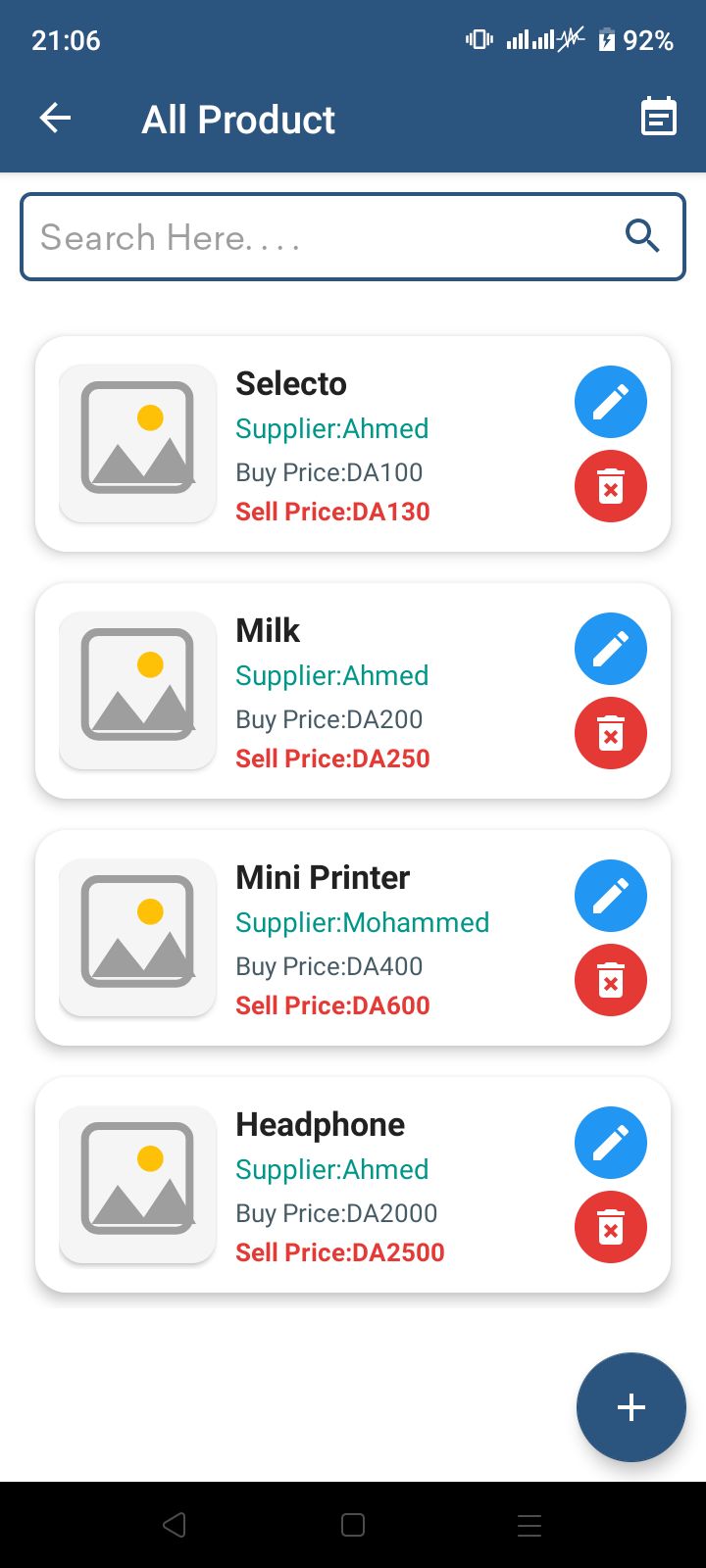
Overview
Smart Store POS is a full-featured retail management and POS system built using Java and Android Studio.
It provides store owners with an easy and efficient way to manage products, sales, customers, suppliers, inventory, expenses, PDF receipts, and much more.
The app includes a modern UI, fast performance, Bluetooth printing, multi-language support, and a clean project structure—perfect for developers and POS businesses.
Whether you are building a POS solution, supermarket system, minimarket app, grocery management app, or a retail inventory system, this source code gives you everything you need to launch quickly.
Features
✔ Complete store management system
✔ Add/edit customer information
✔ Product management with image support
✔ Import & export products using Excel
✔ Fast barcode & QR code scanner
✔ Full sales management with tax, discount & totals
✔ Order management + daily/monthly/annual reports with charts
✔ Expenses management
✔ Database backup & restore
✔ Bluetooth thermal printing (58mm & 80mm)
✔ Generate and share PDF receipts
✔ Multi-language support (English, Arabic, French)
✔ Modern, clean, and easy UI
✔ Works on all Android devices
✔ Clean and readable source code (native Java)
Requirements
Android Studio Arctic Fox or newer
Java 8 or above
Gradle installed (auto-included in Android Studio)
A physical Android phone for testing printing & scanning
Bluetooth thermal printer (optional)
Instructions
Extract the project ZIP folder.
Open Android Studio → "Open Project" → select the extracted folder.
Wait for Gradle sync to complete.
Modify package name if needed.
Set up your app name, icon, and colors.
Build & Run on a physical device.
To enable Bluetooth printing, go to Printer Settings inside the app and pair your device.
To edit database backup path, check DatabaseHelper class.
Create your own App Logo and replace mipmap icons.
Generate release APK / AAB from Build → Generate Signed Bundle.
Other items by this author


|
PHP Script Installation Service
Don't worry about the installation of your script! Have your PHP Script installed for you.
|
$39 | Buy now |
| Category | Scripts & Code / PHP Scripts / POS |
| First release | 9 December 2025 |
| Last update | 9 December 2025 |
| Files included | .java, .xml |
| Tags | POS, store management, stock management, Barcode Scanner, qr scanner, bluetooth printer, sales system, retail system, grocery pos, inventory app, warehouse system, invoice app, android pos, supermarket pos, pdf receipt, java pos, cashier app, retail app, expenses tracker, billing app |