Pro Tracker - Time Tracker PythonPro Tracker - Time Tracker Python
A sleek, privacy-first desktop time tracker for freelancers. Local storage, offline-ready & Python source code included.
Pro Tracker - Time Tracker Python
A sleek, privacy-first desktop time tracker for freelancers. Local storage, offline-ready & P...
Screenshots
Overview
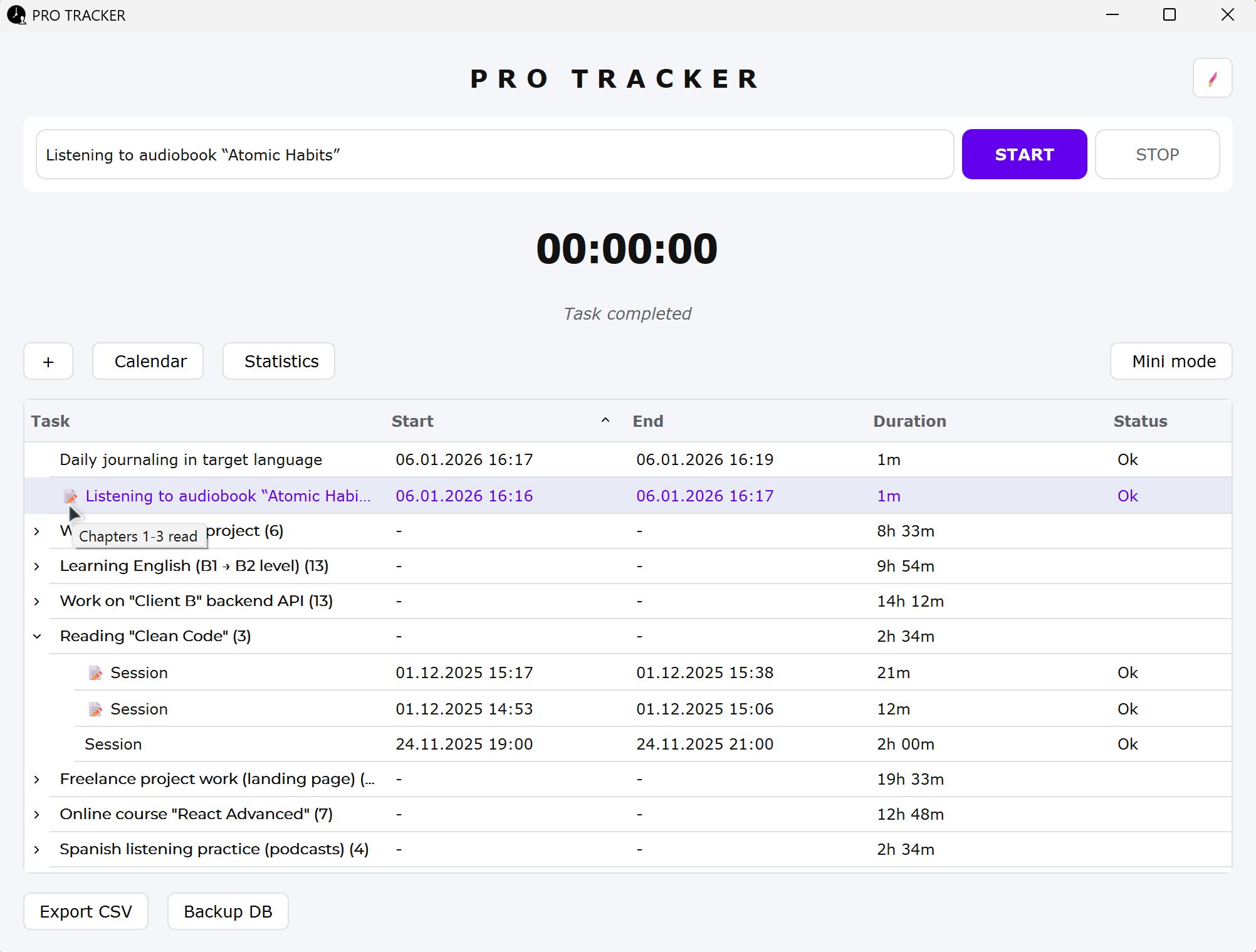
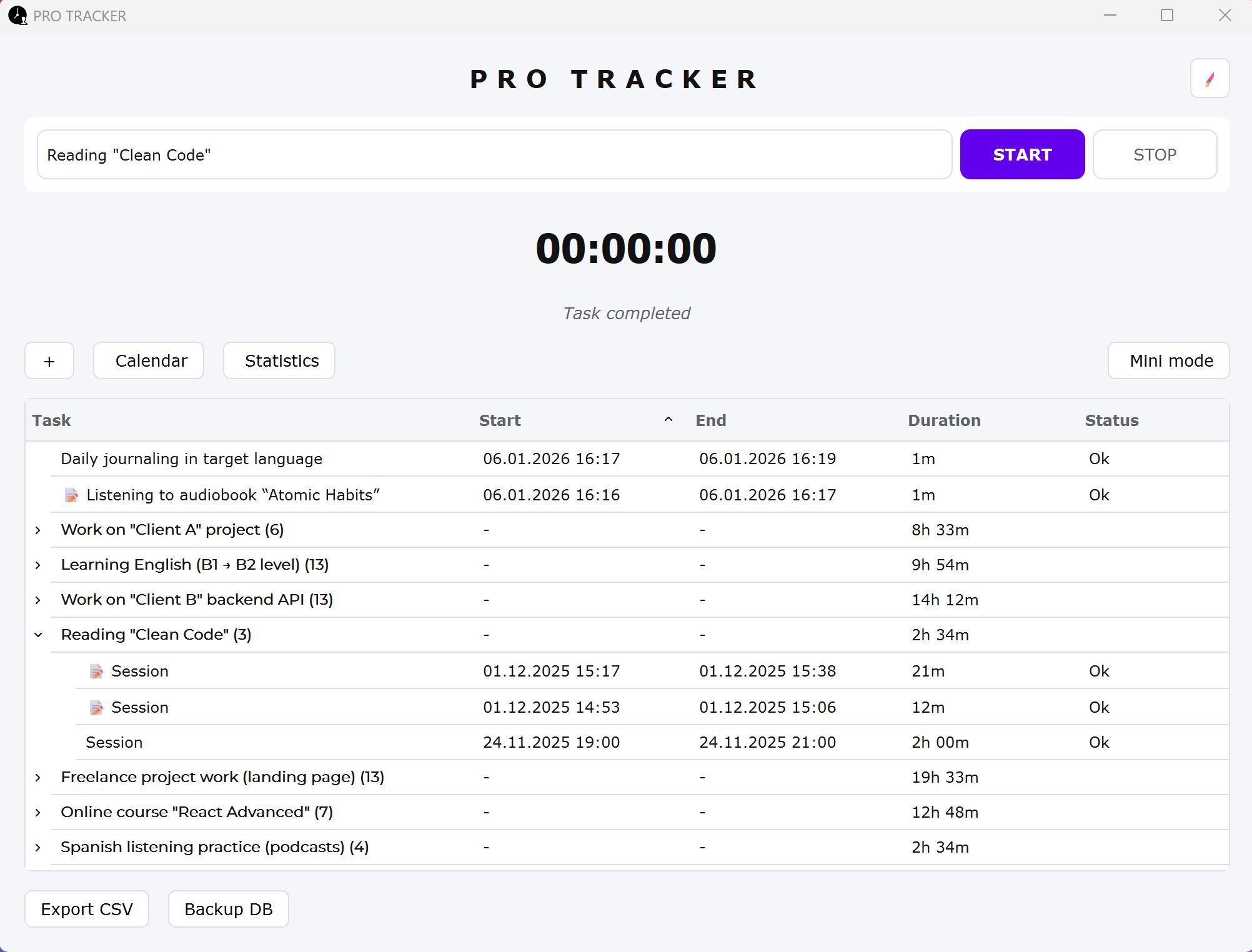
PRO TRACKER Time is a sleek, modern, and high-performance desktop application designed for freelancers, developers, and professionals who value their time. It combines minimalist design with powerful tracking features to help you stay focused and organized
Features
🔒 Privacy First
- 100% Local: No cloud, no tracking, no data collection. All your time-tracking data stays safely on your machine in a private SQLite database.
- Offline Ready: Works perfectly without an internet connection.
💻 Developer Friendly
- Full Source Code Included: Get the complete Python project alongside the executable. Customize the logic, add features, or learn how it's built!
🚀 Dual-Mode Interface
- Main Window: Full control over your task history, detailed grouping, and session management.
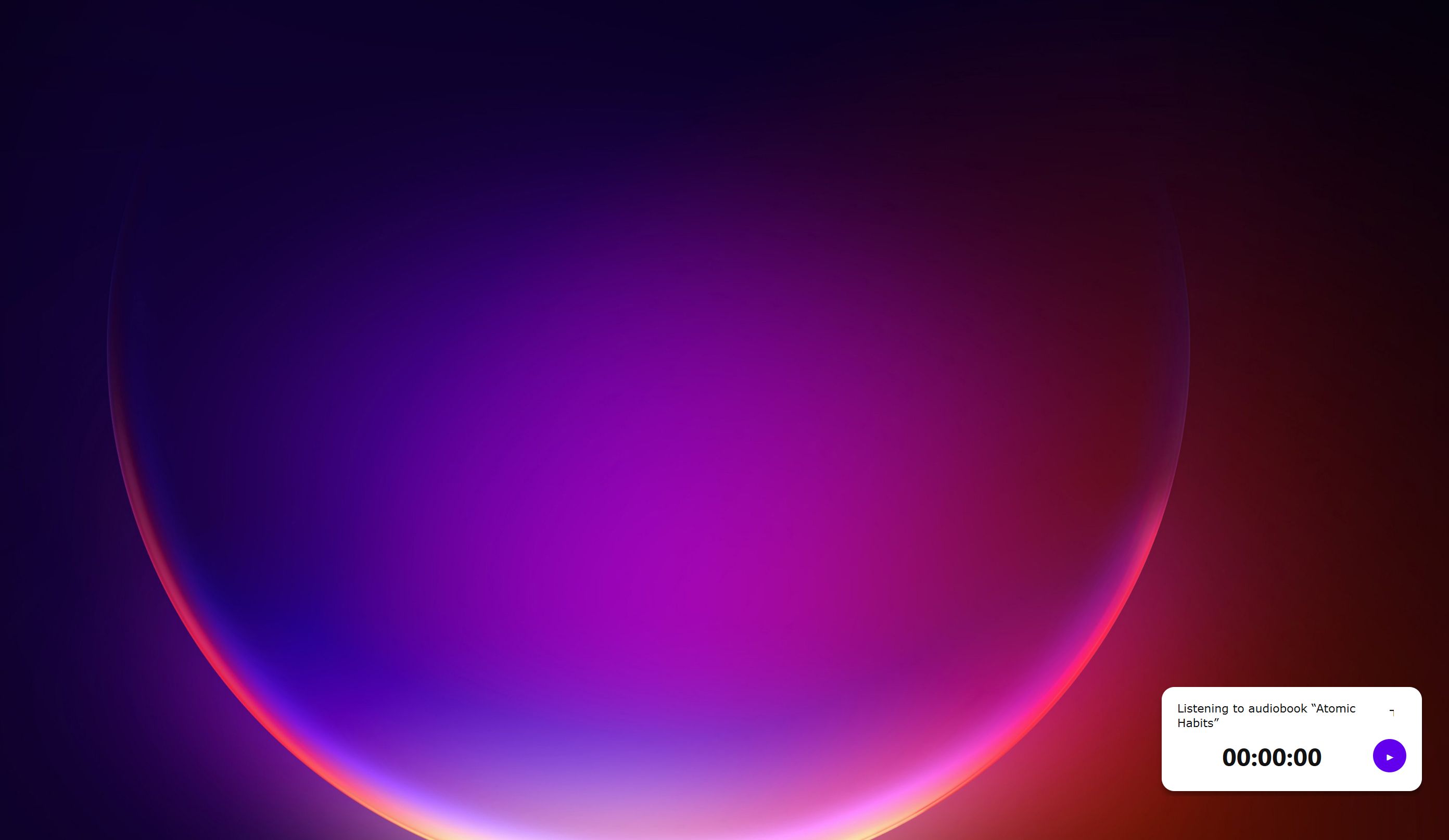
- Mini Timer Window: A floating, "stay-on-top" compact player that keeps you focused on your work without cluttering your screen.
⌨️ Pro Workflows
- Global Shortcuts: Control the tracker without touching the mouse (Start, Stop, Mini-mode, etc.).
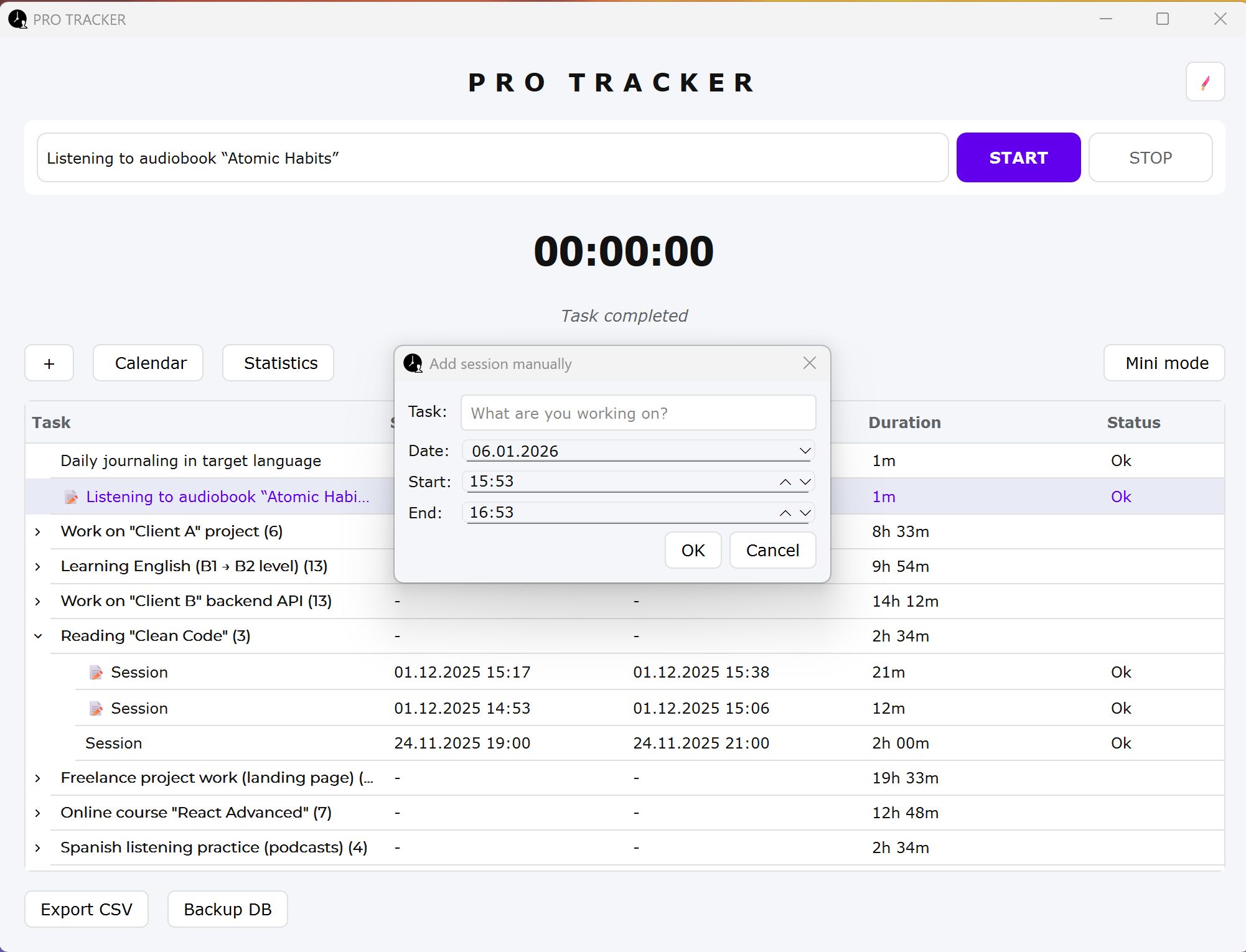
- Manual Adjustments: Forgot to start the timer? Easily add sessions manually after the fact.
- Session Notes: Add detailed descriptions to any tracking session for perfect record-keeping.
- One-Click Export: Export your history to professional, clean CSV files for invoicing or analysis.
- Smart Backups: Keep your data safe with integrated database backup functionality.
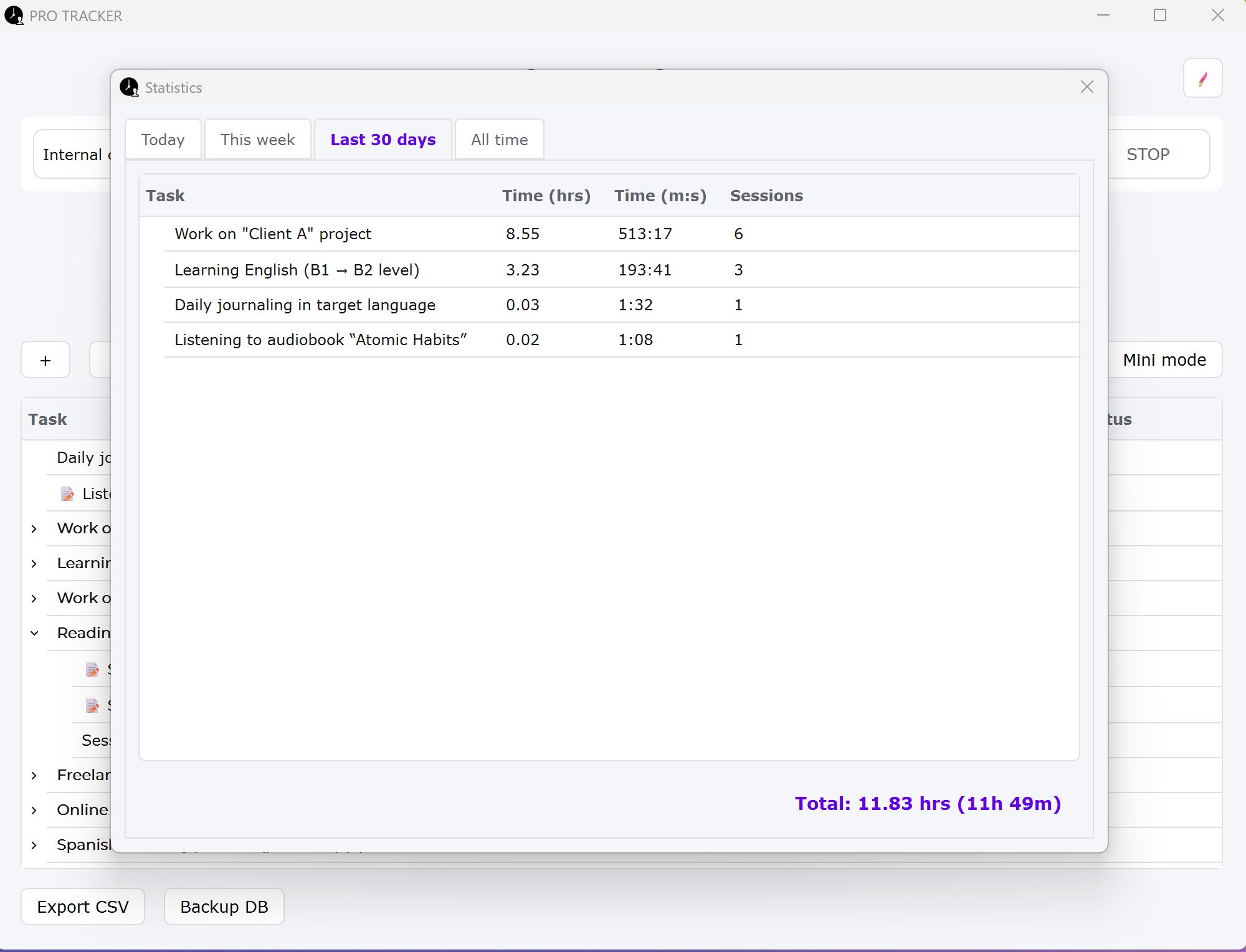
📊 In-Depth Analytics
- Project Statistics: View your performance for Today, this Week, this Month, or All Time.
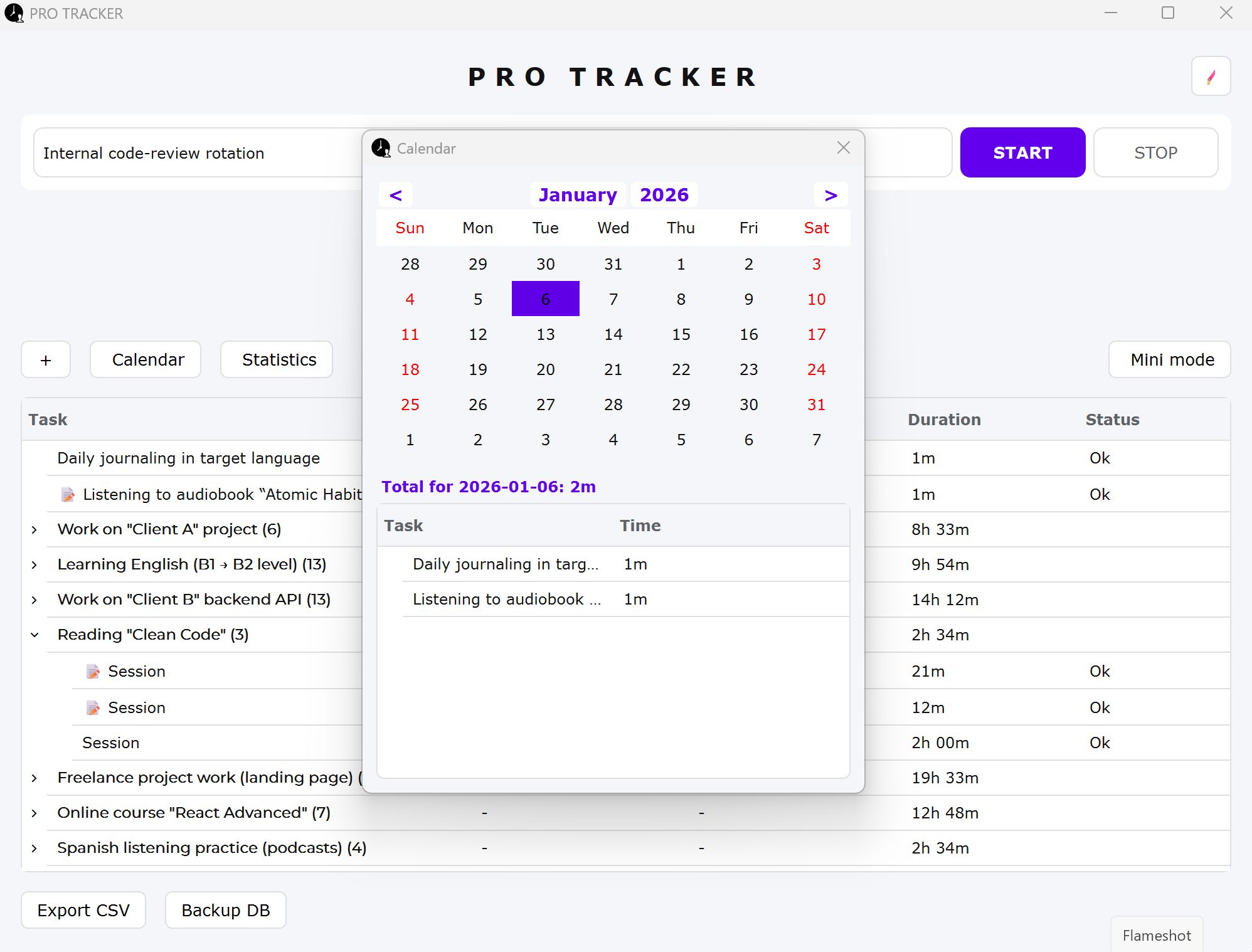
- Visual Calendar: Track your consistency and review past sessions by clicking on specific dates in a beautiful integrated calendar.
🎨 Ultimate Personalization
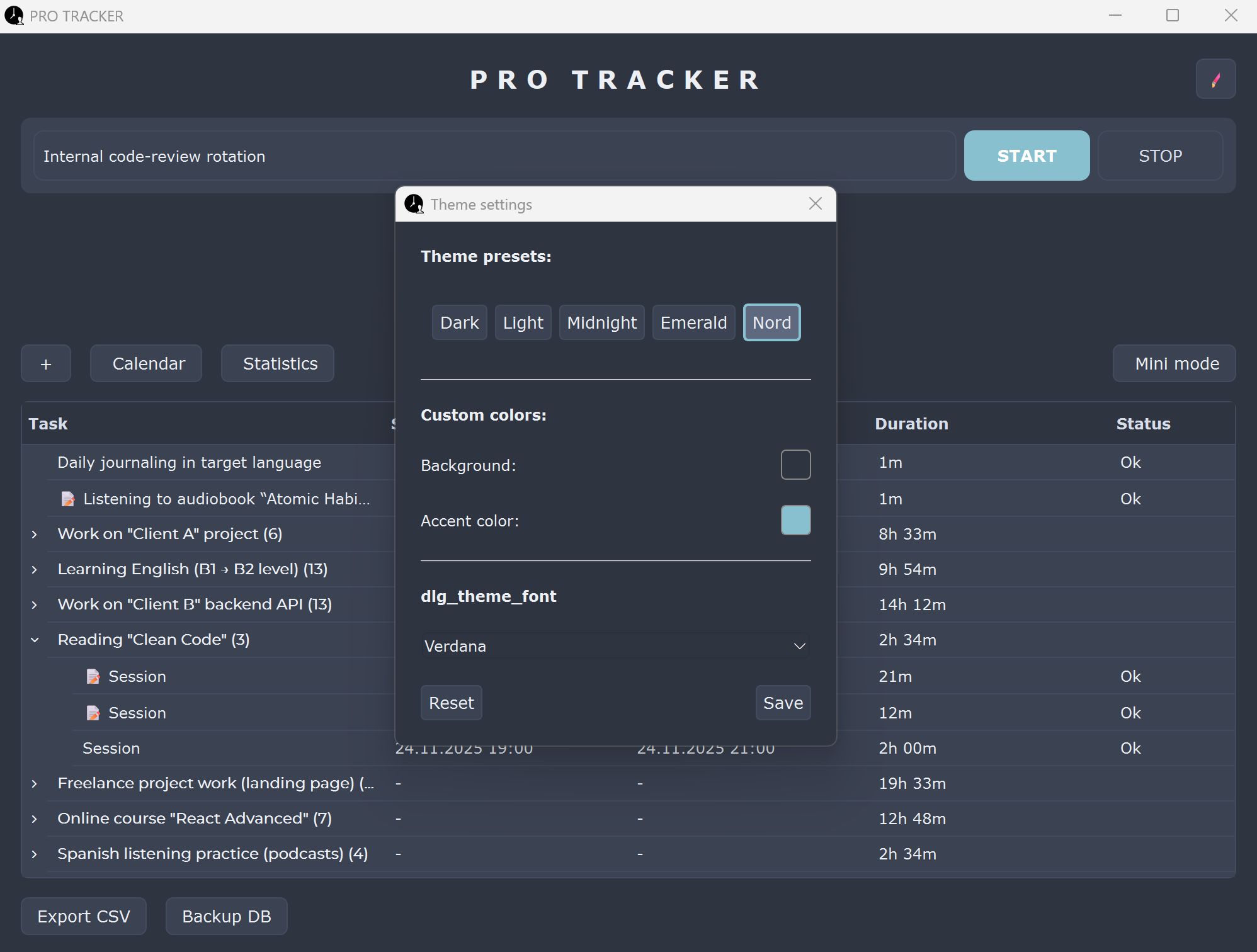
- Modern Themes: Choose from Dark, Light, Midnight, Emerald, or Nord.
- Custom Branding: Fully customize the Accent Color and Background Color to match your personal style or workspace.
- Font Selection: You can always choose a different font to suit your taste.
Full source code included!
Requirements
* Operating System: Windows 10 or Windows 11
* Language: Python 3.10+ (Required only if editing source code)
* Dependencies: Standalone .exe (No external libraries needed for users)
* Internet: Not required (100% Offline & Private
Instructions
How to use PRO TRACKER Time:
Option 1: Run as Application (Recommended)
1. Unzip the downloaded archive.
2. Open the folder "PRO TRACKER v2.0".
3. Double-click "PRO-TRACKER.exe".
4. The app runs immediately. No installation required.
Option 2: Source Code (For Developers)
1. Navigate to the "PRO TRACKER Source Code" folder.
2. Open terminal/command prompt.
3. Install dependencies: pip install -r requirements.txt
4. Run the app: python main.py
Other items by this author


Future product updates
Quality checked by Codester
Lowest price guarantee


| Category | Scripts & Code / Python |
| First release | 13 January 2026 |
| Last update | 13 January 2026 |
| Tags | source code, windows, freelancer, invoice, Timer, Productivity, python, privacy, project management, gui, offline, time tracker, task manager, desktop app, work log |