EmbedAI - Self-Hosted AI Chat Widget for WebsitesEmbedAI - Self-Hosted AI Chat Widget for Websites
Add a GPT-powered AI chatbot to any website. Self-hosted, one-time purchase, unlimited sites. Easy setup with admin panel.
EmbedAI - Self-Hosted AI Chat Widget for Websites
Add a GPT-powered AI chatbot to any website. Self-hosted, one-time purchase, unlimited sites. Ea...
Screenshots

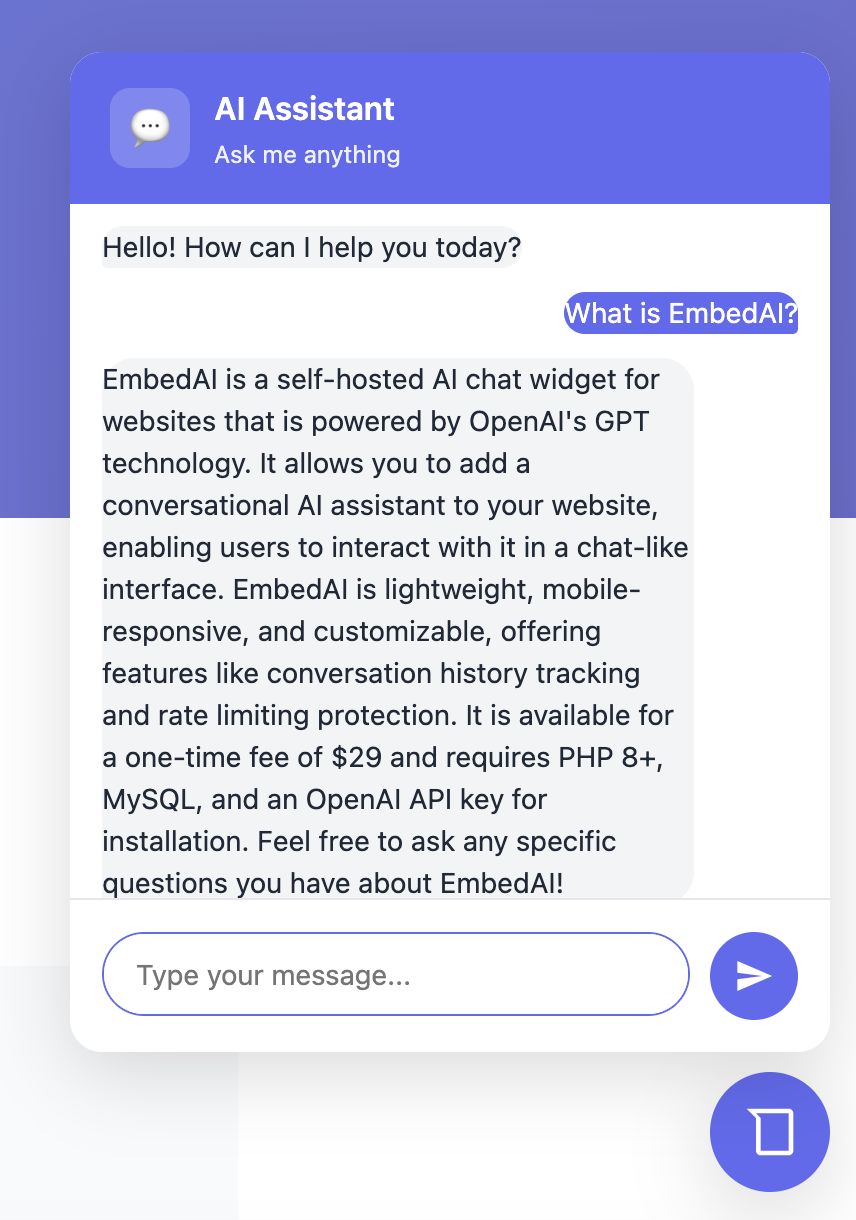
Overview
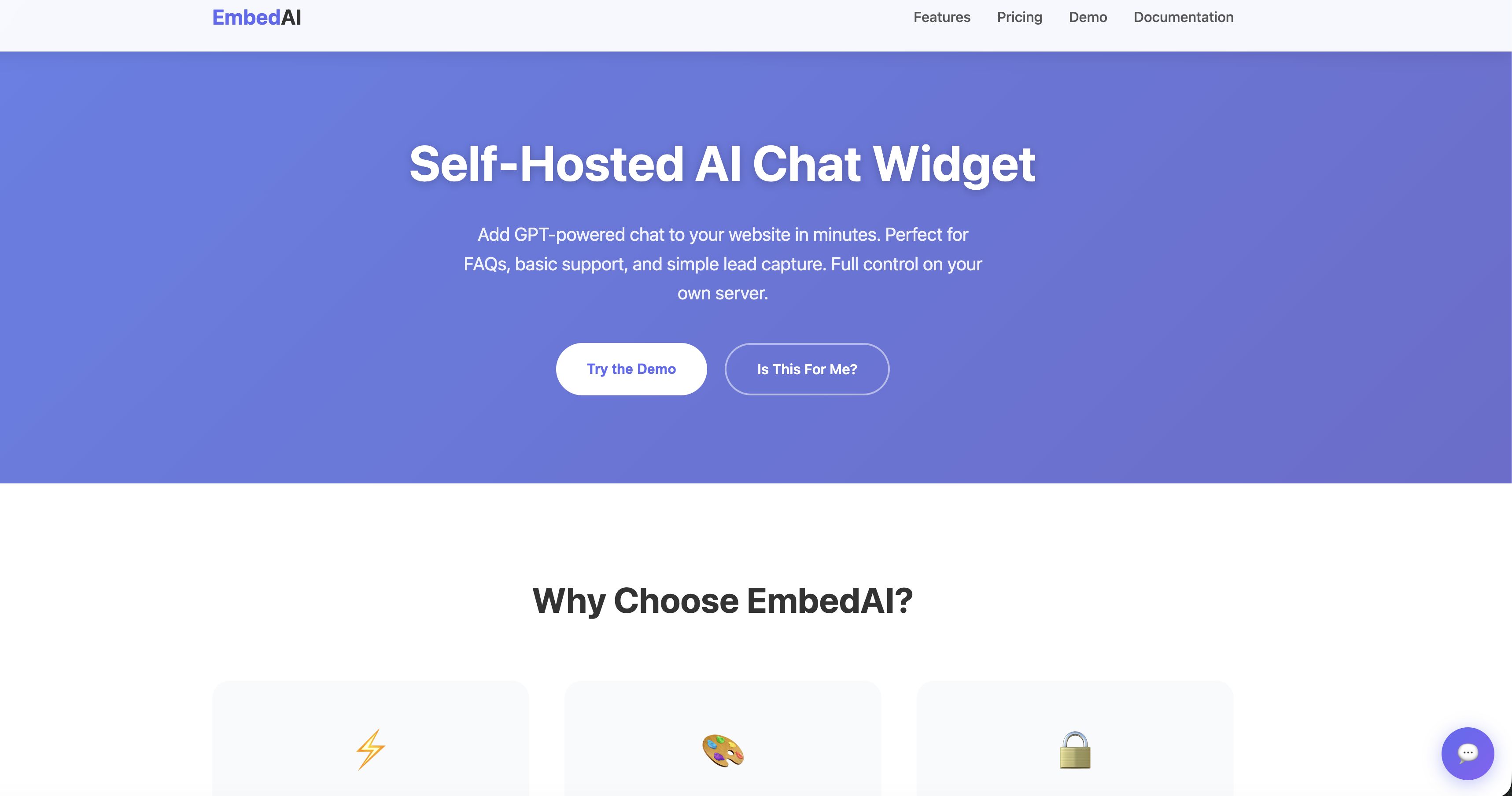
EmbedAI is a lightweight, self-hosted AI chat widget that you can add to any website with just one line of code. Powered by OpenAI's GPT models, it provides intelligent conversational AI for customer support, lead generation, or user engagement.
Unlike SaaS solutions with monthly fees, EmbedAI is a one-time purchase that you host on your own server. You have full control over your data, conversations, and costs.
Perfect for agencies managing multiple client websites, businesses wanting AI support without recurring fees, or developers building AI-powered applications.
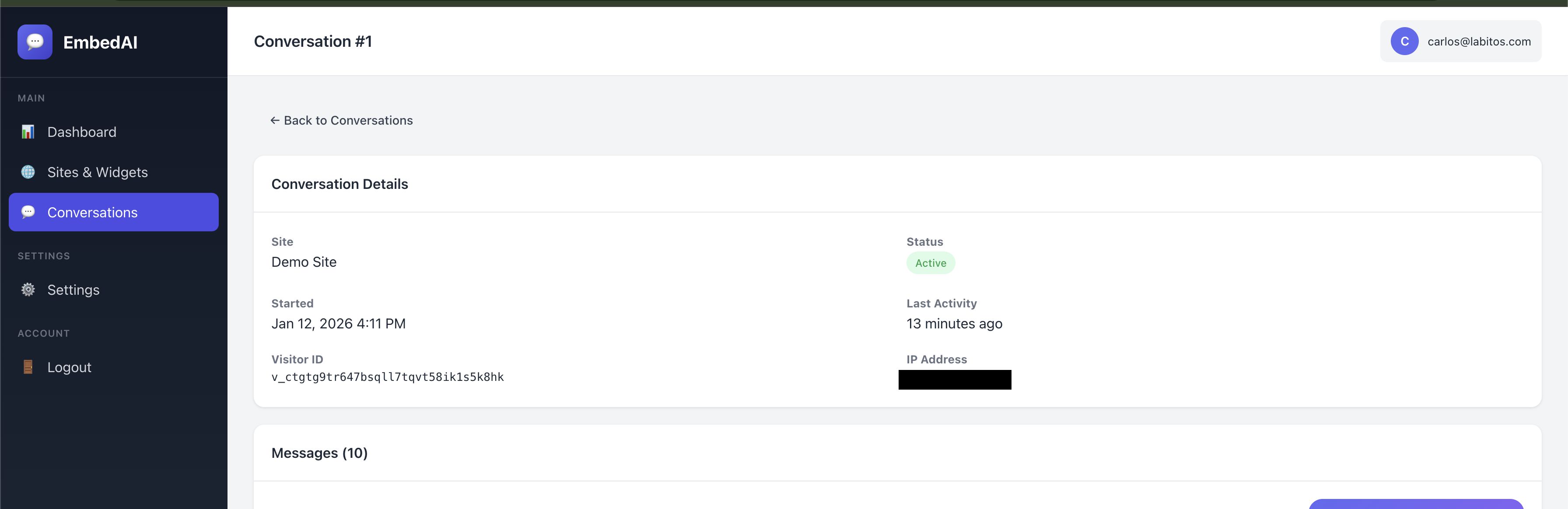
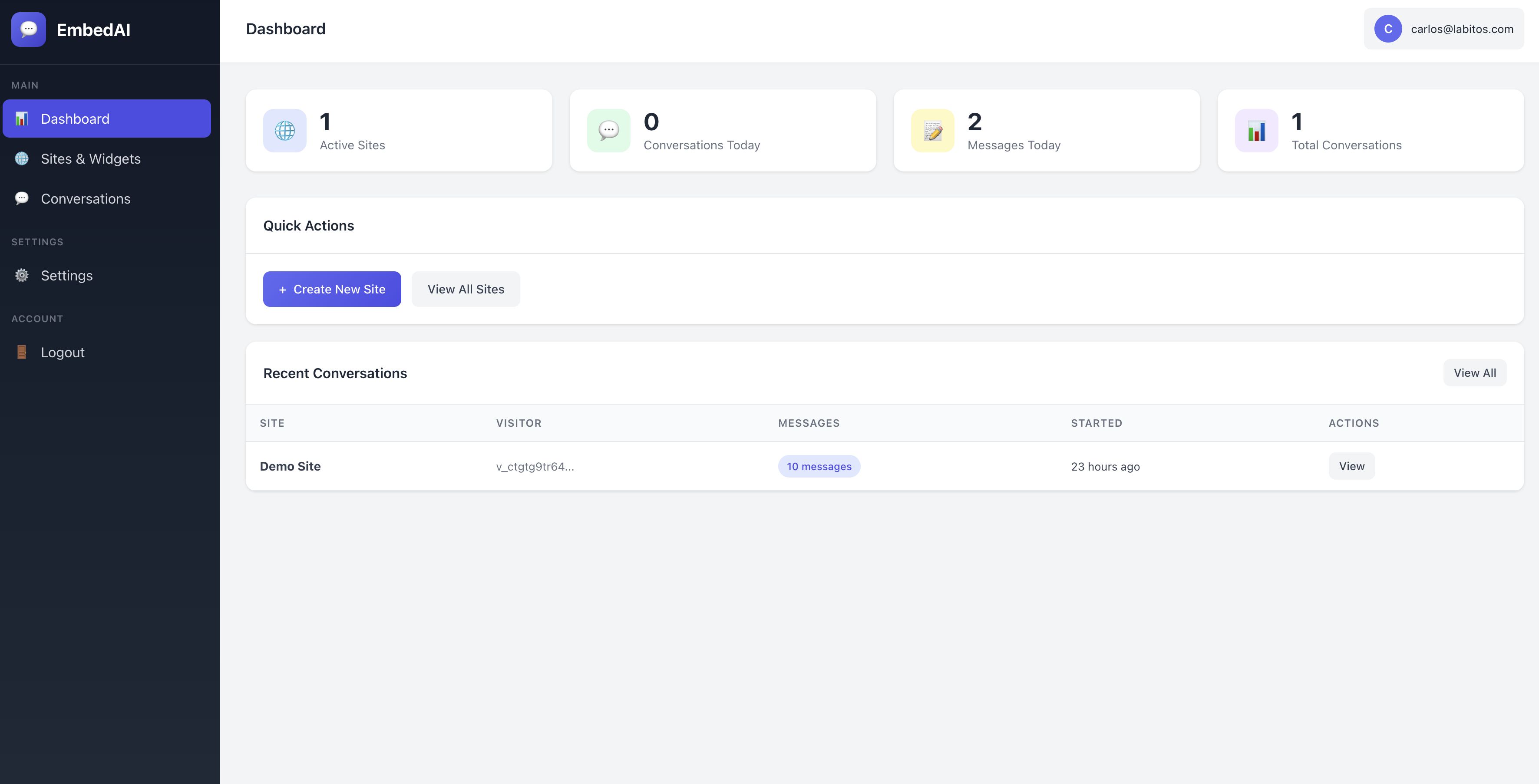
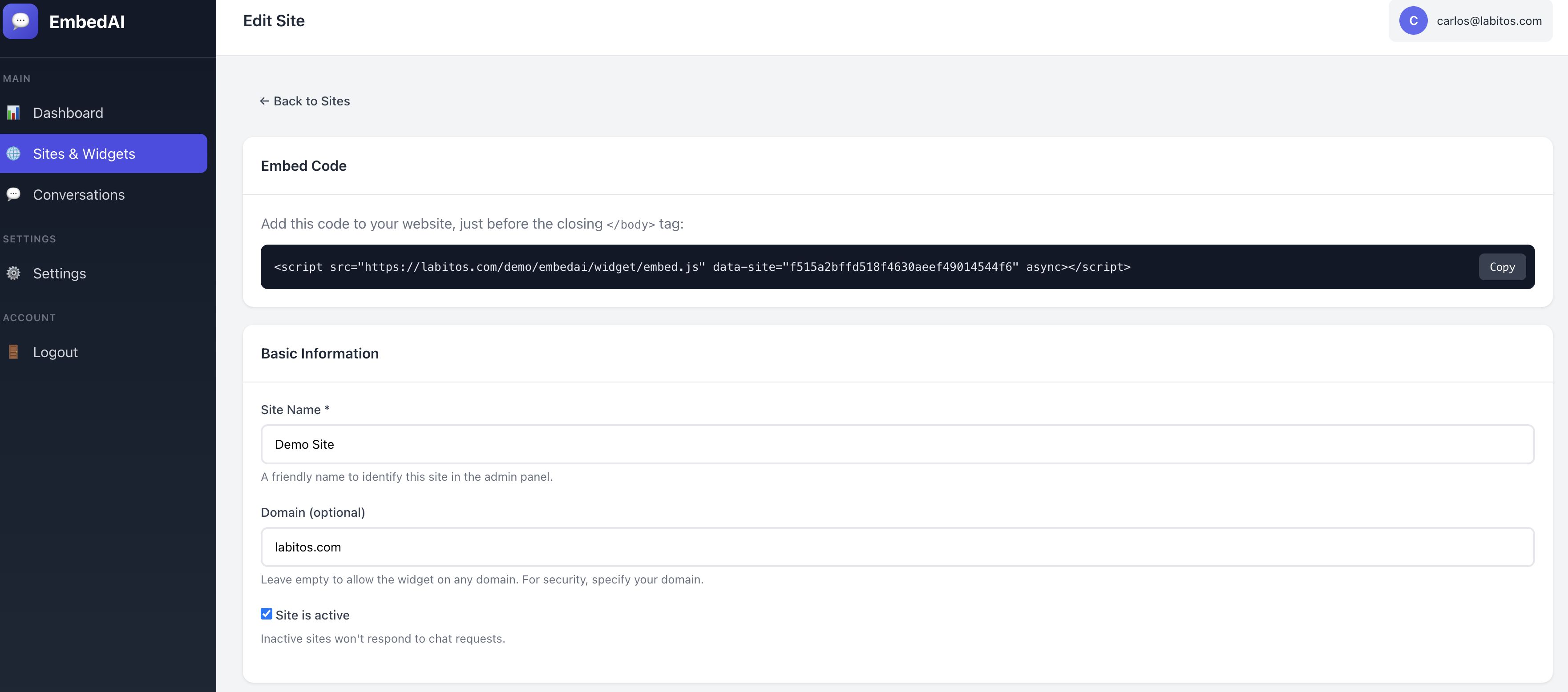
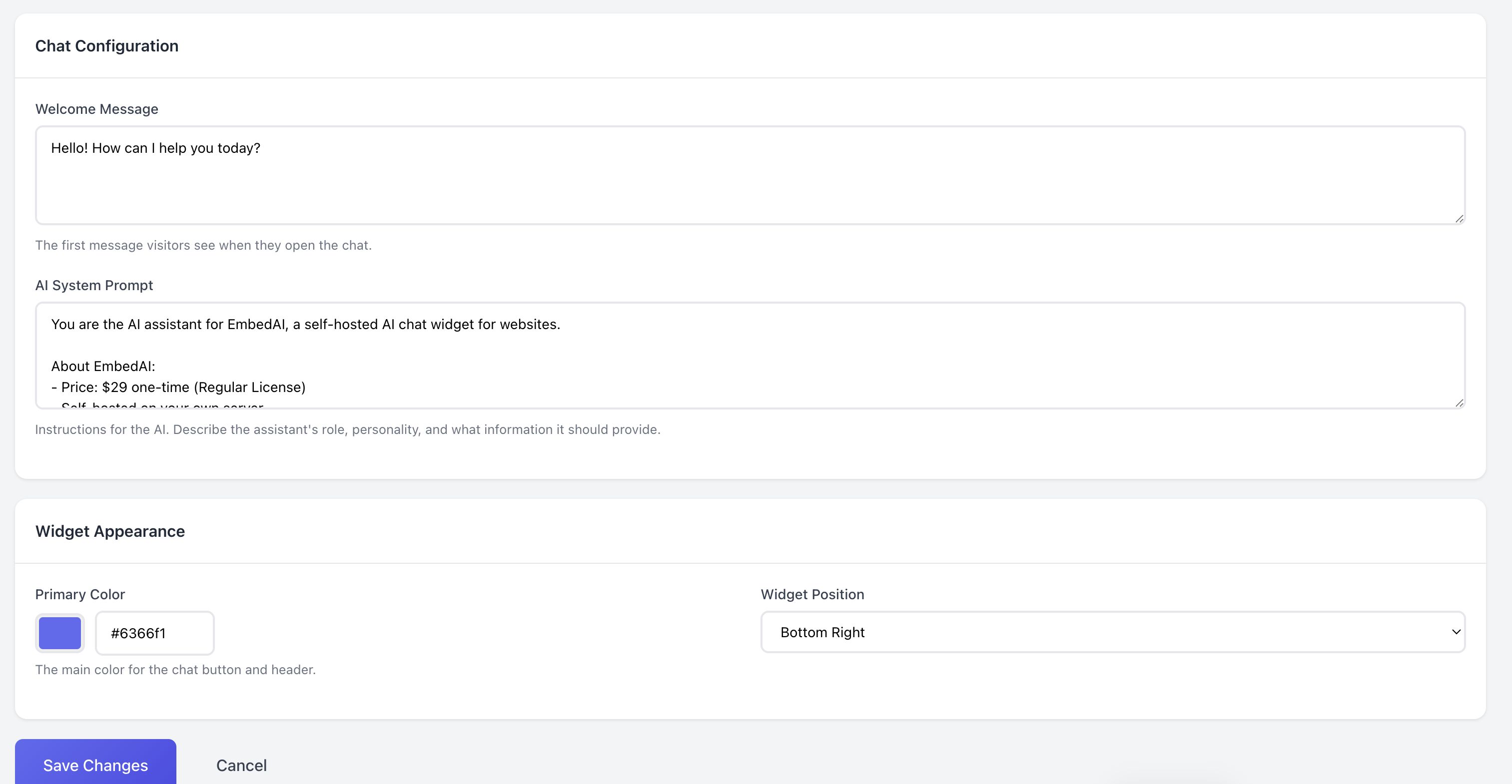
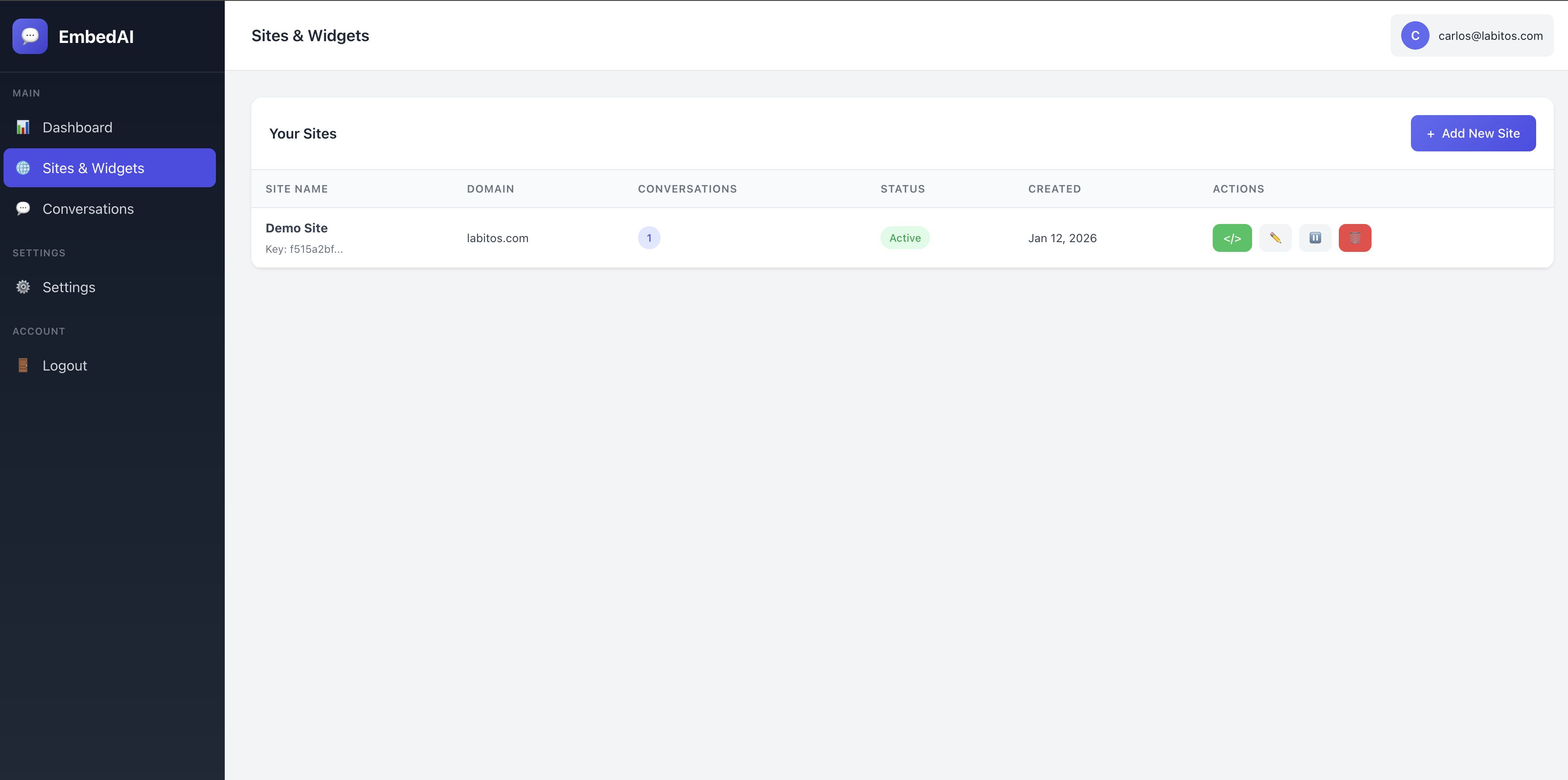
The widget is fully customizable - change colors, welcome messages, and position to match your brand. The admin panel lets you manage multiple sites, view conversation history, and configure AI behavior through system prompts.
Features
• GPT-Powered AI - Uses OpenAI's language models for intelligent responses
• Self-Hosted - Install on your own server, full data control
• One-Time Purchase - No monthly fees or per-message charges
• Unlimited Sites - Create multiple chat widgets from one installation
• Easy Integration - Add to any website with one line of code
• Customizable Design - Match your brand colors and style
• Admin Dashboard - Manage sites and view conversations
• System Prompts - Define AI personality and knowledge per site
• Conversation History - Track and review all chat interactions
• Mobile Responsive - Works perfectly on all devices
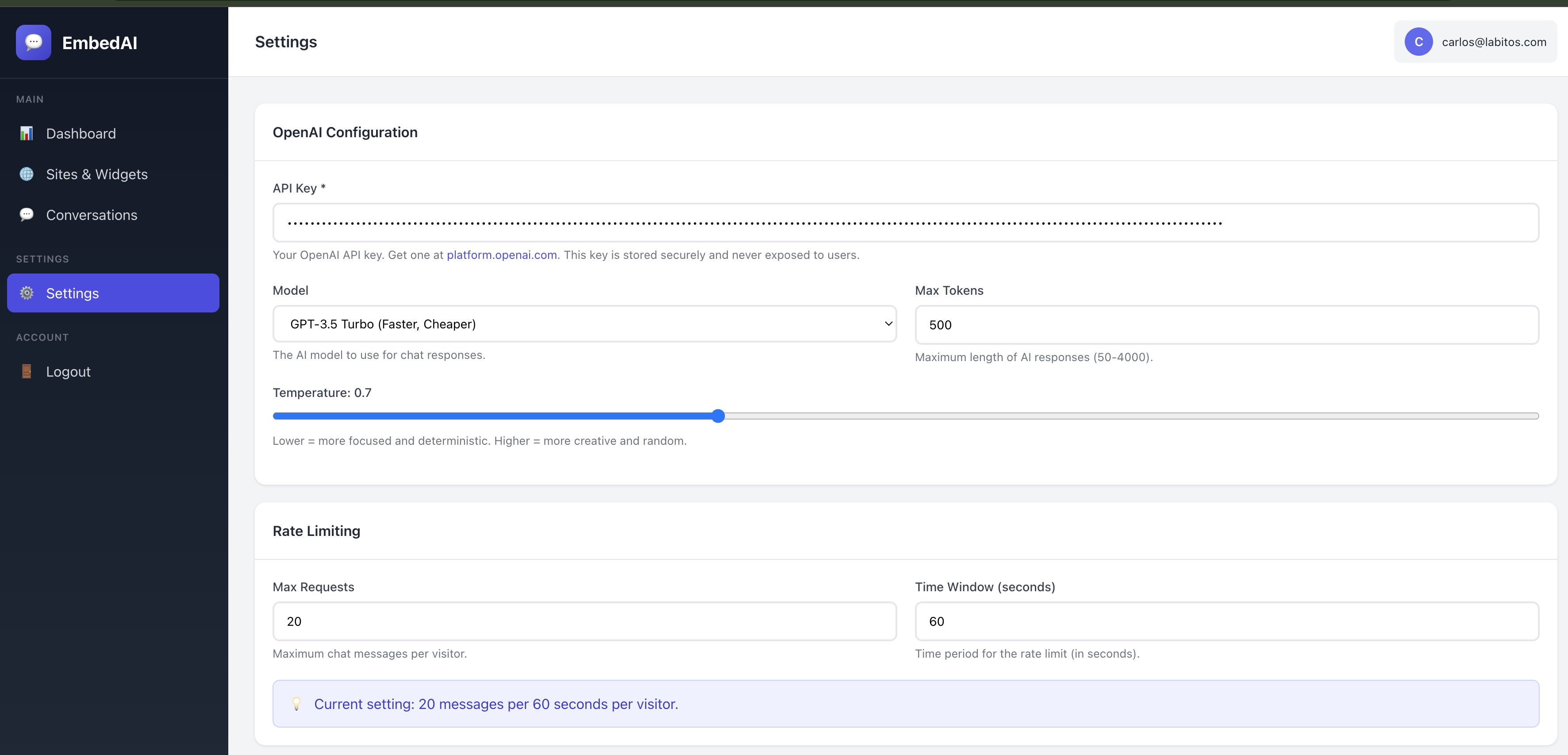
• Rate Limiting - Built-in protection against API abuse
• Secure - CSRF protection and input sanitization included
Requirements
• PHP 7.4 or higher
• MySQL 5.7 or higher
• PDO and PDO_MySQL extensions
• cURL extension
• OpenSSL extension
• OpenAI API key (get one at platform.openai.com)
• Any standard web hosting (shared hosting works fine)
Instructions
1. Upload the files to your web server
2. Navigate to /install/ in your browser
3. Follow the installation wizard (database setup, admin account)
4. Add your OpenAI API key in Settings
5. Create a site and copy the embed code
6. Paste the embed code into your website's HTML
7. Done! Your AI chat widget is ready.


|
PHP Script Installation Service
Don't worry about the installation of your script! Have your PHP Script installed for you.
|
$39 | Buy now |
| Category | Scripts & Code / PHP Scripts / AI |
| First release | 13 January 2026 |
| Last update | 13 January 2026 |
| Software version | PHP 7.4, PHP 8.0, PHP 8.1, PHP 8.2 |
| Files included | .php, .css, .html, .sql, Javascript .js |
| Database | MySQL 5.x |
| Tags | gpt, customer support, php chat, chatbot, live chat, ai chat, openai, chatgpt, ai assistant, conversational ai, chat widget, website chat, support widget, self-hosted, embed chat |