Text To Speech Android App with Audio SaveText To Speech Android App with Audio Save
A lightweight Android Text To Speech app with pitch & speed control, audio saving feature, and AdMob integration.
Text To Speech Android App with Audio Save
A lightweight Android Text To Speech app with pitch & speed control, audio saving feature, an...
Screenshots
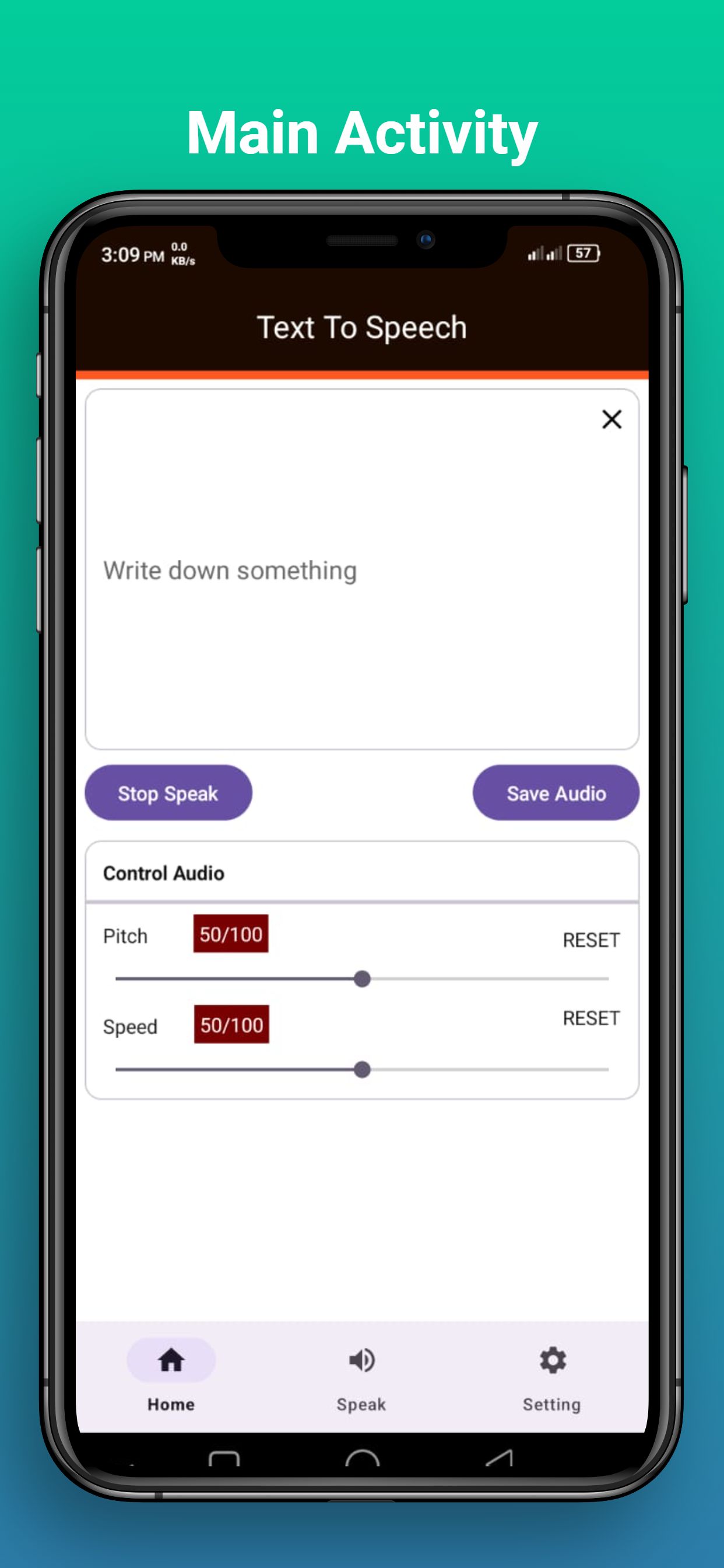
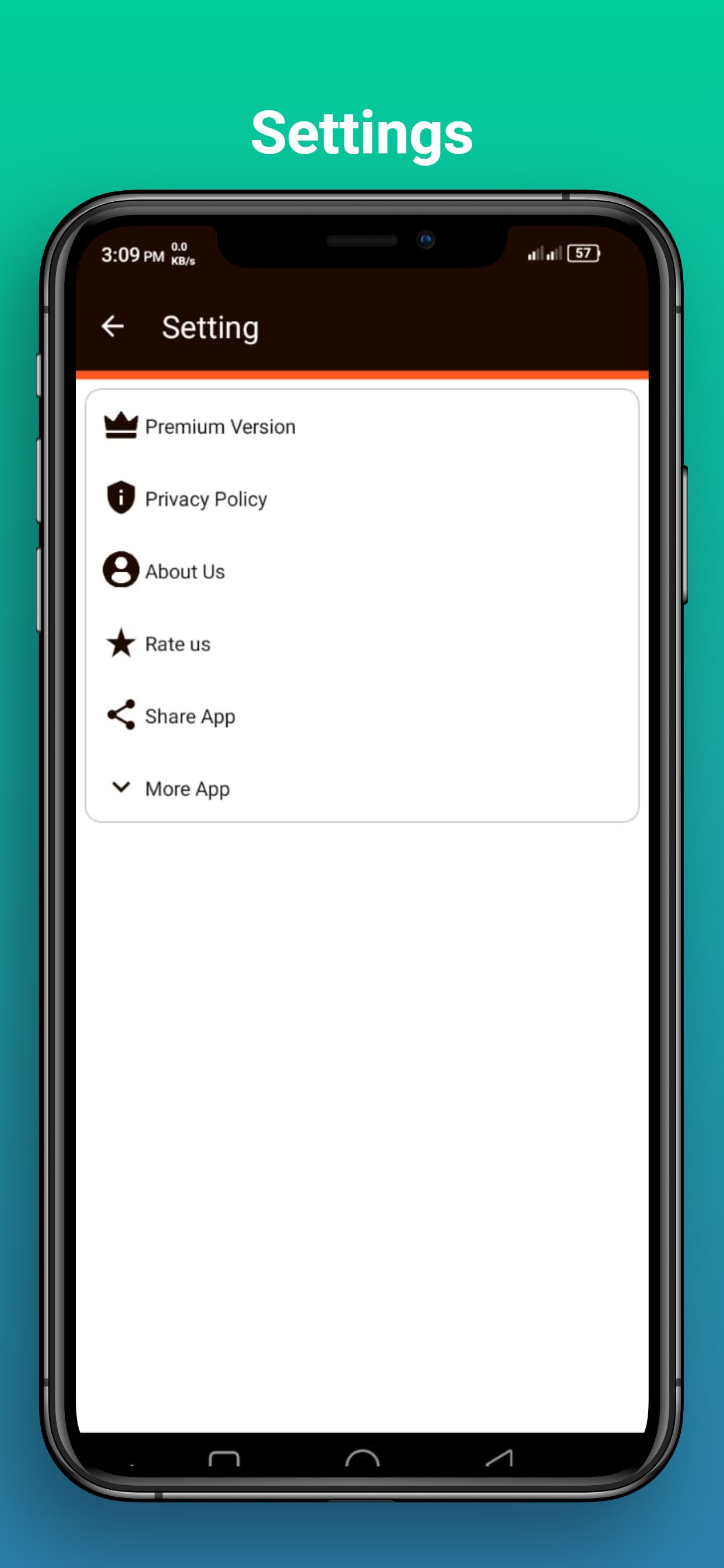
Overview
Description
Text To Speech Android App is a modern and lightweight native Android application designed to convert user-written text into natural-sounding speech.
Users can instantly listen to the generated voice output and also save the speech as an audio file on their device. The app provides pitch and speech speed controls, allowing full customization of the voice output.
The application is developed using native Android technology with Java and the official Android Text To Speech (TTS) API. It is optimized for performance, clean UI, and compatibility with the latest Android versions.
This app is suitable for accessibility tools, educational applications, productivity utilities, and other voice-based Android projects. The source code is well-structured and easy to reskin or customize.
Features
Features
- Convert written text into natural-sounding speech
- Instant speech playback with one tap
- Save generated speech as an audio file
- Pitch control for voice customization
- Speech speed control from slow to fast
- Clean and modern user interface
- Fast and lightweight performance
- AdMob Banner and Interstitial ads integrated
- Compatible with Android 15 (Target SDK 36)
Requirements
Requirements
- Android Studio Arctic Fox or later
- JDK 8 or higher
- Android device or emulator for testing
- Basic knowledge of Android Studio is recommended
Instructions
Instructions
Detailed step-by-step setup and reskin instructions are clearly explained in the included documentation file.
Project Setup
- Open Android Studio
- Select Open an Existing Project
- Choose the Android_Source_Code folder
- Wait for the Gradle sync to complete
- Run the app on a real device or emulator
Reskin / Rebranding
This application is very easy to reskin and customize. No advanced Android knowledge is required. Full reskin instructions are provided in the documentation.
- Change app name from strings.xml
- Replace app icons from the mipmap folders
- Modify colors from colors.xml
- Rename package name using Android Studio refactor tool
- Replace AdMob test IDs with your own before publishing
For more detailed explanations and screenshots, please refer to the included documentation.
Other items by this author


| Category | App Templates / Android / Applications / Miscellaneous |
| First release | 16 January 2026 |
| Last update | 16 January 2026 |
| Operating Systems | Android 7.0, Android 8.0, Android 9.0, Android 10.0, Android 11.0, Android 12.0 |
| Files included | .html, .apk, .java, .xml |
| Tags | android app, text to speech, android studio, accessibility, tts, java android, voice app, speech app, save audio |