DealMart - Ultimate PHP Affiliate Deals CouponsDealMart - Ultimate PHP Affiliate Deals Coupons
Launch your own high-converting deals and affiliate marketplace today! DealMart is a professional PHP script featuring
DealMart - Ultimate PHP Affiliate Deals Coupons
Launch your own high-converting deals and affiliate marketplace today! DealMart is a professional...
Screenshots
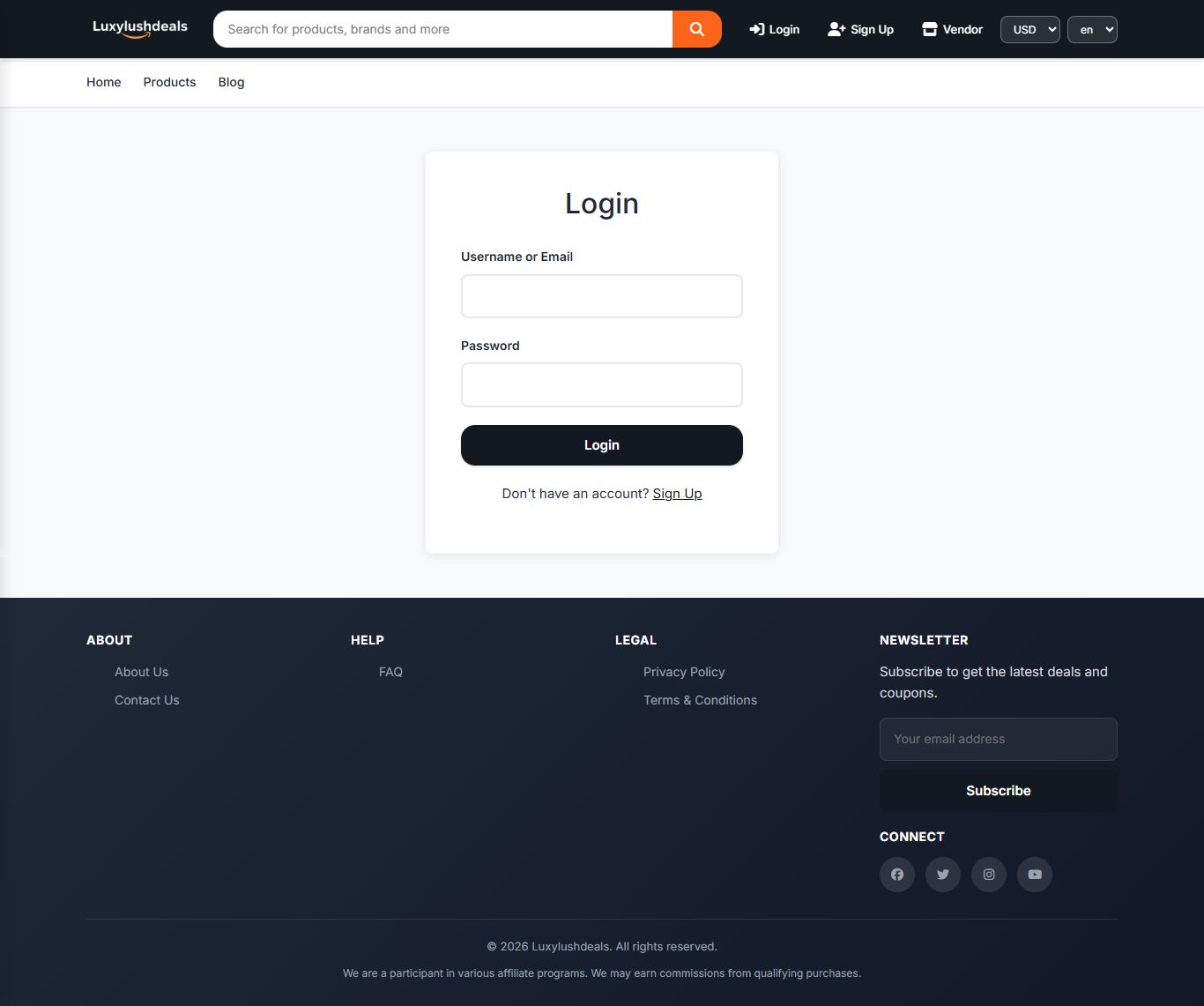
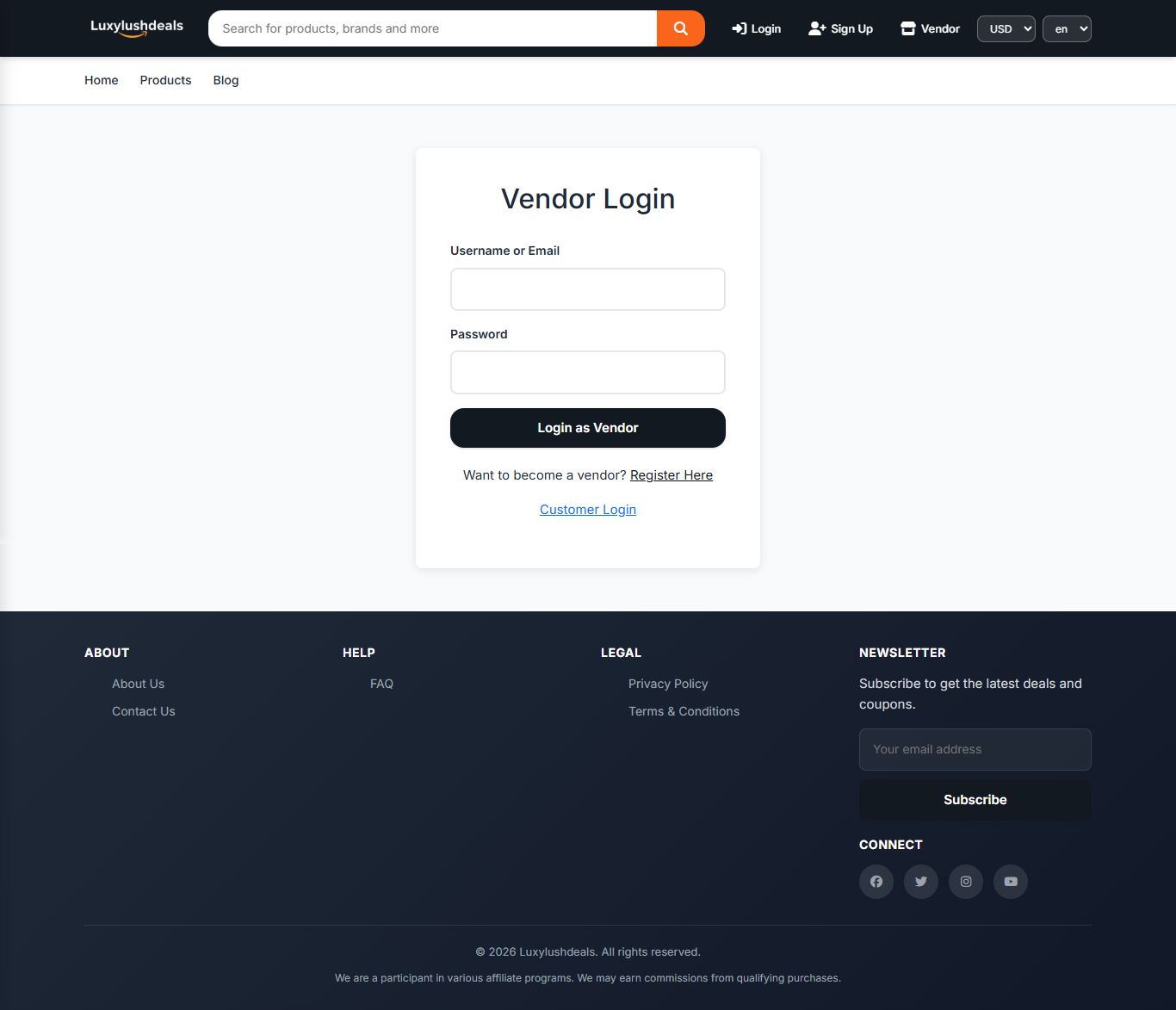
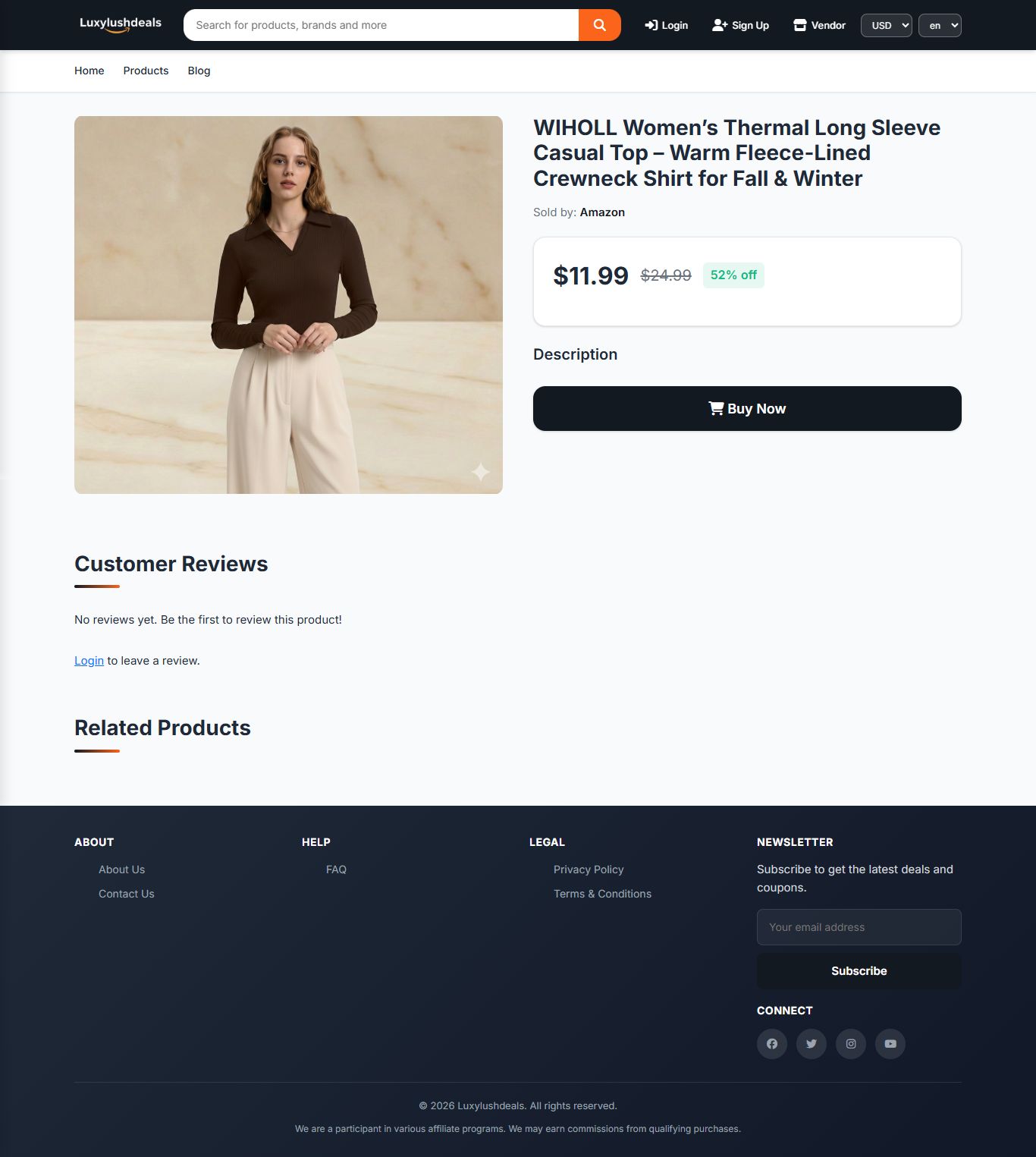
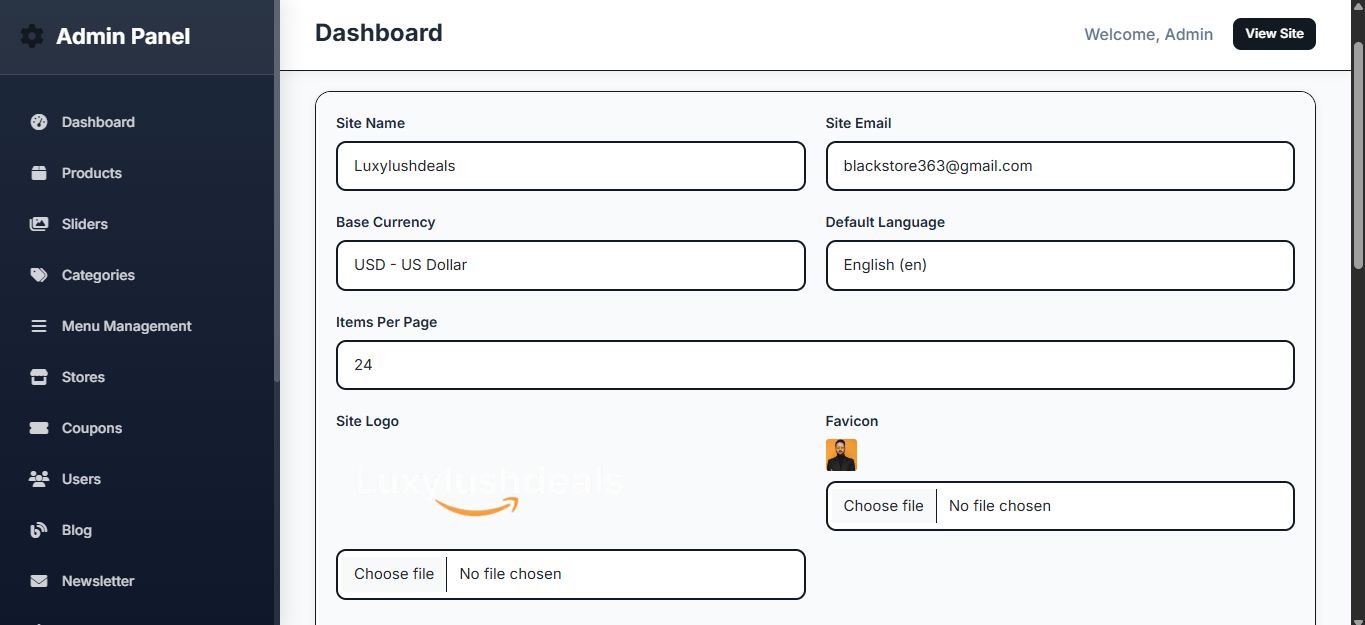
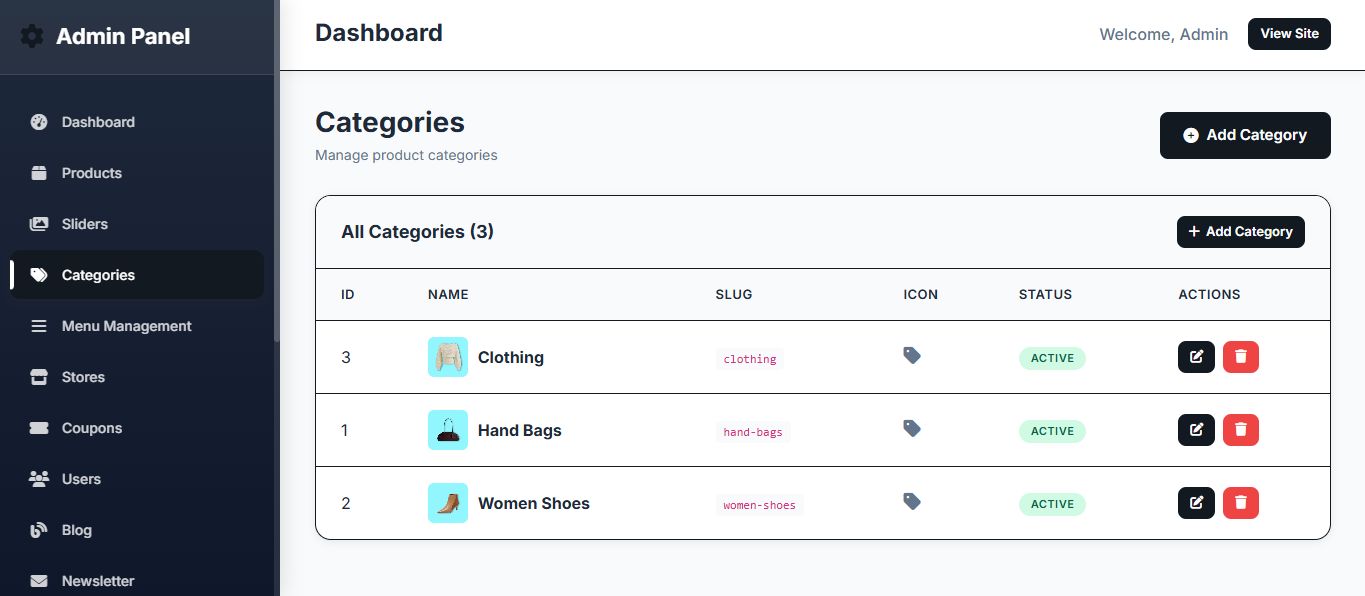
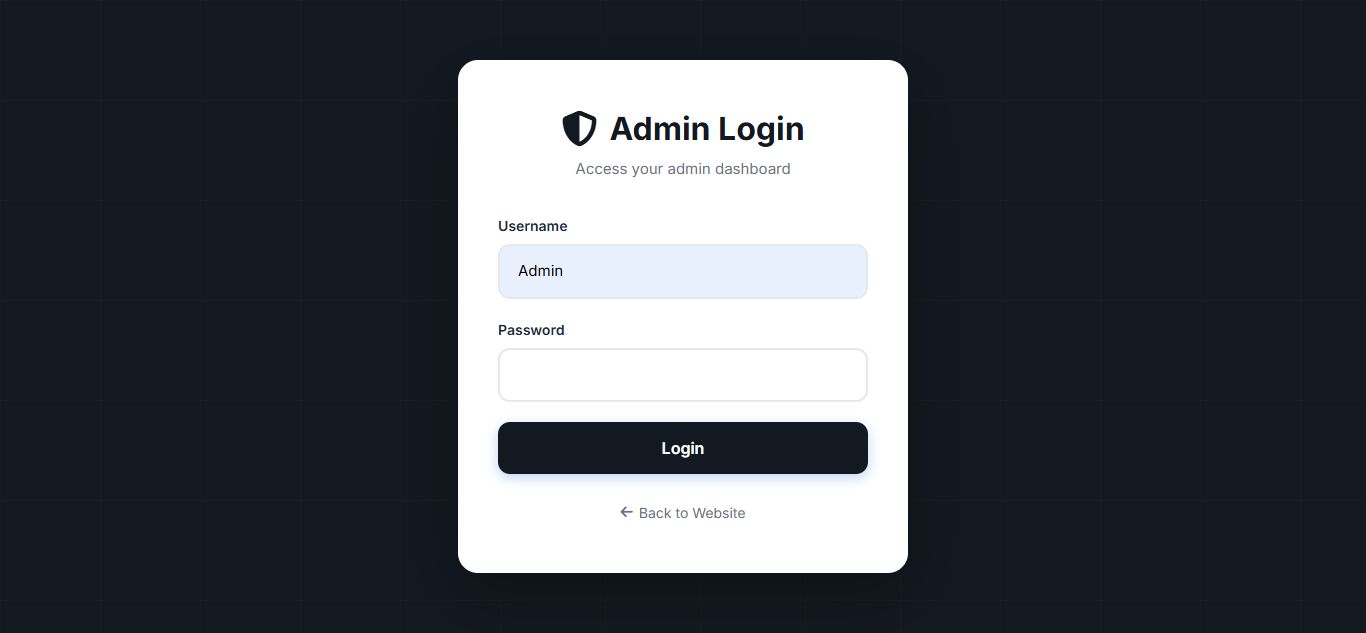
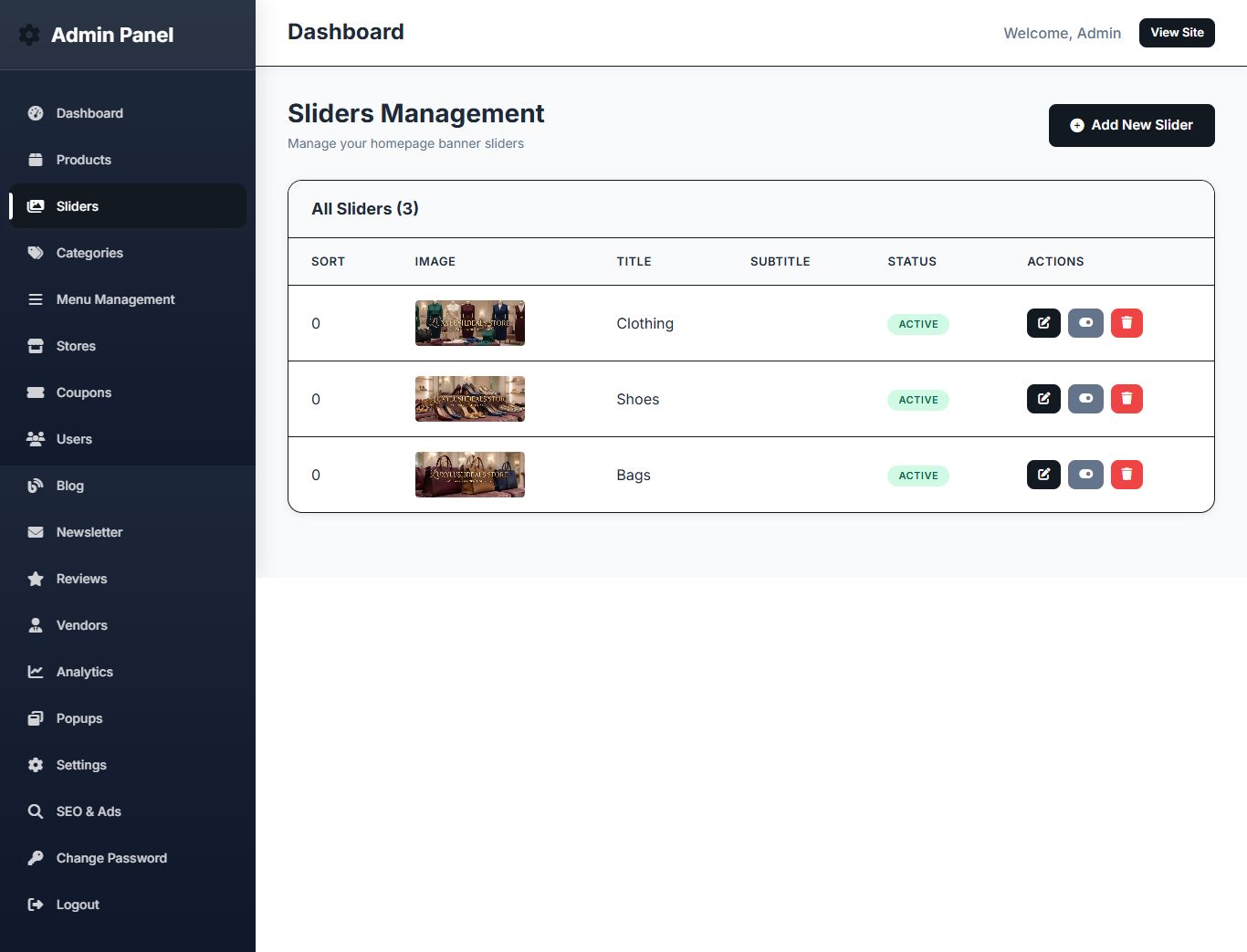
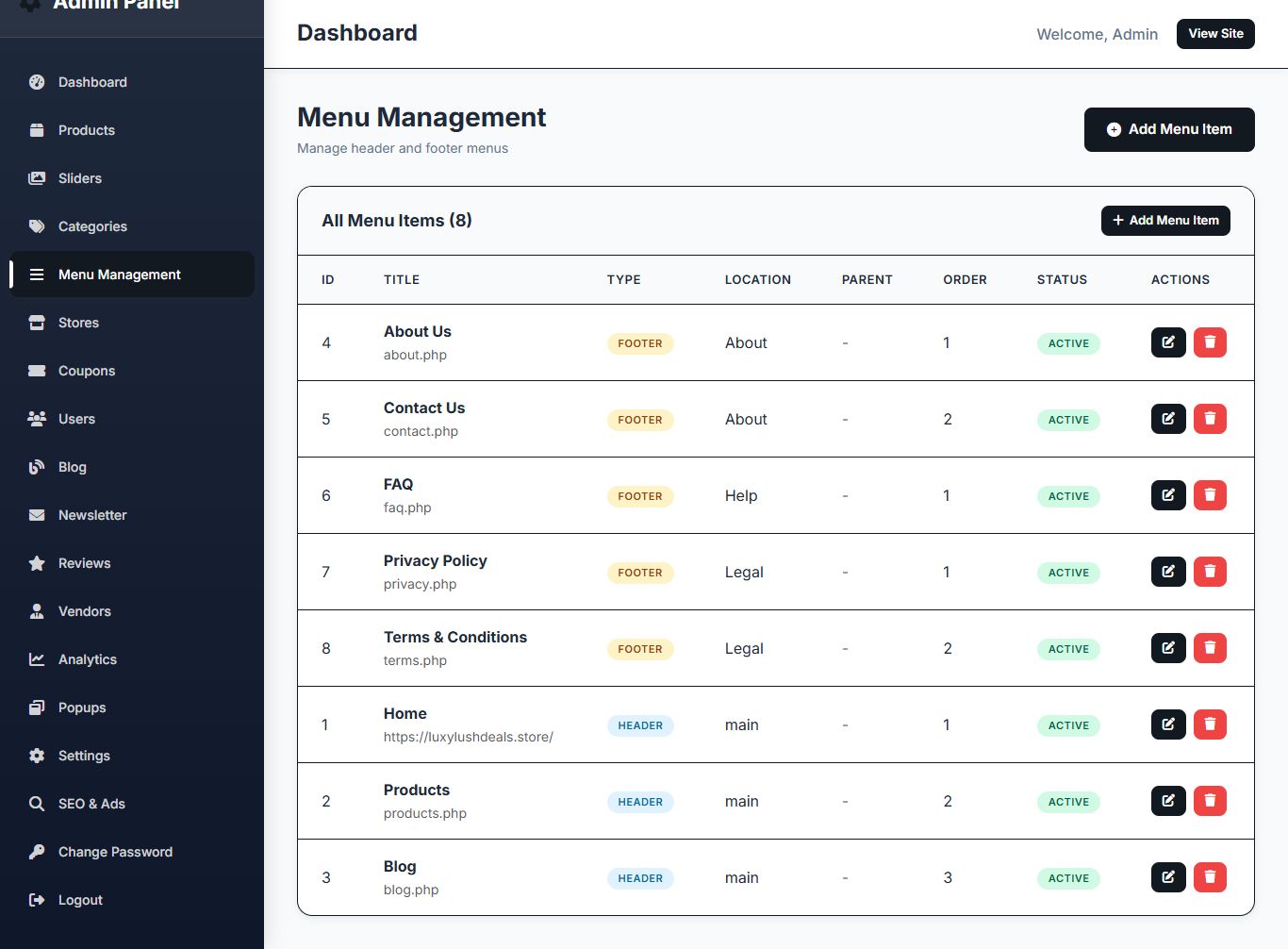
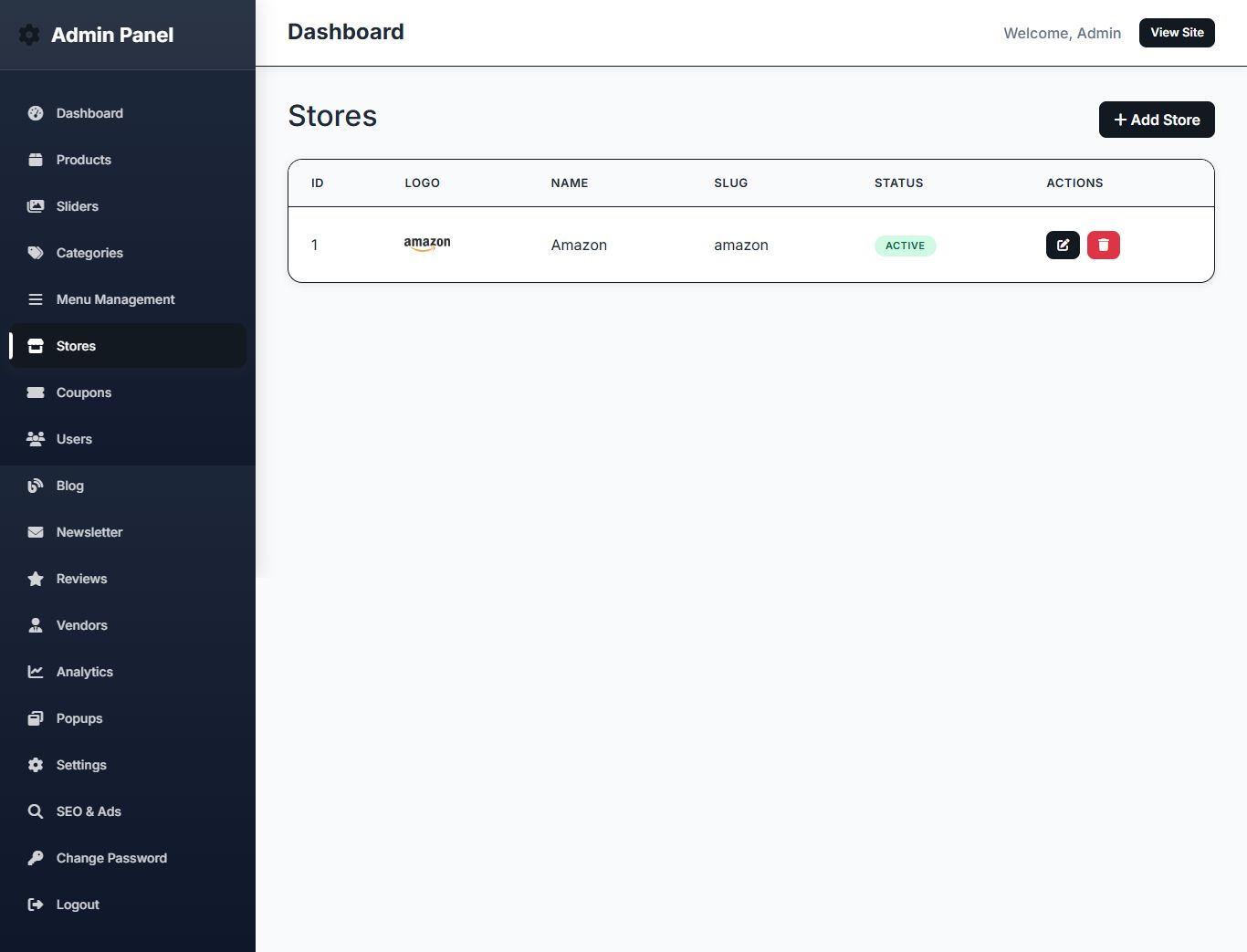
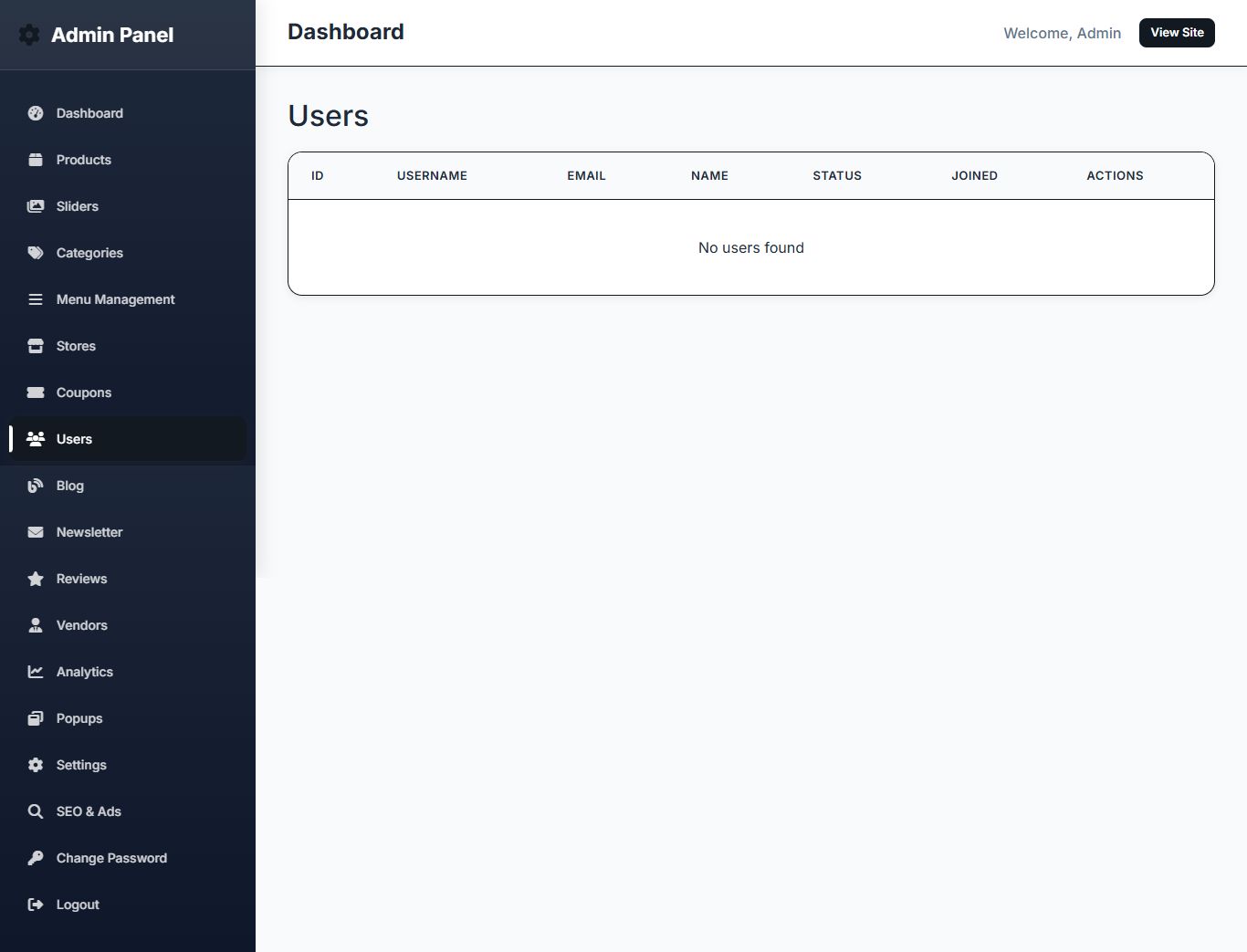
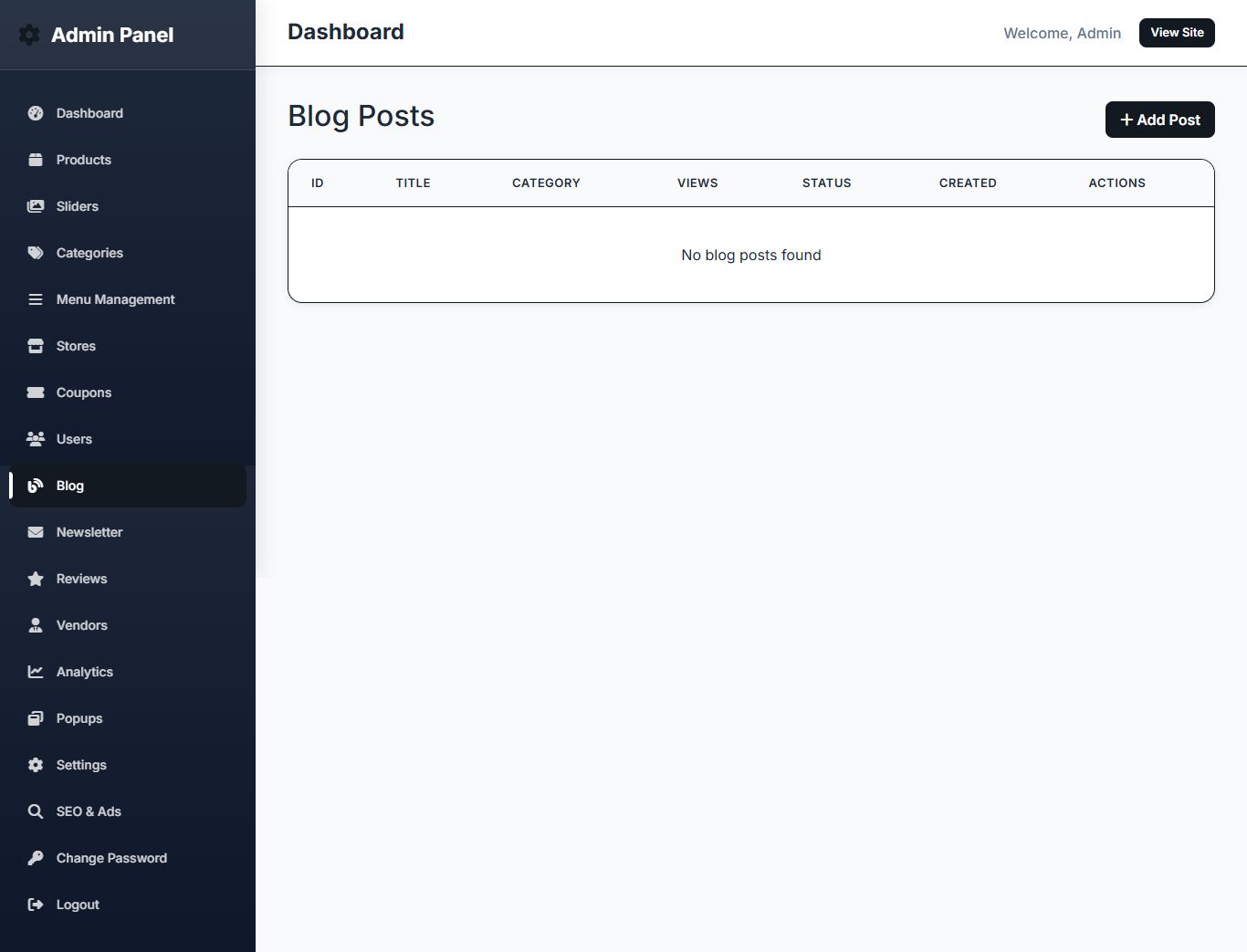
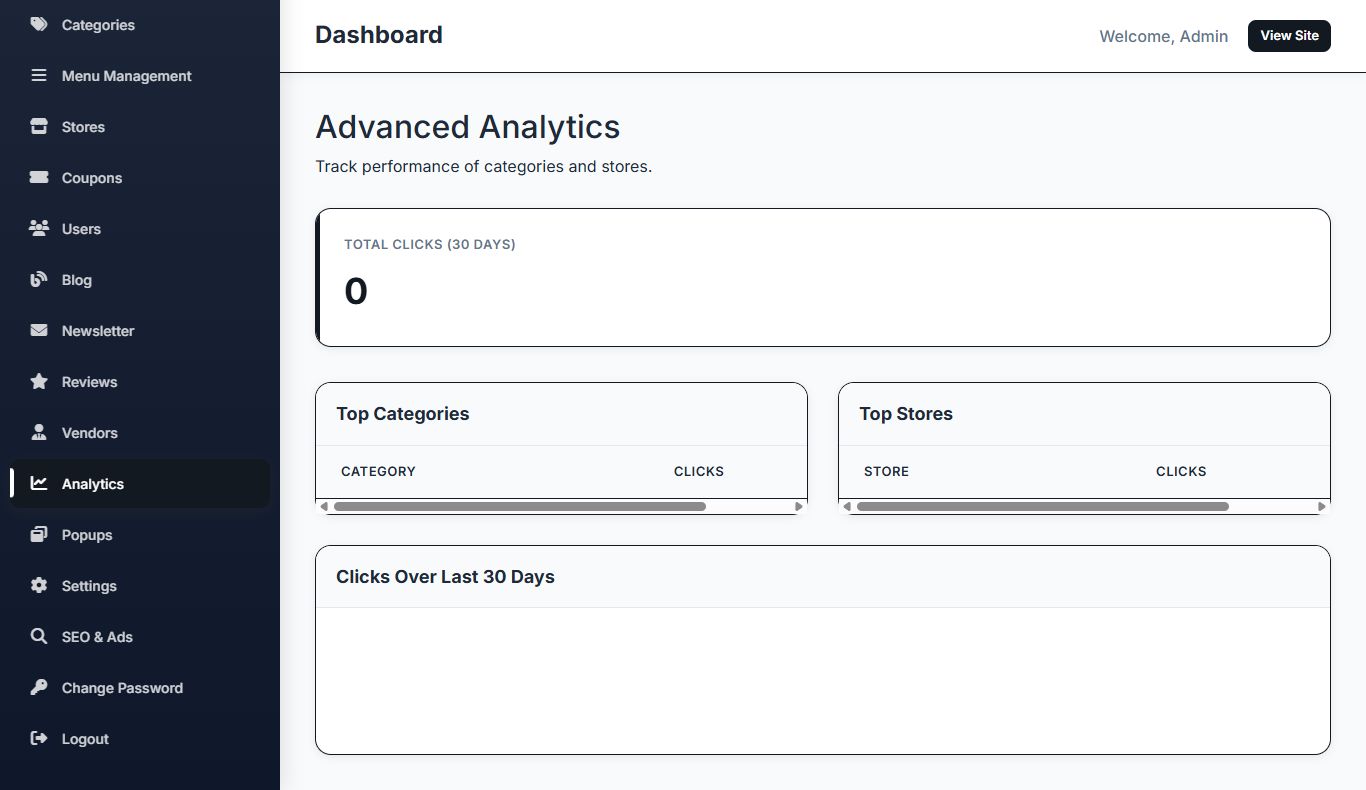
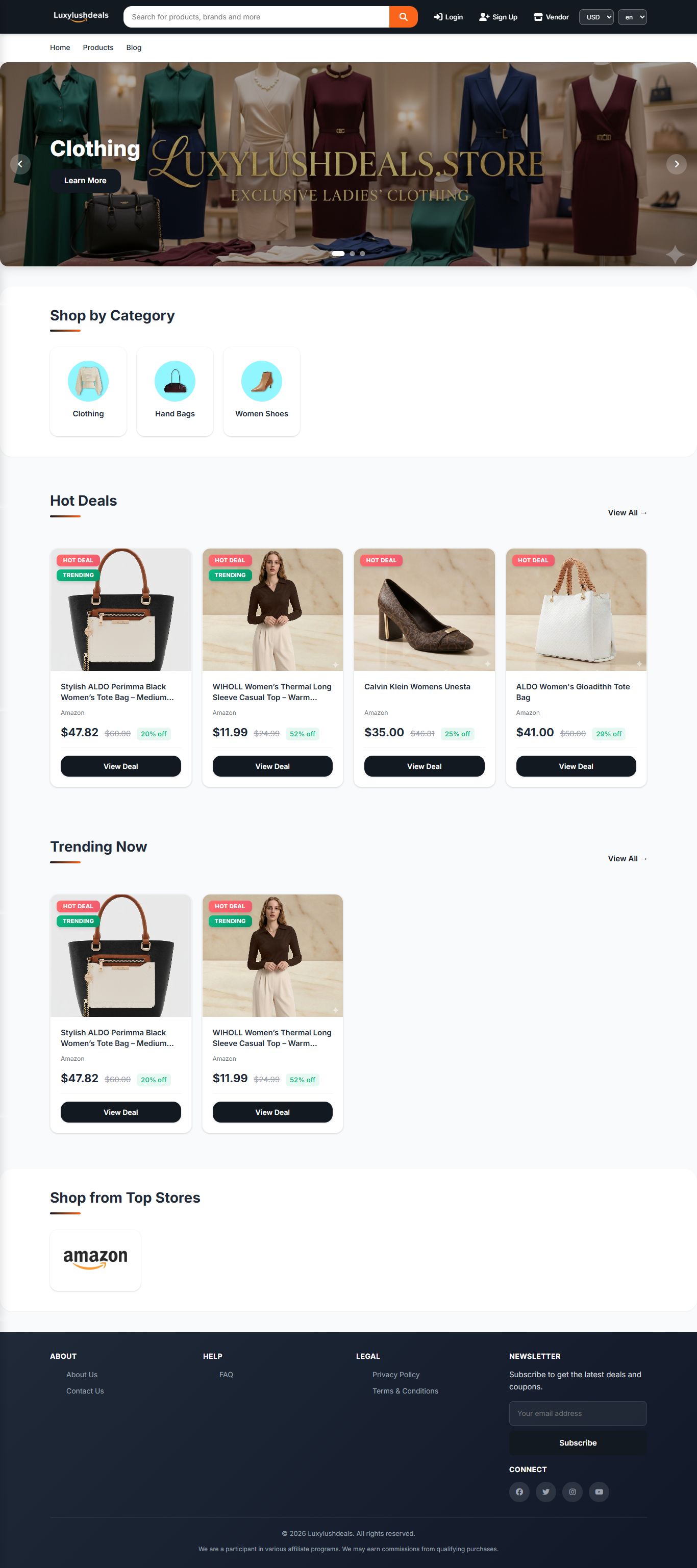
Overview
DealMart - The Ultimate Deals & Affiliate Marketplace Solution
DealMart is a robust, production-ready PHP & MySQL script designed for entrepreneurs looking to build a professional affiliate product listing platform, a multi-vendor marketplace, or a dedicated coupon site. With its modern UI and powerful admin features, you can start earning affiliate commissions in minutes.
Key Features:
- Modern Responsive UI: A clean, mobile-first design inspired by Flipkart and Amazon.
- Multi-Vendor Support: Allow other vendors to register and list their own products.
- Advanced Coupon System: Create percentage or fixedvalue coupons with expiry dates and usage limits.
- Affiliate Click Tracking: Automatically track every click on your affiliate links.
- Google OAuth 2.0: One-click registration and login for users.
- Multi-Currency & Multi-Language: Global reach with dynamic switching.
- SEO Optimized: Built-in tools for meta tags, Google Analytics, and Facebook Pixel.
- Integrated Blog: Drive organic traffic with a professional blog system.
Admin & Vendor Panels:
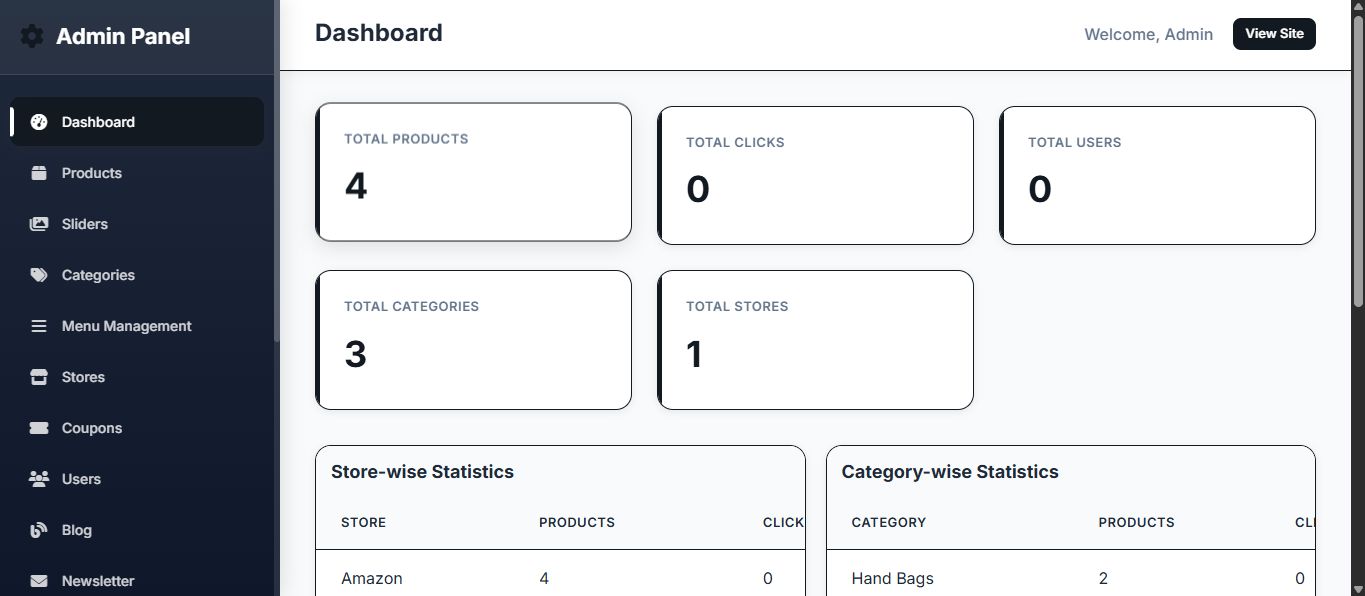
Separate, powerful dashboards for administrators and vendors to manage products, stores, categories, and analytics with ease.
Technical Requirements:
- PHP 7.4 or higher
- MySQL 5.7+
- Apache with mod_rewrite
Developed by: Mr Digital CEO
Features
Core Platform
- Affiliate & eCommerce: Effortlessly list affiliate products with click tracking and support for multi-vendor setups, allowing seamless monetization of your platform.
Monetization
- Coupon System: Create, manage, and distribute discount coupons and promotional deals to boost sales and user engagement.
User Experience
- Multi-Language & Multi-Currency: Dynamic language and currency switching to cater to a global audience, enhancing accessibility and user satisfaction.
SEO & Marketing
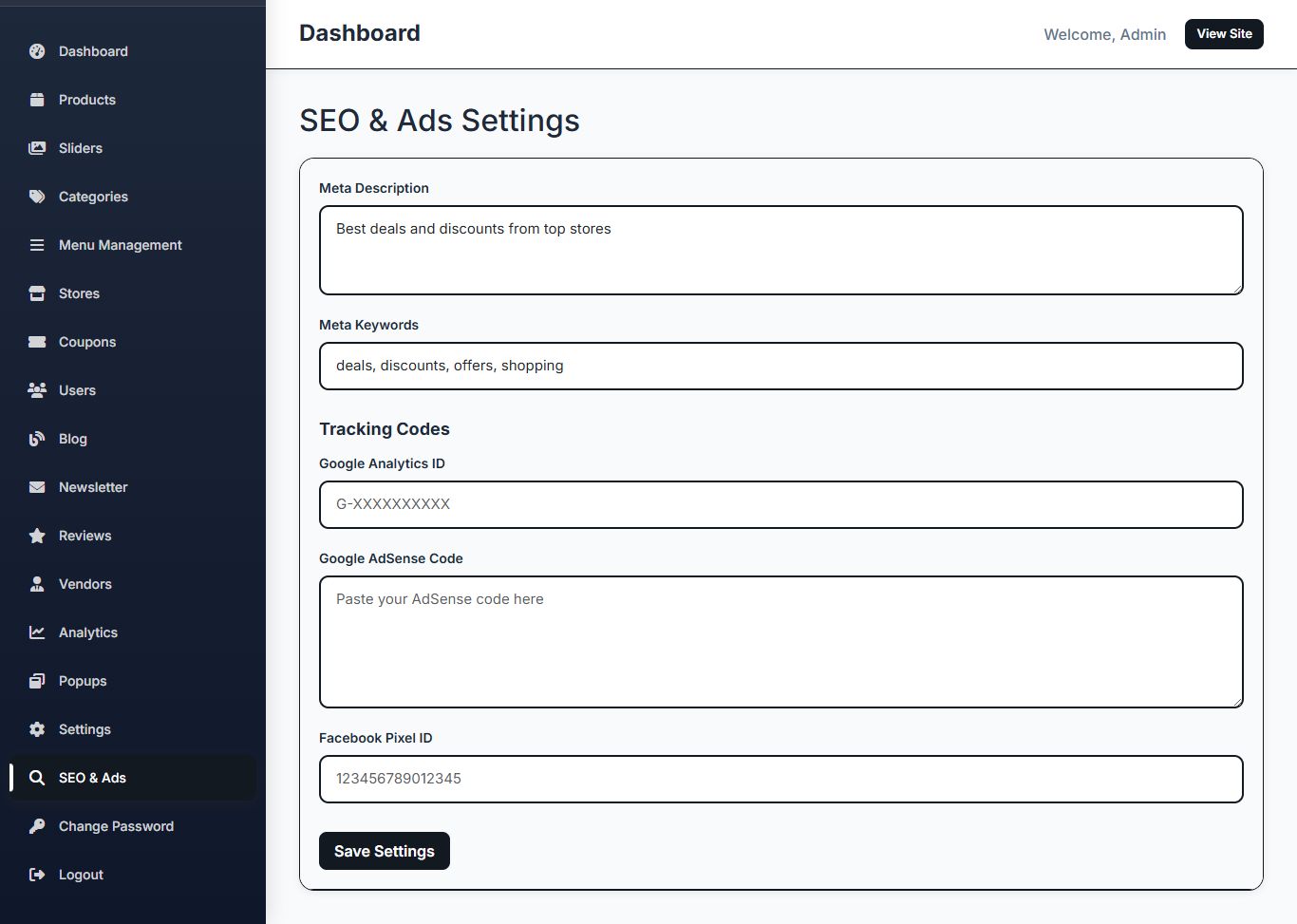
- Advanced SEO Tools: Fully integrated admin section for managing meta tags, Google Analytics, AdSense, and Facebook Pixel to maximize traffic and conversions.
User Management
- Multi-User Roles: Separate and secure panels for Admin, Registered Users, and Vendors to ensure smooth operations and role-based control.
Authentication
- Google OAuth Integration: Quick and secure registration/login via Google, providing a trusted and convenient authentication system for users.
Requirements
System Requirements
To ensure optimal performance and stability, your hosting environment must meet the
following minimum requirements:
• PHP Version: . or higher (PHP .x is recommended).
• MySQL Version: . or higher, or MariaDB equivalent.
• Web Server: Apache with mod_rewrite enabled (required for clean URLs/SEO).
• PHP Extensions: PDO, cURL, GD Library, and OpenSSL.
• Hosting: Compatible with standard shared hosting environments (e.g., cPanel,
Hostinger).
Instructions
Step : Upload Files
. Unzip the main package file ( DealMart-PHPDeals&eCommerceScript.zip ).
. Upload all the extracted files and folders to your web server's root directory (e.g.,
public_html or www ).
.. Step : Create Database
. Log in to your hosting control panel (cPanel, Plesk, etc.).
. Navigate to the MySQL Databases section.
. Create a new database (e.g., dealmart_db ).
. Create a new database user and assign a strong password.
. Ensure the new user is granted ALL PRIVILEGES on the newly created database.
.. Step : Set File Permissions
You must ensure that the web server has write access to certain directories for uploads and
configuration.
Using your FTP client or file manager, set the permissions (CHMOD) for the following
directories to or (if is insufficient):
• uploads/
• uploads/products/
• uploads/categories/
• uploads/stores/
• uploads/blog/
• uploads/users/
• includes/
.. Step : Run the Web Installer
. Open your web browser and navigate to the installation script:
http://yourdomain.com/install....
. Database Configuration: Enter the database credentials you created in Step .
• Database Host (usually localhost )
• Database Name
• Database Username
• Database Password
. Click "Continue". The script will automatically create all necessary database tables.
. Admin Account Setup: Create your primary administrator account.
• Admin Username
• Admin Email
• Admin Password
. Click "Complete Installation".
.. Step : Post-Installation Security (Crucial)
For security purposes, you MUST delete the installation files after the process is complete:
• Delete install.php
• Delete install-schema.php
. Admin Panel Management
The Admin Panel is the central hub for managing all aspects of your DealMart platform.
Access URL: http://yourdomain.com/admin/lo...
.. General Settings
Navigate to Admin Panel > Settings to configure site-wide options:
Setting Description
Site Name / Email
The primary name and contact email for your
platform.
Base Currency / Language
Set the default currency and language for the
frontend. Additional currencies and languages
can be managed in their respective sections.
Items Per Page
Controls the number of products displayed on
listing pages.
Site Logo / Favicon Upload your branding assets.
.. Multi-Vendor System
The script supports a multi-vendor model, allowing other users to register as vendors and
list their own affiliate products.
• Vendor Registration: Vendors can register via vendor-register.php .
• Vendor Login: Vendors access their dedicated panel via vendor-login.php .
• Admin Management: As an Admin, you can manage and approve vendors via Admin
Panel > Vendors.
.. Content Management
Footer Settings
Customize the "About" text and social media
links (Facebook, Twitter, Instagram, YouTube )
displayed in the footer.
Section Functionality Key Actions
Products
Manage all affiliate product
listings.
Add, Edit, Delete products;
set badges (Featured,
Trending, Hot Deal); track
clicks.
Categories
Organize products into
hierarchical categories.
Create, Edit, Delete
categories; assign icons and
images.
Stores
Manage the affiliate
stores/merchants.
Add, Edit, Delete stores;
upload store logos; add
tracking tags.
Coupons
Create and manage discount
codes.
Set coupon type
(percentage/fixed), value,
expiry date, usage limits, and
assign to specific products or
categories.
Blog
Manage blog categories and
posts.
Create SEO-friendly articles to
drive organic traffic.
Sliders
Manage the main homepage
image slider.
Upload images, set titles,
subtitles, and link URLs.
.. SEO and Analytics
Navigate to Admin Panel > SEO & Ads to optimize your platform for search engines and
integrate third-party services.
• Meta Tags: Set global SEO Title, Meta Description, and Meta Keywords.
• Analytics: Integrate tracking codes for Google Analytics to monitor traffic.
• Advertising: Paste code snippets for Google AdSense or other ad networks.
• Social Tracking: Integrate the Facebook Pixel for advanced marketing and retargeting.
.. User and Authentication
• Users: Manage all registered users, including their status and details.
• Google Authentication: To enable "Login with Google," you must obtain a Client ID
and Client Secret from the Google Developer Console and enter them in Admin Panel
> Settings.
• Redirect URI: http://yourdomain.com/google-c... (Ensure you configure this in
the Google Console ).
. Frontend Usage
.. User Accounts
Users can register and log in to access personalized features:
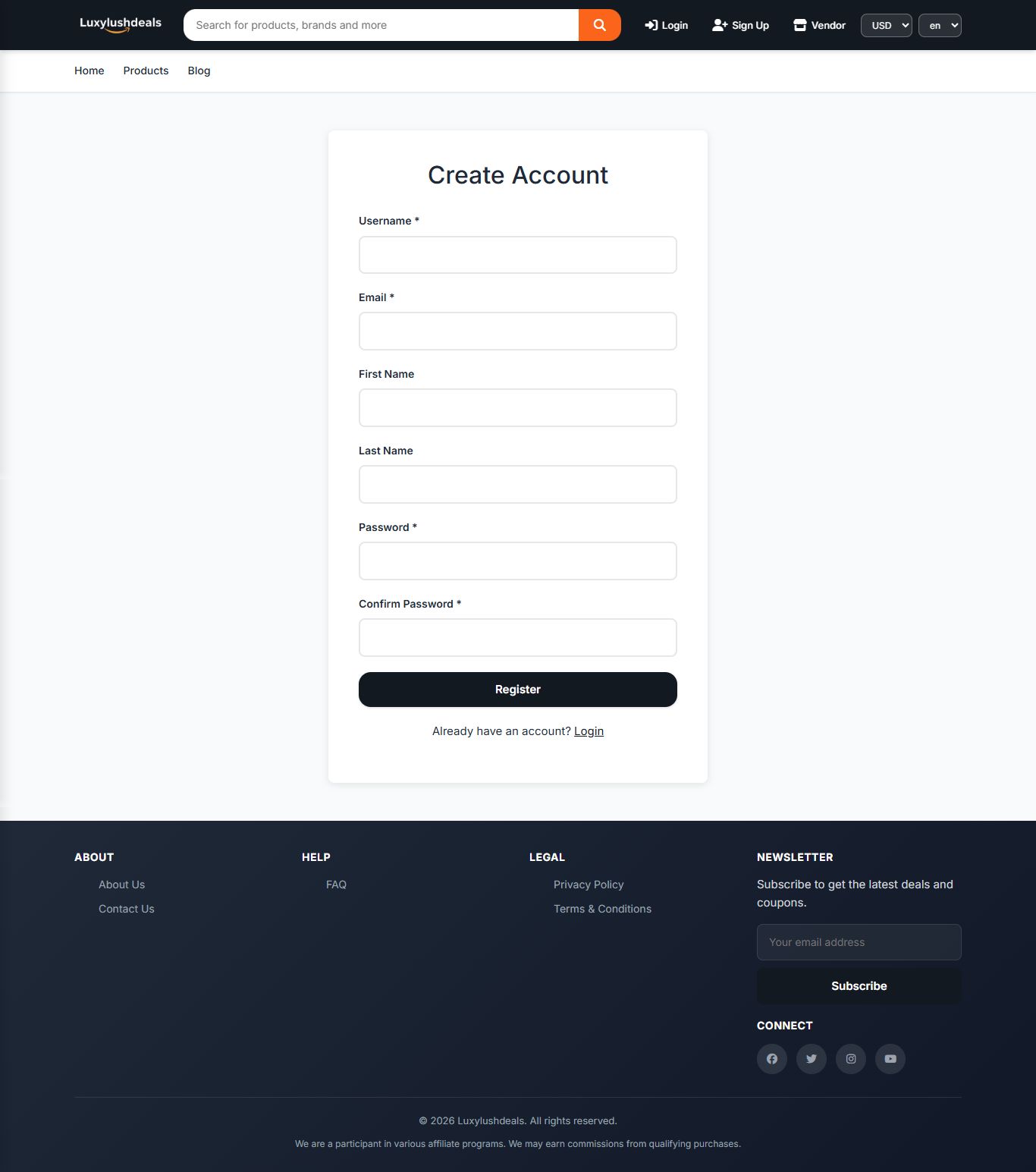
• Registration: Standard email/password or Google OAuth.
• Wishlist: Users can save favorite products for later viewing.
• Reviews: Users can submit ratings and comments on products.
.. Multi-Currency and Multi-Language
The currency and language selectors are typically located in the header. Users can switch
their preferred settings dynamically. The exchange rates and language translations are
Popups
Create timed or event-based
popups.
Configure popups for
announcements, deals, or
newsletter subscriptions.
Menus
Dynamically manage header
and footer navigation links.
Create, edit, and reorder
menu items.
managed by the Admin.
.. Affiliate Link Tracking
The script automatically tracks clicks on affiliate links. When a user clicks the "Get Deal" or
"Buy Now" button, the click is logged in the database, and the user is redirected to the
affiliate URL configured for that product.
. Support and Customization
For technical support, bug reports, or feature requests related to the DealMart script, please
contact the developer directly using the information provided in Section ..
Note on Customization: The script is built using native PHP, making it highly flexible and
easy to customize for experienced PHP developers. All core functions are located in
includes/functions.php , and the database schema is defined in install-schema.php .
Other items by this author


|
PHP Script Installation Service
Don't worry about the installation of your script! Have your PHP Script installed for you.
|
$39 | Buy now |
| Category | Scripts & Code / PHP Scripts / Affiliate |
| First release | 16 January 2026 |
| Last update | 16 January 2026 |
| Software version | PHP 7.4, PHP 8.0, PHP 8.1, PHP 8.3, PHP 8.4 |
| Files included | .php, .css, .html, .sql, Javascript .js |
| Tags | php ecommerce, affiliate marketing, store management, affiliate script, multi vendor, google login, coupon code, product listing, deals script, coupon marketplace, cashback script, responsive shop, dealmart, affiliate tracker |