Logo Craft AI – Instant Logo CreatorLogo Craft AI – Instant Logo Creator
Create professional logos in seconds with Logo Craft AI, an intelligent AI-powered logo generator.
Logo Craft AI – Instant Logo Creator
Create professional logos in seconds with Logo Craft AI, an intelligent AI-powered logo generator.
Screenshots
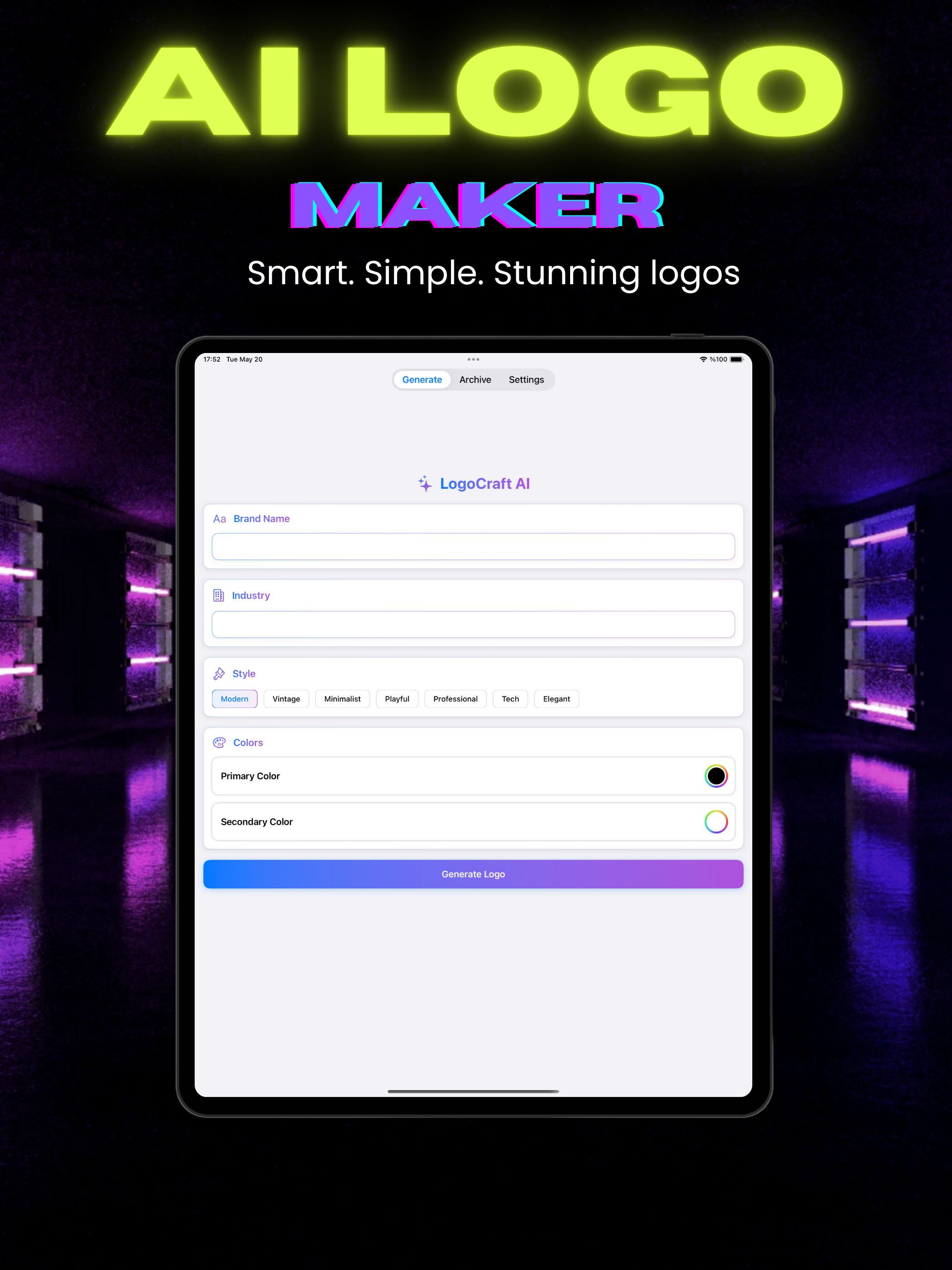
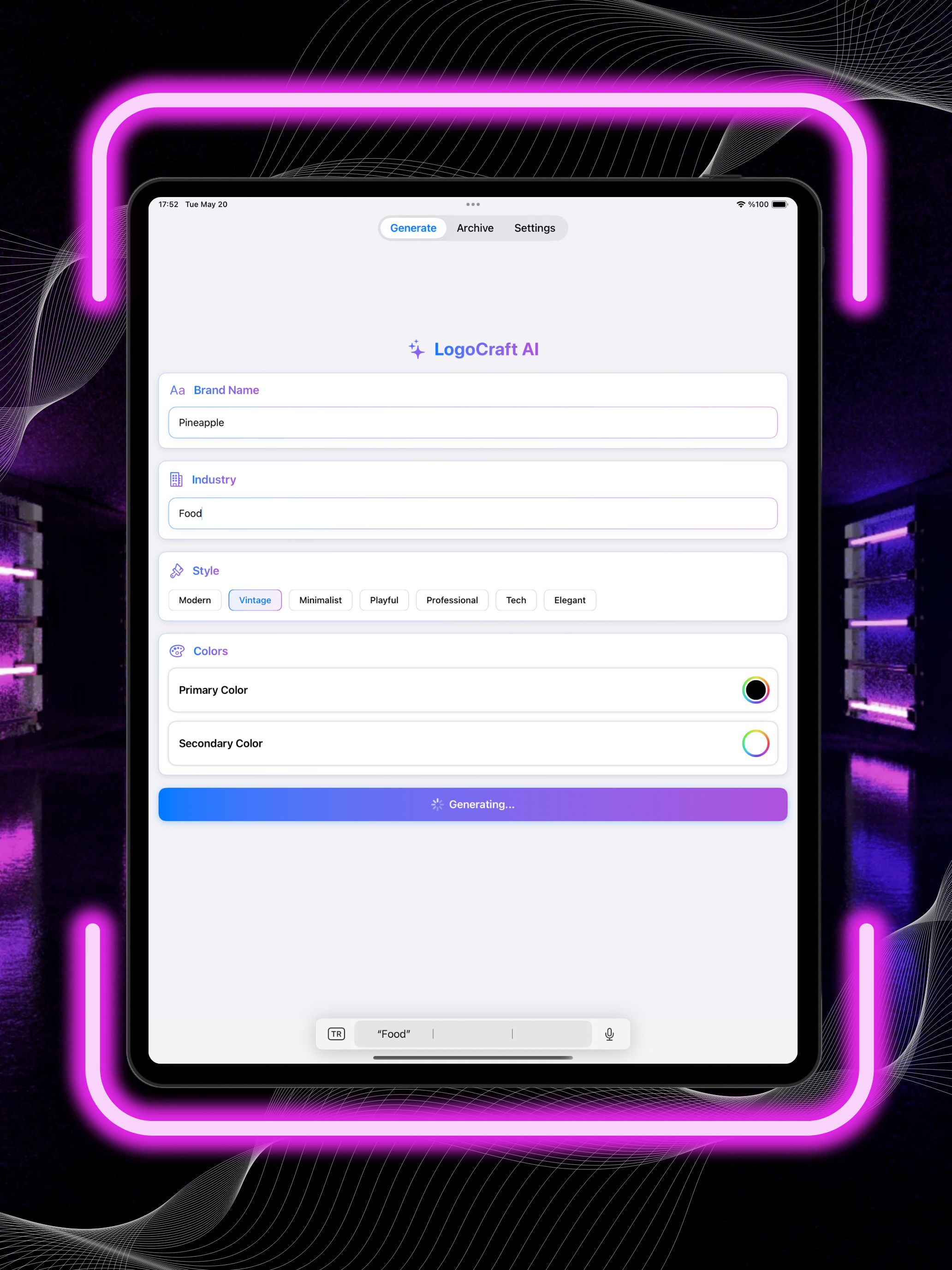
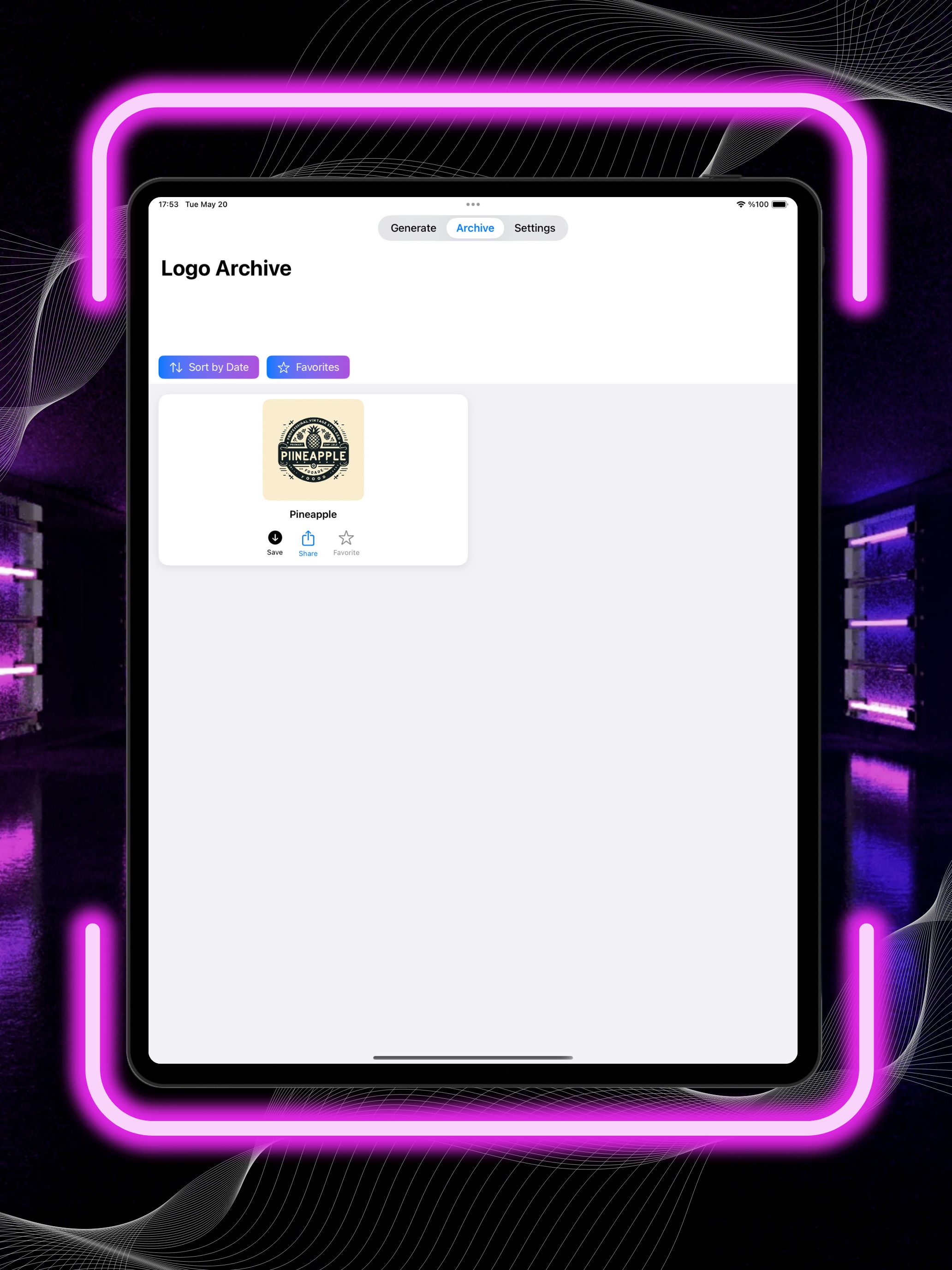
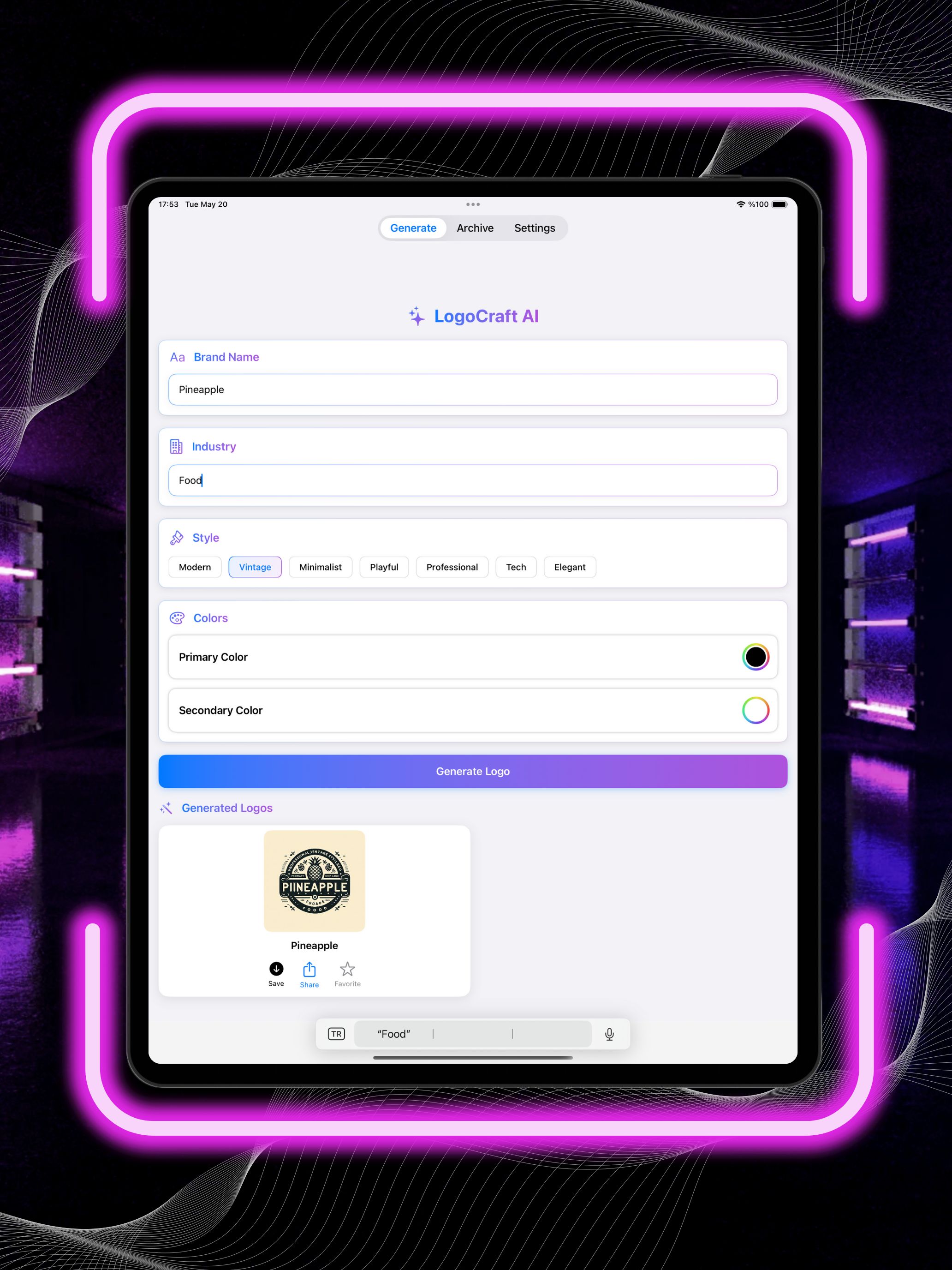
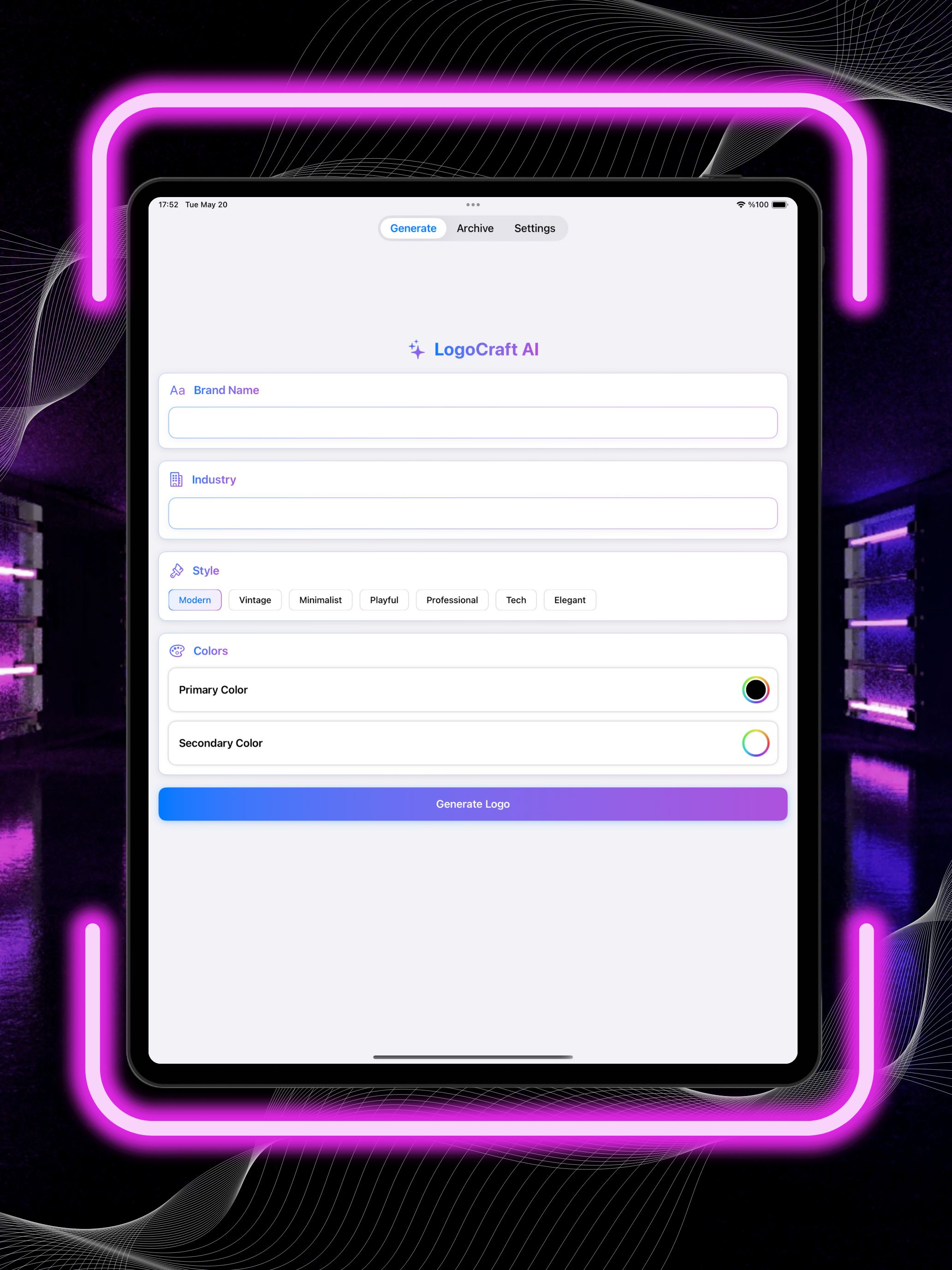
Overview
Logo Craft AI is a modern, ready-to-publish mobile application that helps users generate unique logo concepts in seconds using AI. It’s designed for startups, small businesses, creators, and anyone who wants a fast and simple way to explore brand identities.
The app provides an easy flow: users enter their brand name (and optional style preferences), generate multiple logo variations, preview them on mockups, and export their favorite results. Monetization is built-in with AdMob ads and optional In-App Purchases to unlock premium features such as higher quality exports, more generations, and ad-free usage (depending on your configuration).
Logo Craft AI is built to be easily reskinned. You can quickly adjust the app name, launcher icon, splash screen, brand colors, typography, and text labels to match your own branding, then publish under your developer account.
This app is built to be easy to reskin and customize, even for developers with basic mobile experience.
You can fully rebrand the app without touching the core logic.
Follow the steps below to adapt the app to your own brand.
1. App Name & Bundle ID
- Open the project in Xcode
- Select the main target
- Update:
- App Display Name
- Bundle Identifier
- Version & Build Number (optional)
2. App Icon
App Icon
- Replace the app icons with your own design
3. OpenAI API Key
- Create your OpenAI API key
- Add it to the configuration file.
- Rebuild the project.
4. AdMob Setup
- Replace test AdMob IDs with your own.
5. In-App Purchase (IAP) Setup
- Create your products in App Store Connect
- Replace Product IDs in the IAP manager file
- Test purchases using sandbox or internal testing
Features
- AI-powered logo generation flow (prompt-based / brand-name based)
- Multiple logo variations per request
- Favorites / save results (optional, if enabled in your build)
- Export / download generated logos (resolution based on your settings)
- AdMob integration (banner / interstitial / rewarded, depending on setup)
- In-App Purchase support (premium unlocks such as ad-free, more credits, HD export)
- Simple onboarding and clean UI for fast conversion
- Easy reskin structure: app name, icons, splash, colors, fonts, copy
- Ready for production build & store submission after reskin + API setup
Requirements
- Apple Developer Account
- Xcode
- Google AdMob account (for ad configuration)
- Basic Swift knowledge (to customize/reskin if needed)
- OpenAI API Key (for AI logo generation)
- In-App Purchase configuration
Instructions
- Open project in Xcode
- Create an OpenAI API key
- Replace your Bundle ID, set up AdMob IDs, IAP Products and API Key
- Customize the app icon, colors, and anything you want if needed
- Build, test on iPhone/iPad, and submit to App Store
Other items by this author



|
Android App Reskin Service
Have your App reskinned to meet your needs.
|
$499 | Buy now |
| Category | App Templates / Android / Applications / AI |
| First release | 20 January 2026 |
| Last update | 20 January 2026 |
| Tags | admob, in-app purchases, IAP, iOS app, swiftui, logo generator, ai powered, ai logo generator, ai logo maker |