Home / App Templates / Android / Applications / AI

SmartGenie - AI Chatbot Flutter App TemplateSmartGenie - AI Chatbot Flutter App Template
Premium Flutter AI Chat UI Kit. Modern & clean UI for Android/iOS. Ready for API integration (OpenAI/Gemini). Easy to customizHome / App Templates / Android / Applications / AI
SmartGenie - AI Chatbot Flutter App Template
Premium Flutter AI Chat UI Kit. Modern & clean UI for Android/iOS. Ready for API integration ...
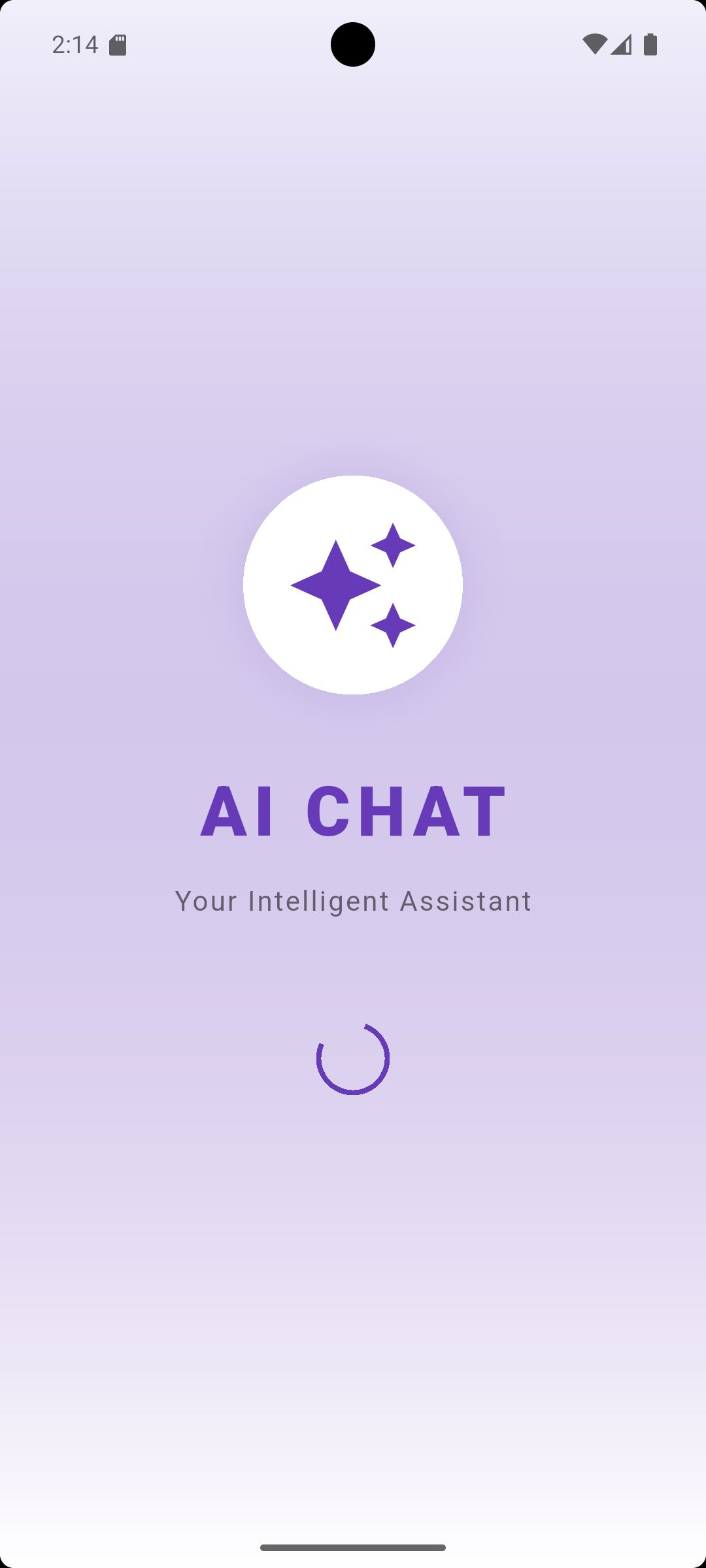
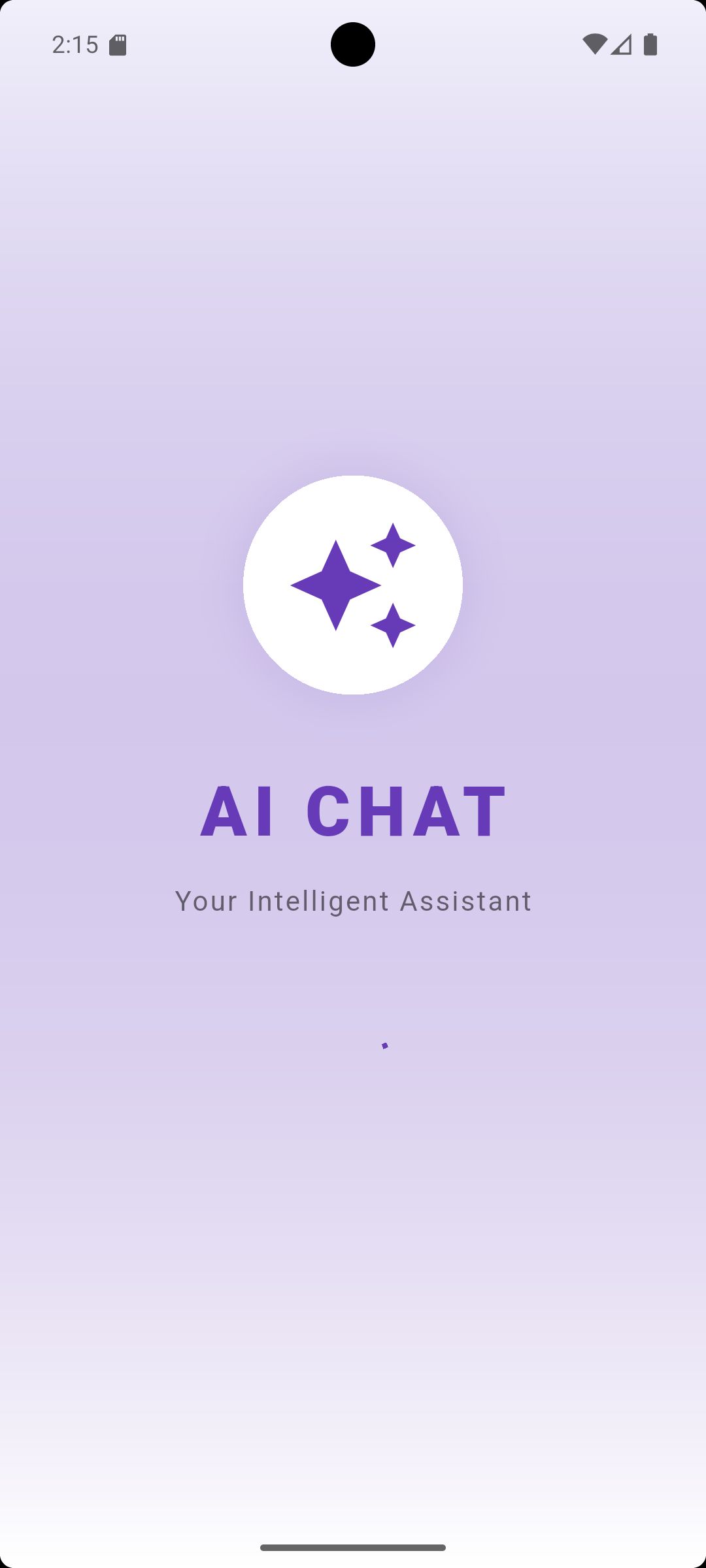
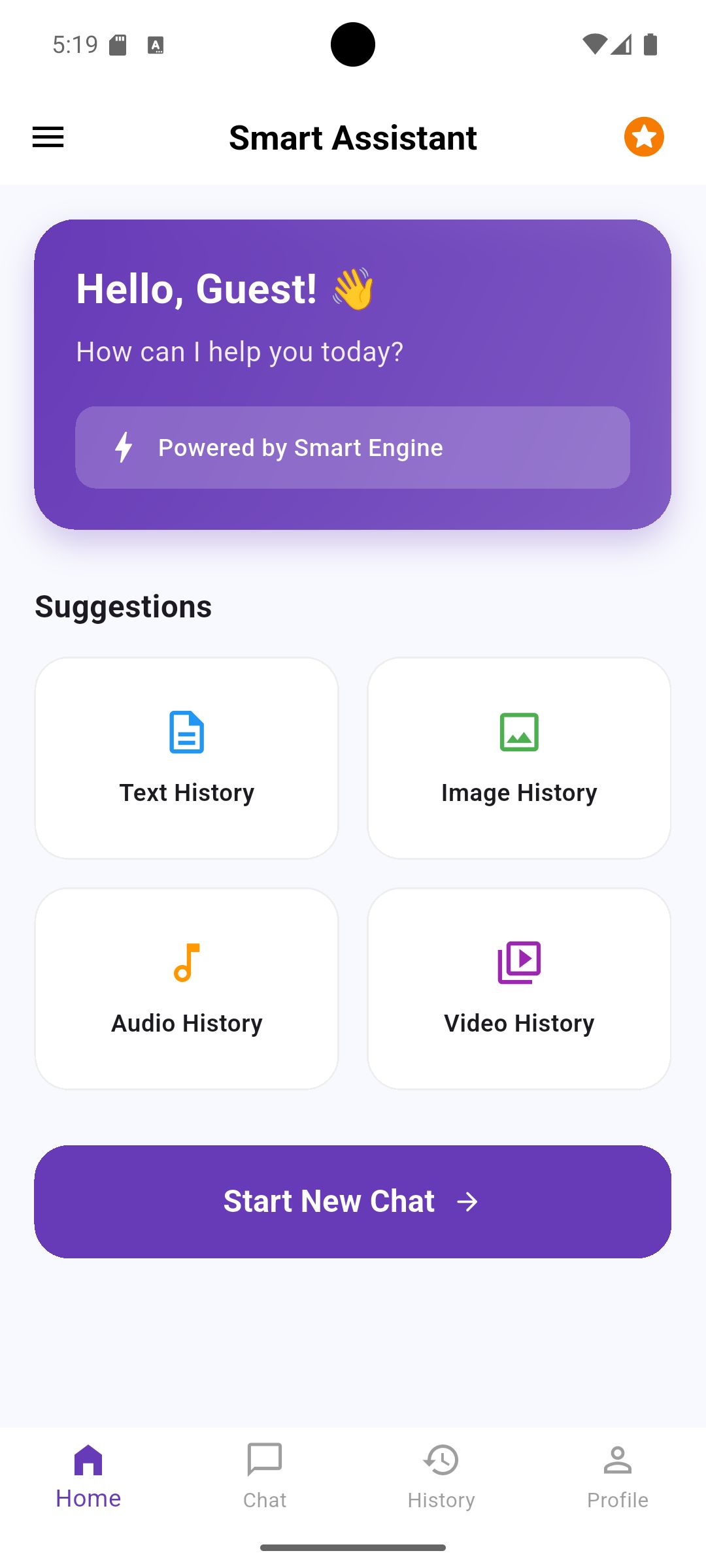
Screenshots

Overview
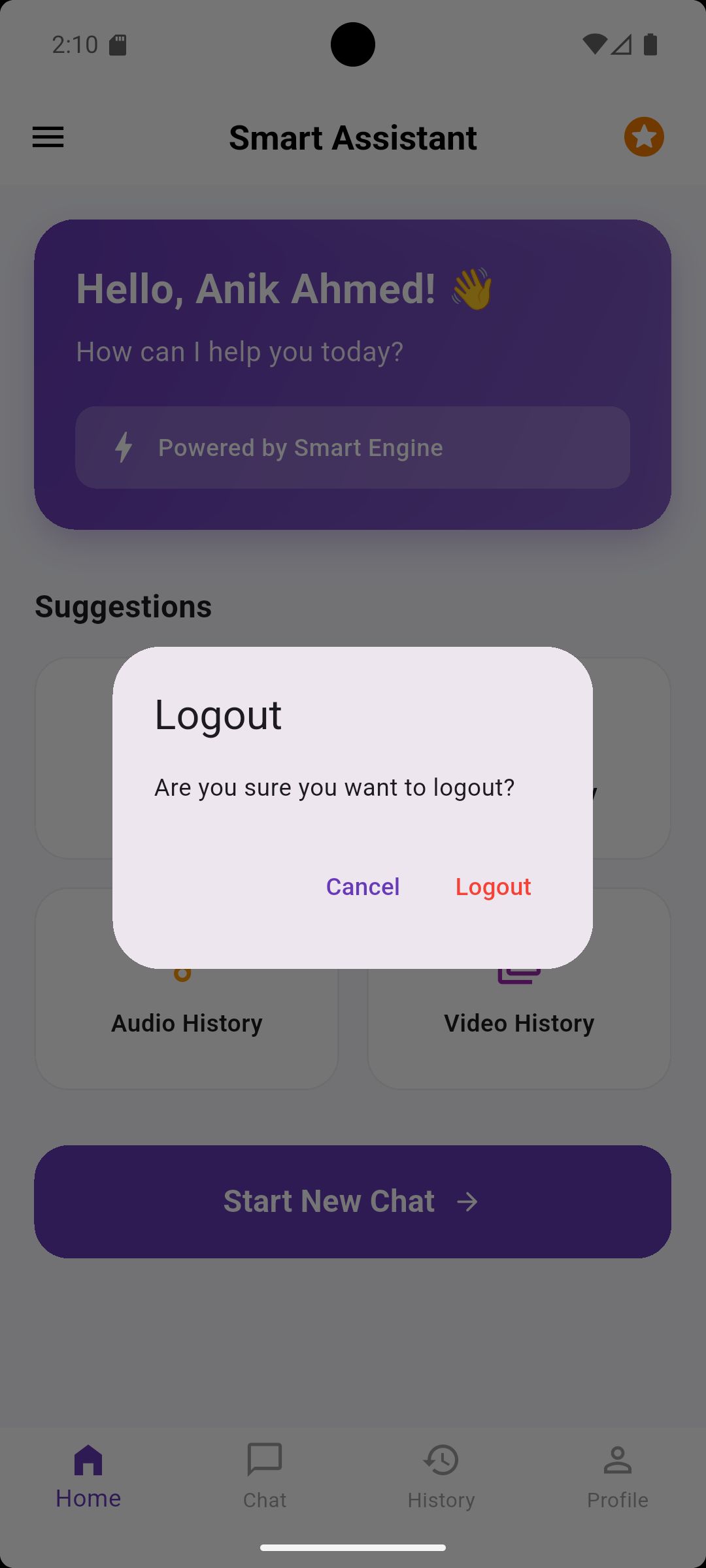
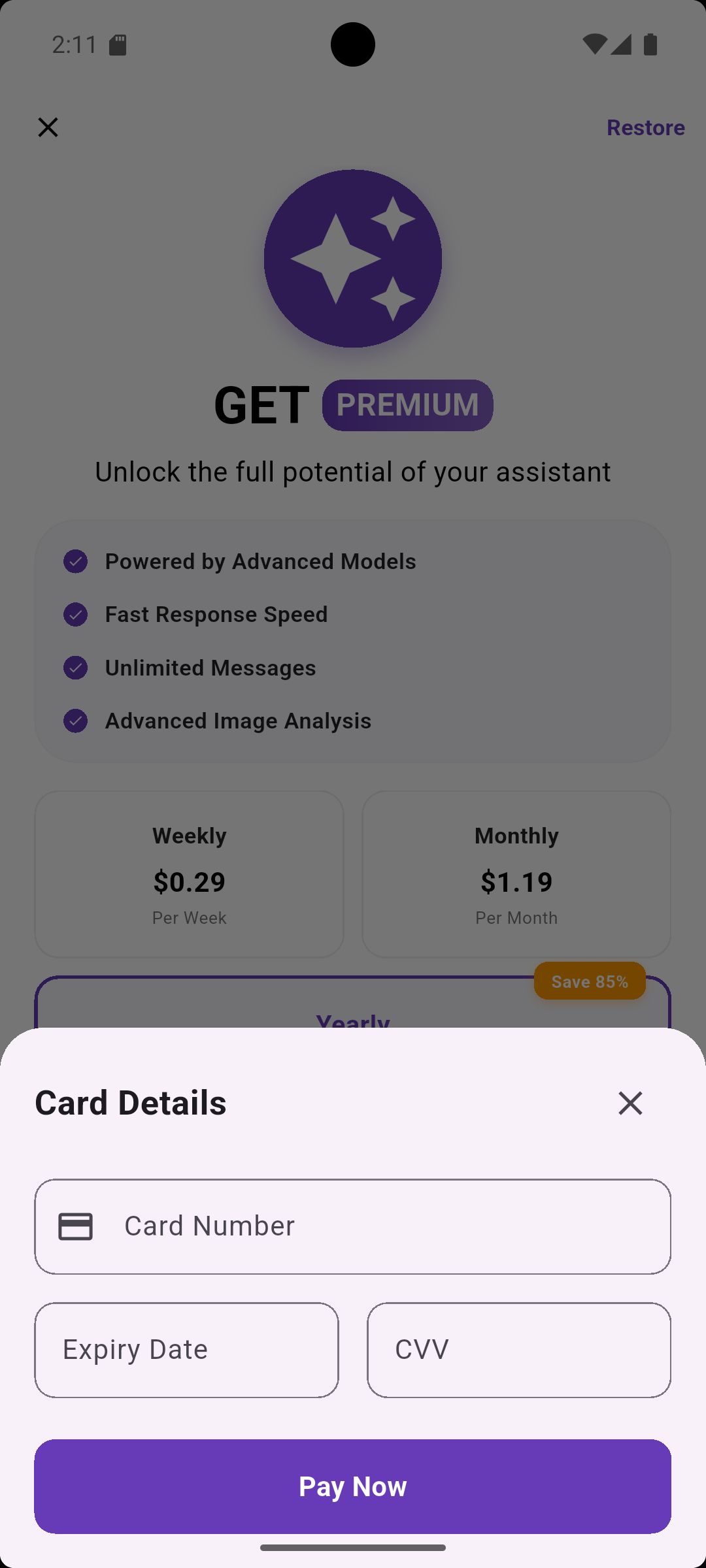
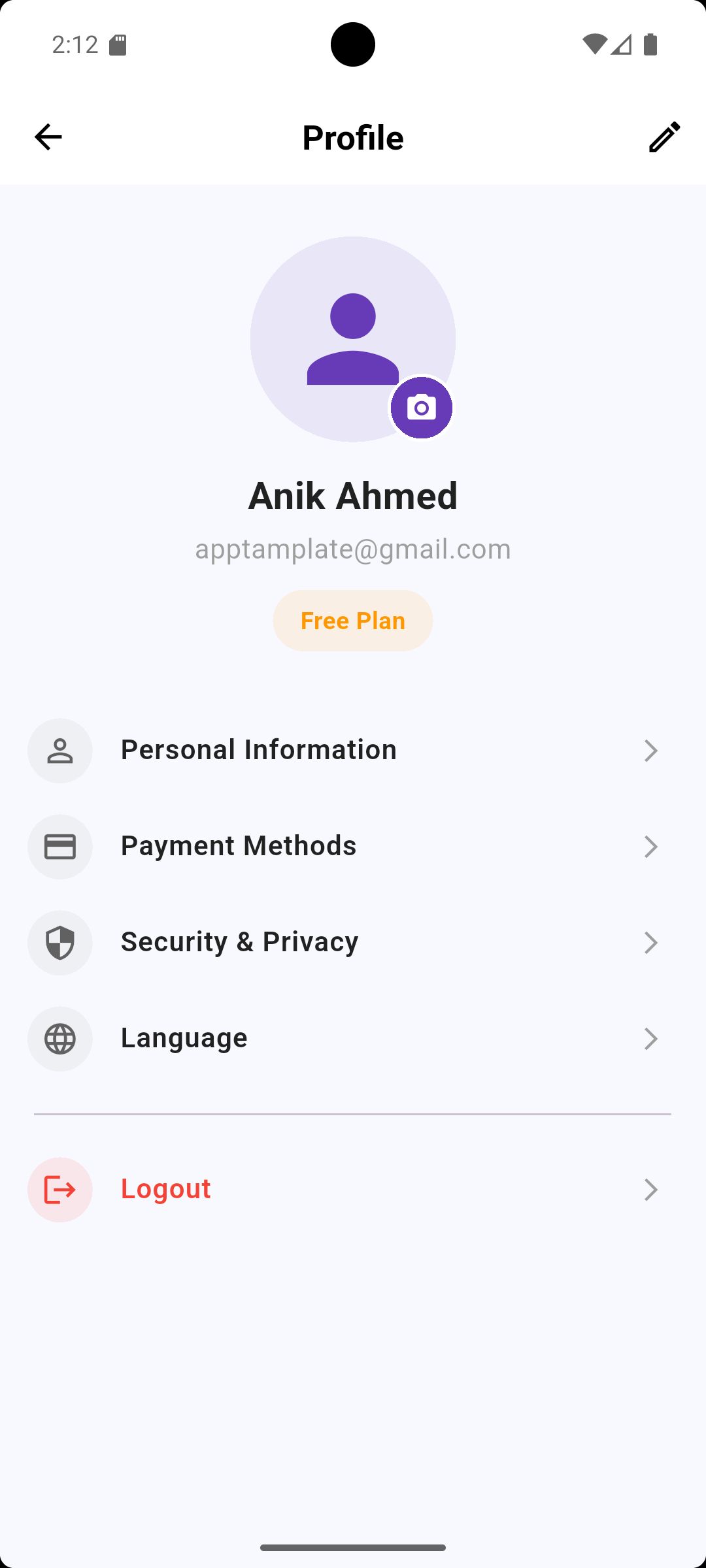
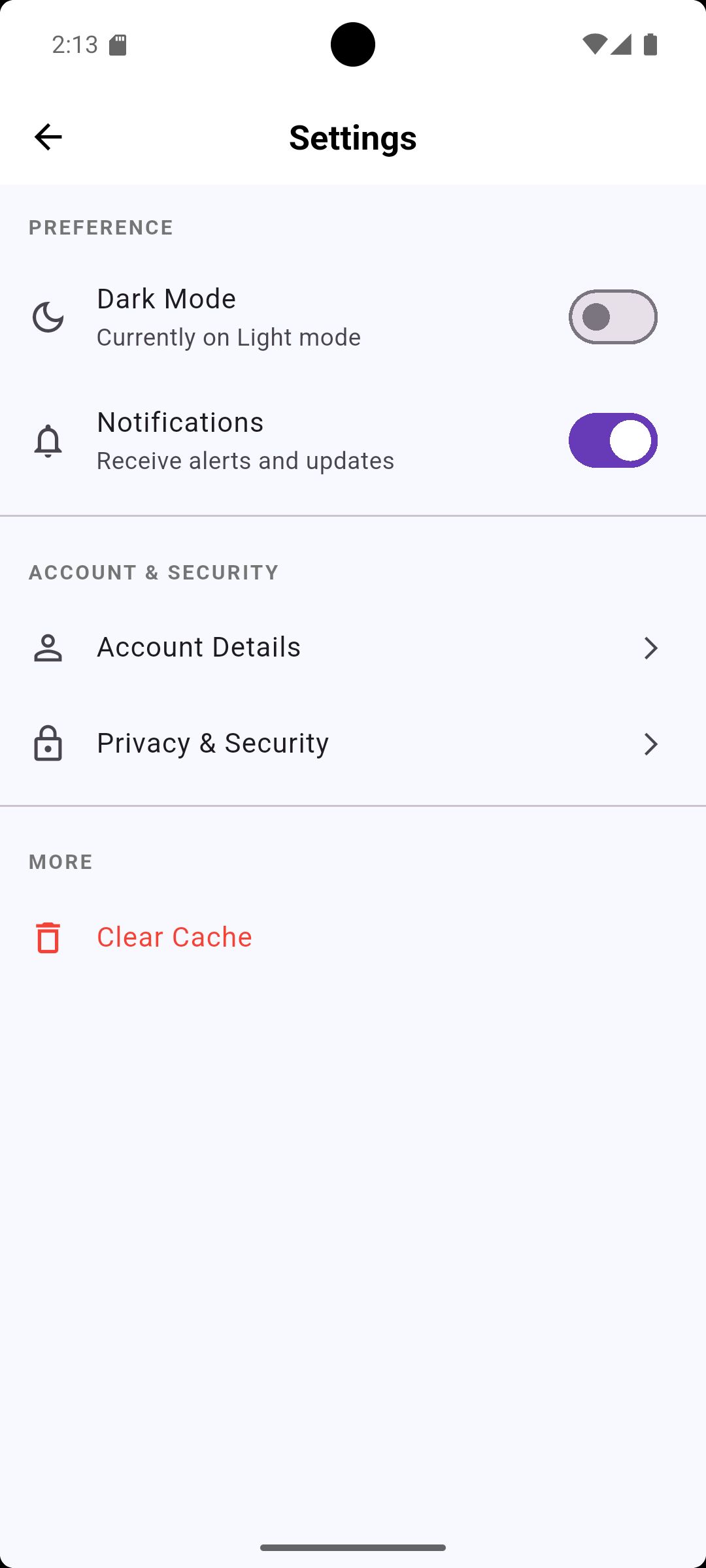
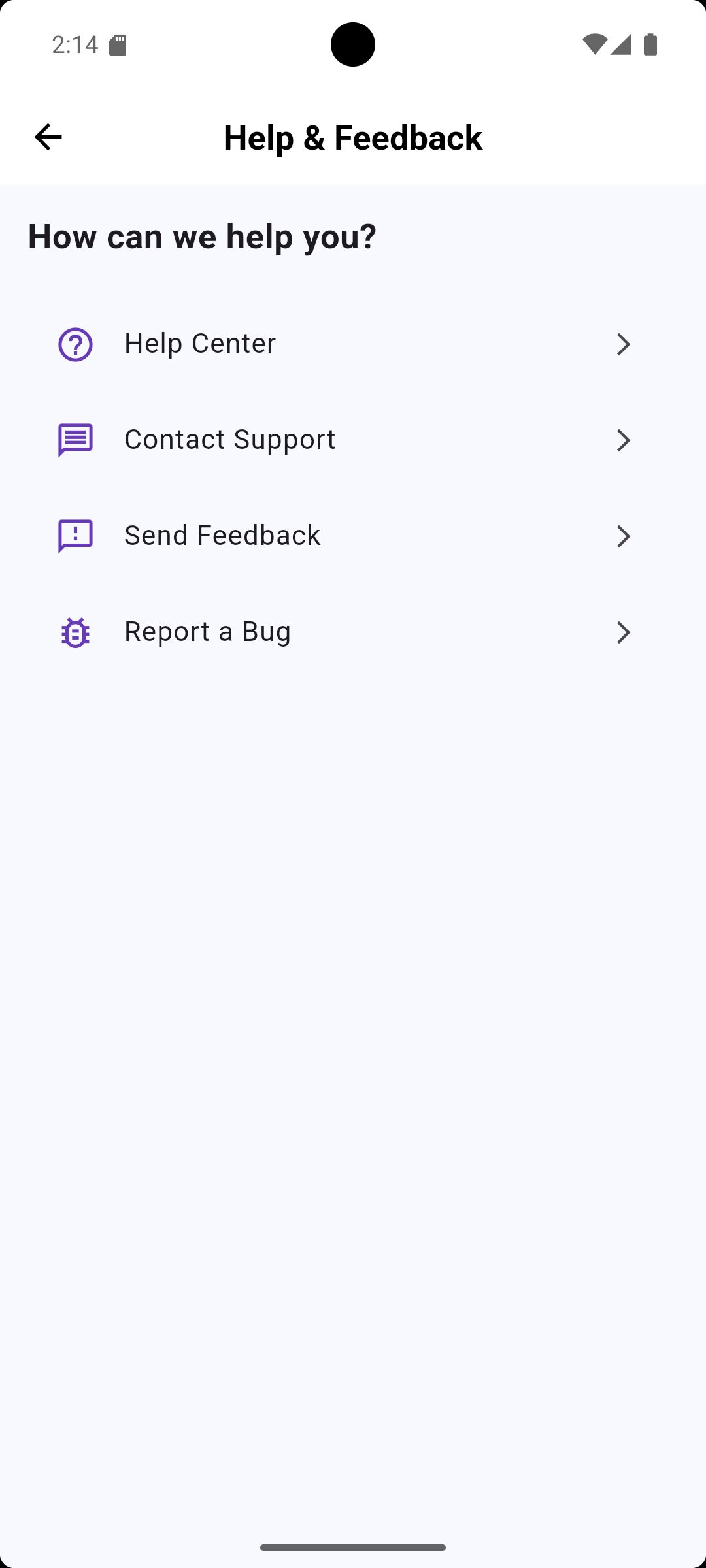
SmartGenie is a premium Flutter UI Template designed for creating professional AI Chatbot applications. It provides a complete frontend solution for Android and iOS with a modern and sleek user interface.
Note: This is a UI Template / Starter Kit. You will need to integrate your own AI backend or API (like OpenAI GPT, Google Gemini, or Claude) to make the chat functional.
What’s Included:
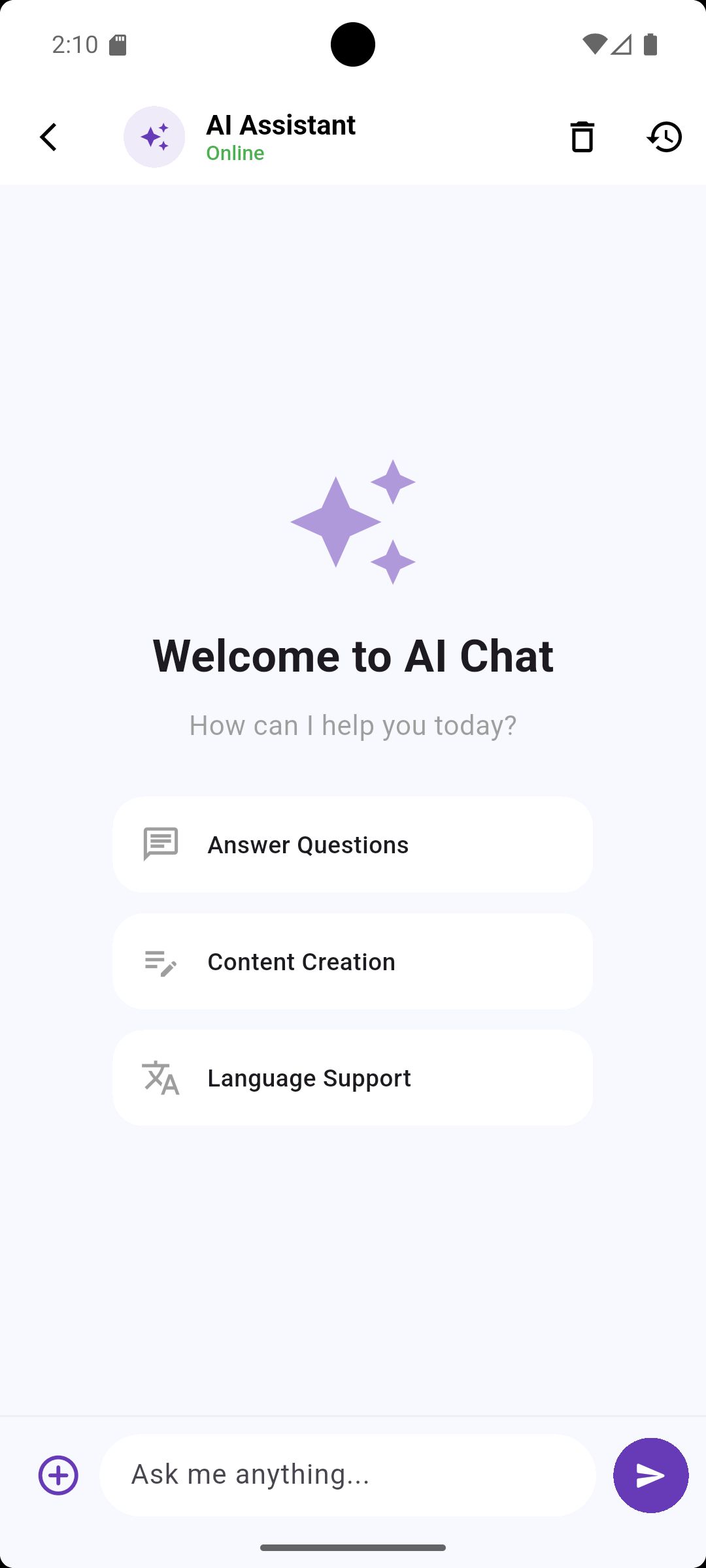
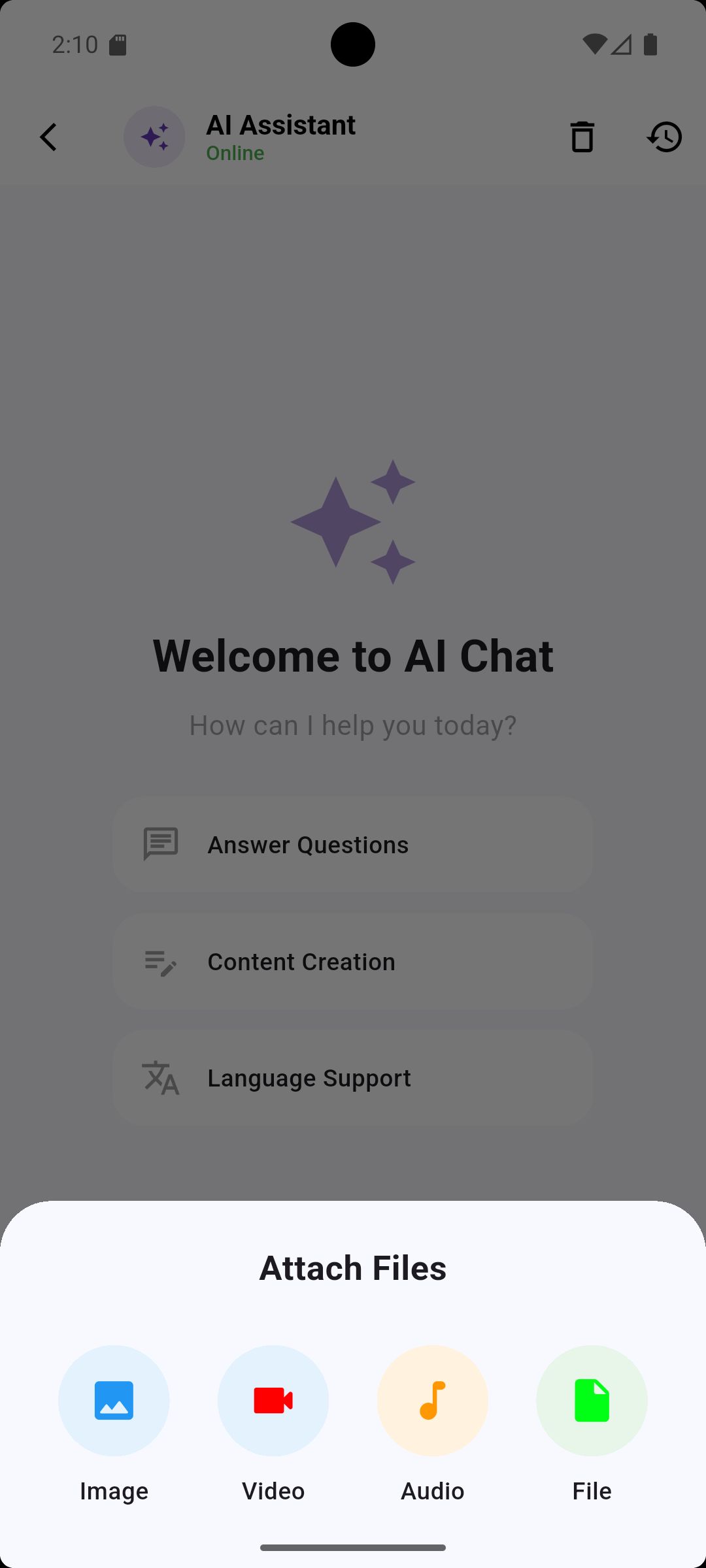
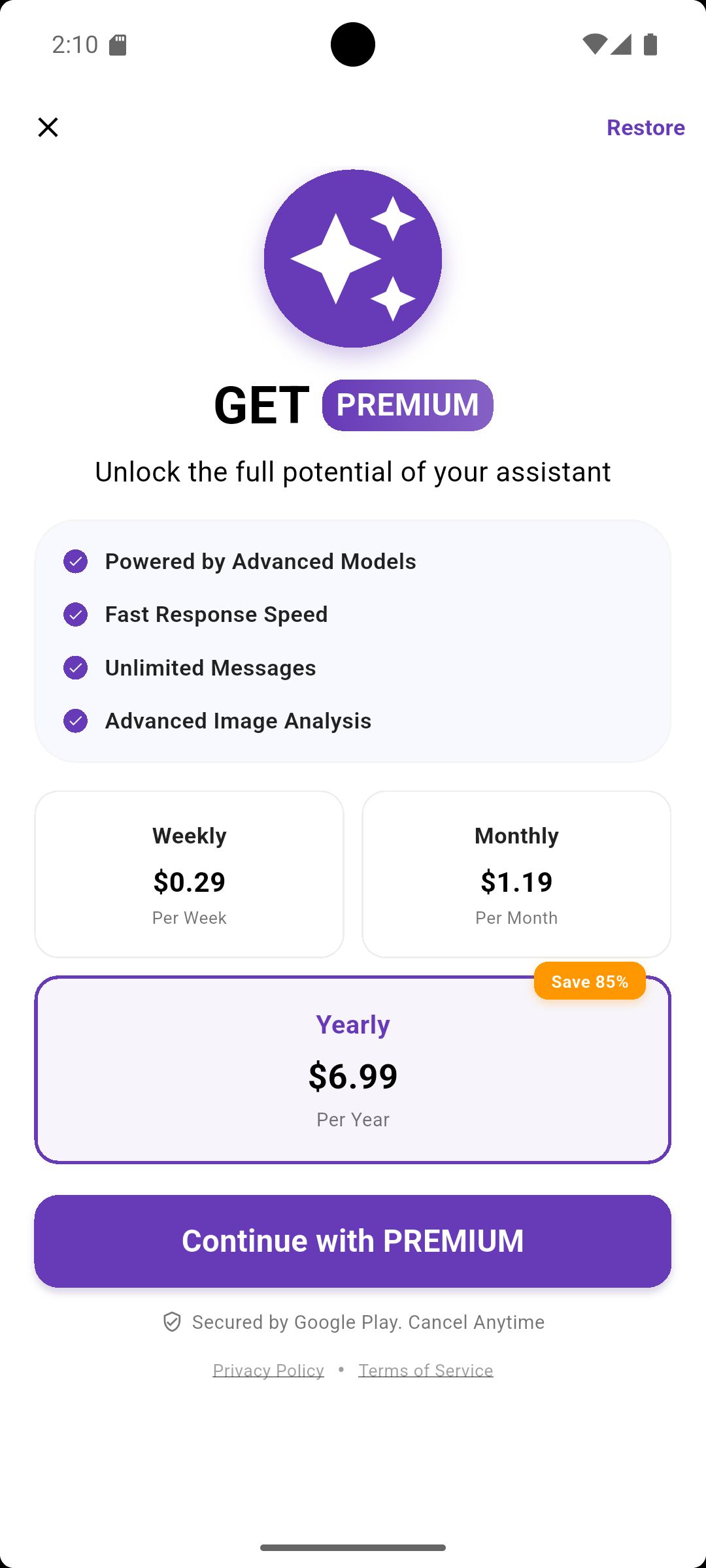
- Complete UI Kit: All screens shown in the screenshots are included.
- Responsive Design: Works perfectly on all screen sizes.
- Clean Source Code: Well-organized Dart code for easy integration.
- Chat History UI: Pre-built layouts for text, image, and media history.
Whether you are a developer looking to save 100+ hours of UI design or a startup building a MVP, SmartGenie is the perfect foundation for your AI project.
Features
- Modern AI Chat Interface: Fully designed and ready to connect to an API.
- Ready-to-Integrate: Clean architecture to easily plug in OpenAI or Gemini APIs.
- Multi-Language UI Support: Layouts designed to handle multiple languages.
- Rich Media Placeholders: UI support for Text, Image, Audio, and Video messages.
- Full Source Code: Get the complete Flutter project for Android & iOS.
- Modern & Dark/Light Compatible: A clean look that follows the latest trends.
Requirements
- Flutter SDK (Latest Version)
- Dart Knowledge (for API integration)
- AI API Key: You must provide your own API key (OpenAI/Gemini/etc.) to make it functional.
- Android Studio or VS Code.
Instructions
Installation and Setup Instructions
Thank you for purchasing SmartGenie: AI Chatbot Assistant. Follow these steps to set up the project:
1. Prerequisites
- Ensure the latest Flutter SDK is installed.
- Use Android Studio or VS Code as your IDE.
2. Project Setup
- Extract the downloaded .zip file.
- Open the folder in your IDE.
- In the terminal, run: flutter pub get to install all dependencies.
3. API Integration (Crucial Step)
- Important: This is a UI Template. You must integrate your own AI API (like OpenAI GPT or Google Gemini) to make the chat functional.
- Go to the service/controller folder and add your API logic there using your unique API key.
4. Running the App
- Connect your device/emulator and run: flutter run
5. Customization
- Change app colors in the theme or constants file.
- Replace assets in the assets/ folder to use your own logo and branding.
Support: If you have any questions regarding the UI structure, feel free to contact me via my Codester profile.
Other items by this author




Information
| Category | App Templates / Android / Applications / AI |
| First release | 26 January 2026 |
| Last update | 26 January 2026 |
| Operating Systems | Android 7.0, Android 8.0, iOS 11.0, Android 9.0, iOS 12.0, Android 10.0, iOS 14.0, iOS 13.0, iOS 15.0, Android 11.0, Android 12.0, Android 5.0, Android 6.0 |
| Files included | .swift, .java, .xml |
| Tags | android app, app template, iOS app, mobile app, dart, UI KIT, chat app, flutter, flutter template, chatgpt, ai chatbot, ai assistant, clean ui, gemini ai, smart genie |