Time Warp Scan - Viral Face Filter App - Android Time Warp Scan - Viral Face Filter App - Android
Premium Time Warp Scan App Source Code. Android 15 Ready, AdMob, FB & AppLovin Ads, Modern UI & OneSignal included.
Time Warp Scan - Viral Face Filter App - Android
Premium Time Warp Scan App Source Code. Android 15 Ready, AdMob, FB & AppLovin Ads, Modern UI...
Screenshots
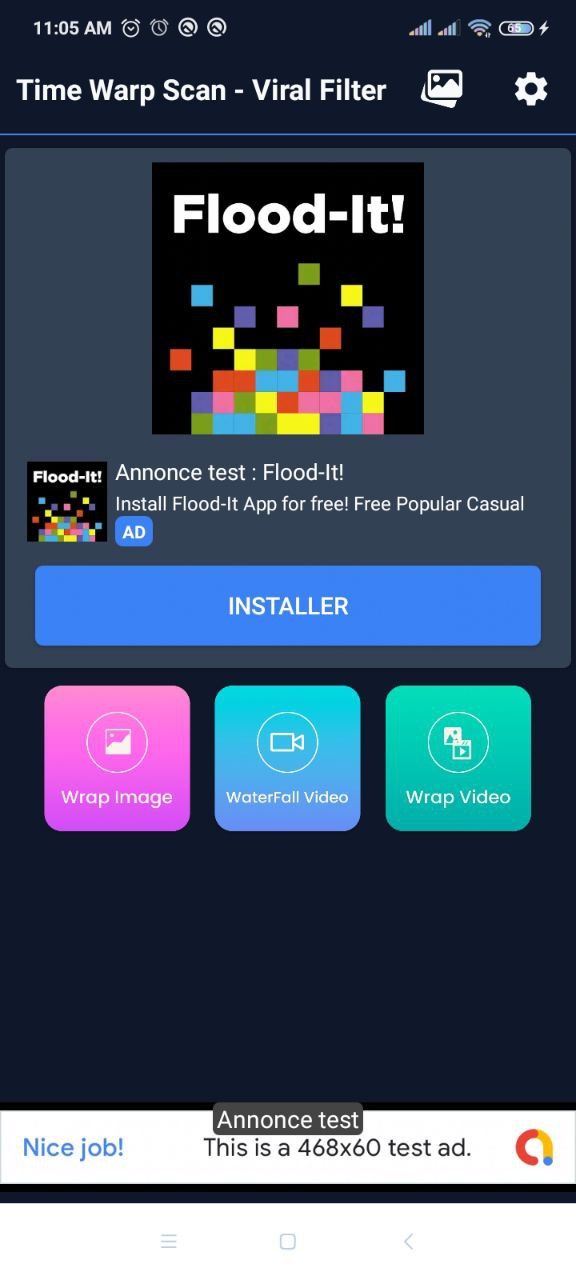

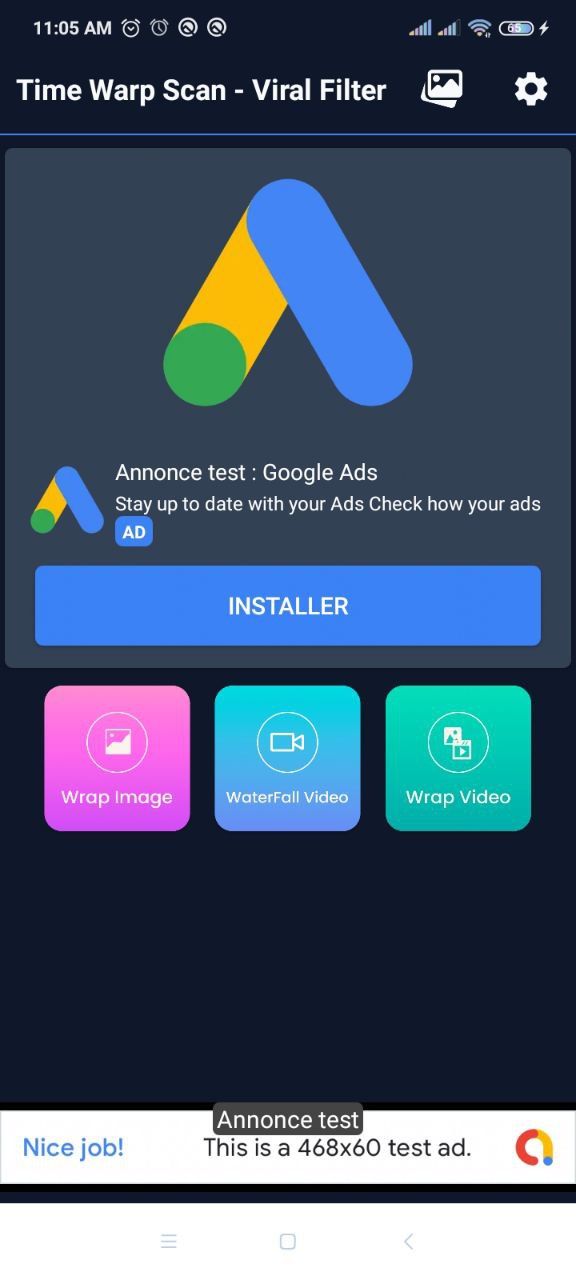
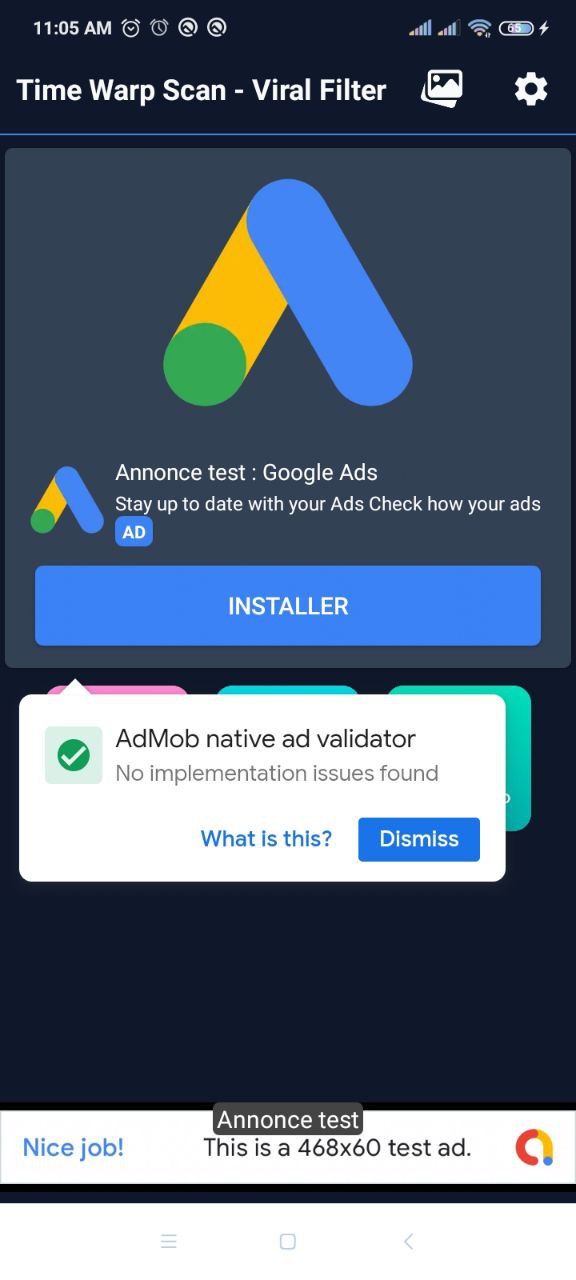
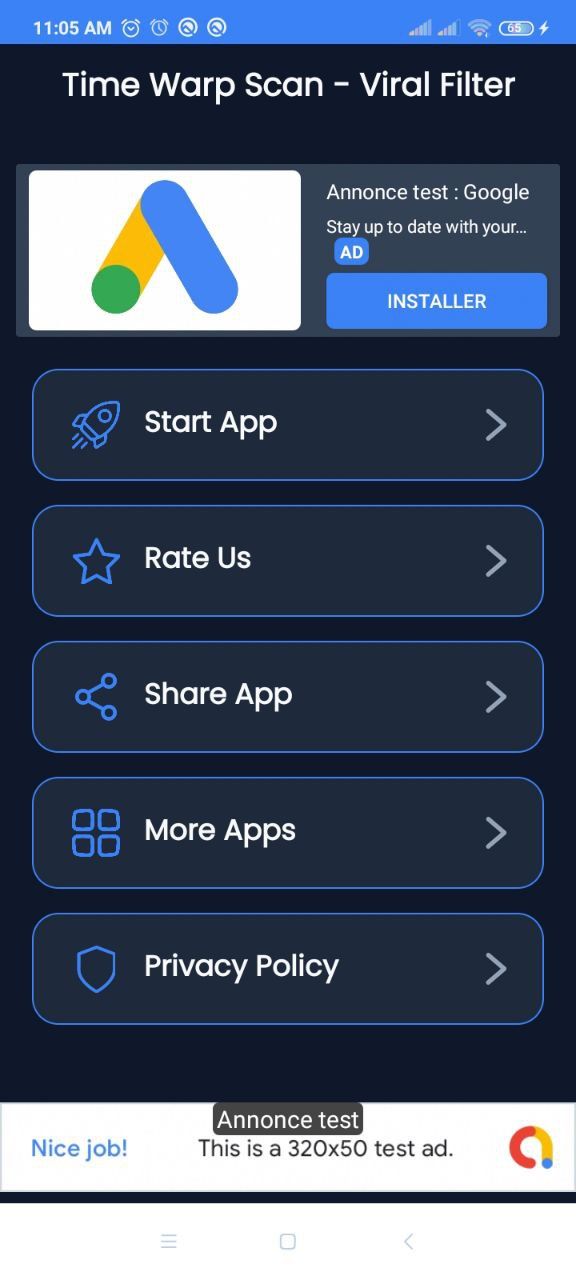
Overview
🚀 Time Warp Scan - Viral Filter App Source Code (Android 15)
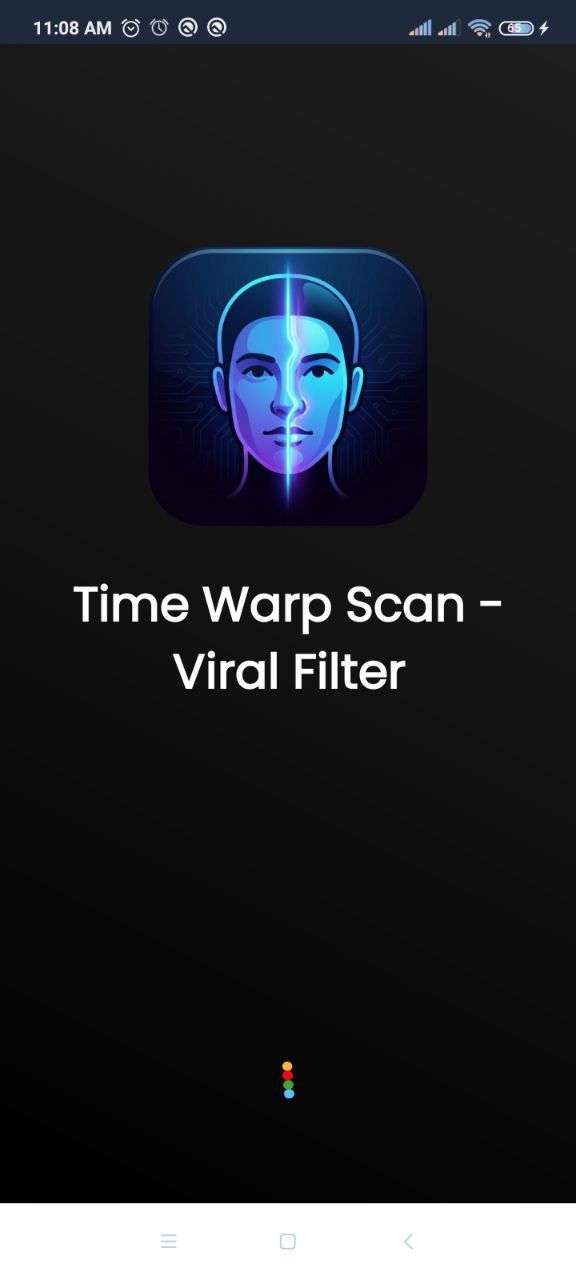
Launch your own version of the #1 Viral TikTok & Instagram Trend! Time Warp Scan is a high-quality, native Android application that lets users create funny and creative visual illusions using the famous blue line scan effect.
This project is built with Native Java and is fully updated for Android 15 (API 35). It comes with a stunning "Electric Cyber" UI design and a powerful monetization system pre-integrated.
💰 Powerful Monetization (3 Ad Networks)
Maximize your revenue with a built-in mediation system. You can easily switch between ad networks or use a mix:
- Google AdMob: Banner, Interstitial, Native, and App Open Ads.
- Facebook Audience Network (Meta): Banner, Interstitial, and Native Ads.
- AppLovin MAX: High-paying Mediation support.
- In-App Purchases: Ready for removing ads (Google Play Billing).
🌟 Key Features
- Viral Effect: High-performance Time Warp filter (Vertical & Horizontal scan).
- Modern UI: Beautiful "Electric Cyber" dark theme with neon accents.
- CameraX Technology: Fast and stable camera usage on all devices.
- Gallery & Share: Users can save creations and share directly to TikTok, Instagram, WhatsApp, etc.
- Push Notifications: OneSignal integrated to keep users engaged.
- Android 15 Ready: Compiles with the latest SDK and Gradle versions.
- Clean Code: Organized Java code, easy to read and customize.
🛠️ Easy to Reskin
- Simple Configuration: Change App Name, Package Name, and Colors easily (Documented).
- Ads Control: Manage all Ad IDs from a single file ( MyApplication.java).
- Documentation: Includes a professional HTML guide with step-by-step instructions.
📦 What You Get
- Full Android Source Code (Java).
- Project Documentation (HTML).
- App Icon & Graphic Assets.
- Lifetime Updates & Support.
Demo & APK
(Add your link here if you have an uploaded APK, or remove this line)
Start earning with the most trending app concept today! Buy Now.
Features
Here is the refined Features list, formatted as a checklist for maximum impact:
- ✅ Viral Time Warp Effect: Top-trending visual filter (Vertical & Horizontal scanning).
- ✅ Native Android (Java): High performance and stable code.
- ✅ Android 15 Ready: Supports the latest API 35 and Gradle.
- ✅ Triple Ad Networks: AdMob, Facebook Audience Network, and AppLovin MAX integration.
- ✅ Ad Formats: Banner, Interstitial, Native, and App Open Ads supported.
- ✅ Push Notifications: OneSignal Integration with Firebase support.
- ✅ In-App Purchases: Google Play Billing to Remove Ads.
- ✅ Modern UI/UX: Stunning "Electric Cyber" dark theme design.
- ✅ CameraX API: Fast capture and processing.
- ✅ Social Sharing: Direct share to TikTok, Instagram, WhatsApp, etc.
- ✅ My Creation Gallery: In-app gallery to view saved videos and photos.
- ✅ Rate & Feedback: Built-in dialogs to encourage 5-star reviews.
- ✅ Privacy Policy: GDPR compliant link integration.
- ✅ Easy Reskin: Centralized configuration for IDs and Colors.
- ✅ Documentation: Professional HTML guide included.
Requirements
Here is the Requirements section:
- Android Studio: Latest version (Ladybug or newer recommended).
- Java Development Kit (JDK): Version 11 or higher (JDK 17 recommended).
- Android SDK: Minimum SDK 24 (Android 7.0), Target SDK 35 (Android 15).
- Computer: Windows, Mac, or Linux with at least 8GB RAM.
- Accounts (Optional):
- Google AdMob / Facebook / AppLovin (for Ads).
- OneSignal & Firebase (for Notifications).
- Google Play Console (for Publishing).
Instructions
Here is the Instructions section for the listing:
- Unzip the Project: Extract the downloaded folder to your computer.
- Open in Android Studio: Go to
File > Open
and select the project folder. - Sync Gradle: Wait for the dependencies to download and index.
- Rename Package: Use the Refactor tool to change
com.VisionsDevs.TimeWarpScan
to your own package name. - Configure Ads: Open MyApplication.java and enter your AdMob/FB/AppLovin IDs.
- Change Graphics: Replace the App Icon and Splash Screen logo.
- Build Release: Go to
Build > Generate Signed Bundle
to create your.aab
file for the Play Store.
> A detailed HTML documentation file is included in the project folder found at
Documentation/index.html.
Other items by this author


|
Android App Reskin Service
Have your App reskinned to meet your needs.
|
$199 | Buy now |
| Category | App Templates / Android / Applications / Photo |
| First release | 26 January 2026 |
| Last update | 26 January 2026 |
| Operating Systems | Android 7.0, Android 8.0, Android 9.0, Android 10.0, Android 11.0, Android 12.0 |
| Files included | .html, .java, .xml |
| Tags | android, Java, source code, admob, photo editor, funny, reskin, applovin, facebook ads, video filter, camera app, face scanner, time warp, viral filter, tiktok effect |