Laravel 12 Pro- Advanced Project Management SystemLaravel 12 Pro- Advanced Project Management System
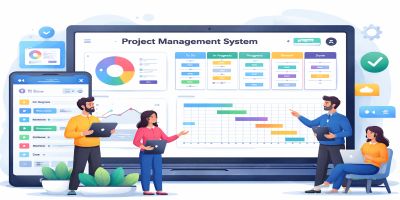
Laravel 12 Project Management System: Track projects, manage tasks, and collaborate with your team.
Laravel 12 Pro- Advanced Project Management System
Laravel 12 Project Management System: Track projects, manage tasks, and collaborate with your team.
Screenshots

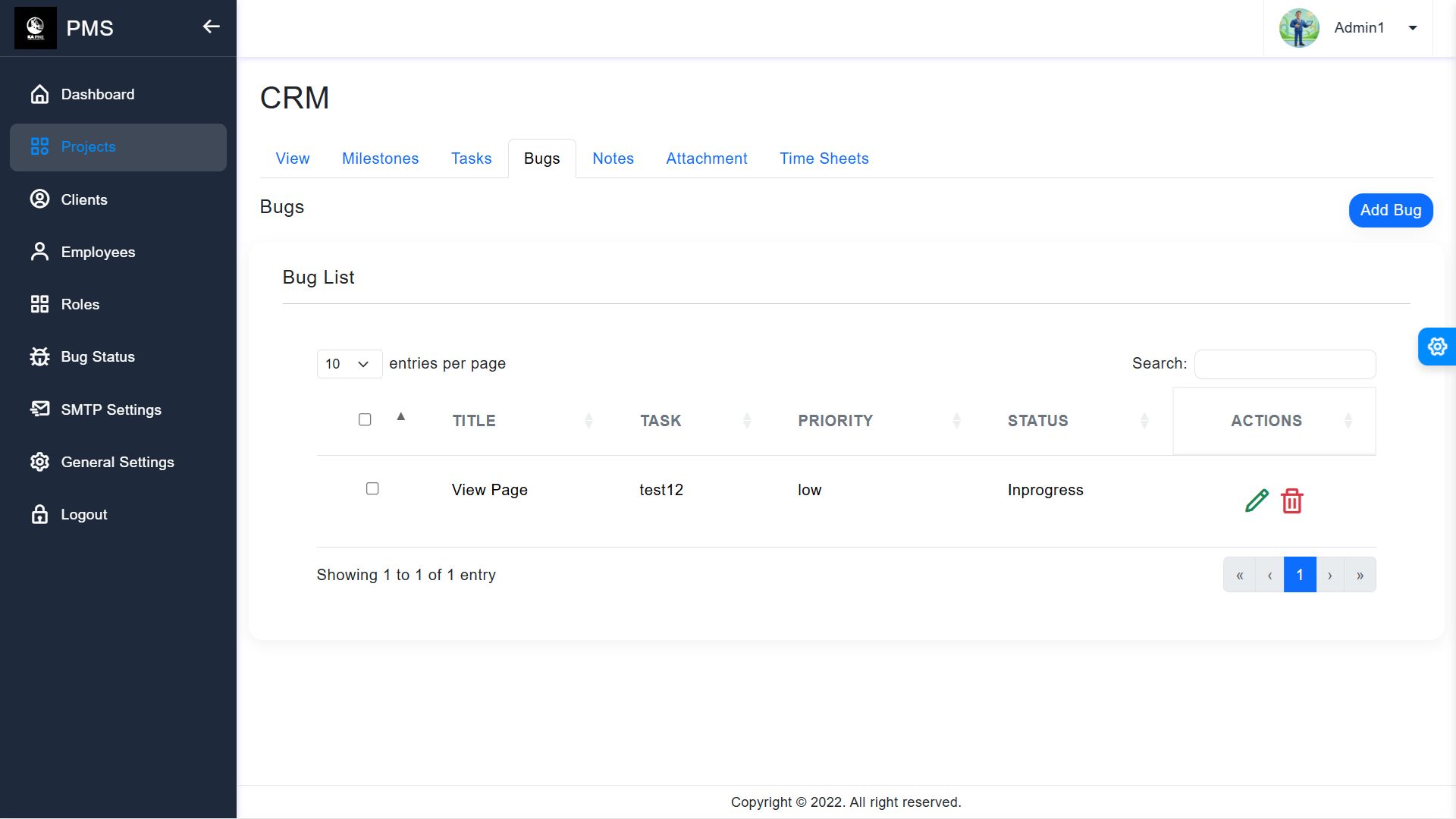

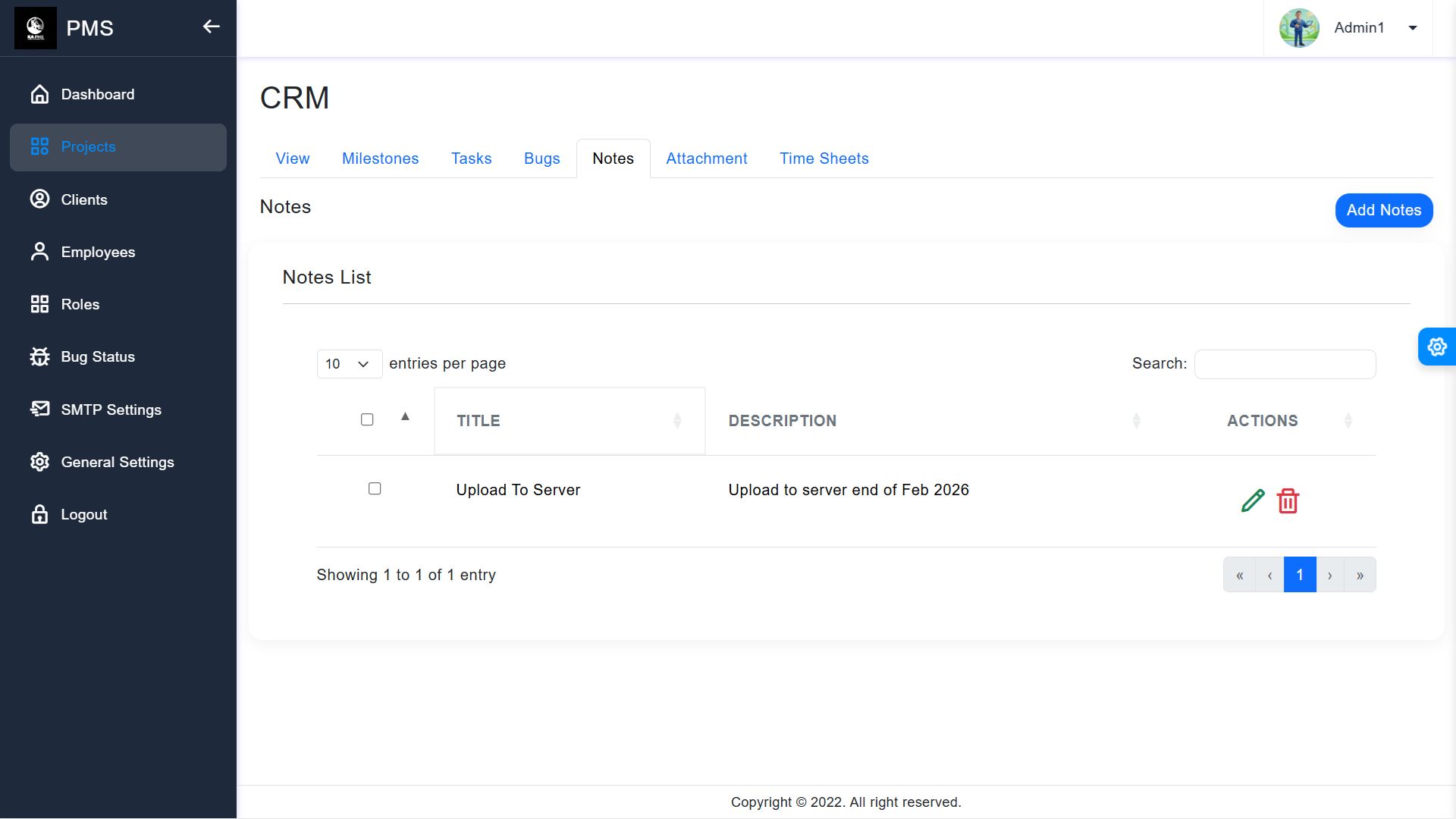
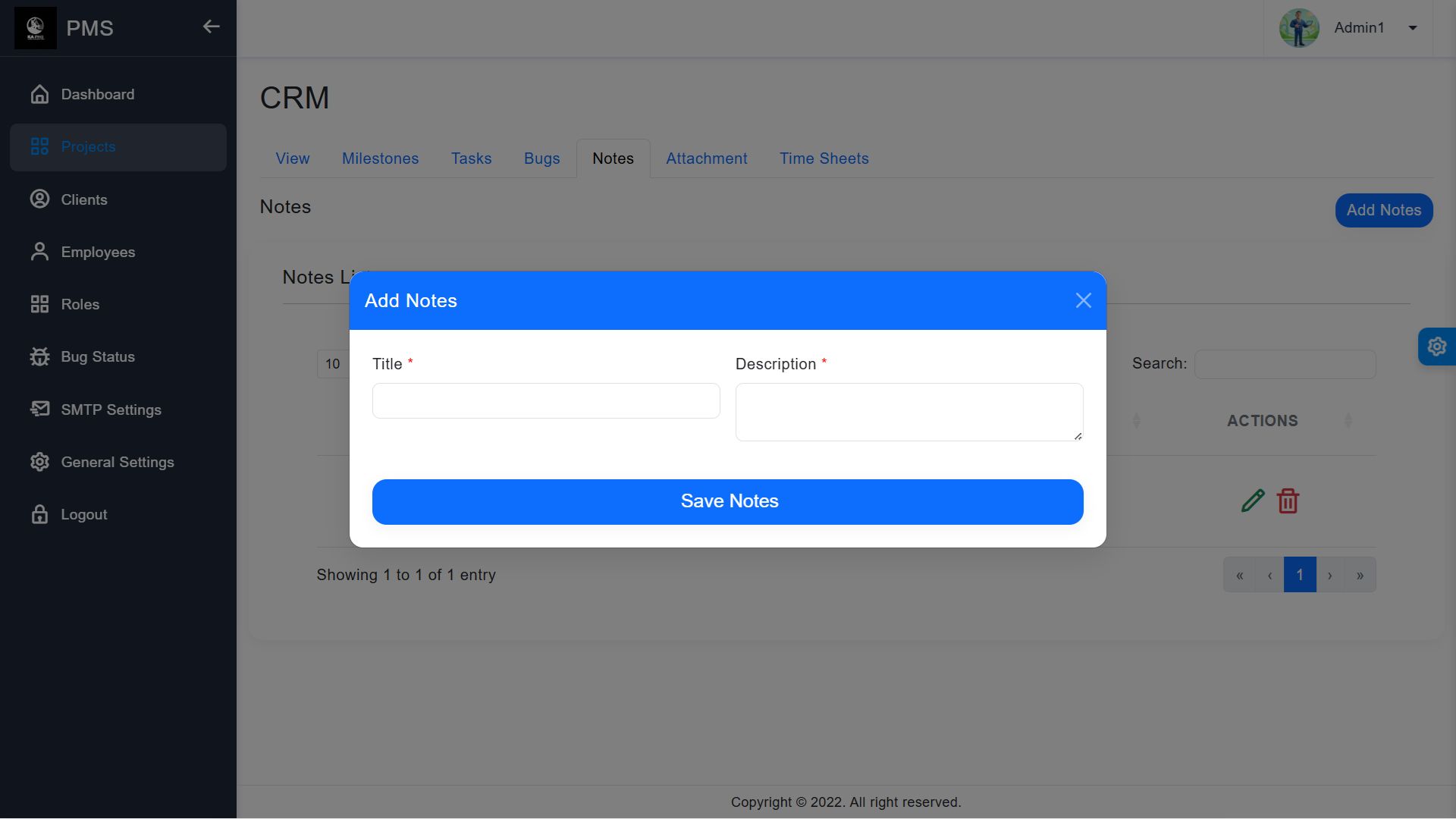
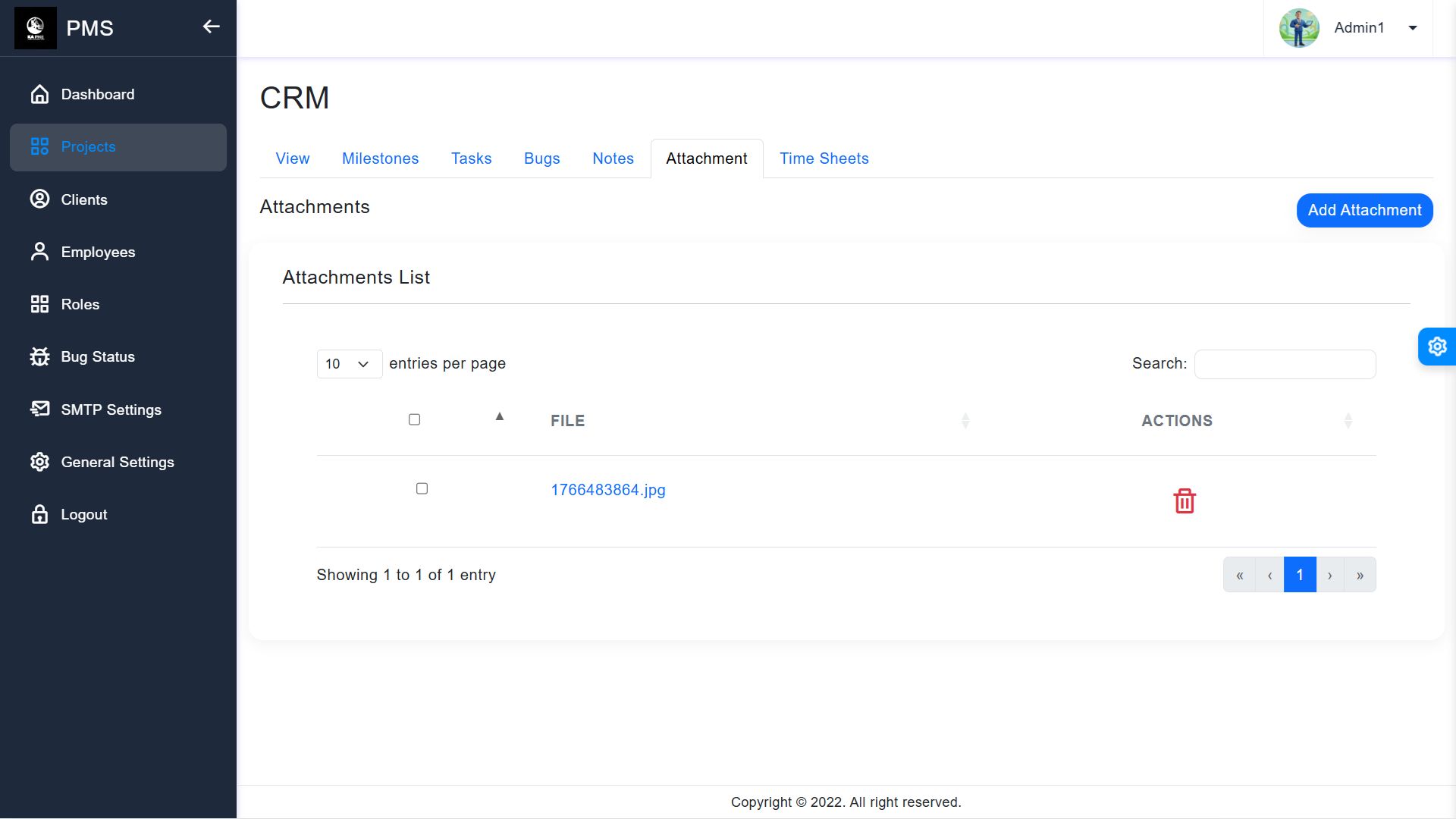
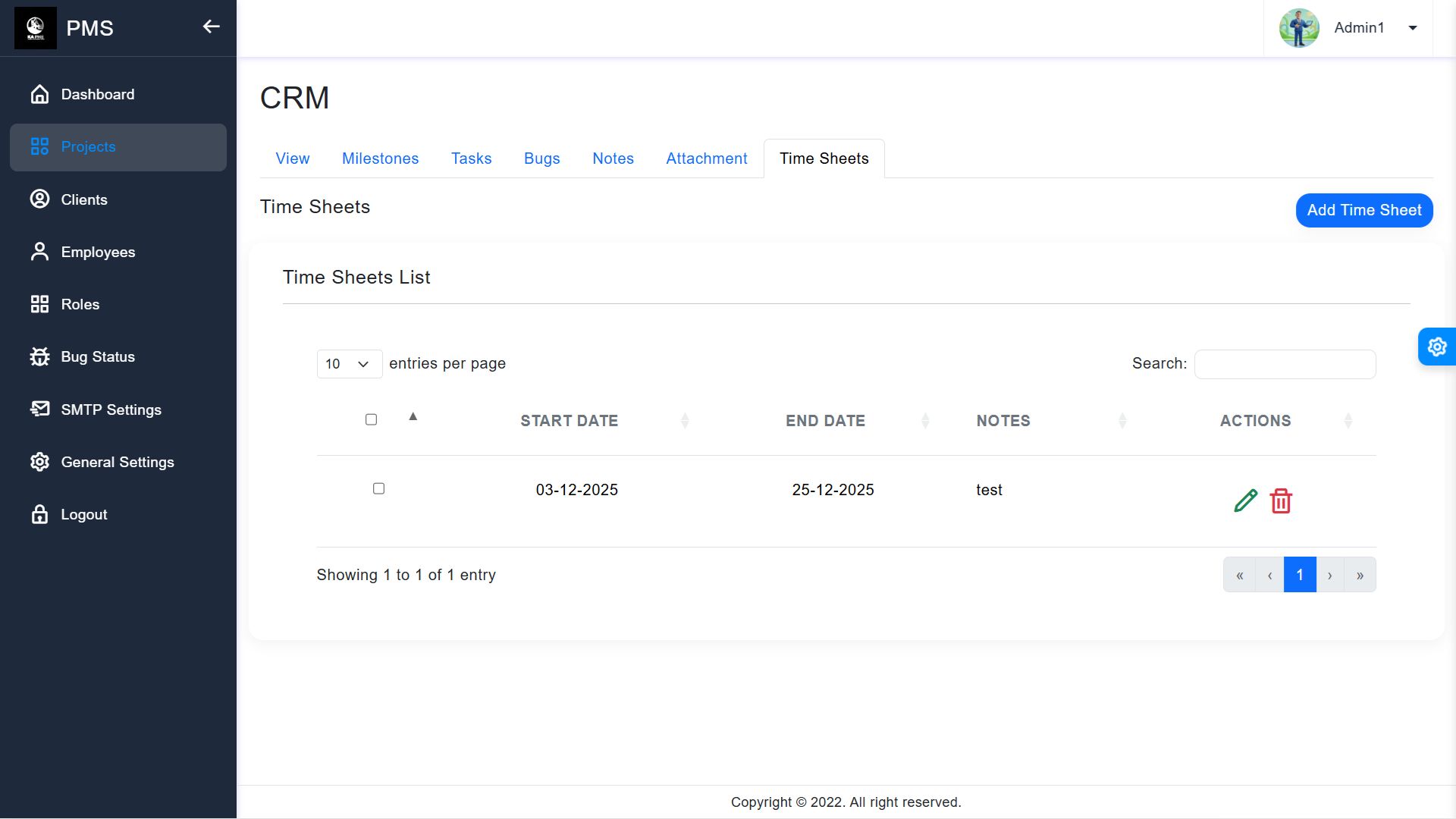
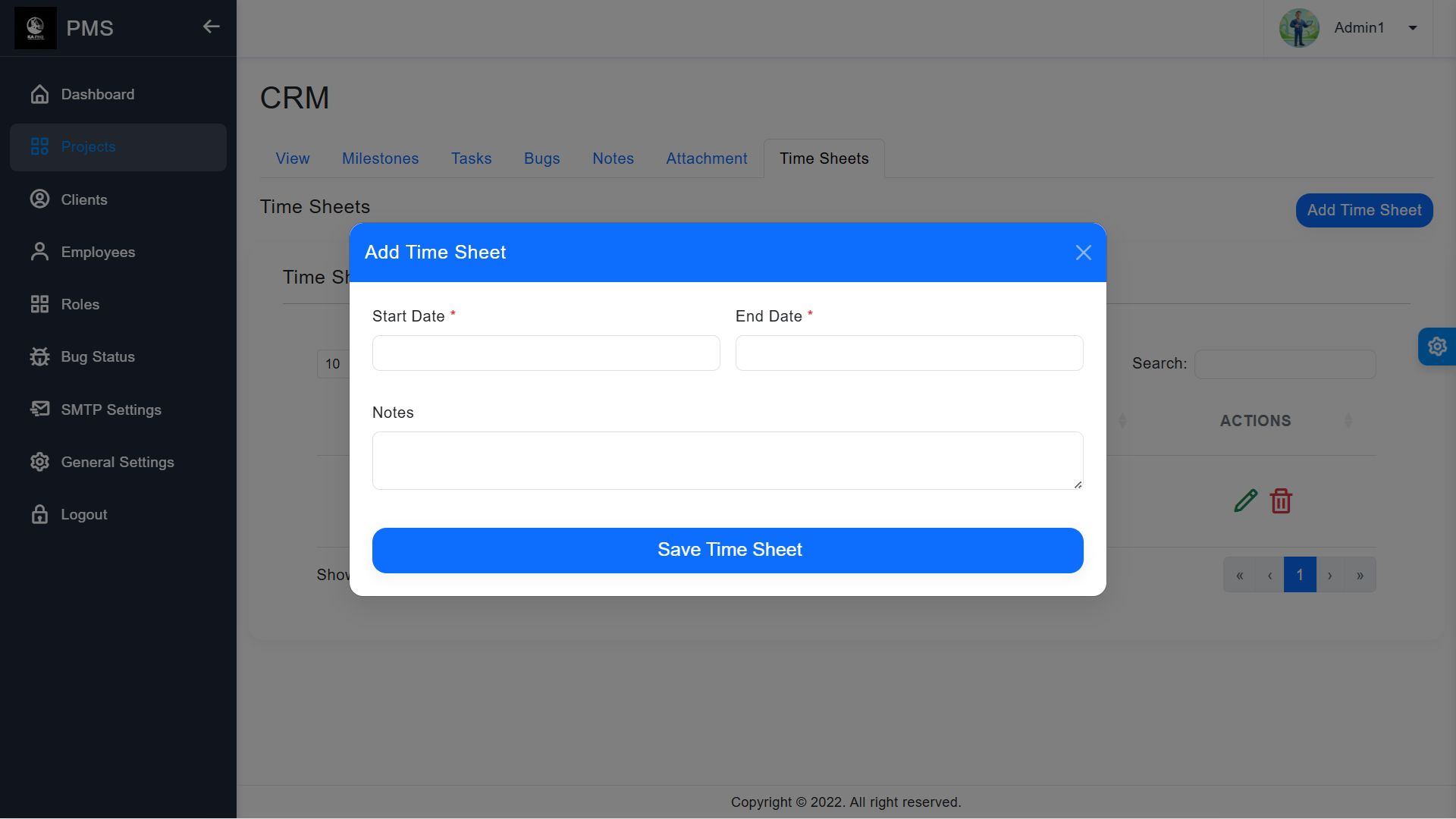
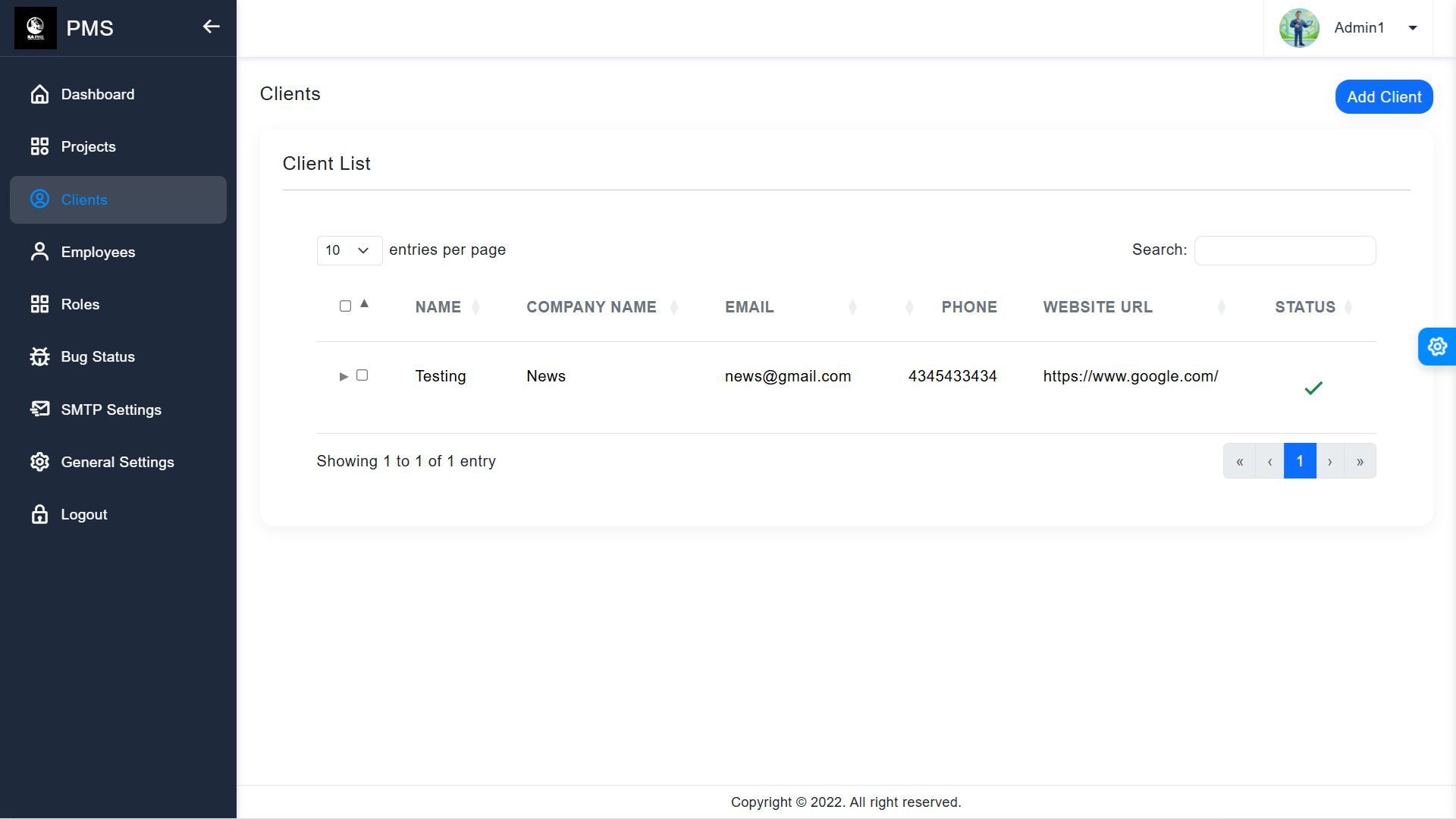
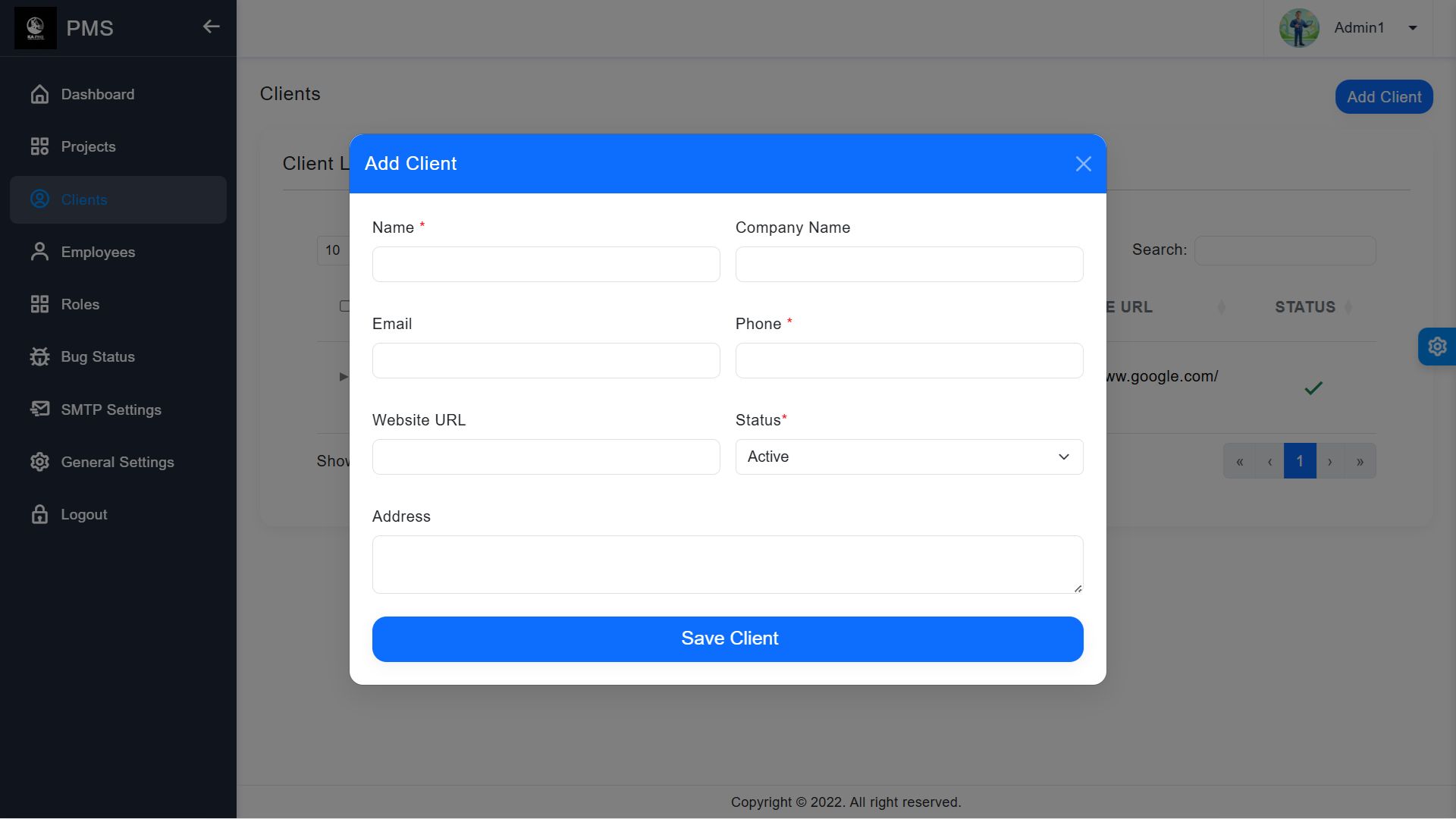

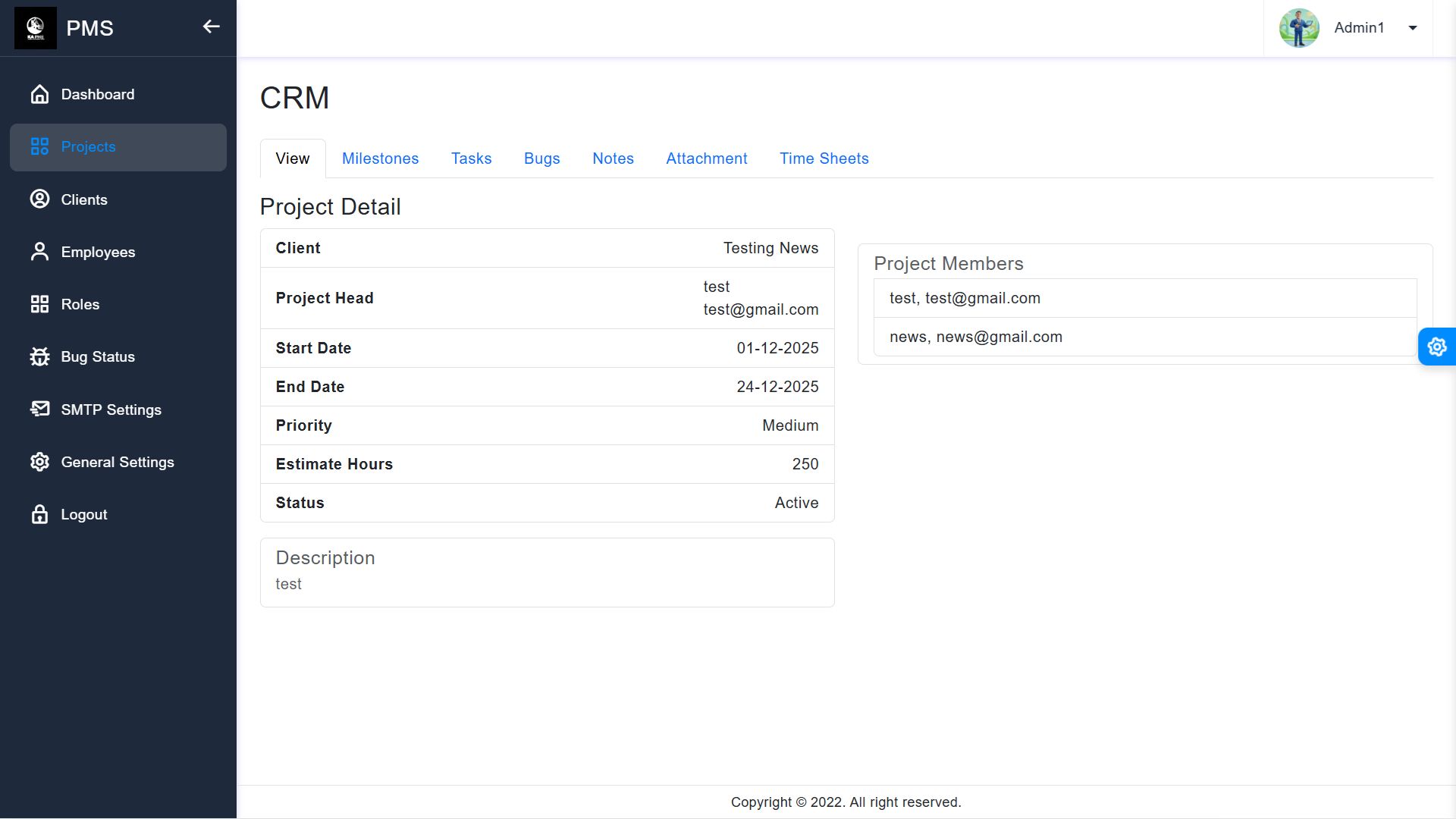
Overview
Laravel 12 Project Management System
1. Introduction
Thank you for choosing the Laravel 12 Project Management System (PMS). This software is a robust, web-based solution designed to help teams and freelancers manage their projects, track tasks, and collaborate efficiently. Built on the latest Laravel 12 framework, it ensures speed, security, and a seamless user experience.
2. System Requirements
To run this application smoothly, your server must meet the following requirements:
- PHP: 8.2 or higher
- Database: MySQL 8.0+ or MariaDB 10.5+
- Composer: Version 2.0+
- PHP Extensions: BCMath, Ctype, Fileinfo, Mbstring, OpenSSL, PDO, Tokenizer, XML, GD.
3. Installation Guide
Follow these steps to install the system on your server:
- Extract ZIP: Extract the downloaded ZIP file on your computer. You will see a folder named "Source_Code".
- Upload Files: Upload all files and folders found inside the "Source_Code" folder to your server's root directory (e.g., public_html).
- Create Database: Create a MySQL database and user in your hosting panel (cPanel).
- Configure .env: Rename .env.example to .env and update the database details:
Code snippet
DB_DATABASE=your_db_name
DB_USERNAME=your_db_user
DB_PASSWORD=your_db_pass
- Install Dependencies: Run composer install --no-dev.
- Generate Key: Run php artisan key:generate.
- Setup Database: Run php artisan migrate --seed to create tables and default data.
4. Dashboard Overview
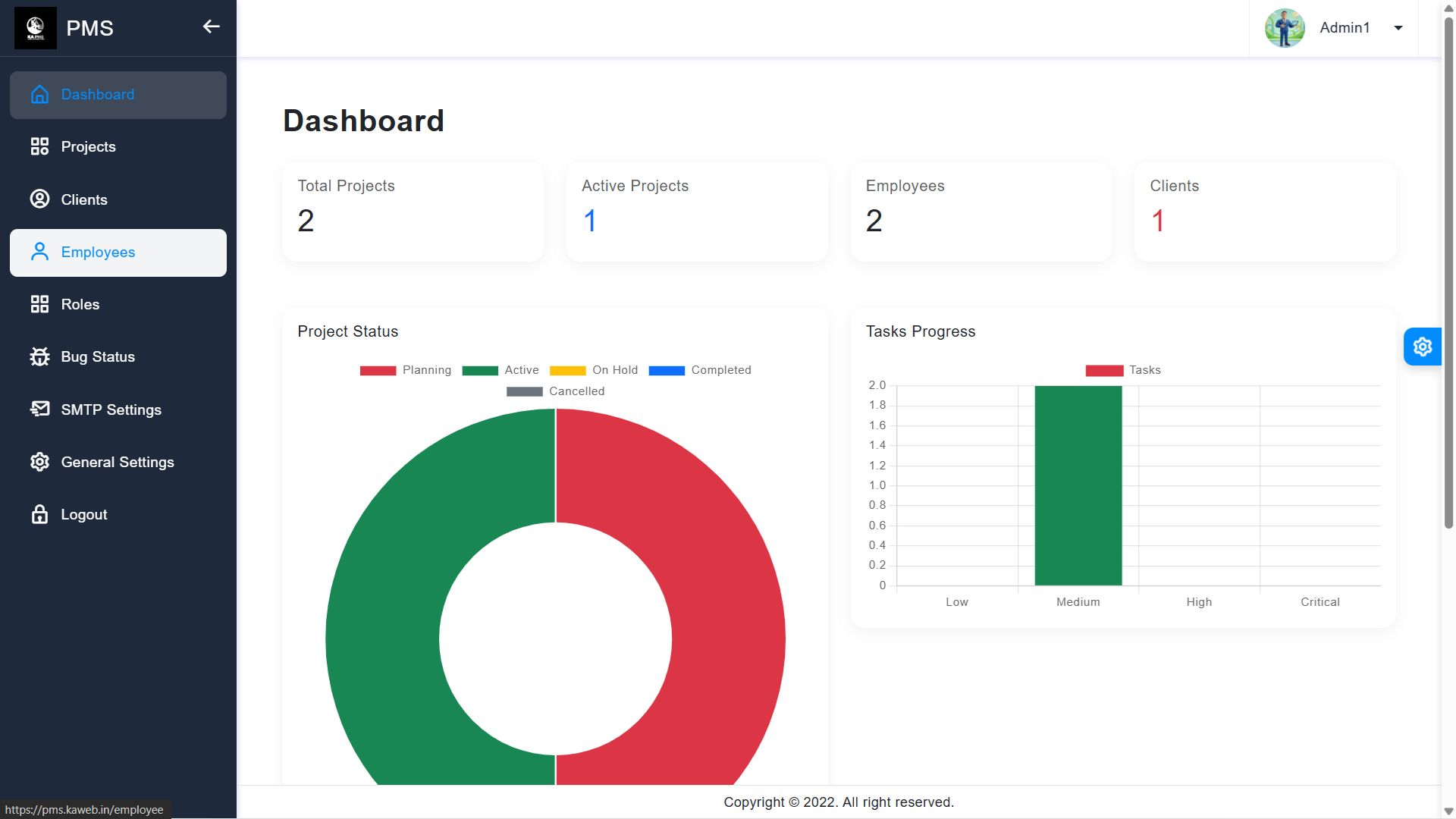
The Dashboard provides a bird's-eye view of your entire business. It shows real-time statistics of projects, tasks, and client activities.
5. Project Management
This module allows you to create and manage multiple projects. You can track milestones, task progress, and attachments for each project.
- Create Project: Add project title, description, and deadlines.
- Milestones: Break down projects into achievable stages.
- Tasks: Assign specific tasks to employees within a project.
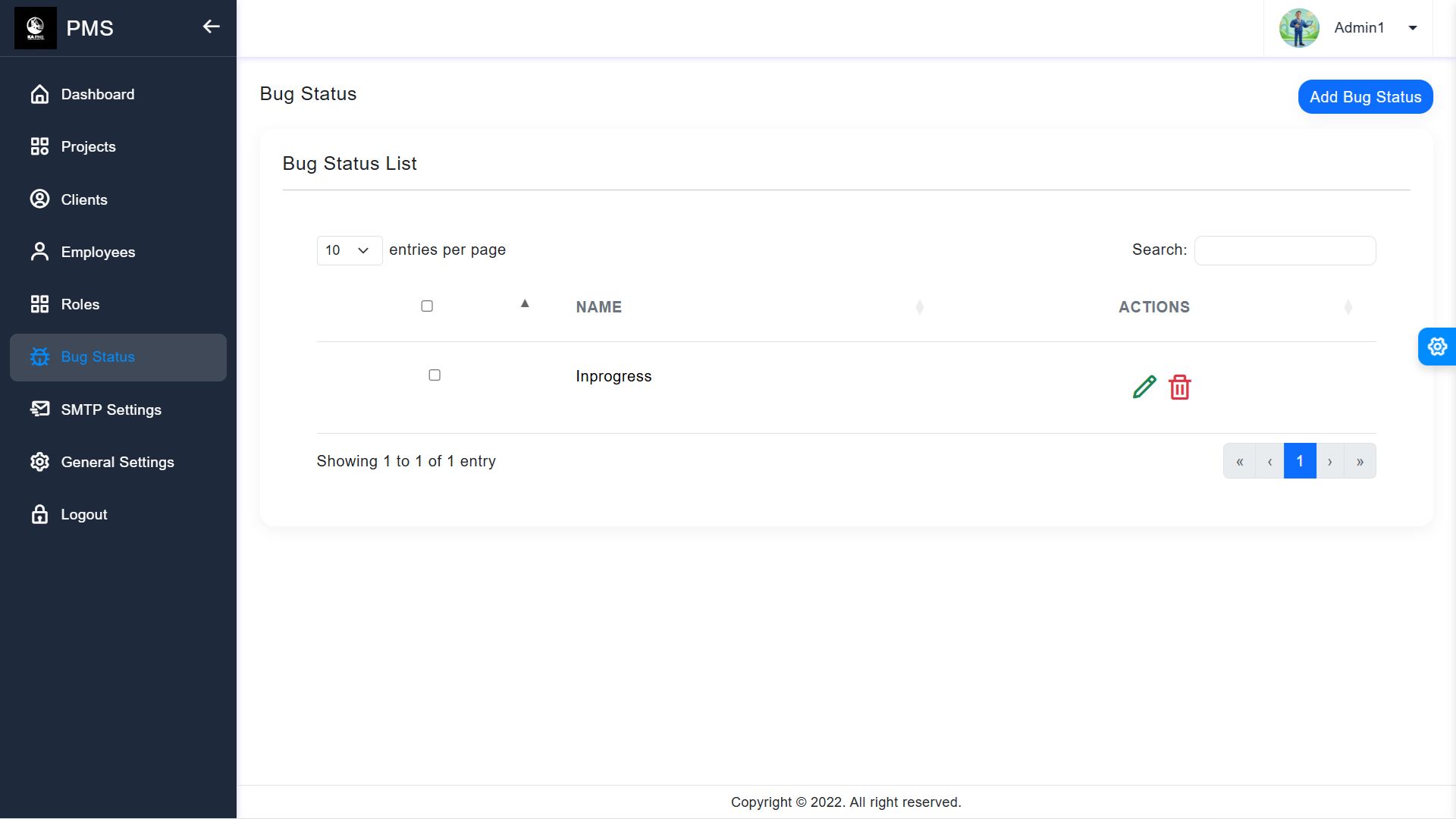
6. Task & Bug Tracking
Manage individual tasks and track bugs reported during the project lifecycle.
- Tasks: Assign priority levels and track status (Pending, In Progress, Completed).
- Bugs: Dedicated section to report and resolve technical issues.
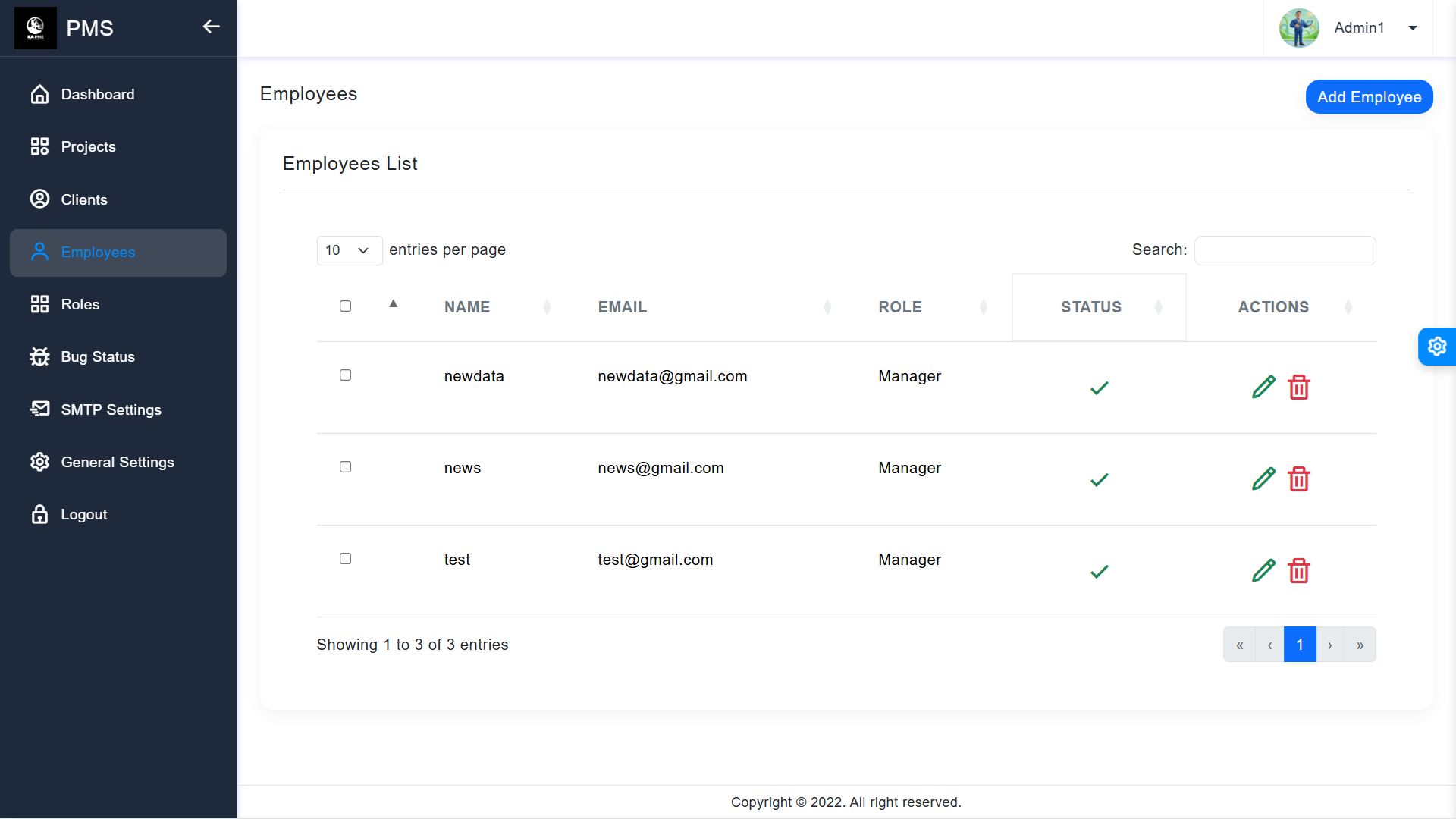
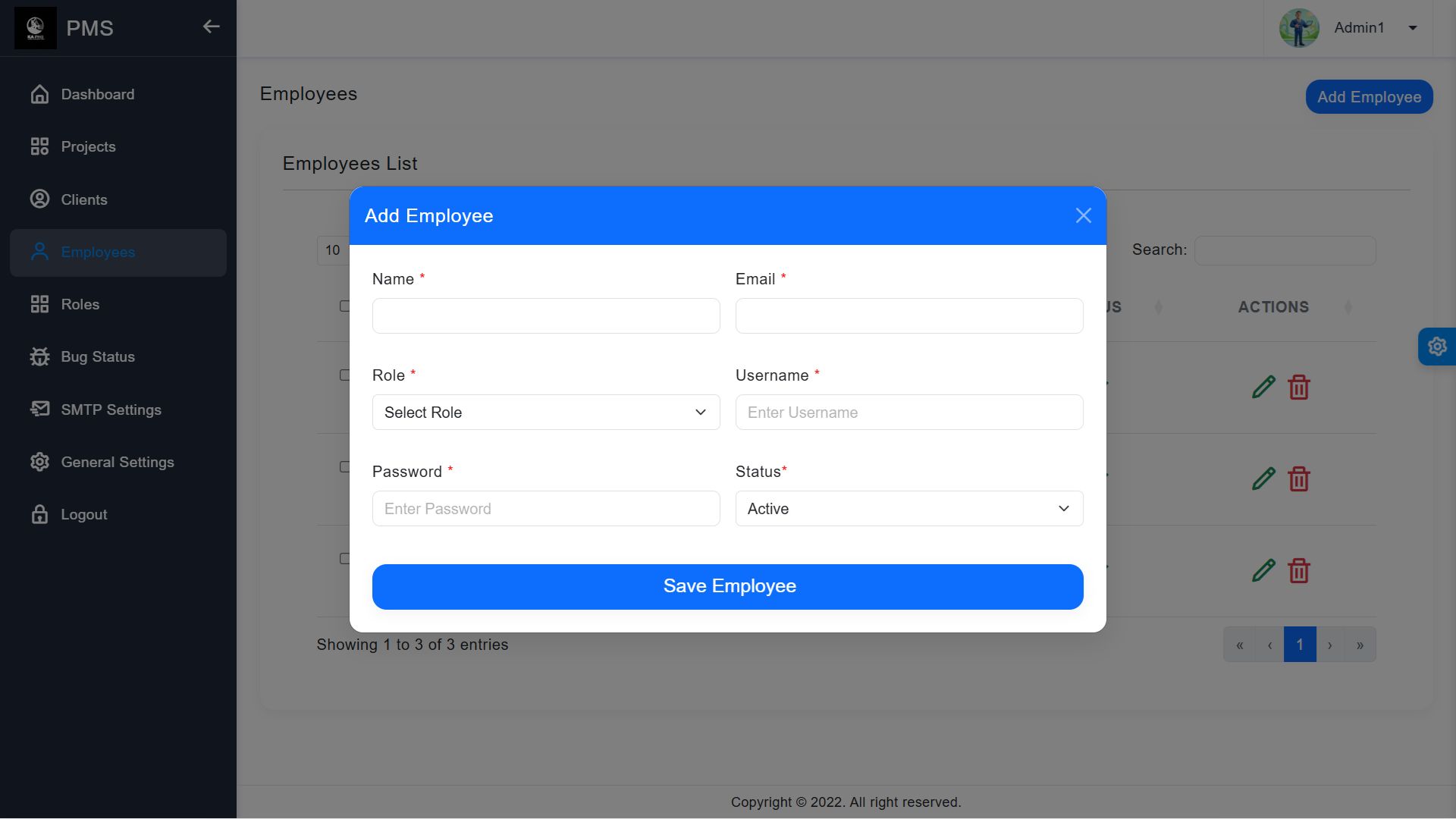
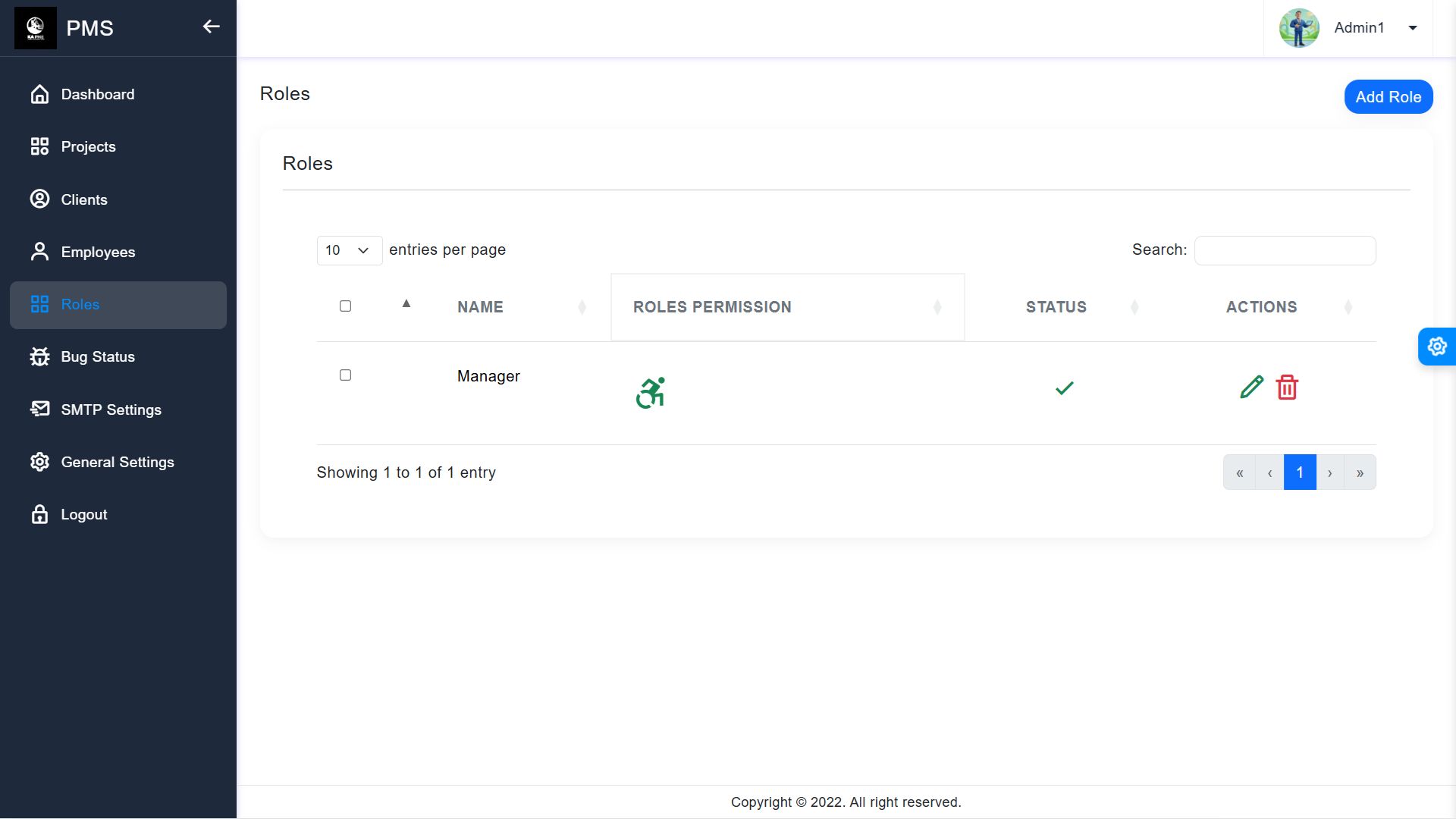
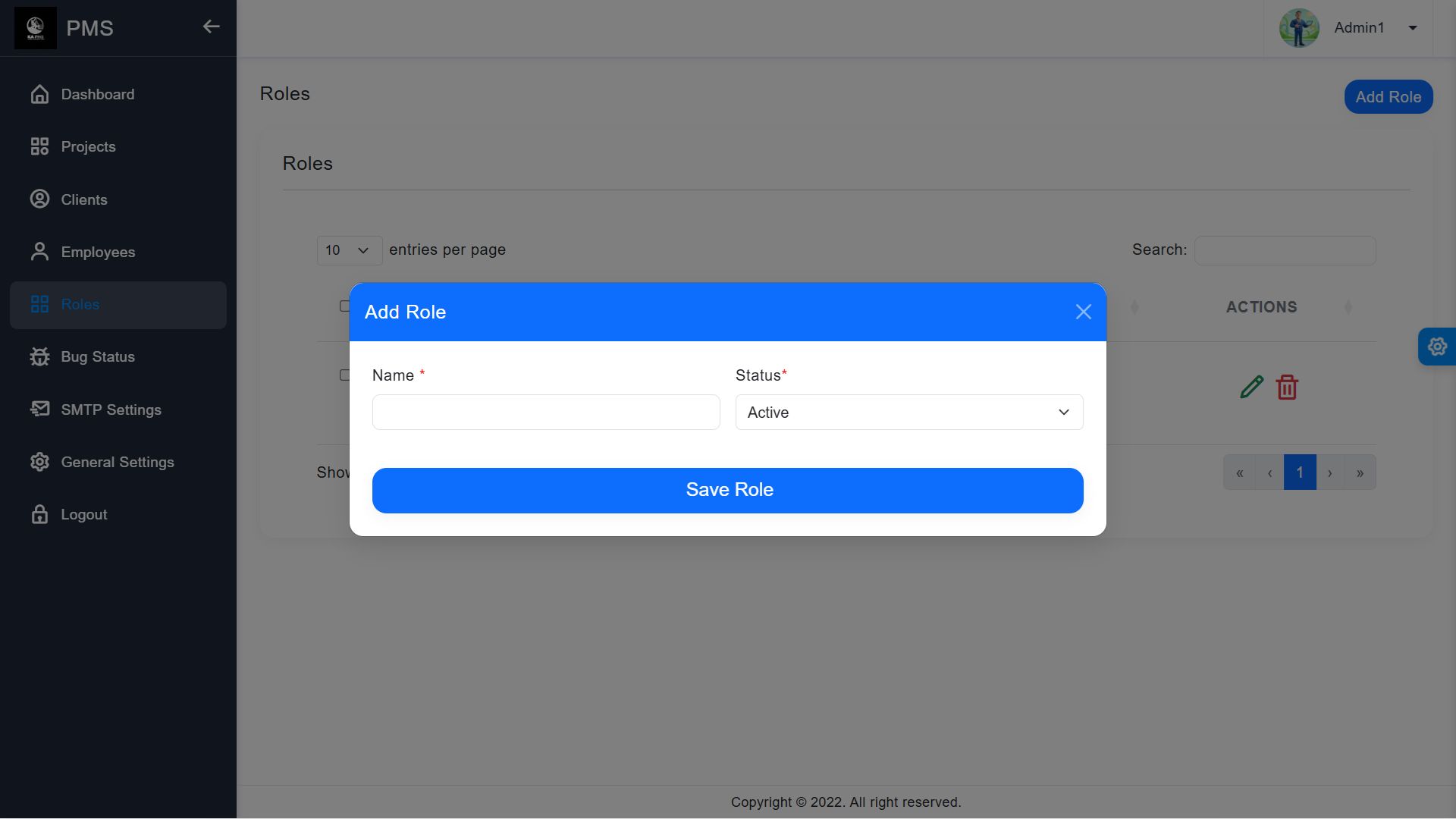
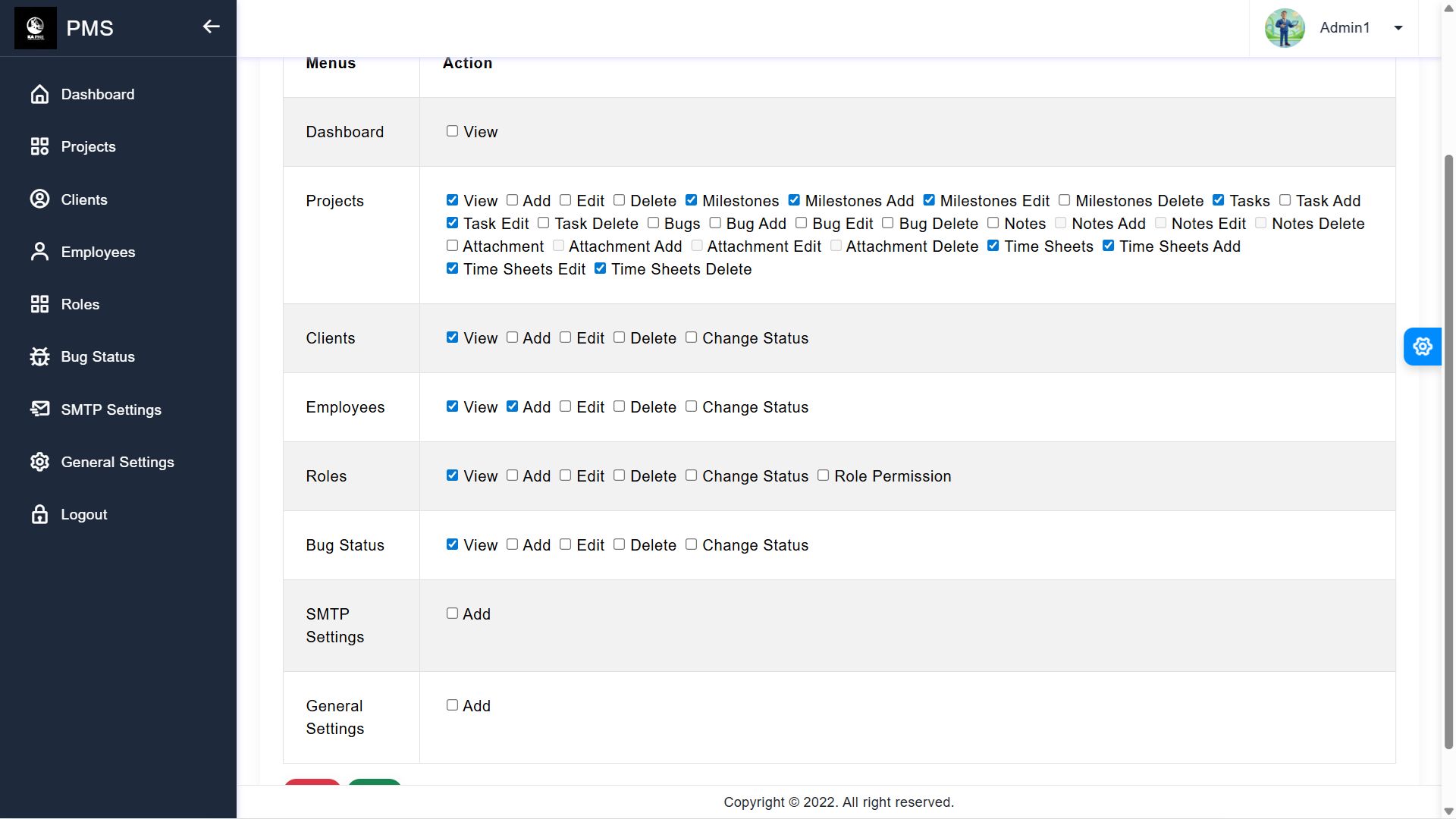
7. User Roles & Management
Control access by assigning different roles:
- Admin: Full access to the system.
- Employee: Access to assigned projects and tasks.
- Client: Access to view their specific project progress.
8. Settings (SMTP & General)
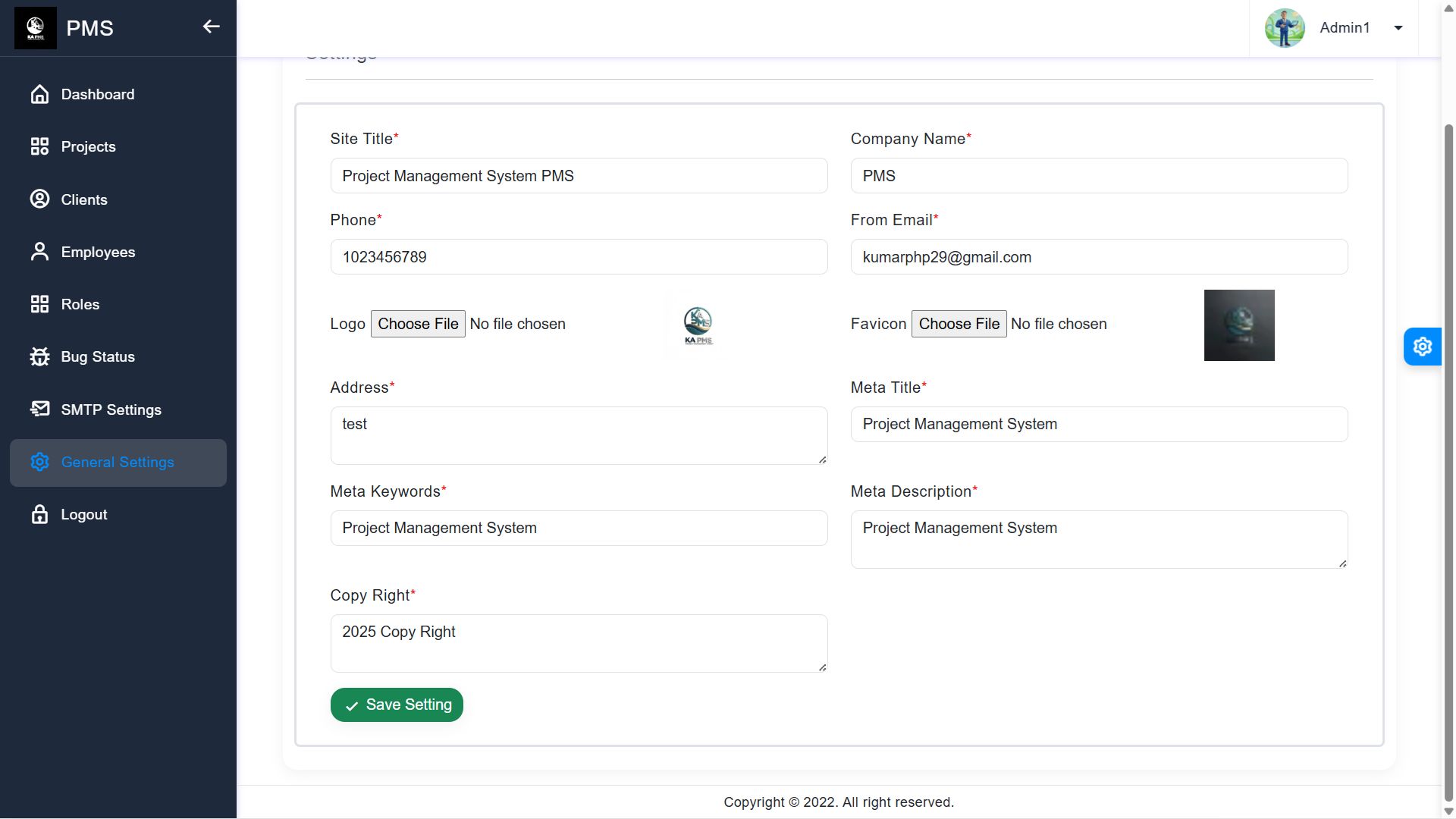
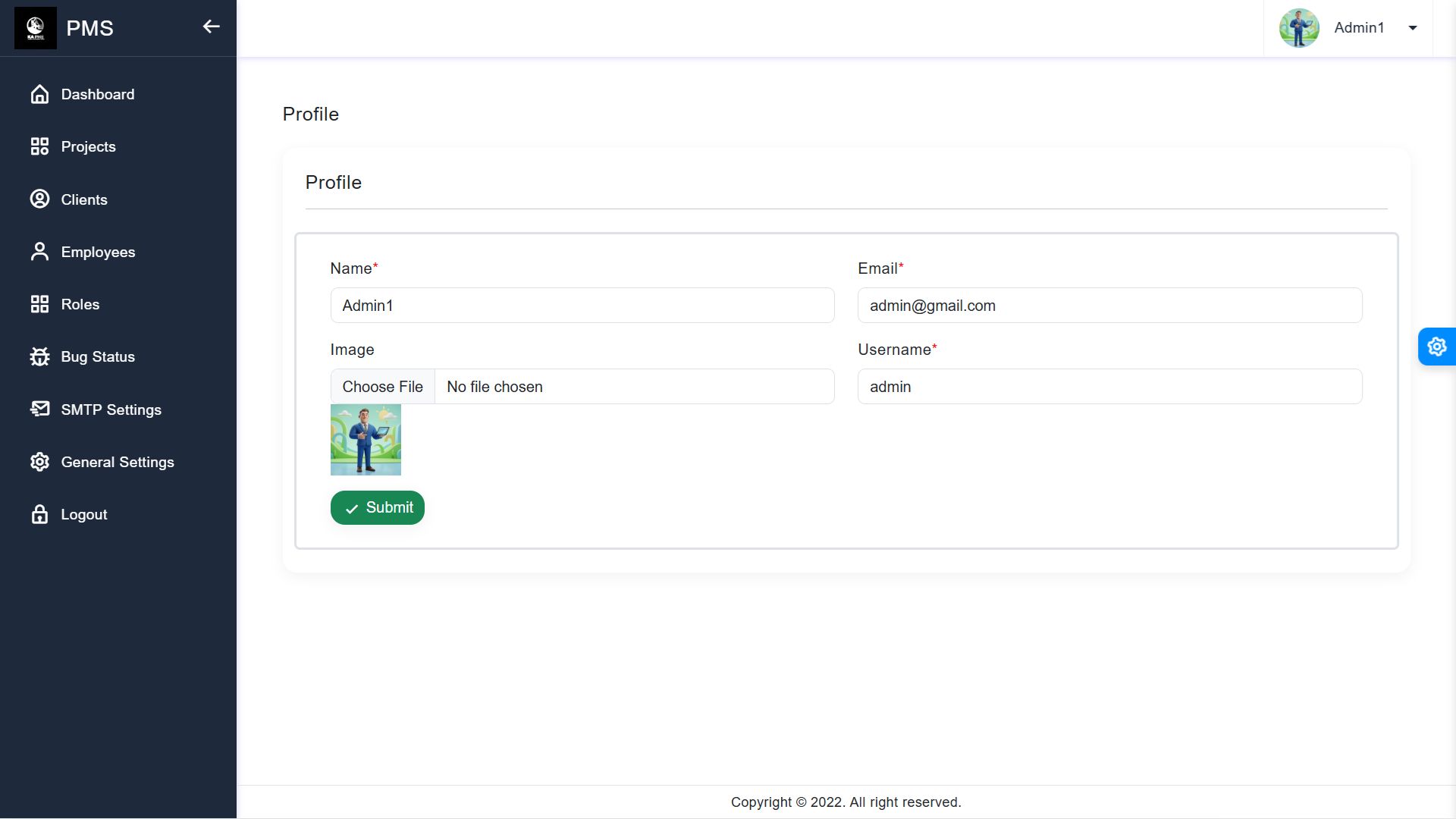
- General Settings: Update your company name, logo, and contact info.
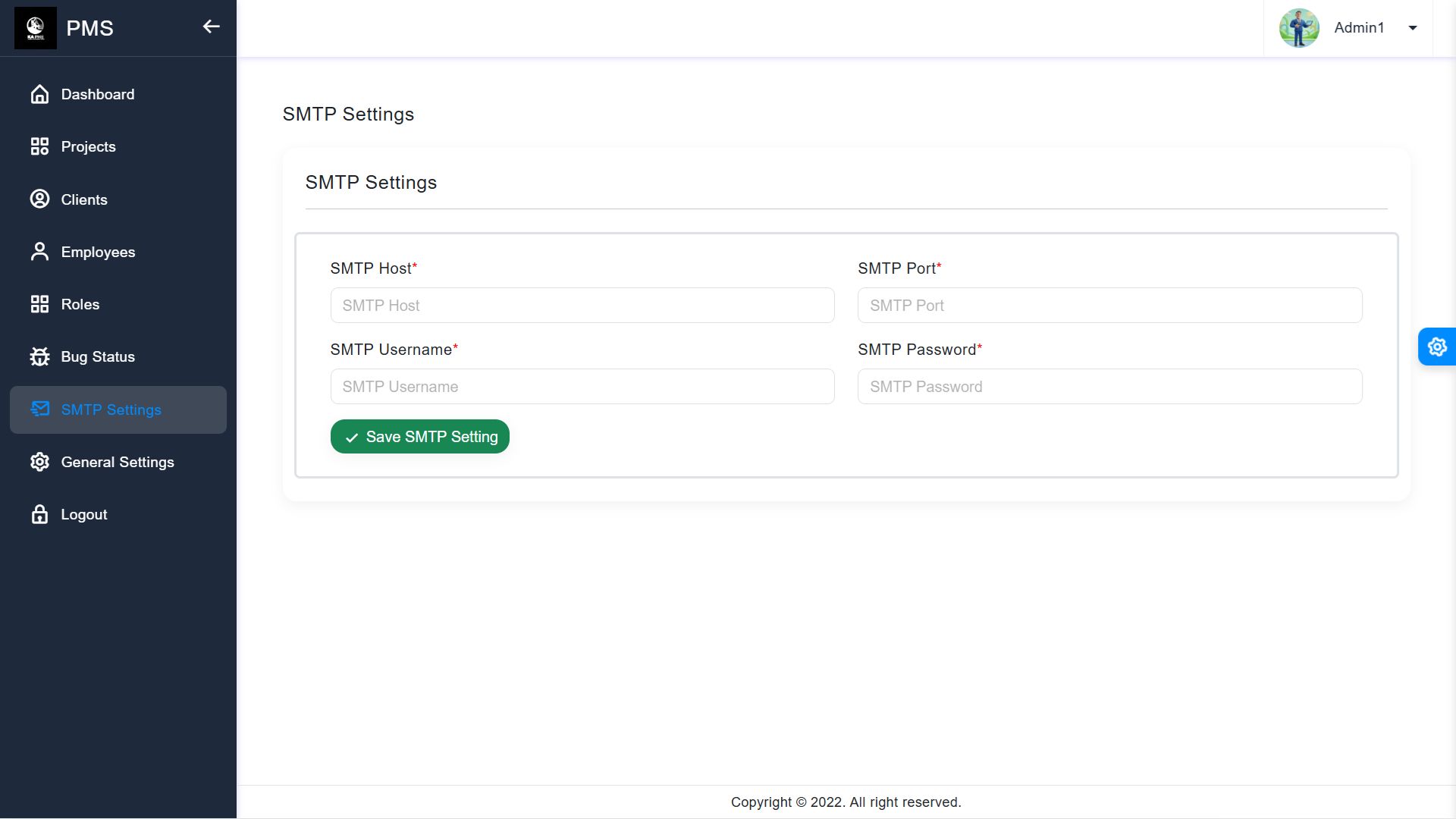
- SMTP Settings: Configure your mail server to send automated notifications.
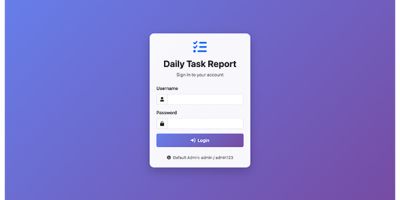
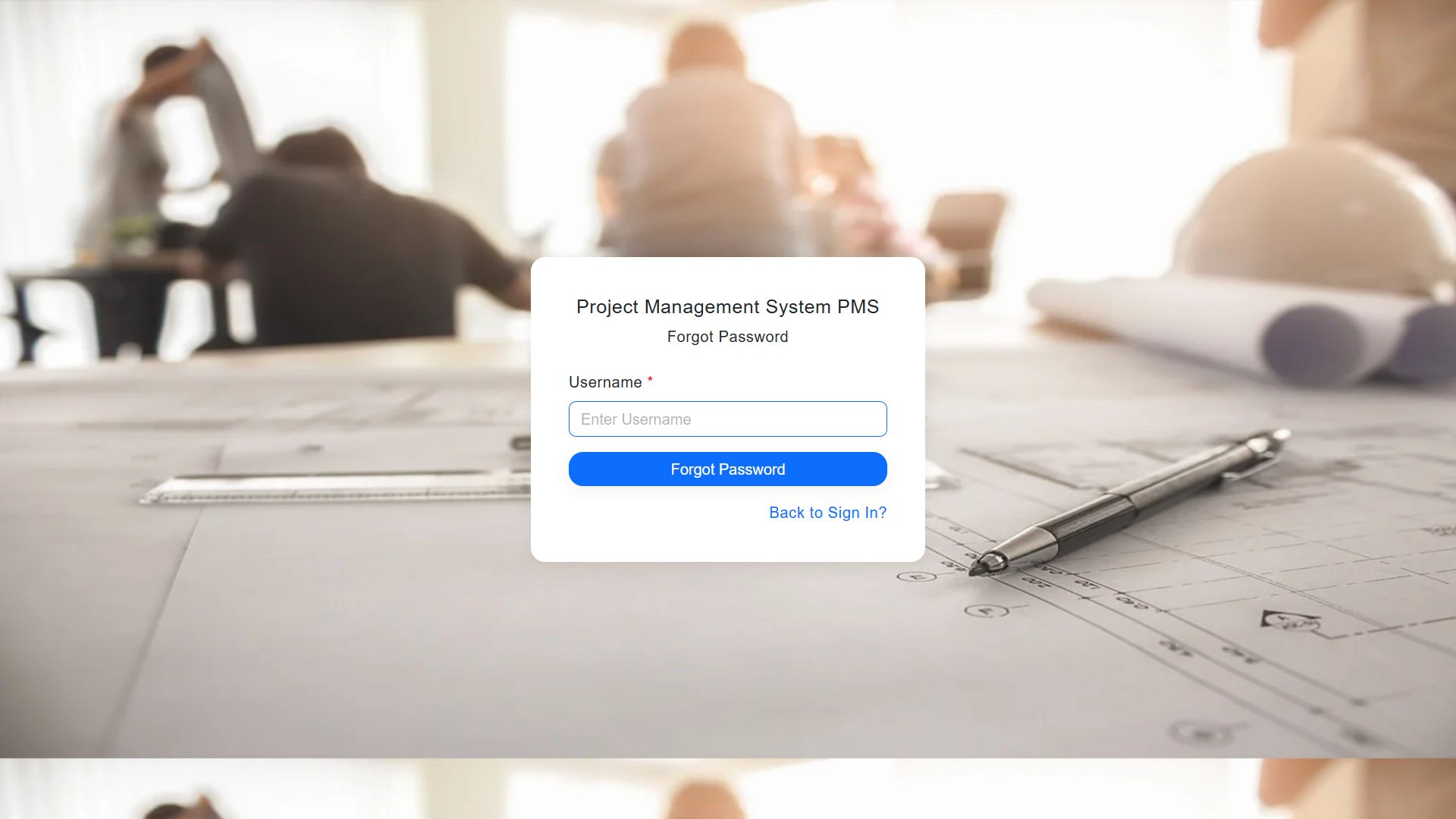
9. Default Login Credentials
- URL: https://yourdomain.com/
- Username: admin
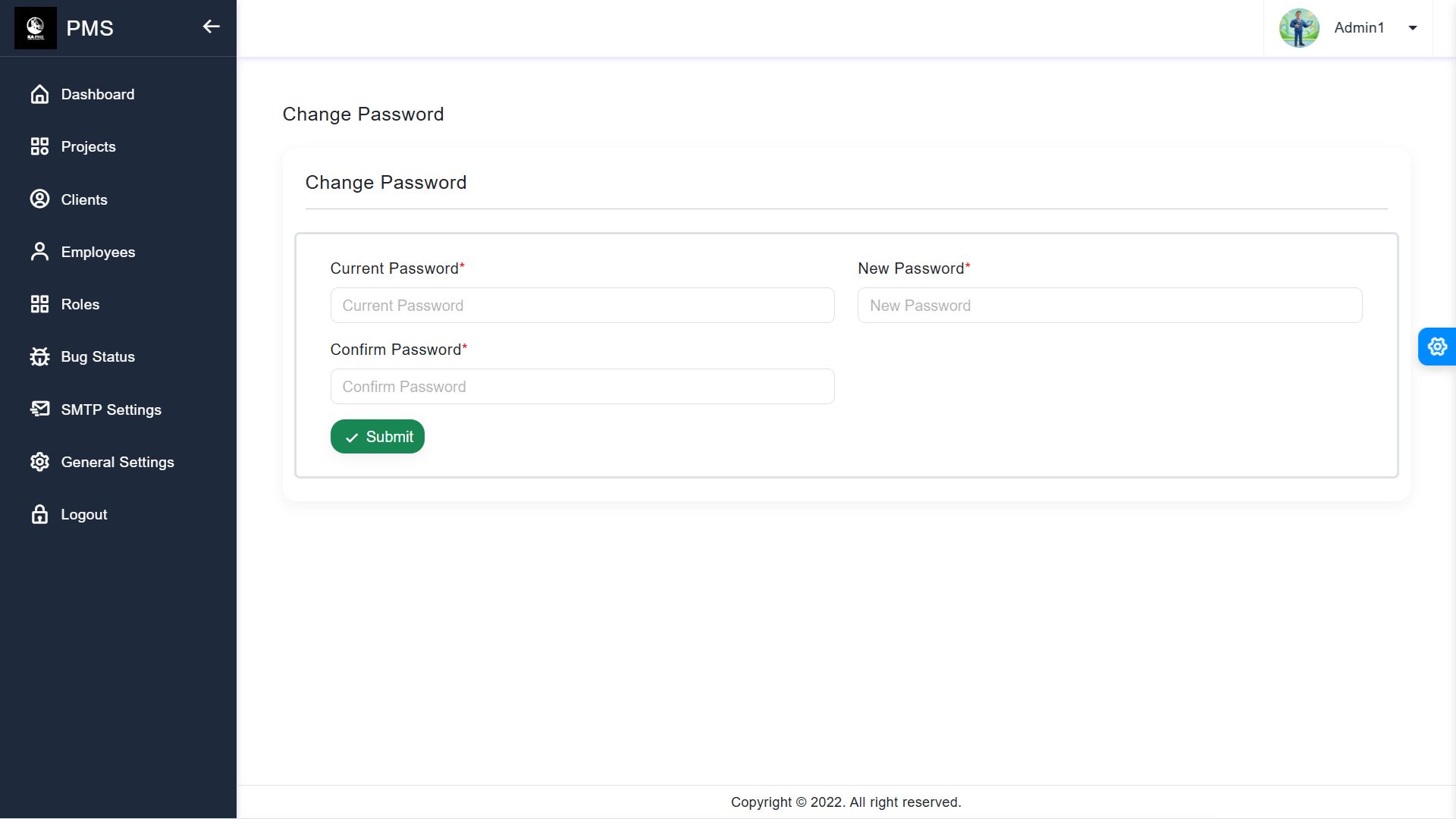
- Password: admin@123 (Note: Please change the password immediately after your first login).
How to Change Logo & Company Name?
1. Log in as Admin.
2. Go to Settings from the sidebar.
3. Update the fields and upload your new logo.
4. Click Save Changes.
How to change SMTP Setting?
1. Log in as Admin.
2. Go to SMTP Settings from the sidebar.
3. Update the fields like Mail Host, Port, Username, and Password..
4. Click Save Changes.
How to create a Project & Assign Tasks?
1. Go to Projects -> Add New.
2. After creating, click on the project name.
3. Use the Task Tab to assign tasks to employees.
Troubleshooting (Common Issues)
· 500 Internal Server Error: Ensure the storage and bootstrap/cache folders have write permissions (775 or 777).
· Images not showing: Make sure you have uploaded the public/img folder correctly.
· Emails not sending: Double-check your SMTP credentials in the SMTP Settings page.
Demo URL: https://pms.kaweb.in/
User name: demodemo
Password: demo@123
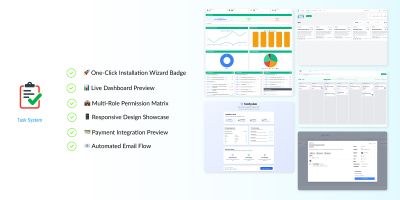
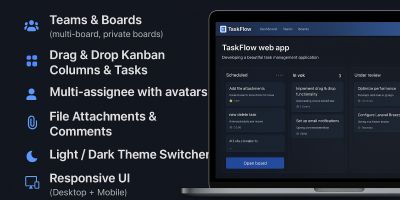
Features
Requirements
storage and bootstrap/cache folders.
Instructions
.env with your DB credentials.Run composer install.Run php artisan key:generate.Run php artisan migrate --seed.
Other items by this author





|
PHP Script Installation Service
Don't worry about the installation of your script! Have your PHP Script installed for you.
|
$29 | Buy now |
| Category | Scripts & Code / PHP Scripts / Project Management |
| First release | 2 February 2026 |
| Last update | 16 February 2026 |
| HTML/CSS Framework | Bootstrap |
| Software version | PHP 8.2, PHP 8.3, PHP 8.4 |
| Files included | .php, .css |
| Software framework | Laravel |
| Tags | responsive, php script, project management, admin dashboard, task manager, pms, bootstrap 5, laravel 12, client portal, bug tracker, milestone tracking |