


 CMS Software PHP
Discover 59 CMS software PHP scripts and PHP content management systems with source code. Build custom websites, portals and intranets using flexible PHP CMS scripts with admin panels, page builders, SEO tools and themes, then tailor layouts, user roles and modules for clients, agencies and small businesses worldwide in any niche.
 Scripts & Code11
 AngularJS2
 C & C++144
 C#56
C#56 CSS29
CSS29 Django0
 Golang15
 Java212
 JavaScript145
 NodeJS2811PHP Scripts7
 Ads83AI41Affiliate68Booking31Blog24Chat6Countdown59CMS38CRM18Directory21Database85eCommerce125Finance19Food55Forms12Forum72Games2GPS46Help Desk52Links249Multimedia81Login275Management18Mail97Marketplace20News7Newsletter65POS38Payment21Polls30Project Management101SaaS20Search51Security92Social Networking15Sport6Statistics37Uploaders42Website Builders647Miscellaneous98
 Python98
 ReactJS1
 Ruby28
 VB.NET7757
 App Templates2472
 Themes1101
 Plugins14184
 Graphics

















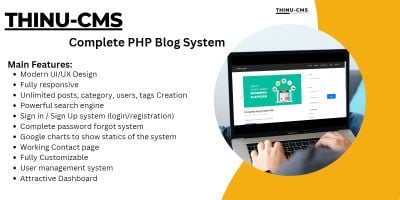
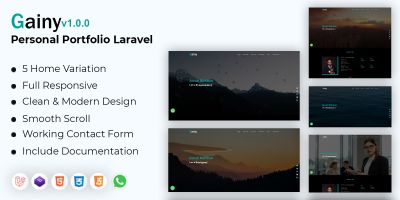


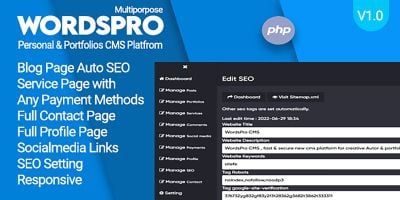
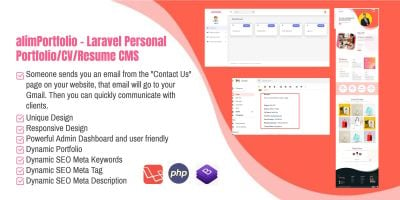


CMS Software PHP Scripts for Websites, Portals & Intranets
The CMS Software PHP category brings together complete PHP CMS scripts and lightweight content management systems you can install, configure and extend with your own code. Instead of building a custom CMS every time you launch a new site, you start from a ready-made PHP content management system with an admin panel, page editor and menu manager already in place.
If you want a quick feel for what other developers and agencies are using, the Top 20 CMS Software PHP page is a good first stop. It highlights the most popular PHP CMS software for company websites, personal portfolios, small portals and niche content projects, so you can see which approaches work well in practice before you dive into the details.
The scripts in this category range from simple “drop in and go” website CMS scripts to more modular systems that can grow into a portal or intranet. Many include a visual page builder or at least a section-based editor, WYSIWYG content areas, menu management, media libraries, SEO fields, multi-language options and role-based access control for editors and admins.
Typical ways people use these CMS software PHP packages include:
- Corporate or agency websites with a few key page types and news updates.
- Portfolio and services sites that need galleries, testimonials and contact pages.
- Small portals or intranets with protected content and multiple editors.
- Landing page collections and microsites managed from one back office.
If your content is mostly blog posts or long-form articles, it can be worth comparing general CMS scripts here with more specialised tools in Blog Software PHP Scripts . For news-heavy sites or magazines, the dedicated PHP News Scripts section is also relevant. Those categories focus on publishing flows, while the CMS section here leans more towards general websites and flexible page structures.
Under the hood, everything still lives inside the broader PHP Scripts & PHP Code ecosystem. That makes it straightforward to plug a CMS from this page into other PHP-based tools – for example a contact form, booking module or simple business application – without switching languages or frameworks. You keep one tech stack, but mix and match the pieces you need.
When you compare CMS scripts, it helps to look beyond the home page design. Check how pages are structured in the admin, whether you can define your own content types or reusable blocks, how menus and navigation are handled, and how easy it is to translate text or switch themes. A quick look at the demo admin panel usually tells you whether the workflow will make sense for your clients or editors.
It is also worth checking the basics: which PHP version is required, whether the script uses a framework like Laravel or a custom core, which database it expects, and how updates are applied. A CMS that matches the rest of your hosting and deployment setup will be much easier to maintain long term.
Once you have chosen a CMS software PHP package, most of the work happens in configuration rather than code. You set up page types, define menus, create user roles, switch on any SEO options, adjust templates and drop in your own design. From there you can build as many sites as you like on the same core, reusing the structure while changing branding and content for each project.
Whether you are putting together a fast portfolio site, a content-rich company website or a small portal with multiple editors, the CMS Software PHP category and its most popular items give you a focused shortlist of PHP CMS scripts to start from instead of reinventing the entire content management layer.